How it works
- Upload your logoSVG or PNG with a transparent background, plus an optional version for dark mode.
- Set colors and claimPick a background and an accent color for light and dark, a style, a position and an optional line of text.
- Download the setOne click creates every Mac and iPhone size in light and dark and packs them into a .zip.
- Roll it outHand the .zip to your IT. The included guide shows how to deploy it with your MDM.
What is in the download
- One .heic per Mac model with a light and a dark version that switches automatically
- A light and a dark JPG for every iPhone model, with your logo placed clear of the lock-screen clock
- Every file at the exact native resolution of its device, with the notch and menu bar kept free
- A short guide for rolling the set out with your MDM (for example Jamf, Kandji, Mosyle or Intune)
Why one company PNG is not enough
The notch cuts through the logo
Most company wallpapers are a single image in one size. On a MacBook with a notch, the menu bar and the camera housing sit right where the logo usually goes.
Too bright at night
A white brand wallpaper glares in dark mode. A matching dark version keeps the brand and is easy on the eyes.
Blurry or cropped
From a 13″ MacBook Air to a 5K Studio Display, every screen has a different resolution and aspect ratio. One file gets scaled or cut off on most of them.
Examples
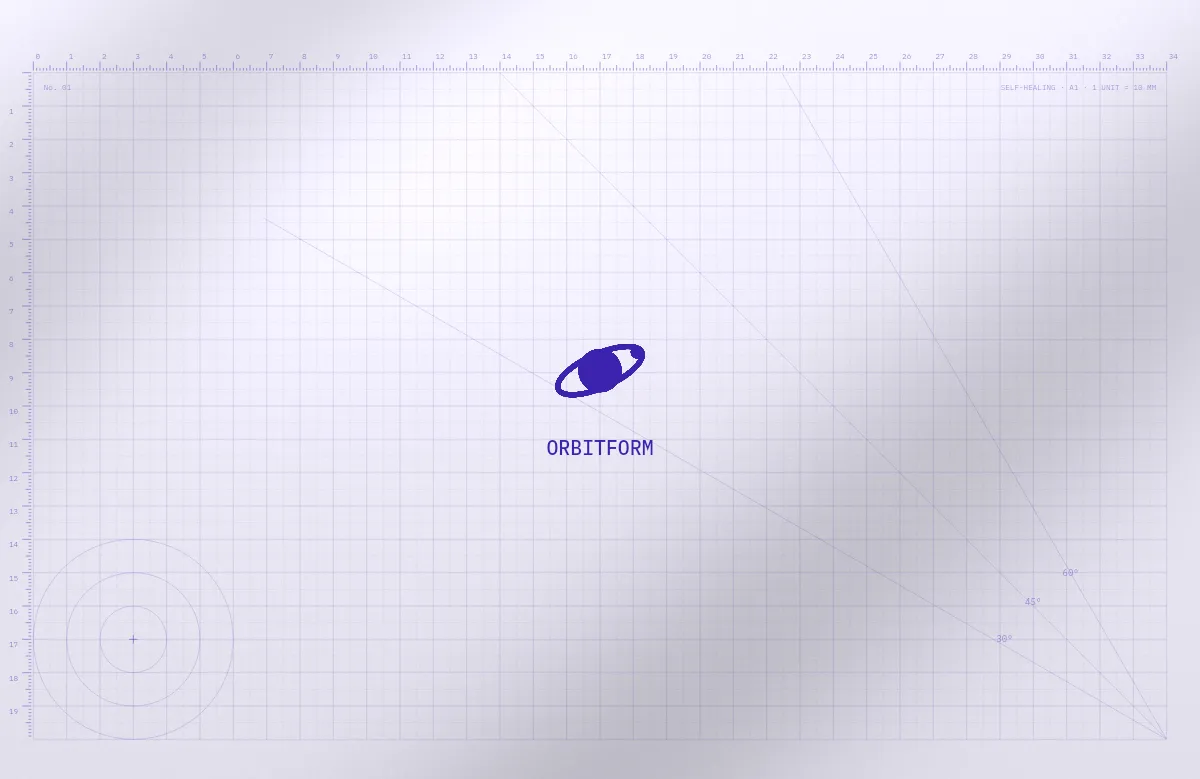
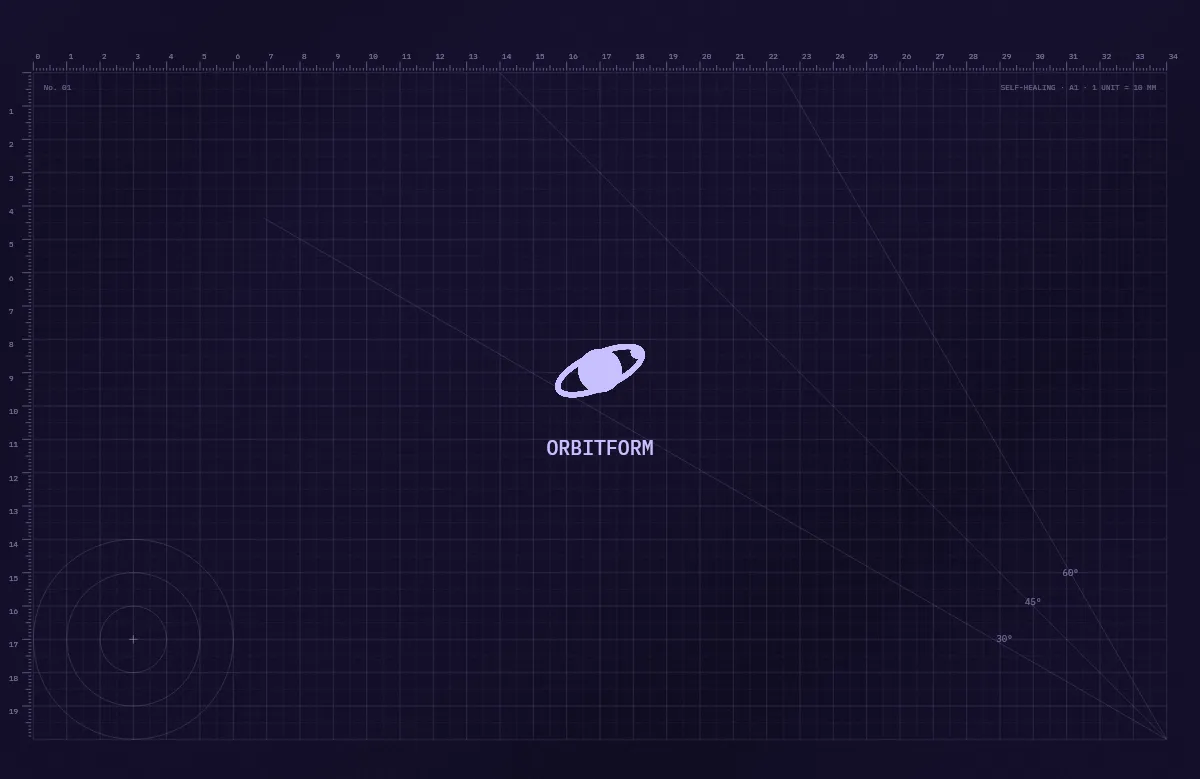
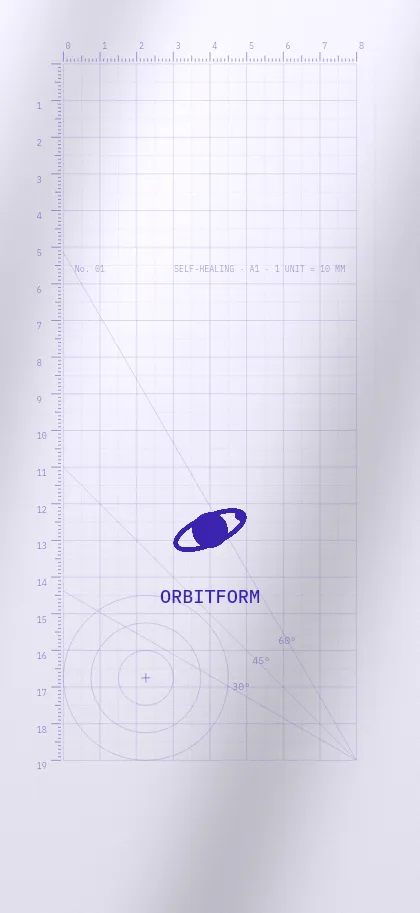
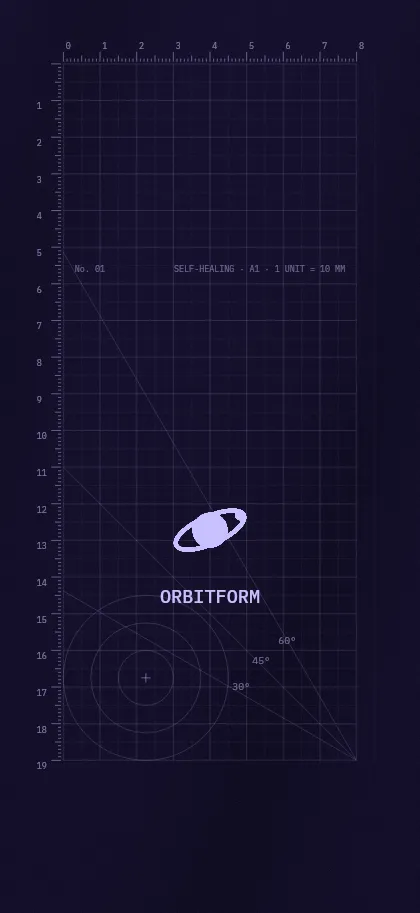
Orbitform
Kiloweg
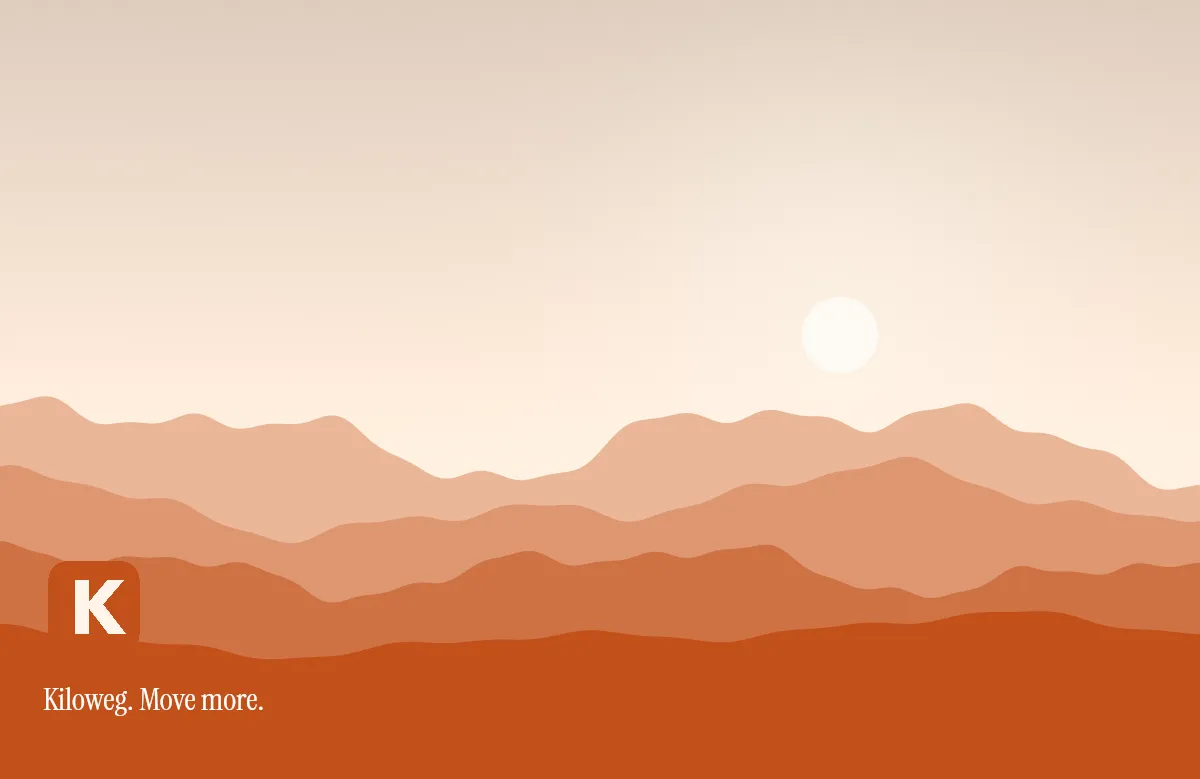
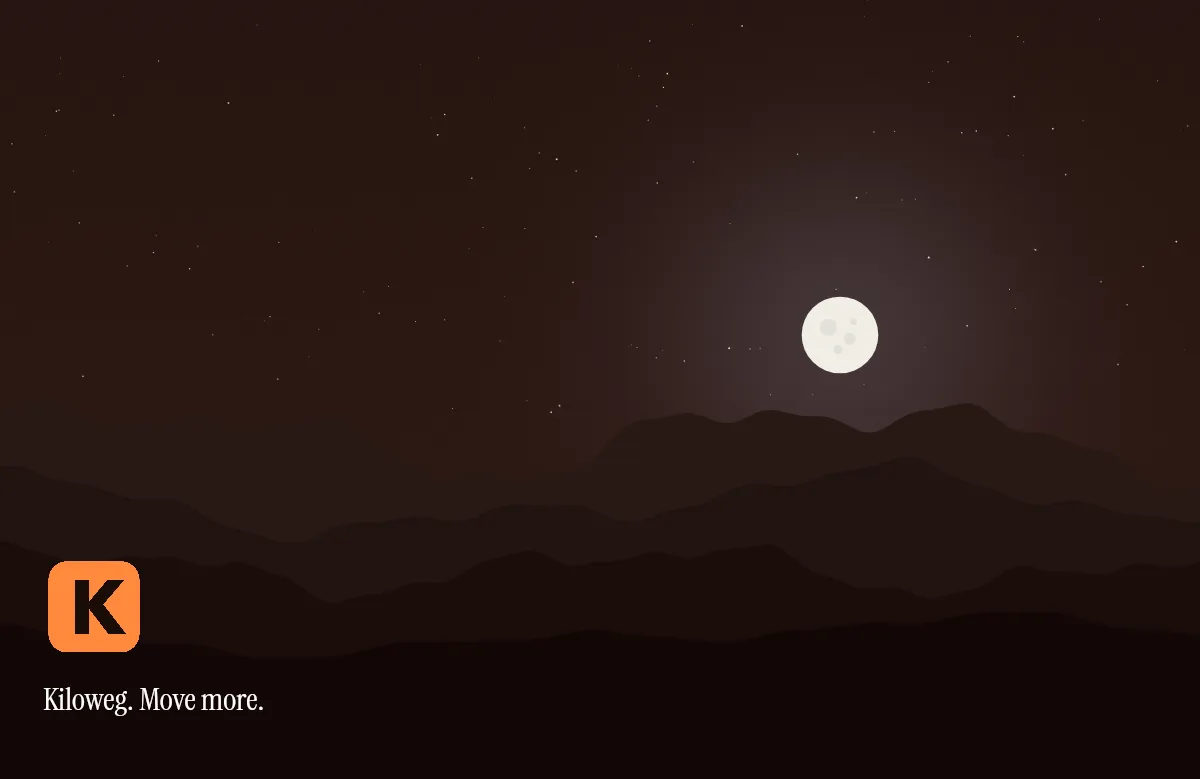
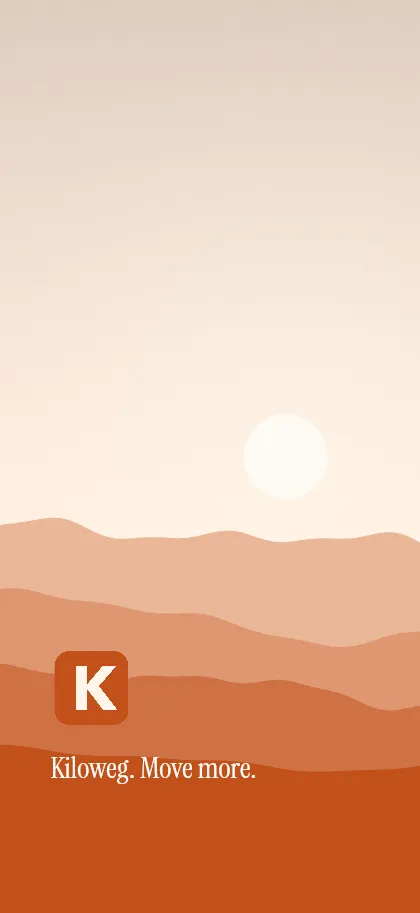
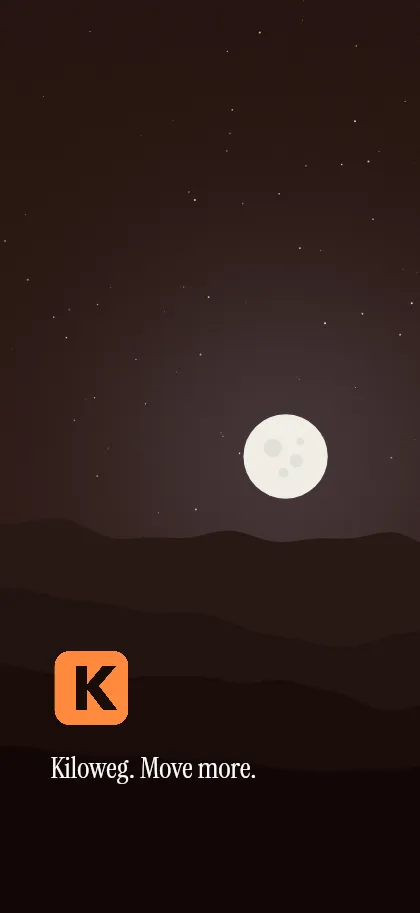
Halden & Co.
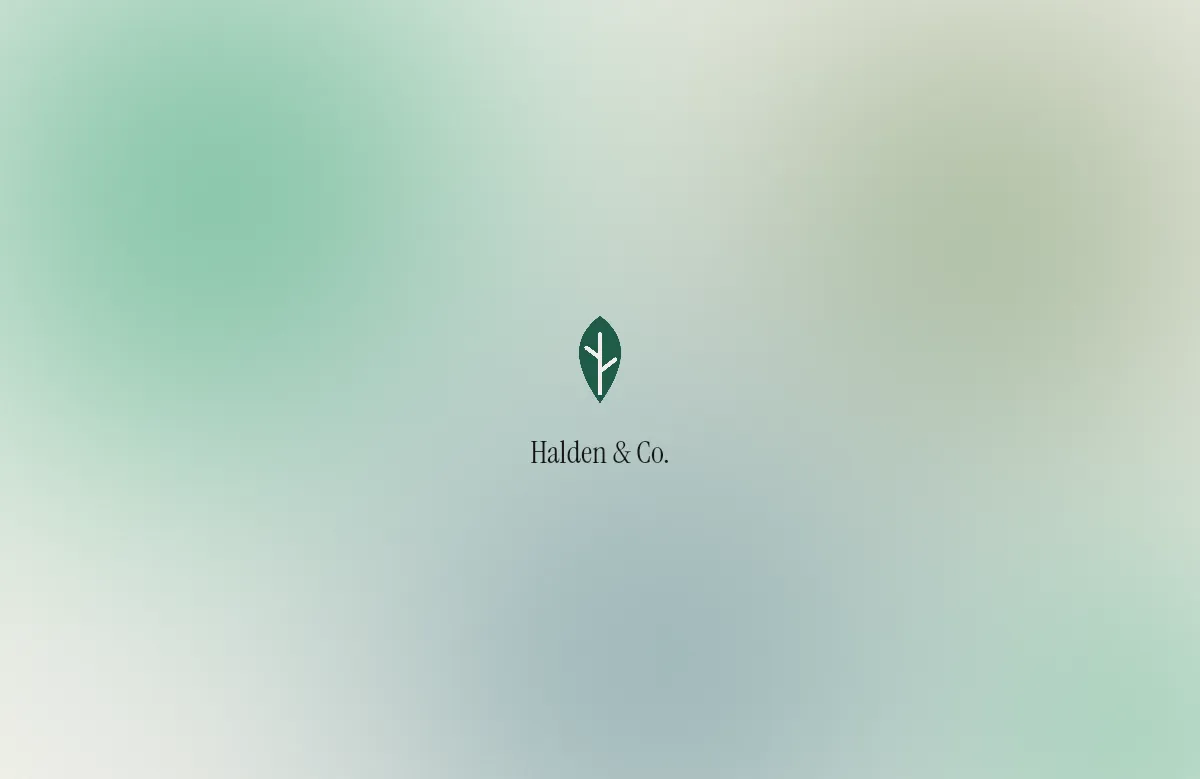
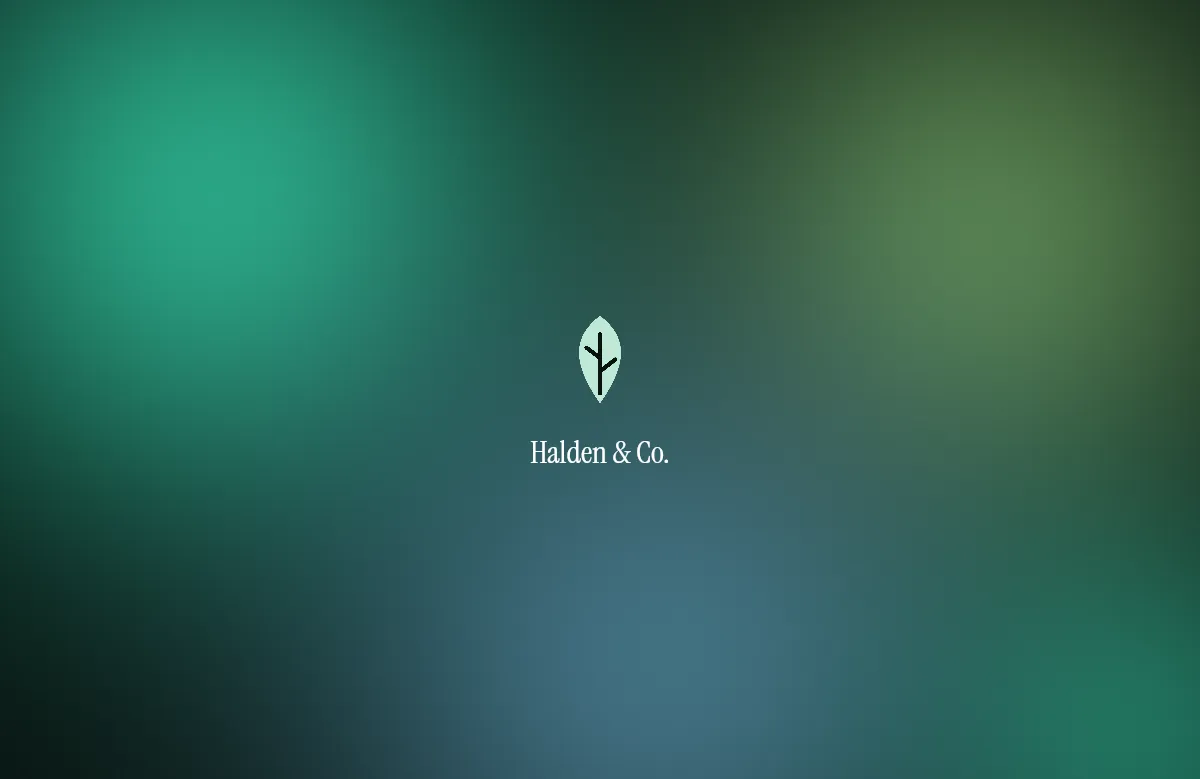
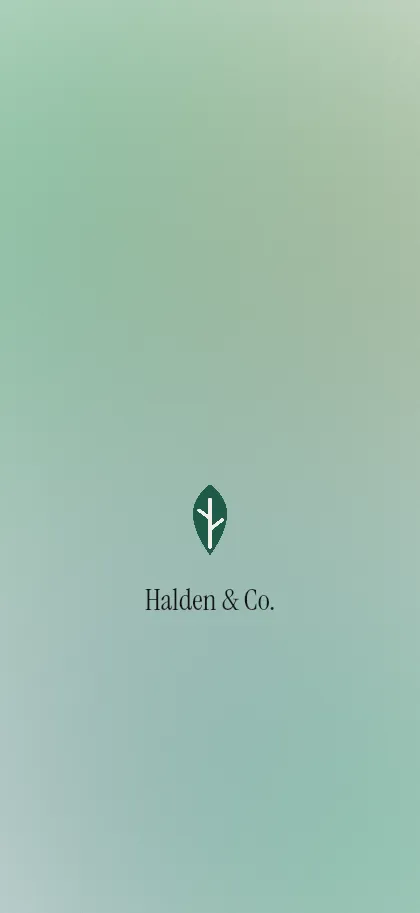
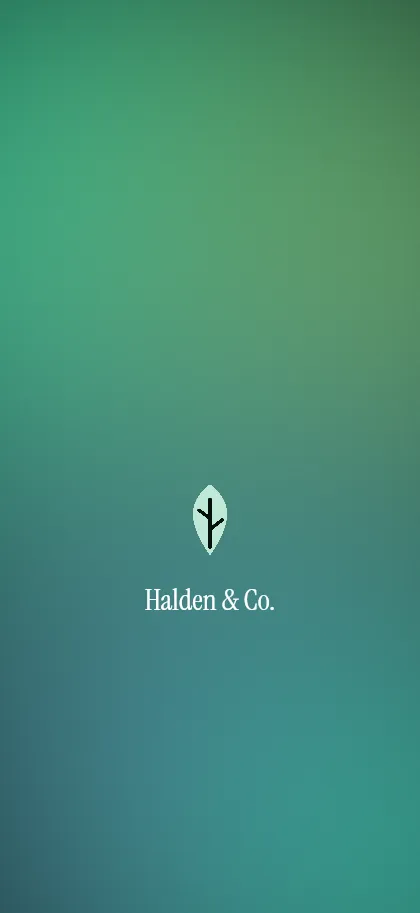
Examples for fictional brands.
Pricing and privacy
Free, without sign-up. Your logo is not uploaded or stored: the wallpapers are drawn in your browser. Only for the Mac .heic files are the finished images packed on our server and sent straight back, without being stored.
Questions and answers
Which logo file works best?
An SVG, or a PNG with a transparent background and at least 1000 pixels wide. If your logo is dark, add a light version for dark mode.
Can our IT roll the wallpapers out automatically?
Yes. The .zip contains a short guide for common MDM tools such as Jamf, Kandji, Mosyle or Intune.
Does the wallpaper really switch between light and dark on the Mac?
Yes. Each .heic contains both versions, and macOS shows the one that matches the appearance setting of the device.
And on the iPhone?
iOS cannot switch your own wallpapers with dark mode by itself. Your team gets a light and a dark image, and anyone who wants can automate the switch with Shortcuts.
May we use the wallpapers in our company?
Yes. Sets you create here with your own logo may be used free of charge on your organization's devices. Sets you have downloaded stay yours to use, even if we change the offer later.