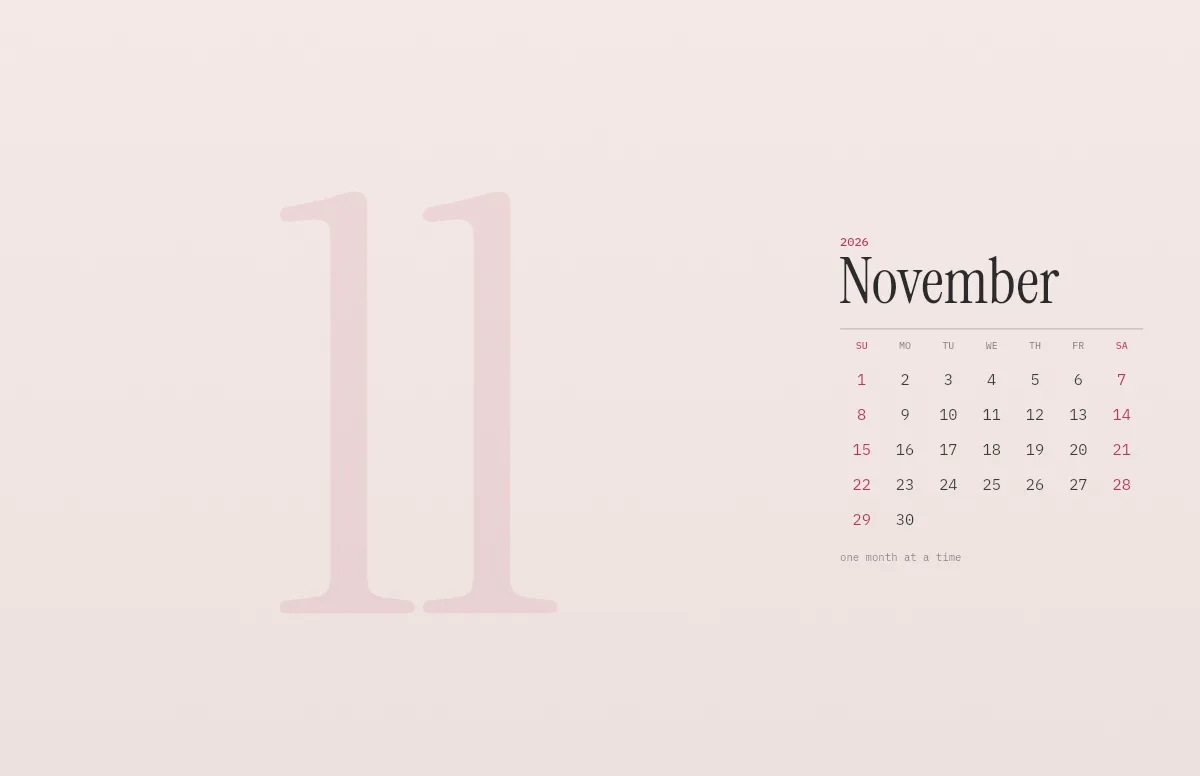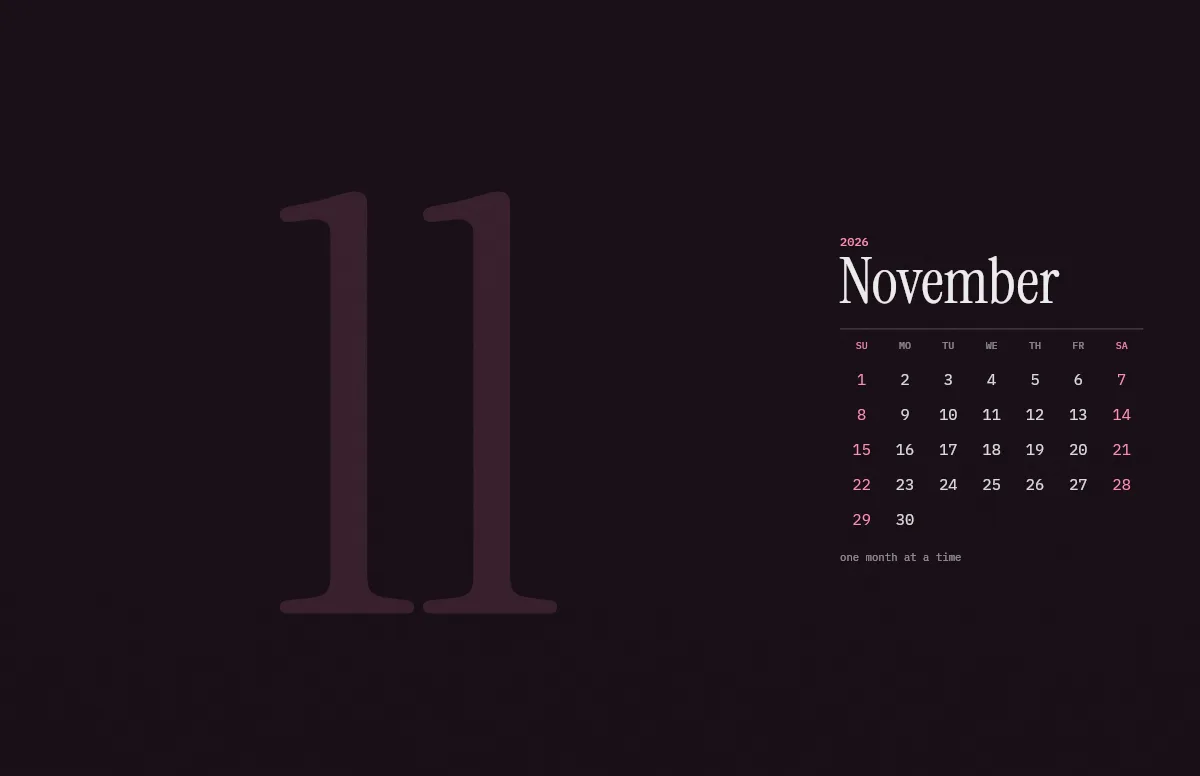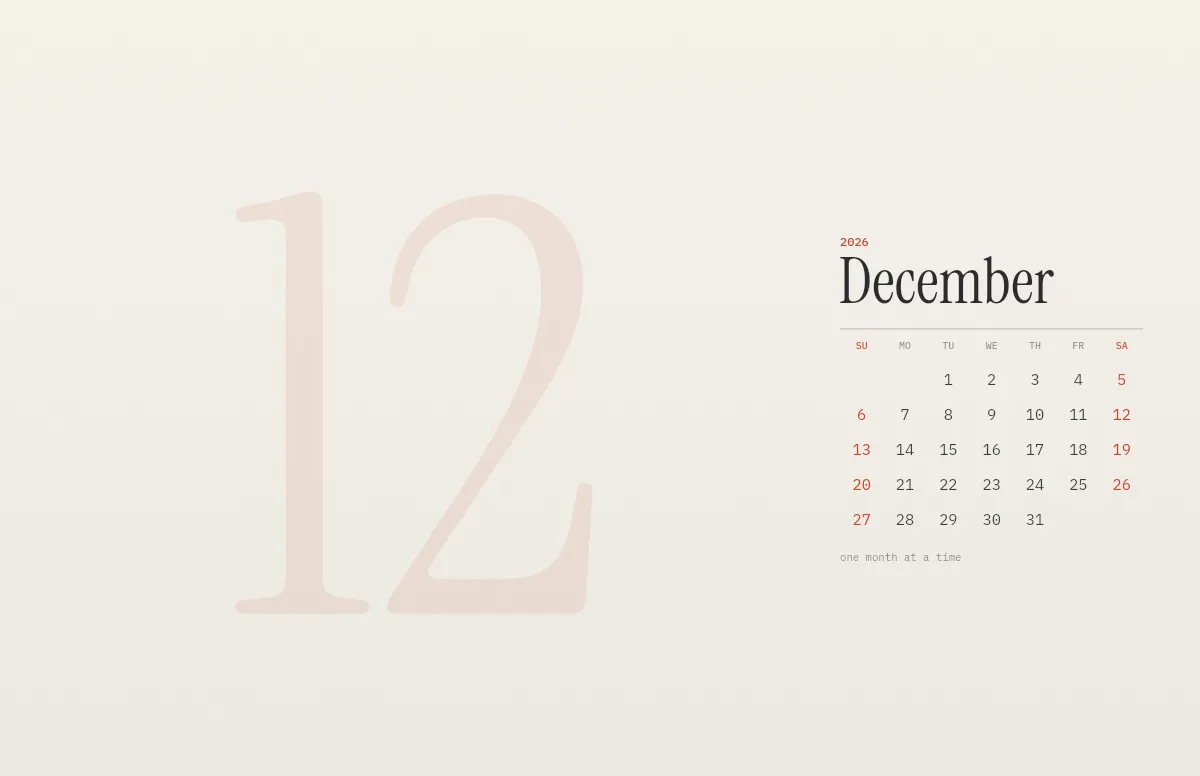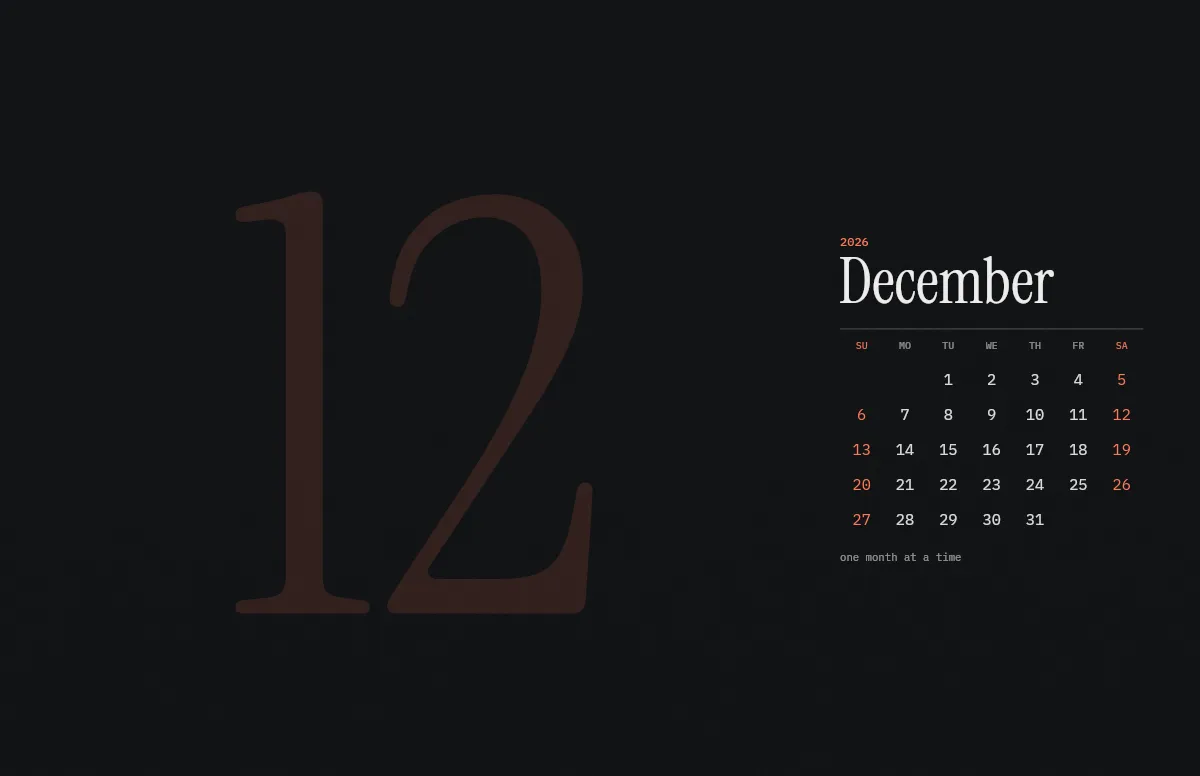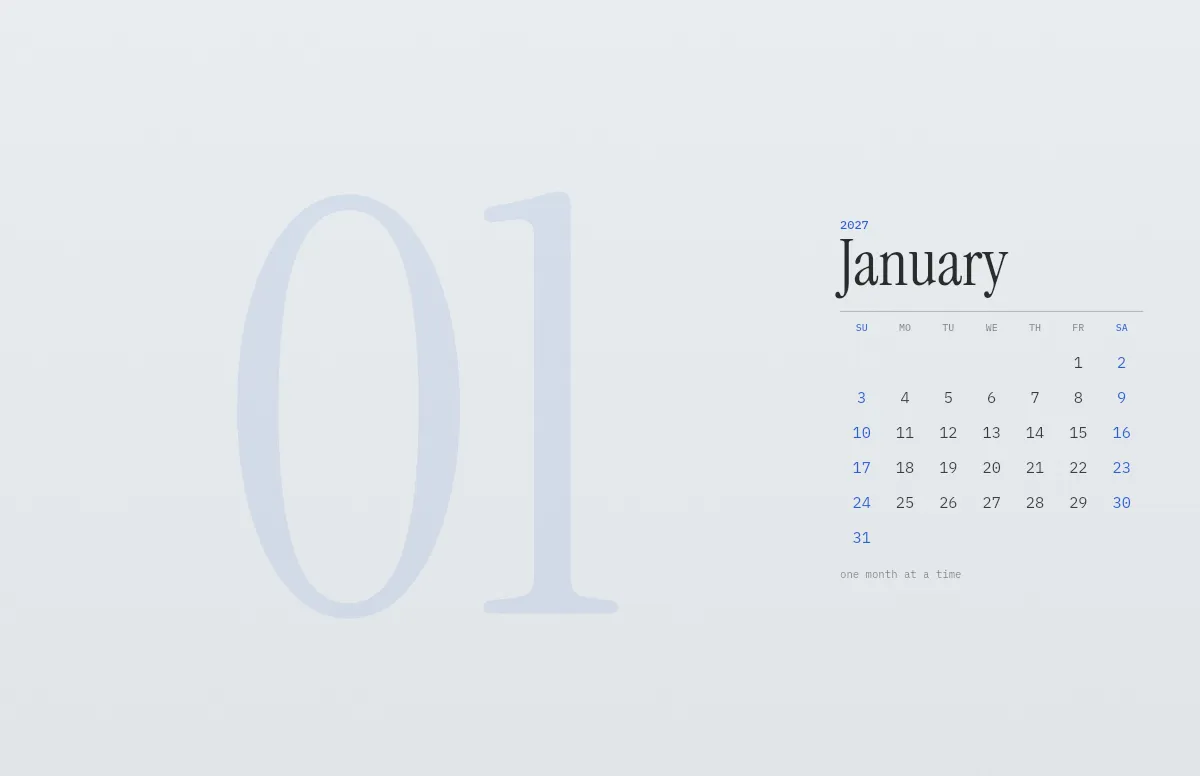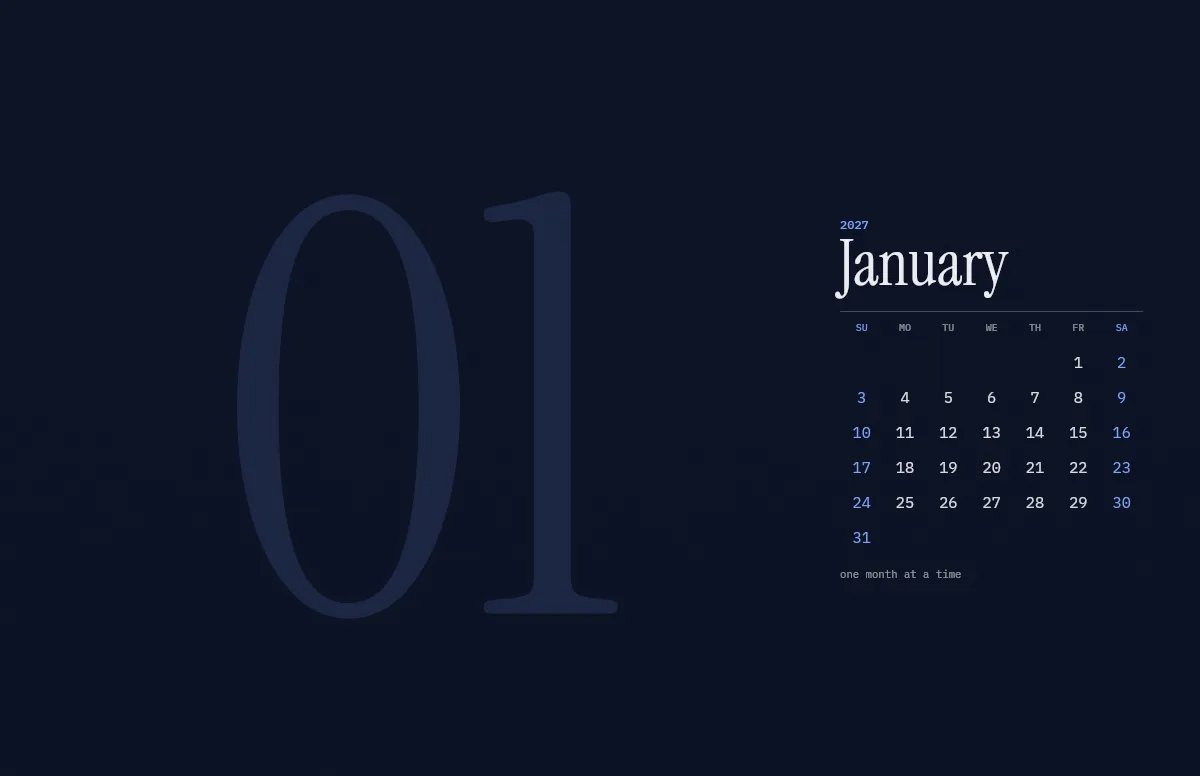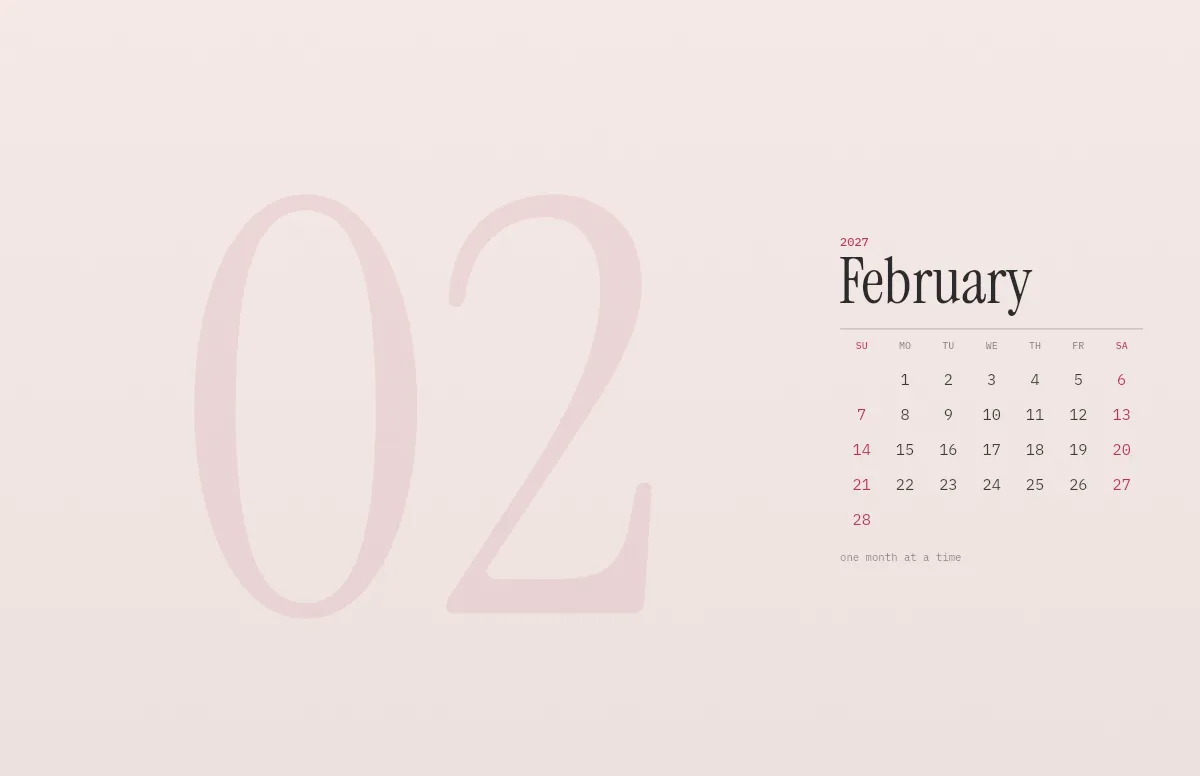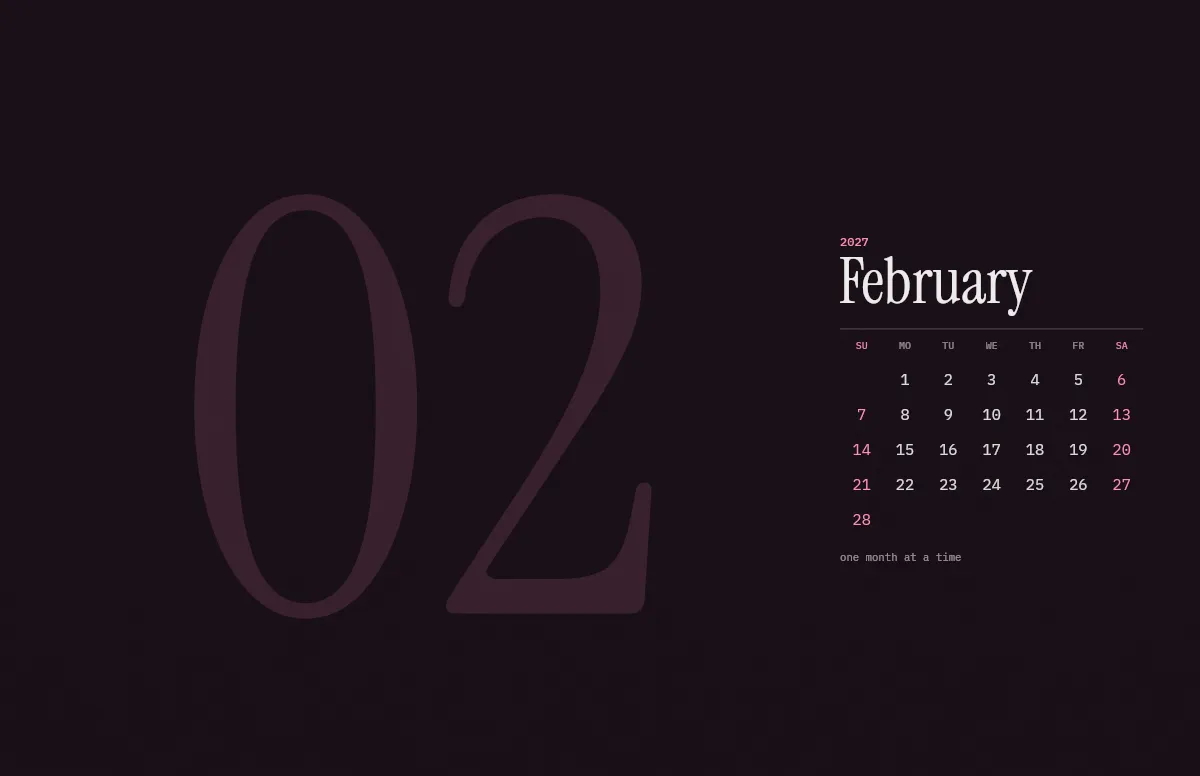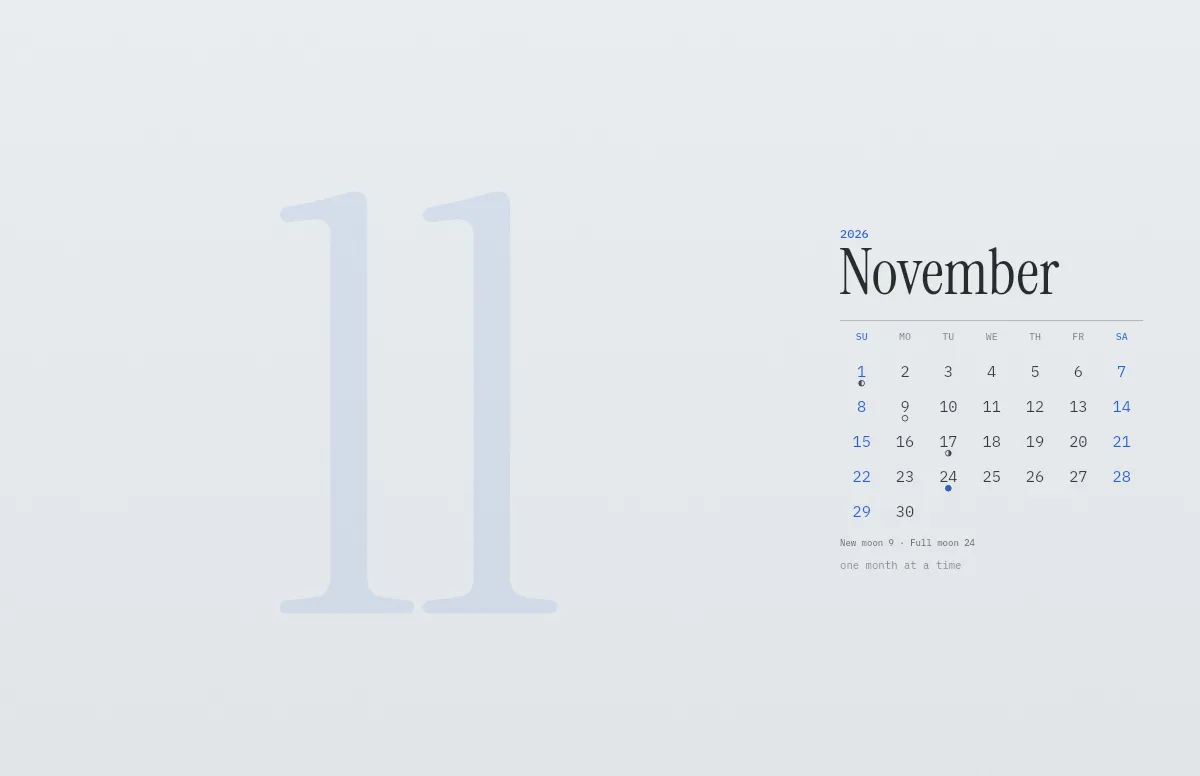
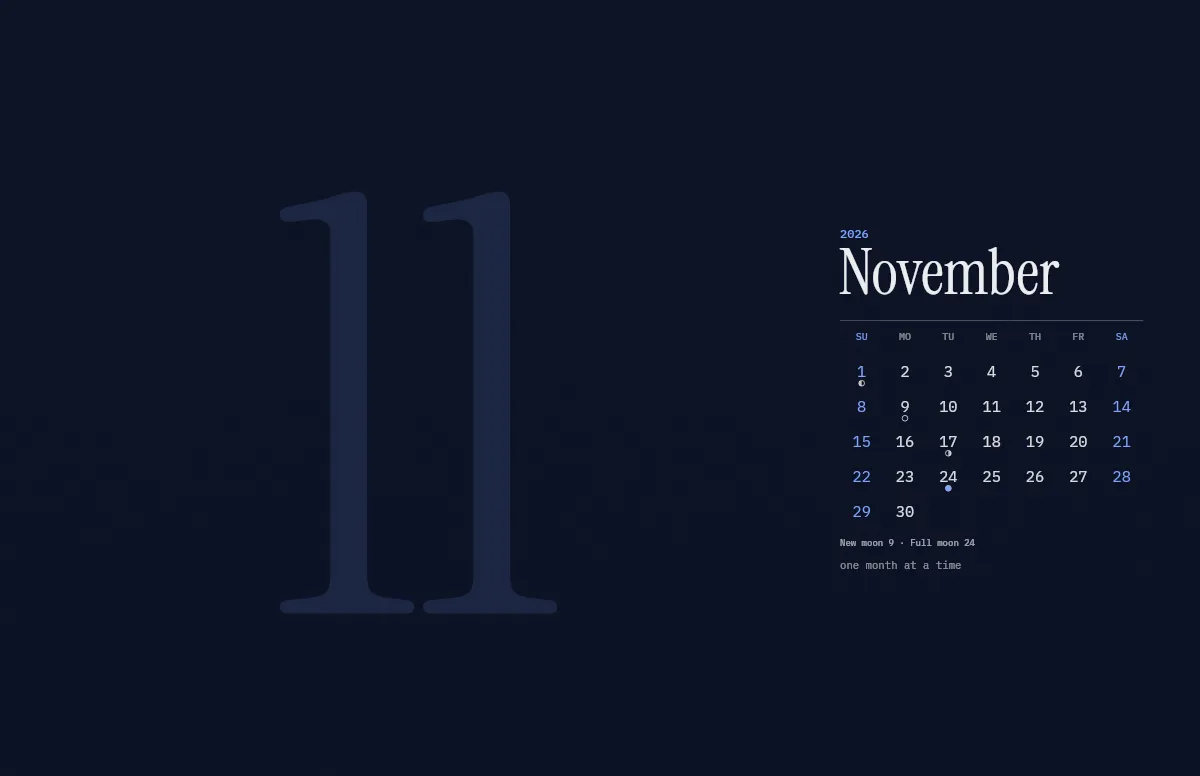
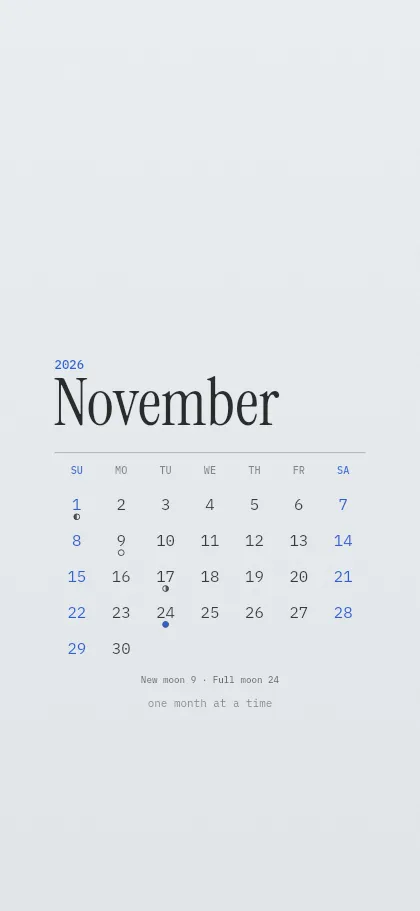
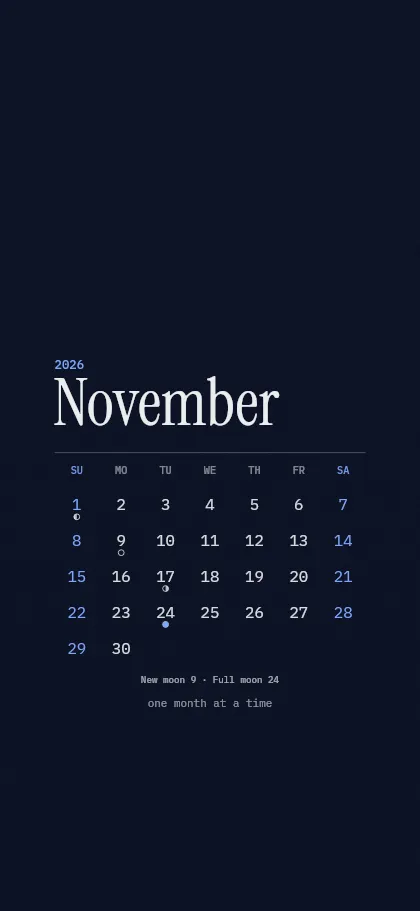
The phases are calculated astronomically and placed on the day in your own time zone, so the full moon sits on the date it happens where you are.
Pick the month in the generator above. The line under the calendar names the new and the full moon of that month.
Full moons and new moons 2027
| Month | New moon | Full moon |
|---|---|---|
| January | January 7, 20:24 | January 22, 12:17 |
| February | February 6, 15:56 | February 20, 23:23 |
| March | March 8, 09:29 | March 22, 10:43 |
| April | April 6, 23:51 | April 20, 22:27 |
| May | May 6, 10:58 | May 20, 10:59 |
| June | June 4, 19:40 | June 19, 00:44 |
| July | July 4, 03:02 | July 18, 15:45 |
| August | August 2, 10:05 / August 31, 17:41 | August 17, 07:29 |
| September | September 30, 02:36 | September 15, 23:03 |
| October | October 29, 13:36 | October 15, 13:47 |
| November | November 28, 03:24 | November 14, 03:26 |
| December | December 27, 20:13 | December 13, 16:09 |
Times in UTC. Calculated with the standard algorithm for lunar phases, accurate to a few minutes.
How to set it
- Pick your device, colors and the first day of the week in the generator above.
- Mac: download the .heic, open it in Finder and choose Set Desktop Picture. It switches with light and dark mode. Step by step.
- iPhone: download the PNGs, save them to Photos and set one as your wallpaper. How to switch them automatically.
Questions and answers
Is it free?
Yes. It is free for personal use, without sign-up and without a watermark.
Can I combine the dates with my own colors and text?
Yes. Colors, language, week start and your own line work as in every calendar wallpaper.
Does the wallpaper change to the next month by itself?
No, a wallpaper is a still image. When the month ends, open the calendar page again and download the new month. It takes a few seconds.
Does it fit my screen?
Yes. The wallpaper is drawn in the native resolution of the device you pick, from the iPhone SE to the Pro Display XDR, so it stays sharp.