How it works
- Choose a picture for light mode and one for dark mode. Day and night shots of the same place work well, and so do two versions of one design.
- Pick your Mac. Both pictures are cropped from the middle to the exact resolution of that display.
- Download the .heic, open it in Finder and choose Set Desktop Picture. From then on macOS shows the first picture in light mode and the second in dark mode.
What the file is
macOS can store several pictures in one .heic file and note which belongs to which appearance. Apple's own wallpapers use this, but macOS has no built-in way to make such a file from your own pictures.
This tool writes that file for you. It needs no app and works on any Mac from macOS Mojave on. If you set your appearance to Auto, the wallpaper changes at sunset and sunrise.
Questions and answers
Does it work on the iPhone?
No. iOS cannot switch a single file with the appearance. For the iPhone, use two pictures and a Shortcuts automation. The iPhone guide shows how.
Which formats can I use?
JPEG, PNG and WebP, and HEIC photos in Safari. Pictures at least as large as your display look best.
Are my pictures uploaded?
They are sent to our server once to be packed into the .heic and are discarded right after. Nothing is stored.
Can I get a wallpaper without my own photos?
Yes. The generator makes light and dark wallpapers from templates, with your own text and colors.
Templates
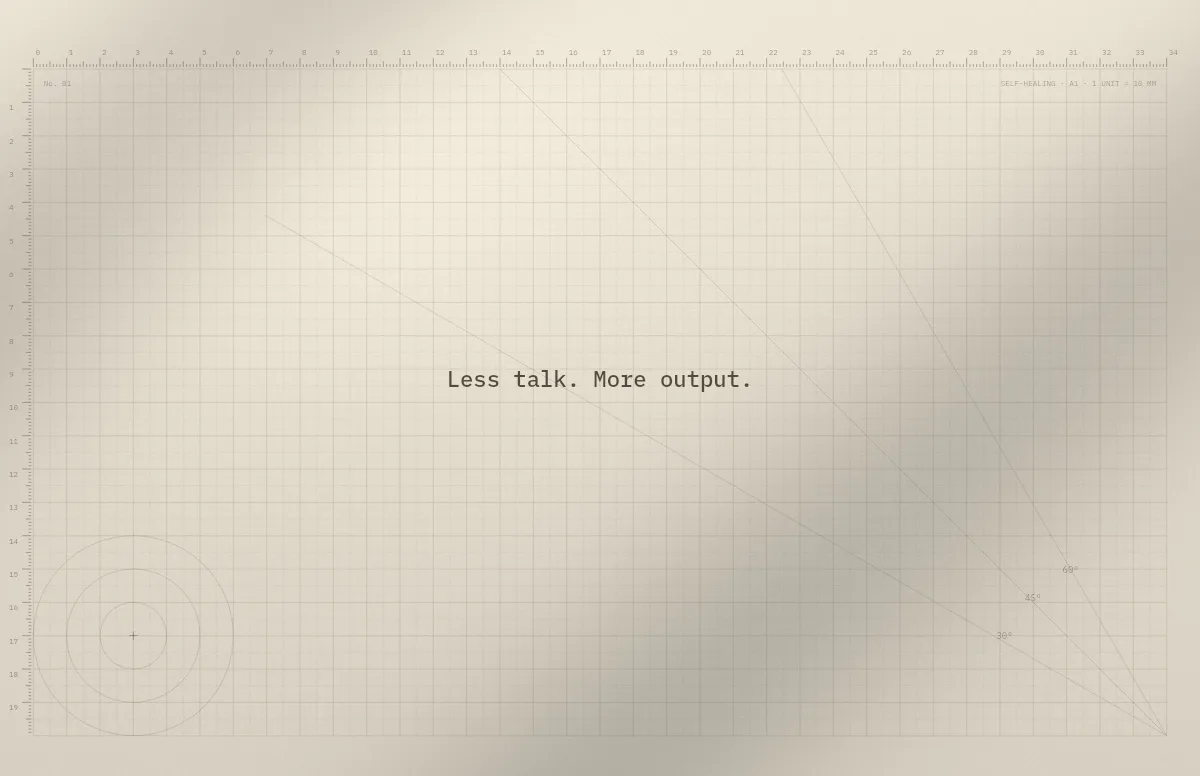
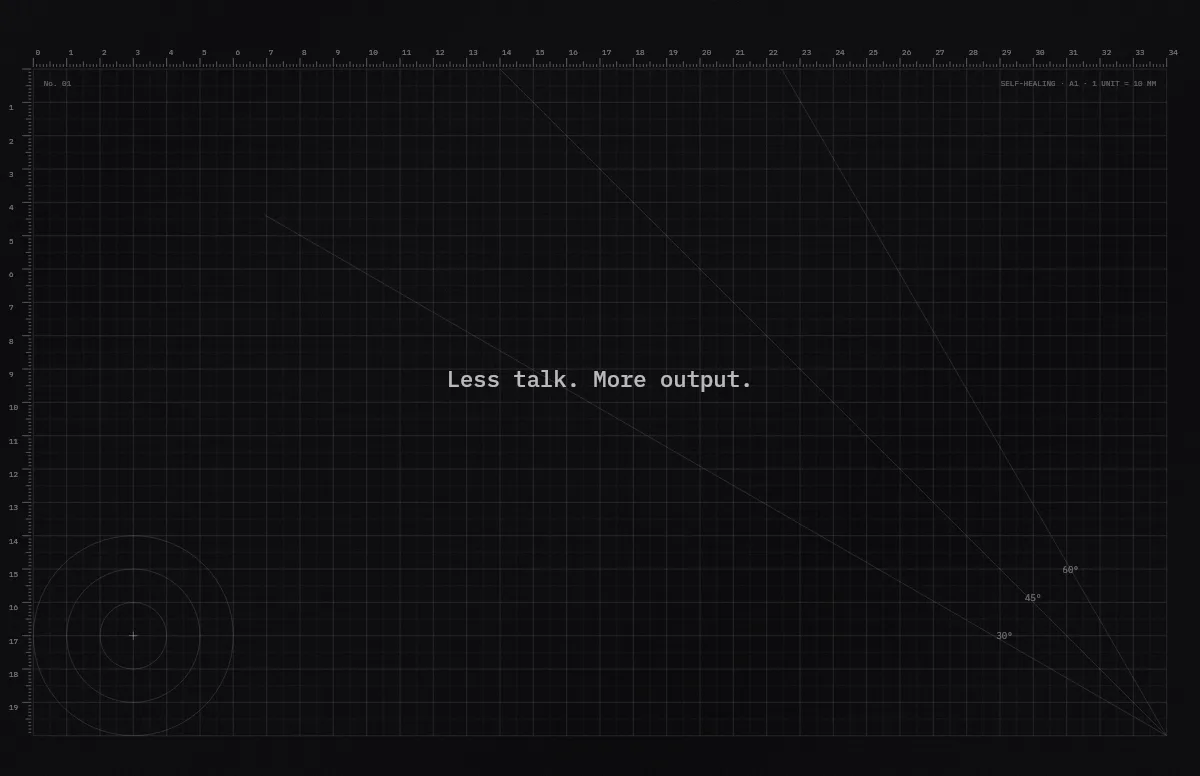
Cutting Mat
Grid, rulers and angle guides, like the mat on a designer's desk.
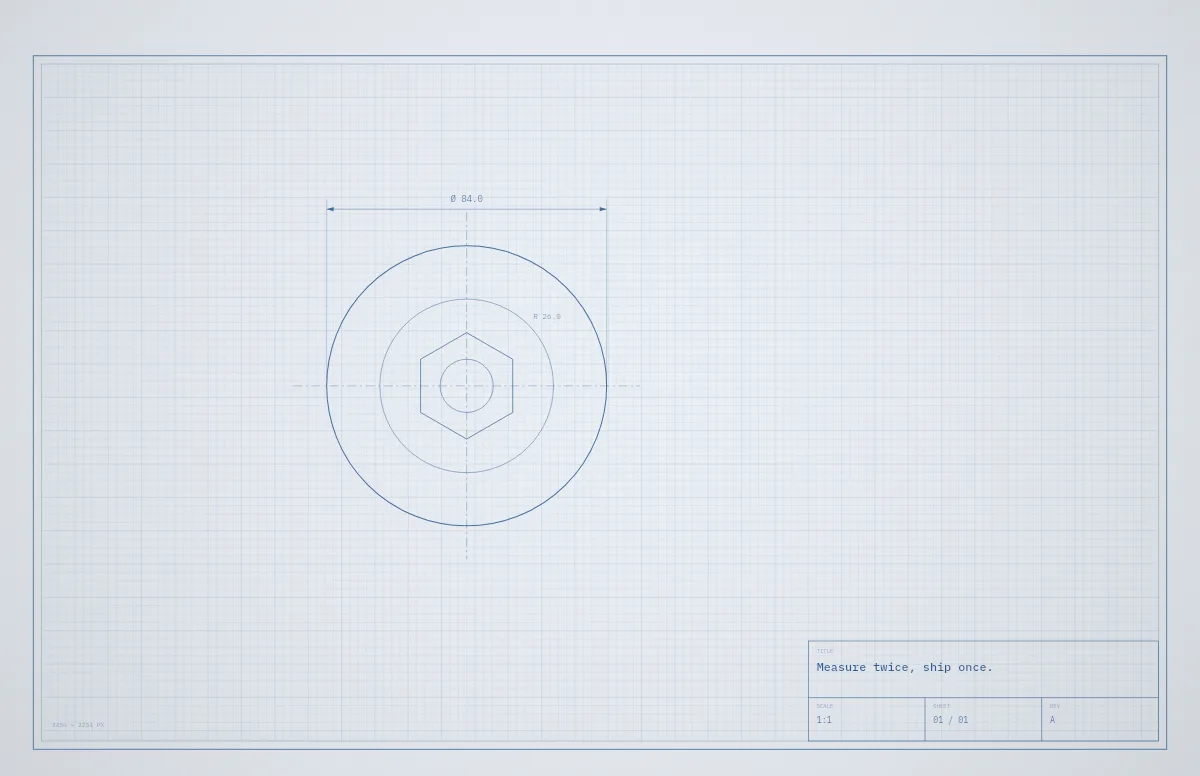
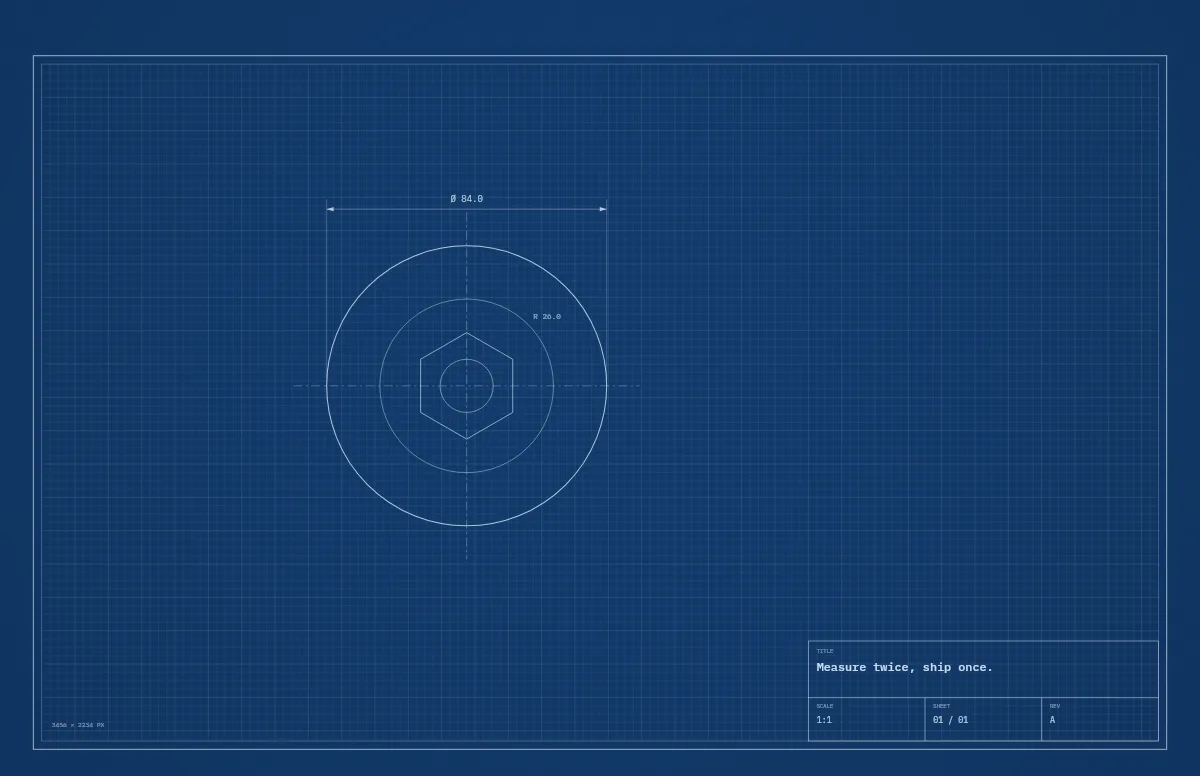
Blueprint
A technical drawing with a title block that carries your text.
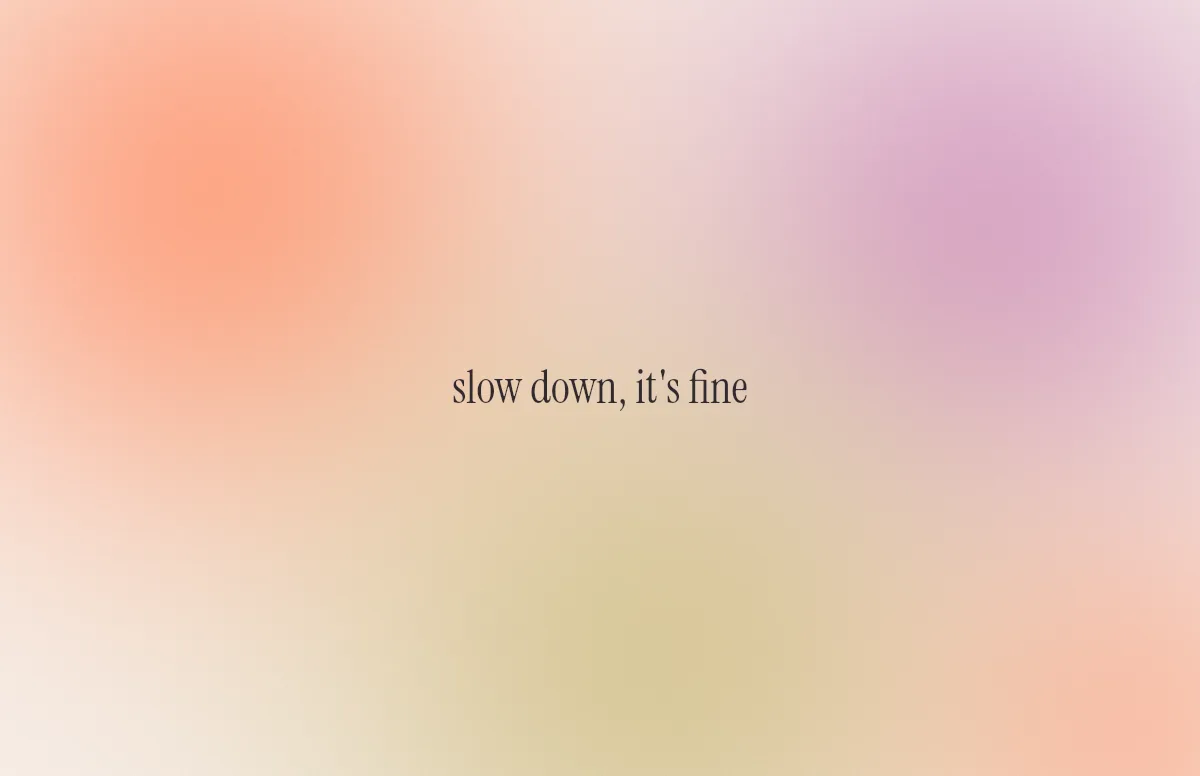
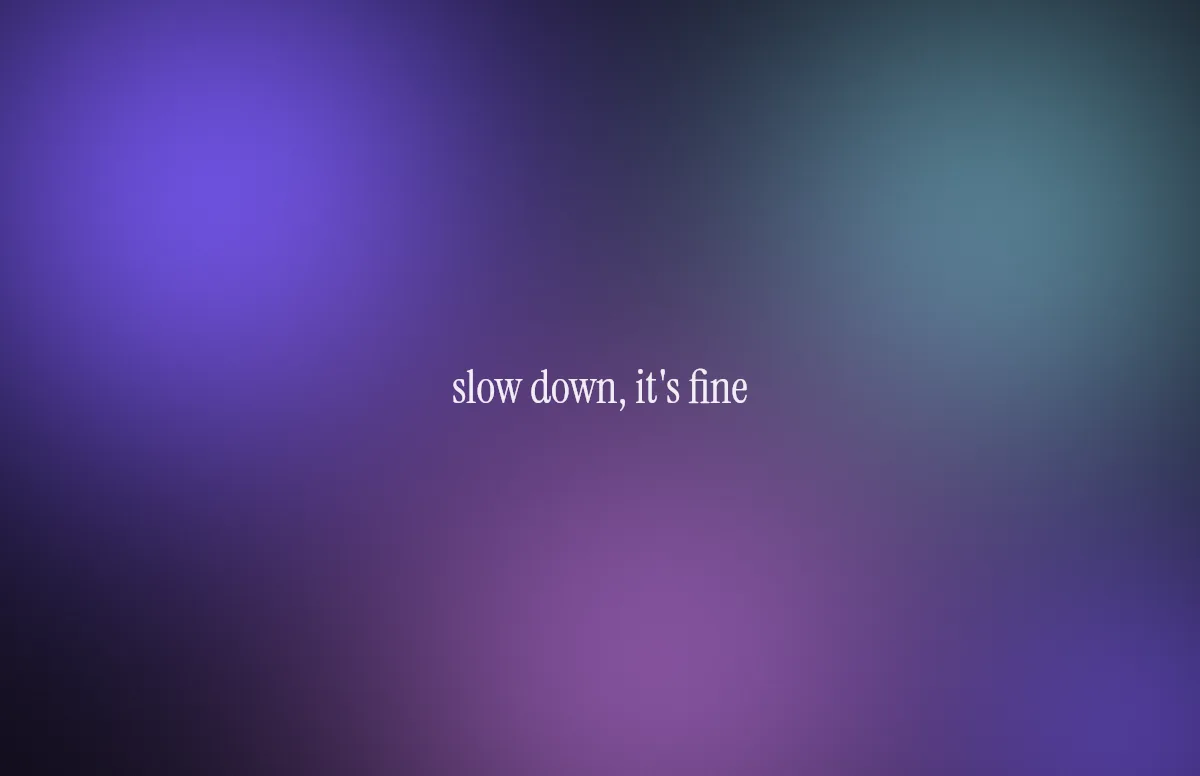
Aura
Soft color glows with a quote in a calm serif.
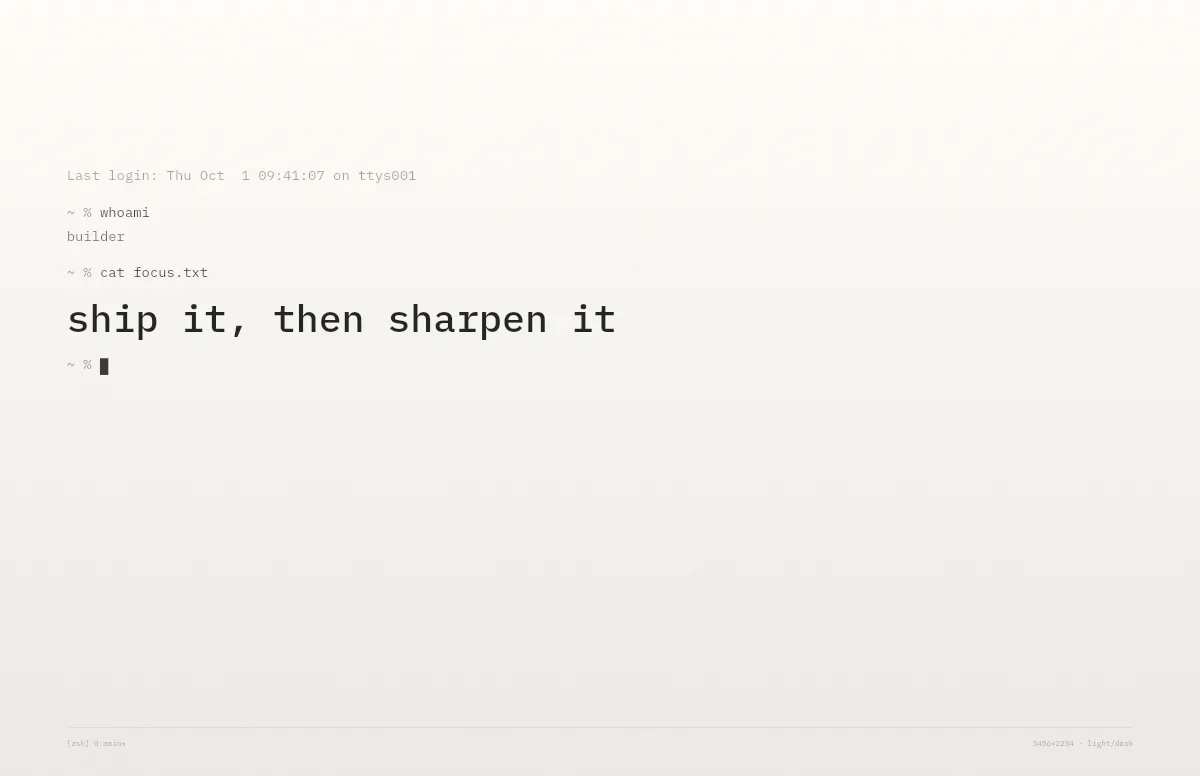
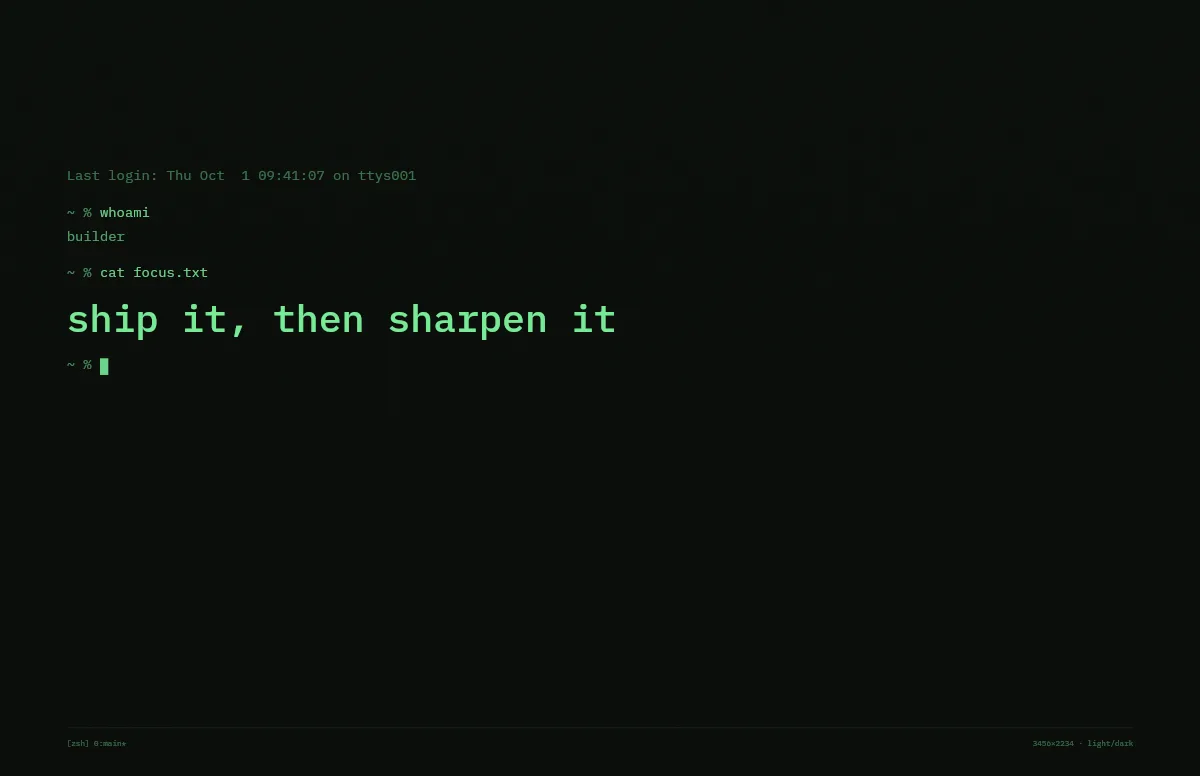
Terminal
A shell session that prints your line. Made for developers.
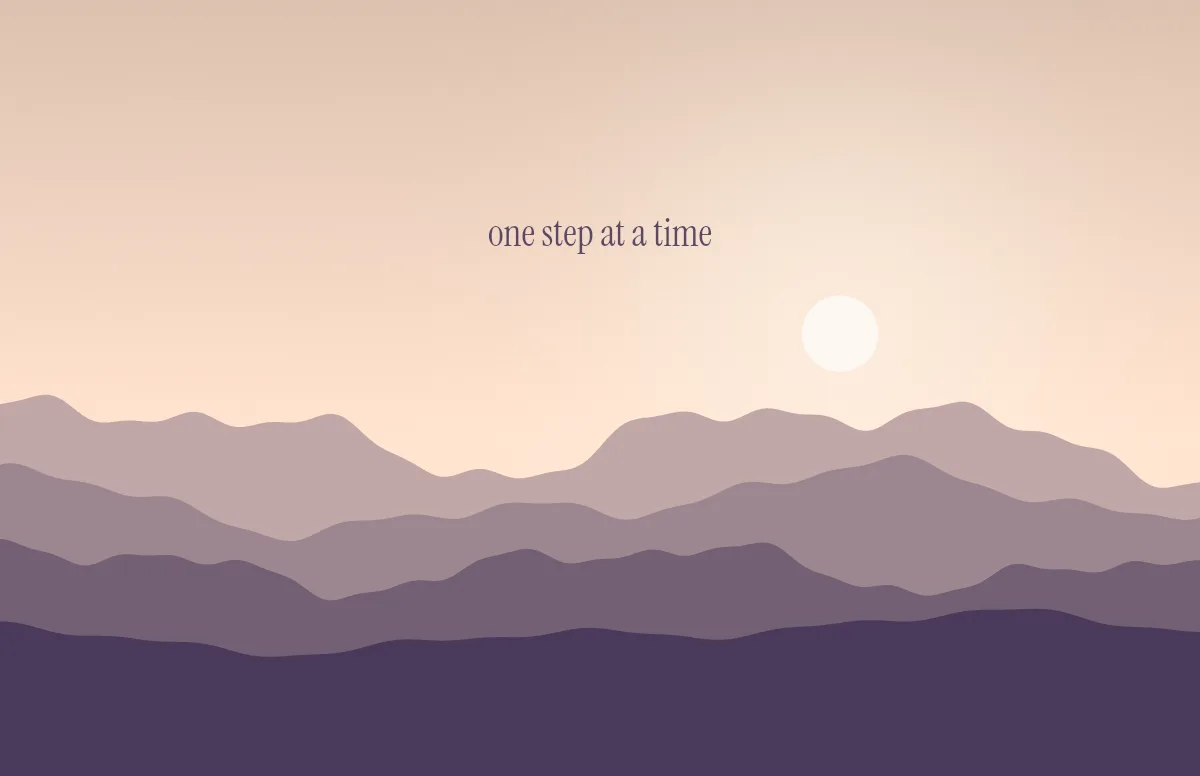
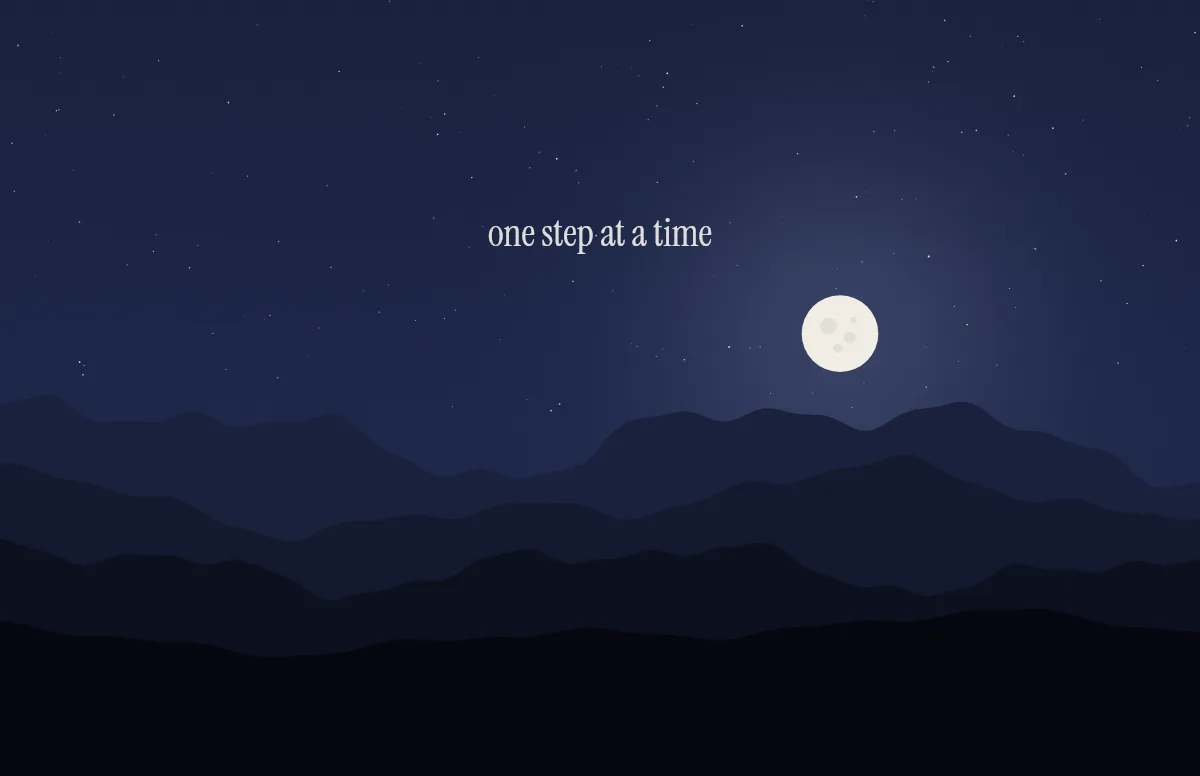
Horizon
Layered mountains under the sun by day and the moon by night.
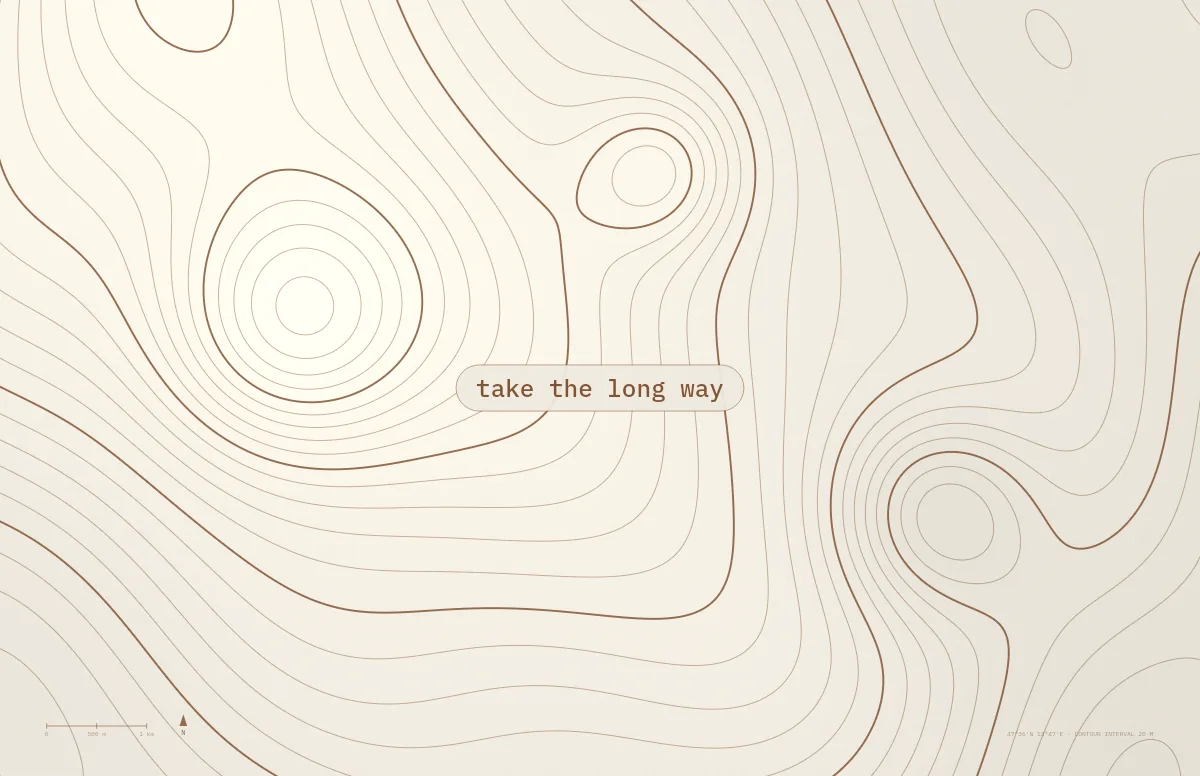
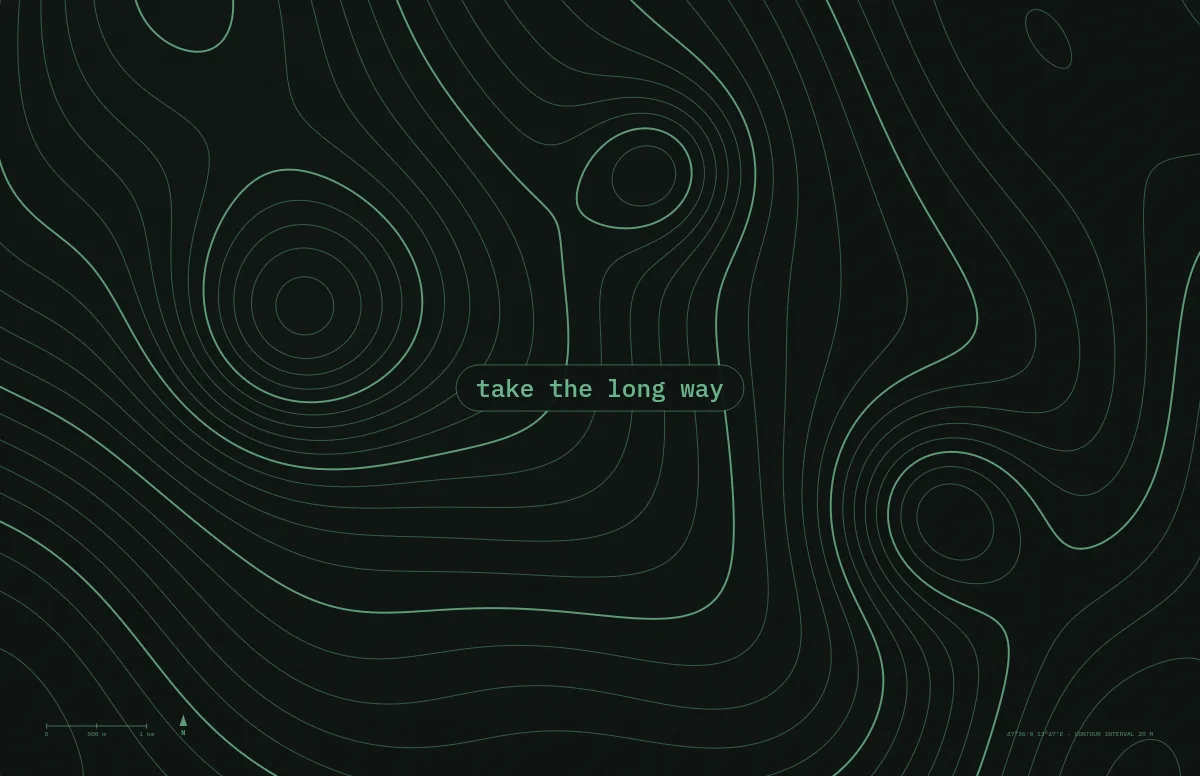
Topo
Contour lines of an imaginary mountain range, with your text as a map label.
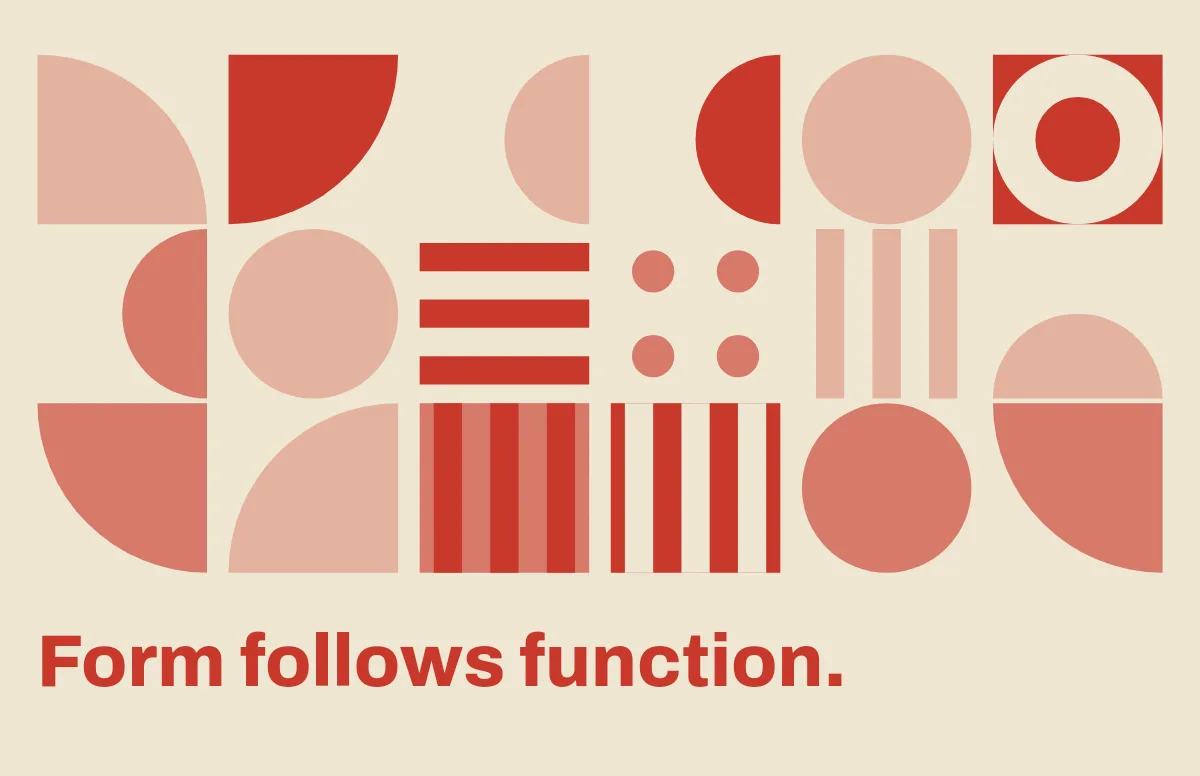
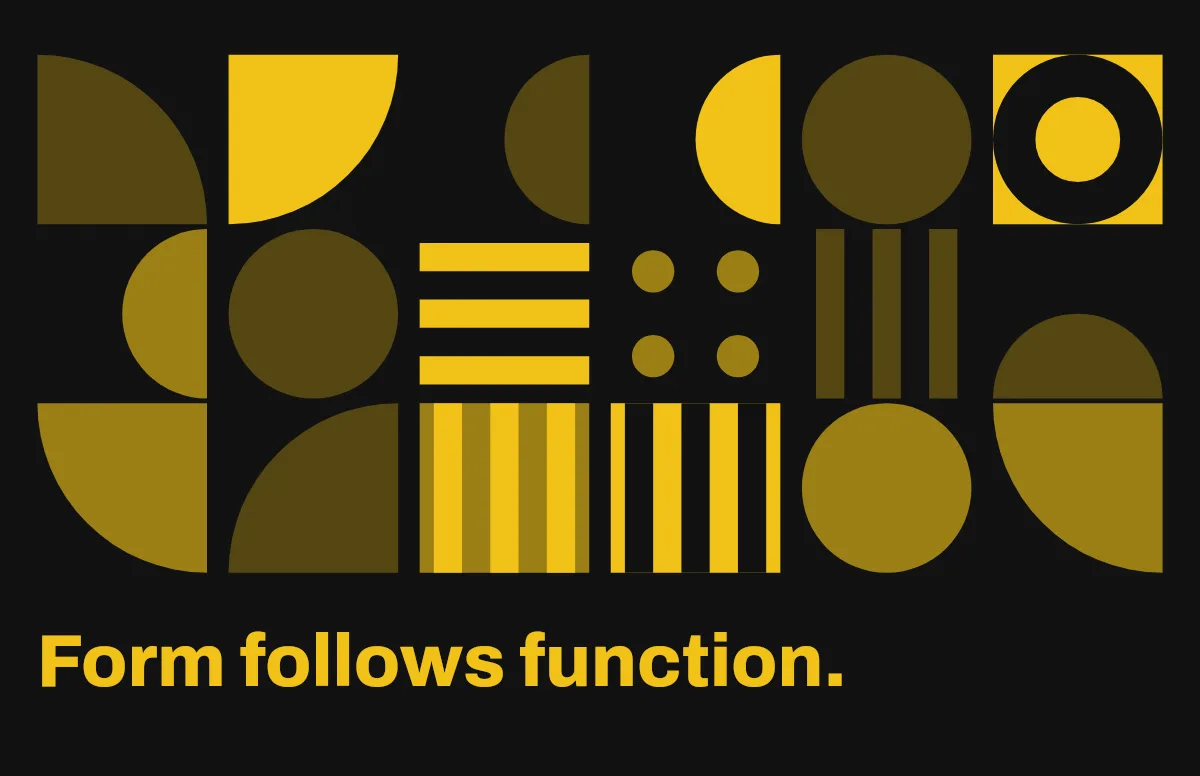
Bauhaus
Circles, quarter circles and stripes on a strict grid, with bold type.
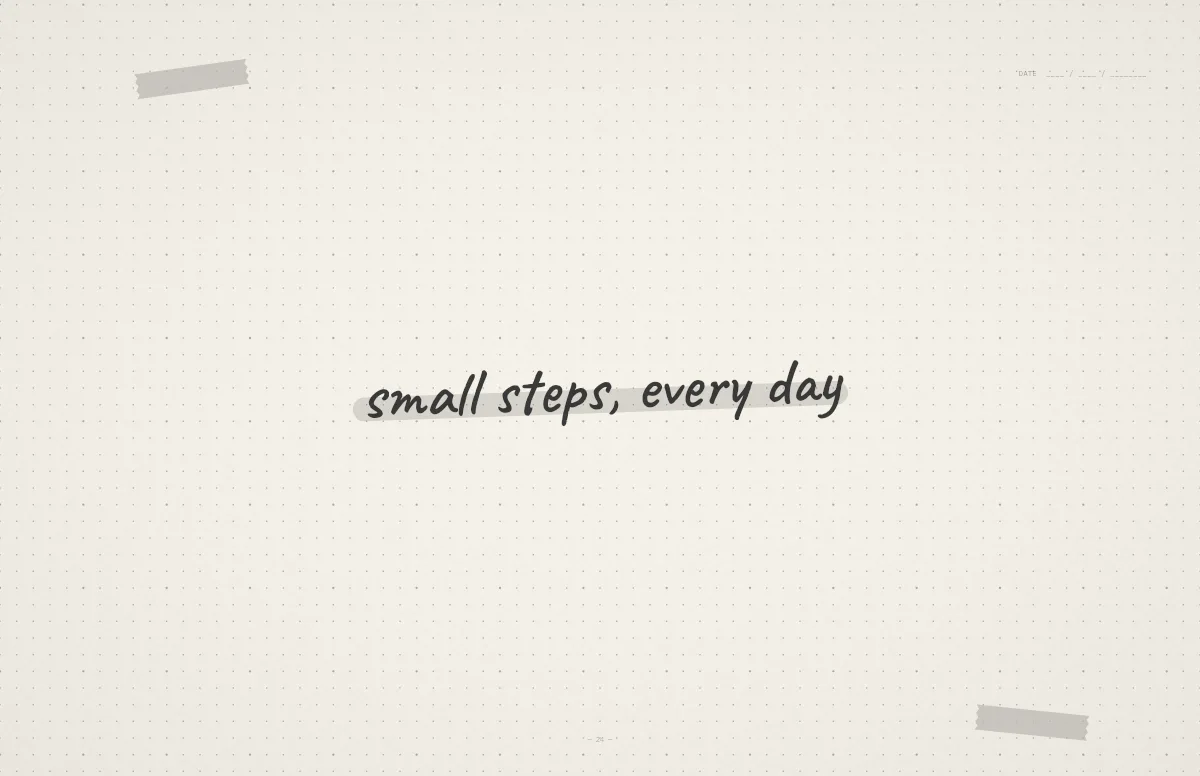
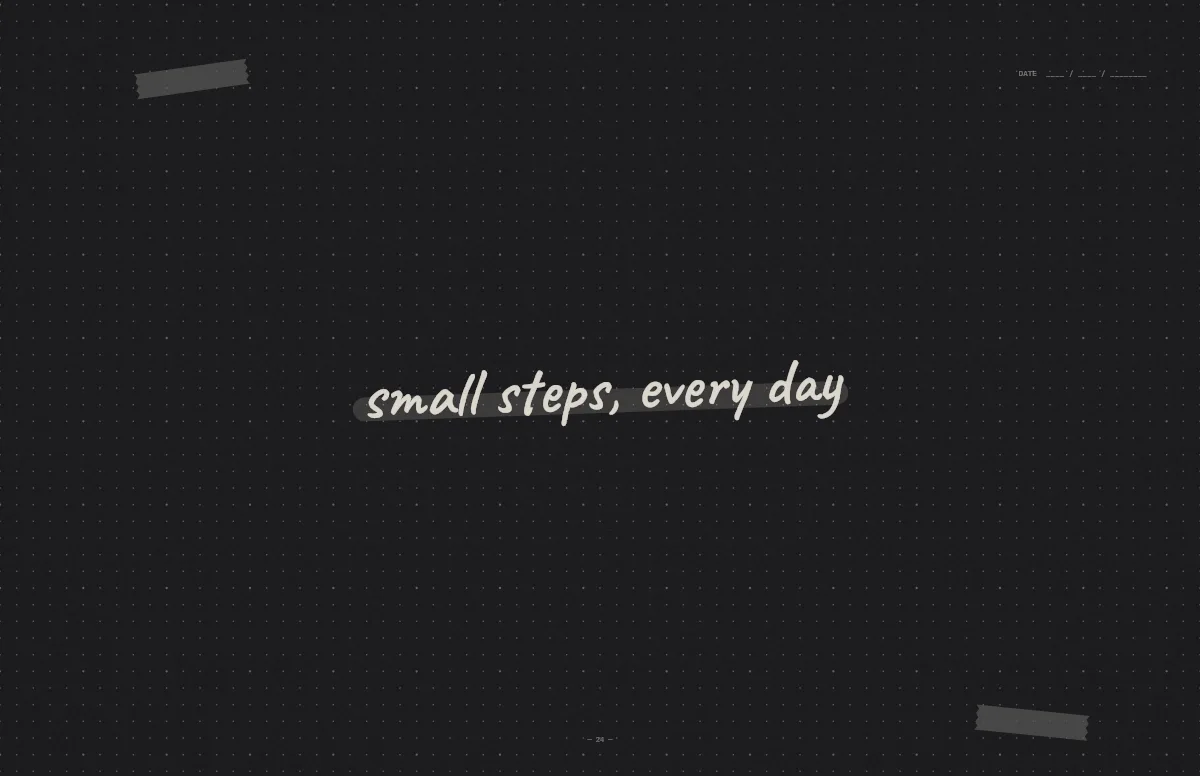
Notebook
A dotted journal page with your line in handwriting and a highlighter stroke.
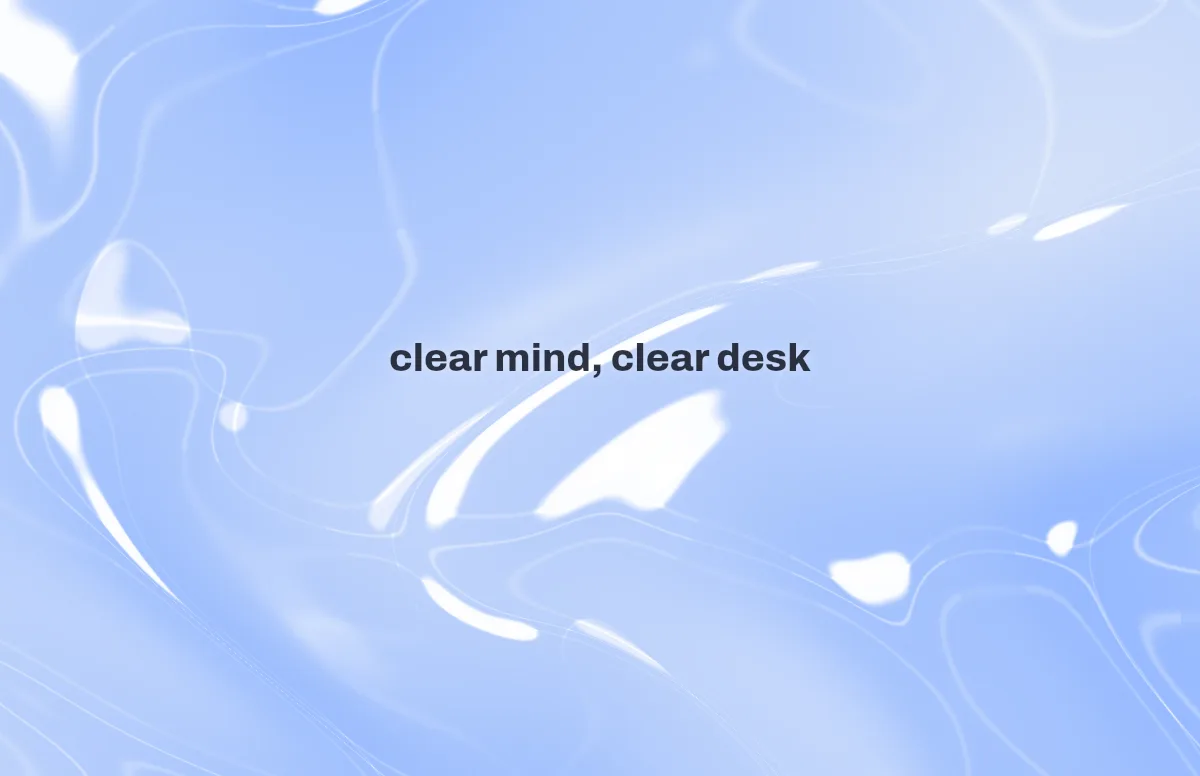
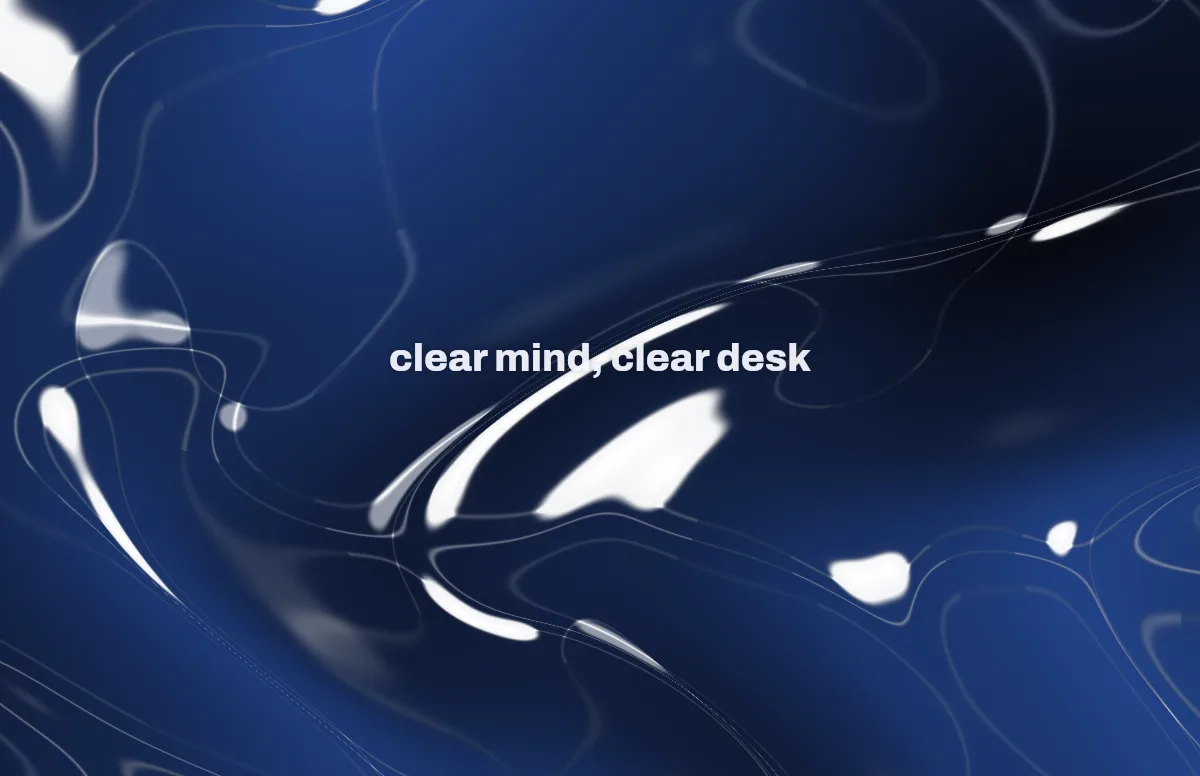
Liquid Glass
Glass shapes that bend the colors behind them, light and dark.
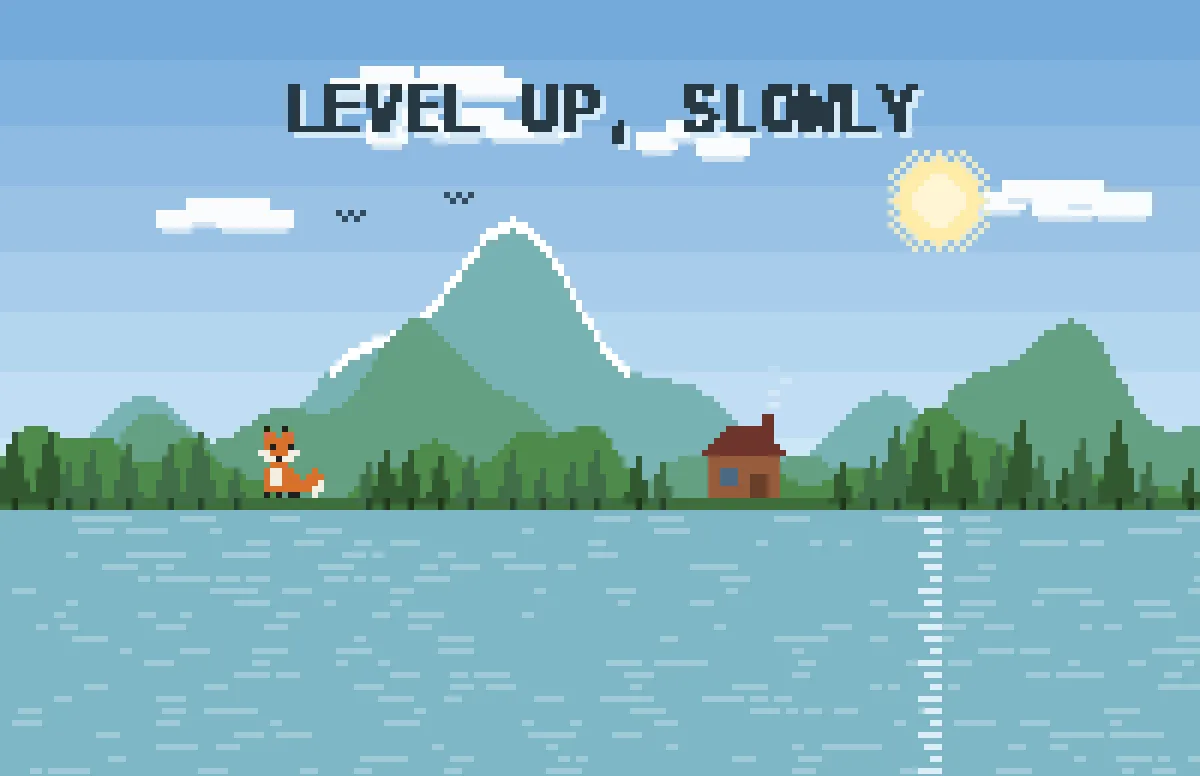
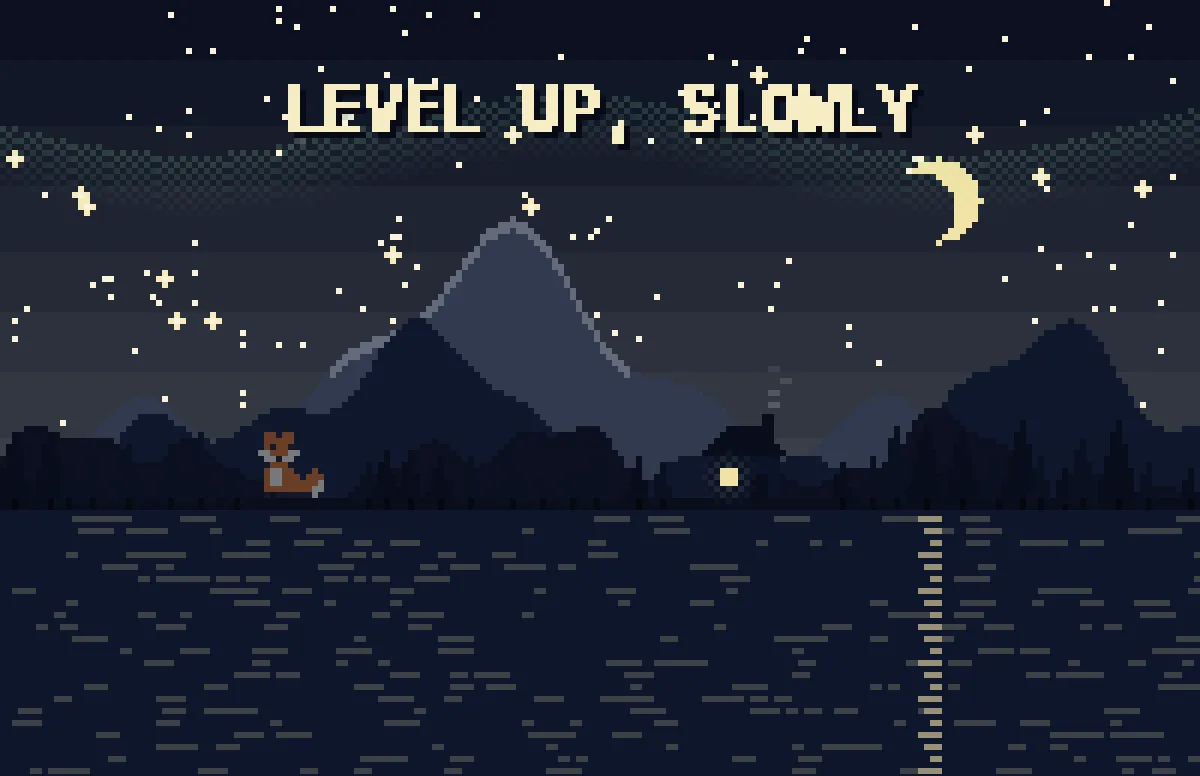
Pixel
Pixel scenes: sun by day, stars and lit windows at night.
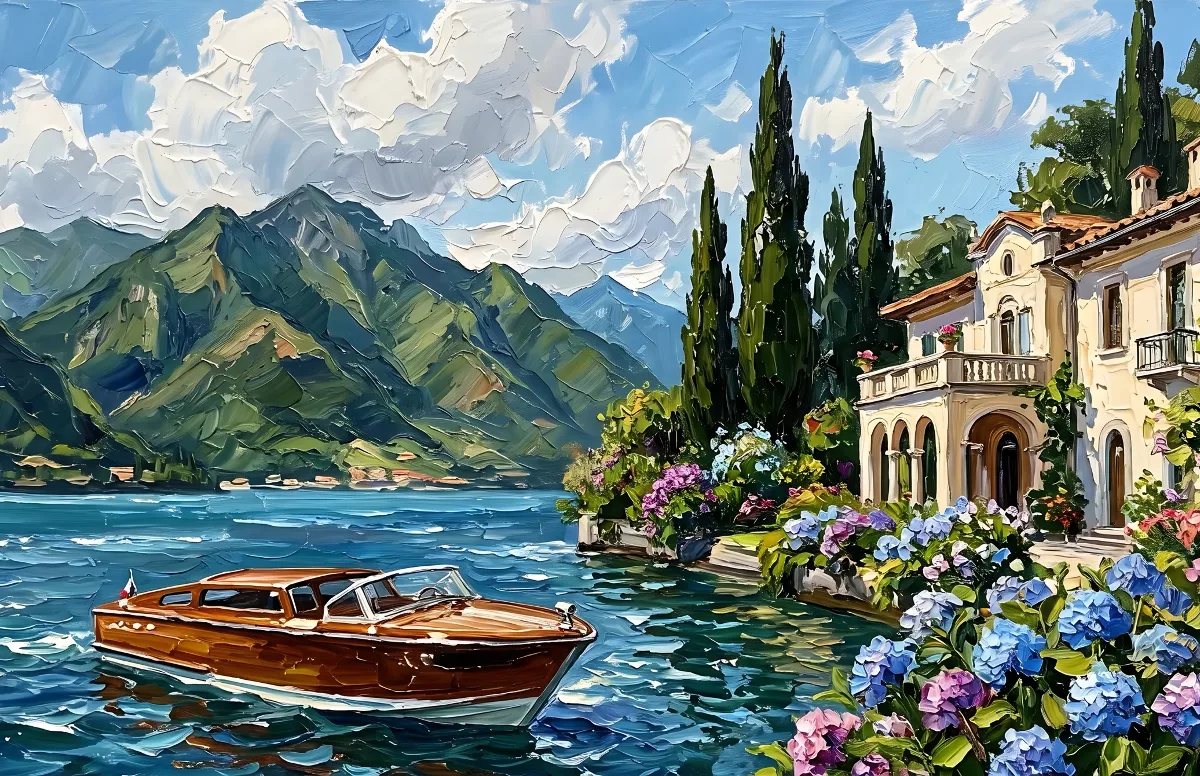
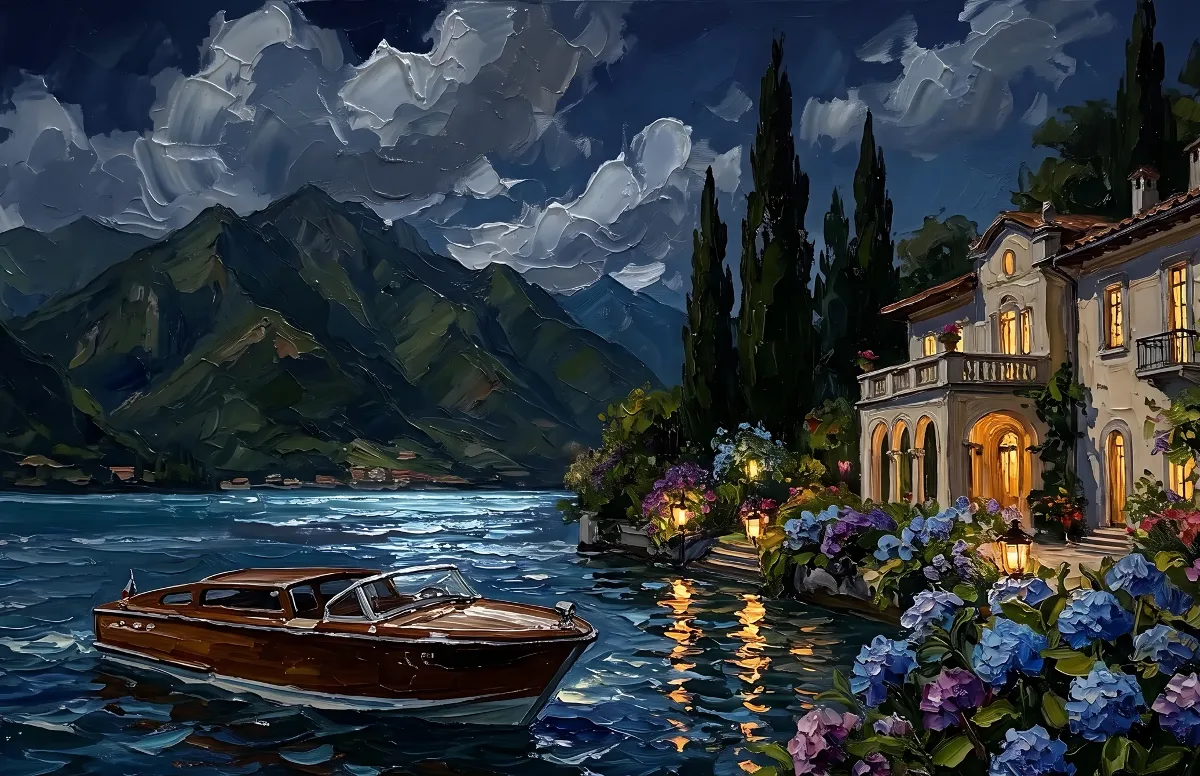
Painted
Impasto oil paintings with a day and a night version of the same scene.
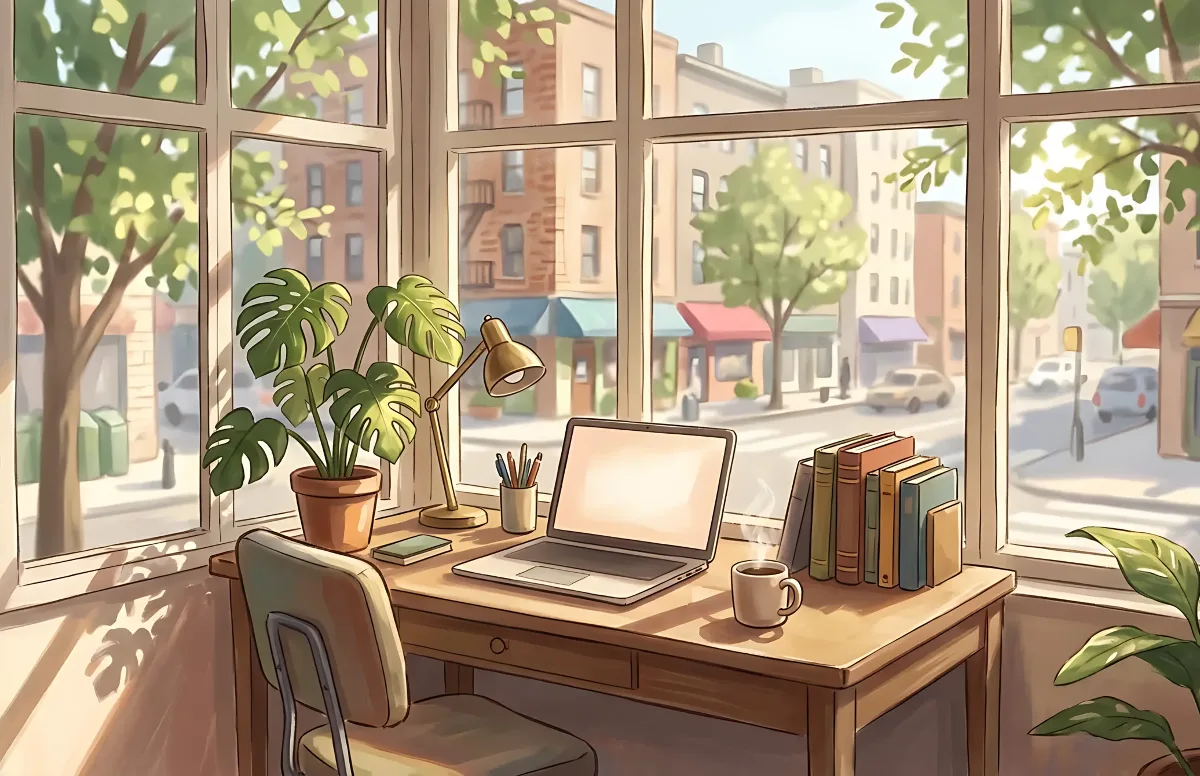
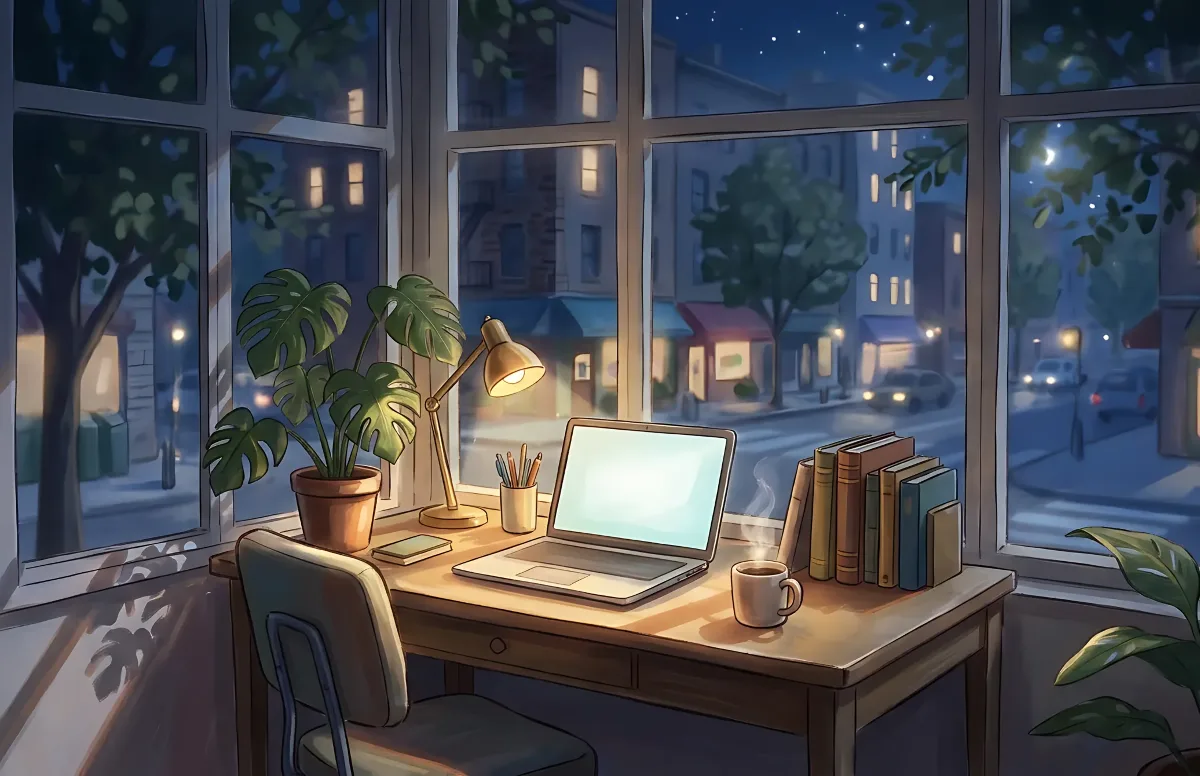
Cozy
Illustrated rooms: sunlight by day, lamp light at night.