January 2027 at a glance
January 2027 has 31 days. It starts on a Friday and ends on a Sunday, with 5 Saturdays, 5 Sundays and 21 weekdays. It runs from ISO calendar week 53 to week 4.
Dates in January 2027
| January 1 | Friday | New Year's Day |
|---|---|---|
| January 18 | Monday | Martin Luther King Jr. Day |
US holidays and observances.
January 2027 calendar wallpaper for Mac
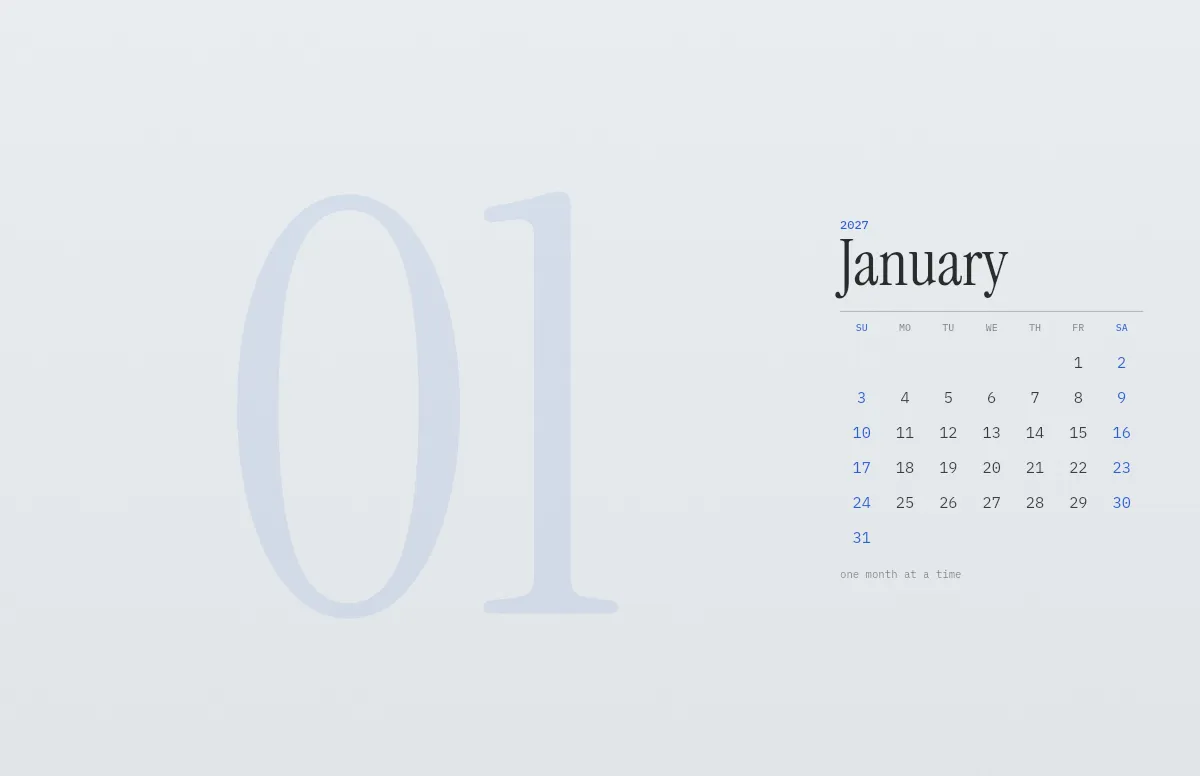
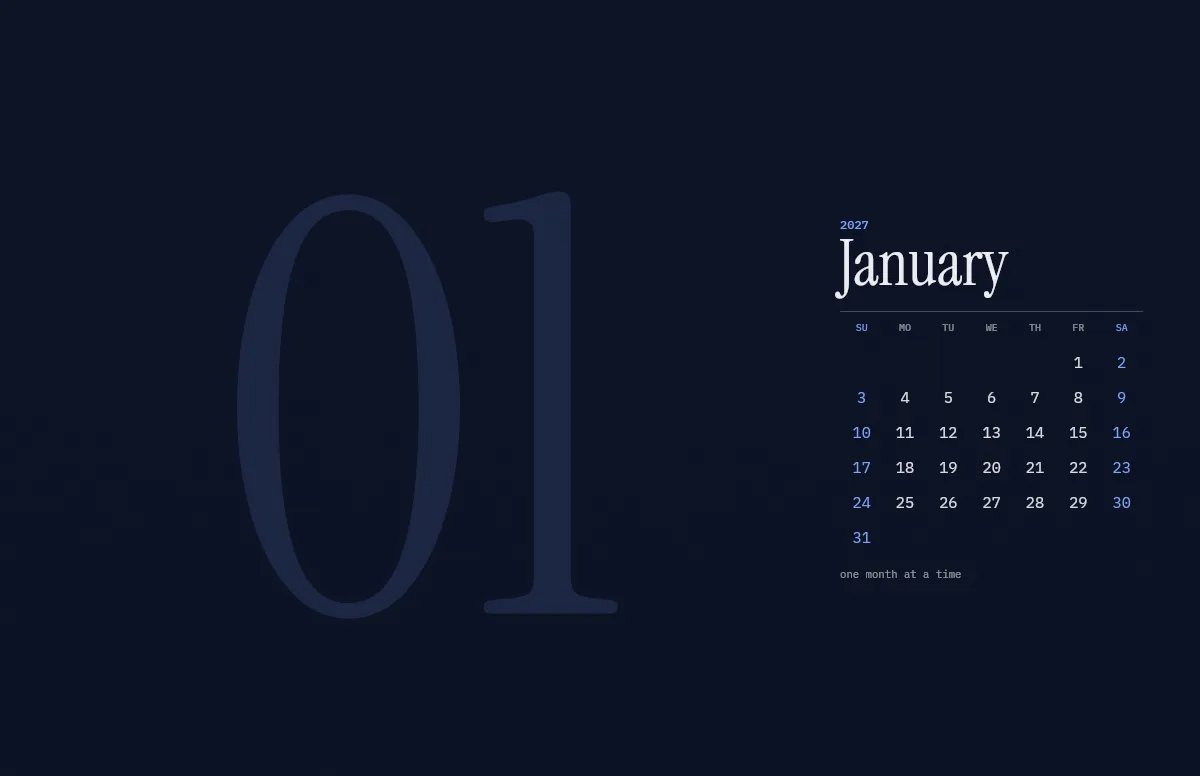
The preview shows a MacBook Pro 16″. In the generator you can pick every MacBook, iMac, Studio Display and common external display, and the calendar is drawn for that resolution. Move the calendar to the left or the middle if you keep files on the right side of your desktop.
January 2027 calendar wallpaper for iPhone
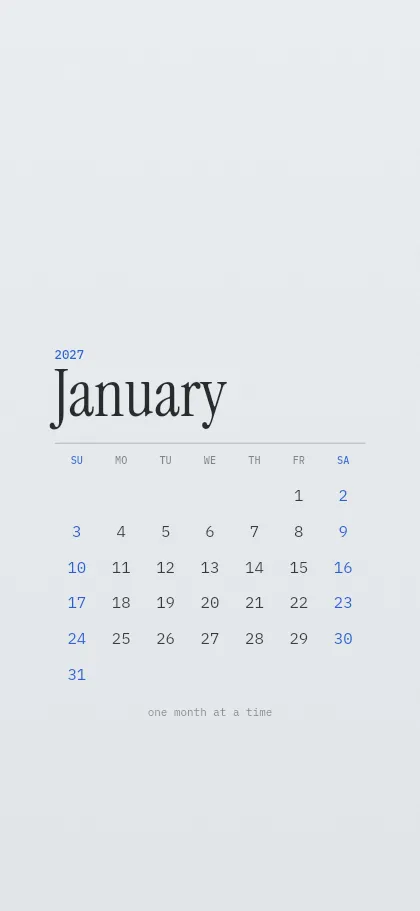
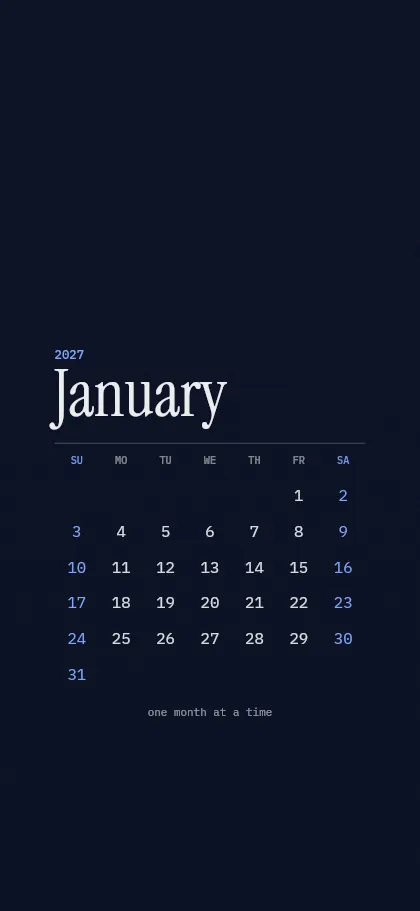
On the iPhone the calendar sits between the lock-screen clock and the buttons at the bottom, so nothing is covered. Choose your model under “Your device” and download the light and the dark PNG.
How to set it
- Pick your device, colors and the first day of the week in the generator above.
- Mac: download the .heic, open it in Finder and choose Set Desktop Picture. It switches with light and dark mode. Step by step.
- iPhone: download the PNGs, save them to Photos and set one as your wallpaper. How to switch them automatically.
Questions and answers
Is the January 2027 calendar wallpaper free?
Yes. It is free for personal use, without sign-up and without a watermark.
Can the week start on Monday?
Yes. Switch on “Week starts on Monday” under Details. ISO week numbers can be shown as well.
Does the wallpaper change to the next month by itself?
No, a wallpaper is a still image. When the month ends, open the calendar page again and download the new month. It takes a few seconds.
Which languages are available?
Month and weekday names are available in English, German, French, Spanish, Italian, Portuguese and Dutch.
Does it fit my screen?
Yes. The wallpaper is drawn in the native resolution of the device you pick, from the iPhone SE to the Pro Display XDR, so it stays sharp.
All months
Templates
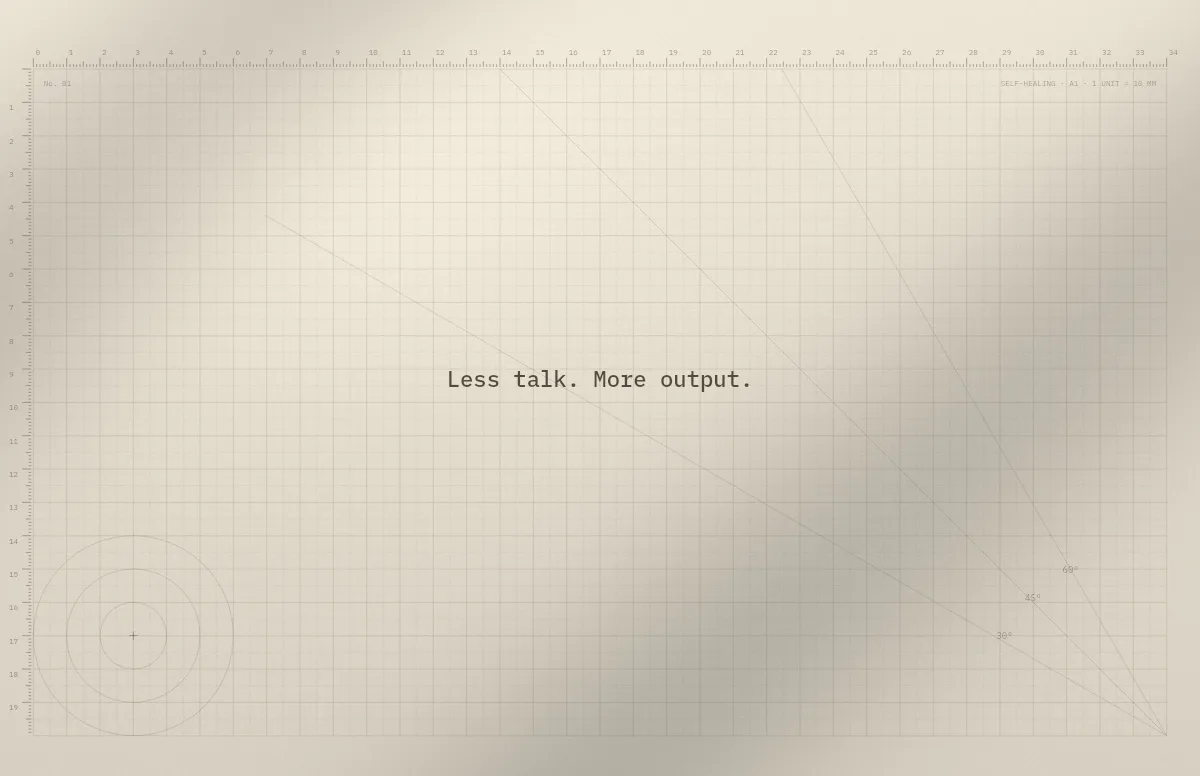
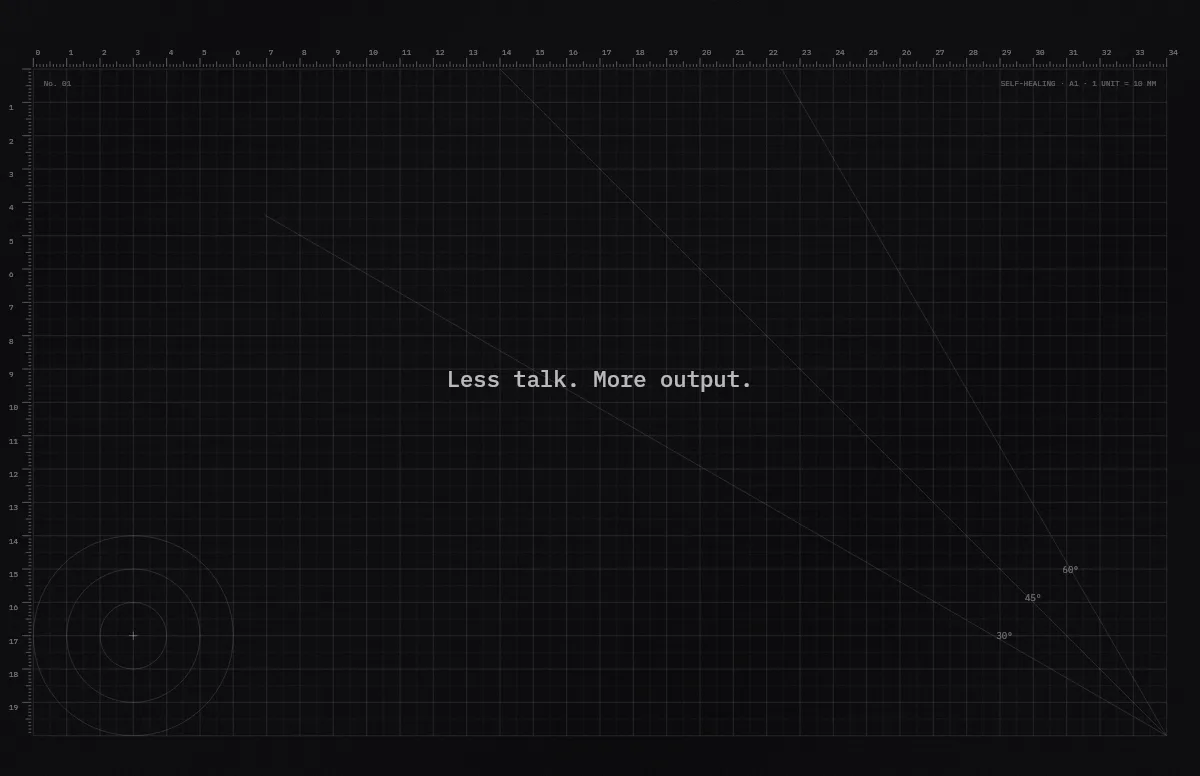
Cutting Mat
Grid, rulers and angle guides, like the mat on a designer's desk.
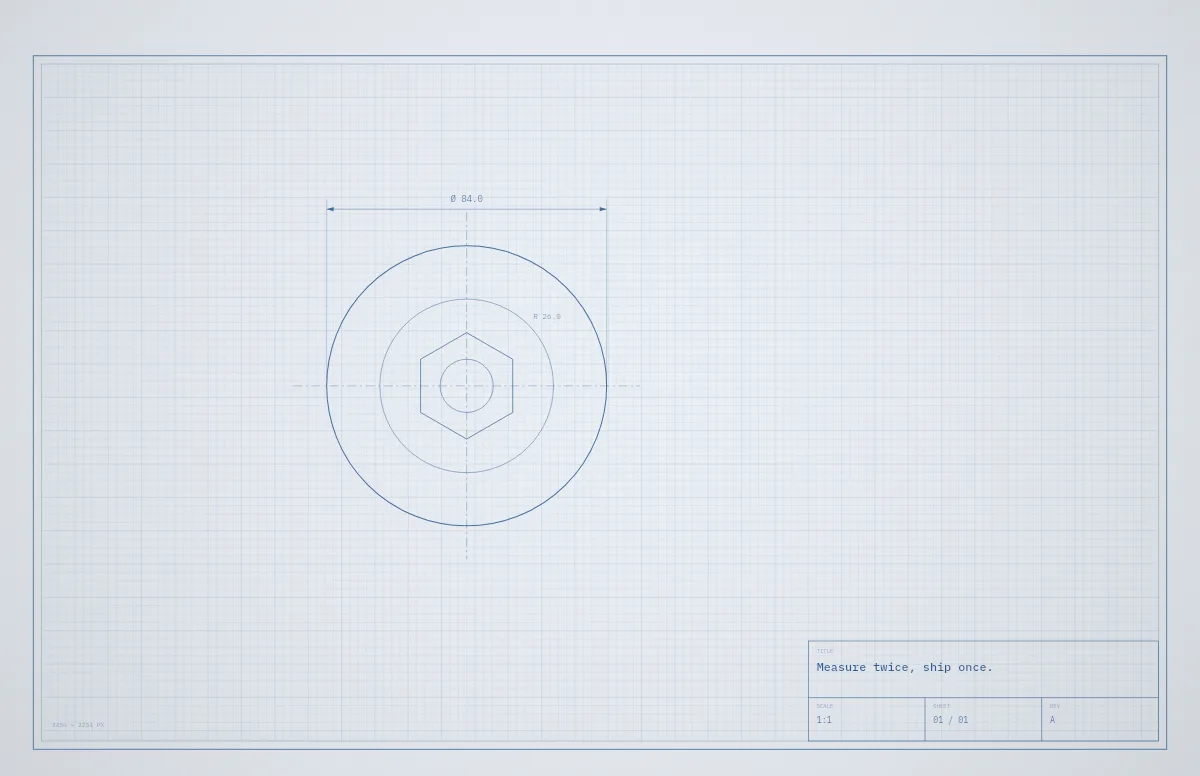
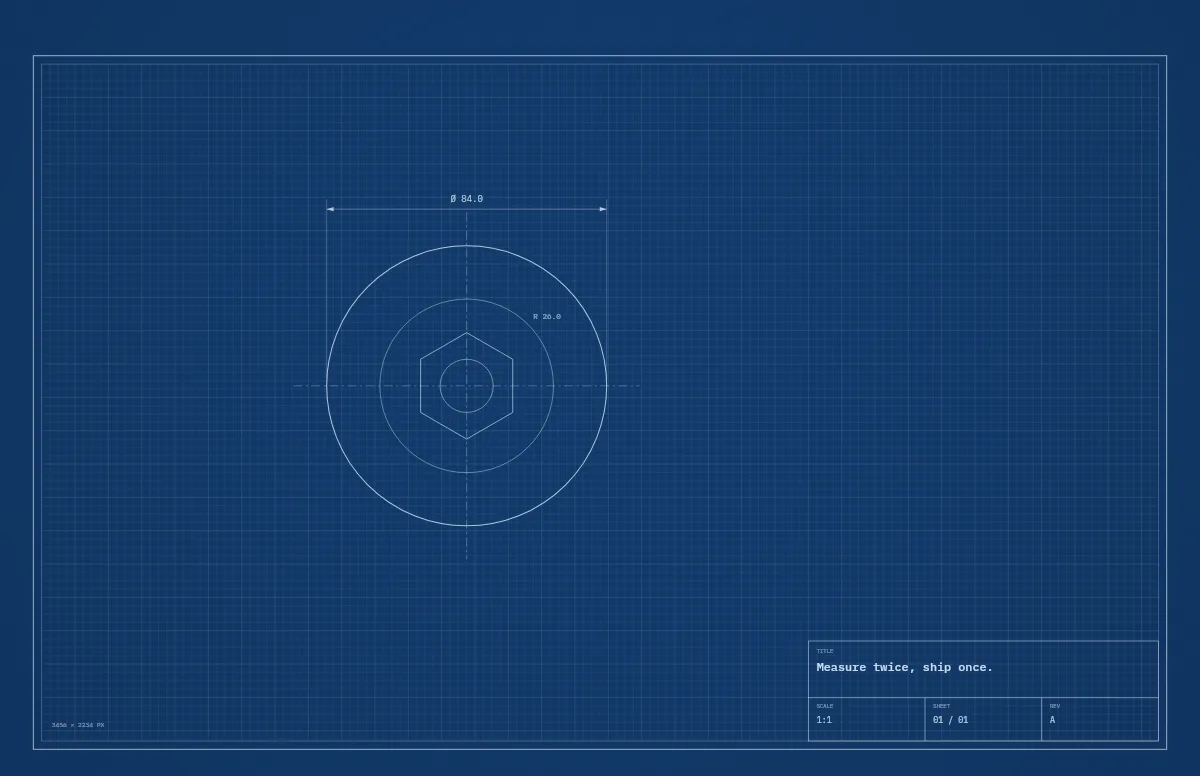
Blueprint
A technical drawing with a title block that carries your text.
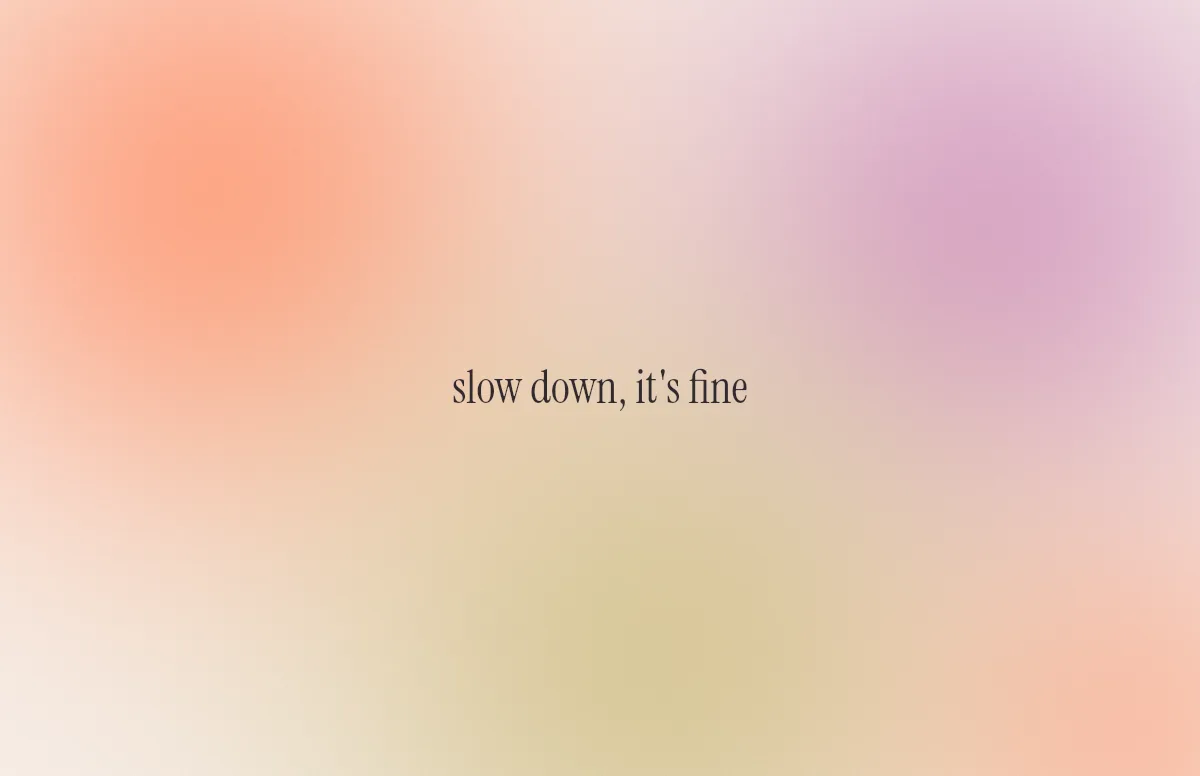
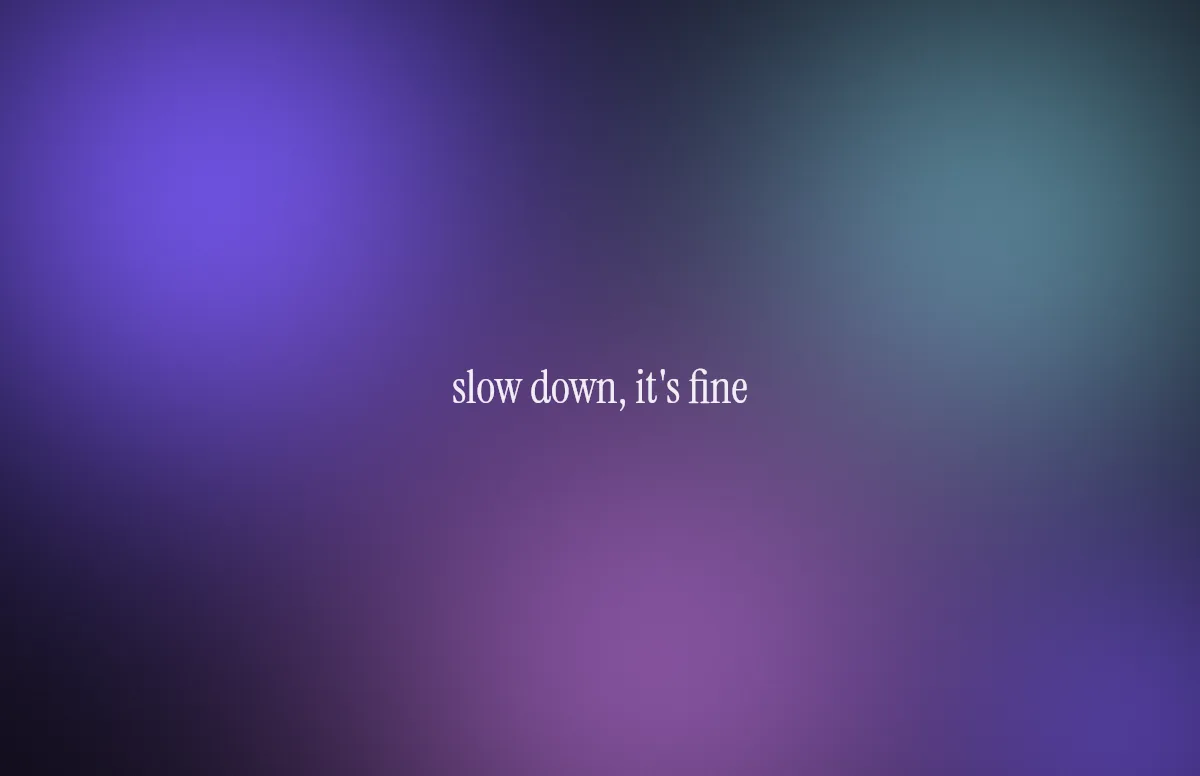
Aura
Soft color glows with a quote in a calm serif.
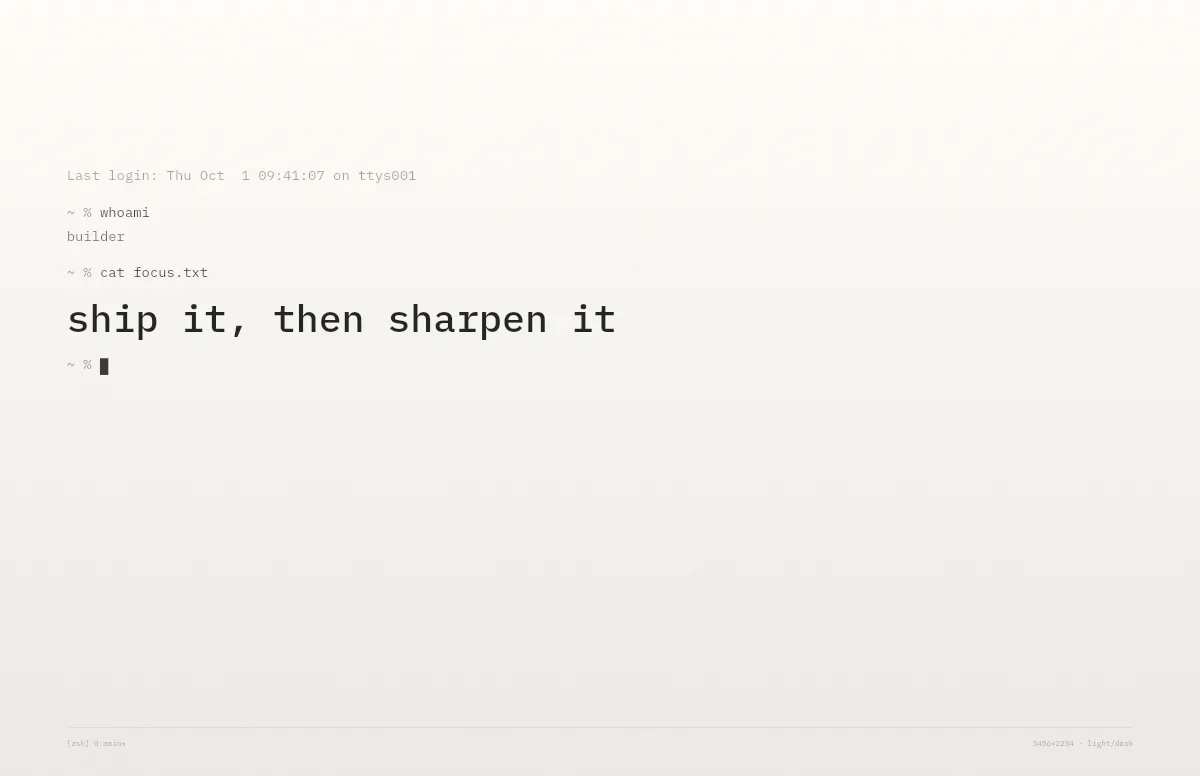
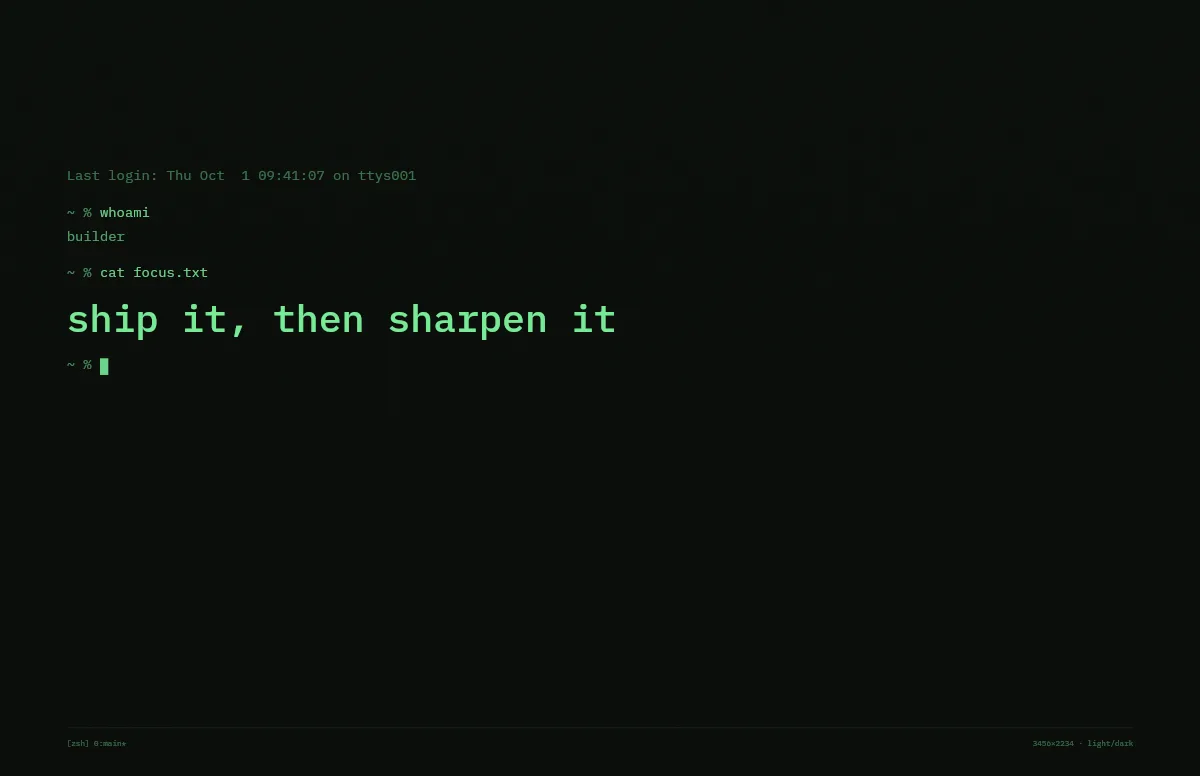
Terminal
A shell session that prints your line. Made for developers.
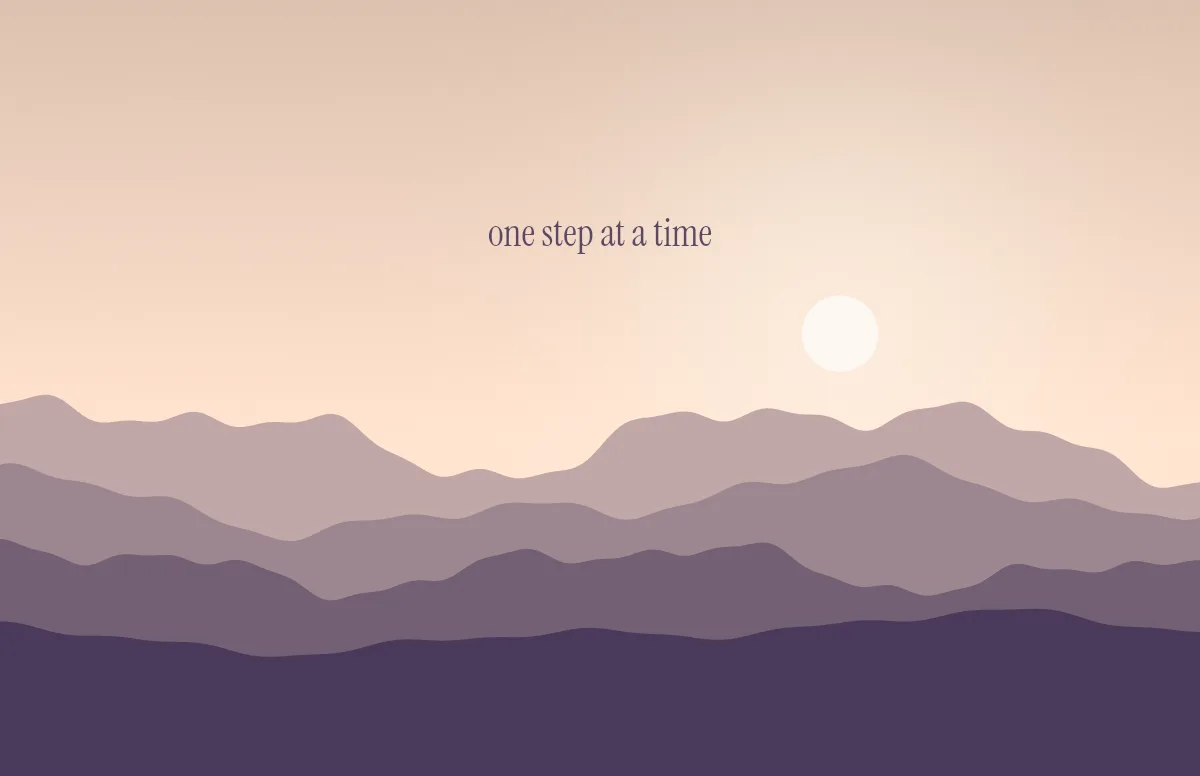
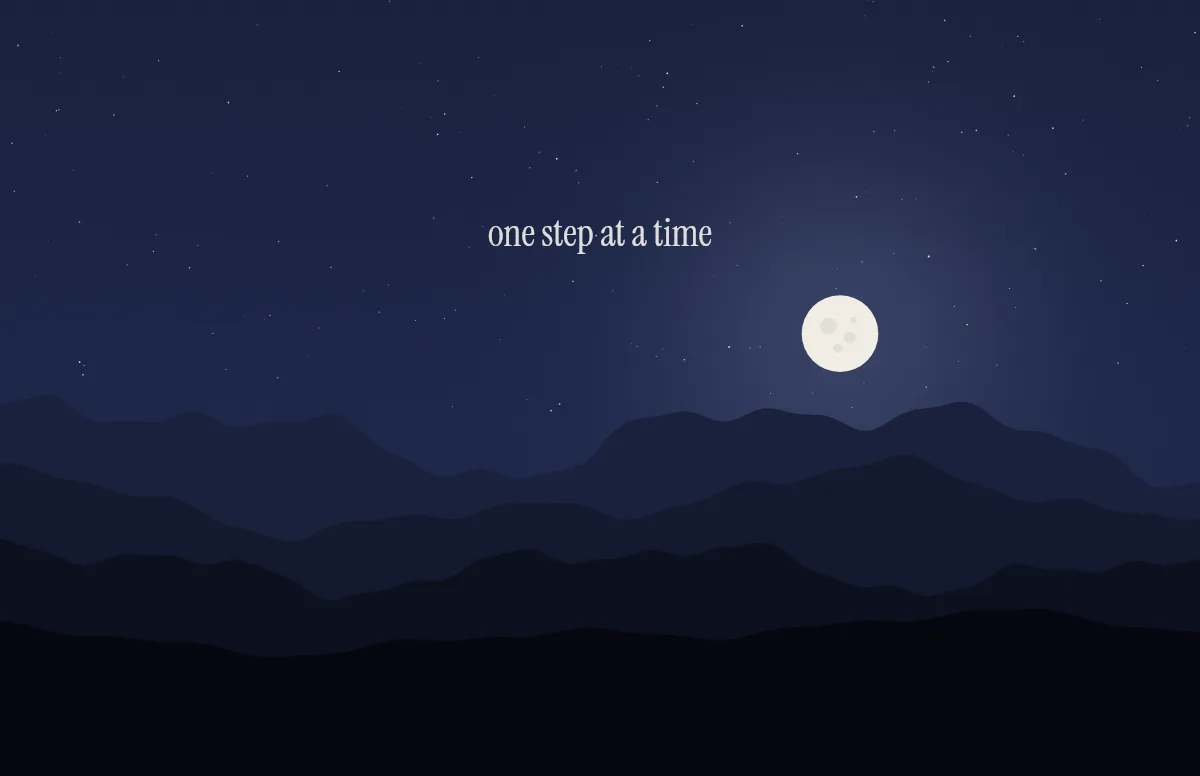
Horizon
Layered mountains under the sun by day and the moon by night.
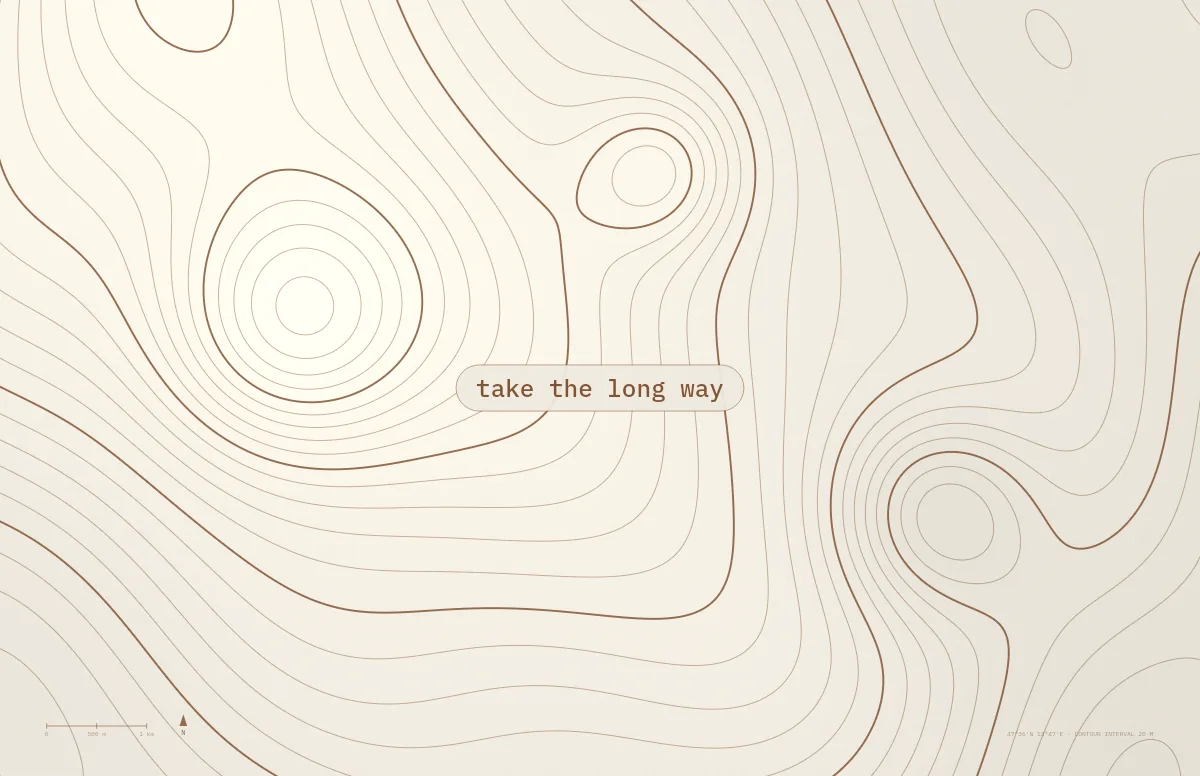
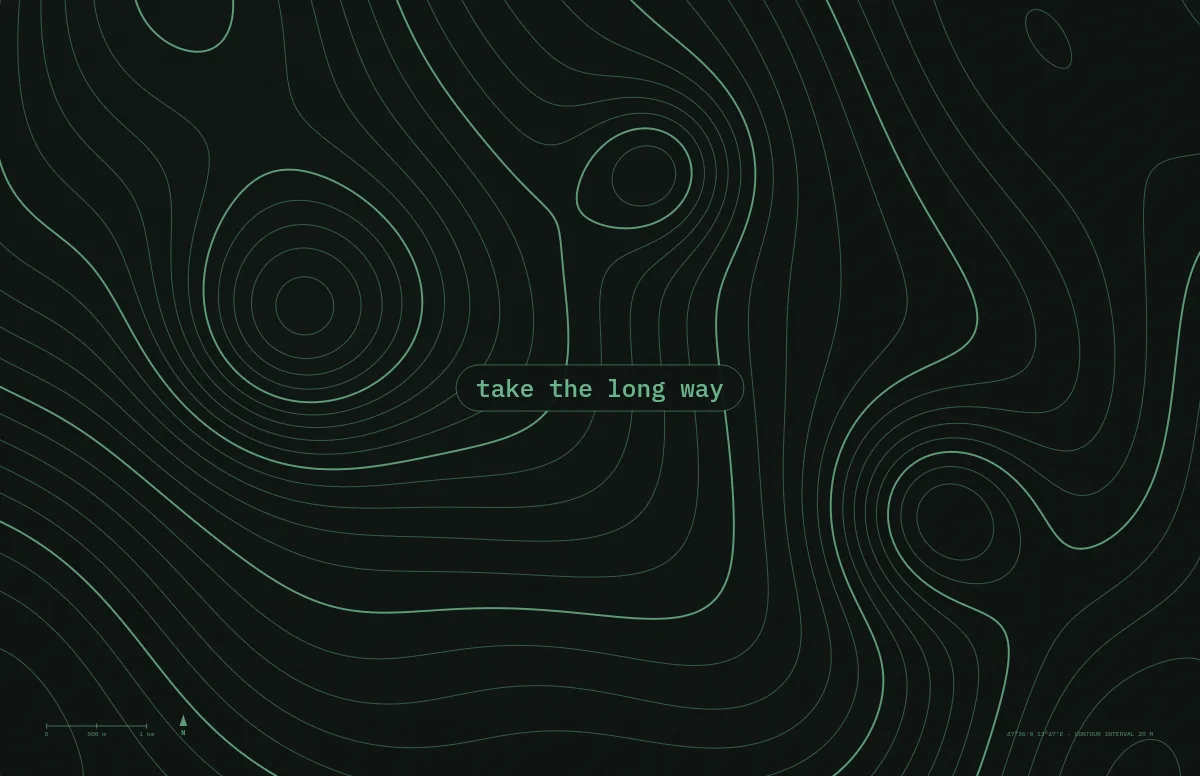
Topo
Contour lines of an imaginary mountain range, with your text as a map label.
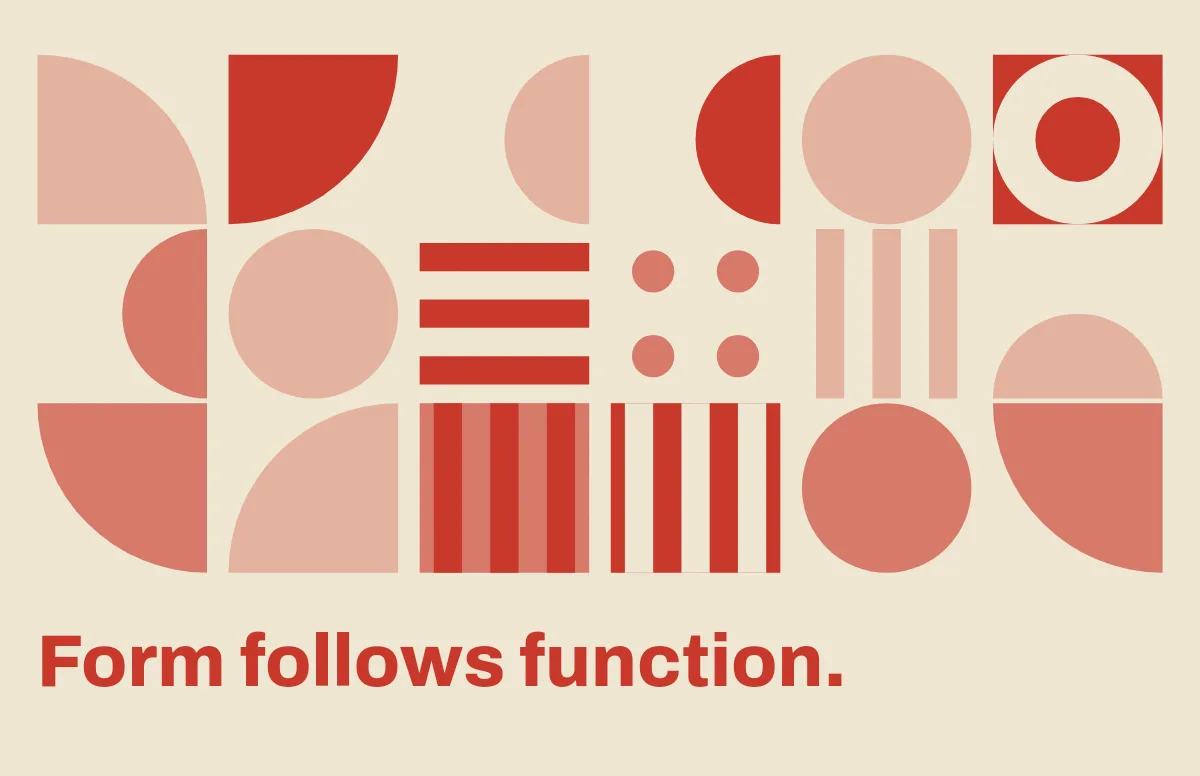
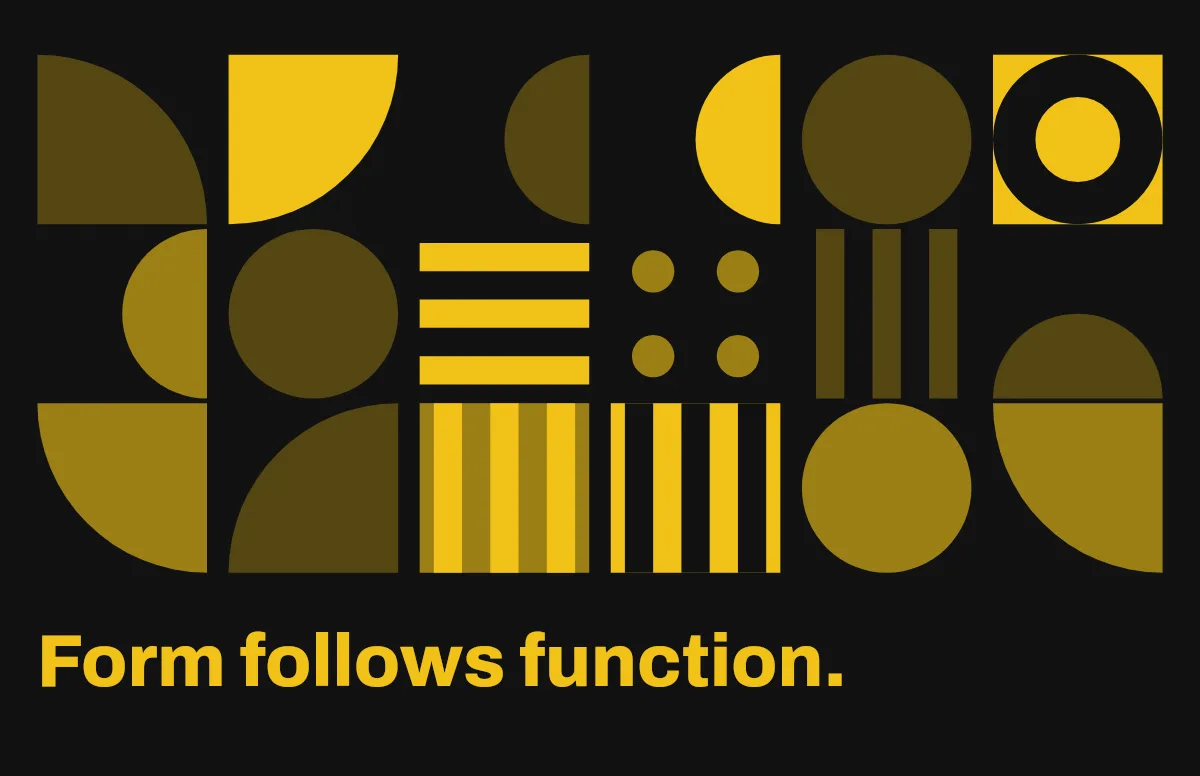
Bauhaus
Circles, quarter circles and stripes on a strict grid, with bold type.
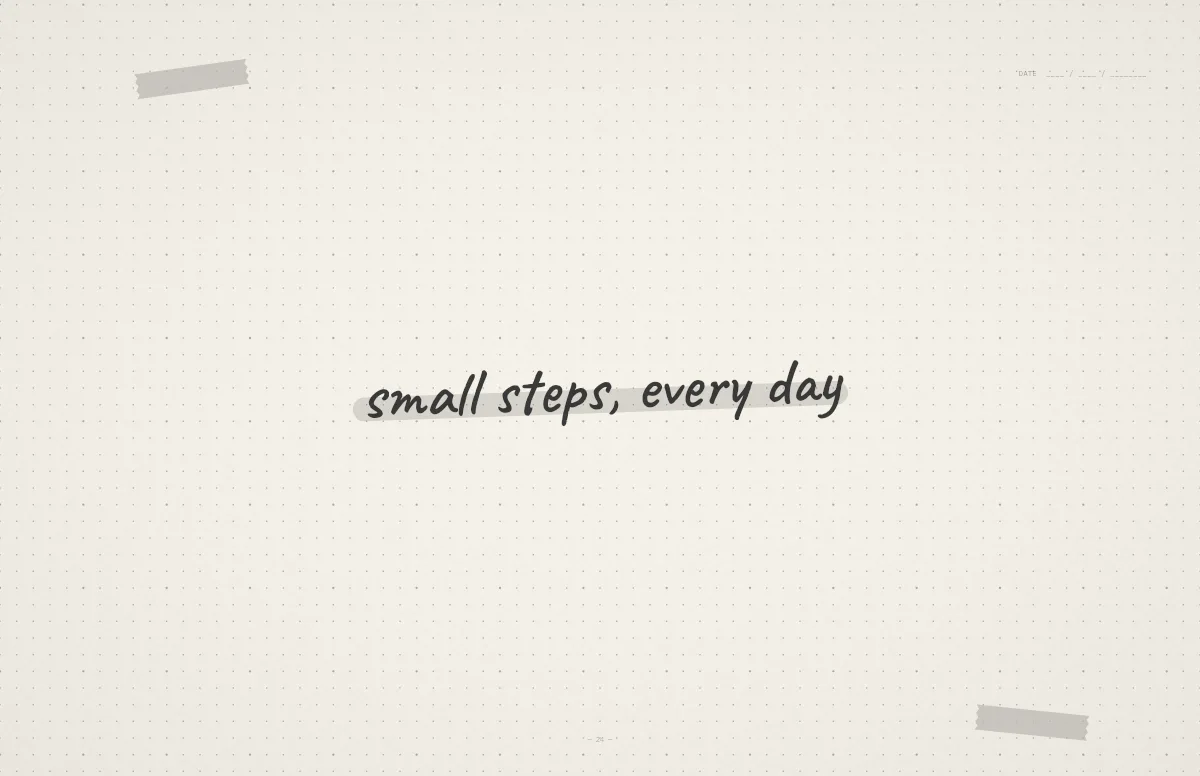
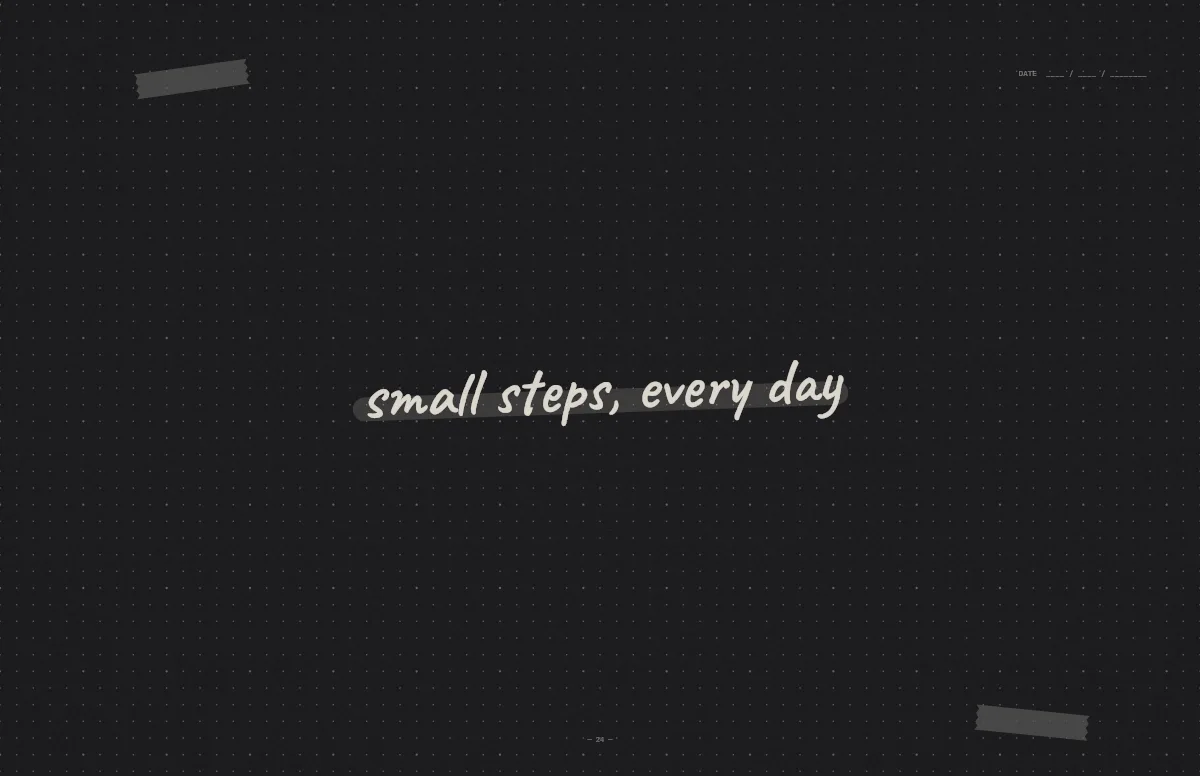
Notebook
A dotted journal page with your line in handwriting and a highlighter stroke.
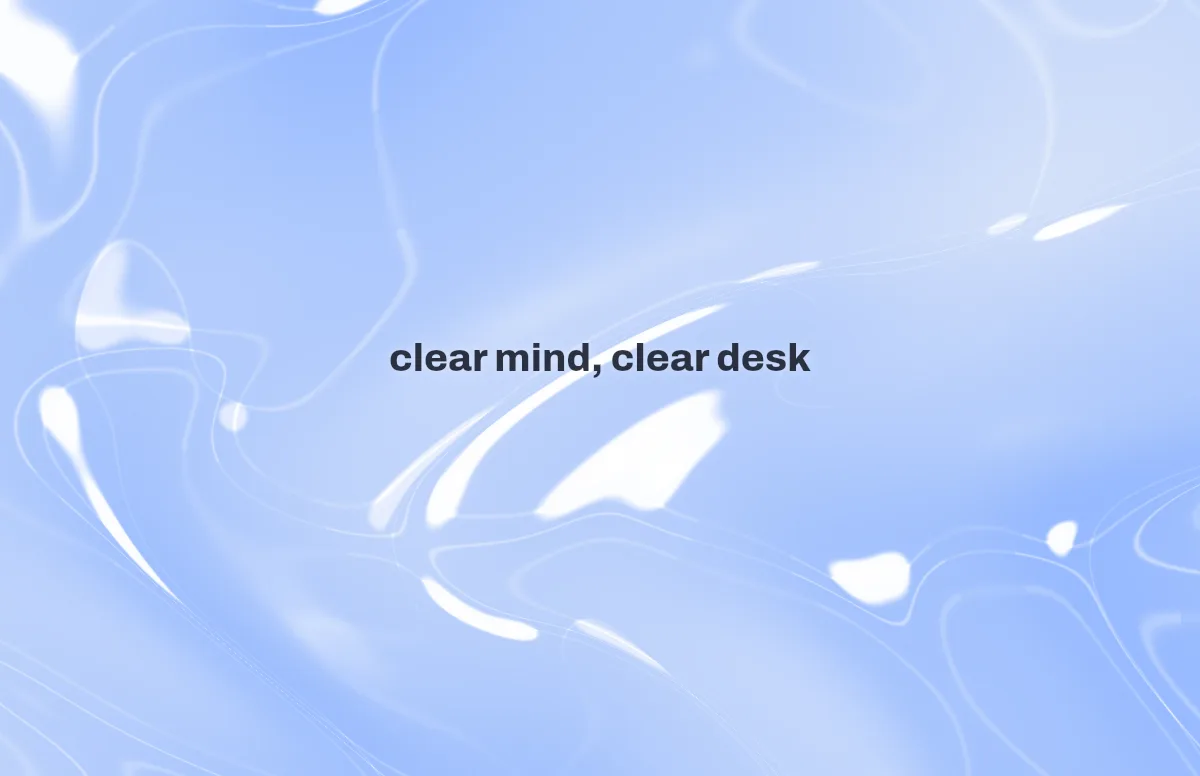
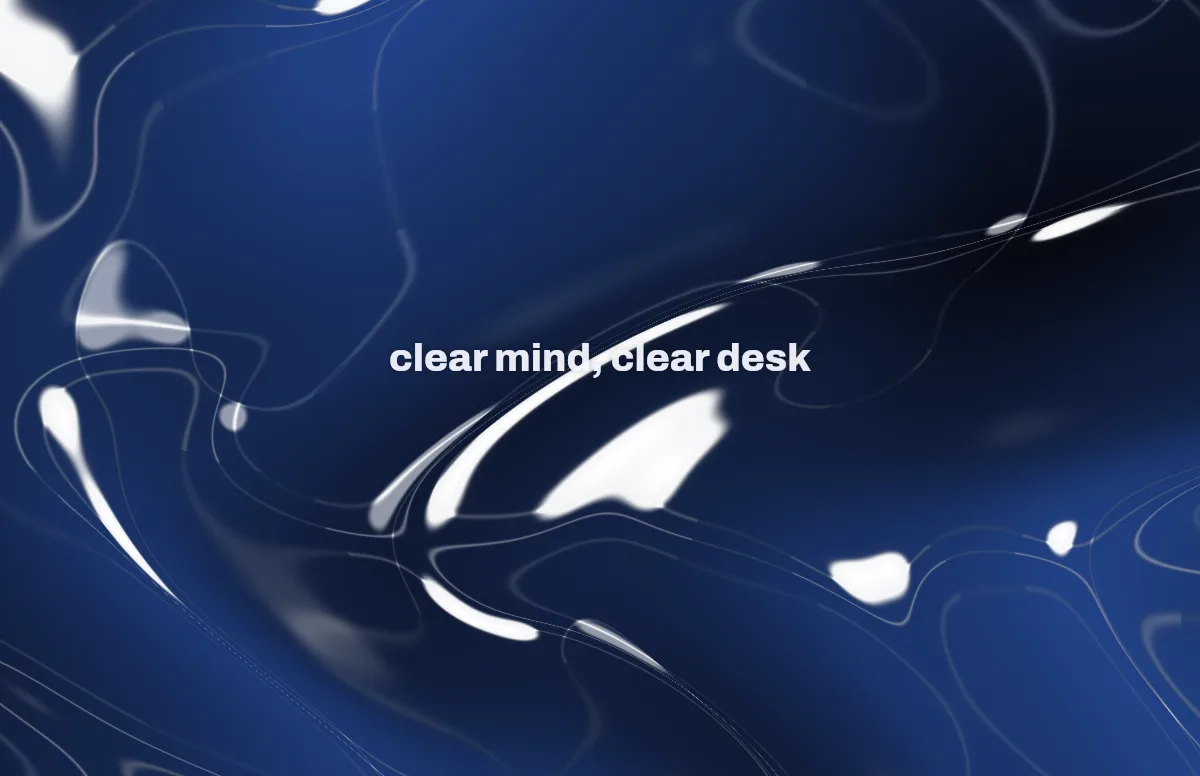
Liquid Glass
Glass shapes that bend the colors behind them, light and dark.
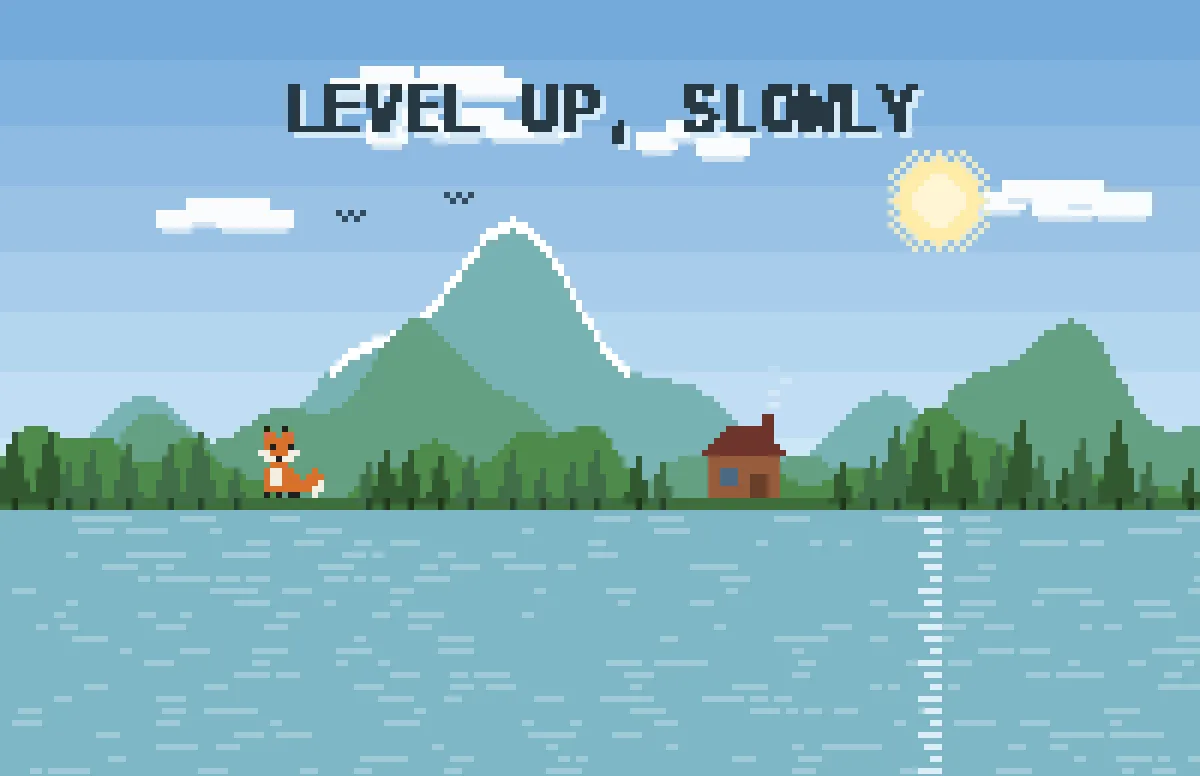
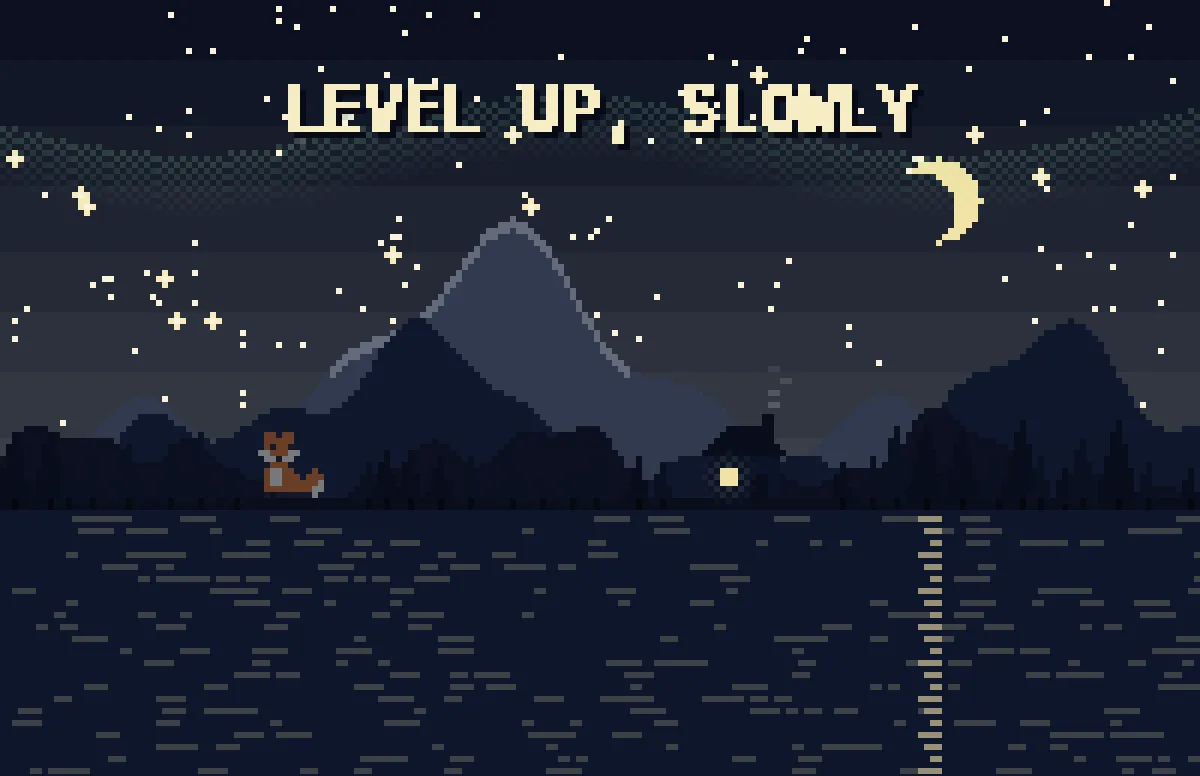
Pixel
Pixel scenes: sun by day, stars and lit windows at night.
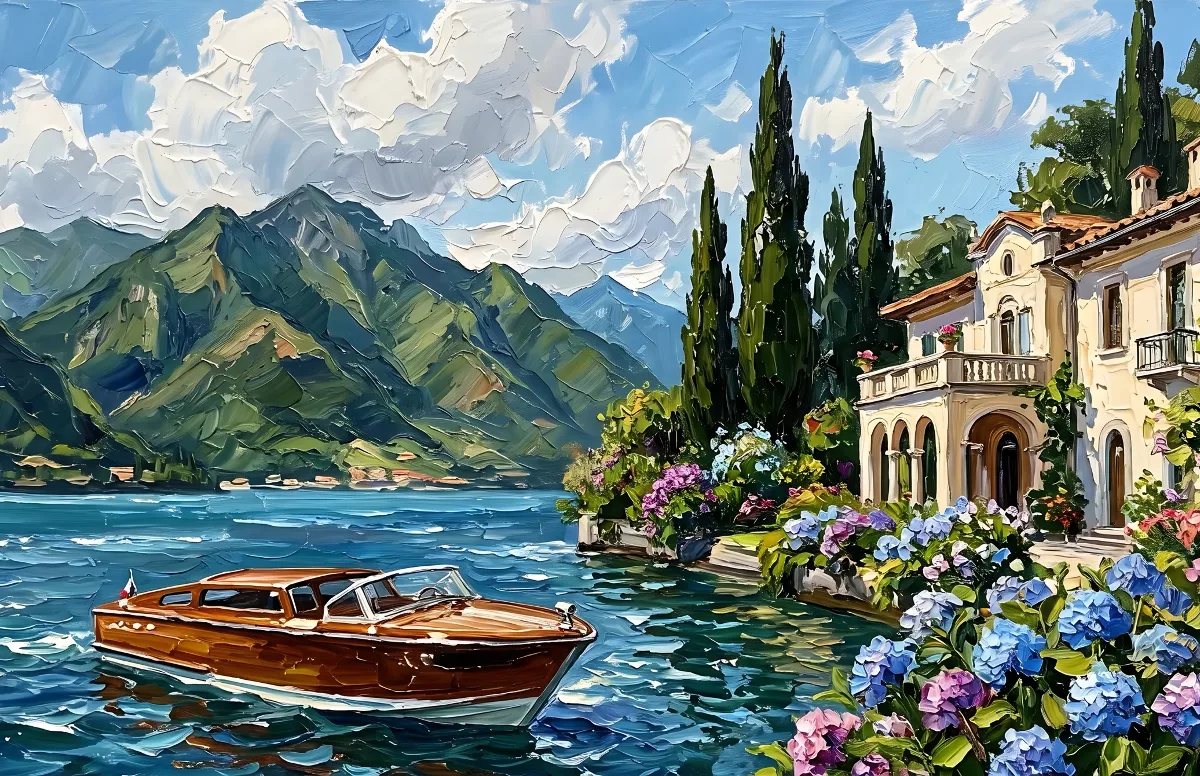
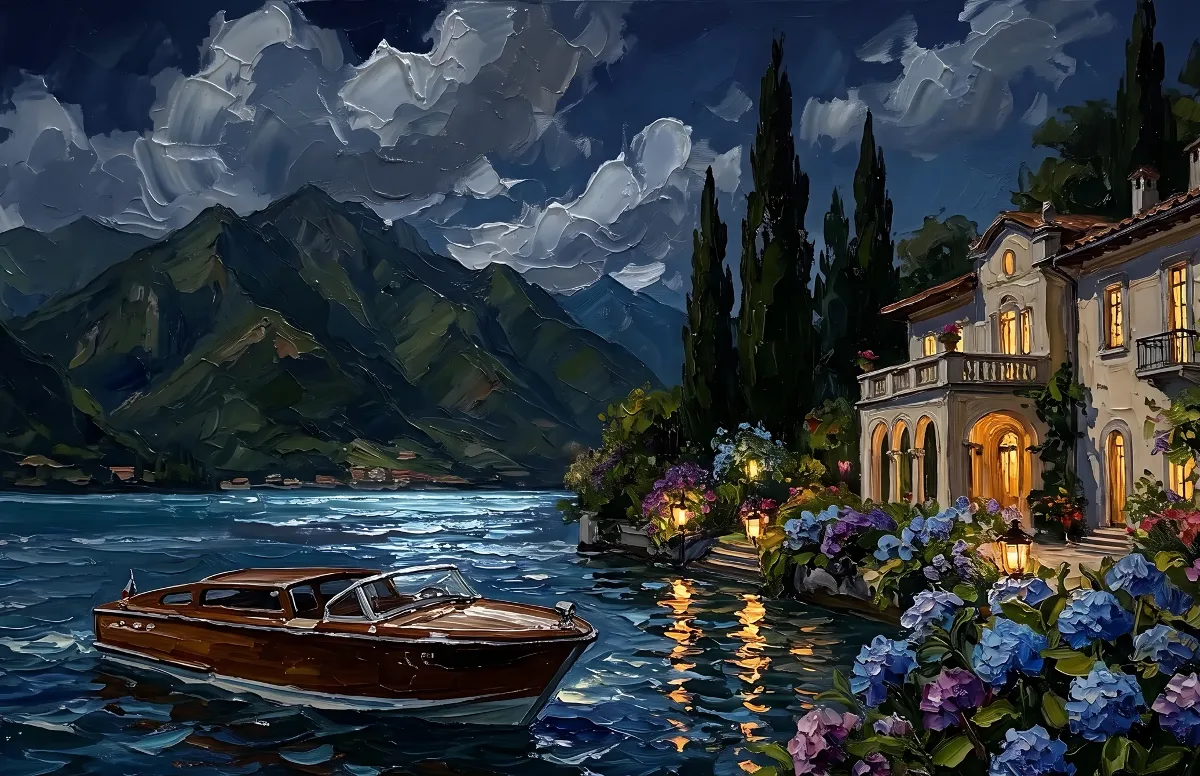
Painted
Impasto oil paintings with a day and a night version of the same scene.
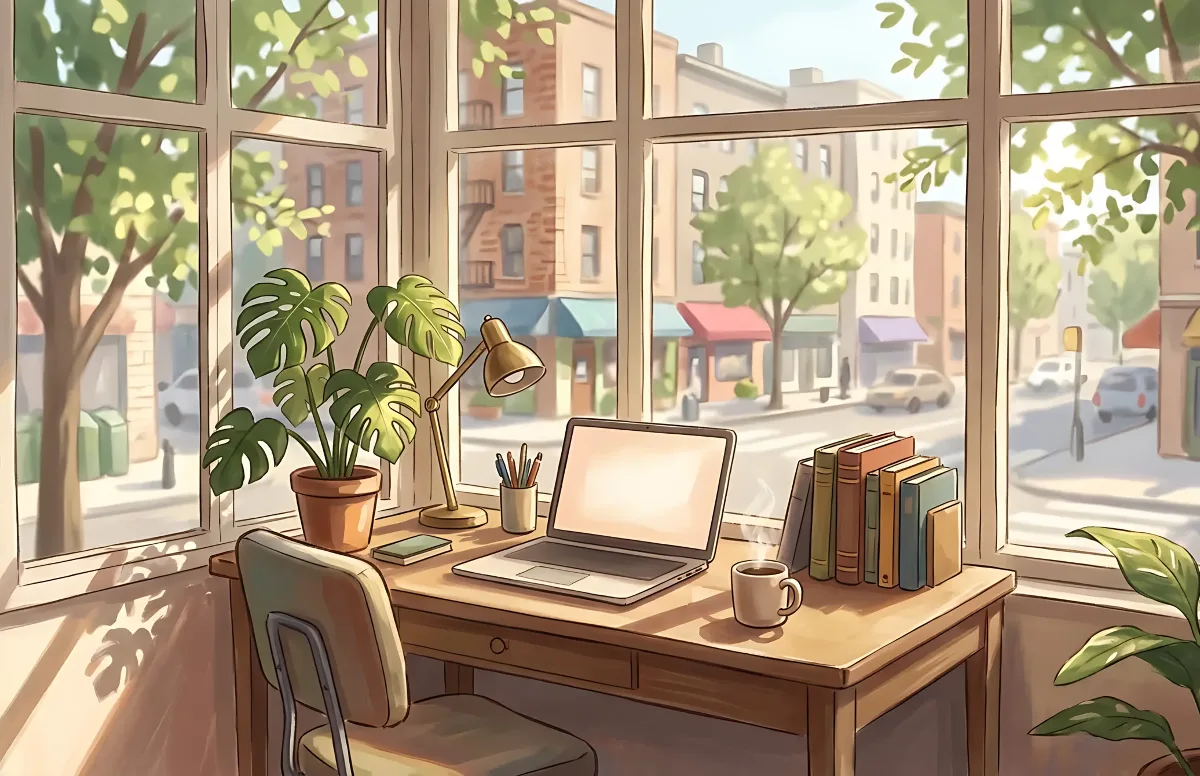
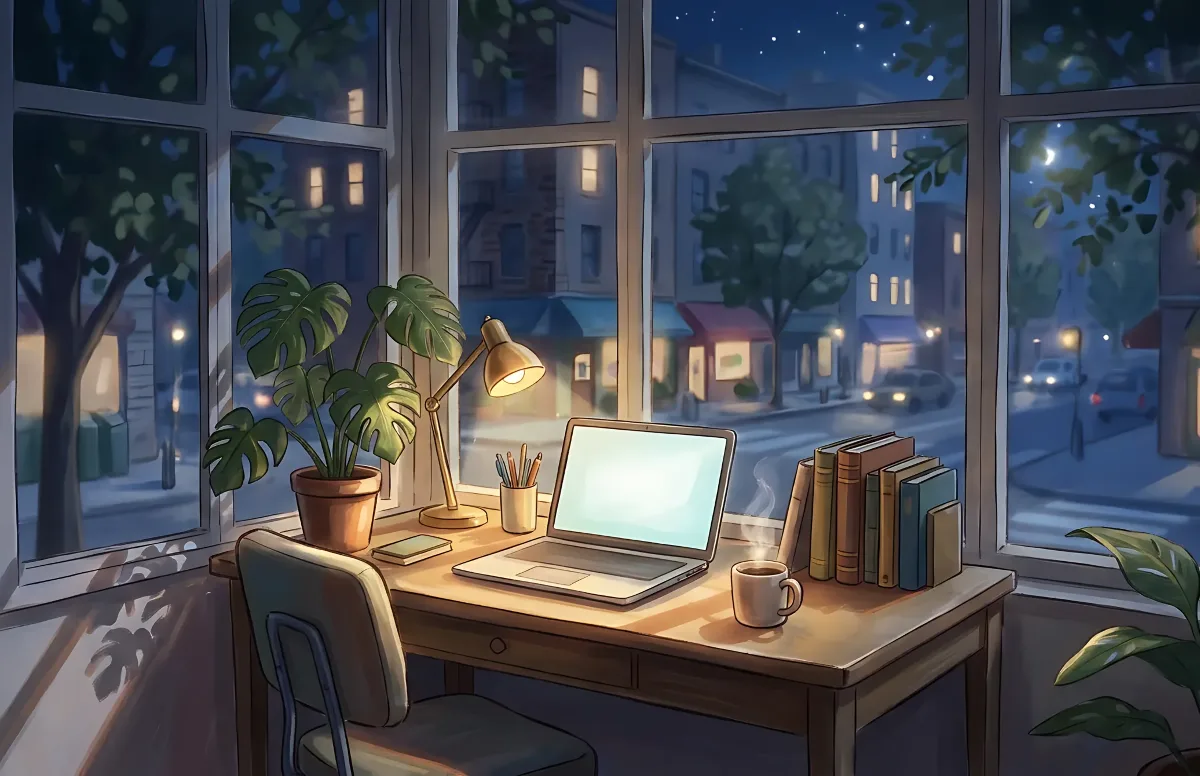
Cozy
Illustrated rooms: sunlight by day, lamp light at night.