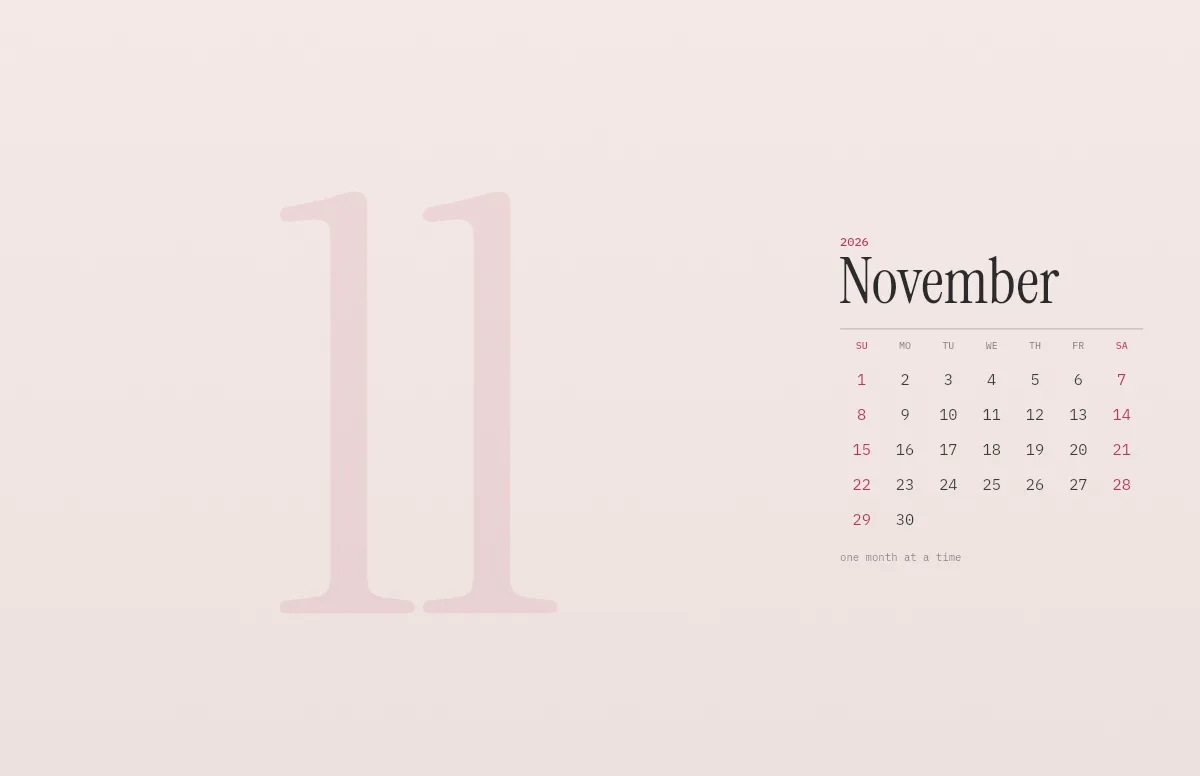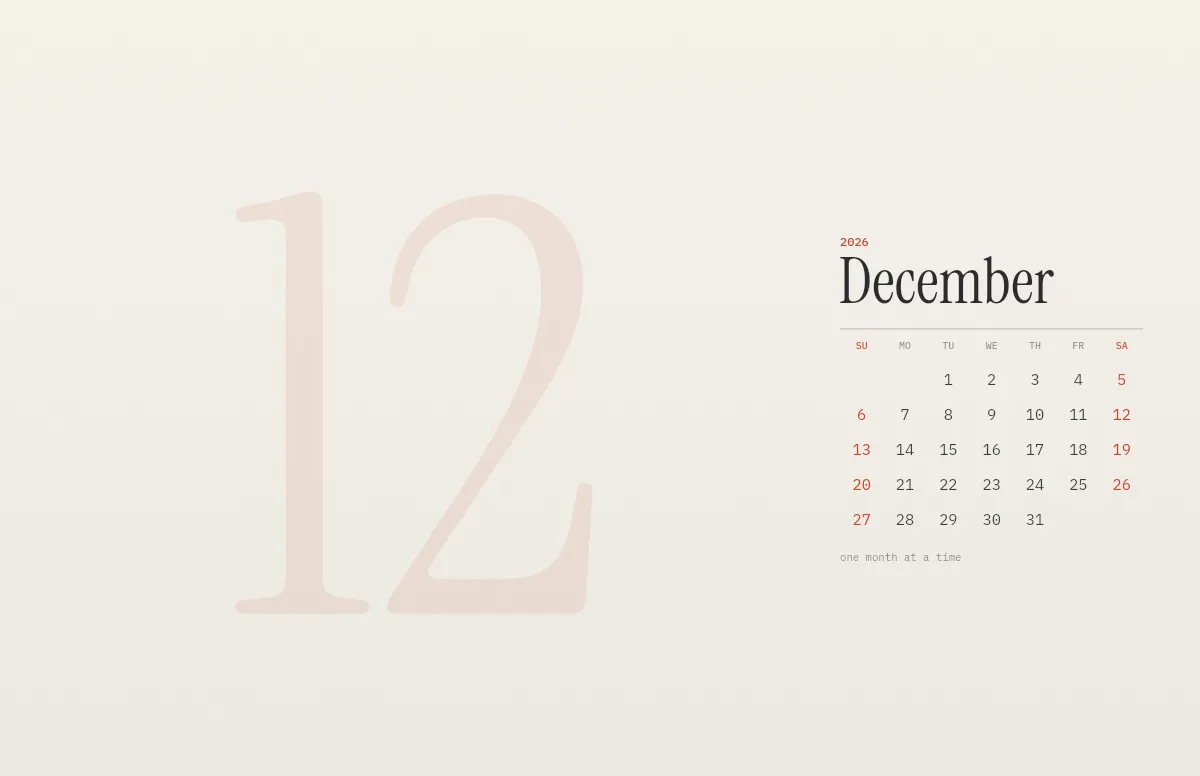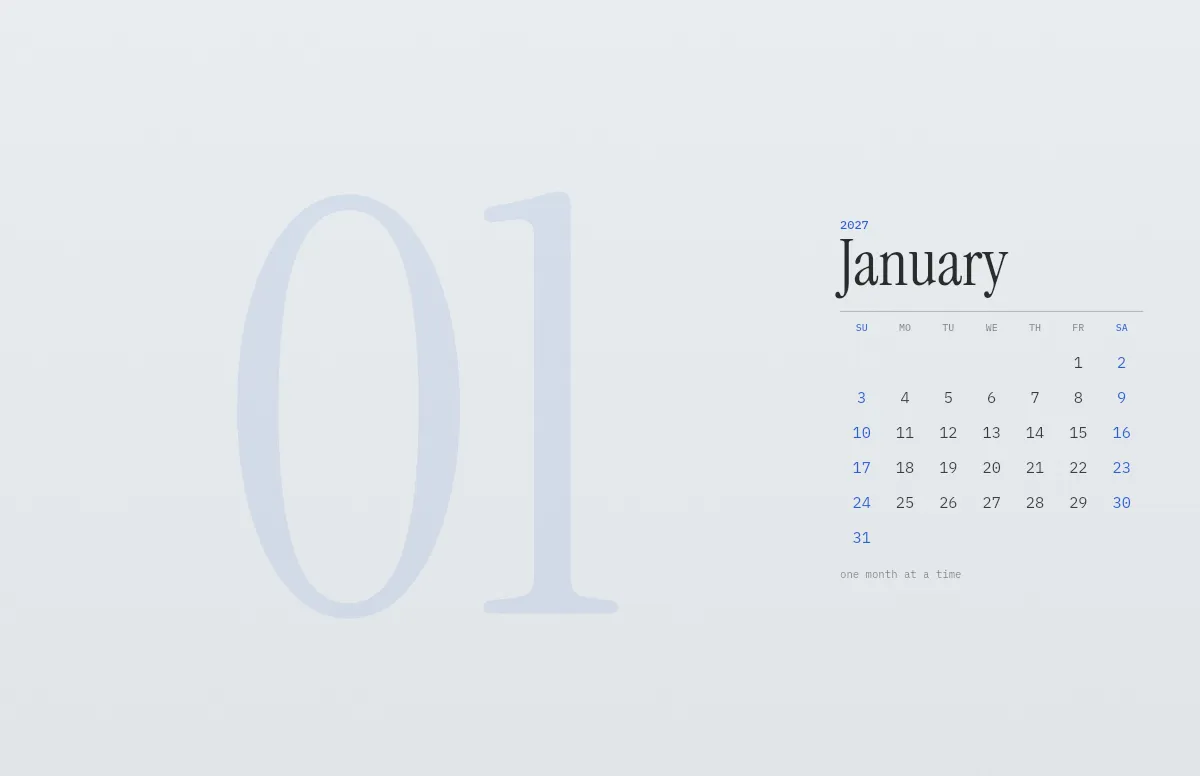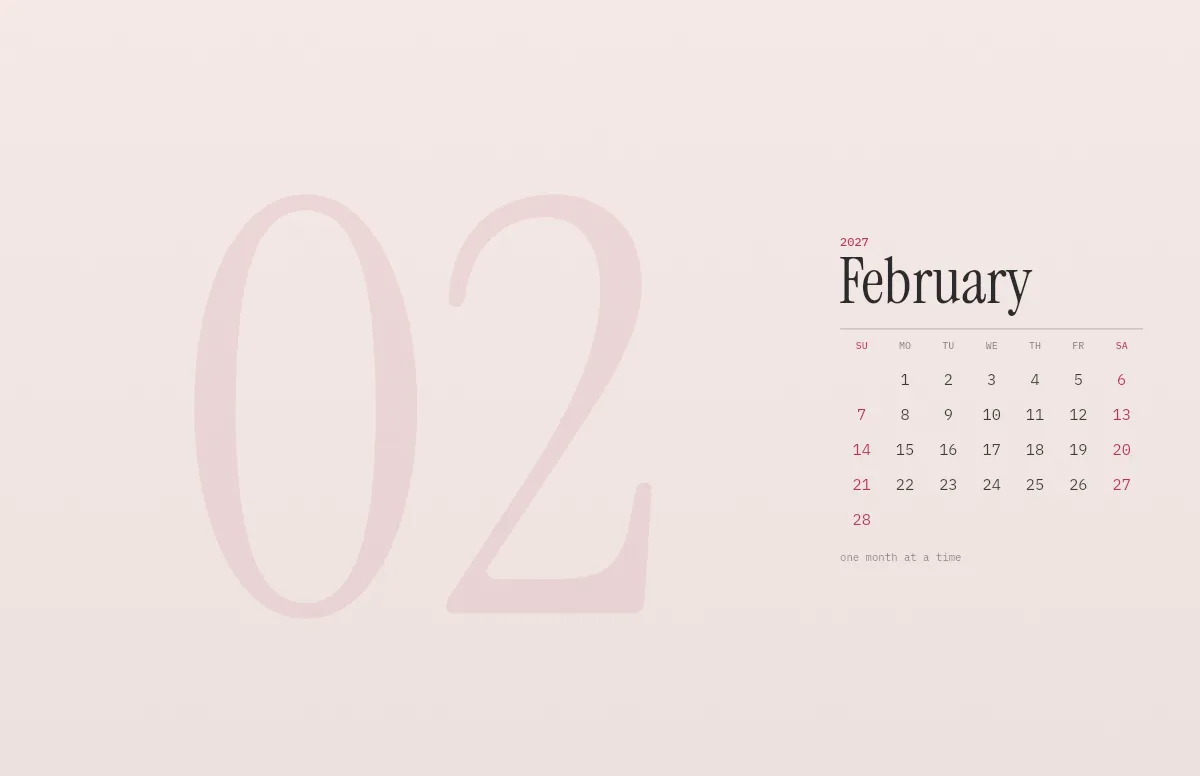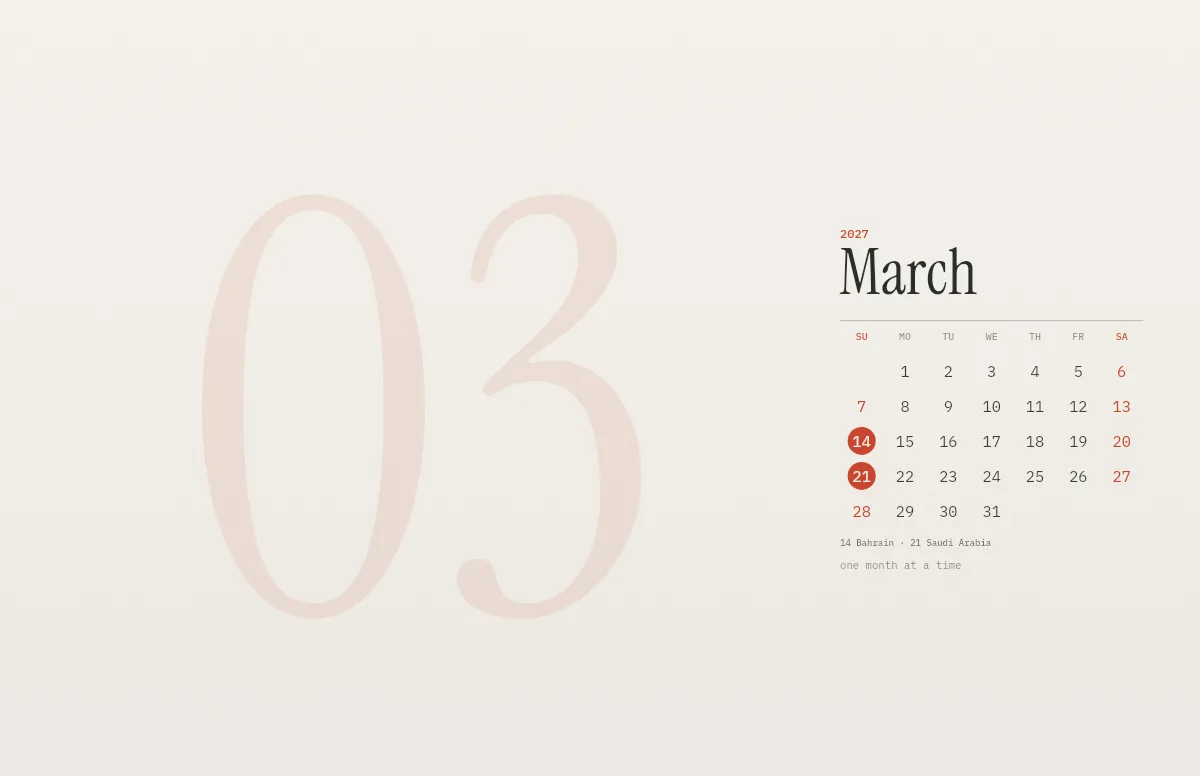
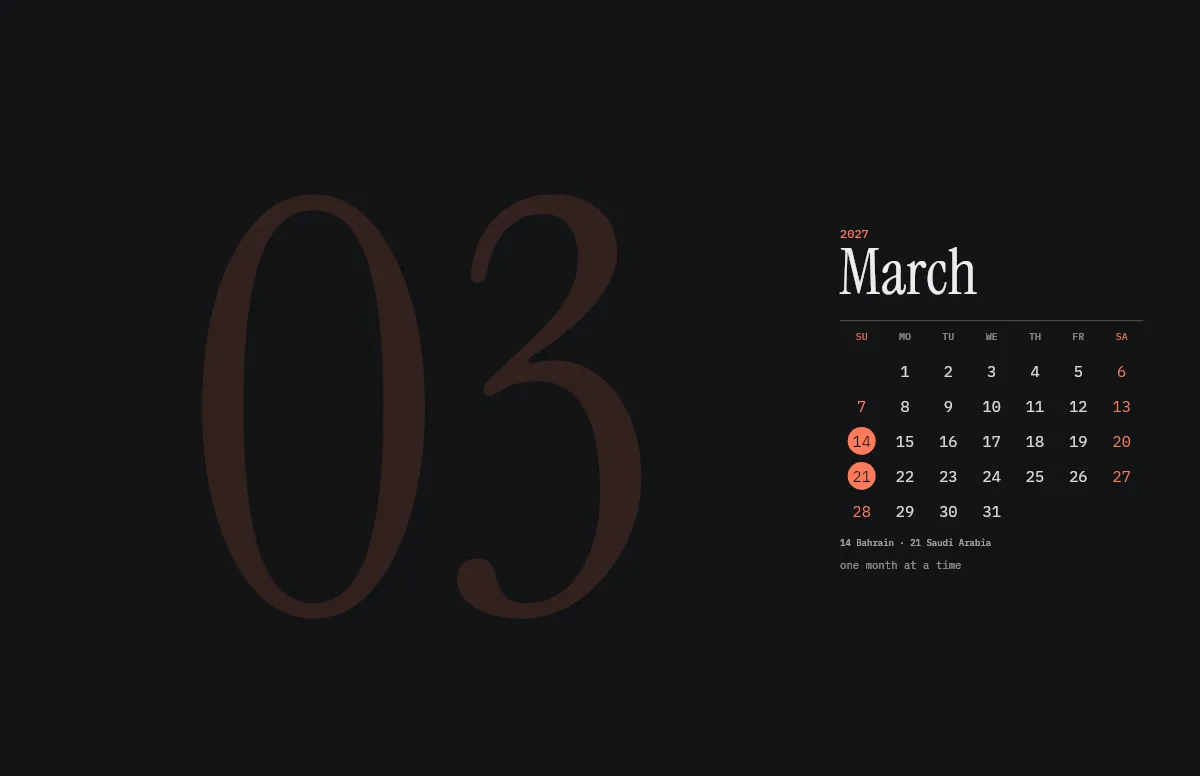
The season starts in Bahrain on March 14 and ends in Abu Dhabi on December 12. Pick a month in the generator above and download it in light and dark for your screen.
Marked is the race day, the last day of each race weekend. The Las Vegas race takes place on a Saturday local time. The wallpaper shows dates and venues only.
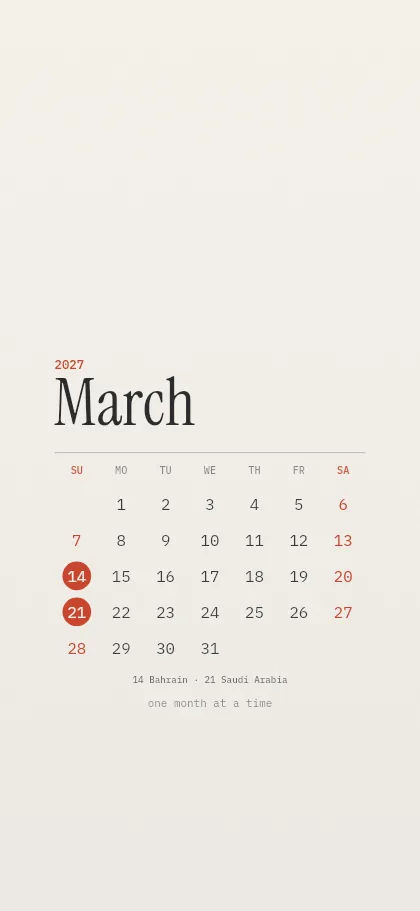
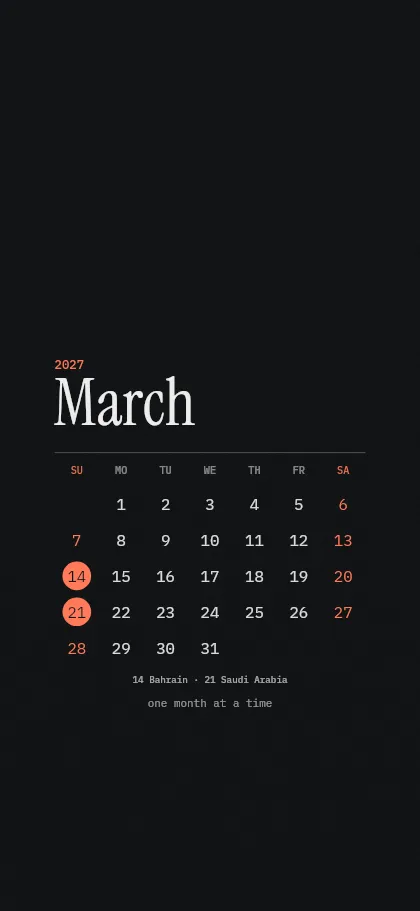
All race days 2027
| Round | Race day | Grand Prix | Venue | Sprint |
|---|---|---|---|---|
| 1 | Sunday, March 14 | Bahrain | Sakhir | Yes |
| 2 | Sunday, March 21 | Saudi Arabia | Jeddah | |
| 3 | Sunday, April 4 | Australia | Melbourne | Yes |
| 4 | Sunday, April 11 | Japan | Suzuka | Yes |
| 5 | Sunday, April 18 | China | Shanghai | |
| 6 | Sunday, May 2 | Miami | Miami | |
| 7 | Sunday, May 23 | Canada | Montréal | Yes |
| 8 | Sunday, June 6 | Monaco | Monte Carlo | Yes |
| 9 | Sunday, June 20 | Portugal | Portimão | |
| 10 | Sunday, July 4 | Great Britain | Silverstone | Yes |
| 11 | Sunday, July 11 | Austria | Spielberg | |
| 12 | Sunday, July 25 | Belgium | Spa-Francorchamps | |
| 13 | Sunday, August 1 | Hungary | Budapest | |
| 14 | Sunday, September 5 | Italy | Monza | Yes |
| 15 | Sunday, September 12 | Spain | Madrid | |
| 16 | Sunday, September 26 | Azerbaijan | Baku | |
| 17 | Sunday, October 3 | Türkiye | Istanbul | |
| 18 | Sunday, October 10 | Singapore | Singapore | |
| 19 | Sunday, October 24 | United States | Austin | |
| 20 | Sunday, October 31 | Mexico | Mexico City | |
| 21 | Sunday, November 7 | Brazil | São Paulo | Yes |
| 22 | Saturday, November 20 | Las Vegas | Las Vegas | |
| 23 | Sunday, December 5 | Qatar | Lusail | Yes |
| 24 | Sunday, December 12 | Abu Dhabi | Abu Dhabi | Yes |
Calendar as published in 2026. The round in Istanbul is subject to circuit homologation, dates can still change.
How to set it
- Pick your device, colors and the first day of the week in the generator above.
- Mac: download the .heic, open it in Finder and choose Set Desktop Picture. It switches with light and dark mode. Step by step.
- iPhone: download the PNGs, save them to Photos and set one as your wallpaper. How to switch them automatically.
Questions and answers
Is it free?
Yes. It is free for personal use, without sign-up and without a watermark.
Can I combine the dates with my own colors and text?
Yes. Colors, language, week start and your own line work as in every calendar wallpaper.
Does the wallpaper change to the next month by itself?
No, a wallpaper is a still image. When the month ends, open the calendar page again and download the new month. It takes a few seconds.
Does it fit my screen?
Yes. The wallpaper is drawn in the native resolution of the device you pick, from the iPhone SE to the Pro Display XDR, so it stays sharp.