Apple has announced two new 14-inch MacBook Pro models that go on sale on November 6, 2026, and one of them changes the screen more than any MacBook since the notch arrived in 2021. Here is what that means for your wallpaper, based on what Apple has officially published. Where something is not confirmed yet, it says so.
The short answer
| Model | Wallpaper size | Top of the screen |
|---|---|---|
| MacBook Pro 14″ with PROLED XDR Display | 3024 × 1986 | Dynamic Island |
| MacBook Pro 16″ with PROLED XDR Display | 3472 × 2266 | Dynamic Island |
| MacBook Pro 14″ with M6 | 3024 × 1964 | notch, as before |
All three resolutions are from Apple's technical specifications. The full list for every other Mac is in the MacBook wallpaper size table.
What Apple announced
Apple introduced the 14-inch MacBook Pro with M6 on October 27 and the MacBook Pro with PROLED XDR Display one day later. Both can be pre-ordered now and go on sale on November 6.
The MacBook Pro with M6 is the familiar design with a faster chip, Wi-Fi 7 and up to 24 hours of battery life. It keeps the 14.2-inch Liquid Retina XDR display with 3024 × 1964 pixels and the camera notch. In the US it starts at $1,999.
The MacBook Pro with PROLED XDR Display is the new one. It is Apple's first Mac with an OLED panel and its first Mac with a touchscreen, and it runs on M5 Pro or M5 Max. Apple lists it at 14.2 and 16.3 inches, both at 254 pixels per inch, with up to 2000 nits peak brightness and a 10,000,000:1 contrast ratio. The 14-inch model starts at $2,899 in the US, the 16-inch at $3,399.
What changes for wallpapers
A slightly taller screen
The PROLED panel has more pixels than the notched models it sits next to: 22 more rows on the 14-inch (1986 instead of 1964) and on the 16-inch both more columns and more rows (3472 × 2266 instead of 3456 × 2234). Apple puts the larger 16.3-inch diagonal down to slimmer display borders.
Both sizes get the same extra strip at the top: subtract a classic 16:10 picture from each display and 96 pixels remain (1986 − 1890 on the 14-inch, 2266 − 2170 on the 16-inch). On the notched MacBooks that strip is 74 pixels.
Dynamic Island instead of the notch
Instead of the notch, the PROLED models have a smaller camera cutout at the top that macOS 27 uses as the Dynamic Island. Apple describes it as the new home for Spotlight, Live Activities and Siri. From there you can take calls, control music and accept AirDrop requests.
For a wallpaper, the rule stays the same as with the notch: keep text and important detail out of the strip at the top. Whatever sits there is behind the menu bar, and the middle part is covered by the island.
Rounded corners on all four sides
The current notched MacBooks have rounded corners only at the top. According to MacRumors' comparison, the PROLED display rounds all four. A frame or ruler that runs right into the bottom corners can get clipped, so leave a little room there too.
True black on OLED
On an OLED panel every pixel makes its own light, and black pixels stay dark instead of being lit from behind. Dark wallpapers look deeper on it than on a mini-LED screen, and very dark backgrounds make the most of the 10,000,000:1 contrast. Apple also says the display engine in M5 Pro and M5 Max continuously compensates each pixel for content and usage over time.
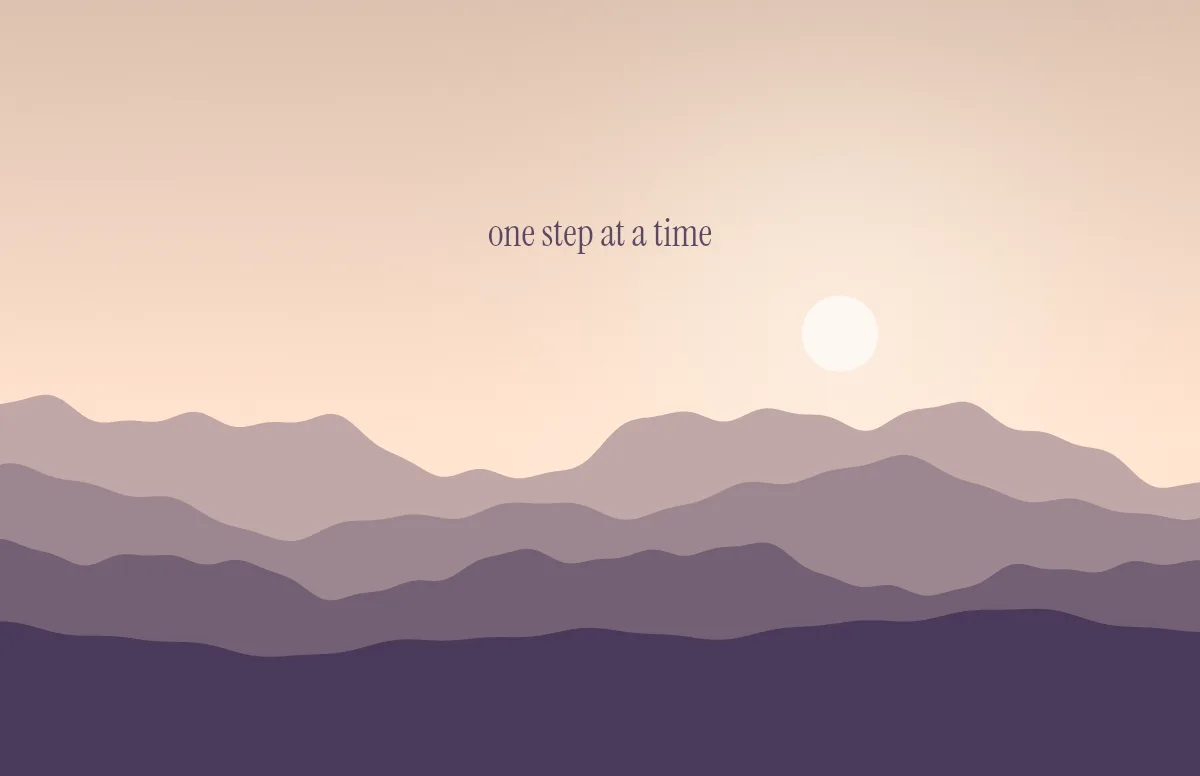
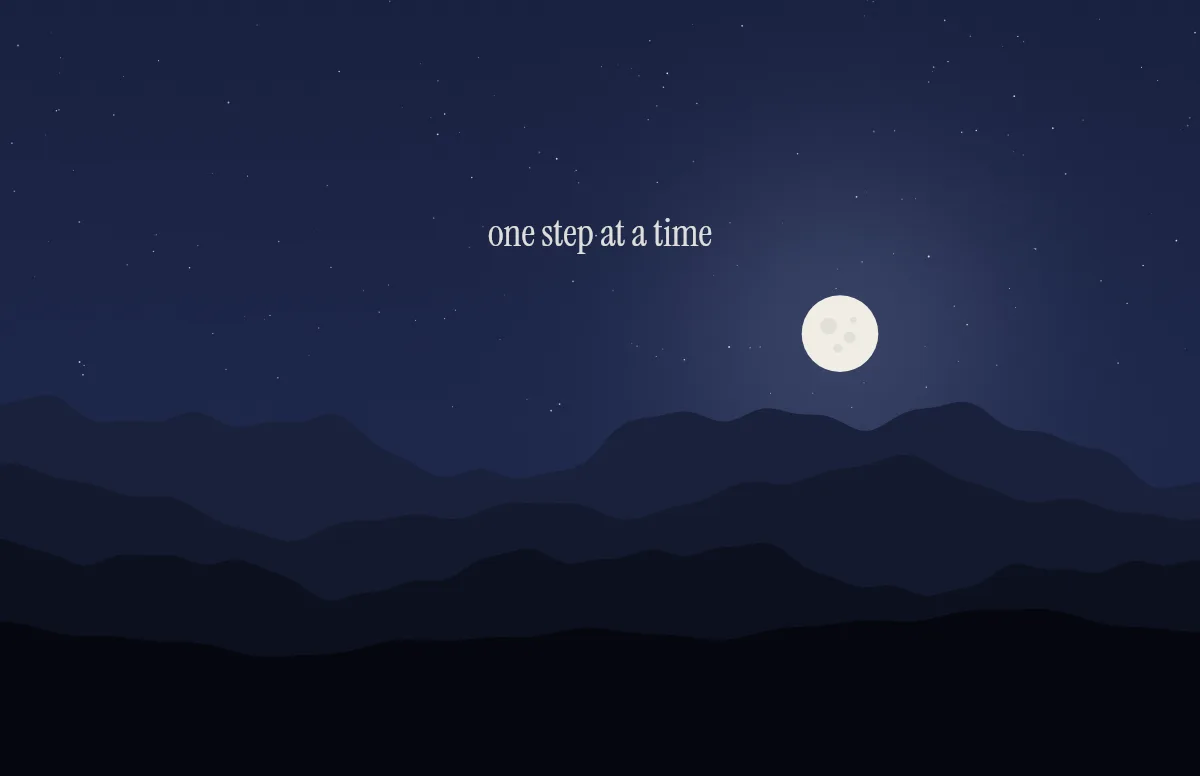
That makes the dark version of a light/dark wallpaper more important than before. The Horizon template shows the same mountains by day and under a starry sky at night, and Aura lets soft colors glow out of near-black. The article on choosing colors for light and dark has more pairs that work.
What is not confirmed yet
Apple has not published the height of the menu bar on the PROLED models, nor the size of the Dynamic Island on the Mac. The 96-pixel strip above is a calculation from the official resolutions, not a measured value. It is consistent with how the notched models work, where the same calculation gives exactly the 74-pixel menu bar.
Notchwerk uses those 96 pixels as the safe area for now. As soon as the strip is measured on a real device, the generator and the size table will be updated if needed.
Will my old wallpaper still work?
Yes, it just will not be pixel-perfect. macOS scales a picture to fill the screen. A 3024 × 1964 image on the 14-inch PROLED display gets enlarged by about 1 %, and roughly 17 pixels are cut off on the left and on the right. On the 16-inch model a 3456 × 2234 image loses about the same. Photos will not show it, but fine grids and thin lines get a little soft.
If you are moving to the M6 model instead, nothing changes: same resolution, same notch, same wallpaper.
Make one for the new MacBook Pro
The Notchwerk generator already includes both PROLED models. Pick MacBook Pro 14″ PROLED or 16″ PROLED under Your device and the wallpaper is rendered at 3024 × 1986 or 3472 × 2266, with text and frames kept below the 96-pixel strip. You get one .heic file that switches between light and dark by itself. If it does not switch, here are five reasons and fixes.