About this template
This template shows off the light/dark switch best: the scene stays the same and only the time of day changes, like Apple's own landscape wallpapers. Your text floats in the sky in a calm serif.
Three warm and cool skies are ready for the day and three deep ones for the night. On the iPhone the sun sits below the lock-screen clock, so both stay visible.
Ideas for using it
Seeing the switch happen
Day turns into night with the same mountains, which makes the light/dark switch obvious. It is the best template to try the feature.
A landscape without photos
Calm, flat layers in the style of Apple's own landscape wallpapers, with no faces, logos or busy detail behind your windows.
Day and night on the iPhone
With a Shortcuts automation, the iPhone shows the sun by day and the moon after sunset, like the Mac does on its own.
Tips for light and dark
- Set System Settings → Appearance to Auto. Your Mac then switches to dark mode in the evening, and the moon rises with it.
- Switch off the stars under Details for a cleaner night sky, or keep them for the full scene on a large display.
- Shuffle reshapes the mountain ridges. The light and dark versions always share the same ridges, only the sky changes.
Not sure which size you need? The Mac wallpaper size table lists the exact pixels for every MacBook, iMac and display, and the iPhone wallpaper size table does the same for every iPhone.
Questions and answers
Are the stars the same every time?
Yes. They land in the same place on every download, so the light and dark versions always match.
Can I change the color of the mountains?
Use the Lines color. The front ridge takes it fully, the ridges behind fade toward the sky.
When does the night version appear?
Whenever macOS switches to dark mode. With Appearance set to Auto, that happens at sunset.
Can I get different mountains?
Yes. Shuffle creates a new range, and the number next to it brings a version back.
Related articles
New MacBook Pro 2026: wallpaper size, Dynamic Island and what changes
The PROLED MacBook Pro has a taller screen and a Dynamic Island instead of the notch. The exact wallpaper sizes and what happens to your old wallpaper.
Mac wallpaper not changing with dark mode? 3 quick fixes
Your Mac switches to dark mode but the wallpaper stays bright? Fix it in 3 quick steps: a light/dark .heic, the automatic option and Appearance on Auto.
iPhone lock screen wallpaper: how to keep the clock clear
Where the clock, widgets, notifications and buttons sit on the iPhone lock screen, and how to place text and details so nothing important ends up hidden.
Styles with this template
More templates
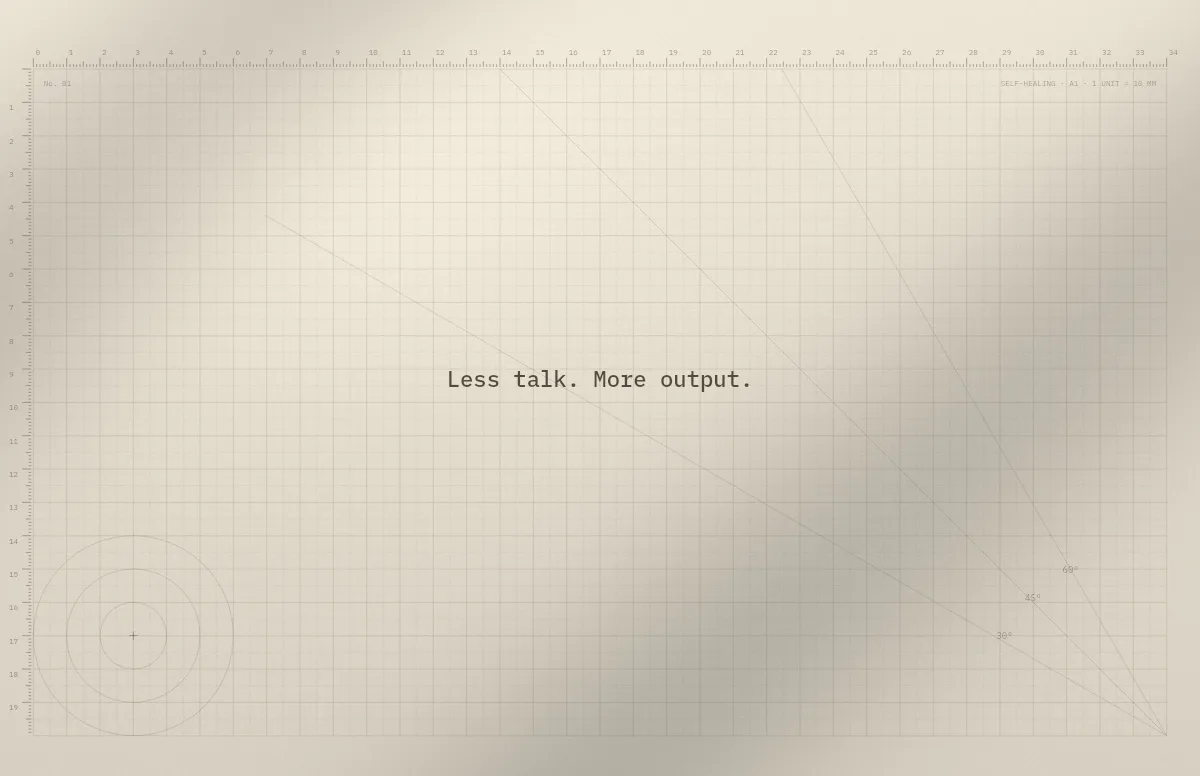
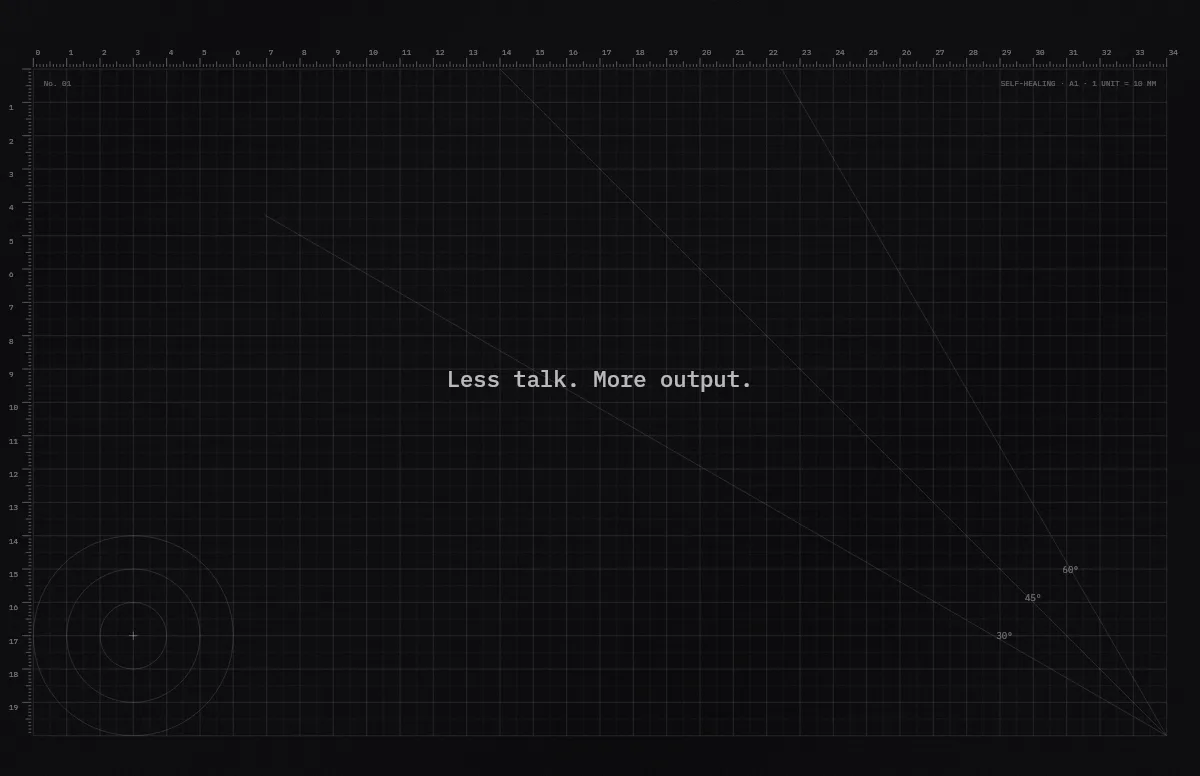
Cutting Mat
Grid, rulers and angle guides, like the mat on a designer's desk.
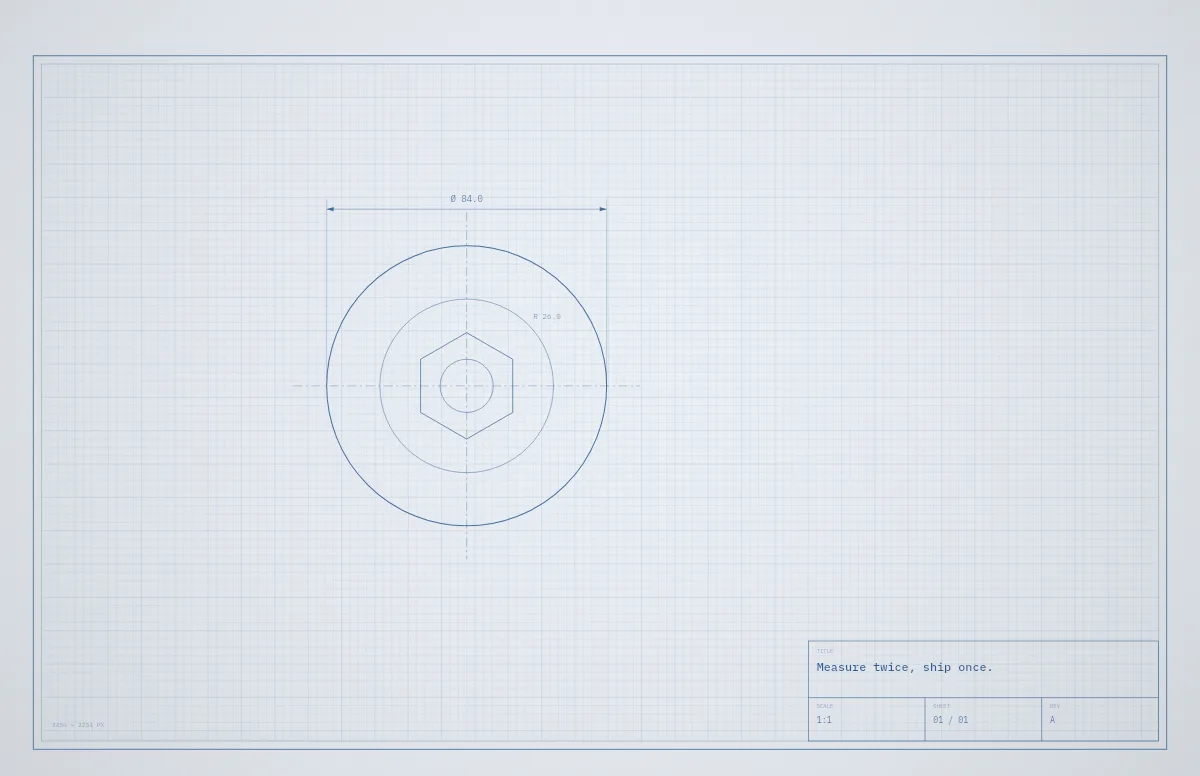
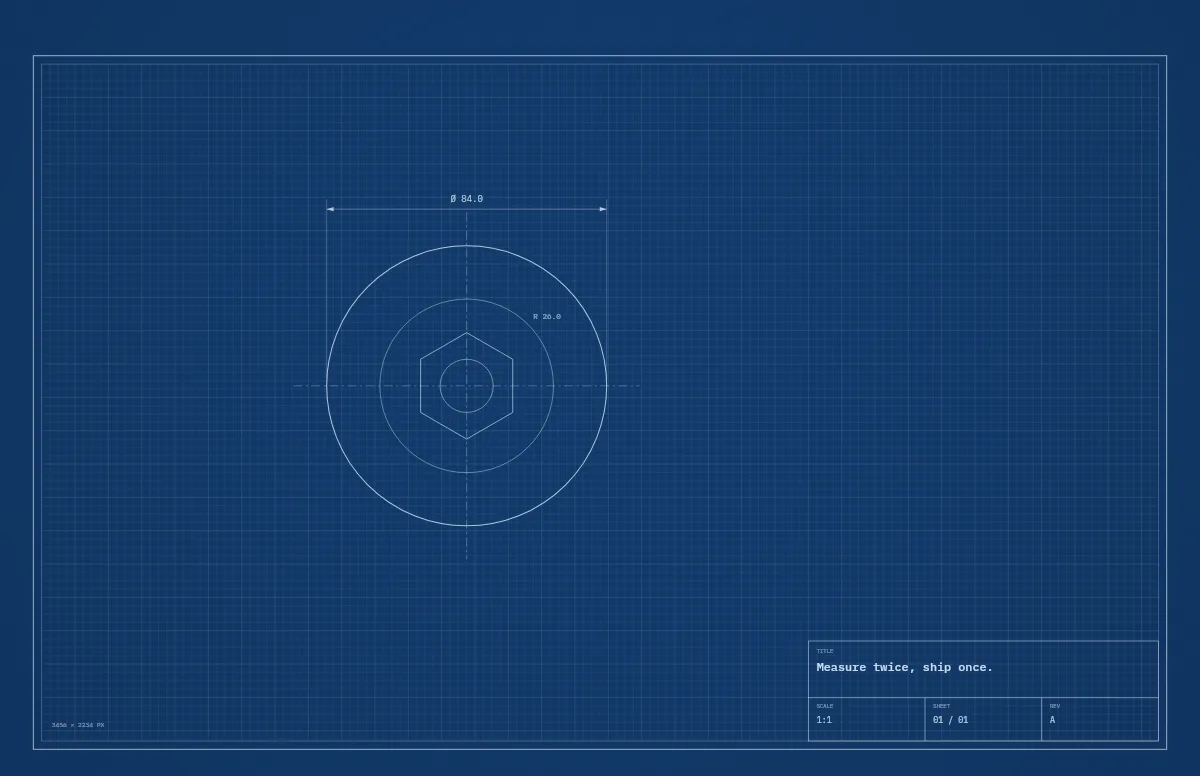
Blueprint
A technical drawing with a title block that carries your text.
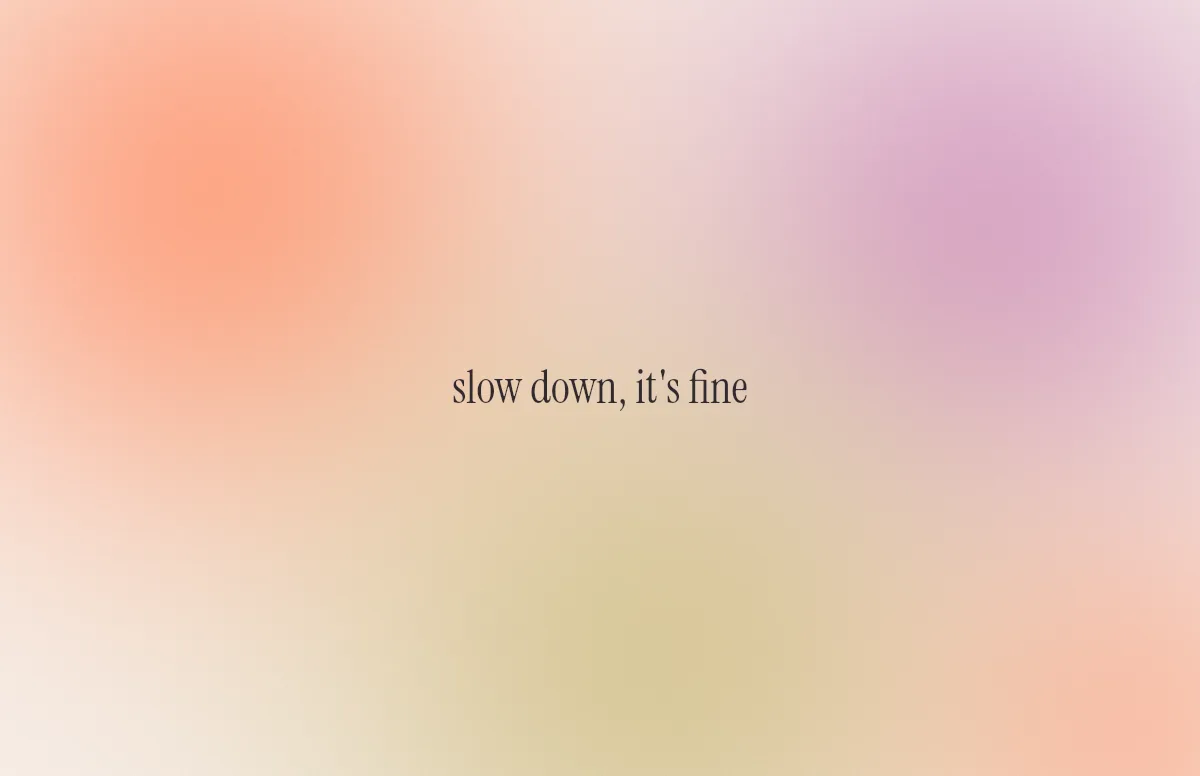
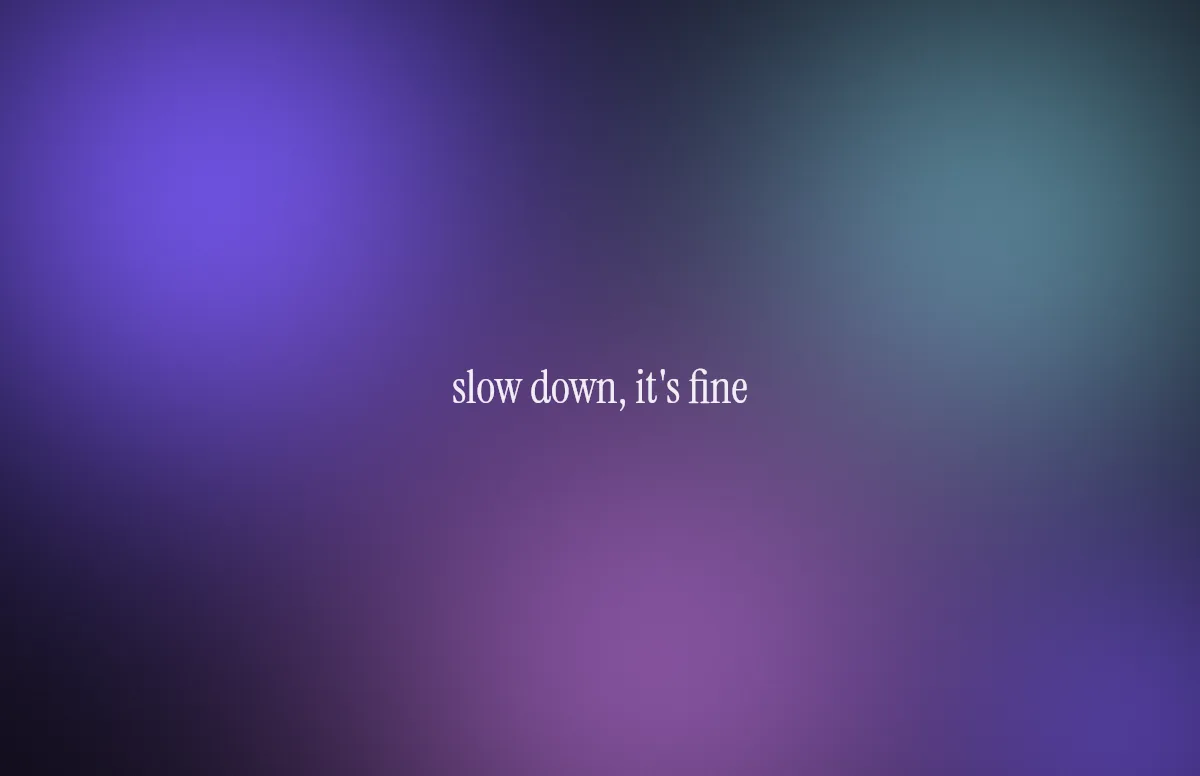
Aura
Soft color glows with a quote in a calm serif.
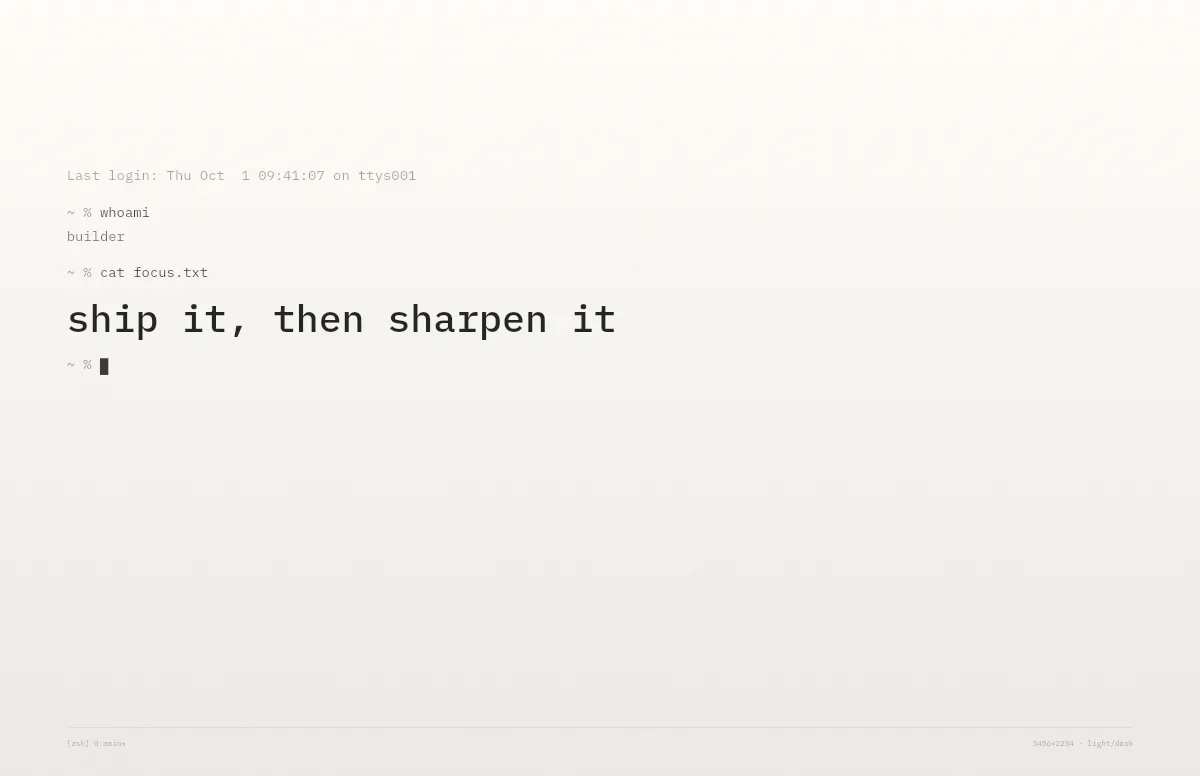
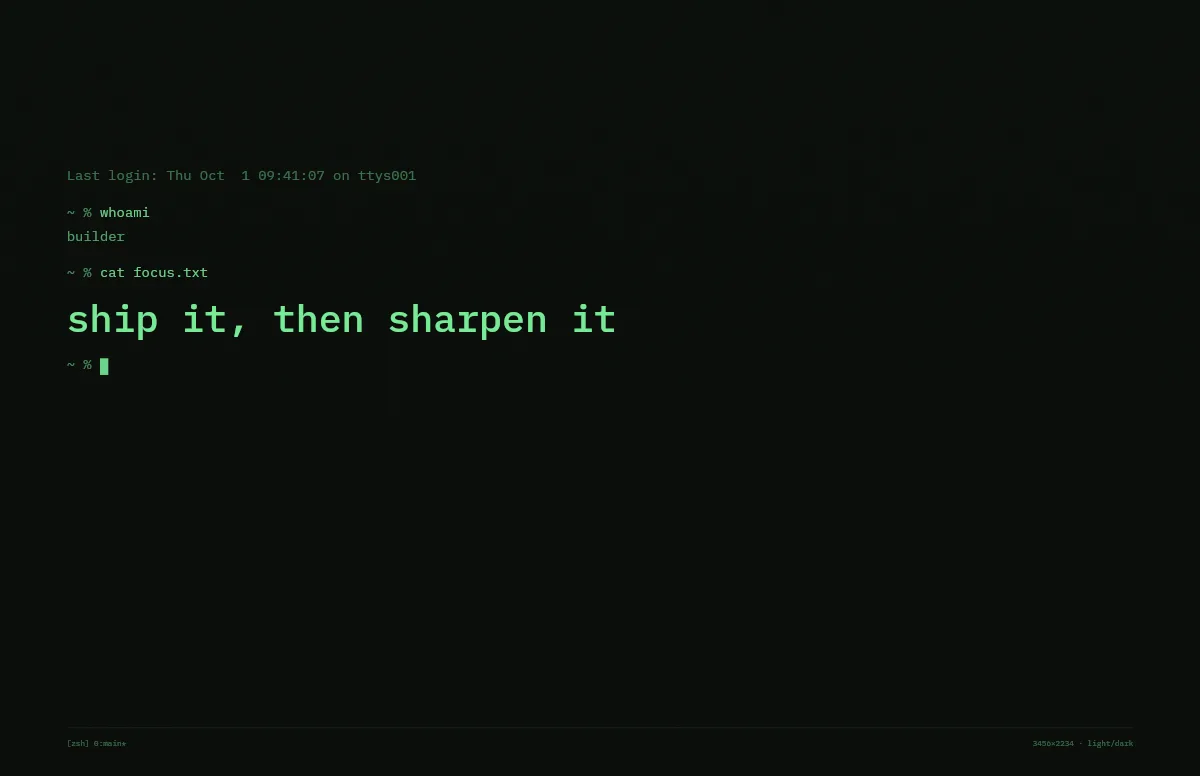
Terminal
A shell session that prints your line. Made for developers.
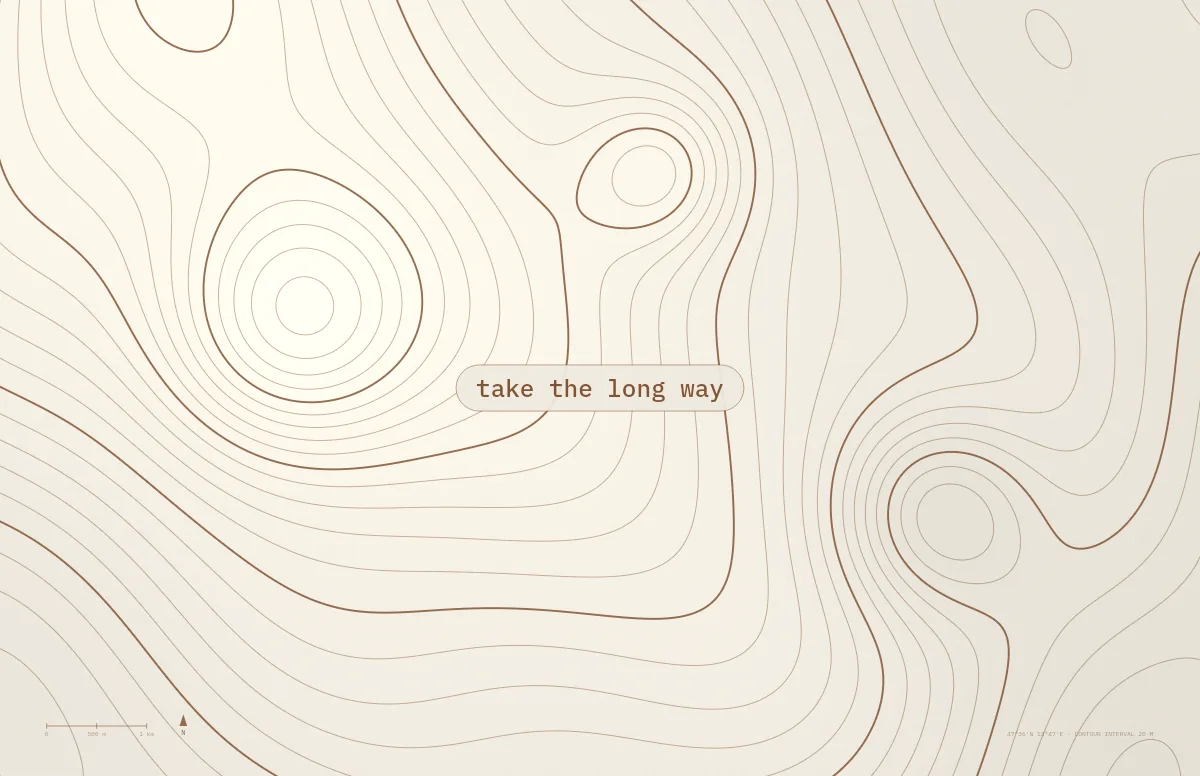
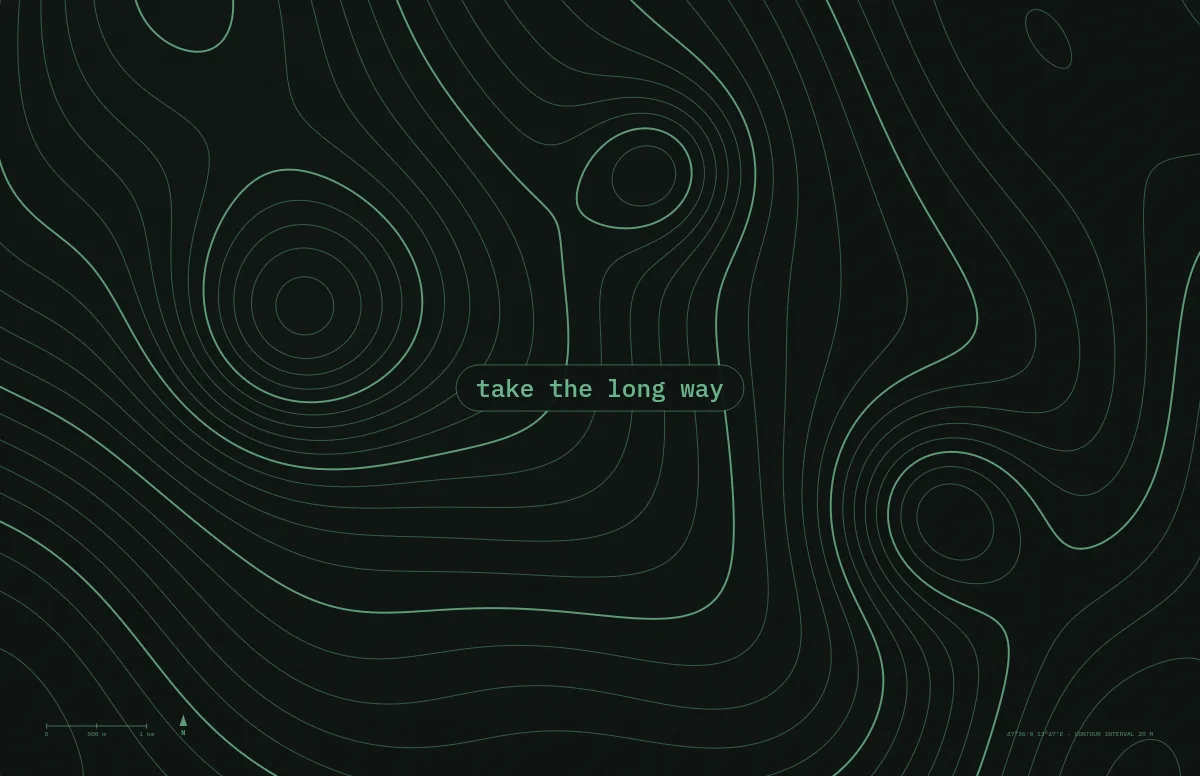
Topo
Contour lines of an imaginary mountain range, with your text as a map label.
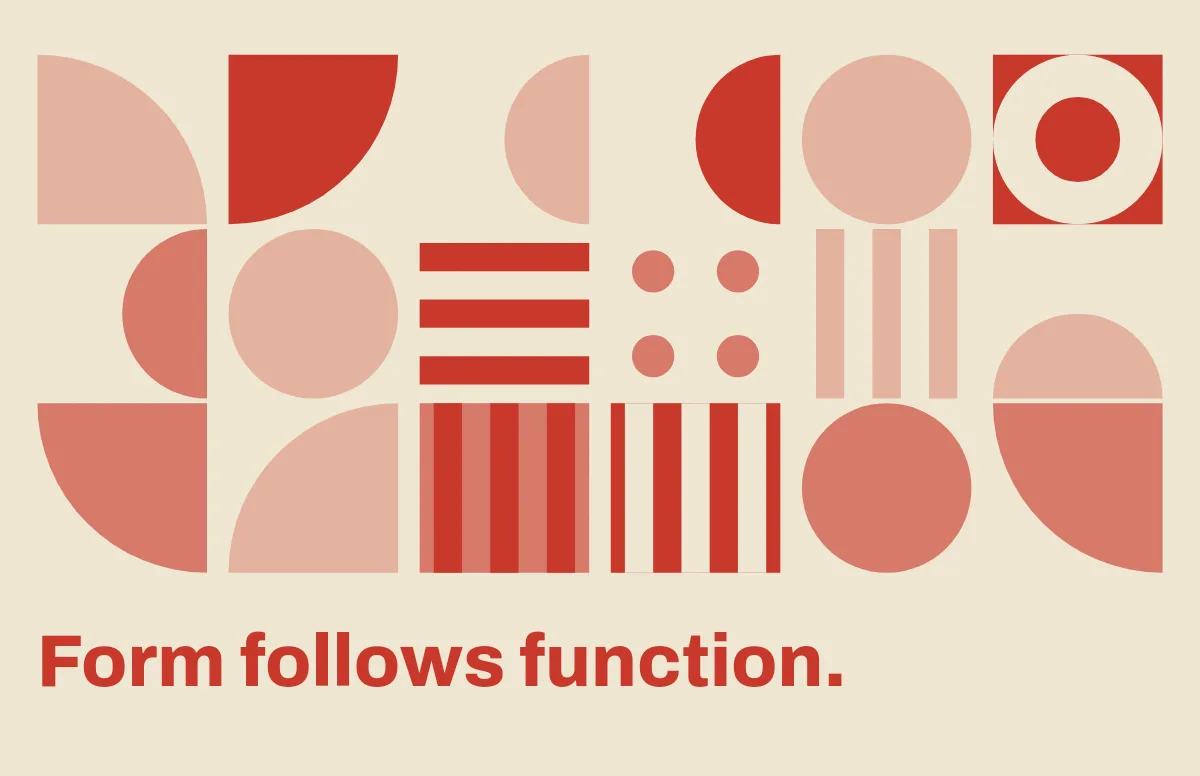
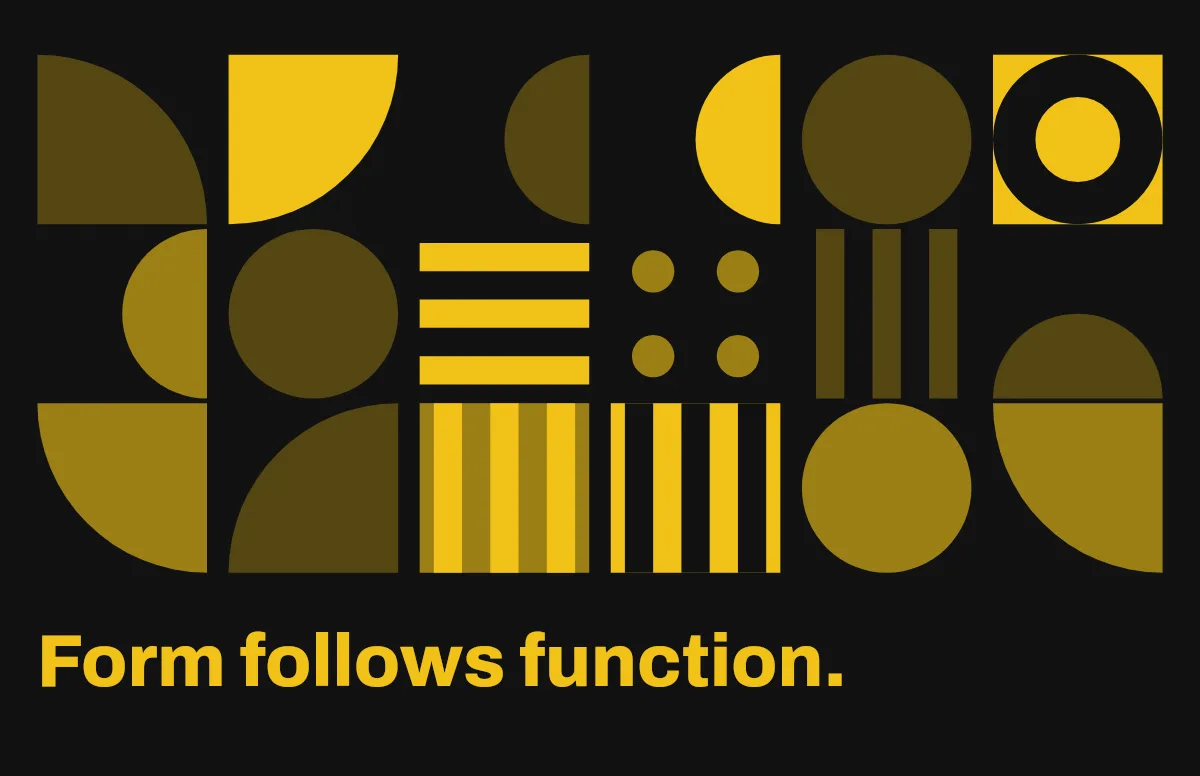
Bauhaus
Circles, quarter circles and stripes on a strict grid, with bold type.
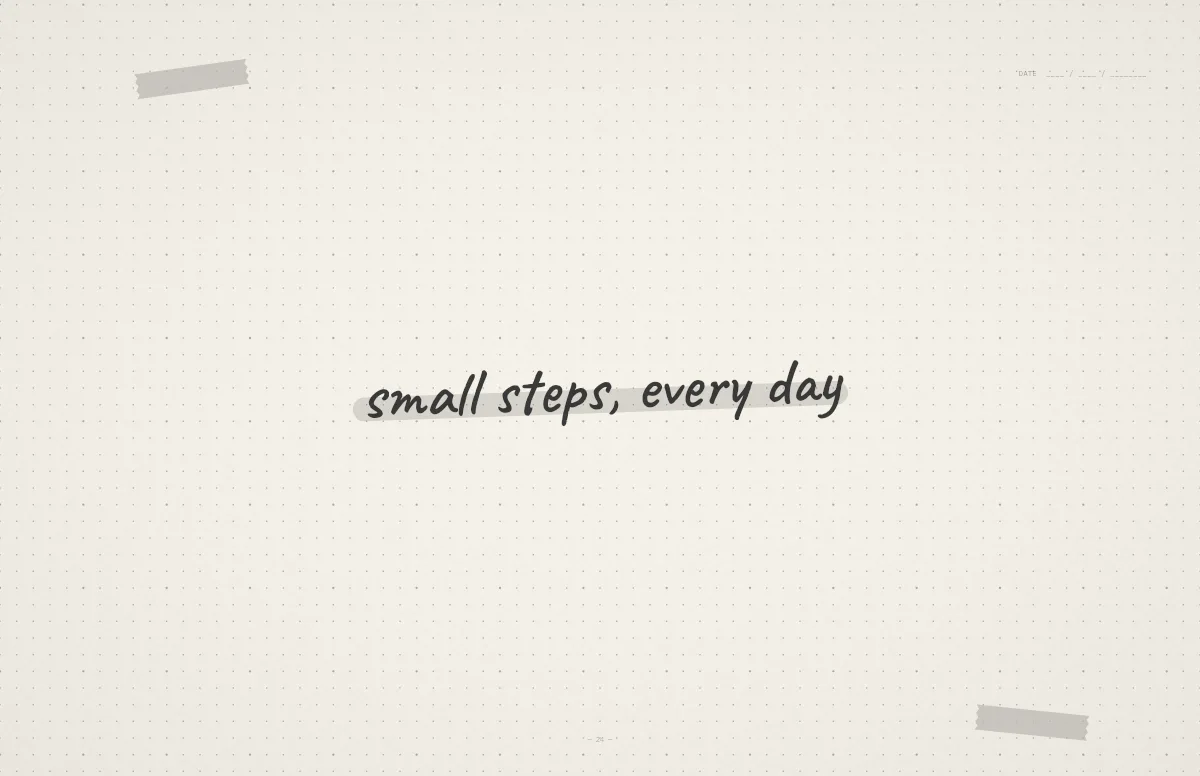
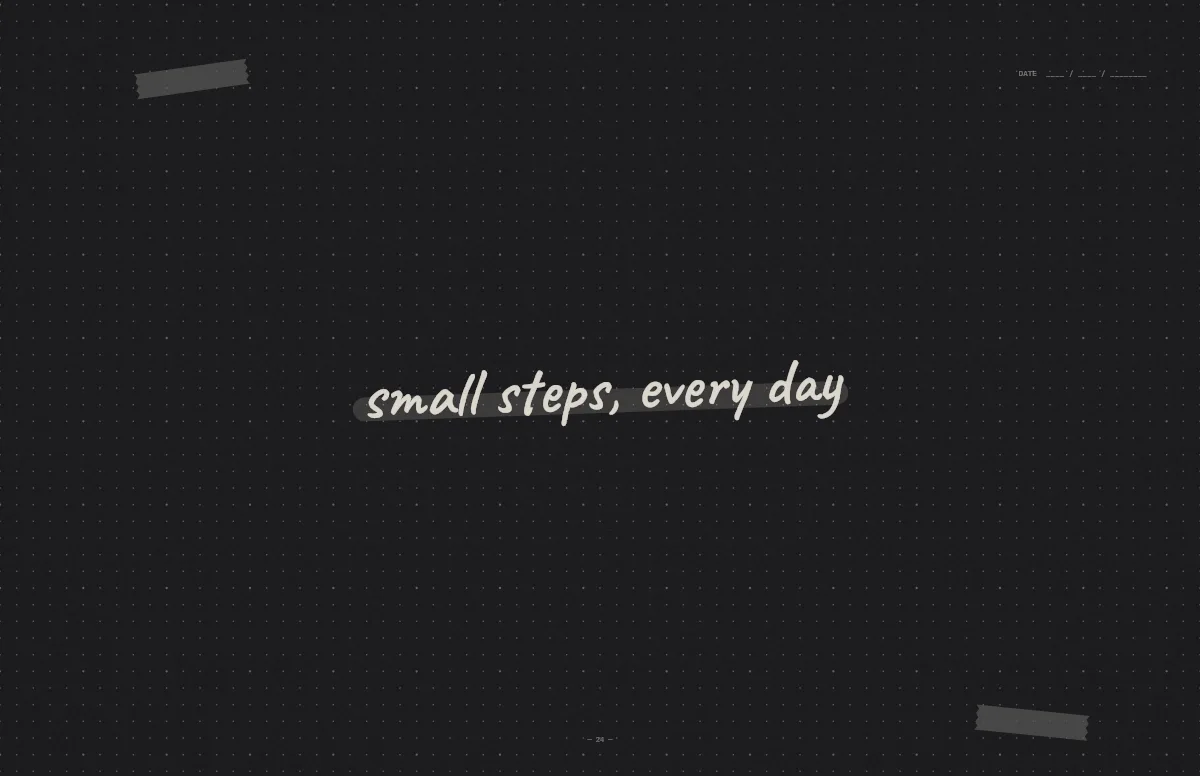
Notebook
A dotted journal page with your line in handwriting and a highlighter stroke.
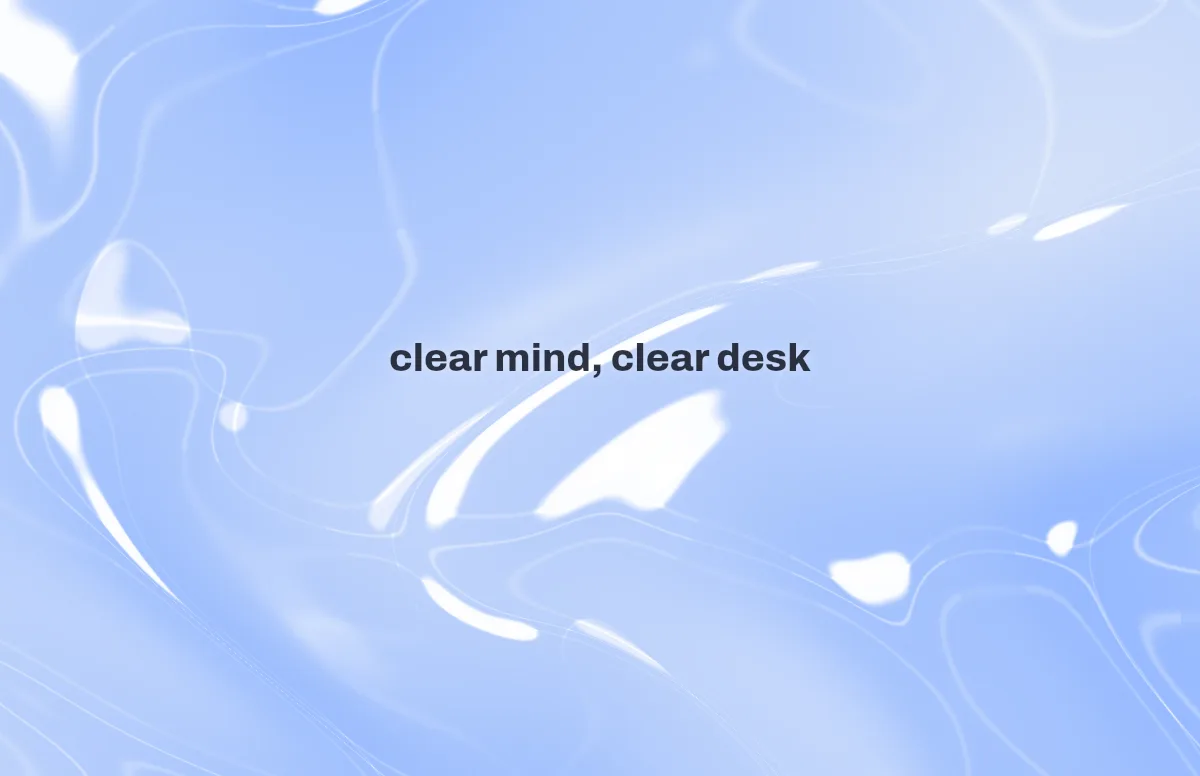
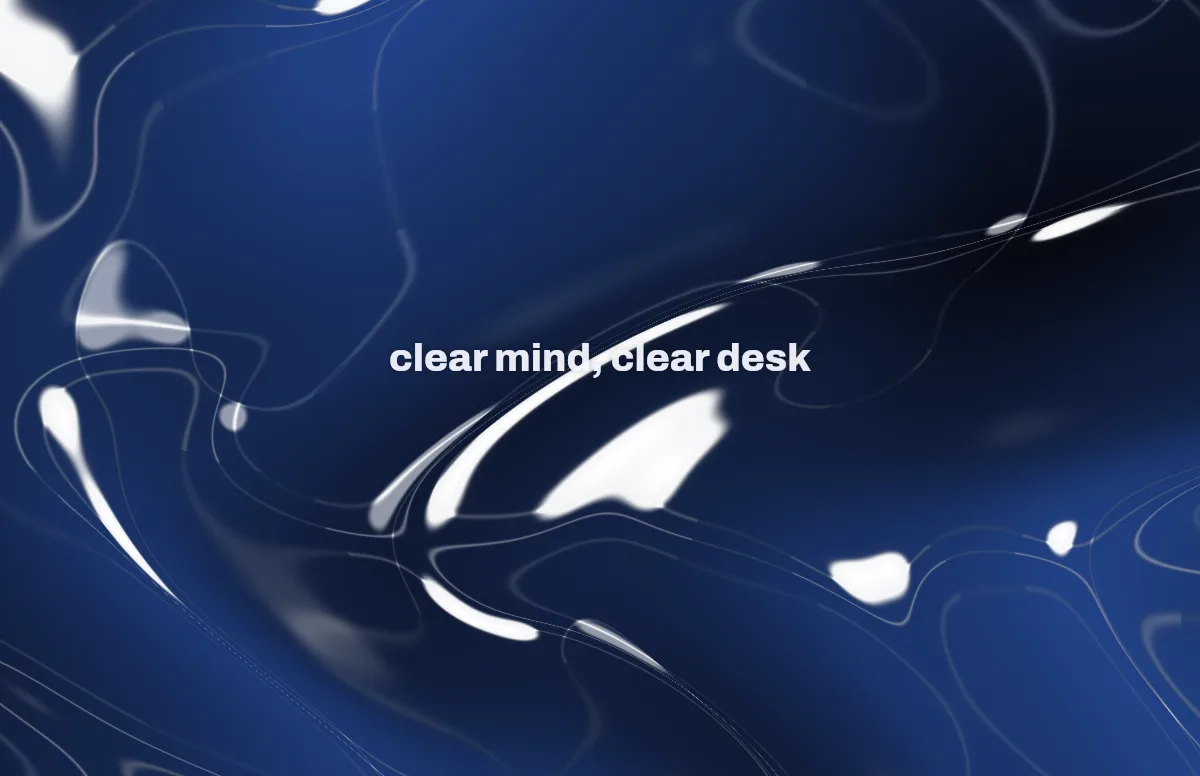
Liquid Glass
Glass shapes that bend the colors behind them, light and dark.
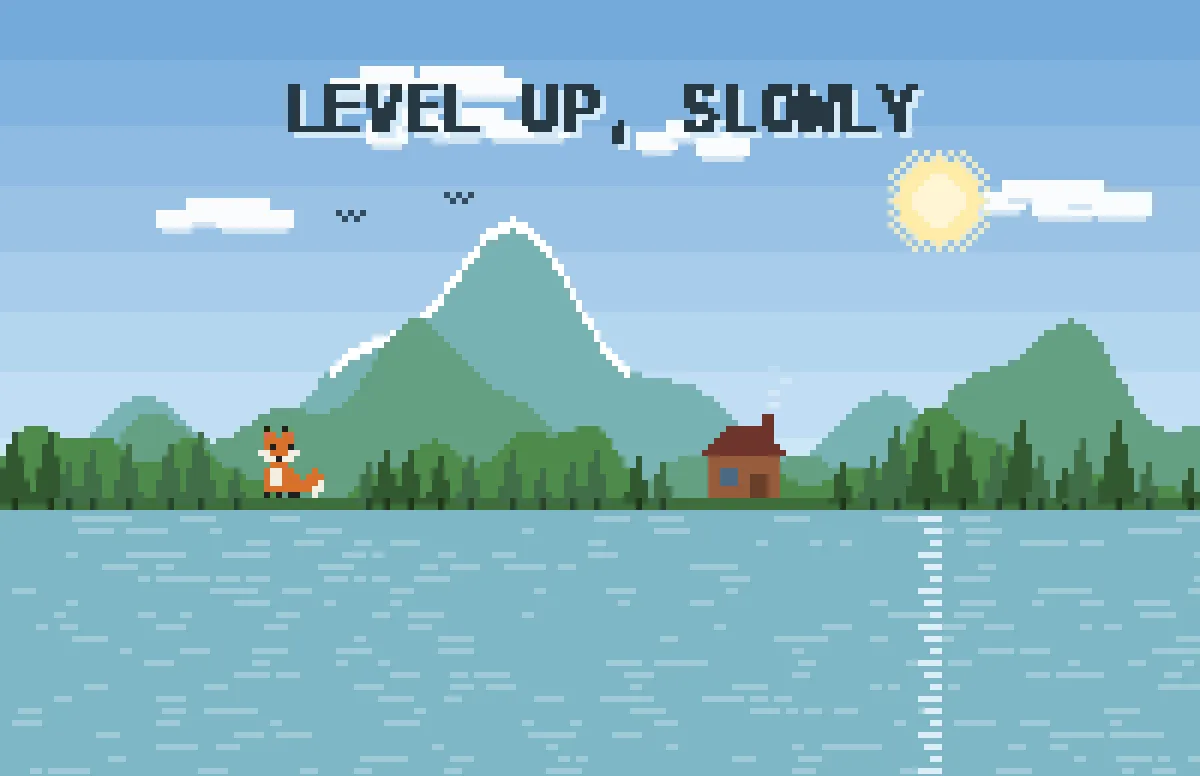
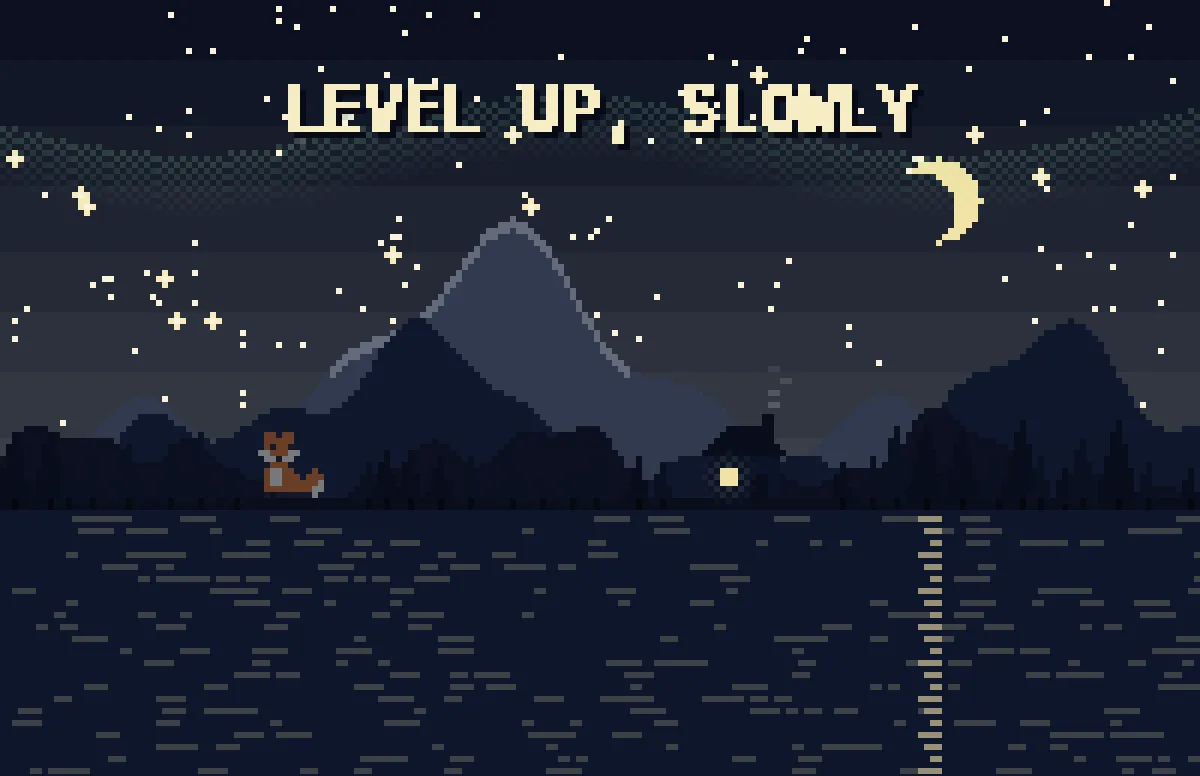
Pixel
Pixel scenes: sun by day, stars and lit windows at night.
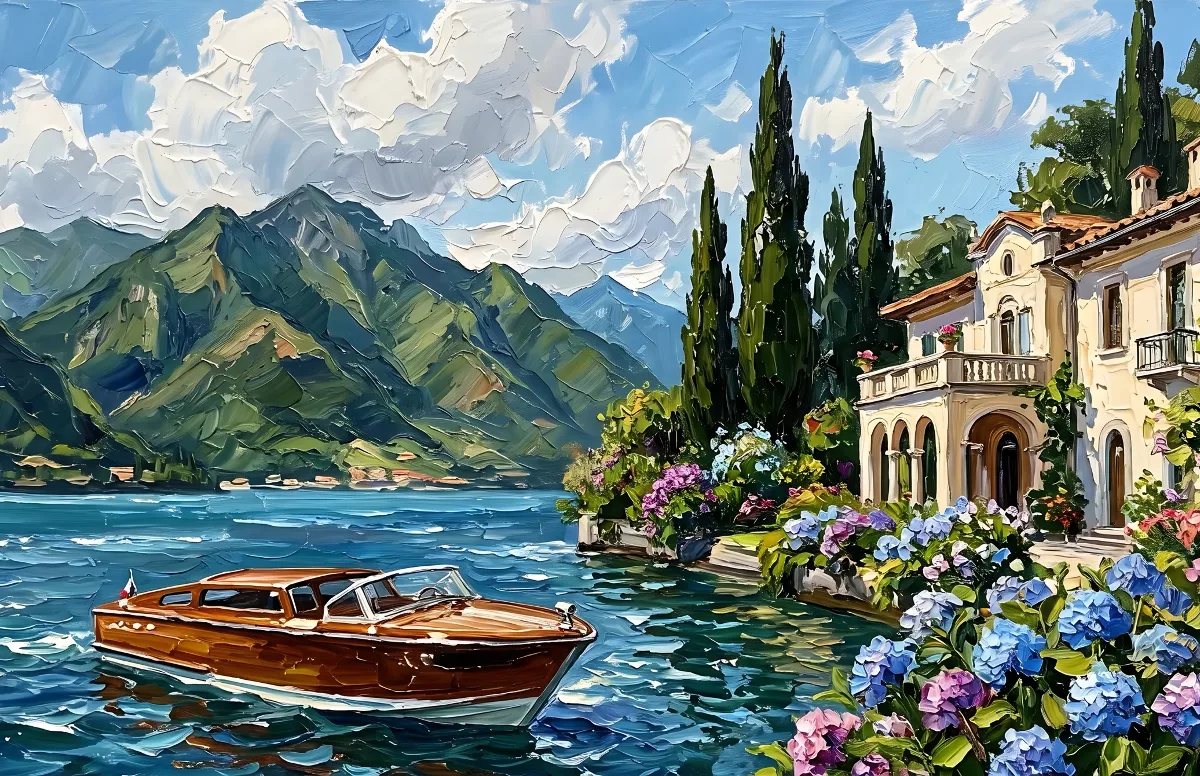
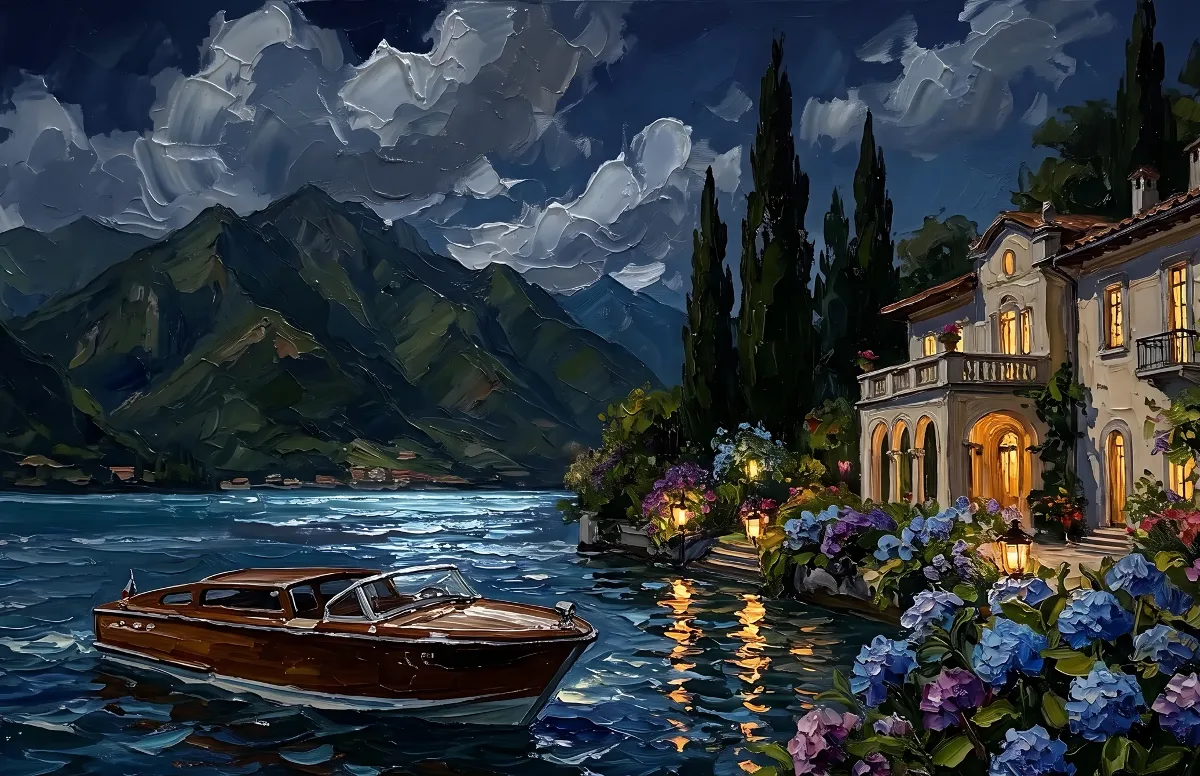
Painted
Impasto oil paintings with a day and a night version of the same scene.
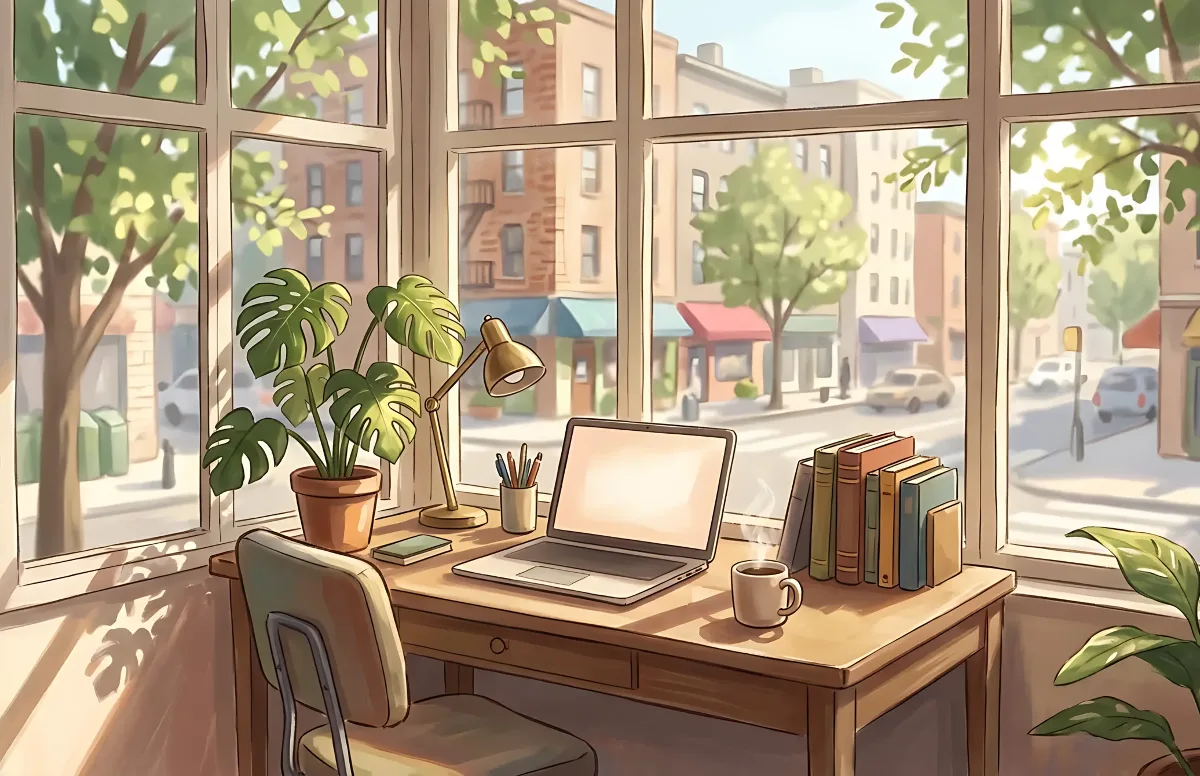
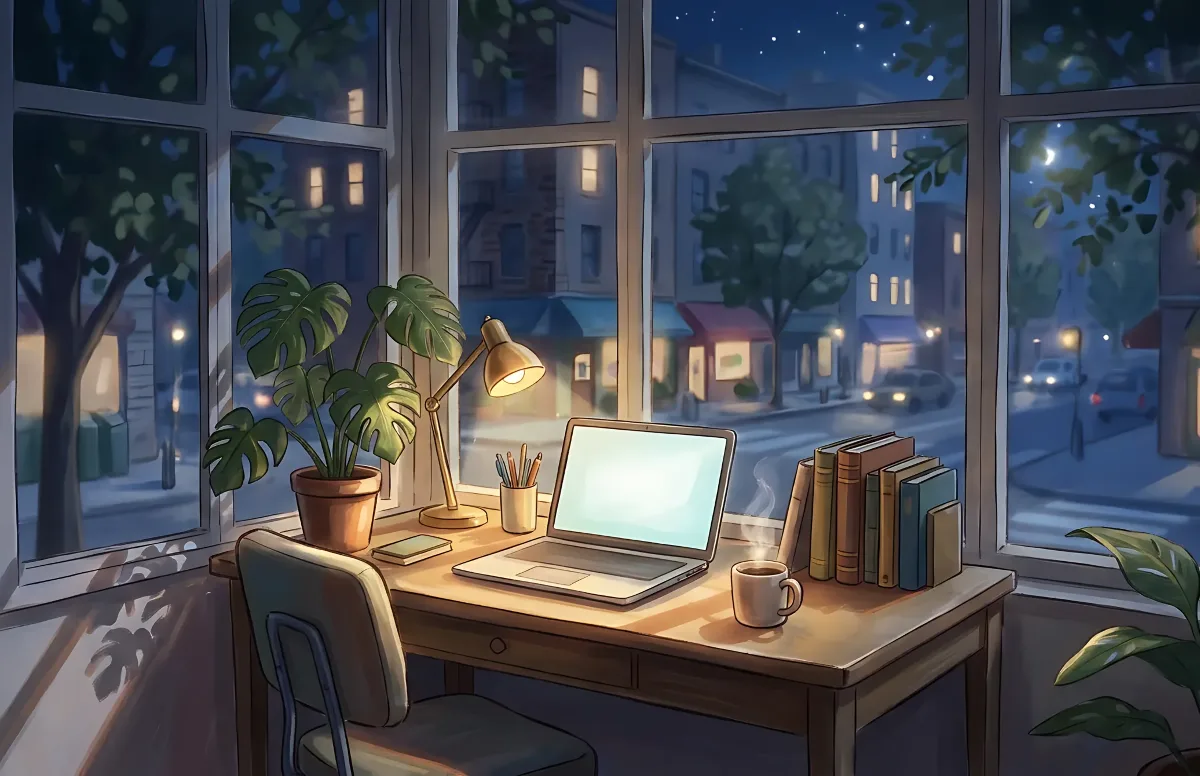
Cozy
Illustrated rooms: sunlight by day, lamp light at night.