About this template
The rulers start just below the menu bar, so the notch never cuts through the numbers. Your text sits in the middle of the grid, set in a monospaced face, which suits short working mottos like “Less talk. More output.”
For light mode, sand and fog look like a real mat in daylight. For dark mode, ink black and deep green keep the grid visible without glare. Rust works as a bold light version if you want color on your desk.
Ideas for using it
A workbench for designers and makers
Rulers along the top and left and the angle guides turn the desktop into a drafting surface. Switch on the circle template for the full mat.
A focus desktop
Write one working motto and switch off the angle guides and corner labels. What remains is a calm grid that keeps windows in front.
A sharpness check
The grid lands on whole pixels. If the lines look soft, the image is being scaled and you picked the wrong Mac under Your device.
Tips for light and dark
- In Finder, View → Sort By → Snap to Grid lines your desktop icons up in rows, which goes well with the visible grid.
- For all-day use, pick low-contrast pairs such as Sand in light mode and Ink in dark mode. Rust or Butter are the bold choices if you want color on the desk.
- The text is set in a monospaced face. Up to 40 characters fit, but lines under about 25 characters sit best in the middle of the grid.
Not sure which size you need? The Mac wallpaper size table lists the exact pixels for every MacBook, iMac and display, and the iPhone wallpaper size table does the same for every iPhone.
Questions and answers
Does the grid line up on every MacBook?
Yes. Grid and rulers are calculated for the exact resolution of the model you pick, so lines land on whole pixels.
Can I remove the text?
Leave the text field empty and you get the plain mat.
Which Macs are supported?
Every current MacBook Air, MacBook Pro and MacBook Neo, including the 2026 PROLED MacBook Pro, plus the iMac 24″ and the Studio Display. The grid is recalculated for each resolution.
Does it work on the iPhone?
Yes. Choose your iPhone under Your device and save the light and dark PNG. The grid fills the upright screen, and your text sits below the lock-screen clock.
Related articles
MacBook and Mac wallpaper size for every model, including the 2026 MacBook Pro
MacBook Air 13″ 2560 × 1664, Pro 14″ 3024 × 1964, Pro 16″ 3456 × 2234: exact pixels for every Mac, plus a free light/dark wallpaper in your size.
How to make a light and dark wallpaper for Mac
What makes a Mac wallpaper switch with dark mode, what is inside the HEIC file, and three ways to make your own: a web tool, a Mac app or the command line.
Styles with this template
More templates
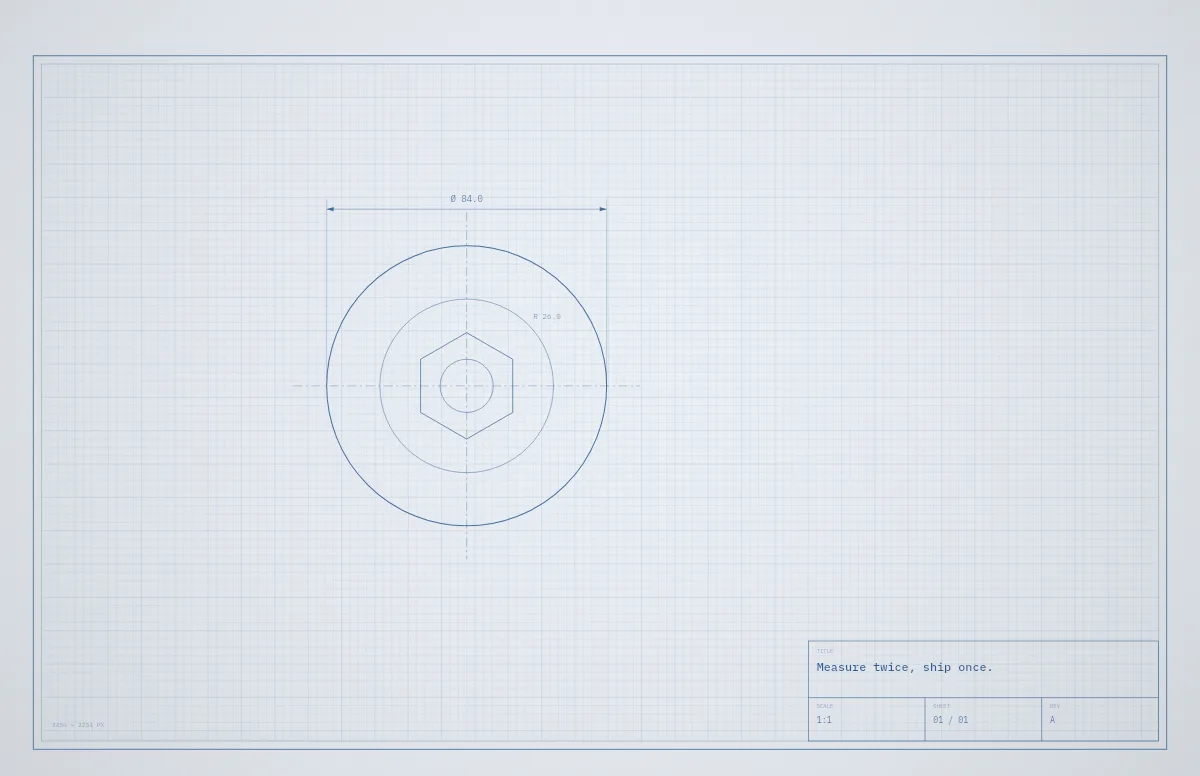
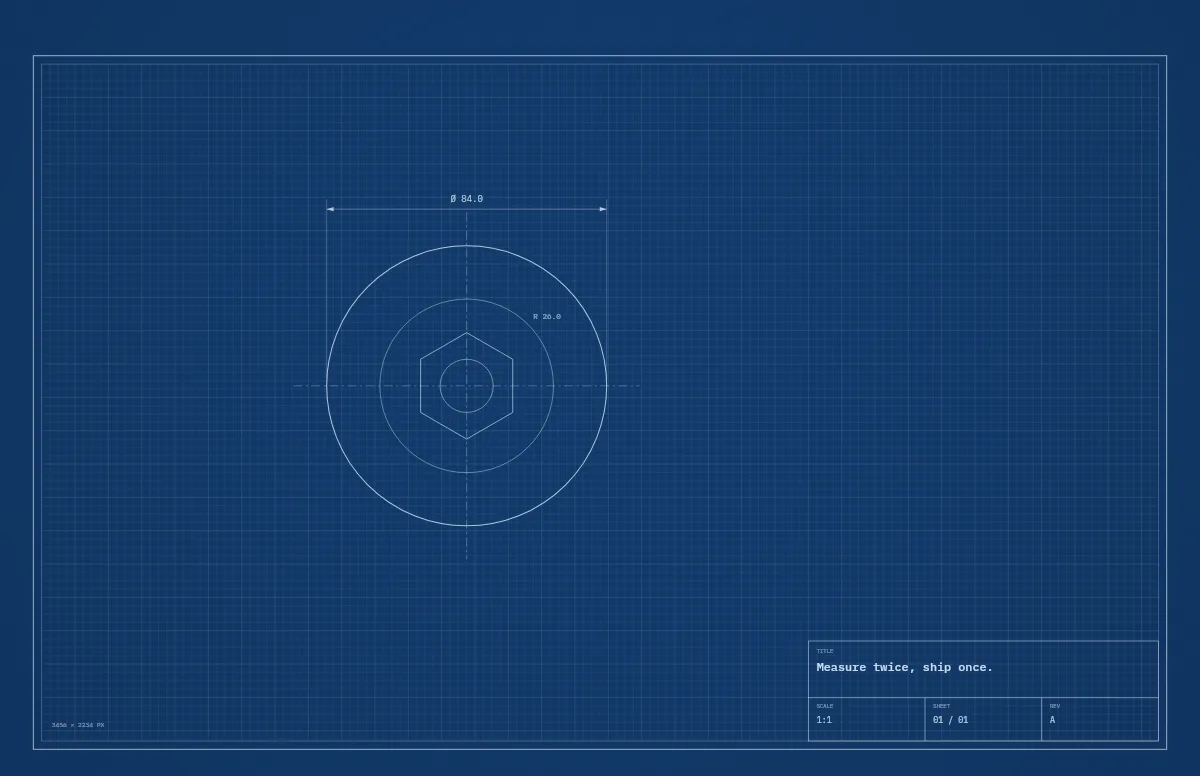
Blueprint
A technical drawing with a title block that carries your text.
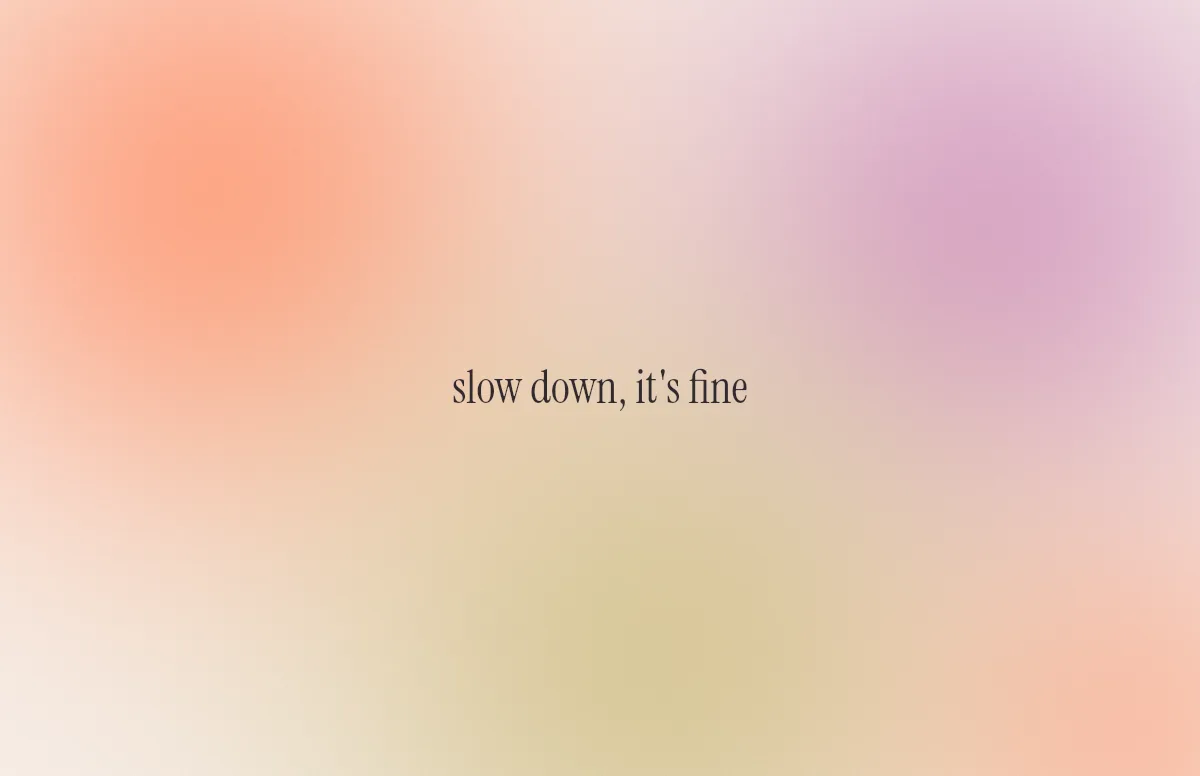
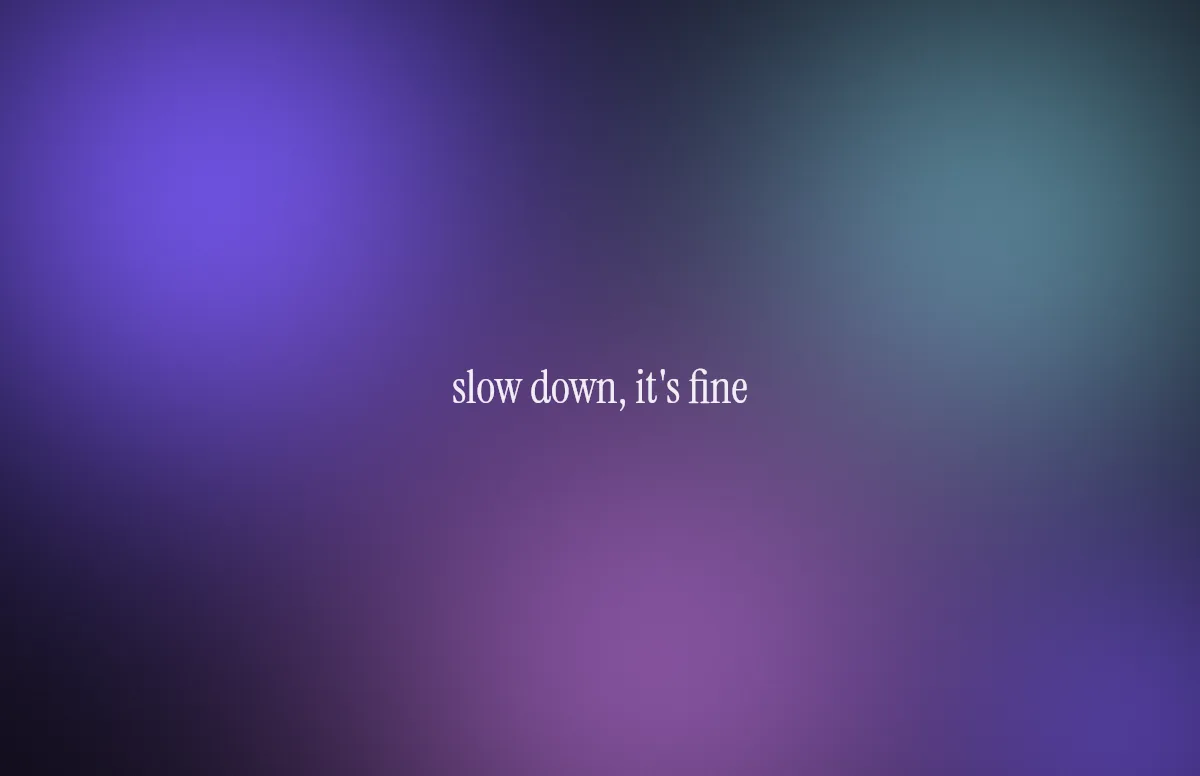
Aura
Soft color glows with a quote in a calm serif.
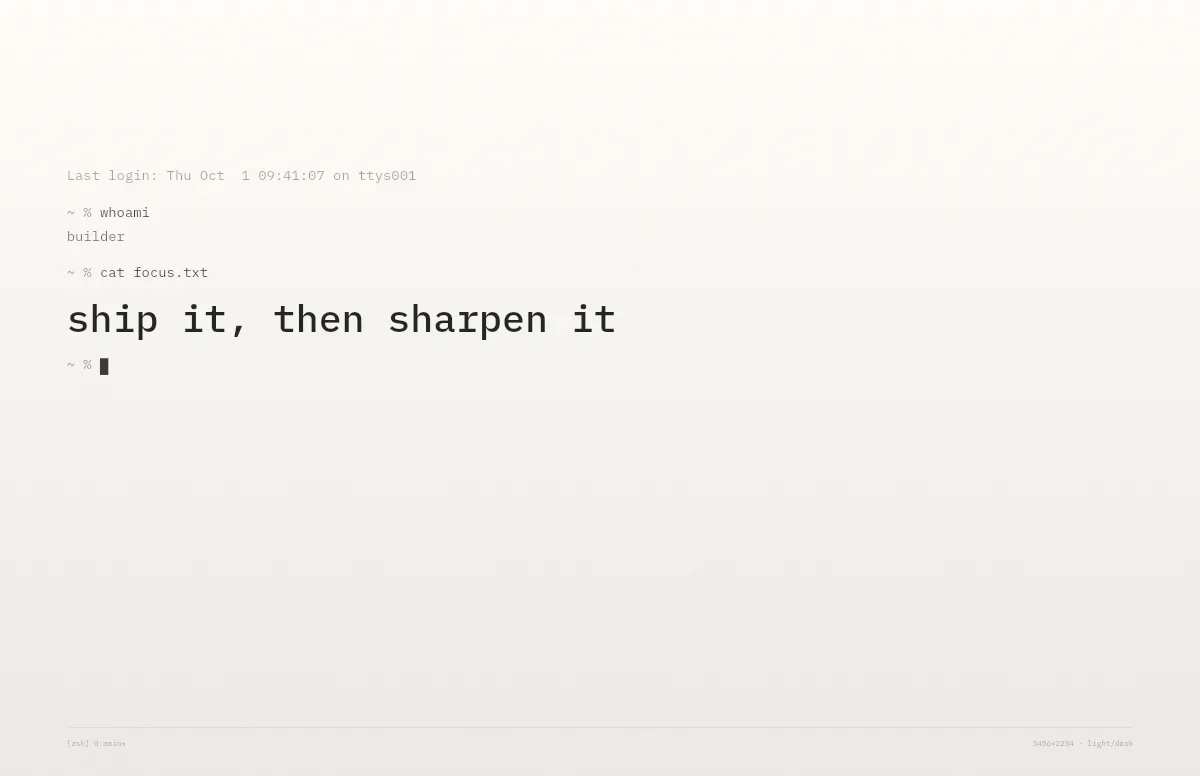
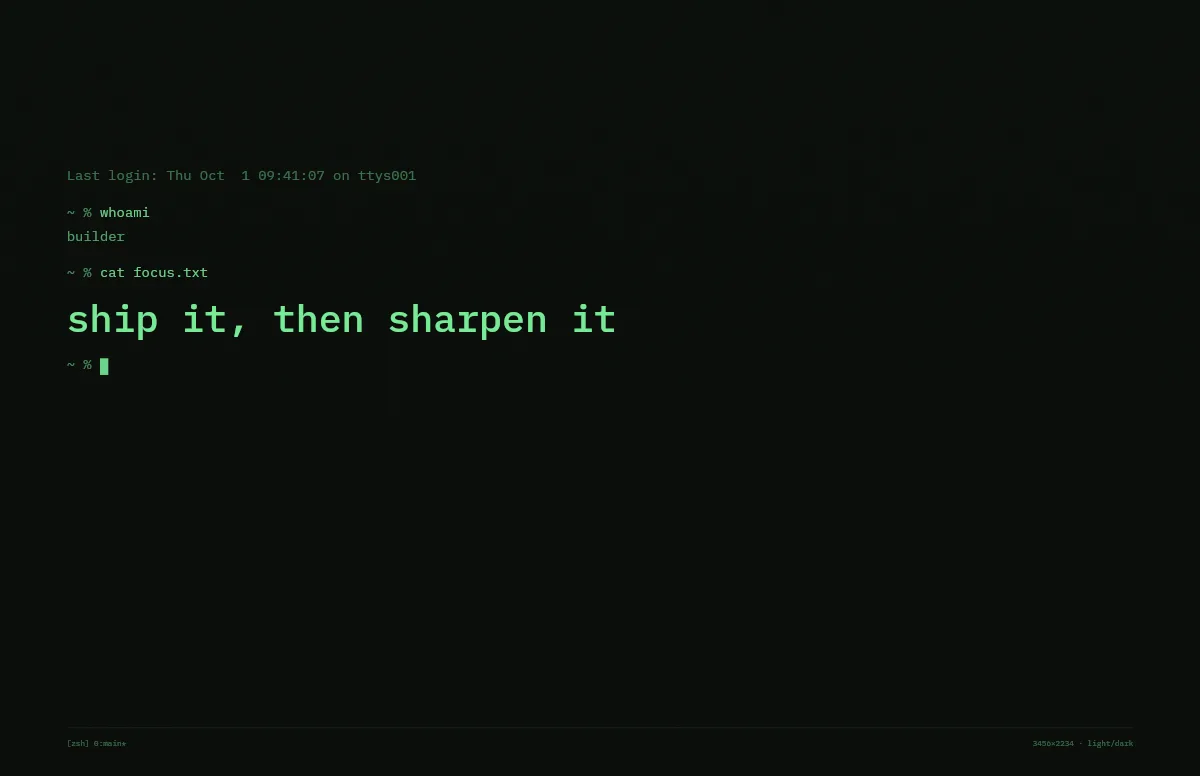
Terminal
A shell session that prints your line. Made for developers.
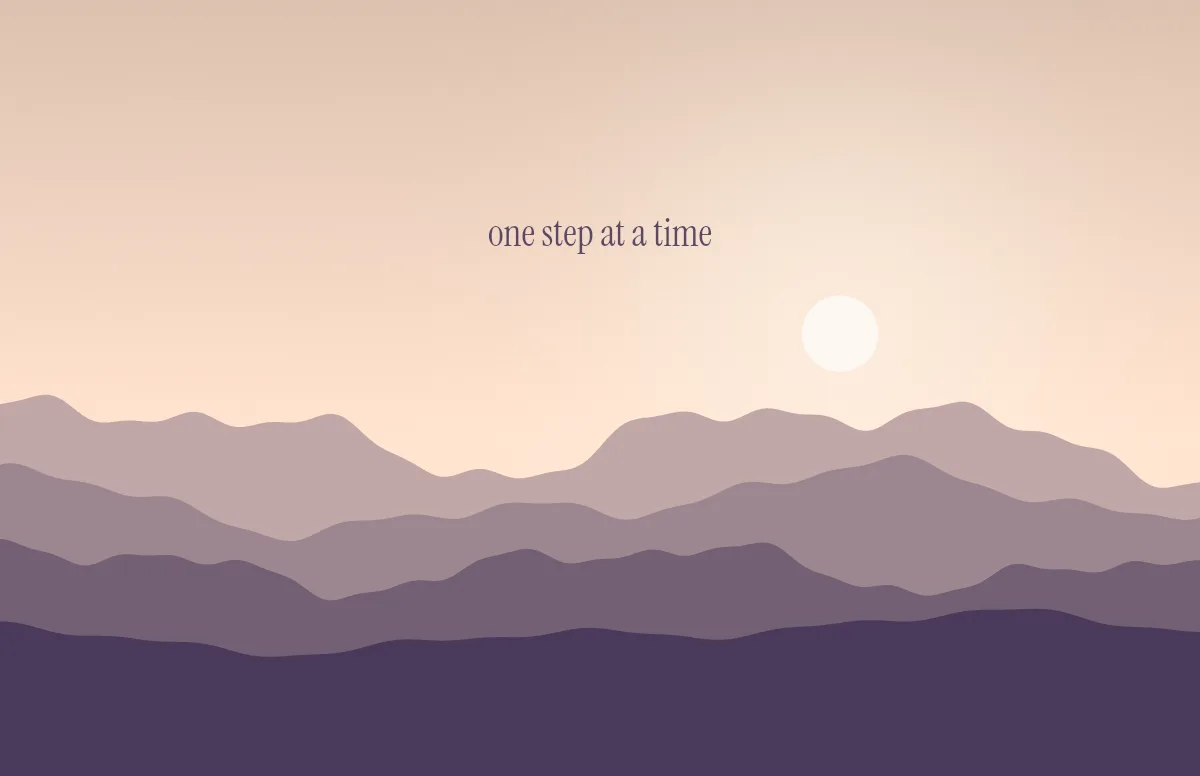
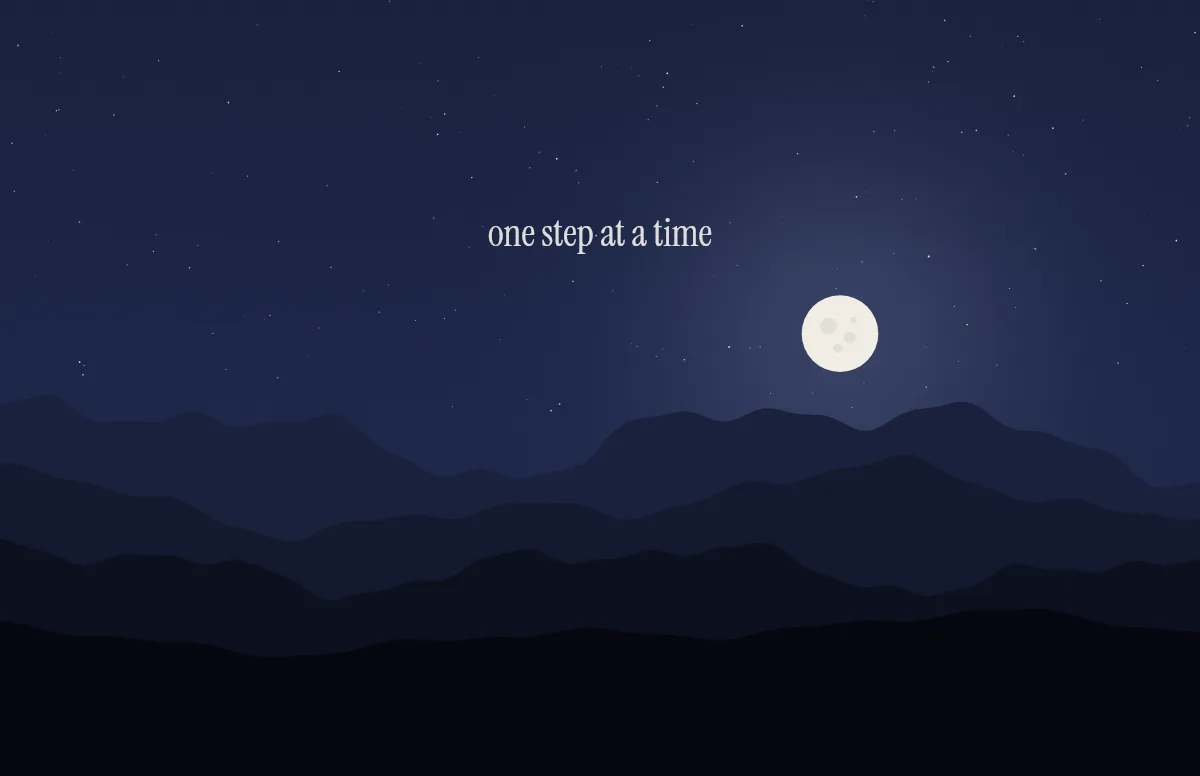
Horizon
Layered mountains under the sun by day and the moon by night.
Topo
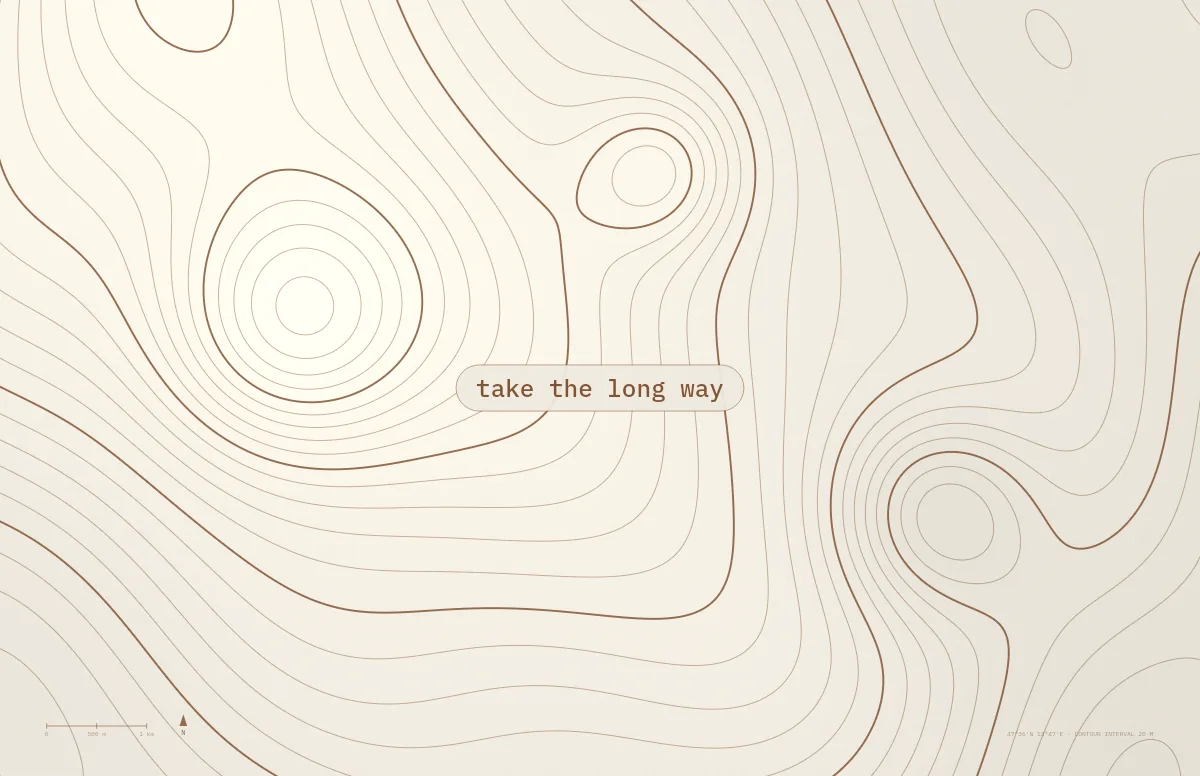
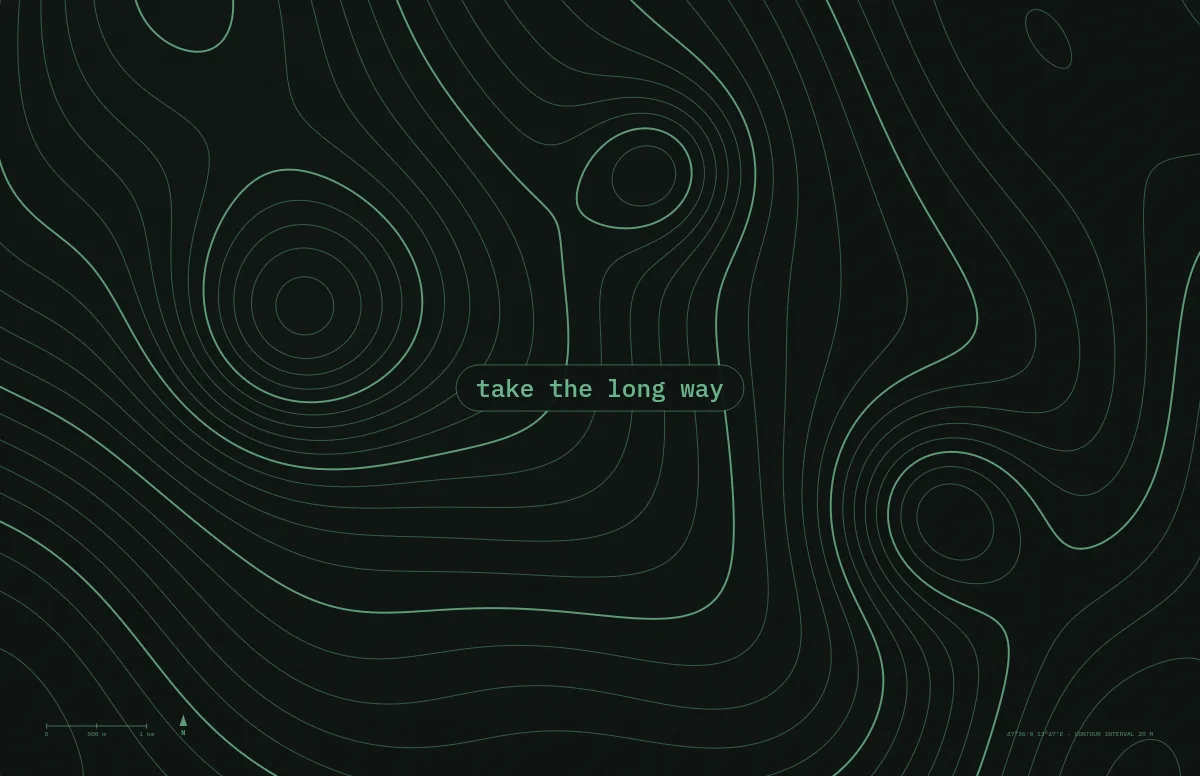
Contour lines of an imaginary mountain range, with your text as a map label.
Bauhaus
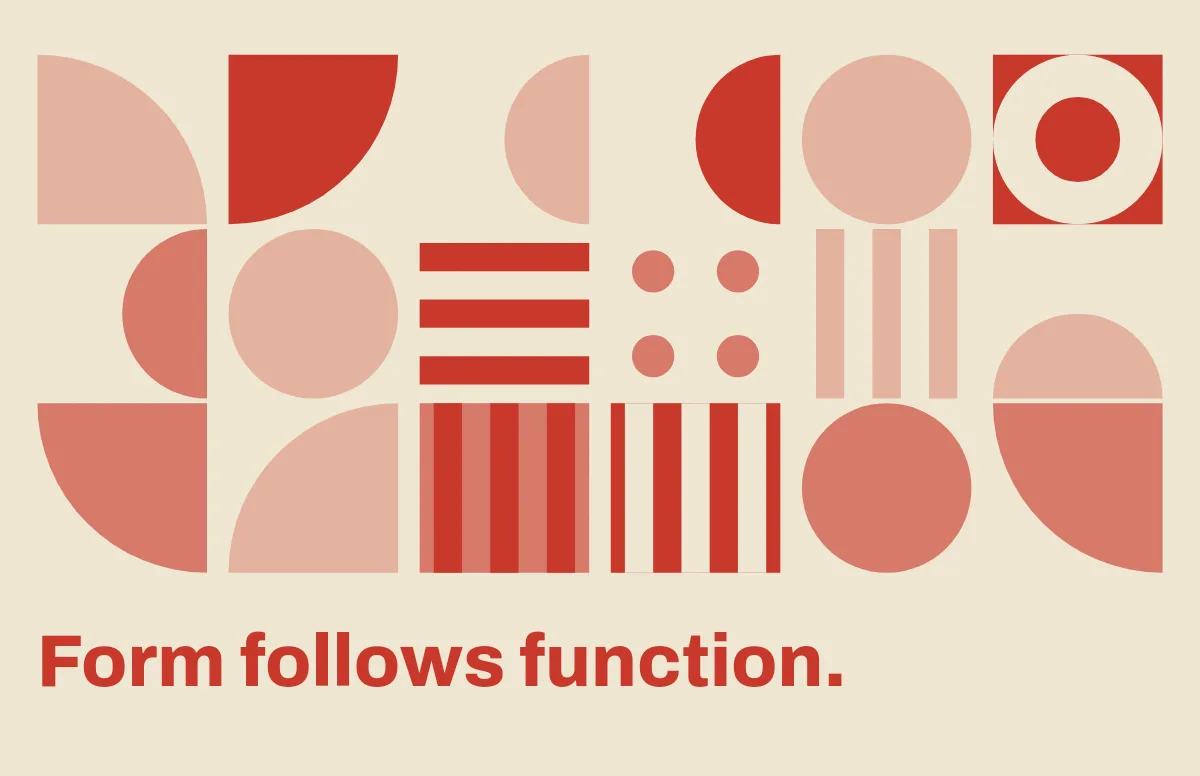
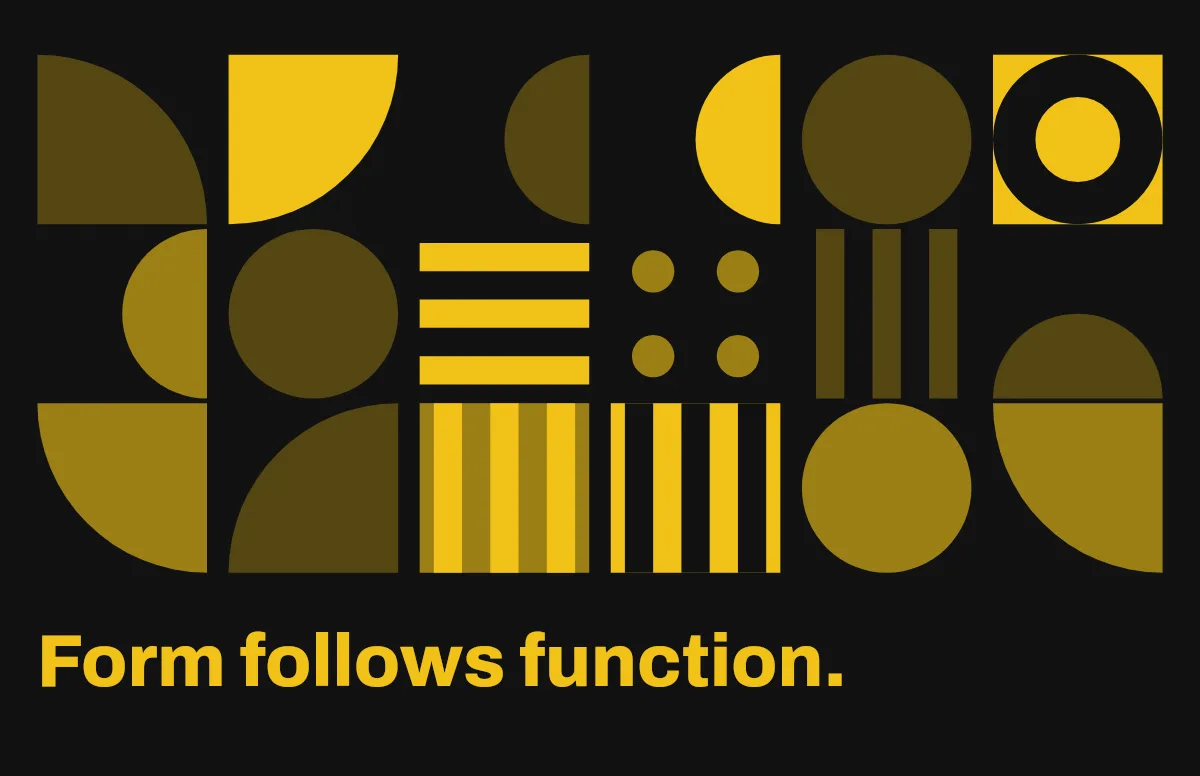
Circles, quarter circles and stripes on a strict grid, with bold type.
Notebook
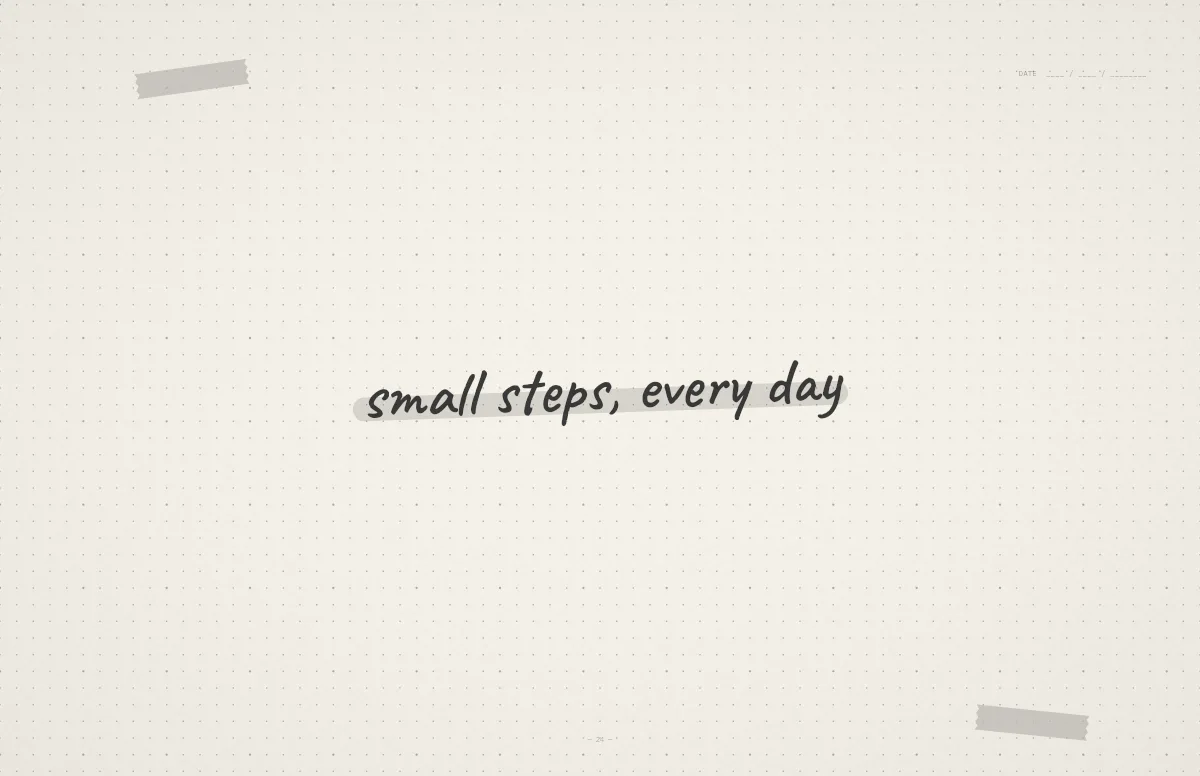
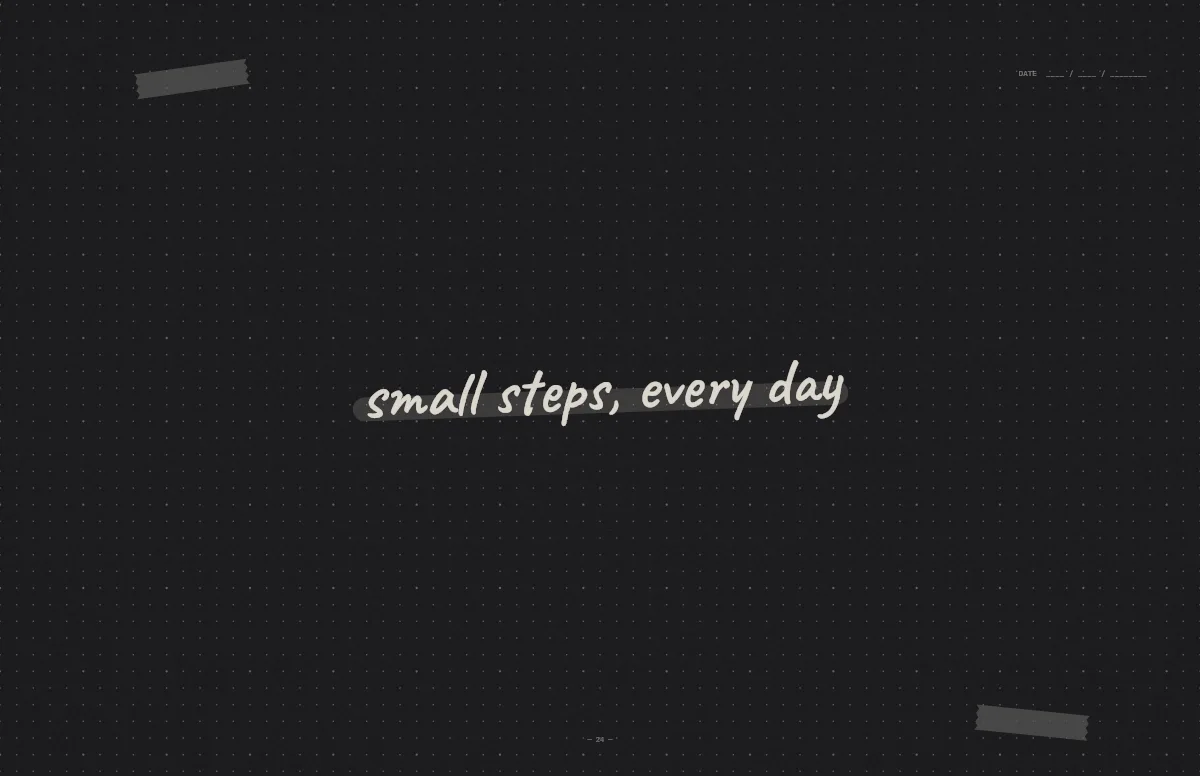
A dotted journal page with your line in handwriting and a highlighter stroke.
Liquid Glass
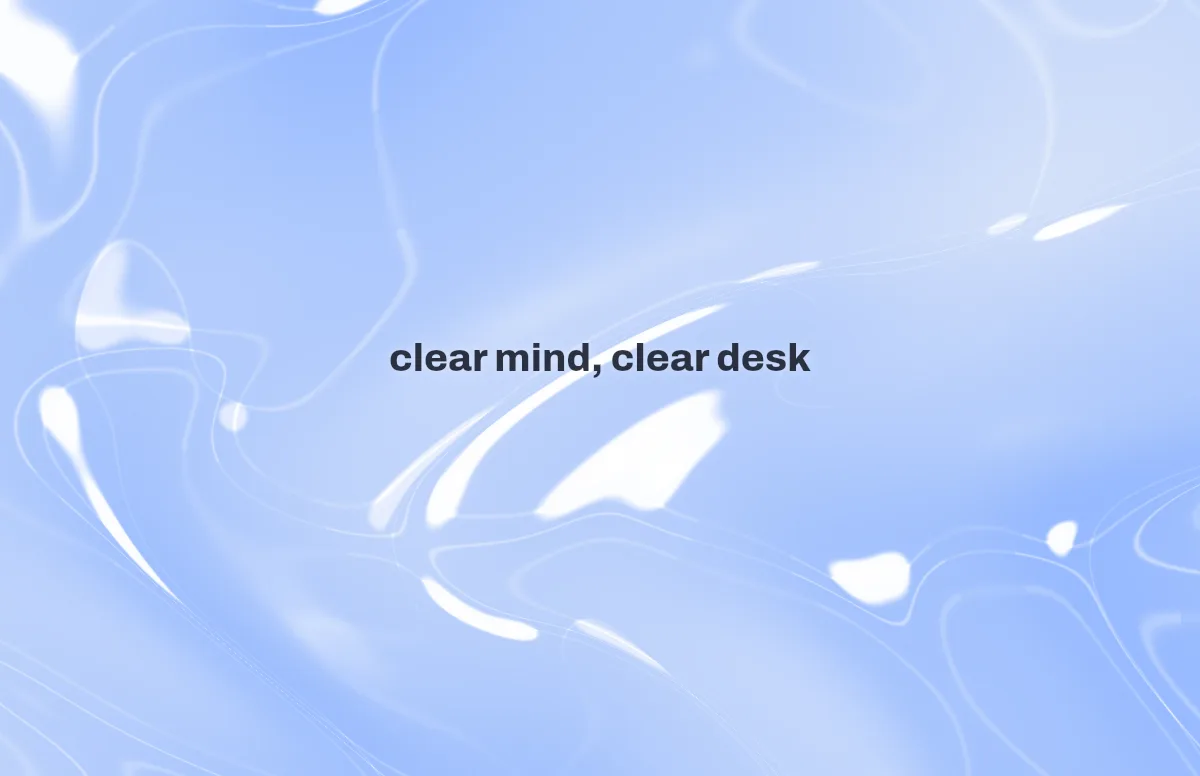
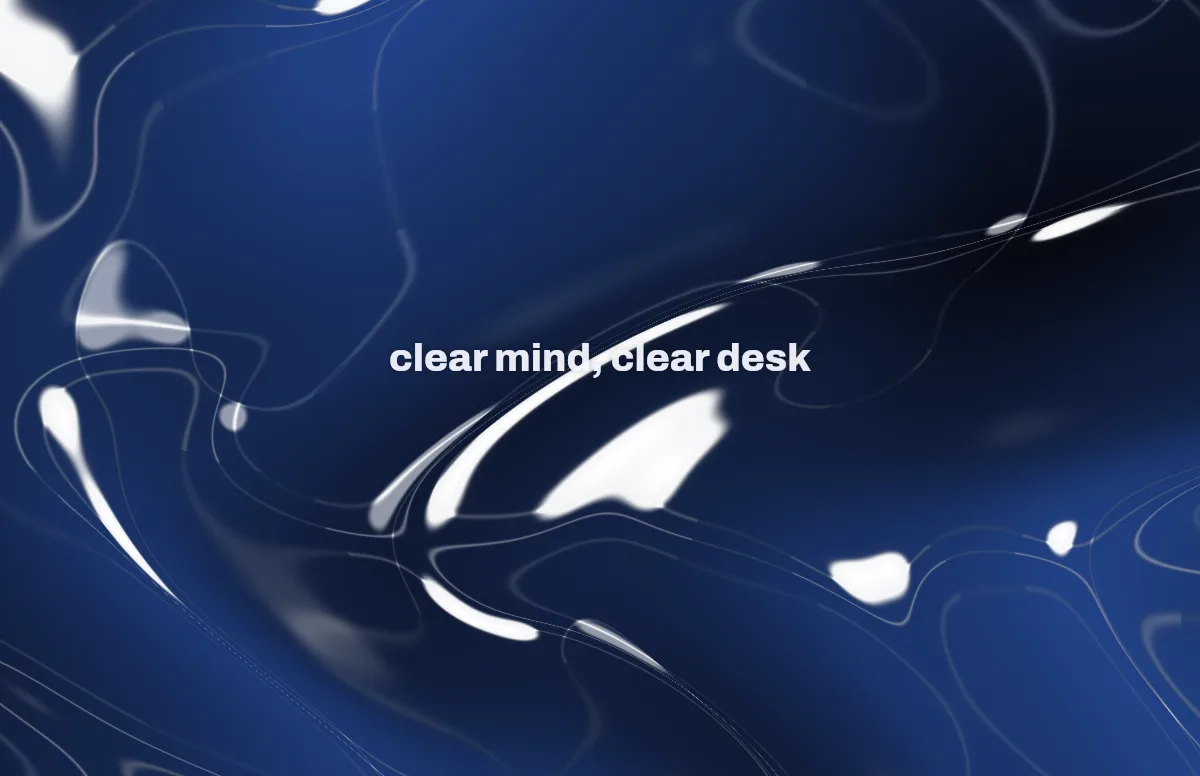
Glass shapes that bend the colors behind them, light and dark.
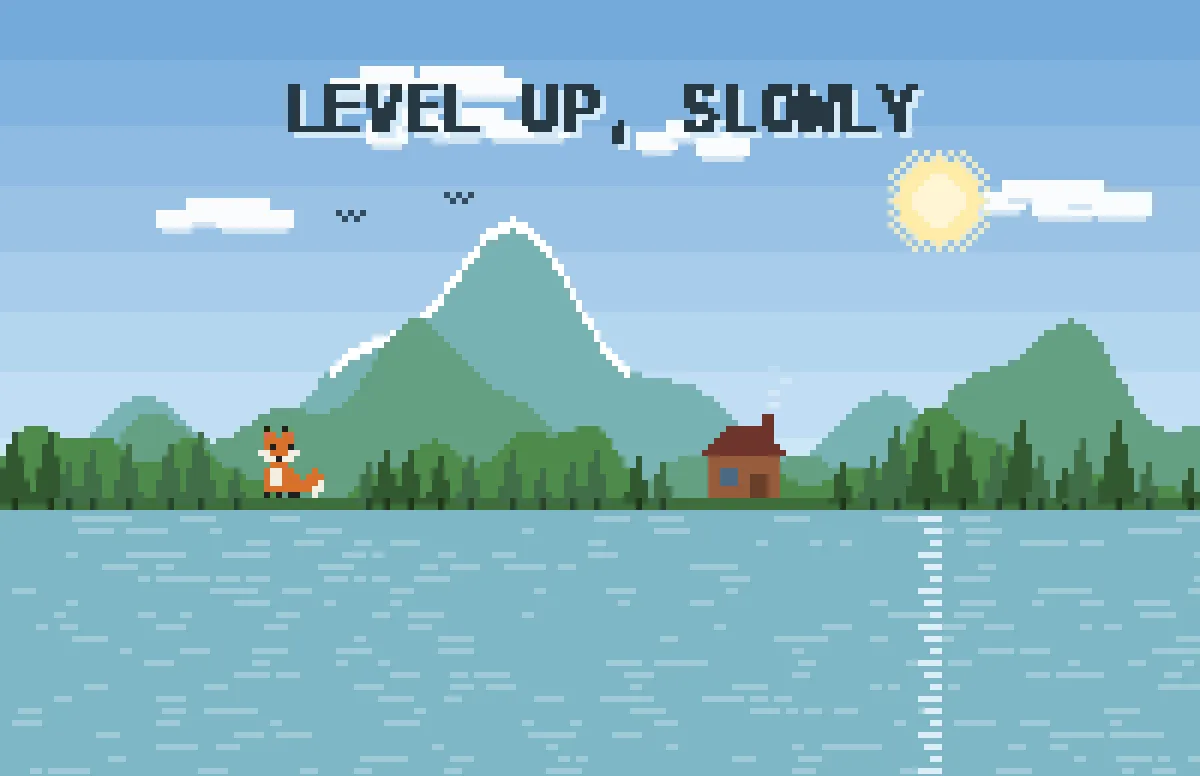
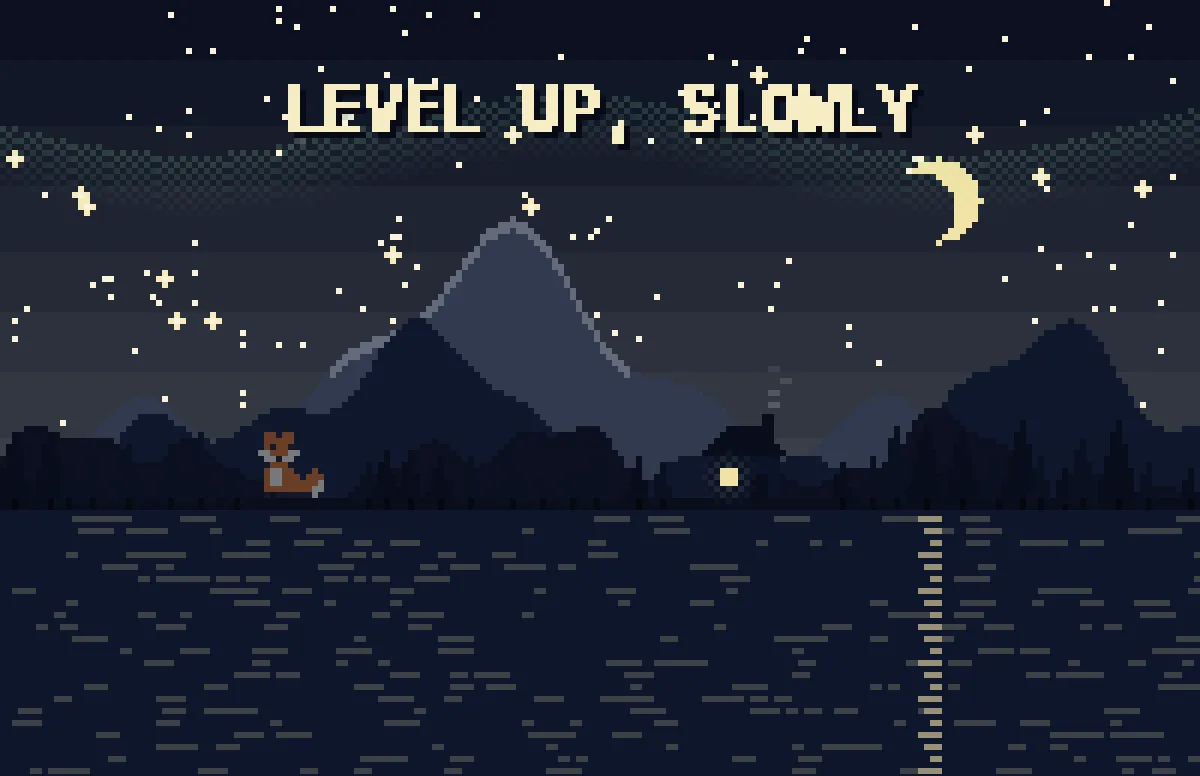
Pixel
Pixel scenes: sun by day, stars and lit windows at night.
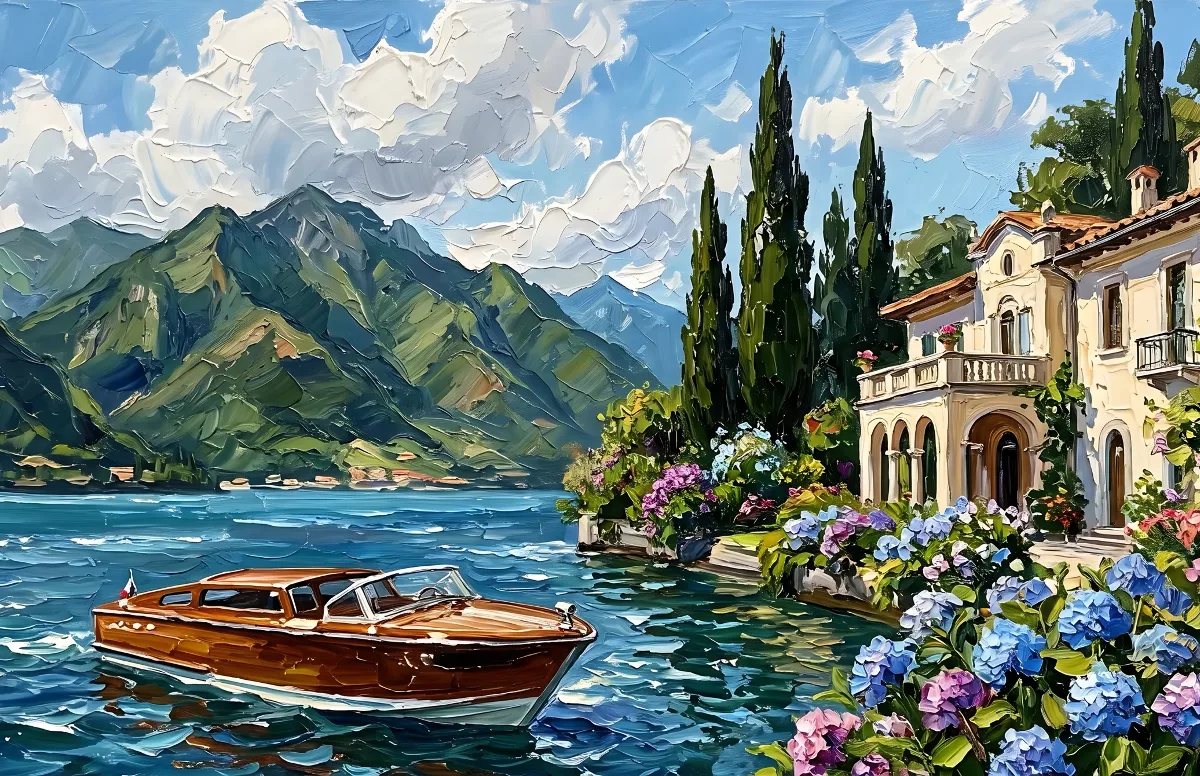
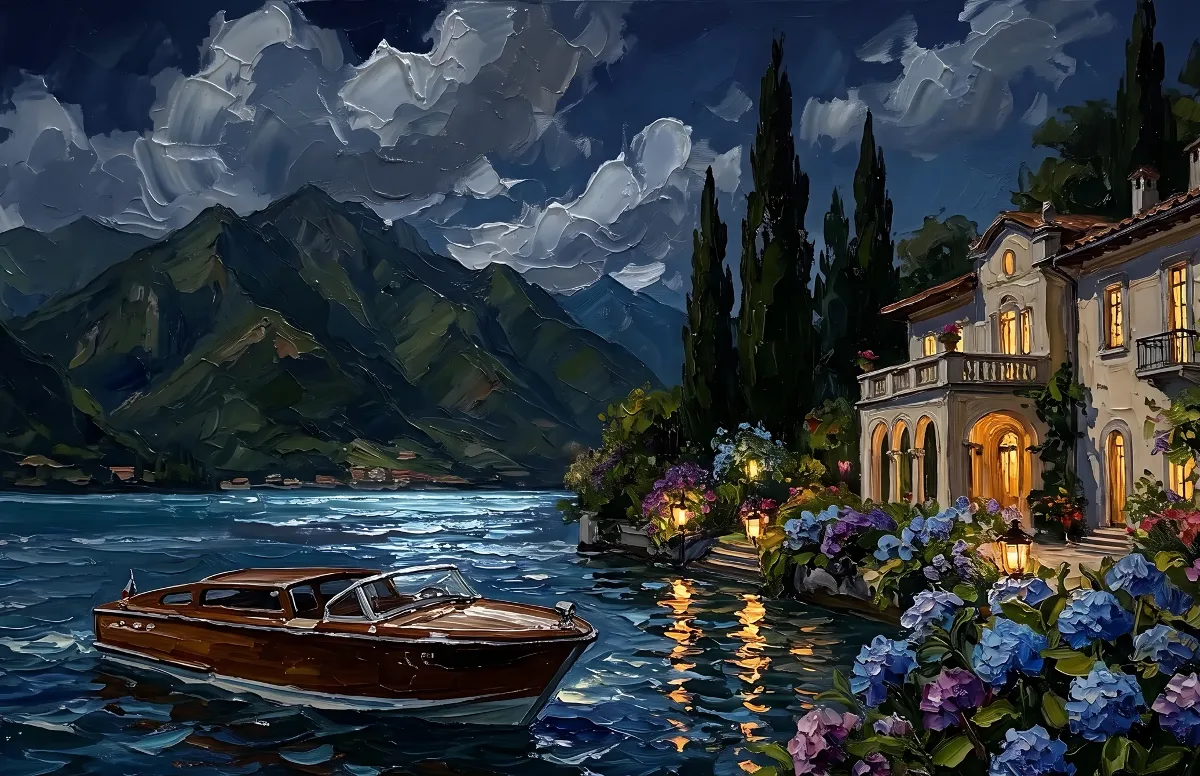
Painted
Impasto oil paintings with a day and a night version of the same scene.
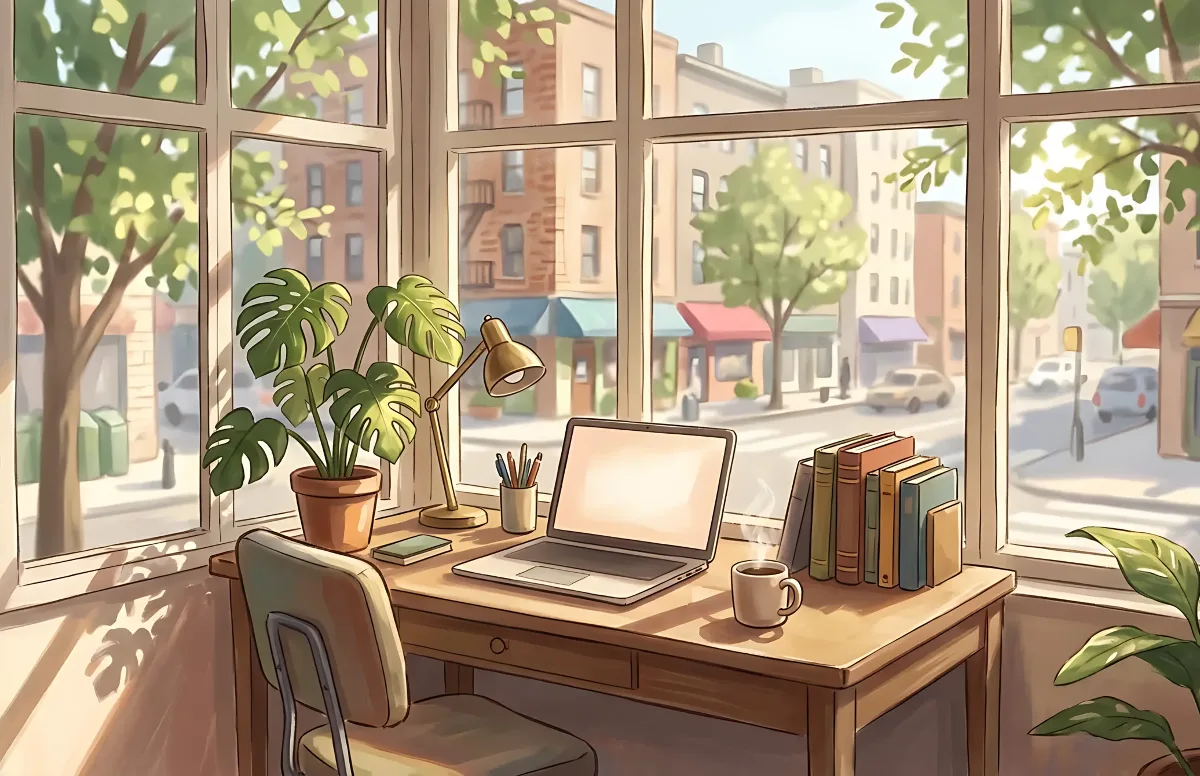
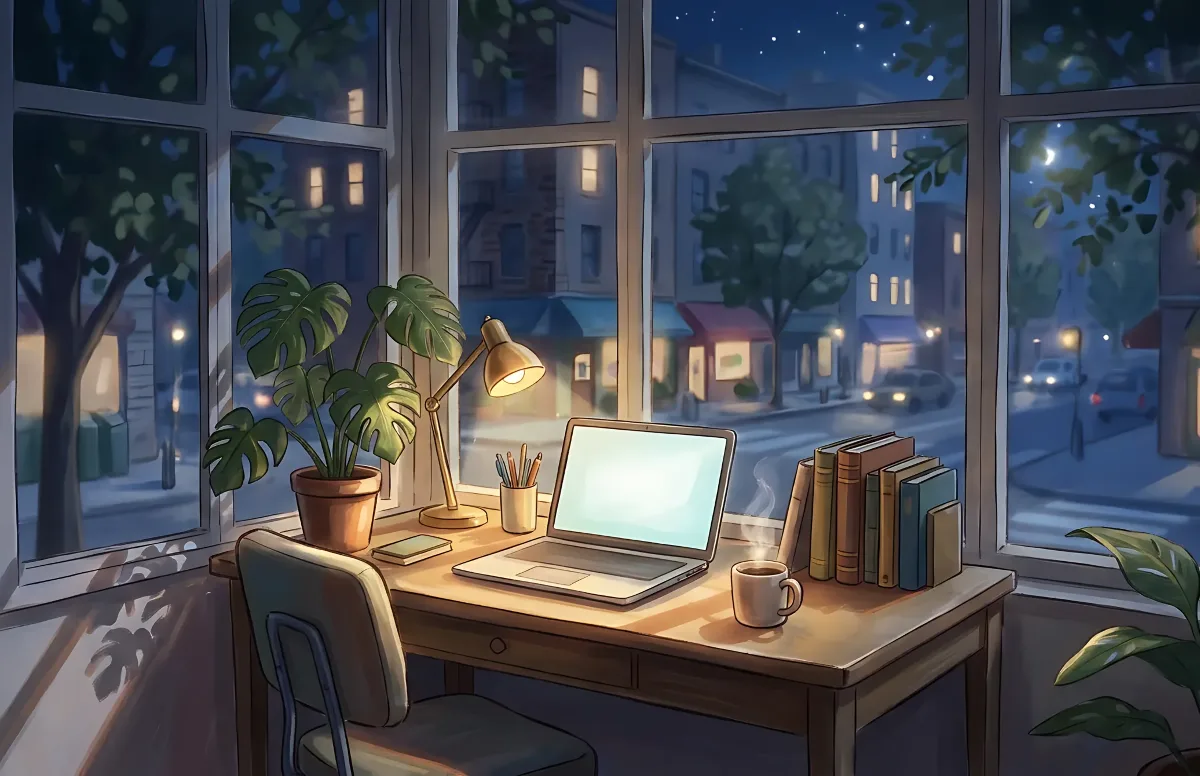
Cozy
Illustrated rooms: sunlight by day, lamp light at night.