About this template
You choose one glow color per mode, and the other tones are derived from it, so every combination stays in harmony. Peach, lilac and mint are bright and airy for the day. Ultraviolet, ember and lagoon glow out of near-black at night.
Gradients often show banding on large screens. A fine grain is added to every pixel to keep the transitions smooth, even at 5K on a Studio Display.
Ideas for using it
A calm reminder
One short line in the middle of the screen, such as an affirmation or a reminder to take breaks, without the noise of a photo.
A minimal desktop
With desktop icons hidden, the soft glows look like a premium gradient wallpaper. Your text can stay empty.
Matching Mac and iPhone
Make the same colors for both devices. The glows are placed for each screen, so they look intentional on both.
Tips for light and dark
- Shuffle moves the glows to a new arrangement. The number next to it lets you get back to a version you liked.
- Turn on Stronger glow under Details if the colors look too pale on a bright display, for example on the 2000-nit PROLED MacBook Pro.
- Pairs that belong together read best: Lilac by day with Ultraviolet at night, or Peach with Ember. The article on choosing colors has more combinations.
Not sure which size you need? The Mac wallpaper size table lists the exact pixels for every MacBook, iMac and display, and the iPhone wallpaper size table does the same for every iPhone.
Questions and answers
Which text works best?
Short and lowercase reads best in this style: an affirmation, a reminder or a single word.
How is the text color chosen?
It follows the brightness of the background: dark text on light colors, white text on dark ones.
Does Shuffle change both versions?
Yes. The variation applies to light and dark alike, so the glows sit in the same place when your Mac switches.
Will the gradient show stripes?
A fine grain is added to every pixel, which hides the banding that smooth gradients often show on large displays.
Related articles
OLED wallpaper for iPhone and MacBook Pro: true black, battery and burn-in
Does a black wallpaper save battery on an OLED iPhone or the PROLED MacBook Pro, and can it burn in? What research and Apple actually say.
New MacBook Pro 2026: wallpaper size, Dynamic Island and what changes
The PROLED MacBook Pro has a taller screen and a Dynamic Island instead of the notch. The exact wallpaper sizes and what happens to your old wallpaper.
Choosing colors for a light and dark wallpaper that belong together
How to pick a light and a dark color pair that feel like one wallpaper, with five simple rules and ready-made combinations to start from.
Styles with this template
More templates
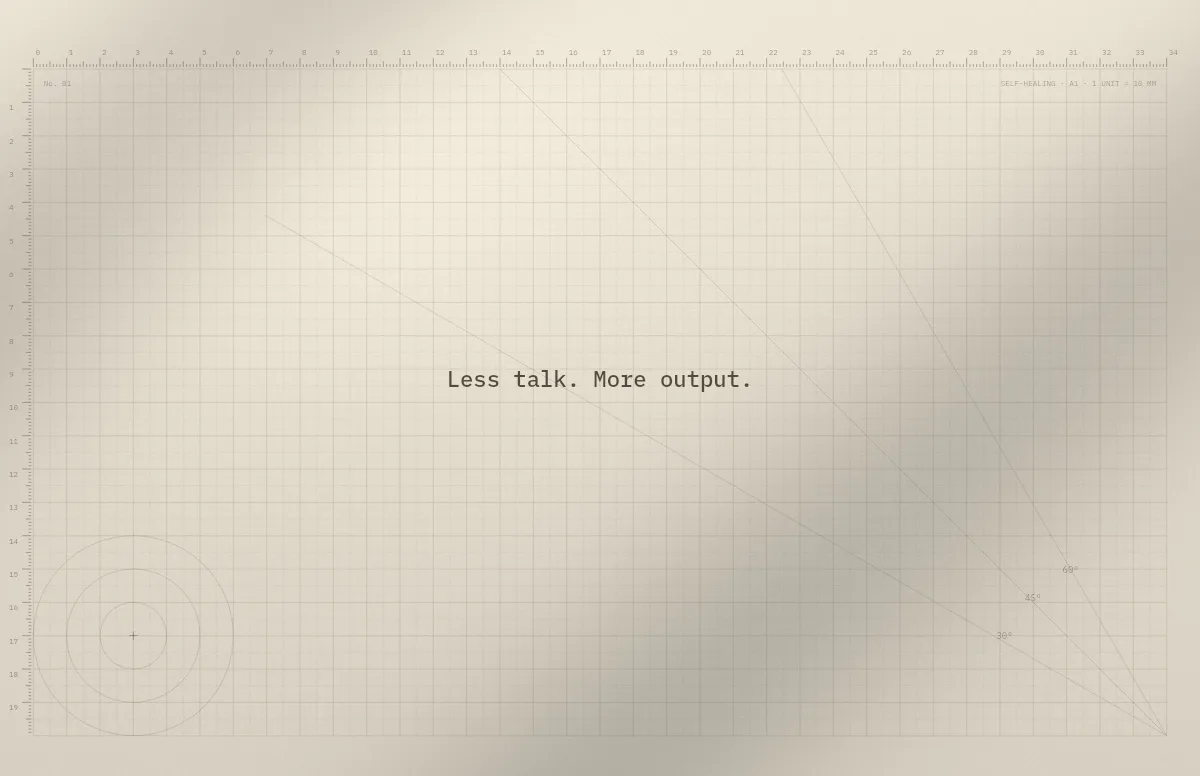
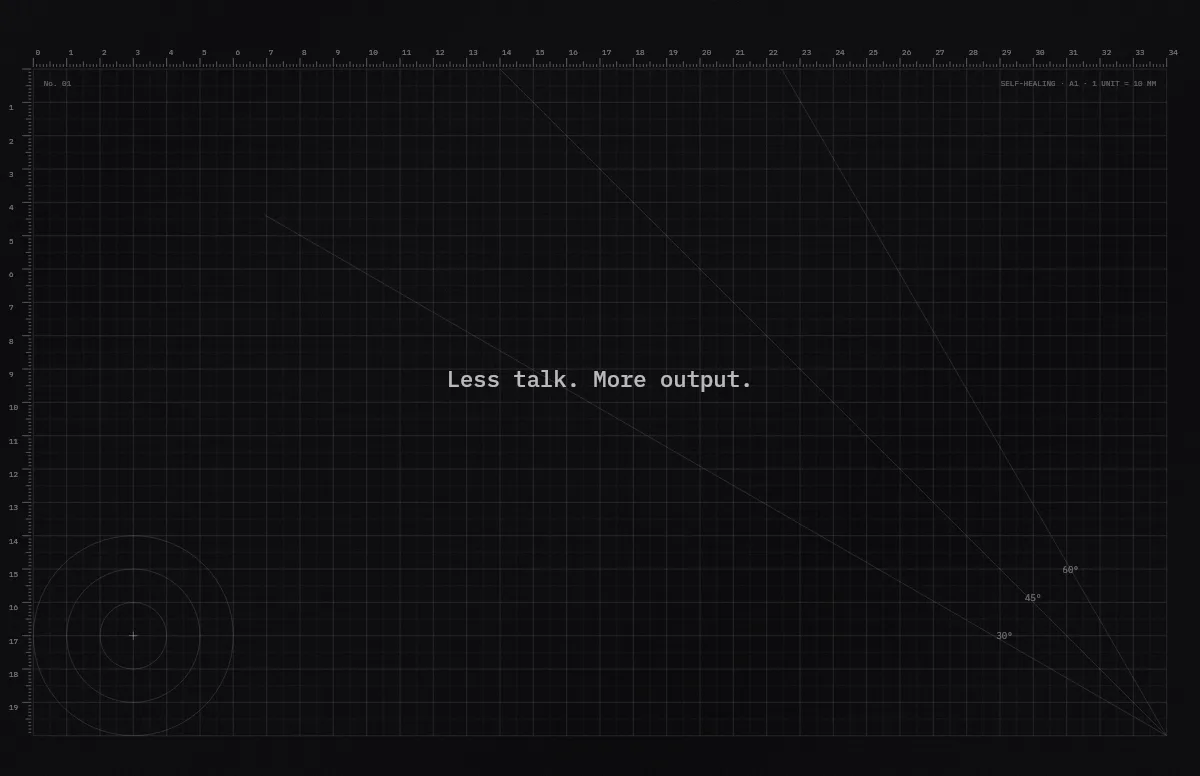
Cutting Mat
Grid, rulers and angle guides, like the mat on a designer's desk.
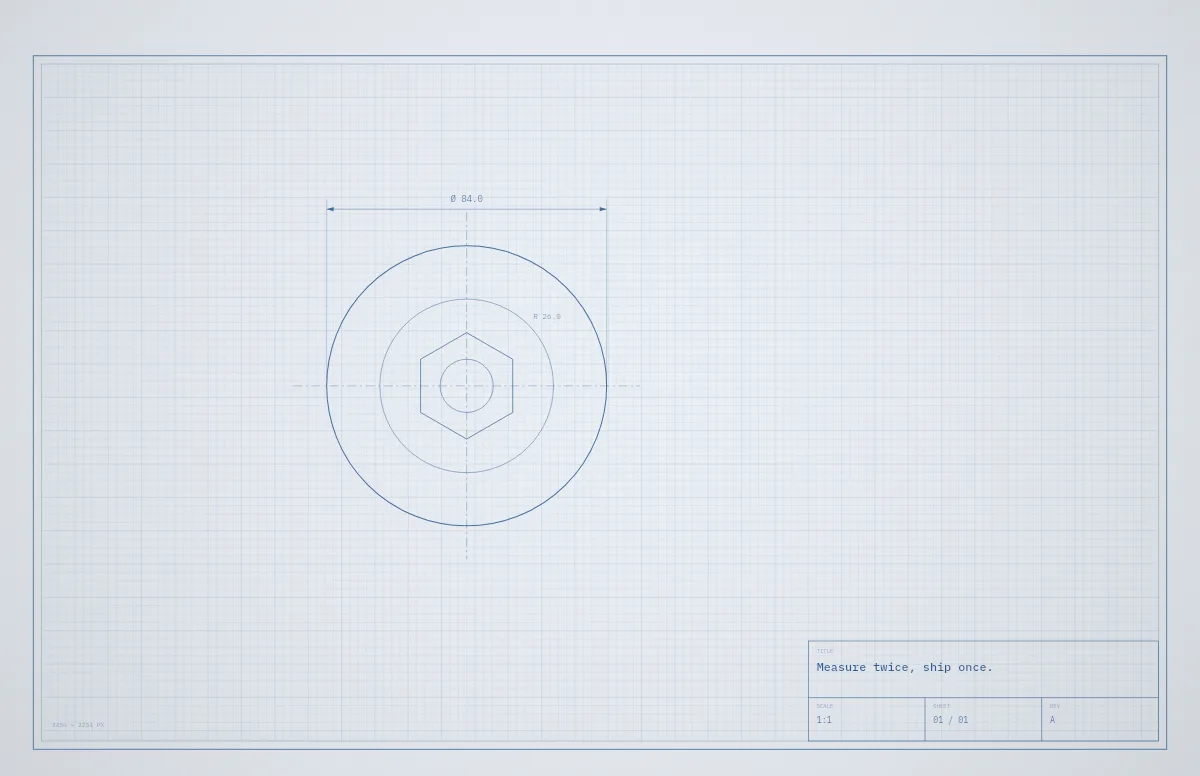
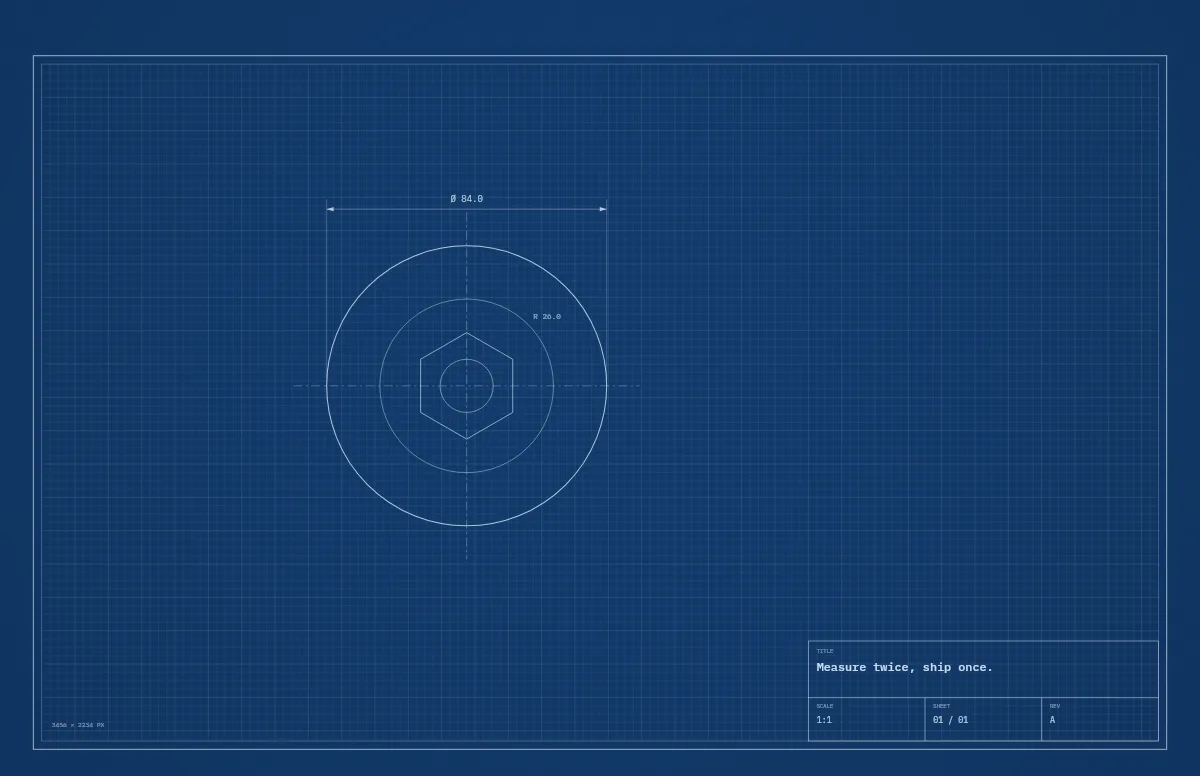
Blueprint
A technical drawing with a title block that carries your text.
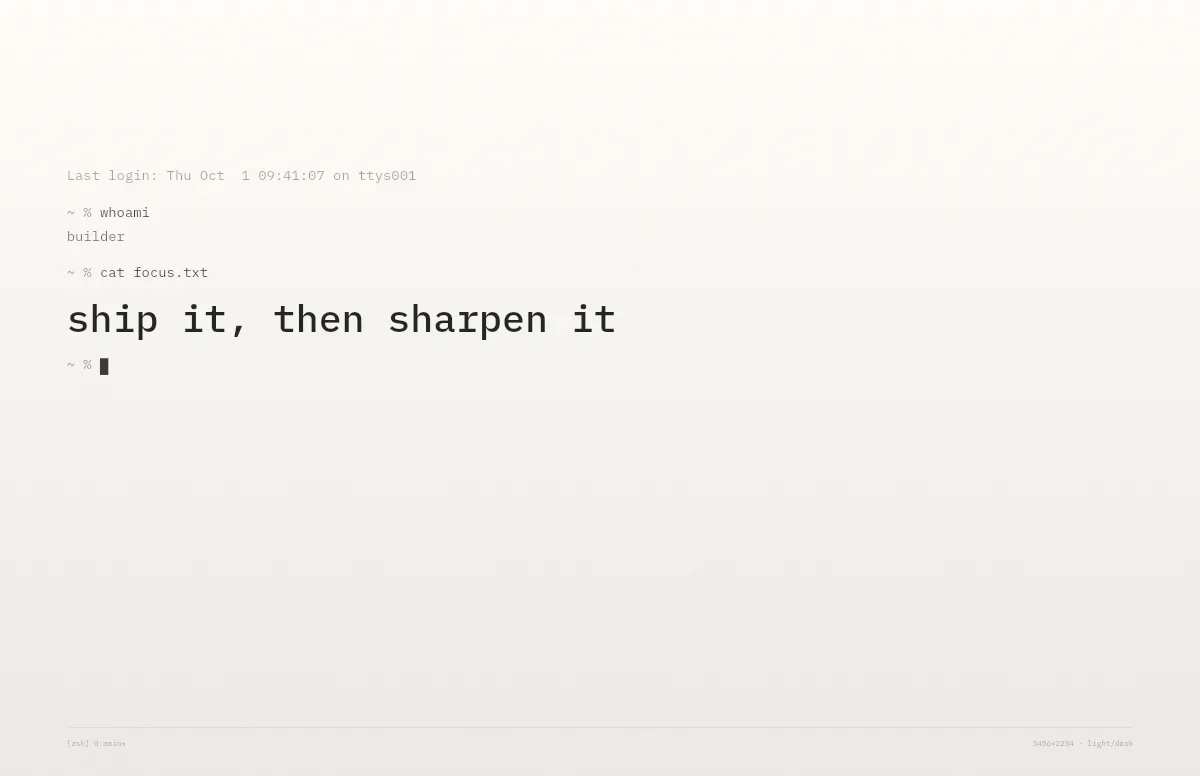
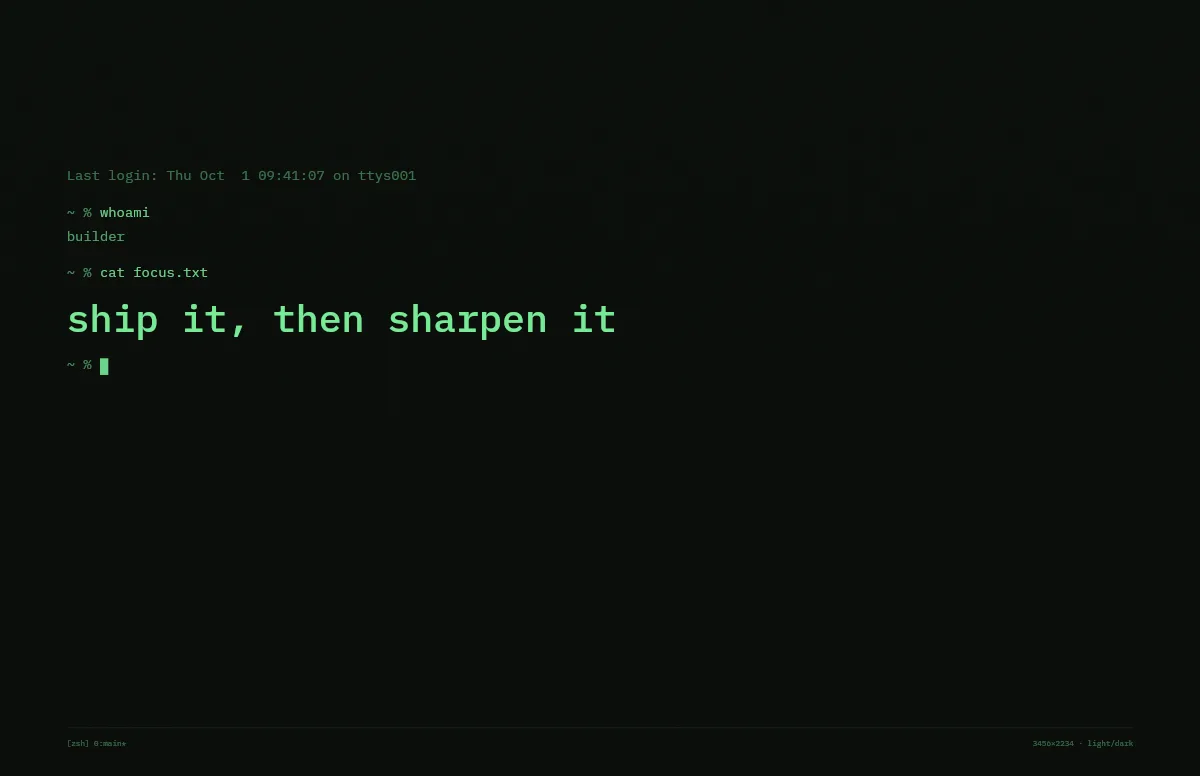
Terminal
A shell session that prints your line. Made for developers.
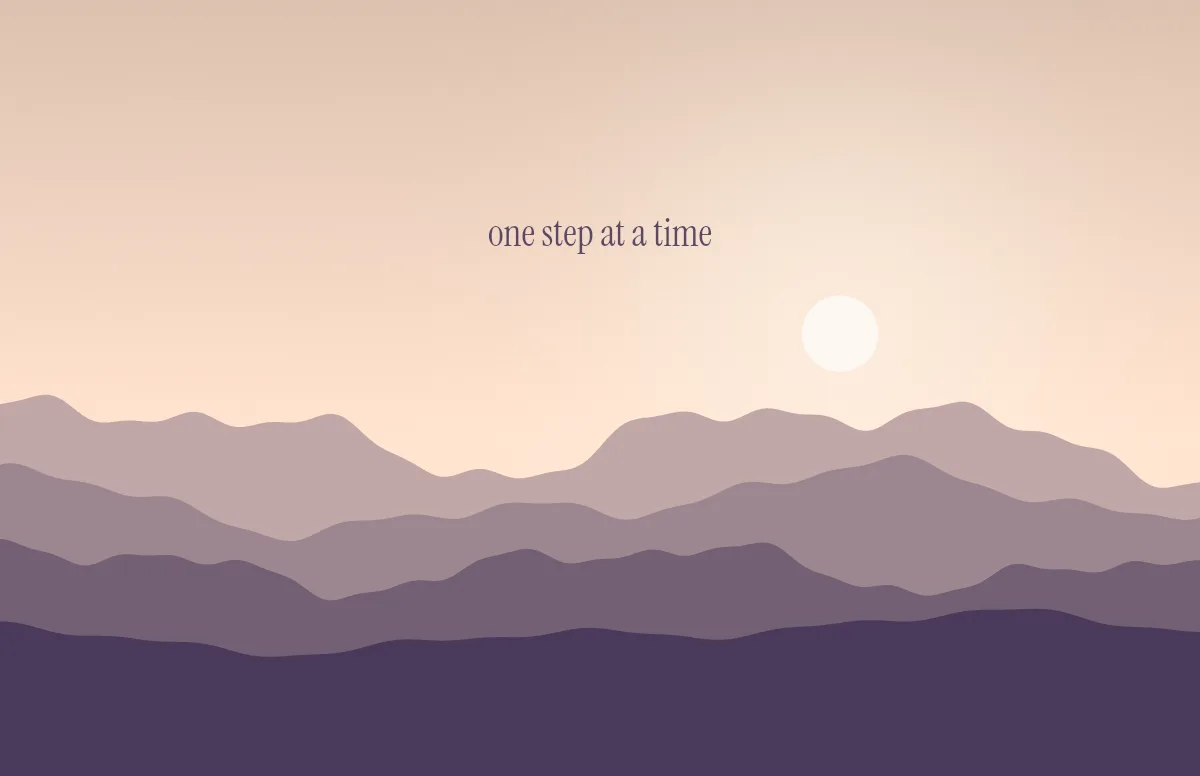
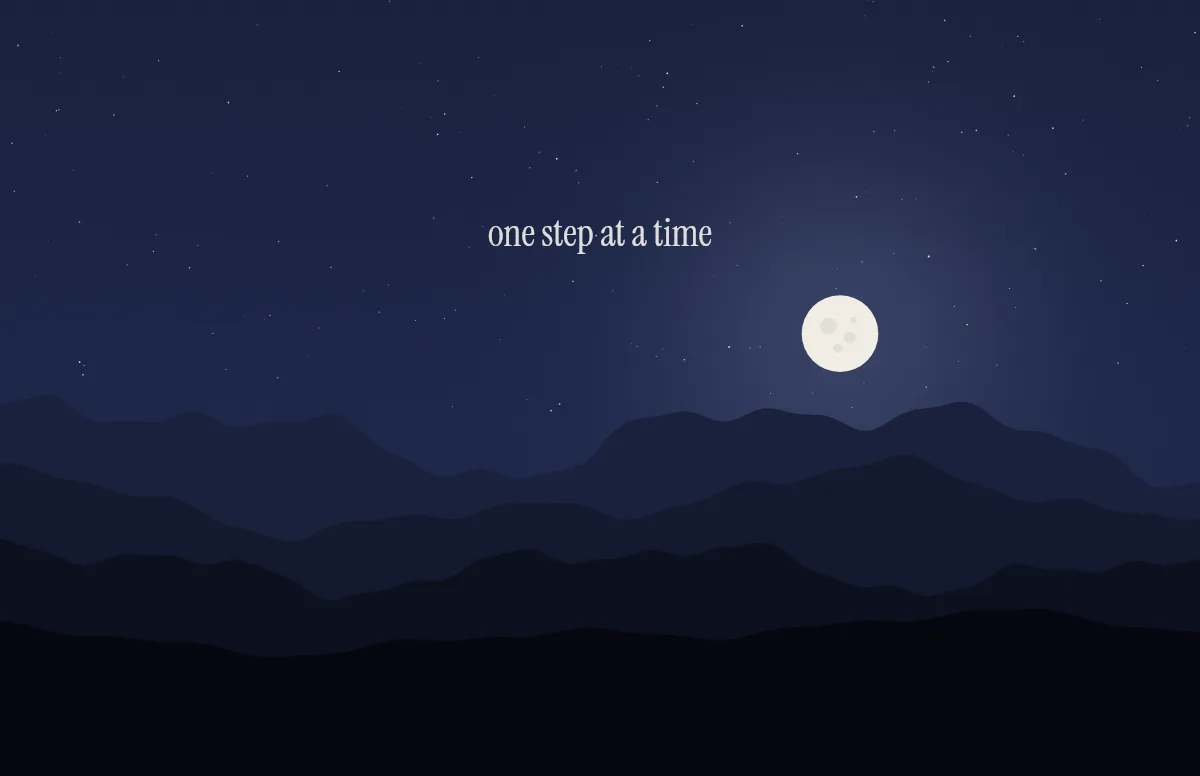
Horizon
Layered mountains under the sun by day and the moon by night.
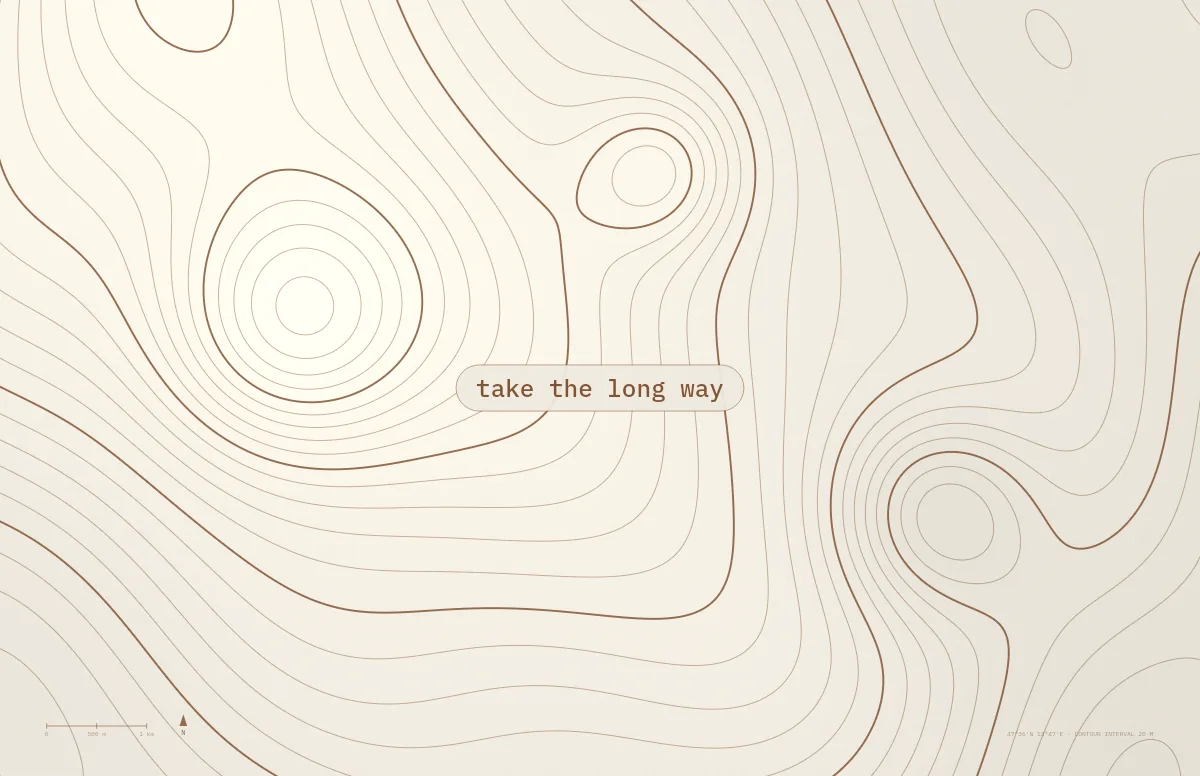
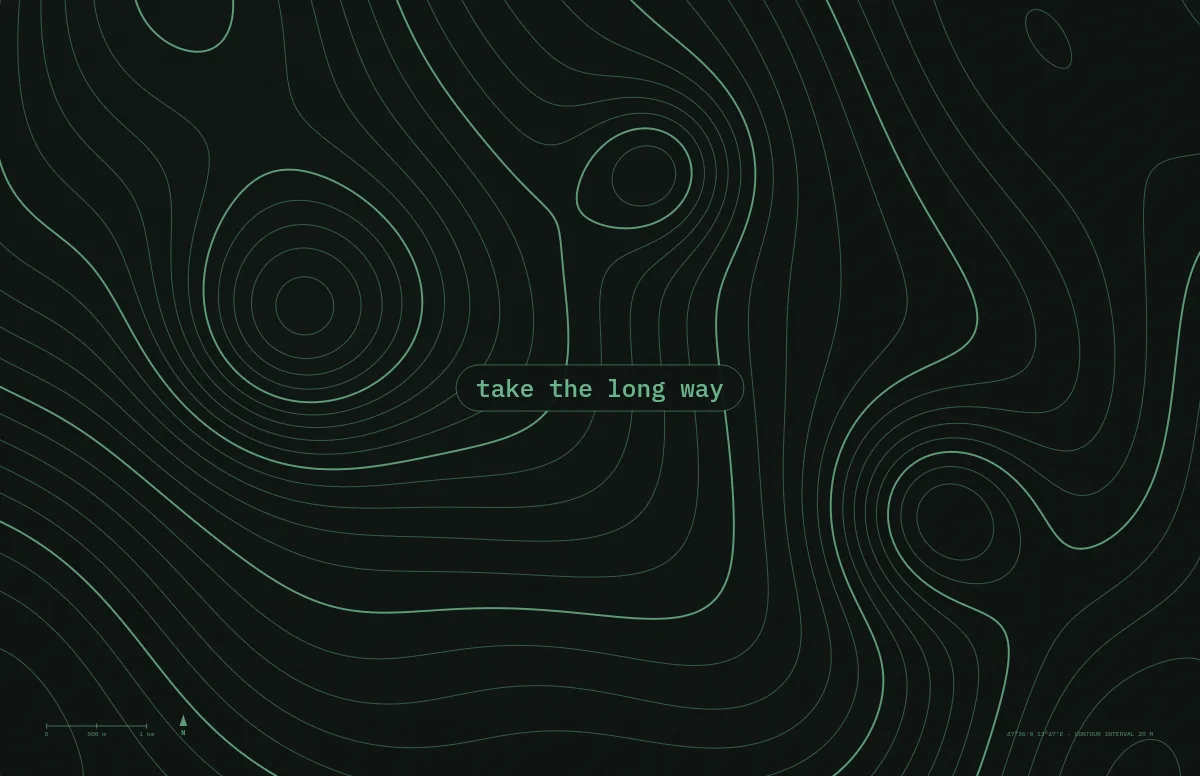
Topo
Contour lines of an imaginary mountain range, with your text as a map label.
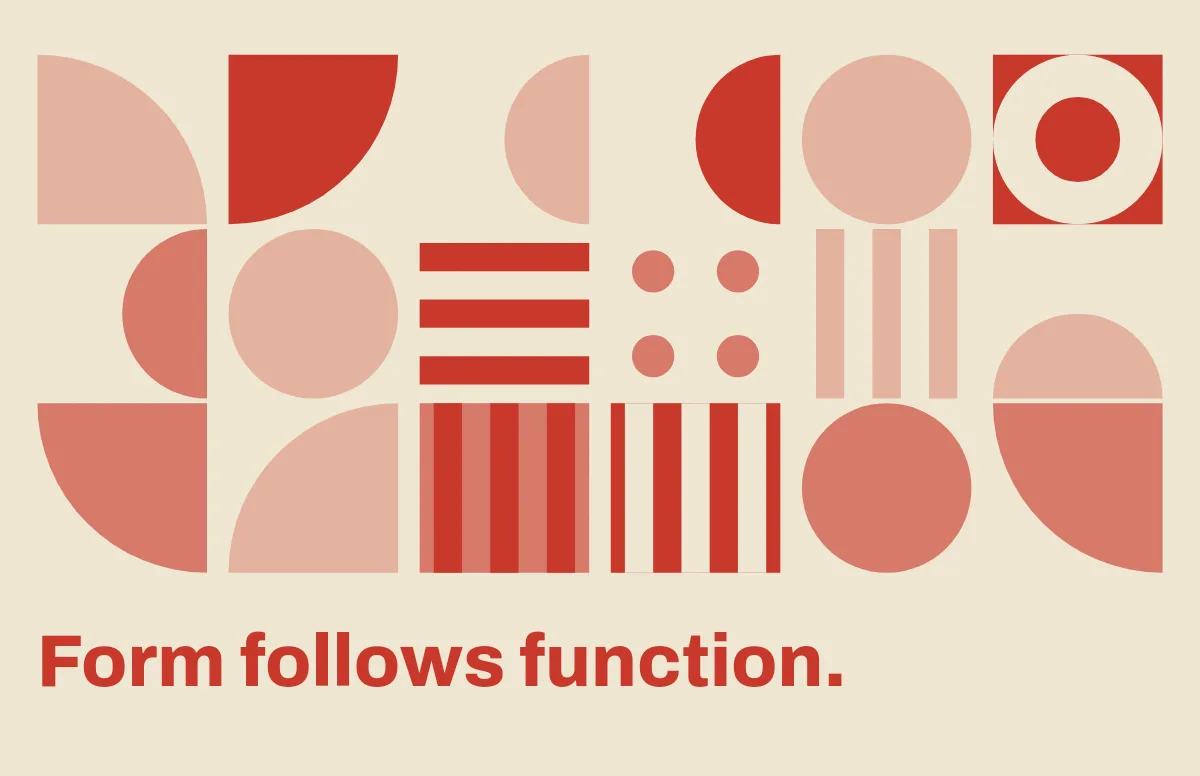
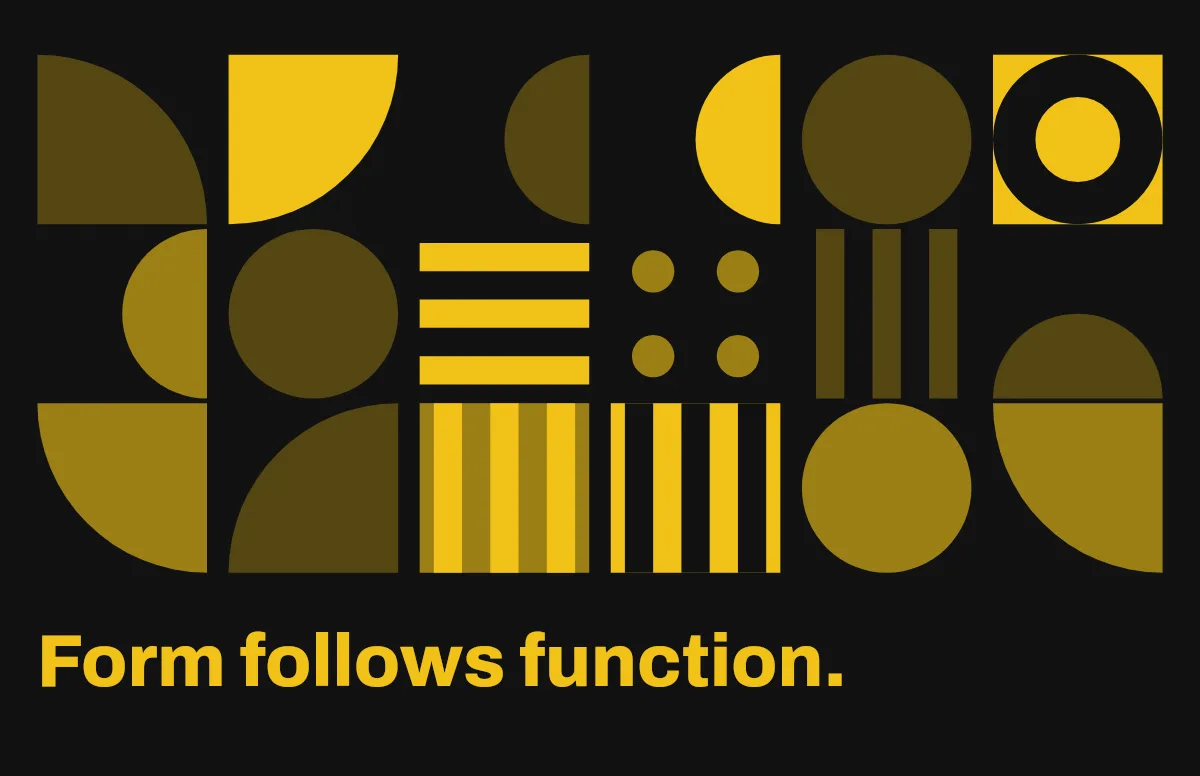
Bauhaus
Circles, quarter circles and stripes on a strict grid, with bold type.
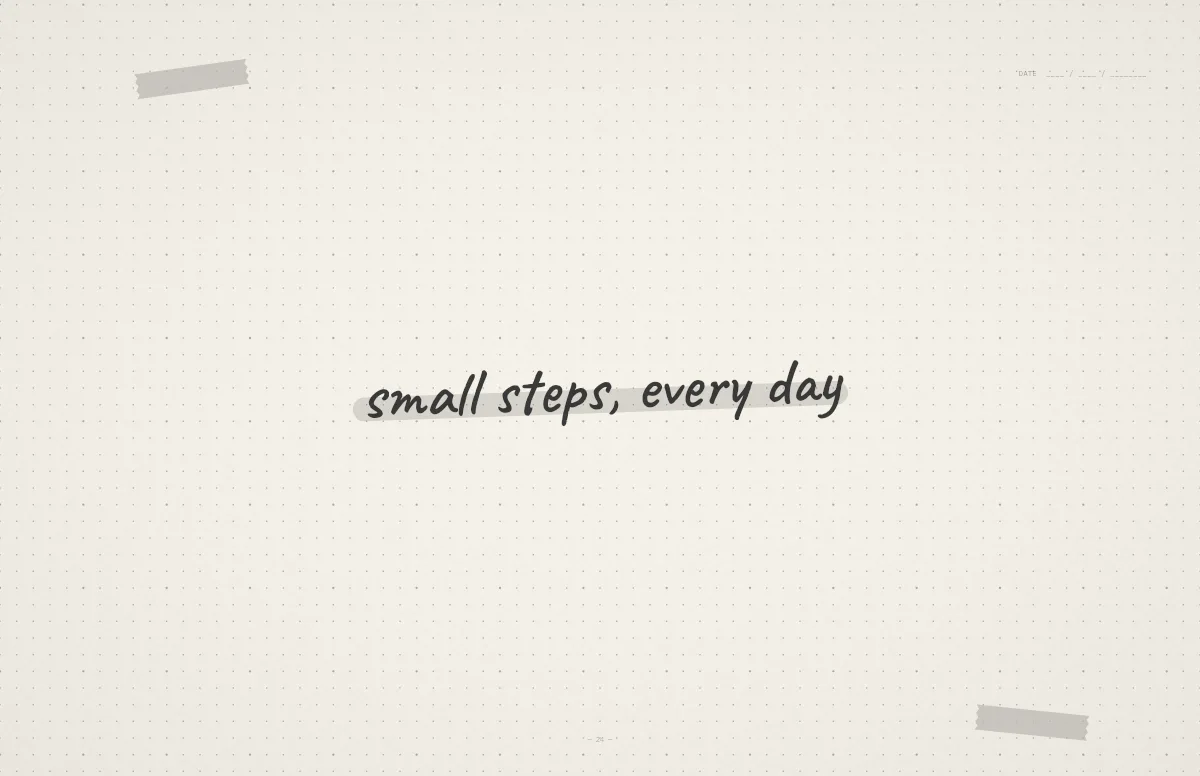
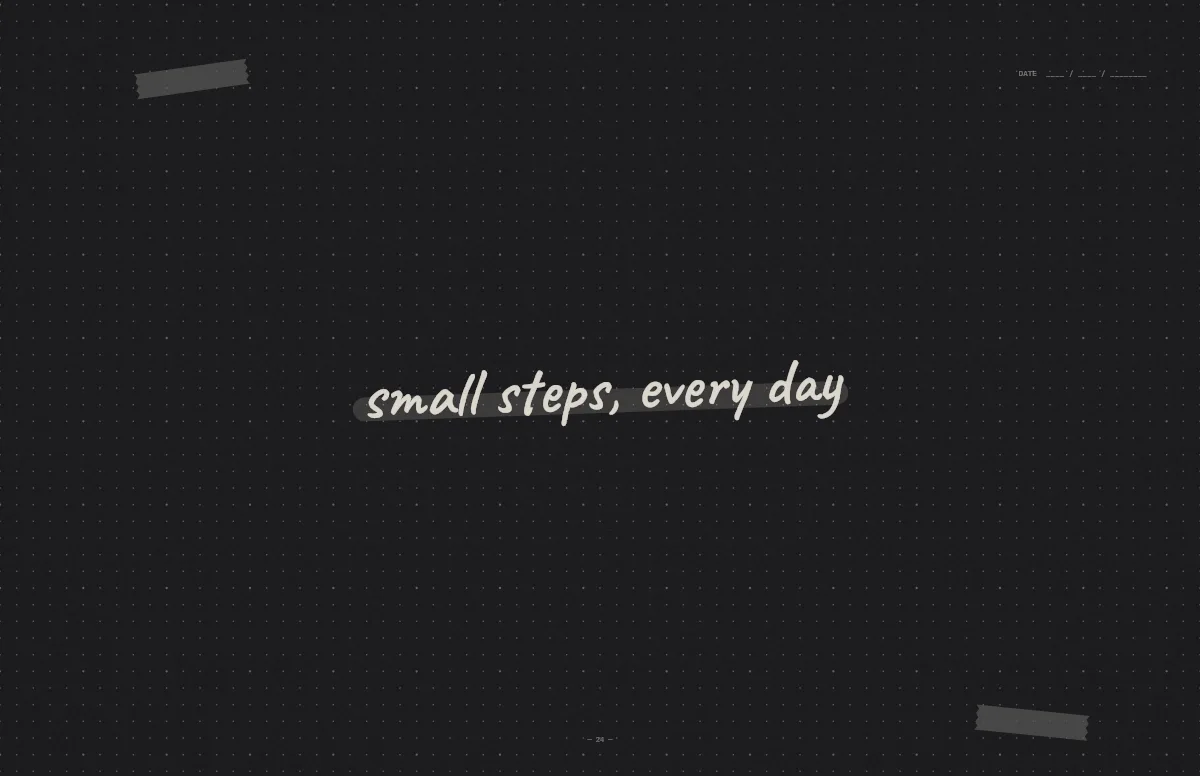
Notebook
A dotted journal page with your line in handwriting and a highlighter stroke.


Liquid Glass
Glass shapes that bend the colors behind them, light and dark.
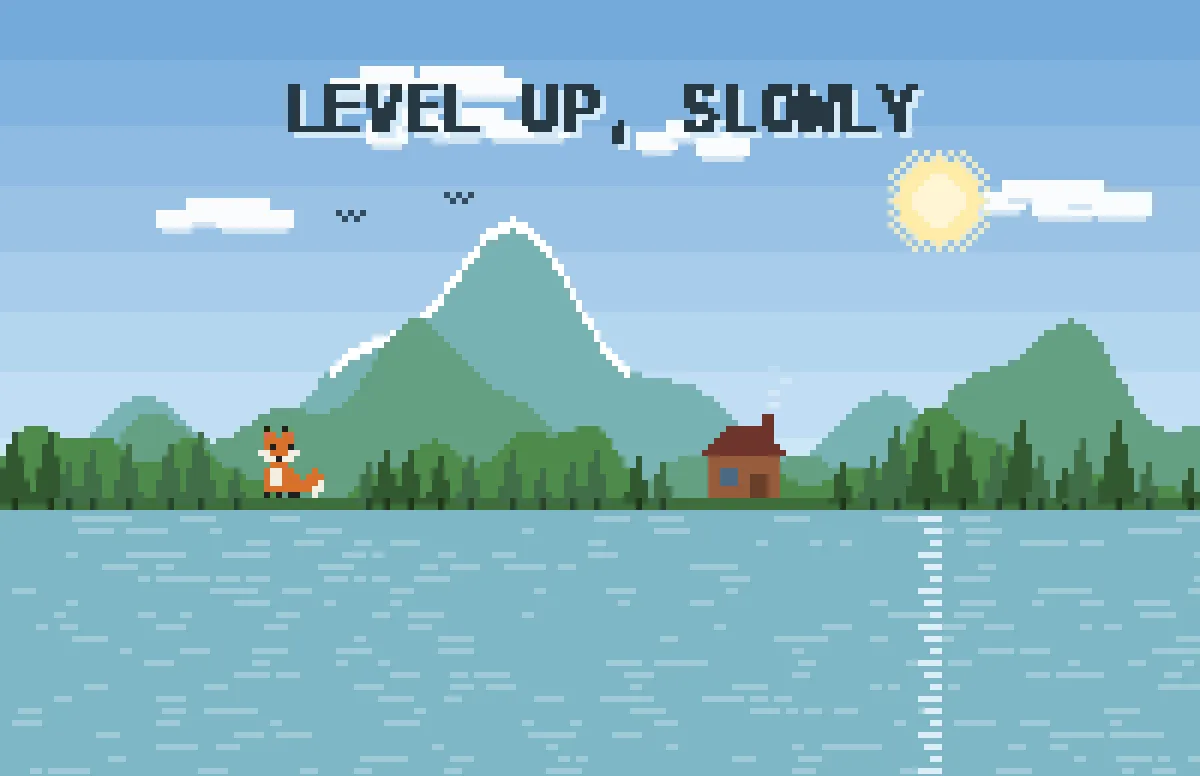
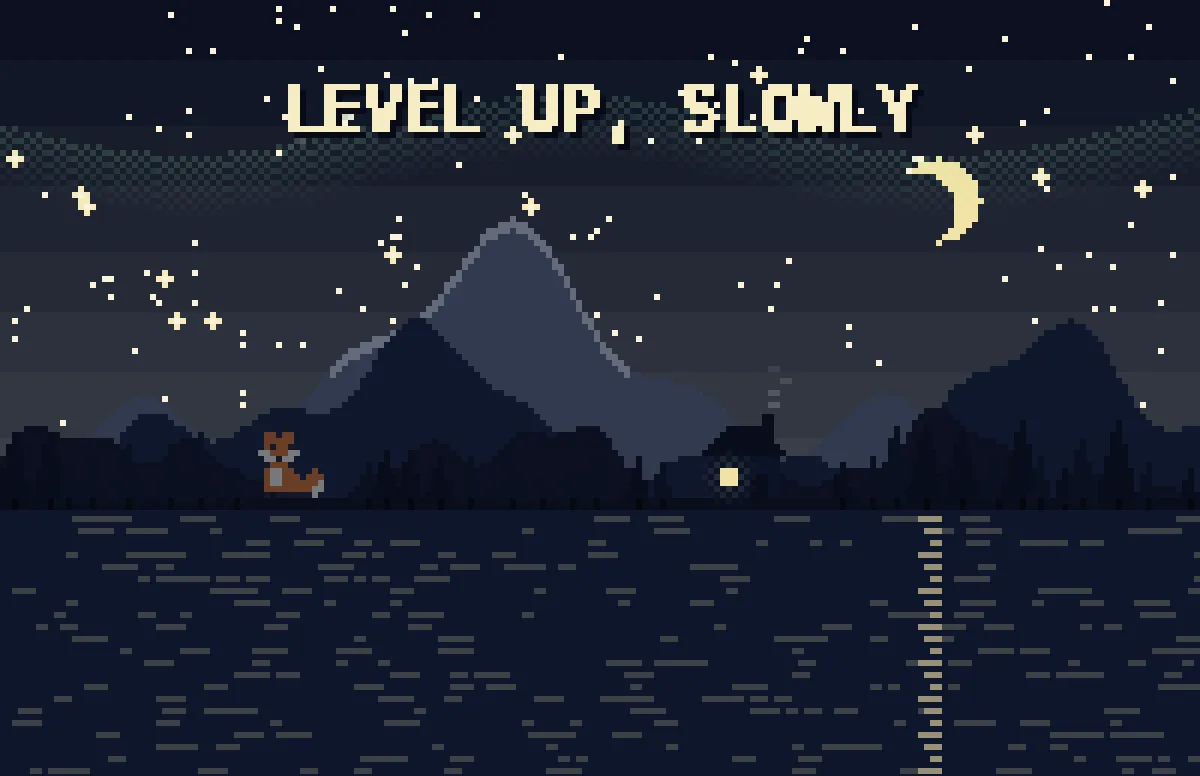
Pixel
Pixel scenes: sun by day, stars and lit windows at night.
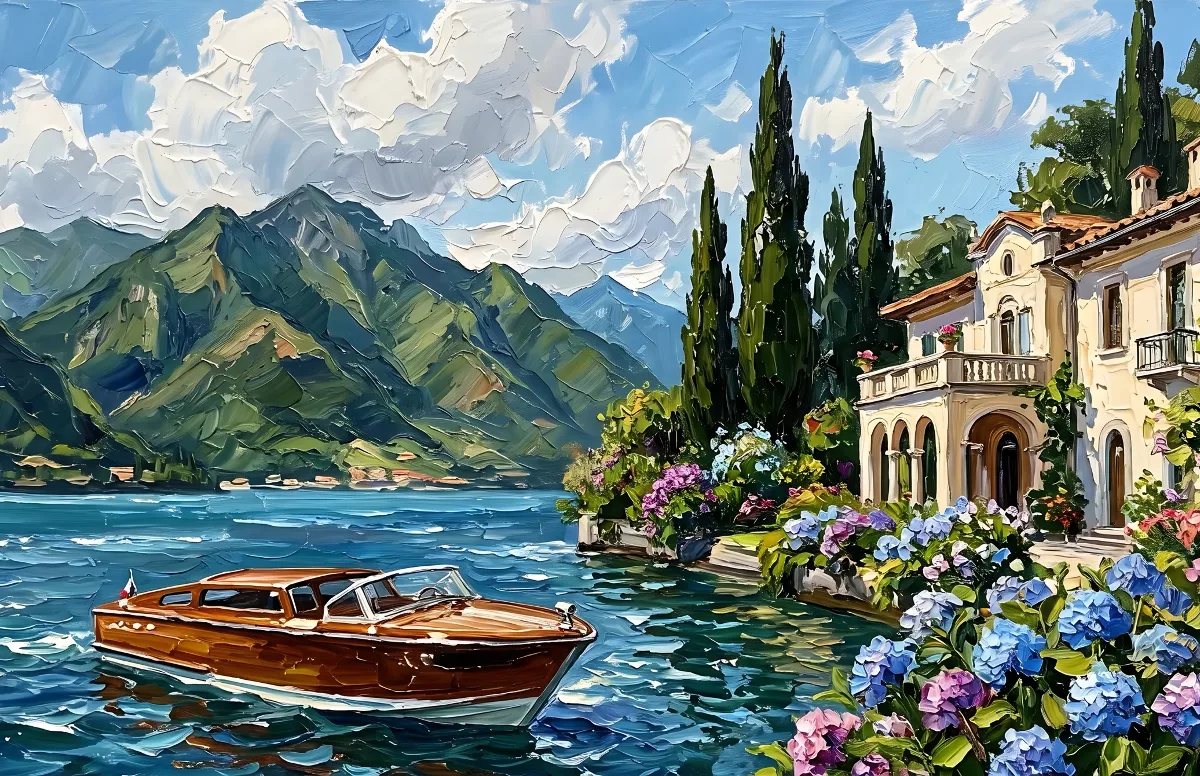
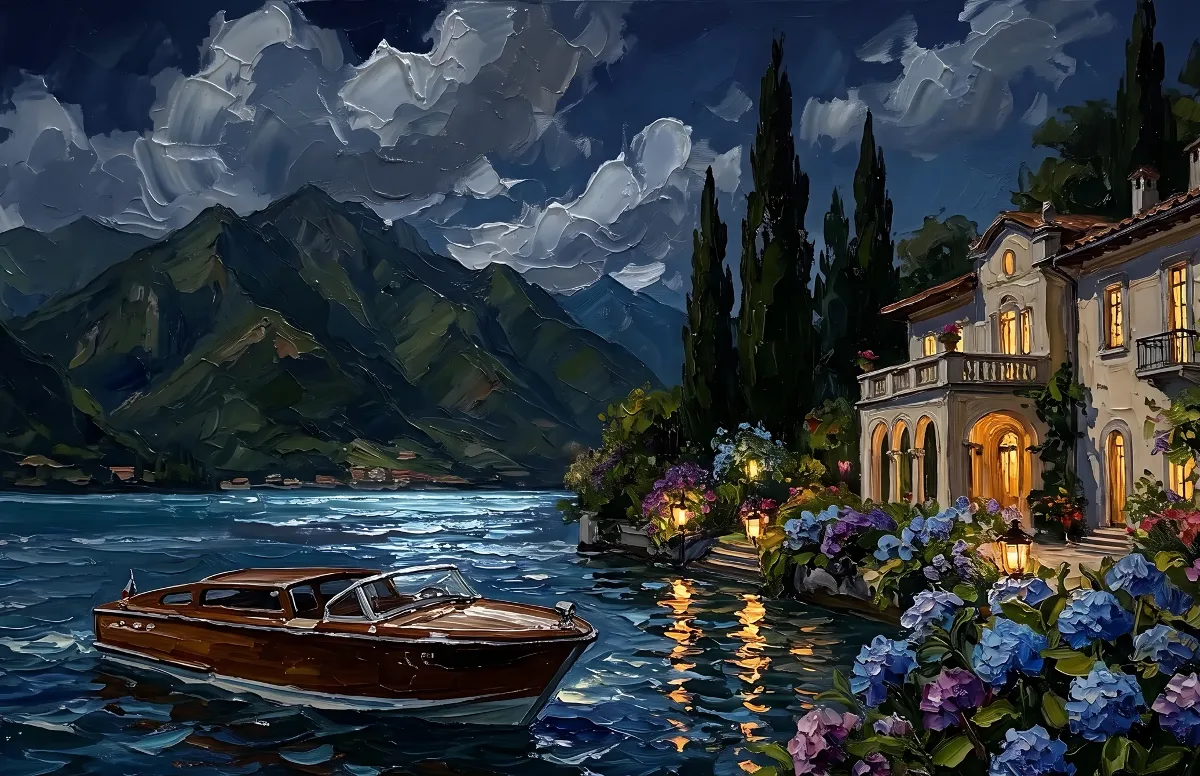
Painted
Impasto oil paintings with a day and a night version of the same scene.
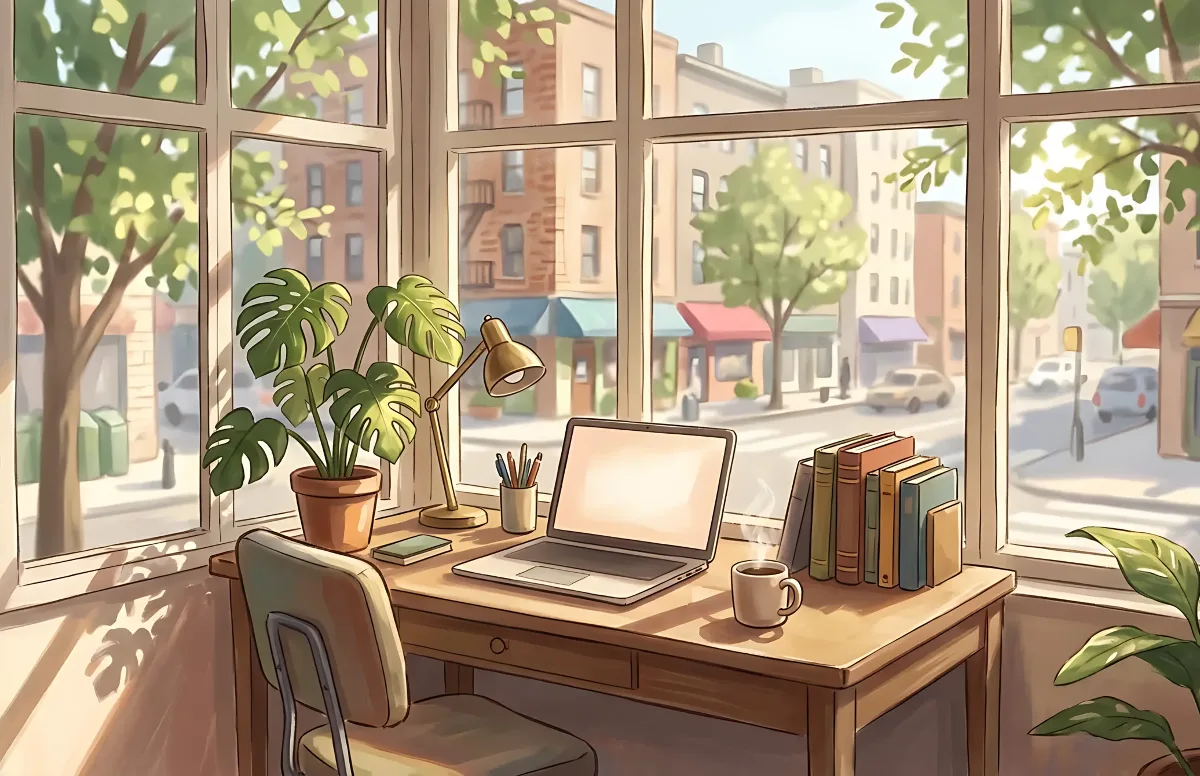
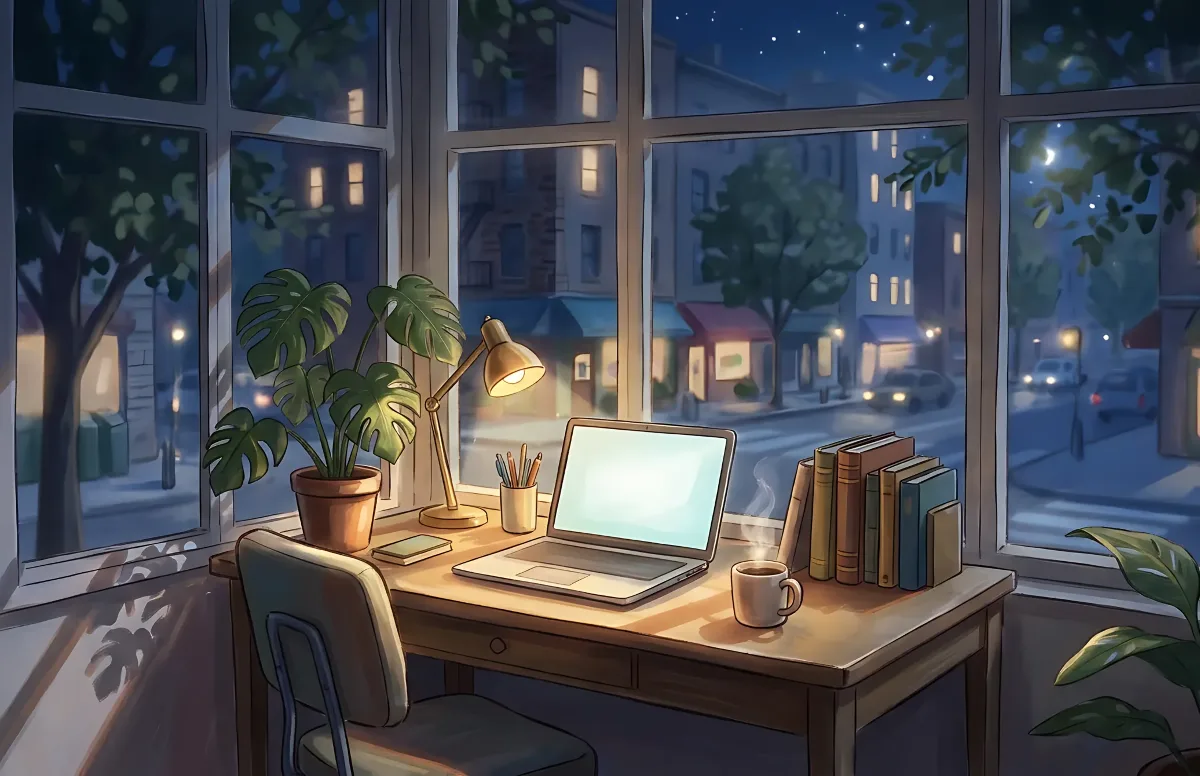
Cozy
Illustrated rooms: sunlight by day, lamp light at night.