About this template
Each motif is a pair painted to match: a lakeside villa, a snowy mountain village, a Greek island staircase, a winter lane, a lavender field, a Tuscan cypress road, Paris rooftops and a still life with lemons. Only the light changes, so the switch at dusk looks like time passing, not like a new picture.
The picture is cut to the exact resolution of the Mac or iPhone you choose. On the iPhone, Crop moves the frame left or right so the part you like stays on the lock screen.
Ideas for using it
A desktop that tells the time of day
With the .heic set to Automatic, the scene follows macOS: sunlit in the morning, lamps on in the evening. It works with the Auto appearance setting, which switches at sunset.
A calm picture instead of a busy photo
The paintings have quiet skies and soft detail, so windows and icons stay readable on top.
Mac and iPhone as a pair
Use the same motif on both devices. The iPhone gets a light and a dark PNG, and a Shortcuts automation can swap them with dark mode.
Tips for light and dark
- Turn on Calm menu bar under Details if the sky behind the notch is bright or busy.
- On the iPhone, try Crop → Left or Right: in Lago Notte, for example, one side shows the boat and the other the glowing villa.
- The night versions are the stars of each pair. If you prefer one look all day, save the dark PNG and set it as a static wallpaper.
Not sure which size you need? The Mac wallpaper size table lists the exact pixels for every MacBook, iMac and display.
Questions and answers
Are these real paintings?
No. They are AI-generated images in an impasto oil painting style, chosen and prepared by Notchwerk so that day and night line up.
Can I add my own text?
Yes, it appears in a light serif with a soft shadow. Most people leave the field empty and let the picture speak.
Why does the download take a moment?
The pictures are large (up to 5.5K), so the full version loads only when you download, not for the preview.
Can I use the pictures commercially?
No. Like every Notchwerk wallpaper they are for personal use. See the terms of use.
Related articles
How to make a light and dark wallpaper for Mac
What makes a Mac wallpaper switch with dark mode, what is inside the HEIC file, and three ways to make your own: a free web tool, a Mac app or the command line.
MacBook and Mac wallpaper size for every model, including the 2026 MacBook Pro
MacBook Air 13″: 2560 × 1664. MacBook Pro 14″: 3024 × 1964. MacBook Pro 16″: 3456 × 2234. The exact wallpaper size and aspect ratio for every Mac, incl. iMac and the 2026 models.
iPhone wallpaper size: the resolution for every current model
The exact wallpaper resolution for every iPhone from SE to 18 Pro Max, how to find your model, and where to keep text clear of the lock-screen clock.
Styles with this template
More templates
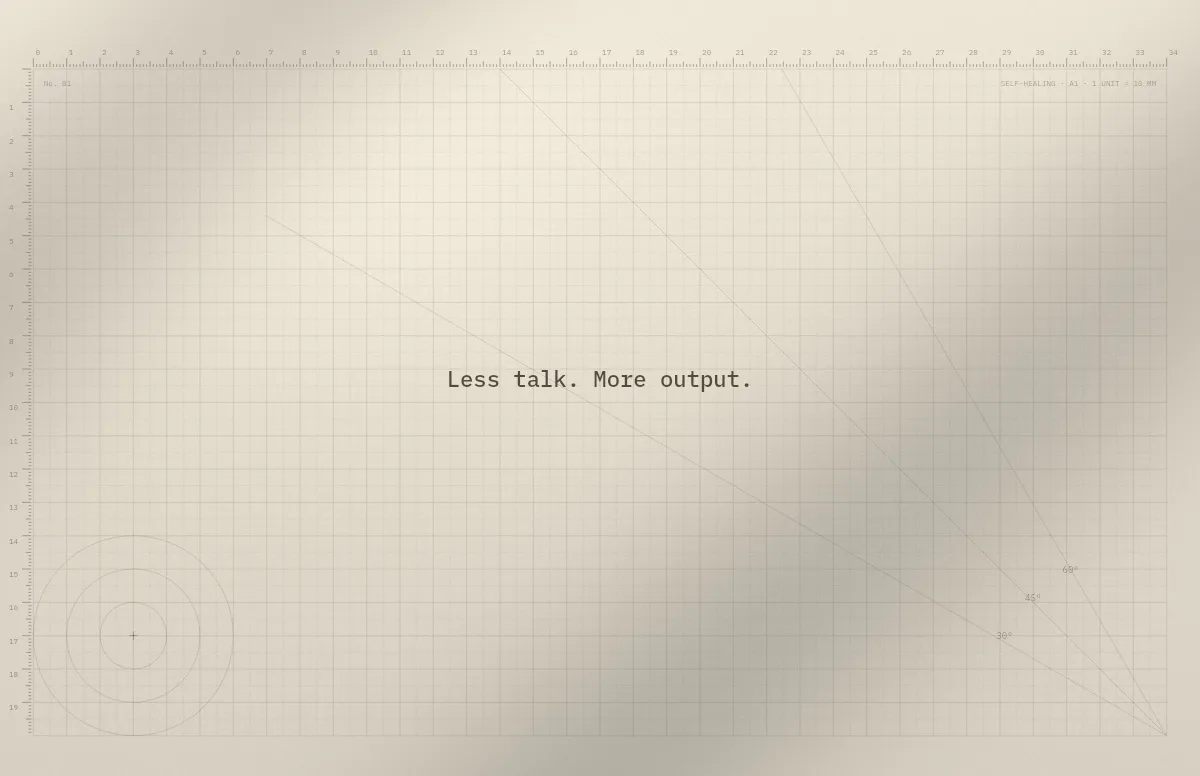
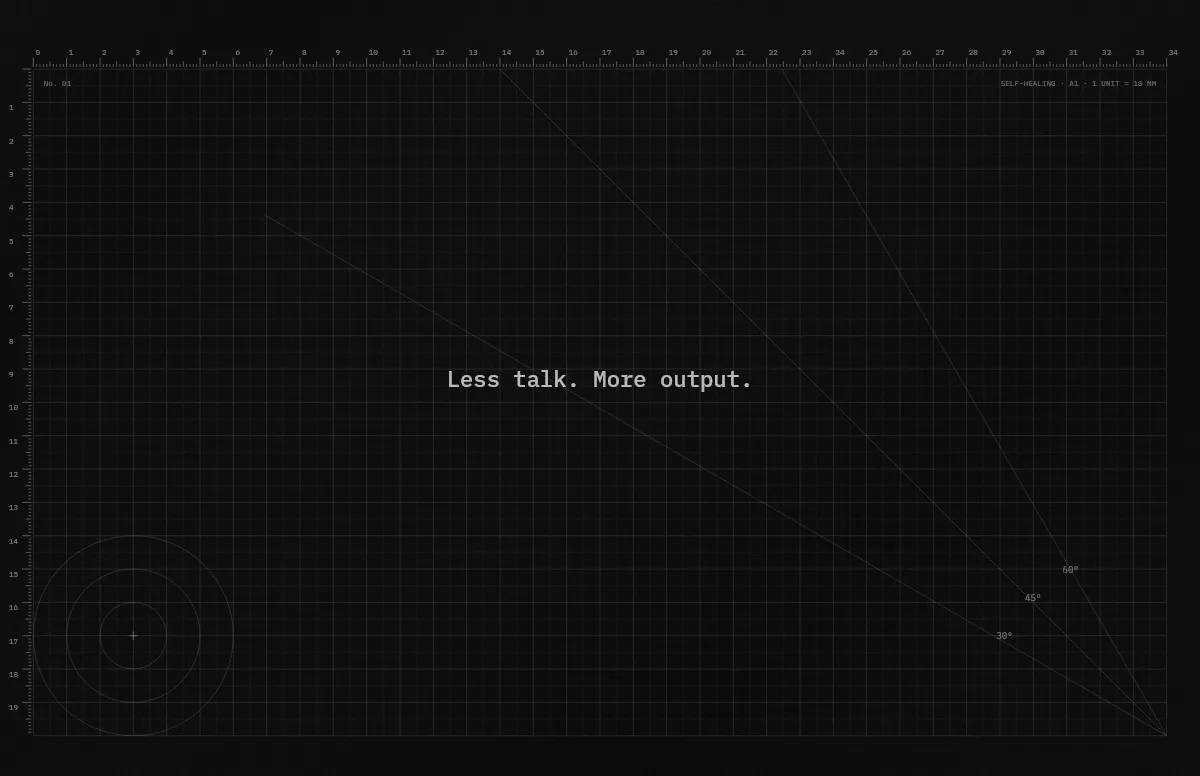
Cutting Mat
Grid, rulers and angle guides, like the mat on a designer's desk.
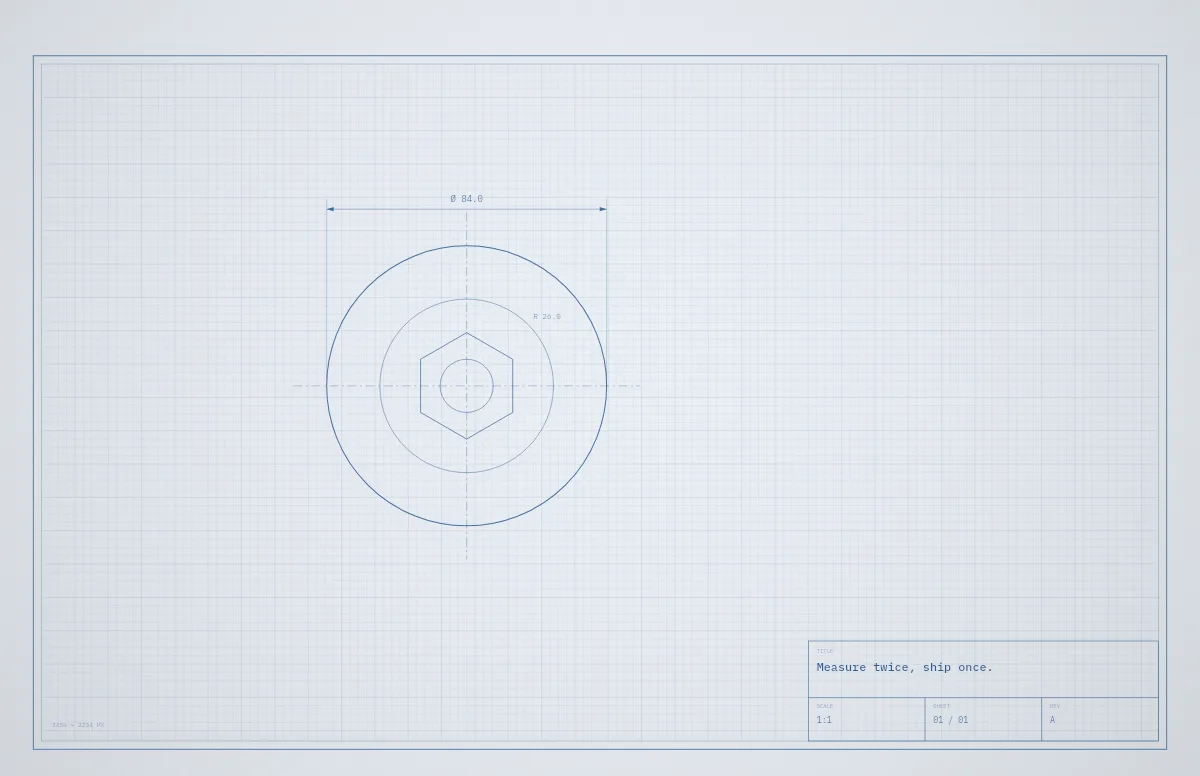
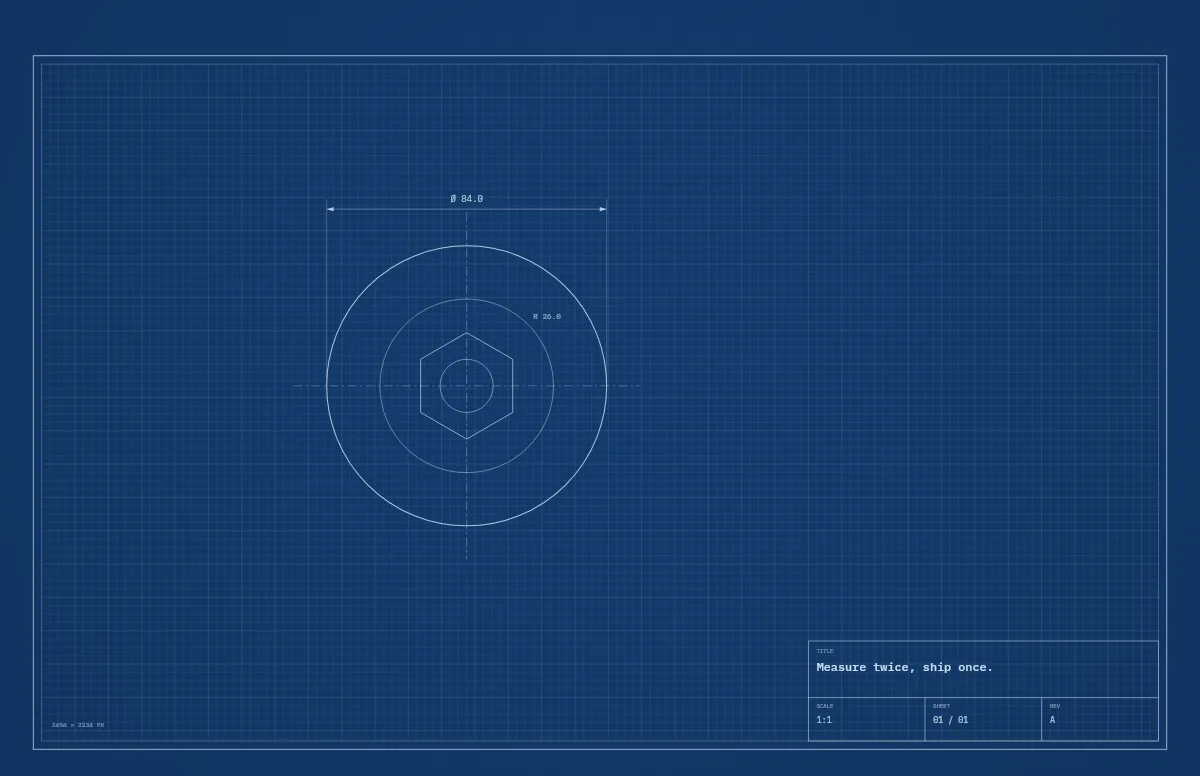
Blueprint
A technical drawing with a title block that carries your text.
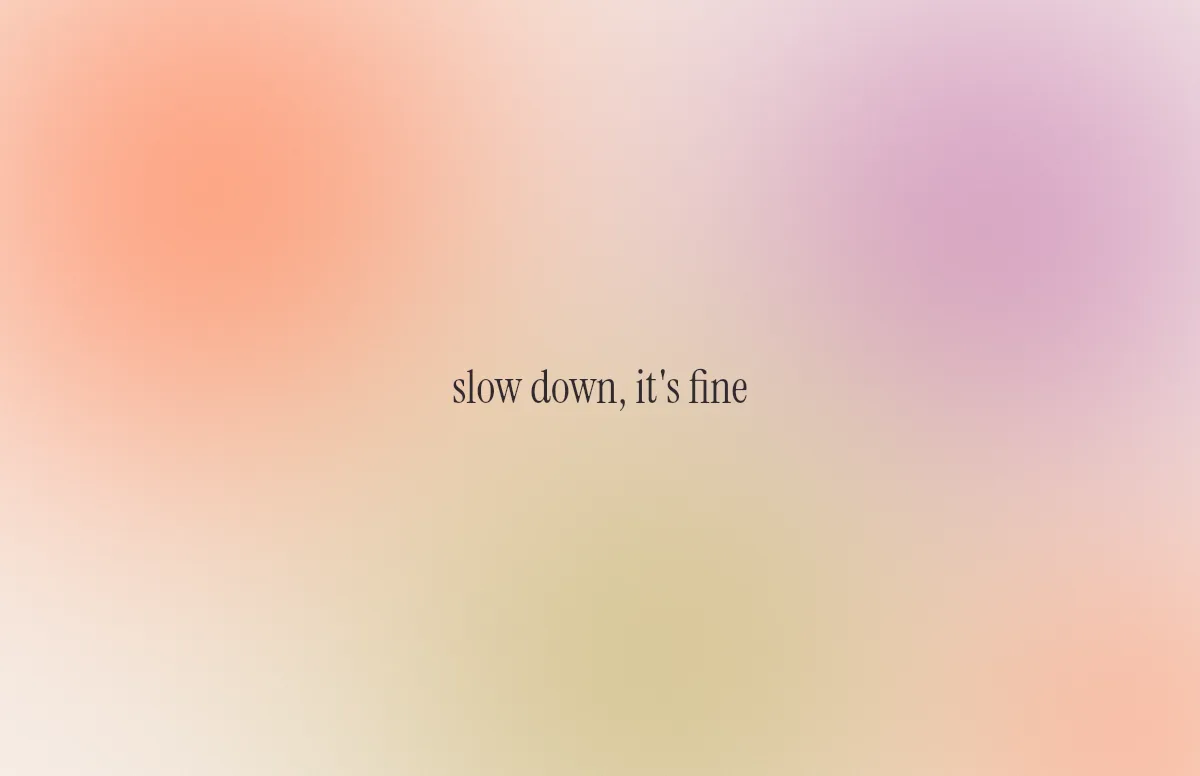
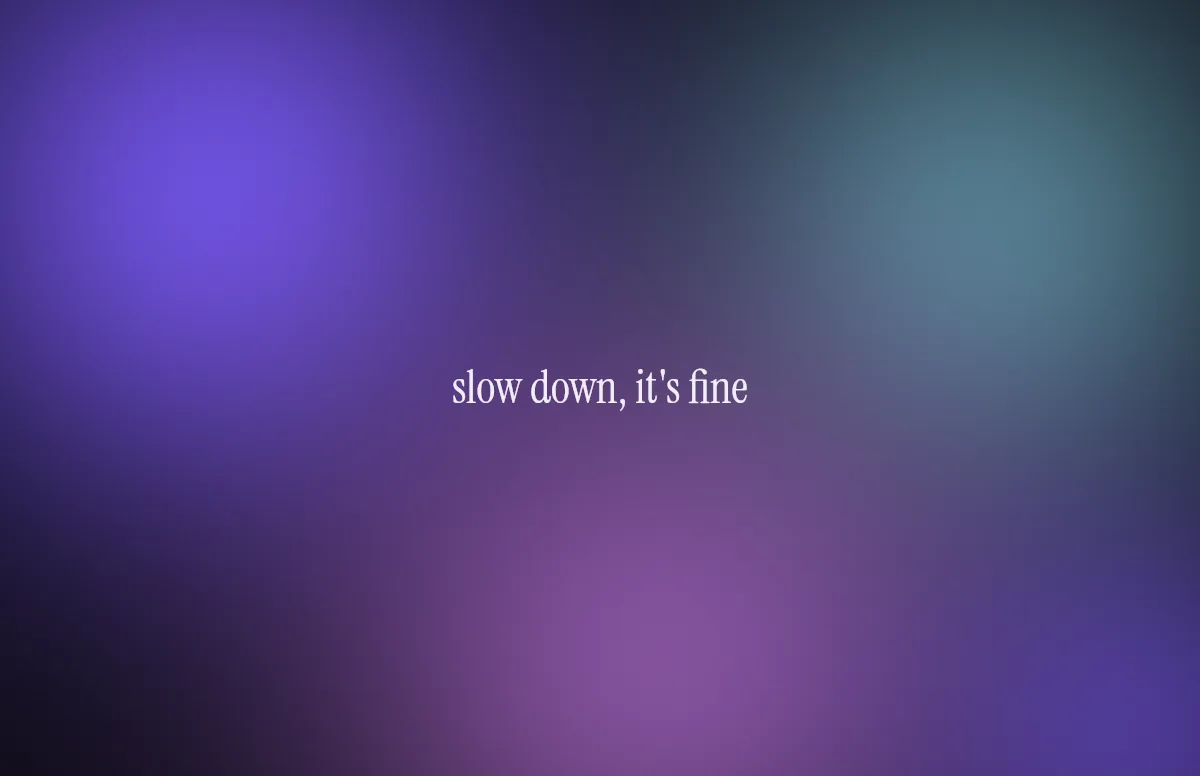
Aura
Soft color glows with a quote in a calm serif.
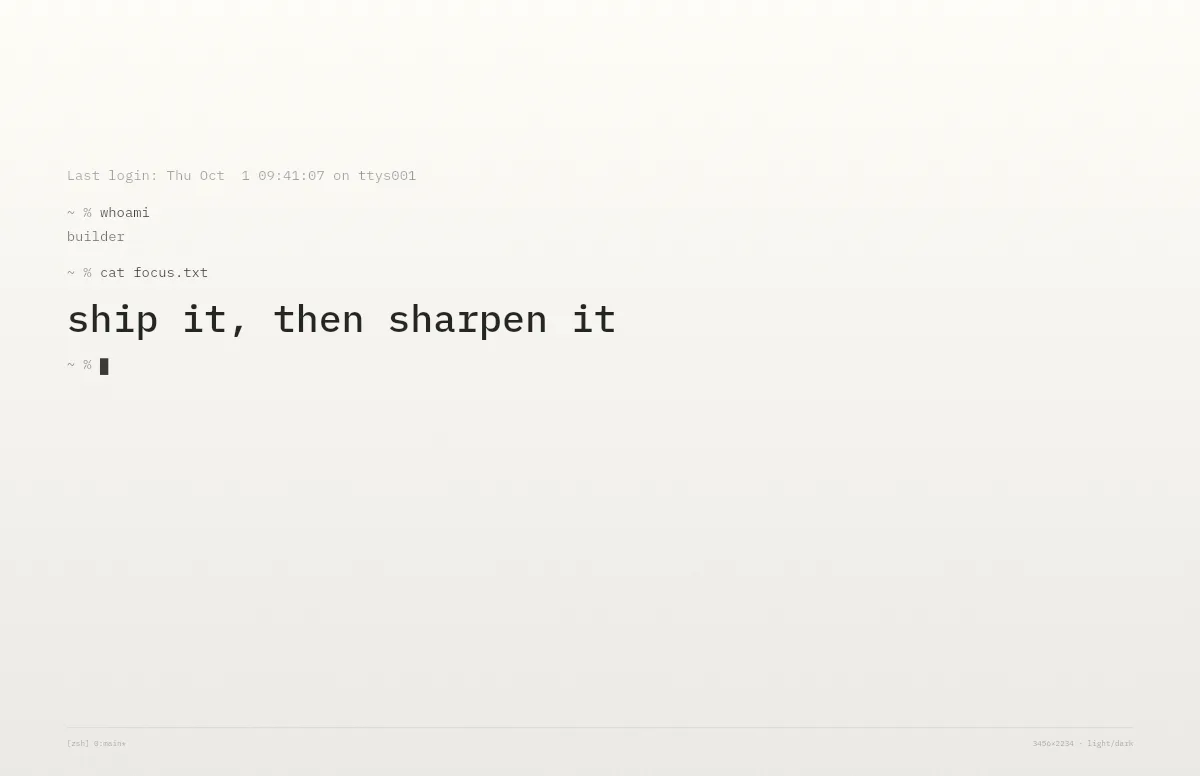
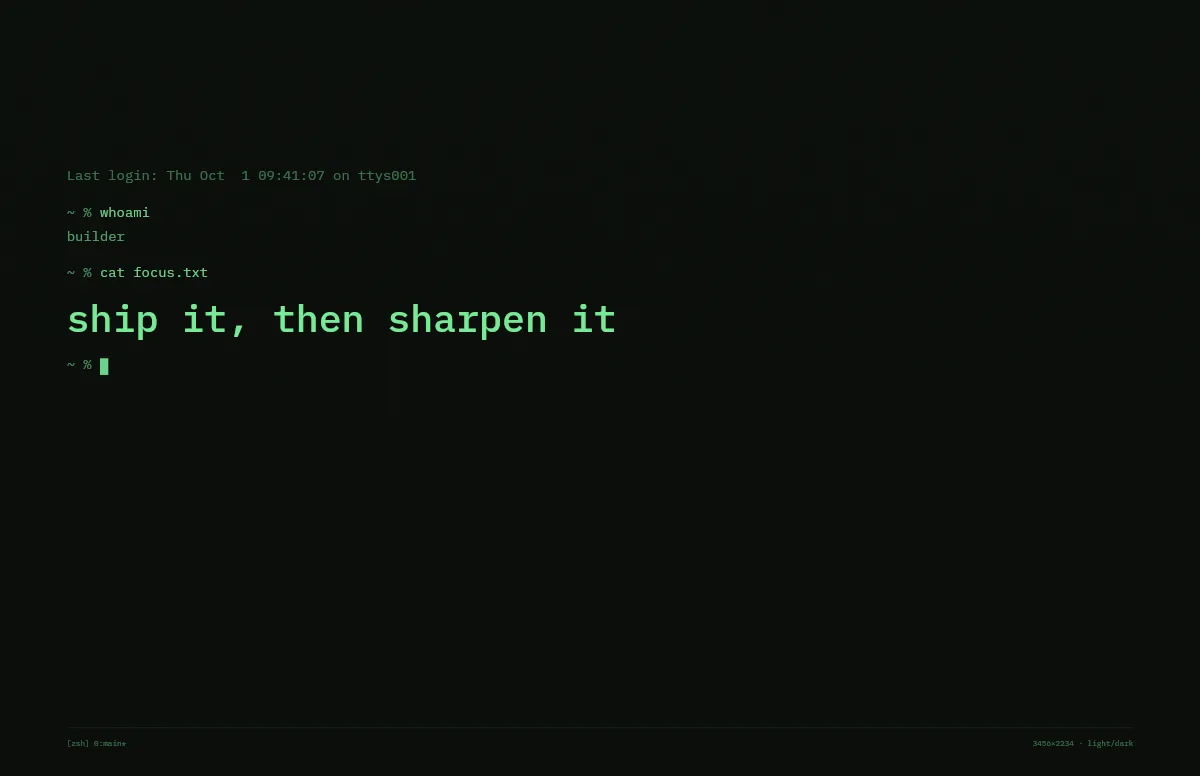
Terminal
A shell session that prints your line. Made for developers.
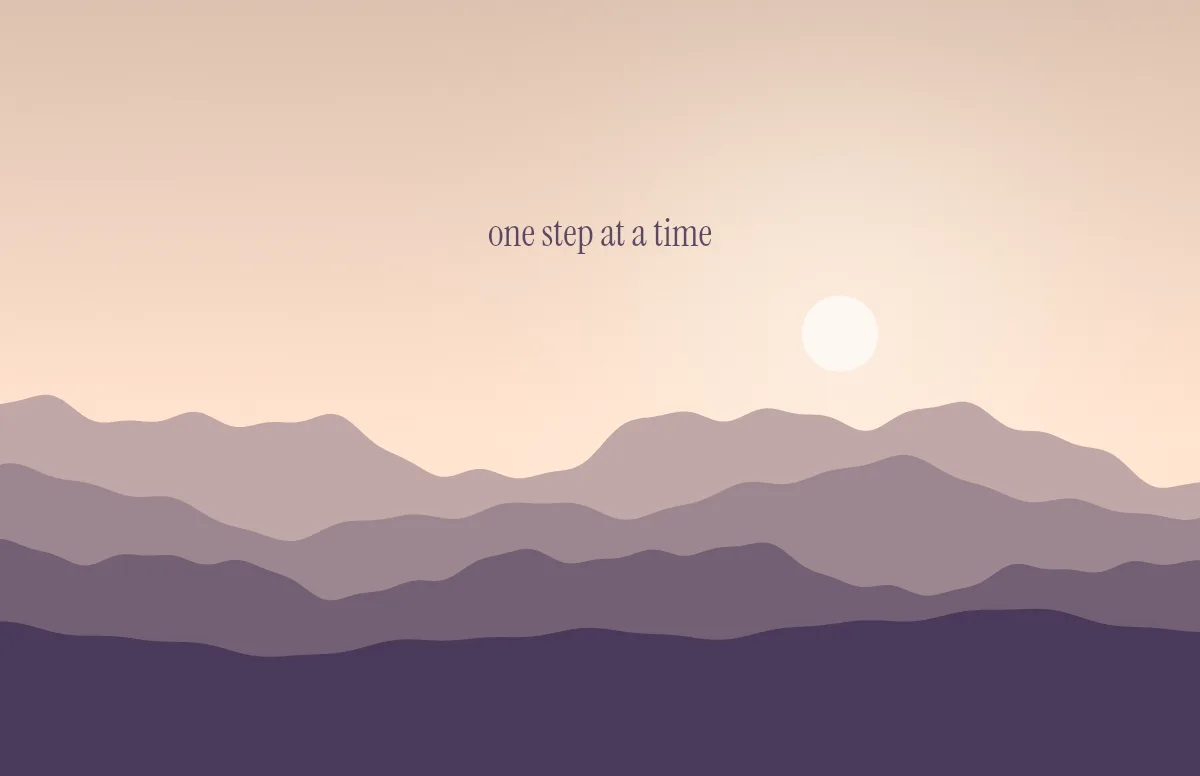
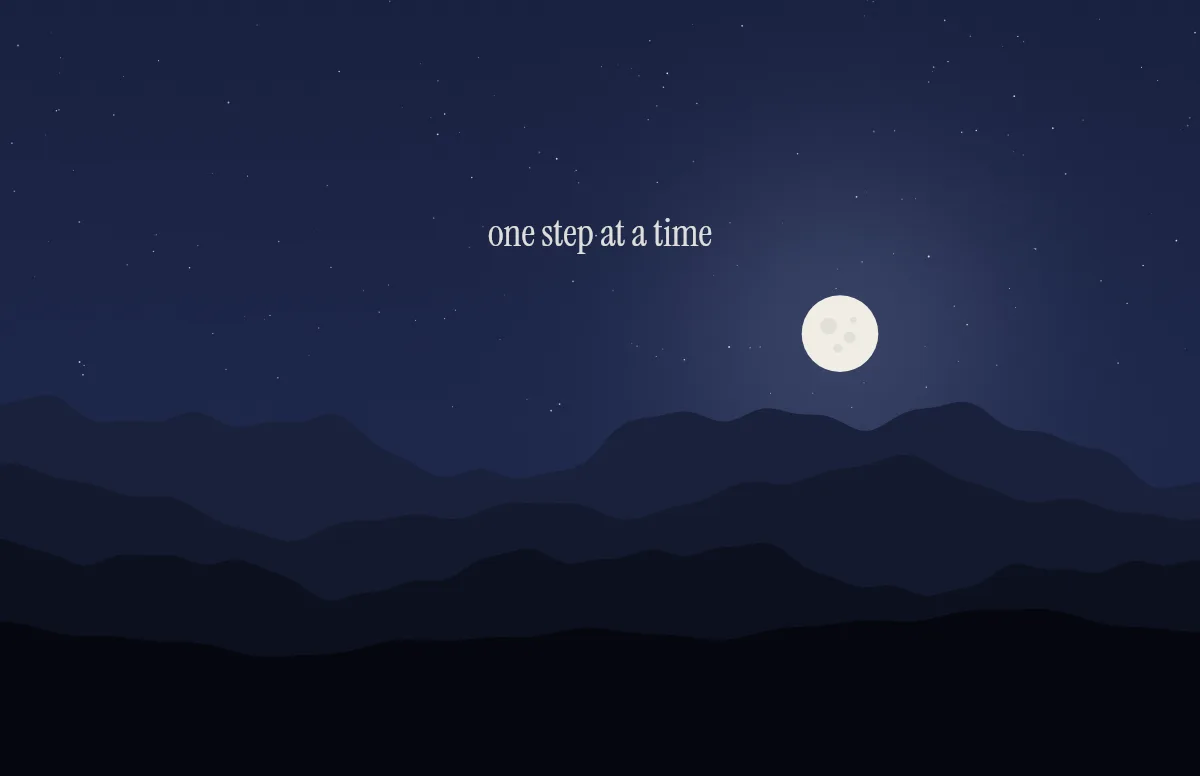
Horizon
Layered mountains under the sun by day and the moon by night.
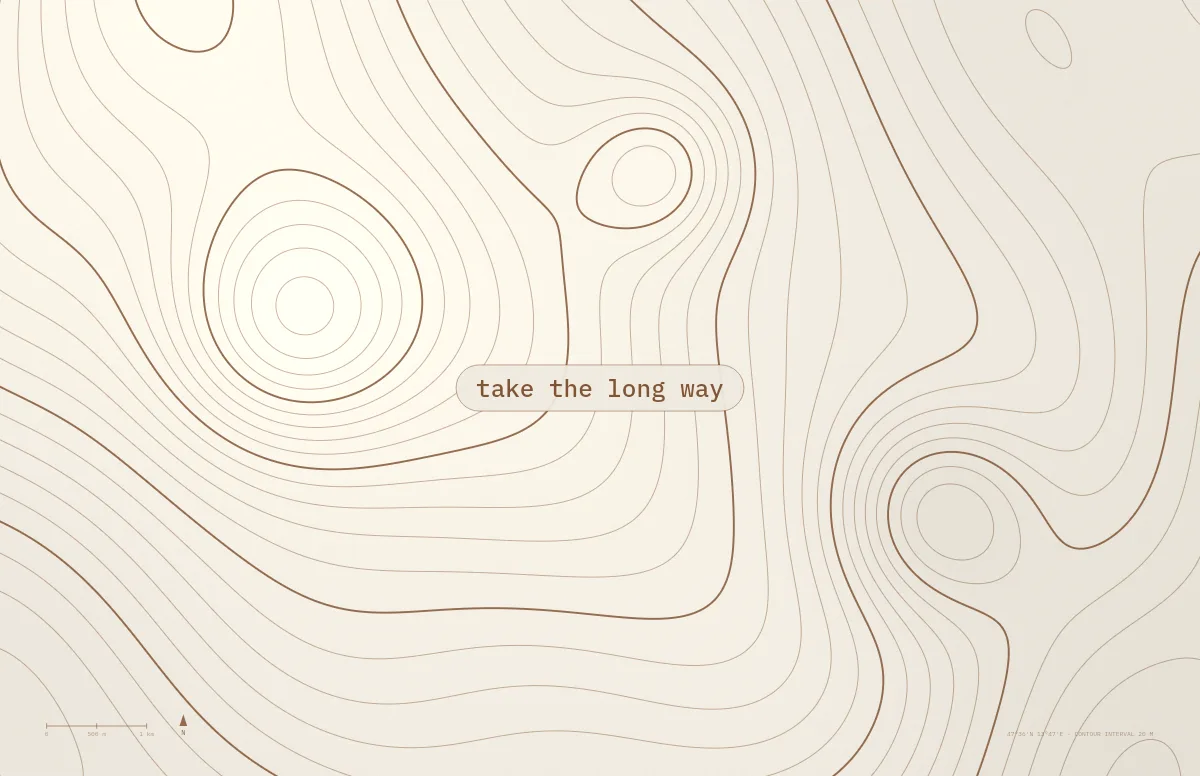
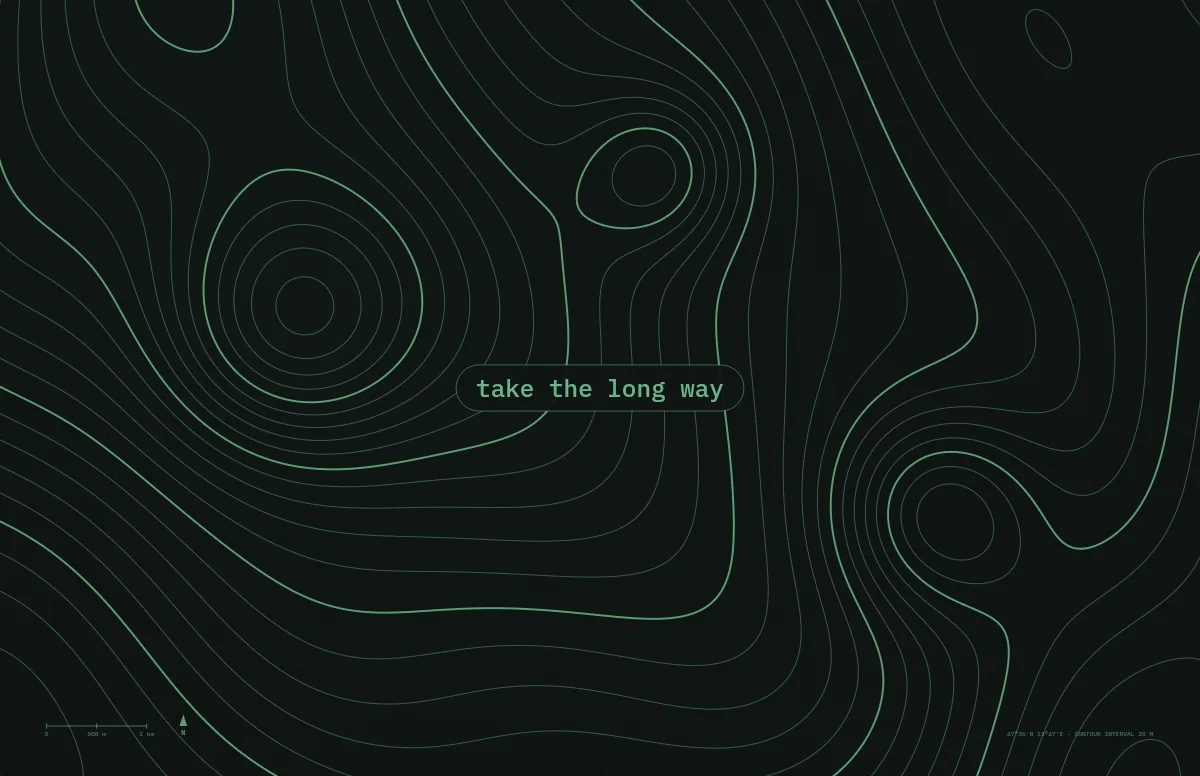
Topo
Contour lines of an imaginary mountain range, with your text as a map label.
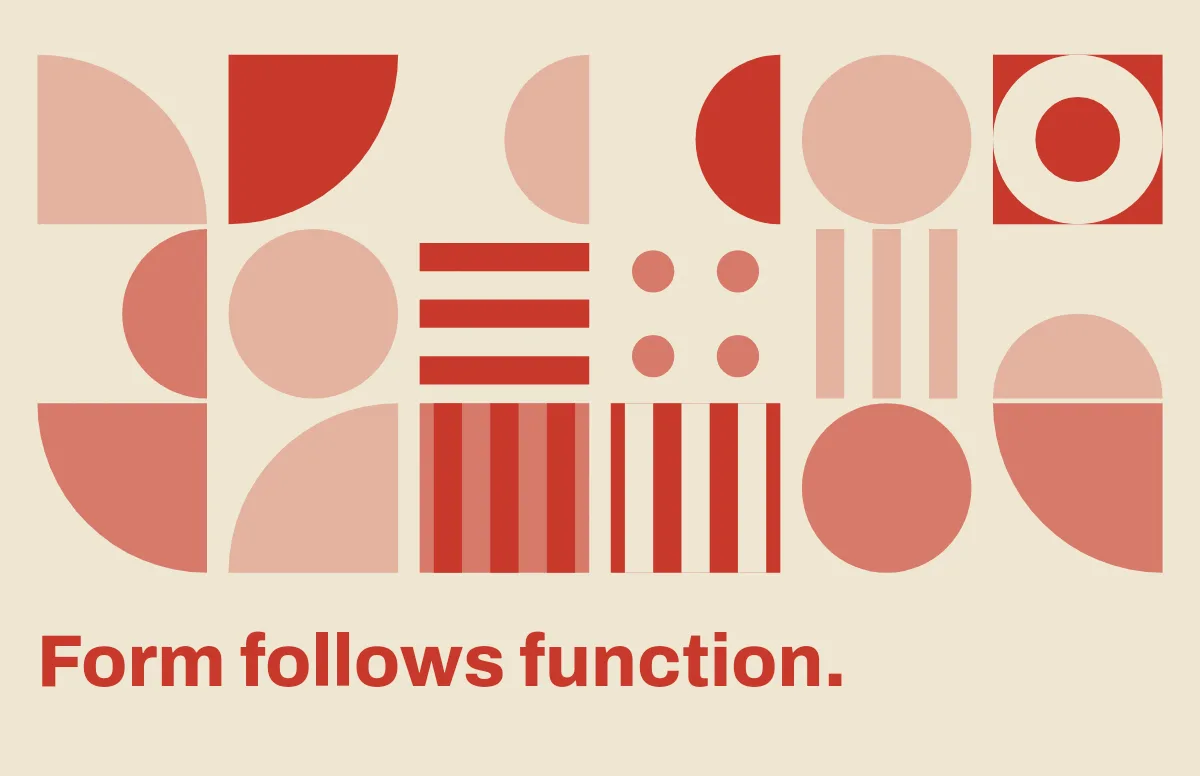
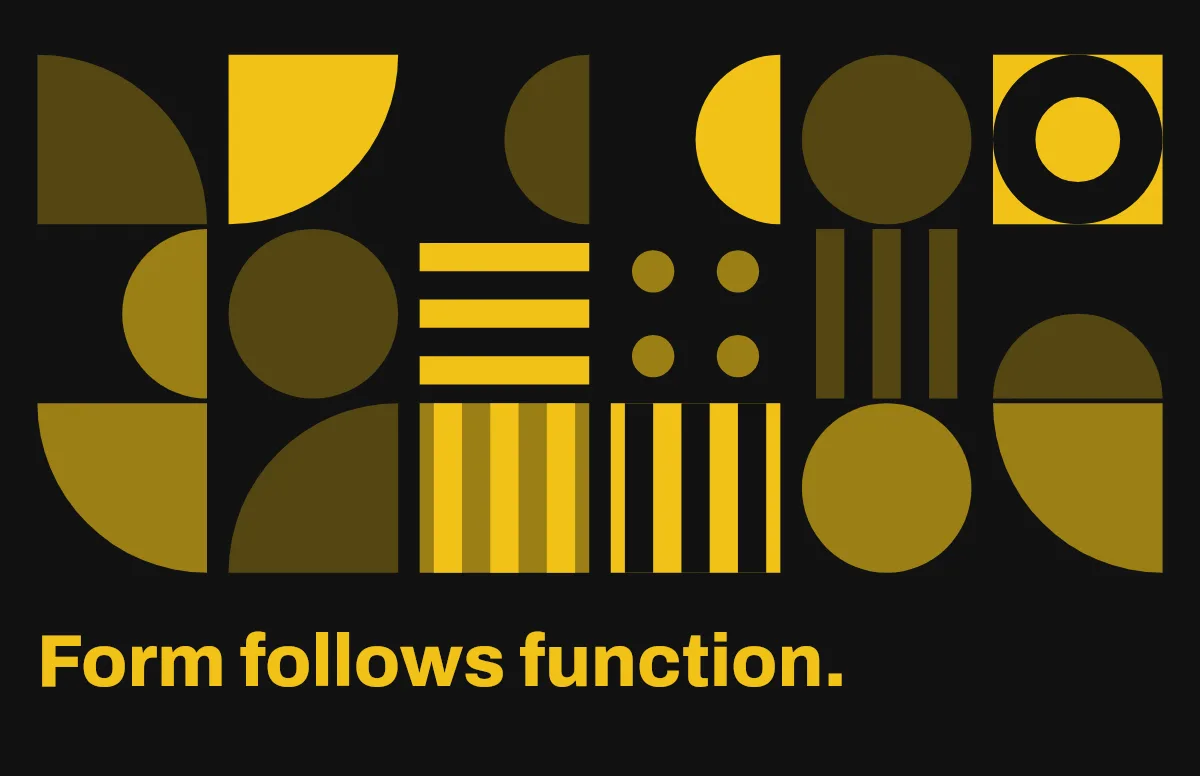
Bauhaus
Circles, quarter circles and stripes on a strict grid, with bold type.
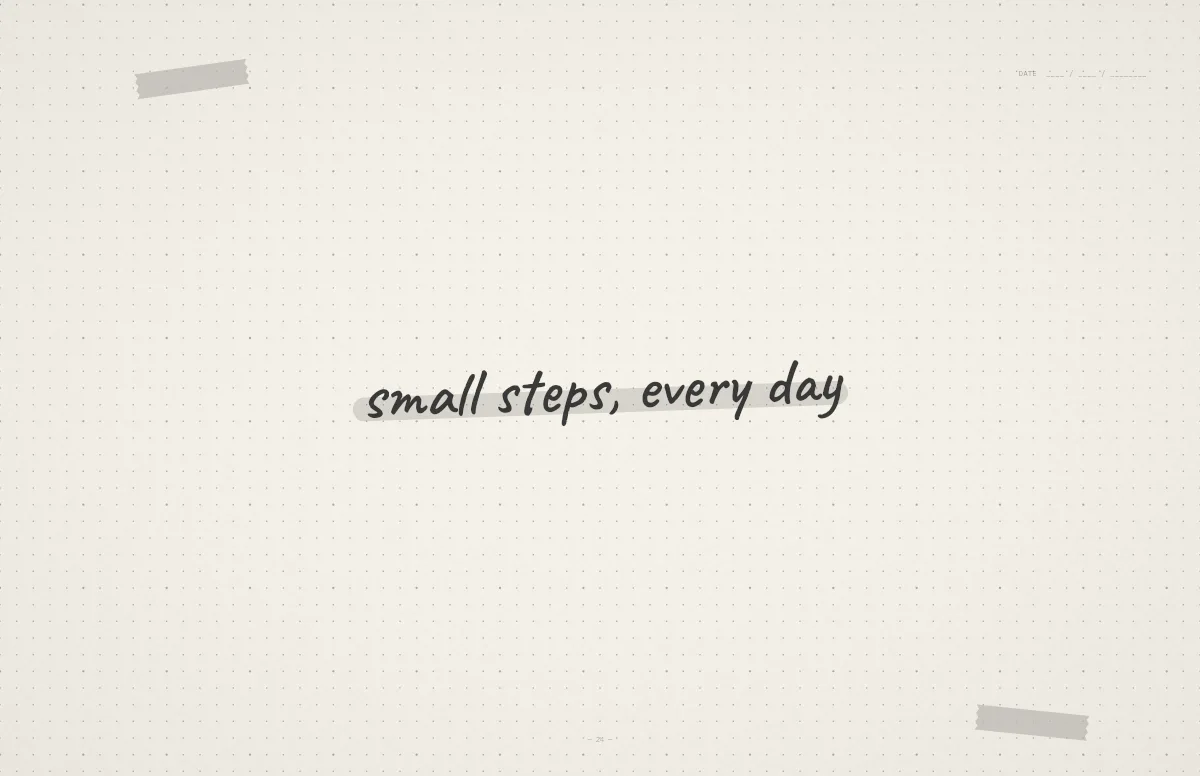
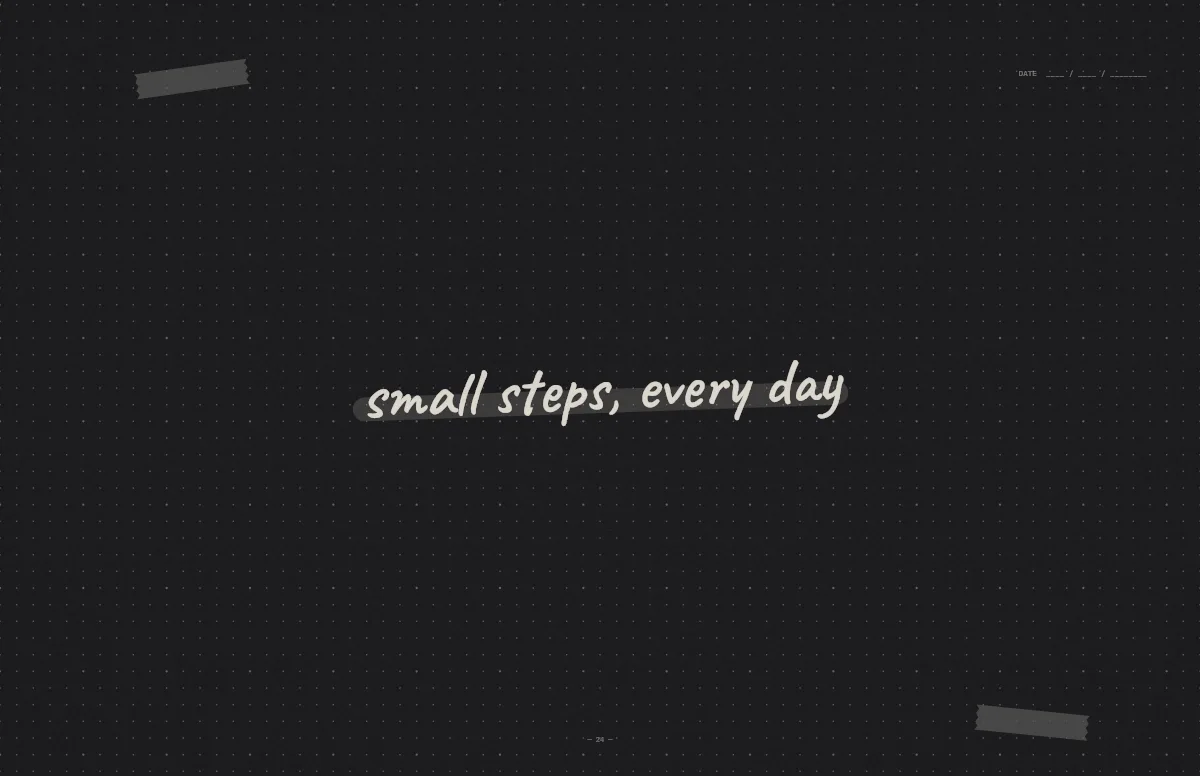
Notebook
A dotted journal page with your line in handwriting and a highlighter stroke.