About this template
Each cell holds one form: a circle, a half or quarter circle, a triangle, a ring, dots or stripes. Some cells are inverted, with a light shape on a solid square. The pattern is fixed, so the light and dark versions match shape for shape.
Because everything is built from one color, any choice works: red, blue or black on cream for the day, yellow, cream or coral on dark for the night.
Ideas for using it
A poster for your screen
Bold shapes and bold type, like a print on the studio wall. It works well on large displays such as the iMac and the Studio Display.
A strong lock screen
On the iPhone the grid fills the screen and your text gets its own row below the clock, big enough to read at a glance.
Design fans
Circles, quarter circles, stripes and triangles on a strict grid, in the spirit of the Bauhaus school.
Tips for light and dark
- Pick a strong color under Lines. The two lighter tints are derived from it, so every color stays balanced.
- Switch off Inverted cells under Details for a lighter, airier grid, or switch on Grid lines for a stricter poster look.
- Shuffle rearranges the shapes. Light and dark always share the same arrangement, shape for shape.
Not sure which size you need? The Mac wallpaper size table lists the exact pixels for every MacBook, iMac and display, and the iPhone wallpaper size table does the same for every iPhone.
Questions and answers
Why only one color?
One color in three strengths keeps every combination balanced. Pick a strong color under Lines and the tints follow.
Where does my text go?
On a Mac in the bottom row, on an iPhone in a row below the lock-screen clock.
Can I get a different arrangement?
Yes. Shuffle creates a new pattern, and the number next to it brings a version back.
Which text works best?
Short, punchy lines in one or two words. The type is bold and large, so long sentences get small.
Related articles
Choosing colors for a light and dark wallpaper that belong together
How to pick a light and a dark color pair that feel like one wallpaper, with five simple rules and ready-made combinations to start from.
iPhone lock screen wallpaper: how to keep the clock clear
Where the clock, widgets, notifications and buttons sit on the iPhone lock screen, and how to place text and details so nothing important ends up hidden.
Styles with this template
More templates
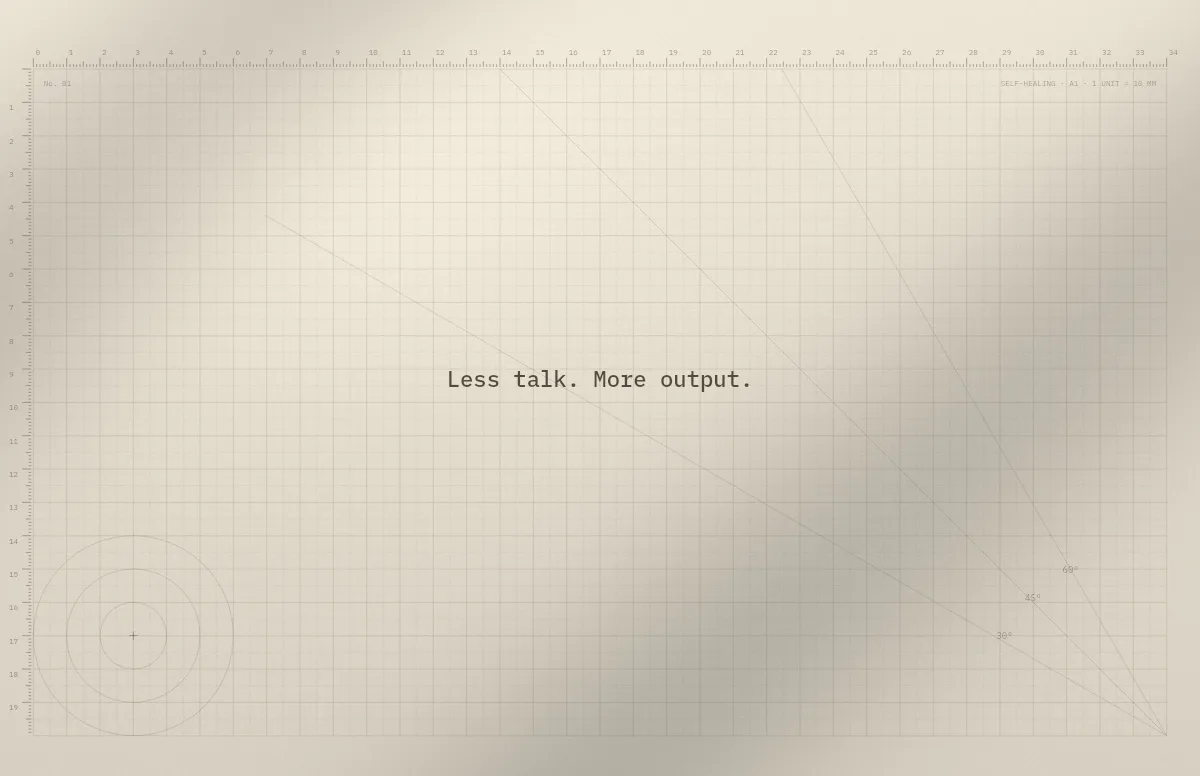
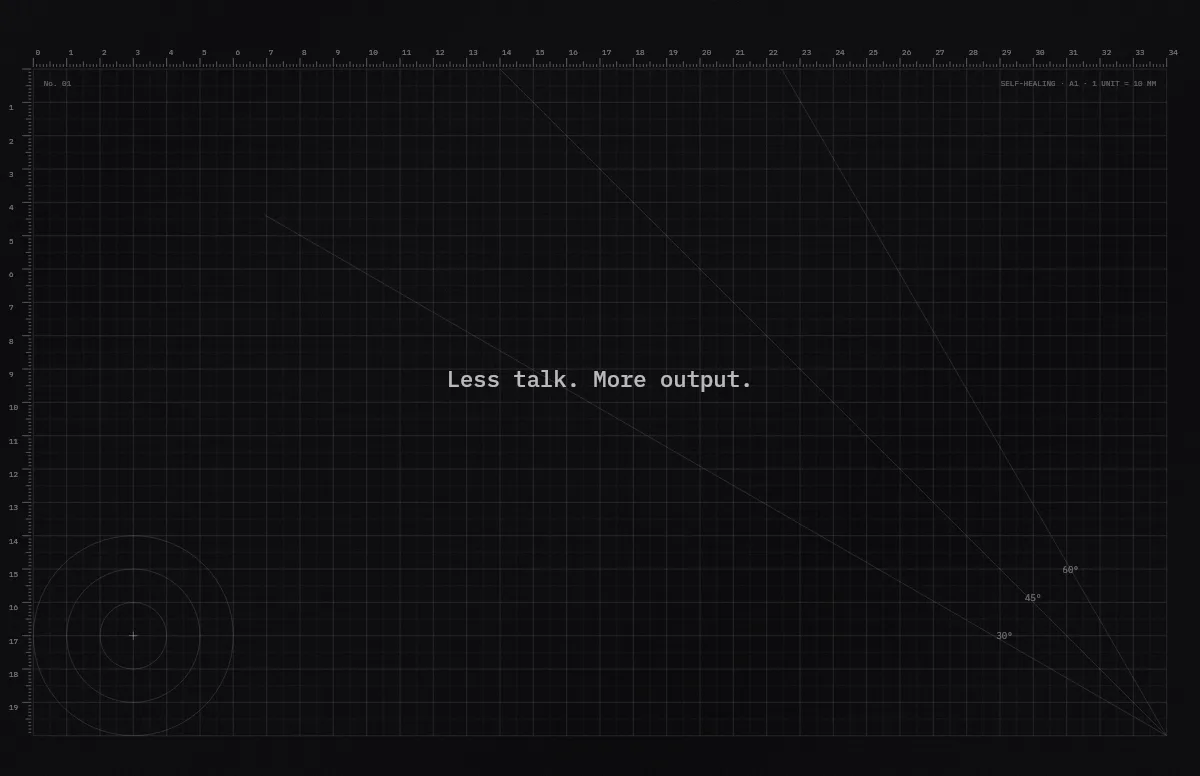
Cutting Mat
Grid, rulers and angle guides, like the mat on a designer's desk.
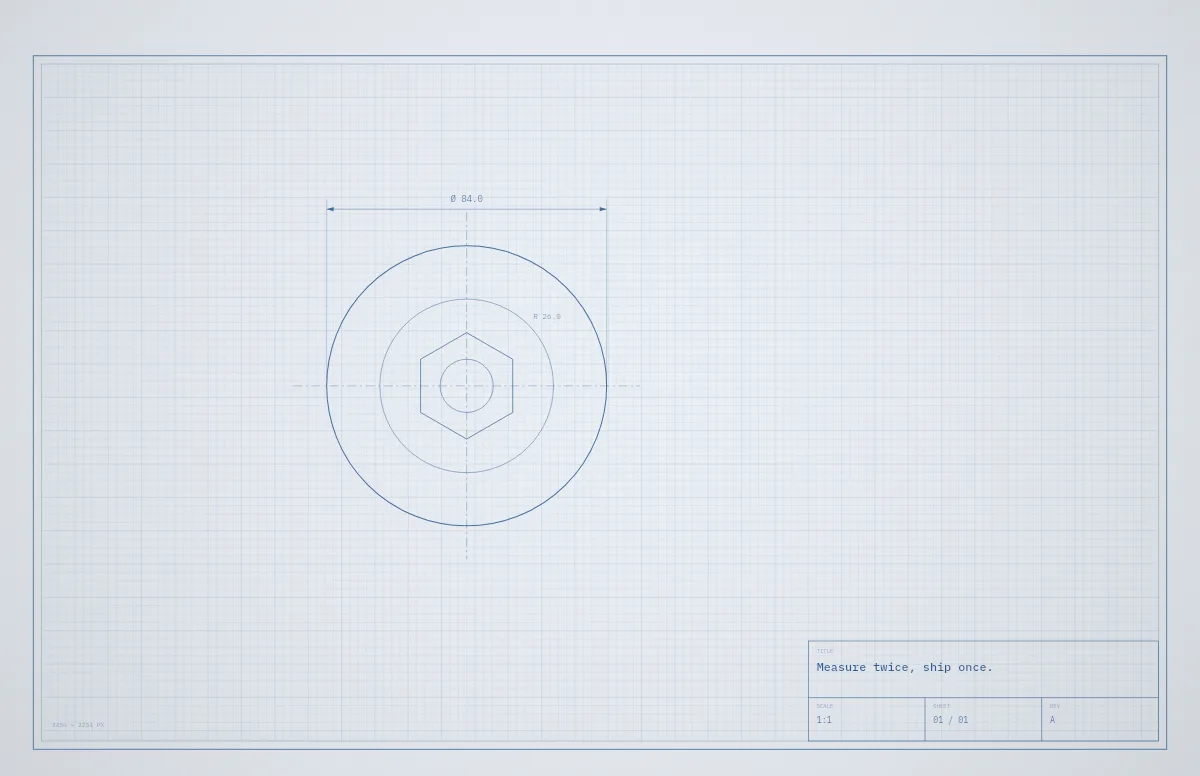
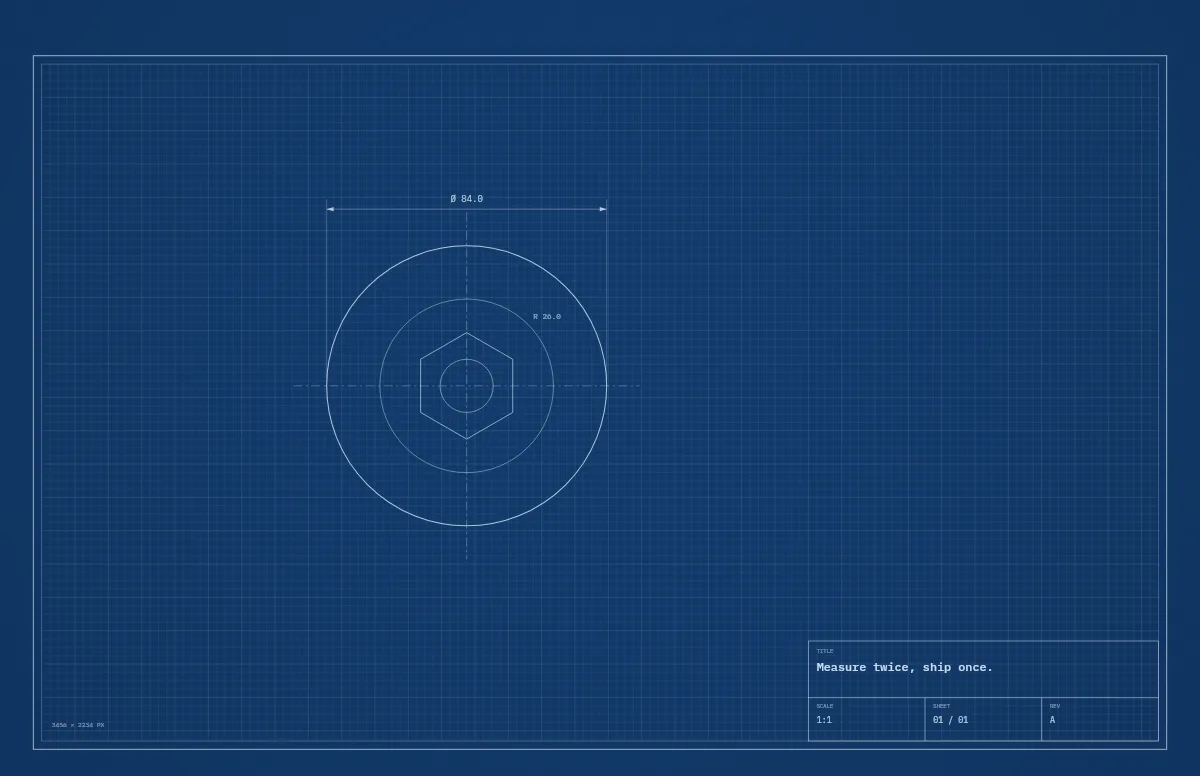
Blueprint
A technical drawing with a title block that carries your text.
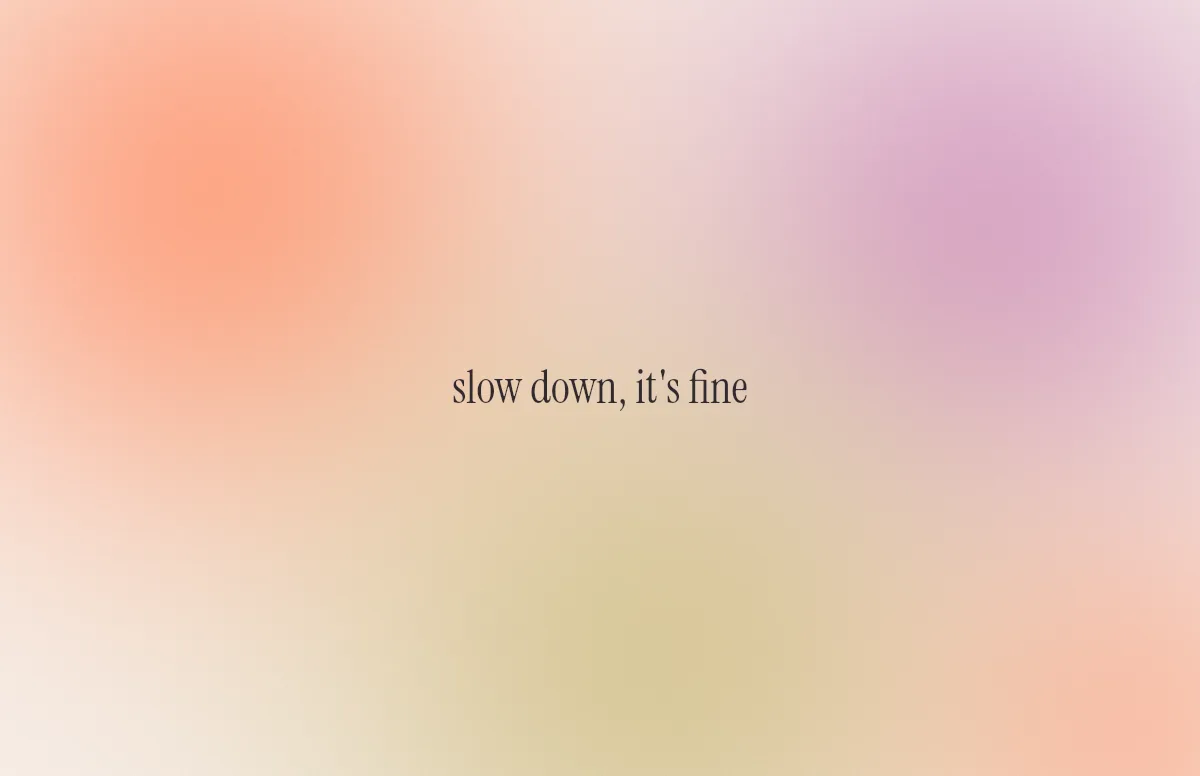
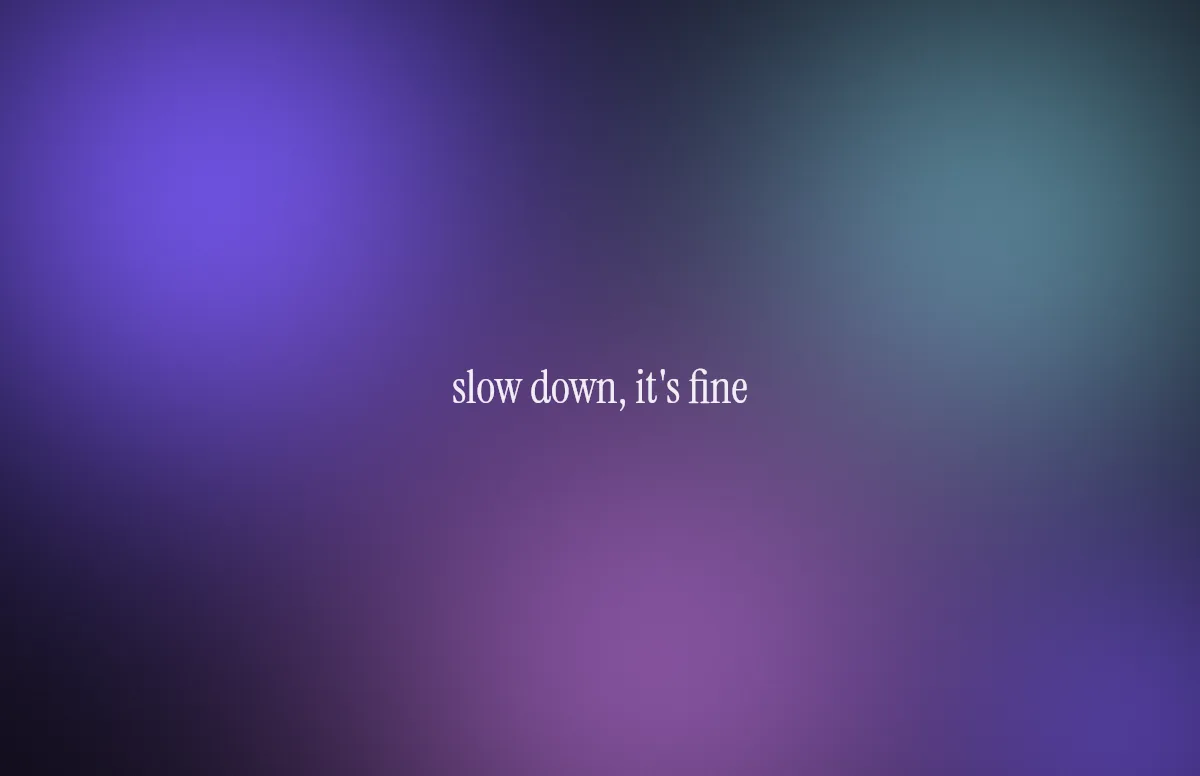
Aura
Soft color glows with a quote in a calm serif.
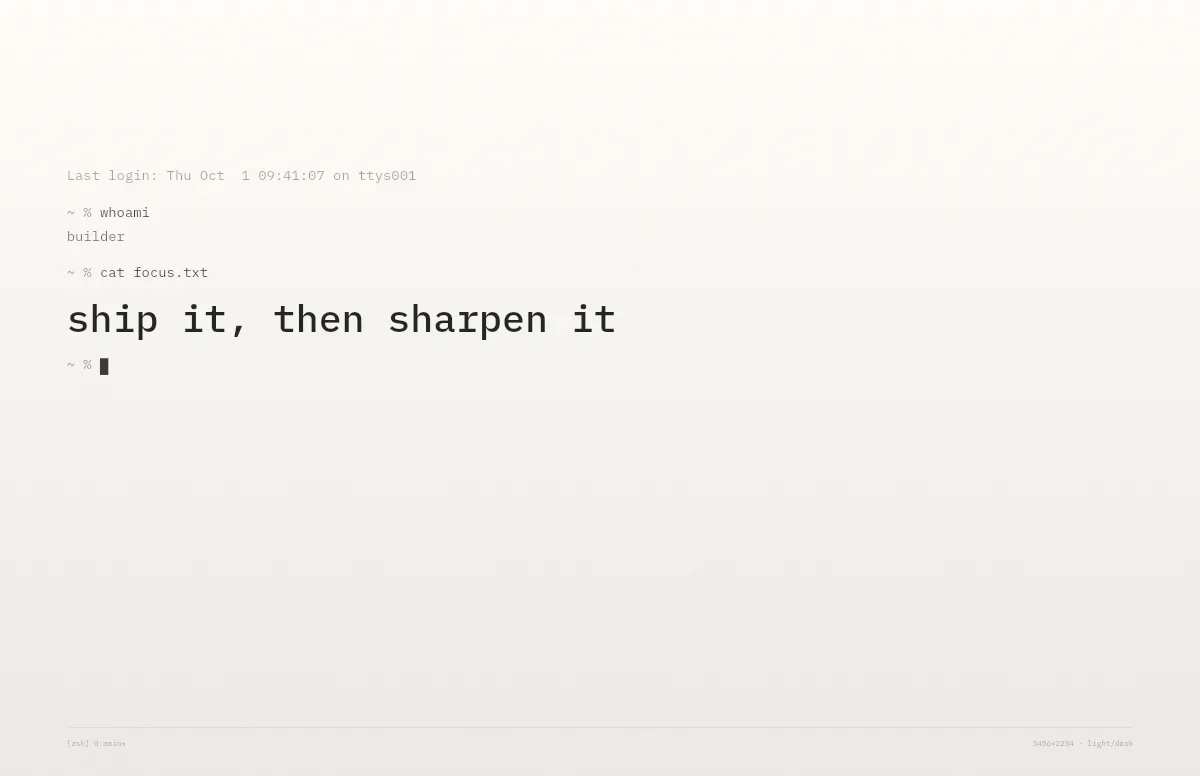
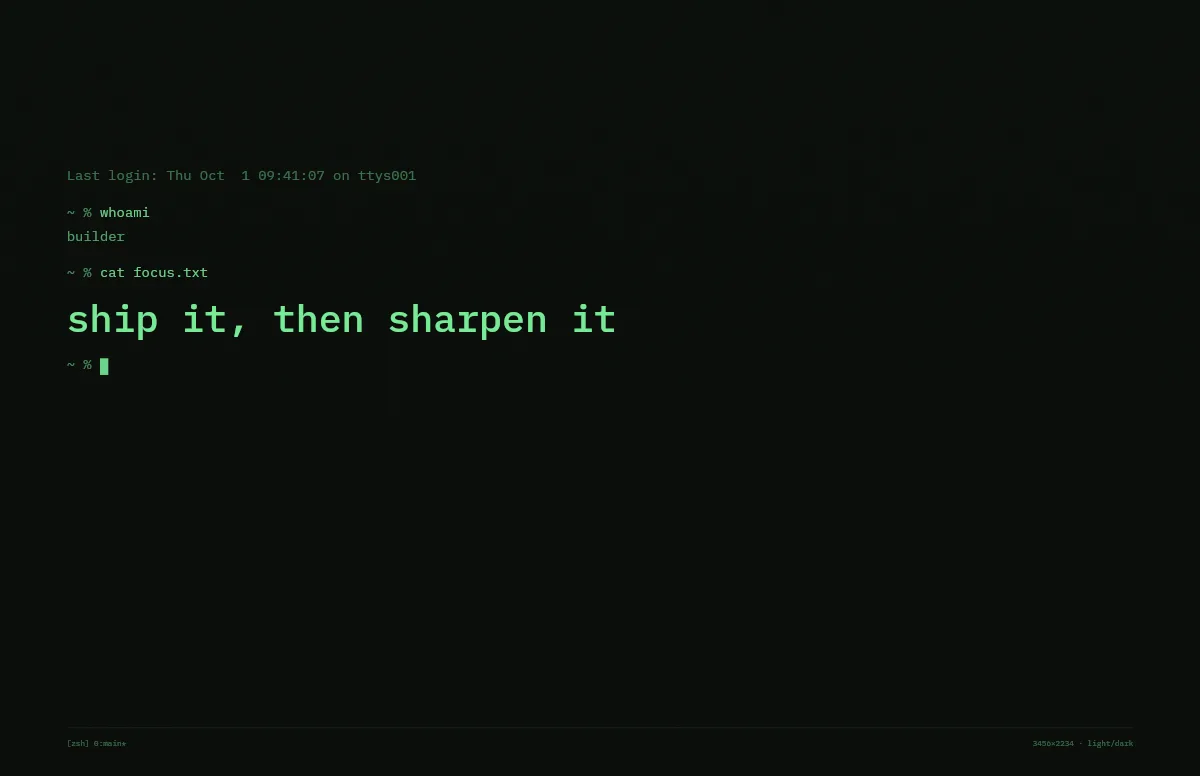
Terminal
A shell session that prints your line. Made for developers.
Horizon
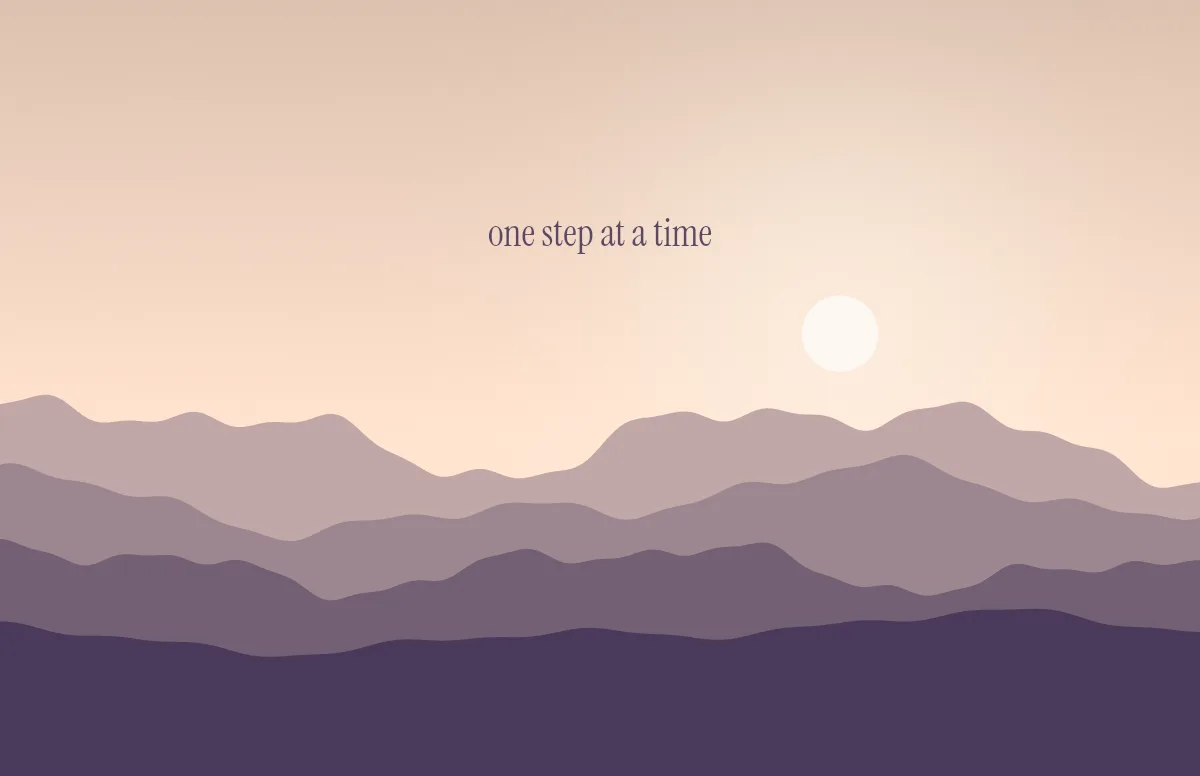
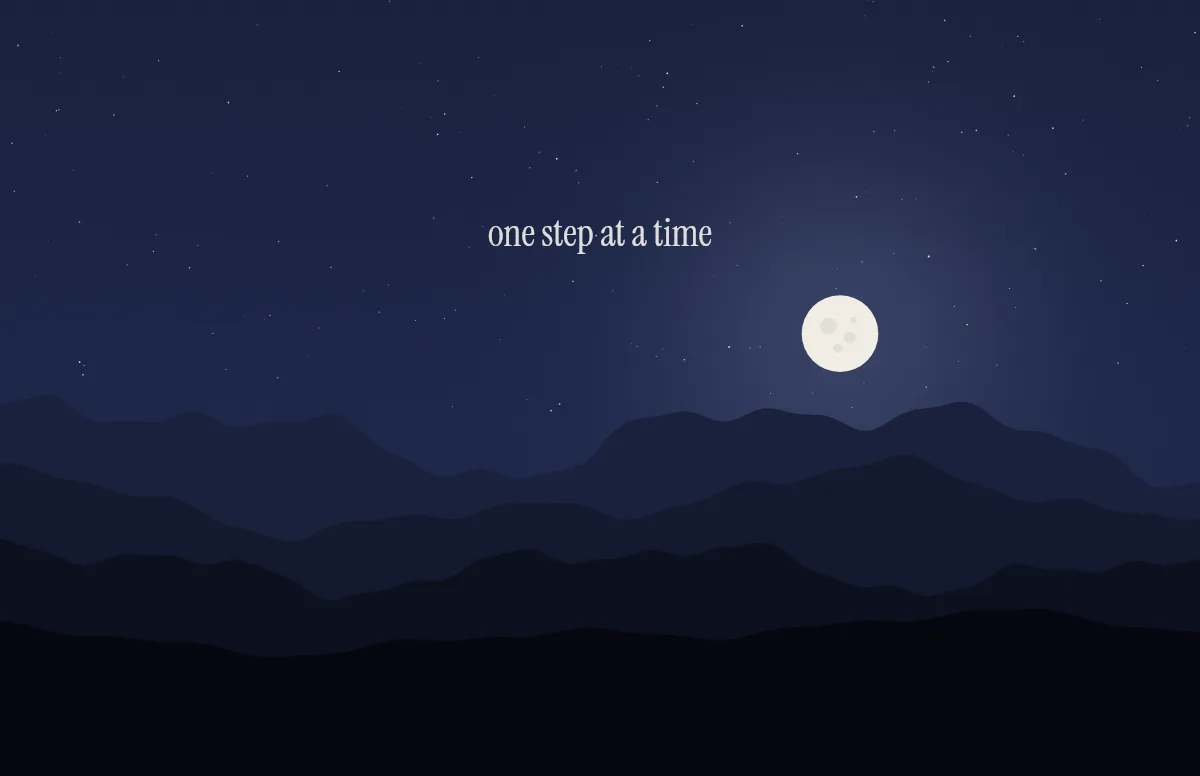
Layered mountains under the sun by day and the moon by night.
Topo
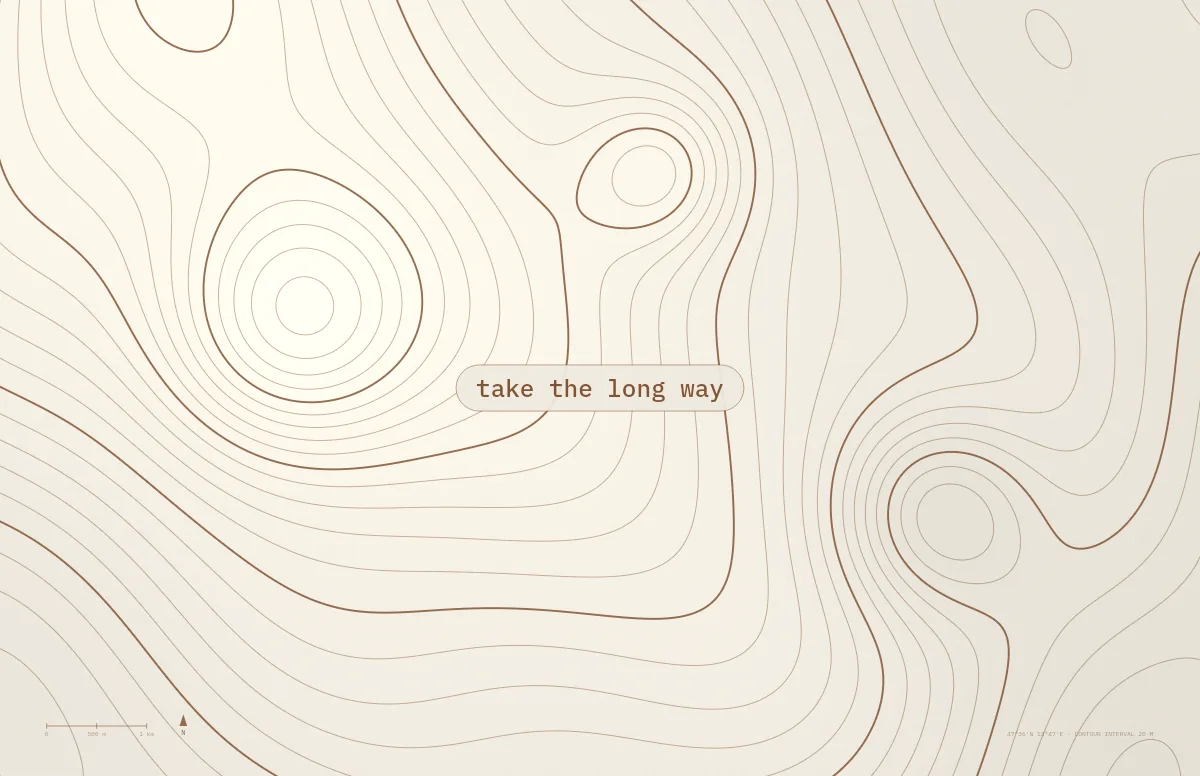
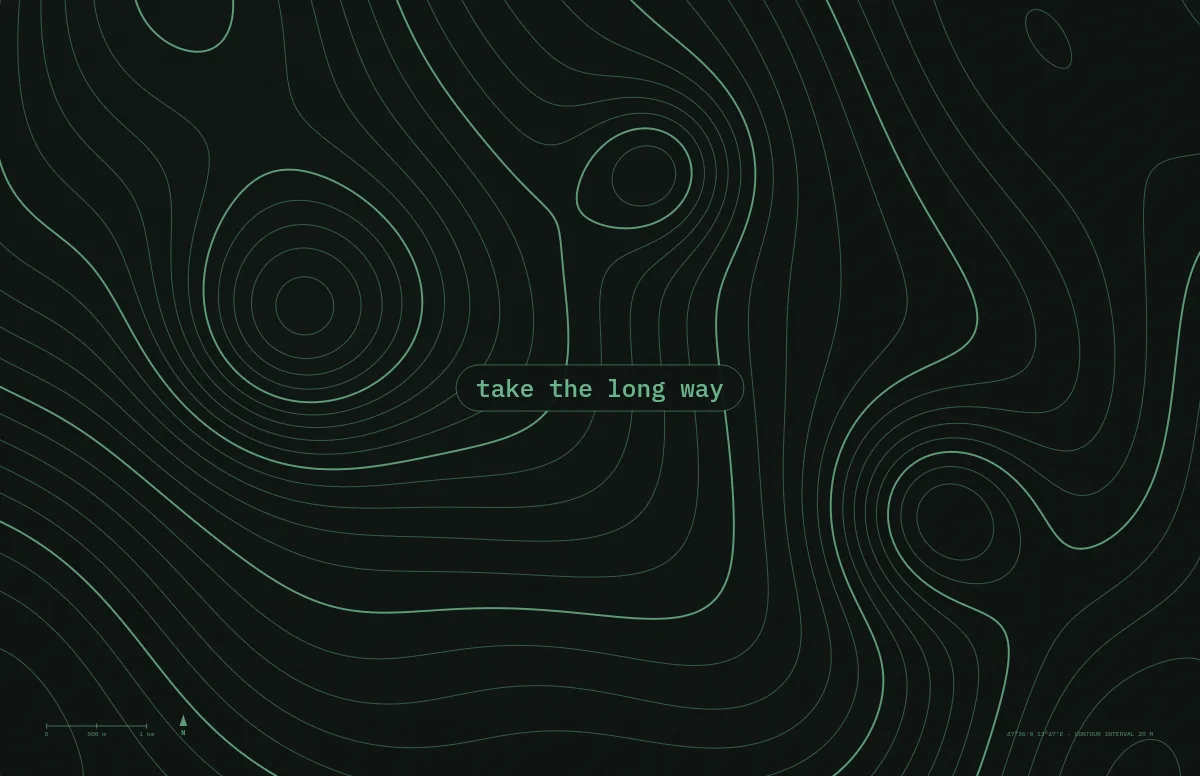
Contour lines of an imaginary mountain range, with your text as a map label.
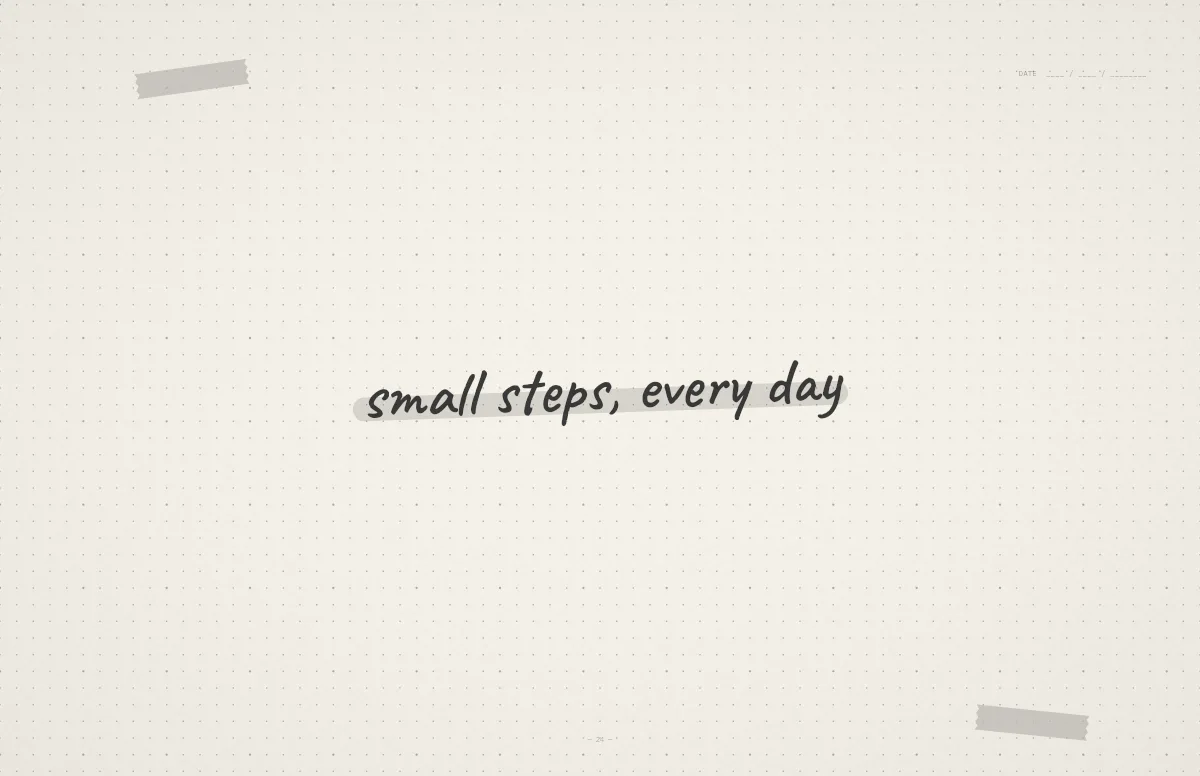
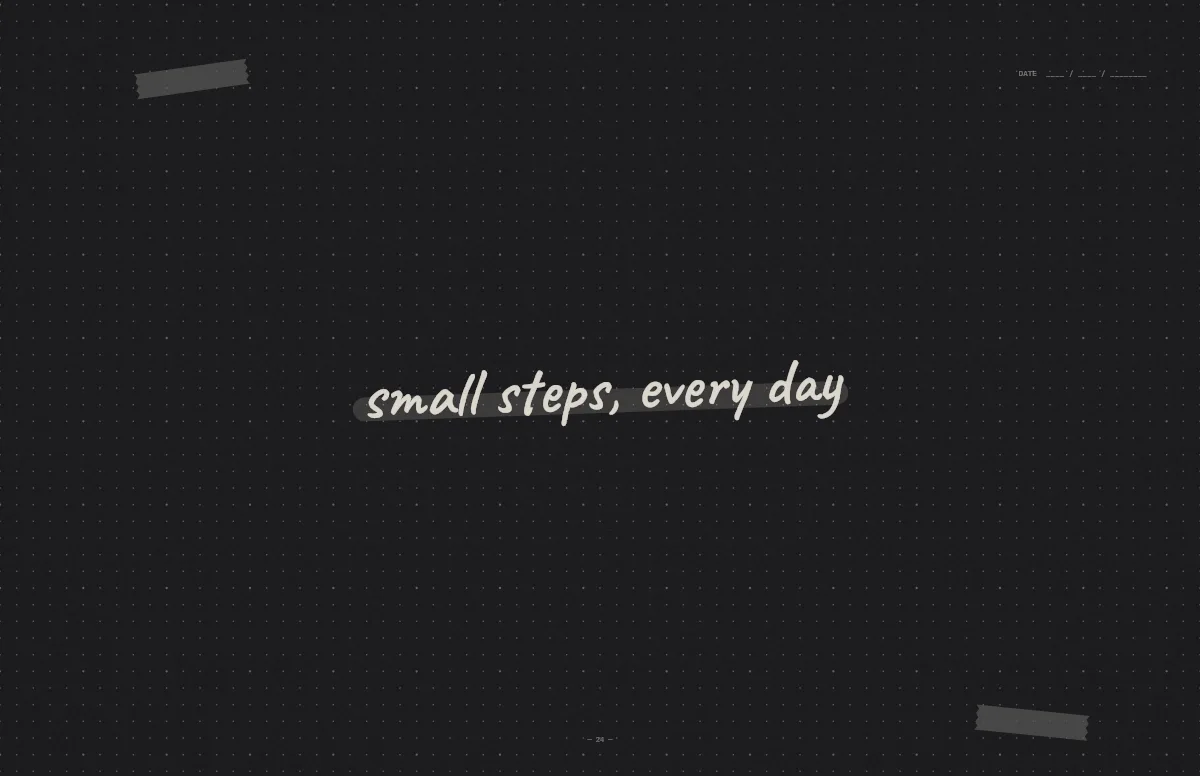
Notebook
A dotted journal page with your line in handwriting and a highlighter stroke.
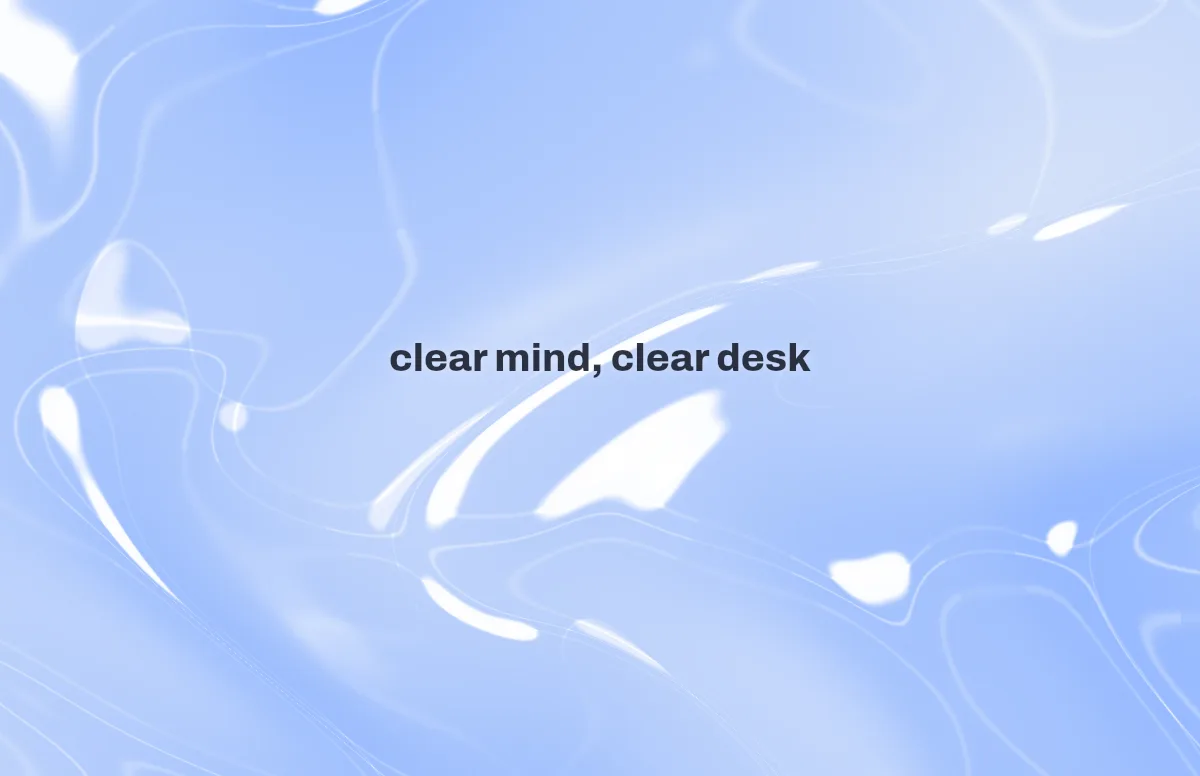

Liquid Glass
Glass shapes that bend the colors behind them, light and dark.
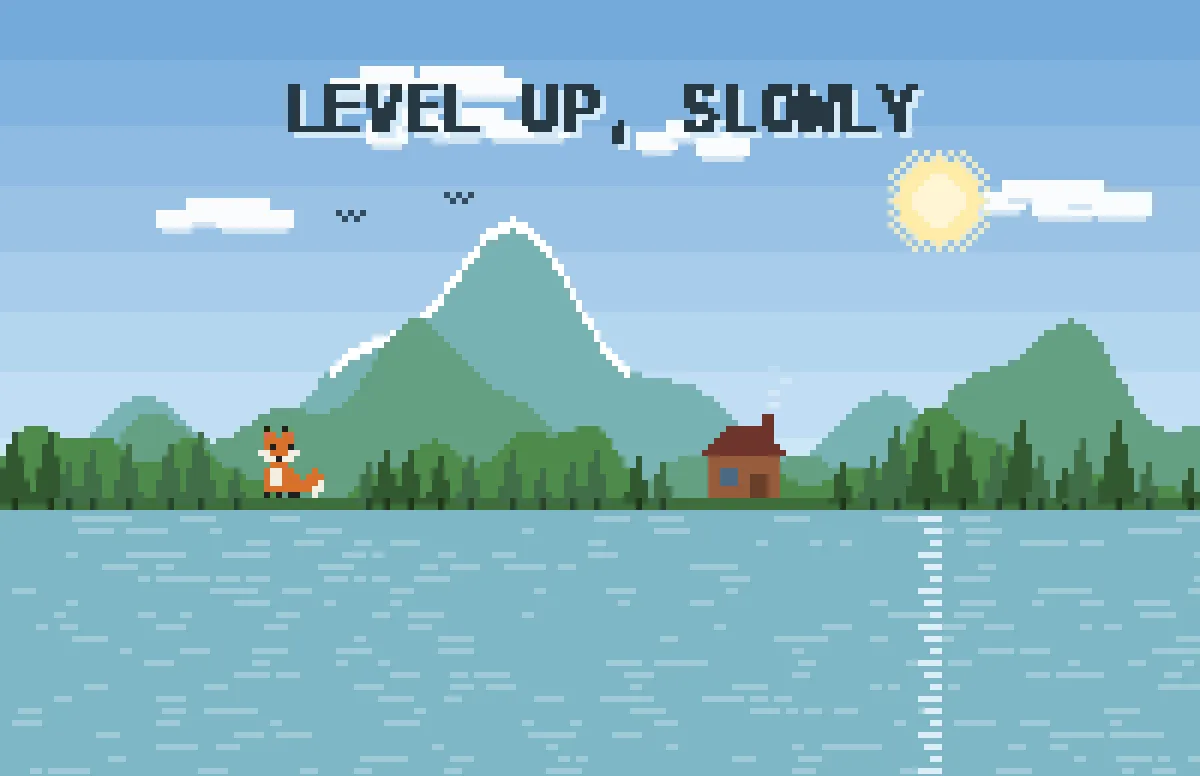
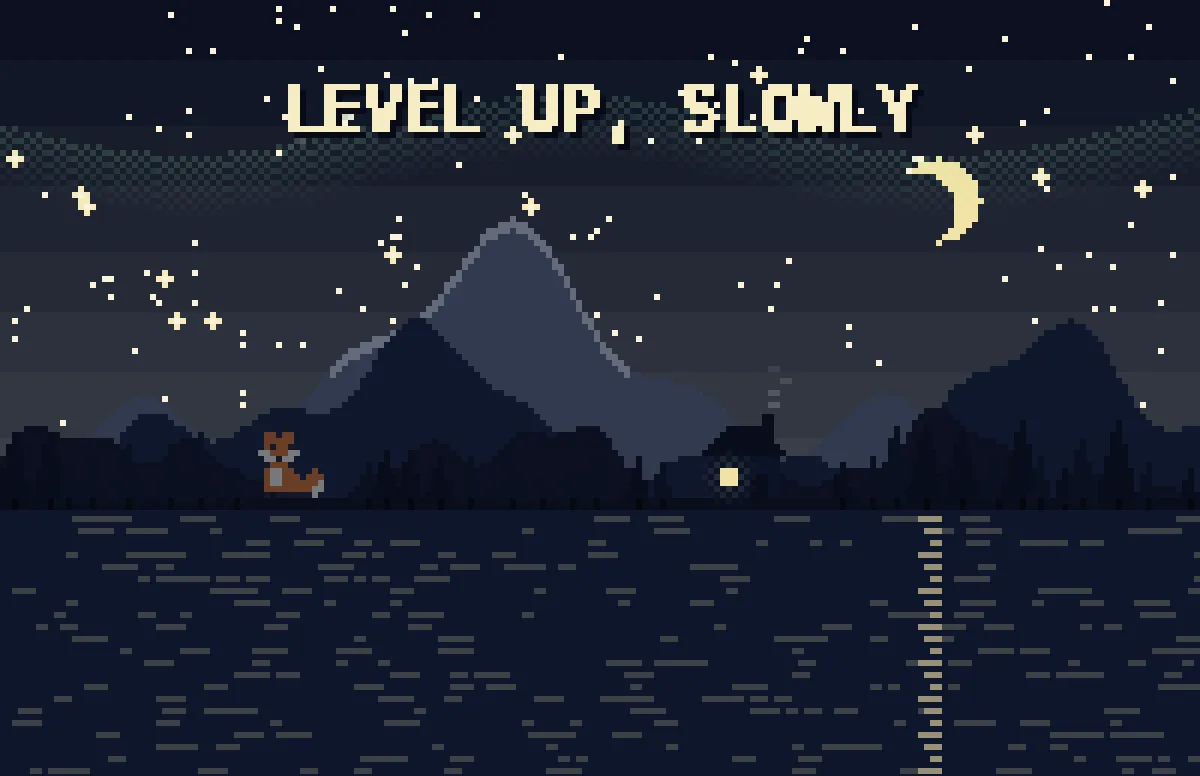
Pixel
Pixel scenes: sun by day, stars and lit windows at night.
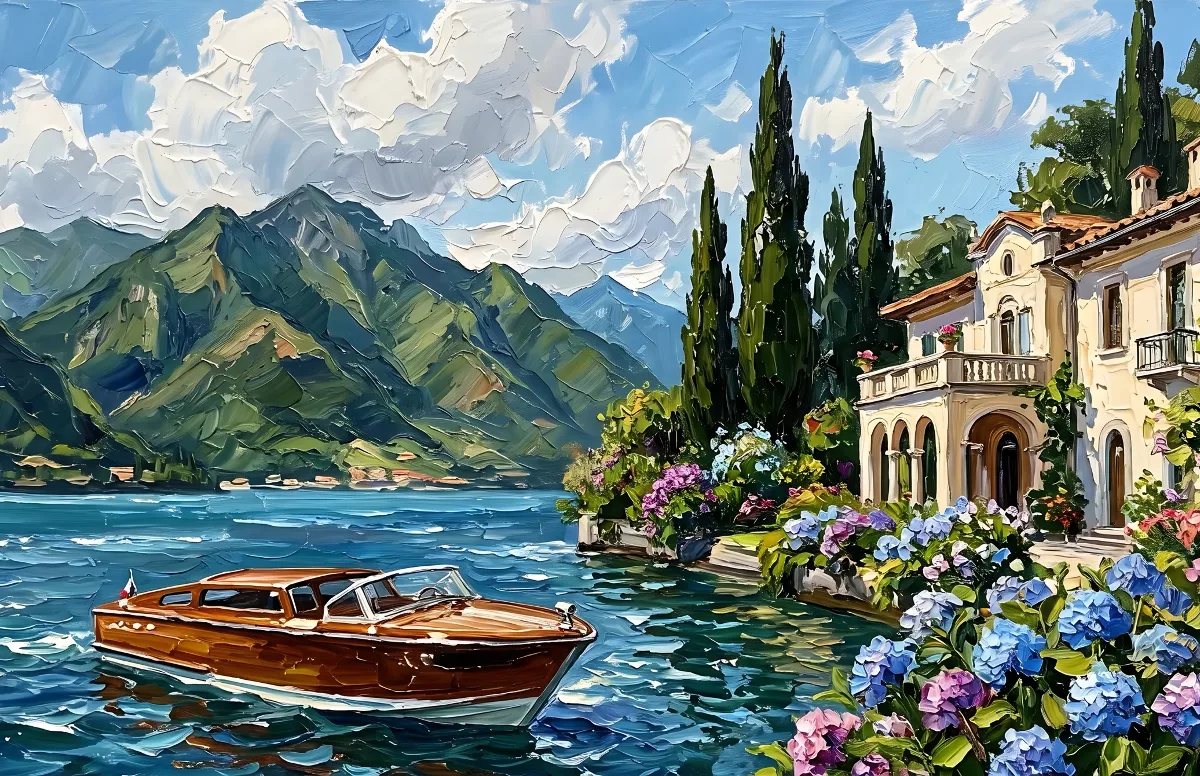

Painted
Impasto oil paintings with a day and a night version of the same scene.
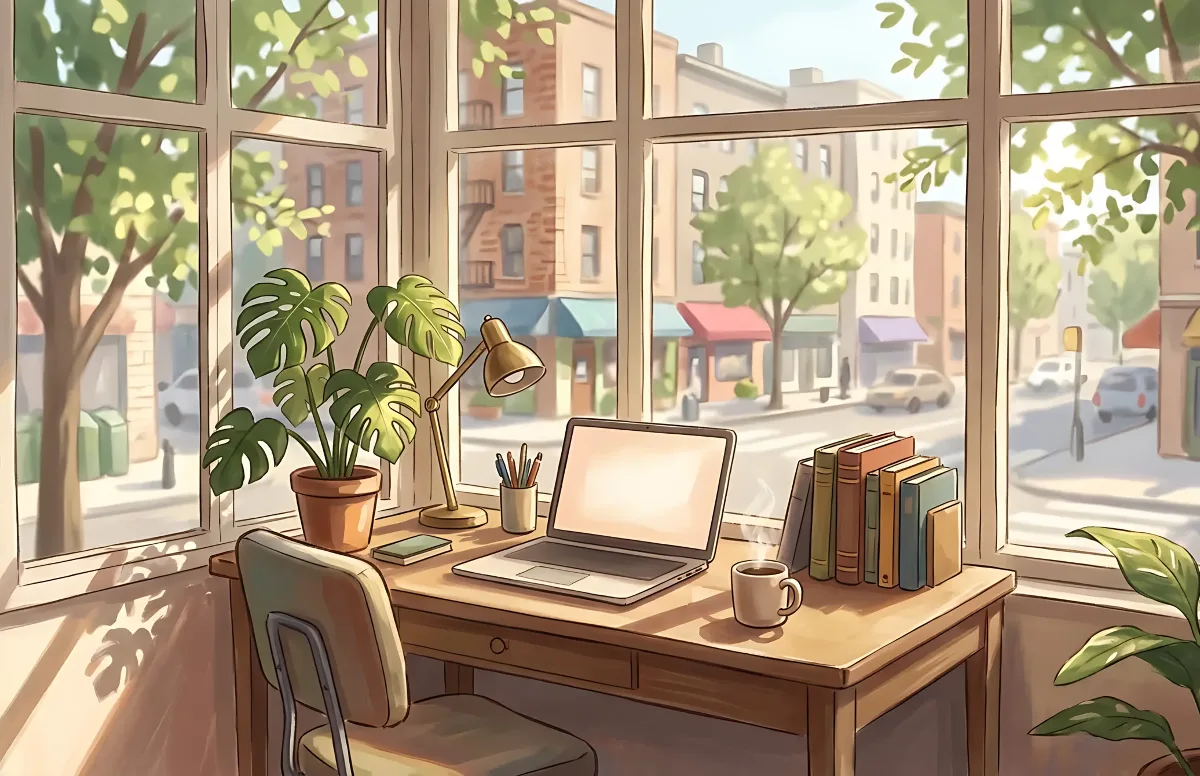
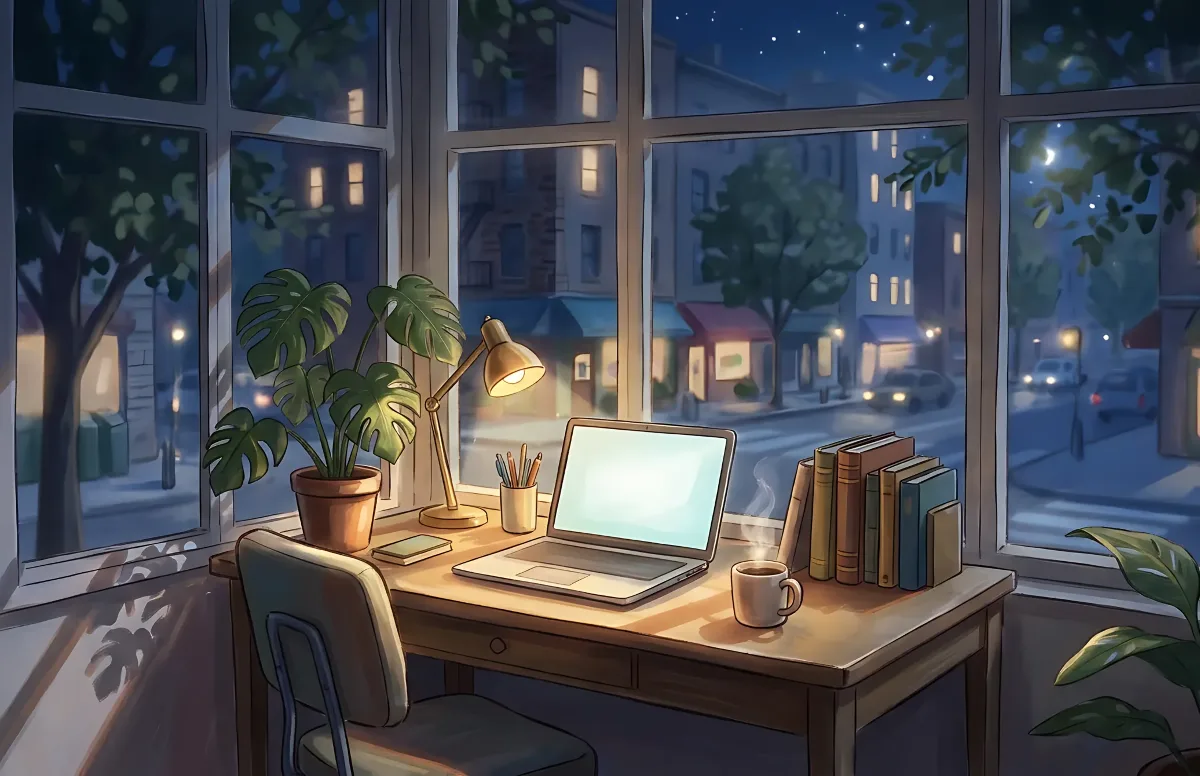
Cozy
Illustrated rooms: sunlight by day, lamp light at night.