About this template
Light mode uses pale drafting paper with blue ink, like a fresh print. Dark mode flips to the classic blueprint, white lines on deep blue. Linen, sage, night and graphite give you calmer alternatives.
The title block works like the one on a real drawing, with fields for scale, sheet and revision. The sheet frame starts below the menu bar, and the resolution of your Mac is printed in the corner of the drawing.
Ideas for using it
Engineers and students
A technical drawing with dimension lines and center lines feels at home on a machine used for CAD, electronics or a thesis in engineering.
Product and dev teams
Put the team motto or the project name into the title block. “Measure twice, ship once.” is the sample for a reason.
Several displays
Make one wallpaper per screen. Each one prints its own resolution in the corner, so you can tell at a glance that it matches.
Tips for light and dark
- Switch off Dimensions and Drawing under Details for a quiet sheet with just the frame, the grid and your title block.
- The classic look is Paper by day and Blueprint by night. Cyanotype and Night are darker and easier on the eyes in a dim room.
- Short titles in capitals look most like a real drawing, for example a project code or a single word.
Not sure which size you need? The Mac wallpaper size table lists the exact pixels for every MacBook, iMac and display, and the iPhone wallpaper size table does the same for every iPhone.
Questions and answers
Where does my text appear?
In the title block at the bottom right, in the field labelled TITLE. Up to 40 characters fit.
Is the drawing the same on every Mac?
The layout adapts to each resolution, so the frame and title block always sit at the same distance from the edges.
Why is my Mac's resolution printed on it?
It is part of the drawing and shows that the file matches your display. Turn it off under Details → Resolution label.
Can I use it on the iPhone?
Yes. On the iPhone the sheet is set upright and the title block sits below the lock-screen clock.
Related articles
How many external displays does my Mac support? Every model, 2026
From one on the MacBook Neo to eight on the Mac Studio: the display limit for every Mac, the lid-closed exception and why a dock never adds a screen.
Different wallpaper on each monitor on Mac: setup, sizes and dark mode
How to give every display its own wallpaper on a Mac, the size each screen needs (MacBook, Studio Display, 4K, ultrawide) and how all switch to dark mode.
MacBook and Mac wallpaper size for every model, including the 2026 MacBook Pro
MacBook Air 13″ 2560 × 1664, Pro 14″ 3024 × 1964, Pro 16″ 3456 × 2234: exact pixels for every Mac, plus a free light/dark wallpaper in your size.
Styles with this template
More templates
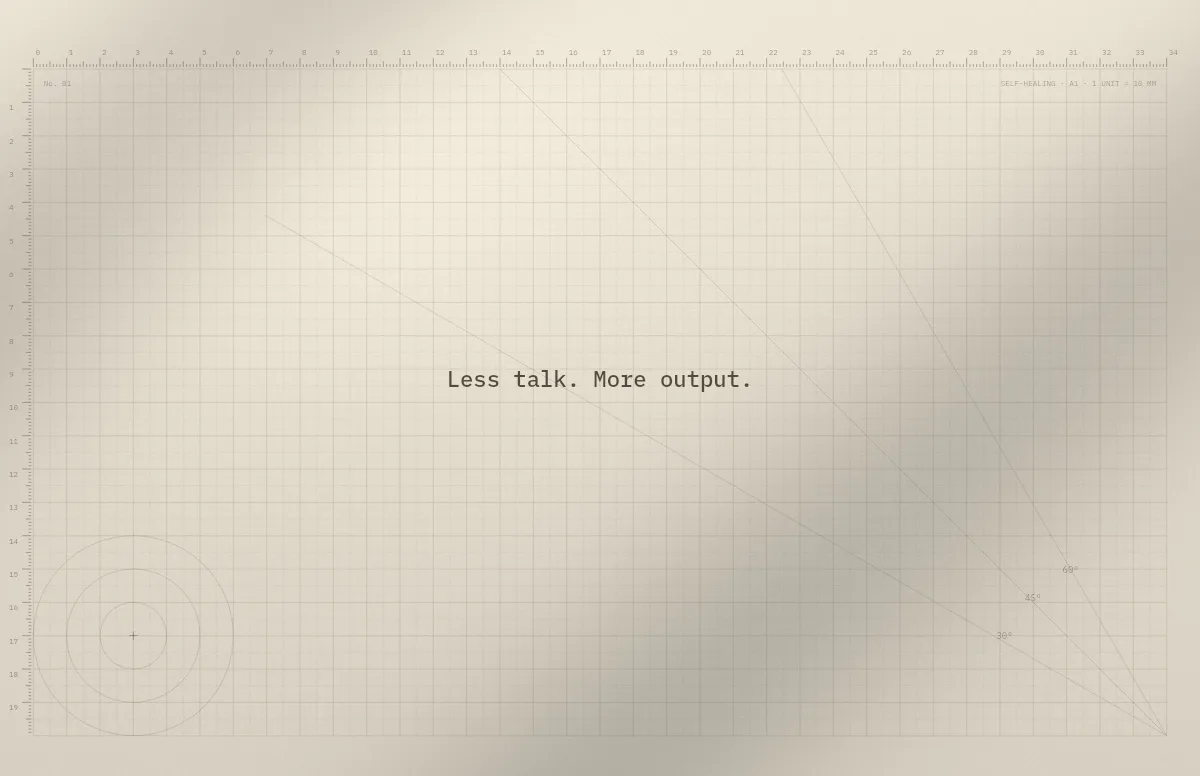
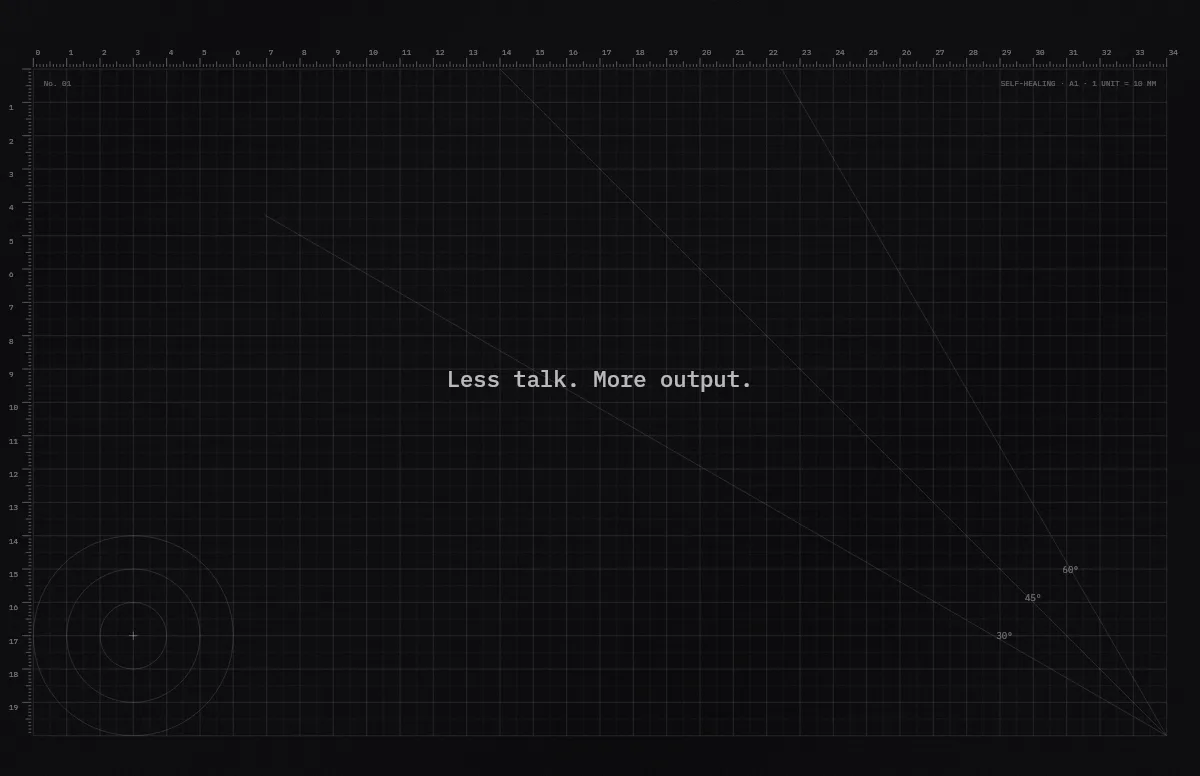
Cutting Mat
Grid, rulers and angle guides, like the mat on a designer's desk.
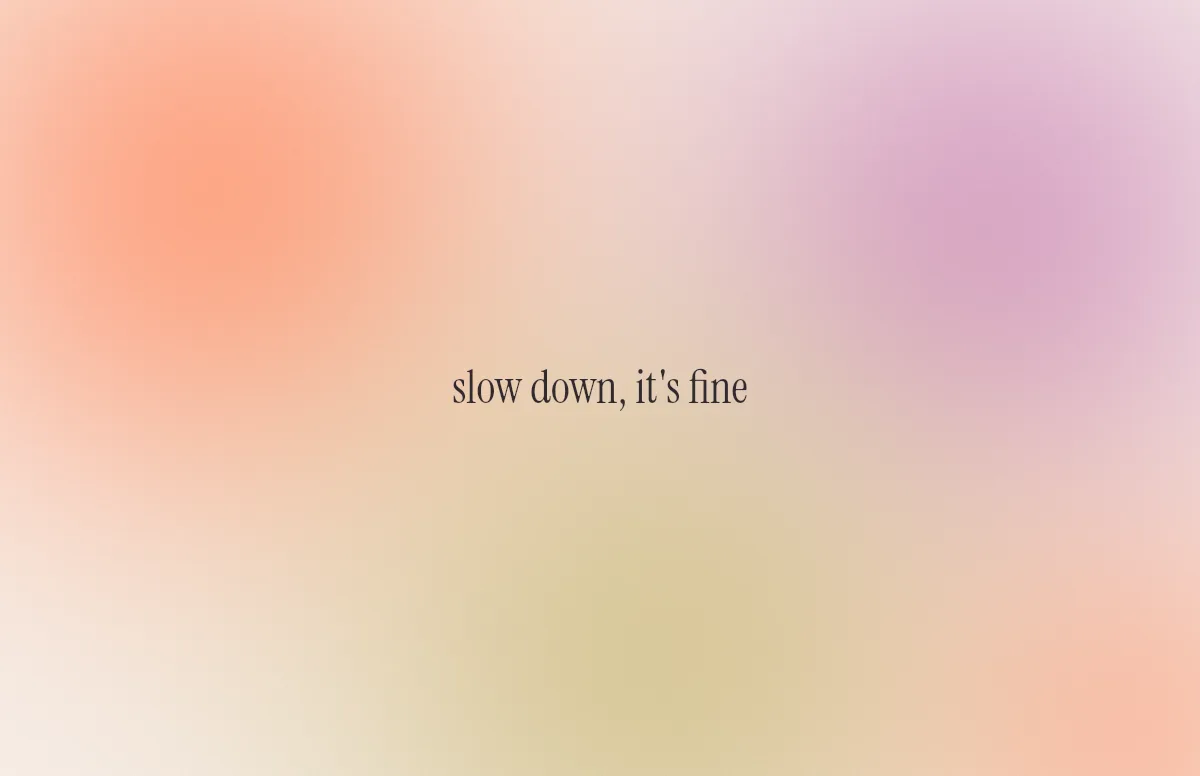
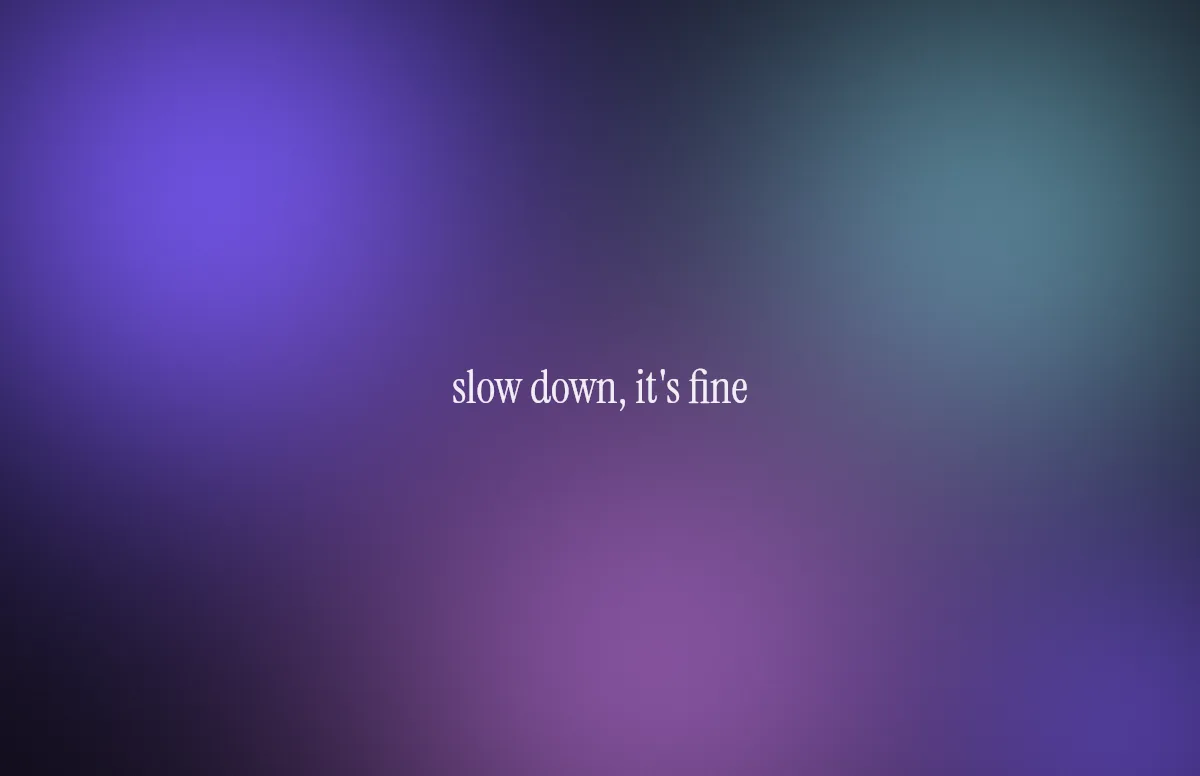
Aura
Soft color glows with a quote in a calm serif.
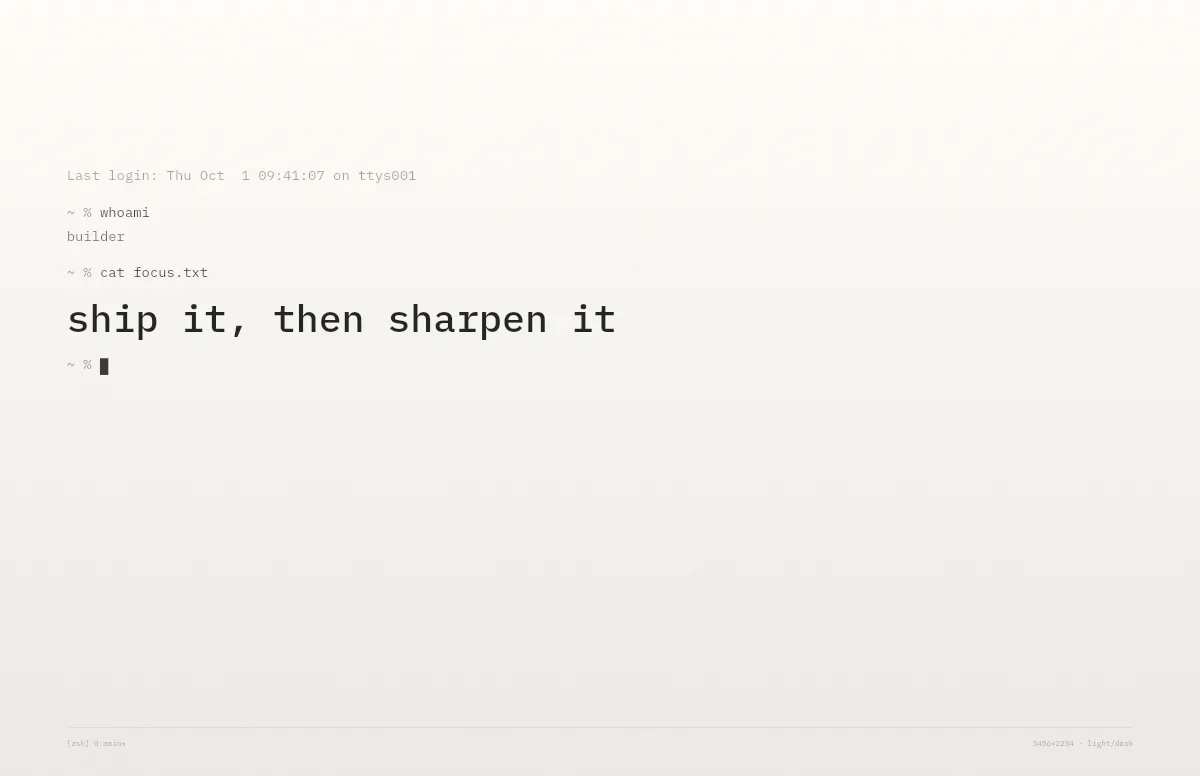
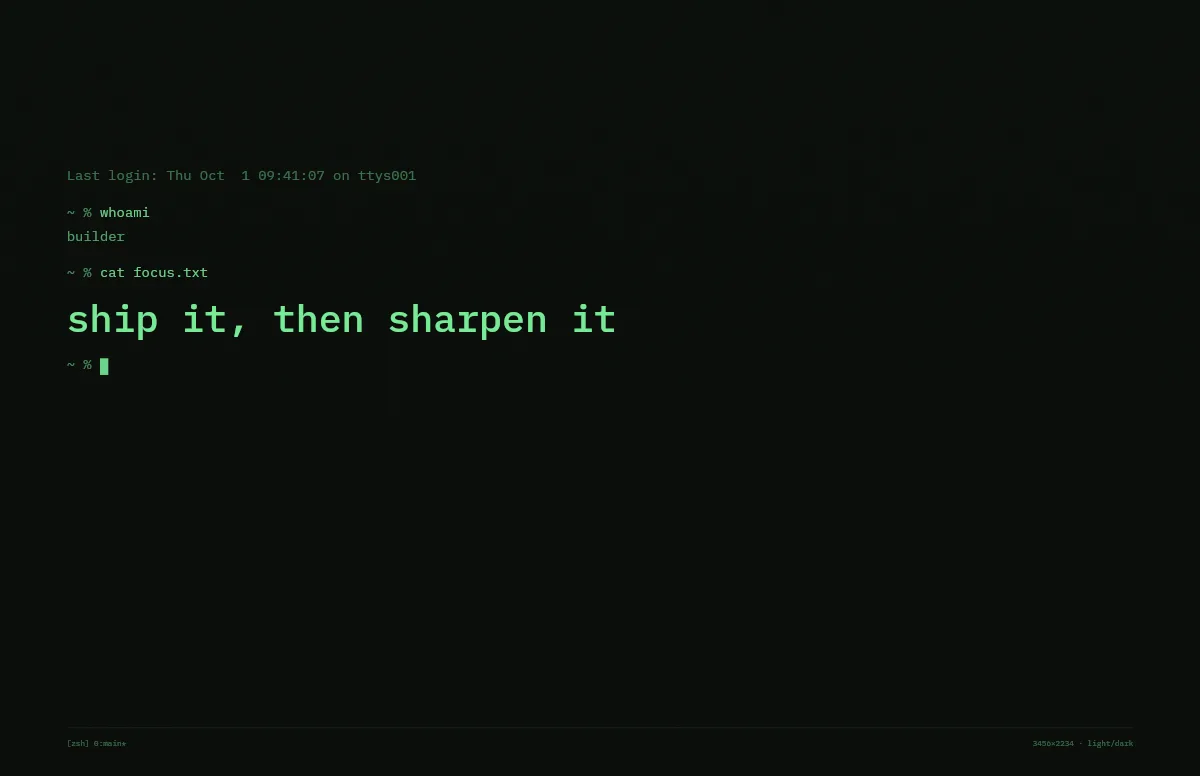
Terminal
A shell session that prints your line. Made for developers.
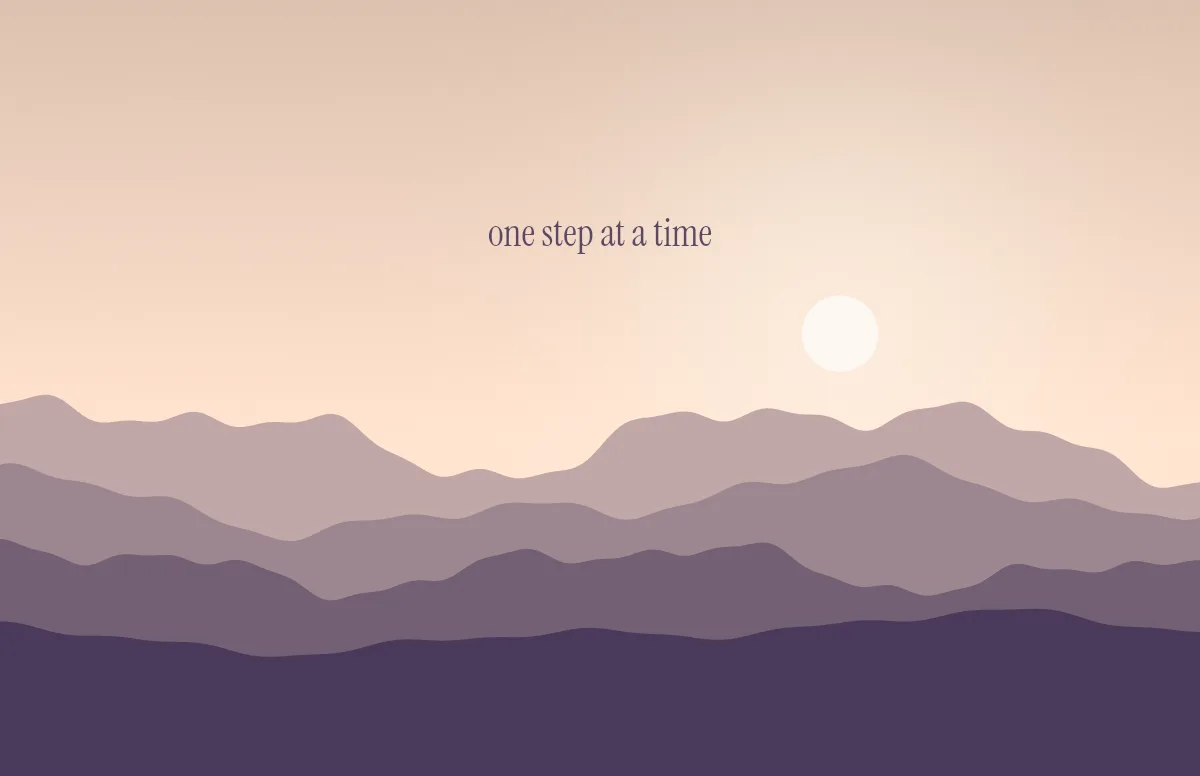
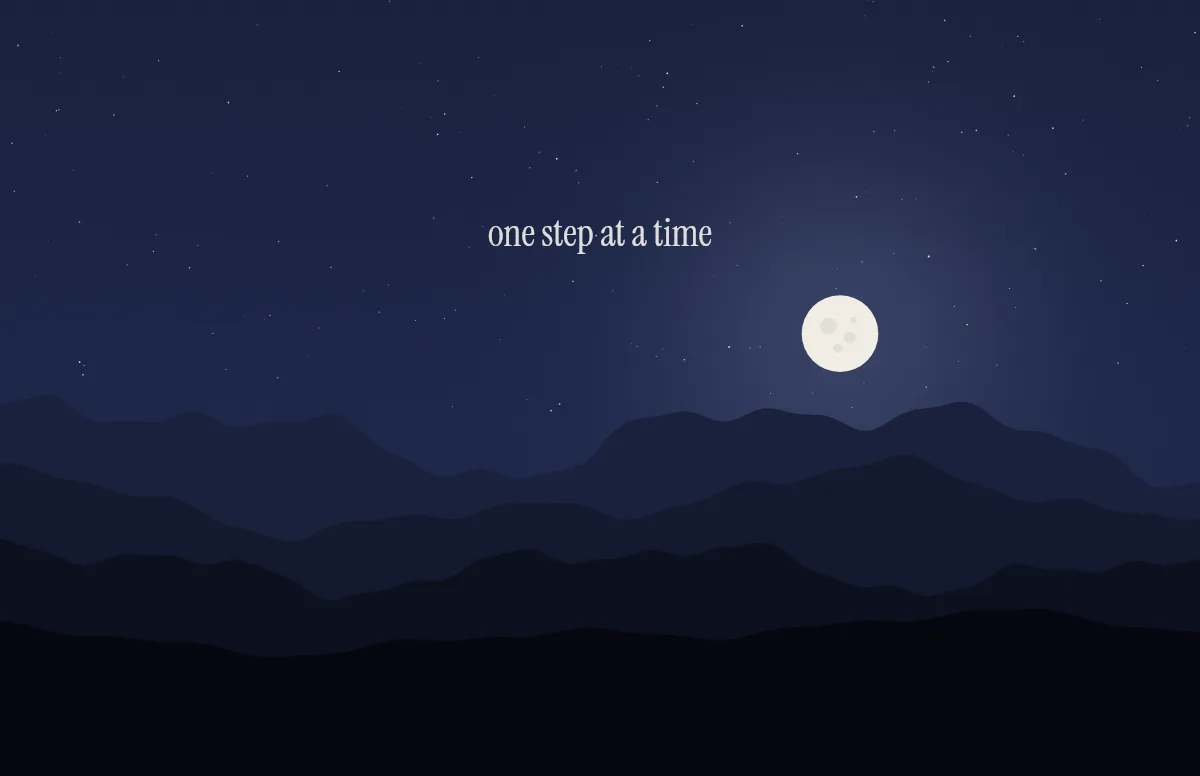
Horizon
Layered mountains under the sun by day and the moon by night.
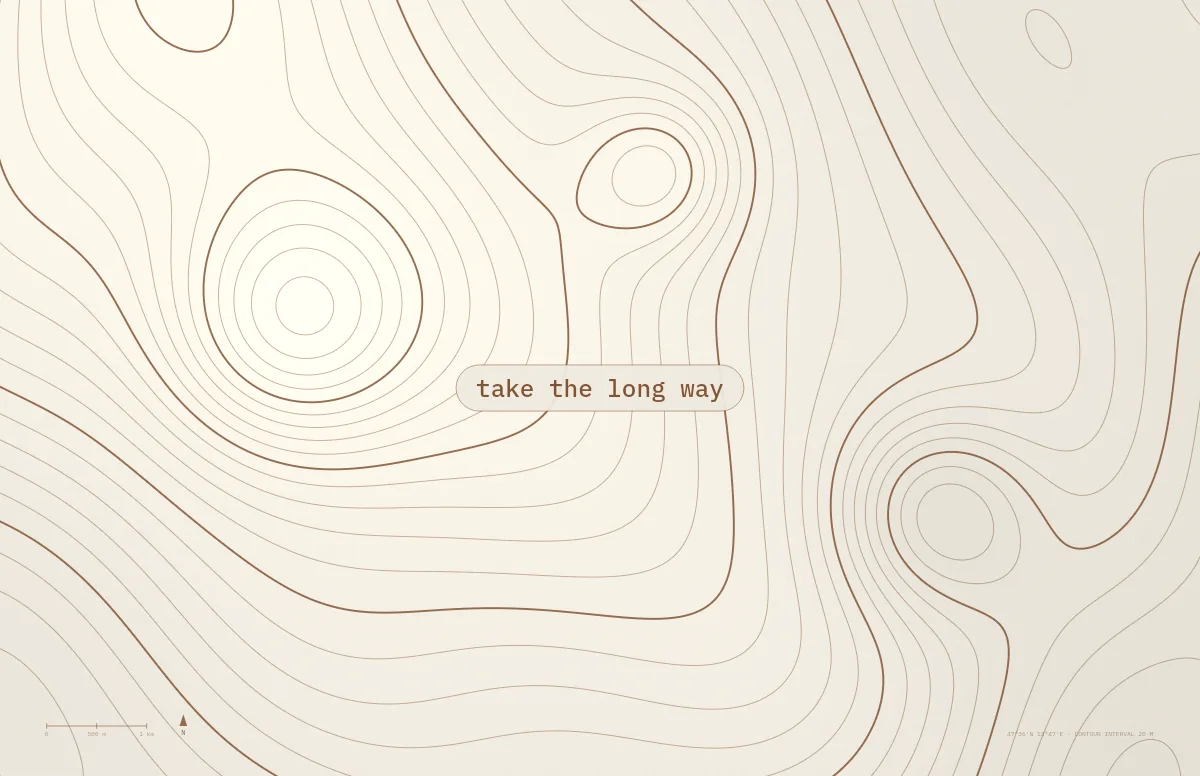
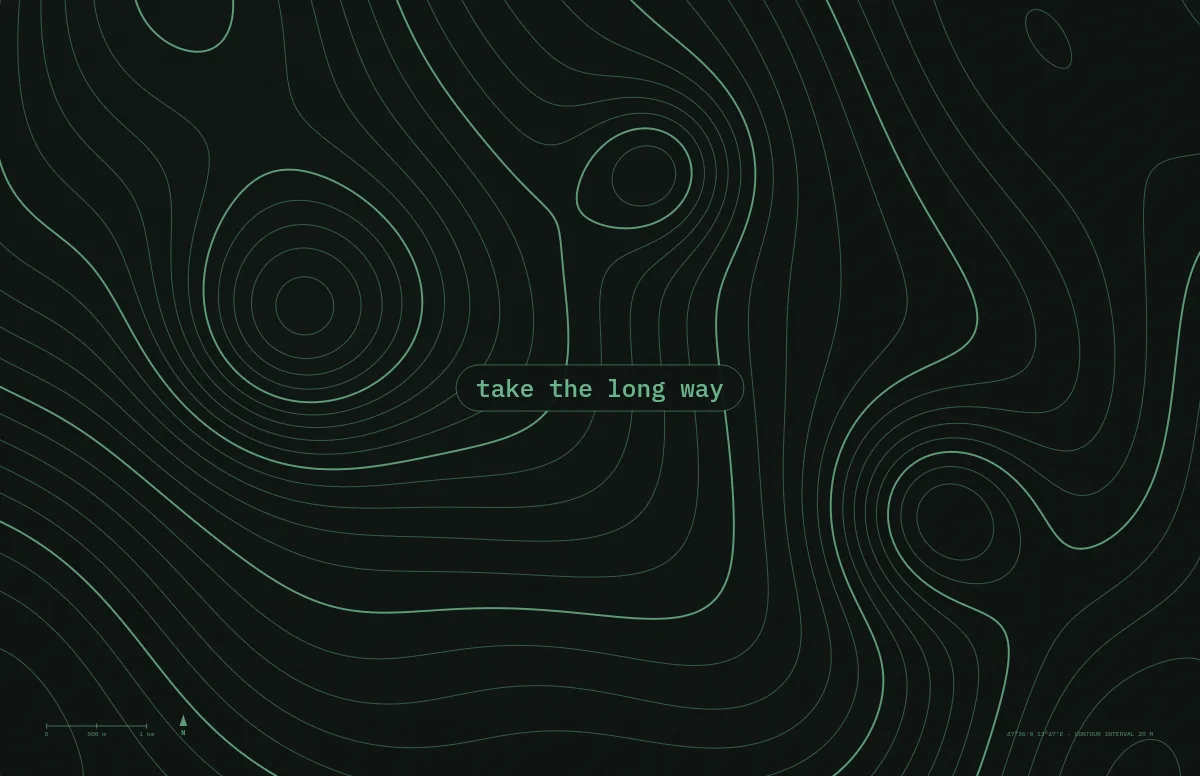
Topo
Contour lines of an imaginary mountain range, with your text as a map label.
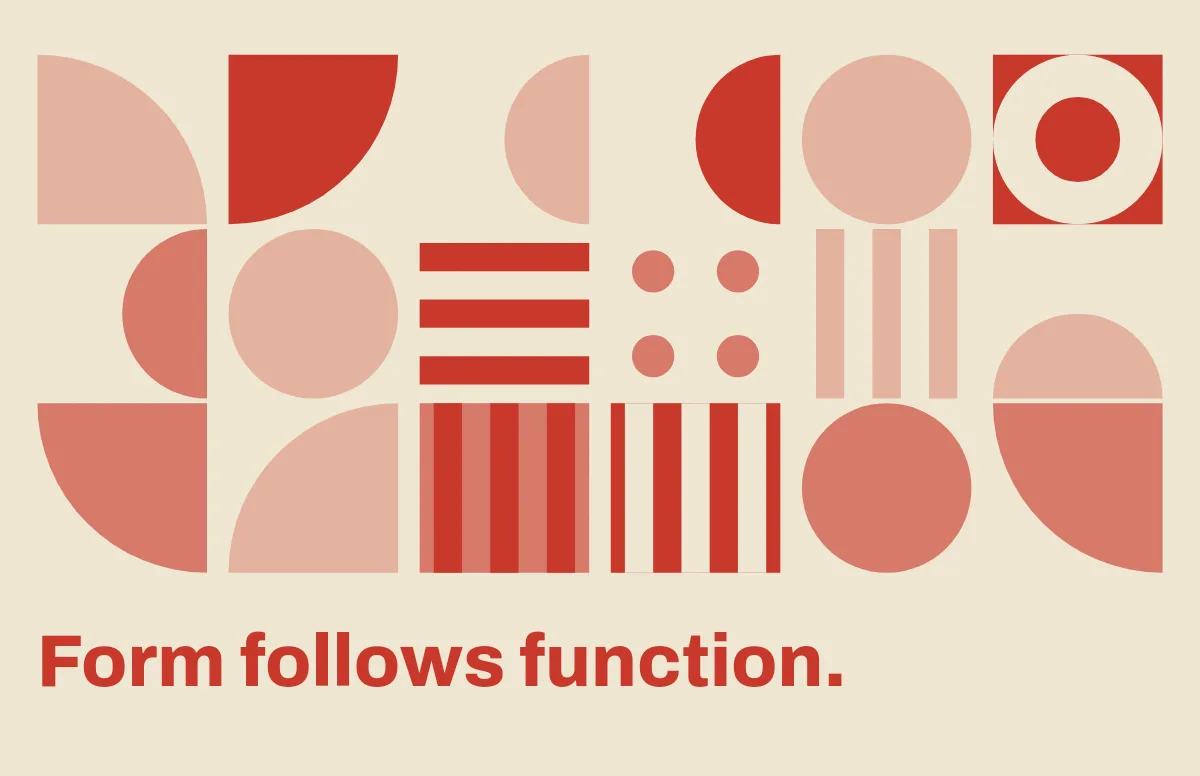
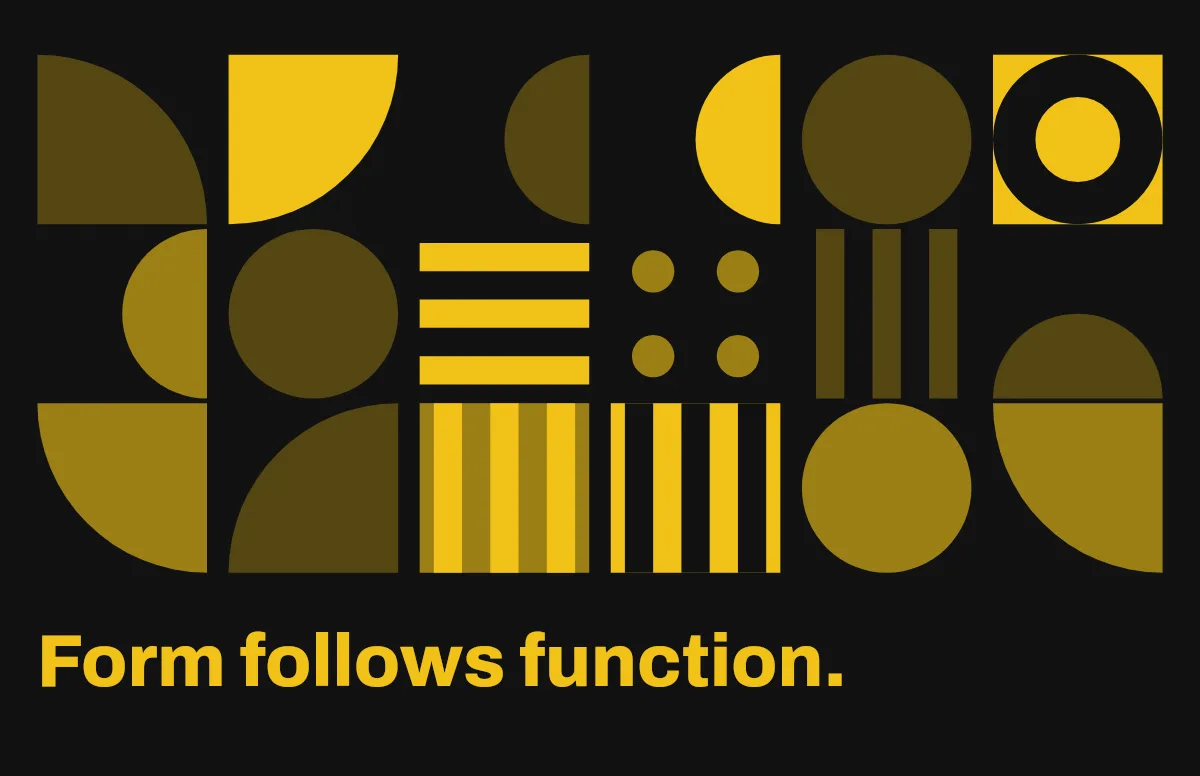
Bauhaus
Circles, quarter circles and stripes on a strict grid, with bold type.
Notebook
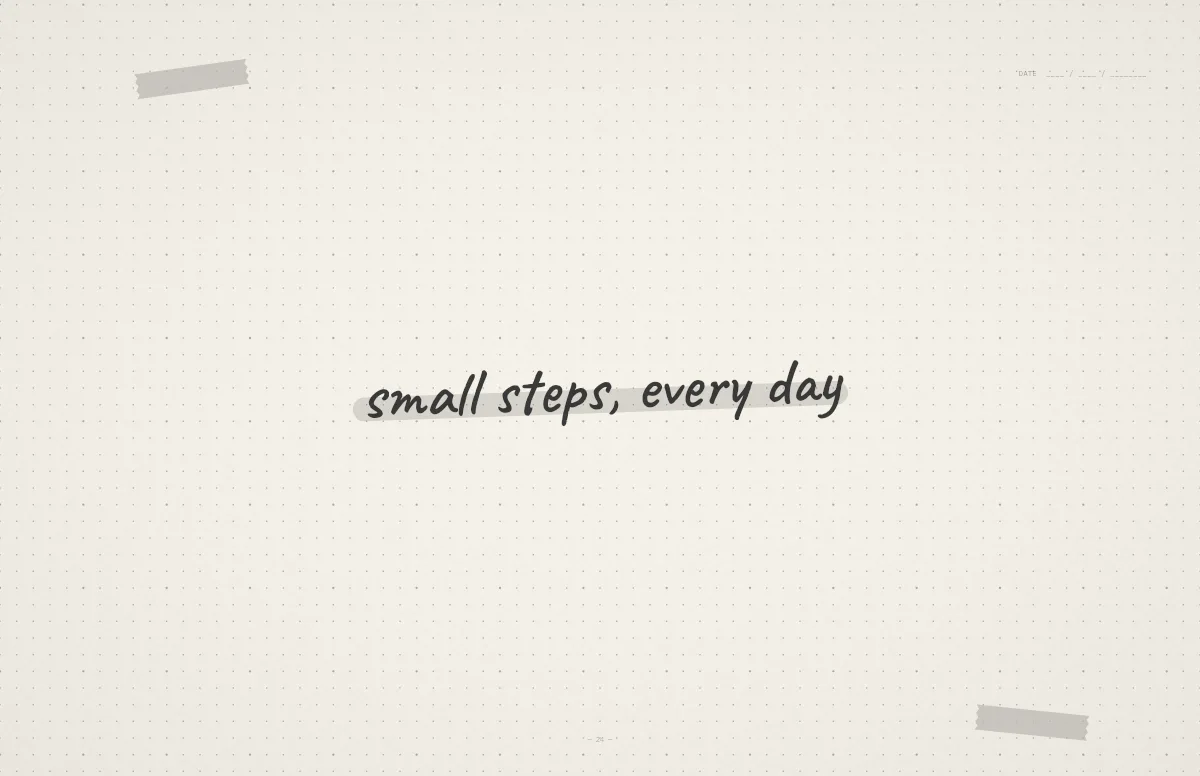
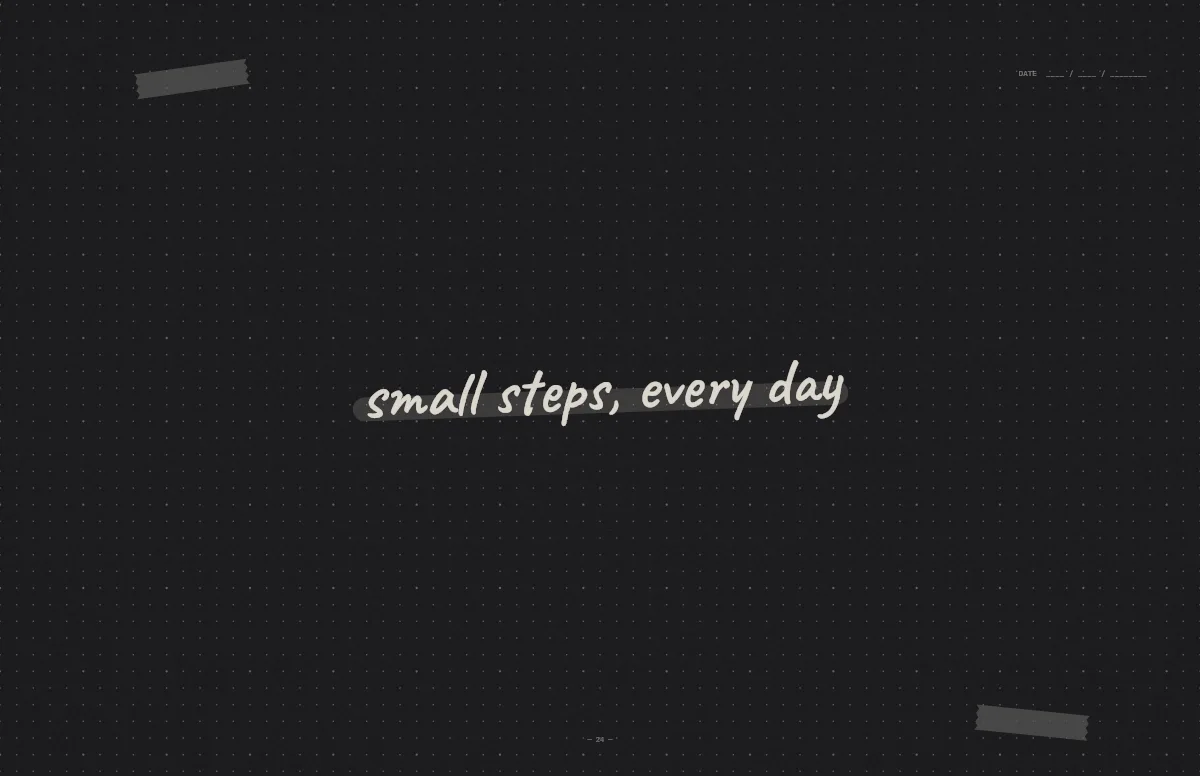
A dotted journal page with your line in handwriting and a highlighter stroke.


Liquid Glass
Glass shapes that bend the colors behind them, light and dark.
Pixel
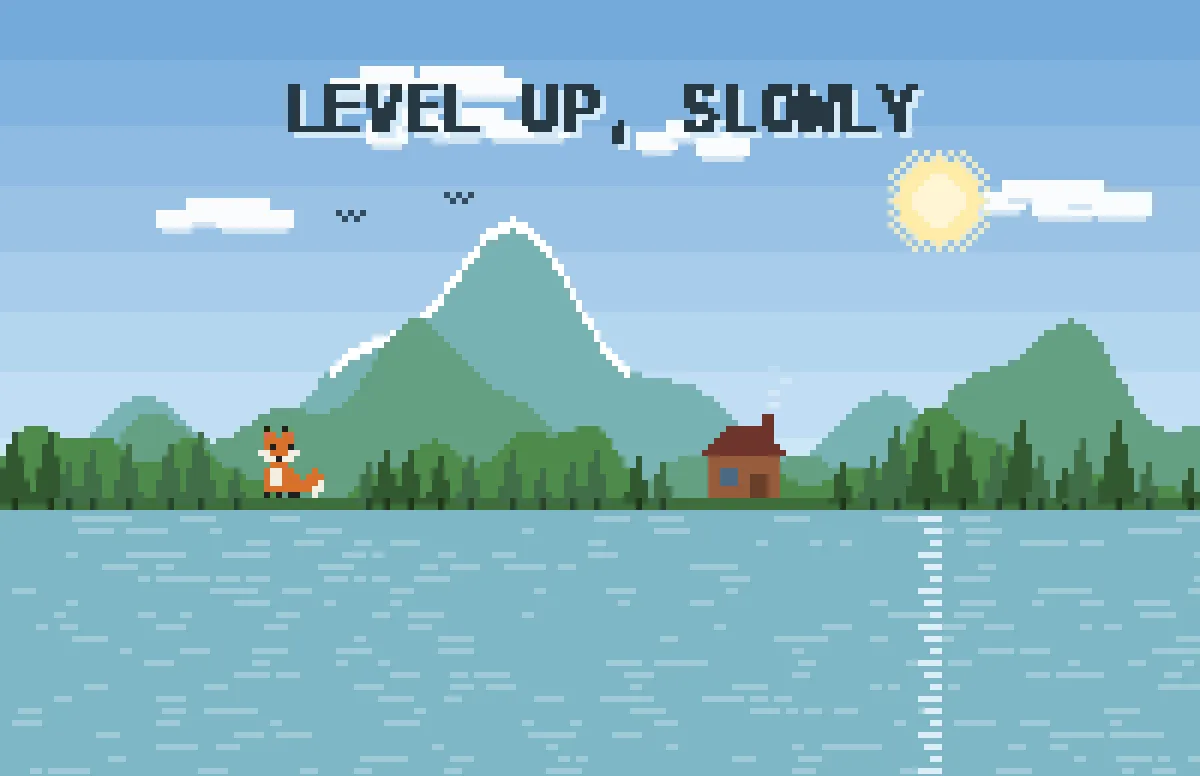
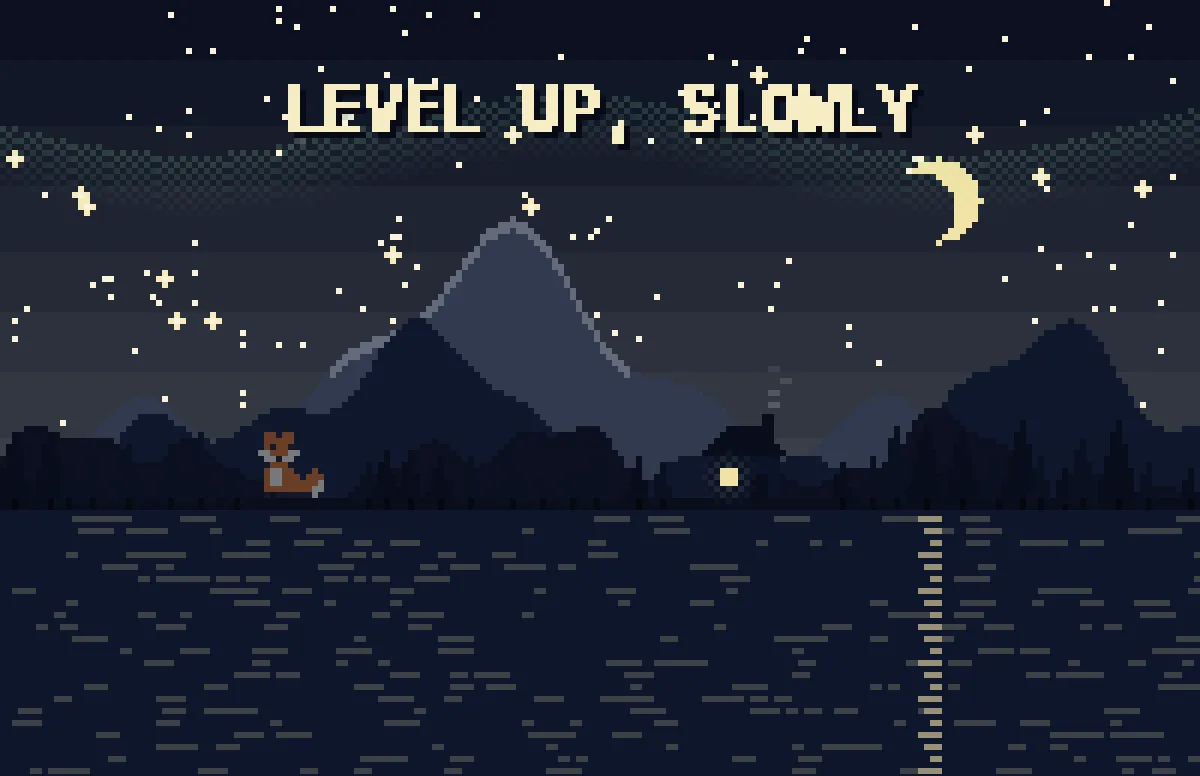
Pixel scenes: sun by day, stars and lit windows at night.
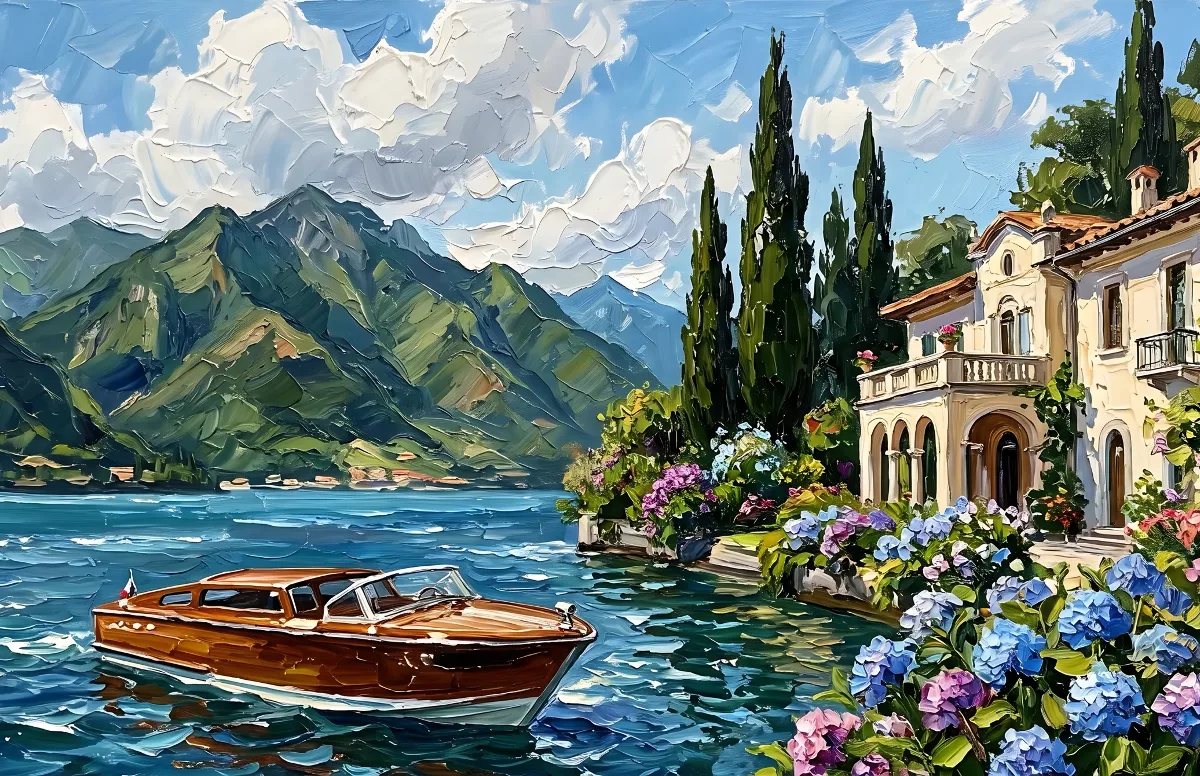
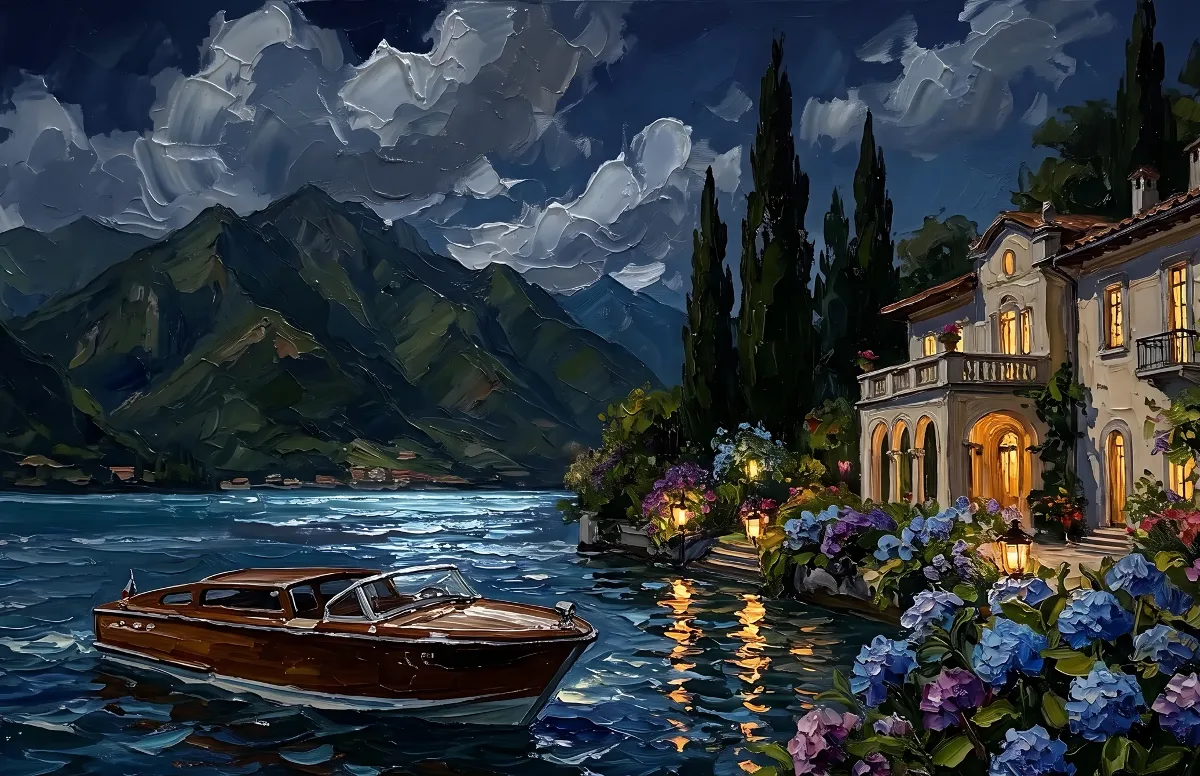
Painted
Impasto oil paintings with a day and a night version of the same scene.
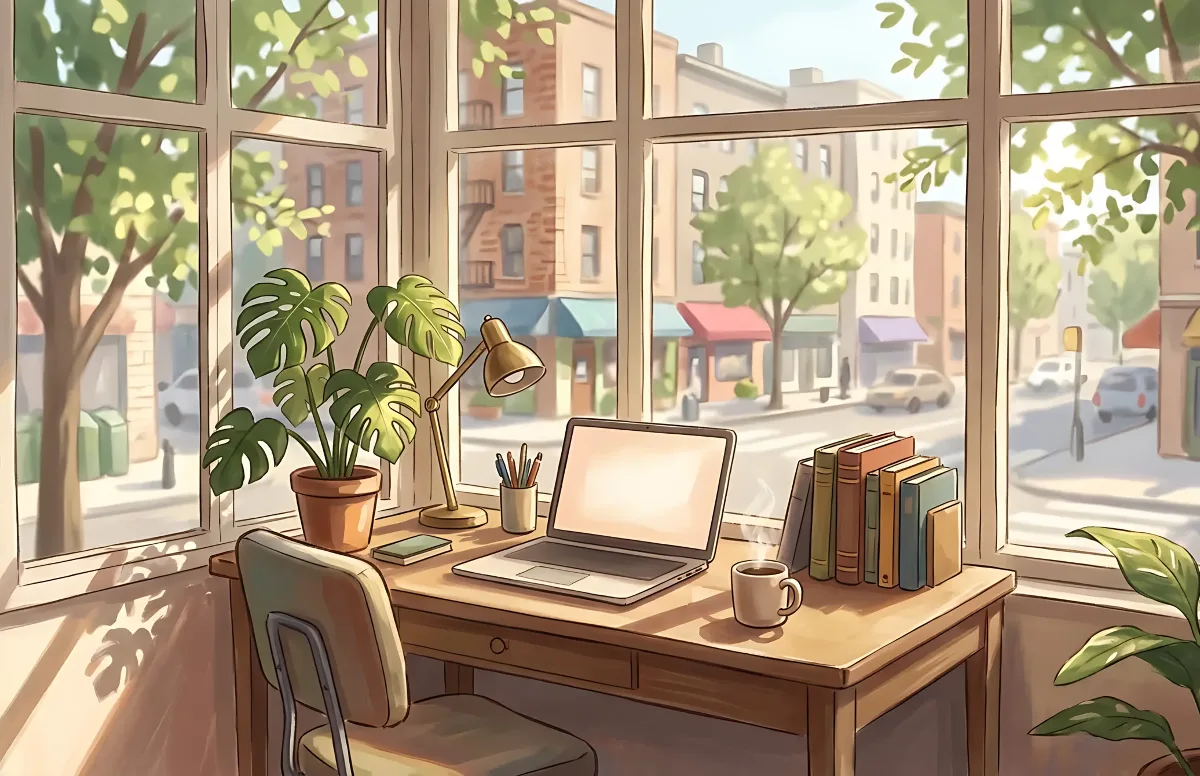
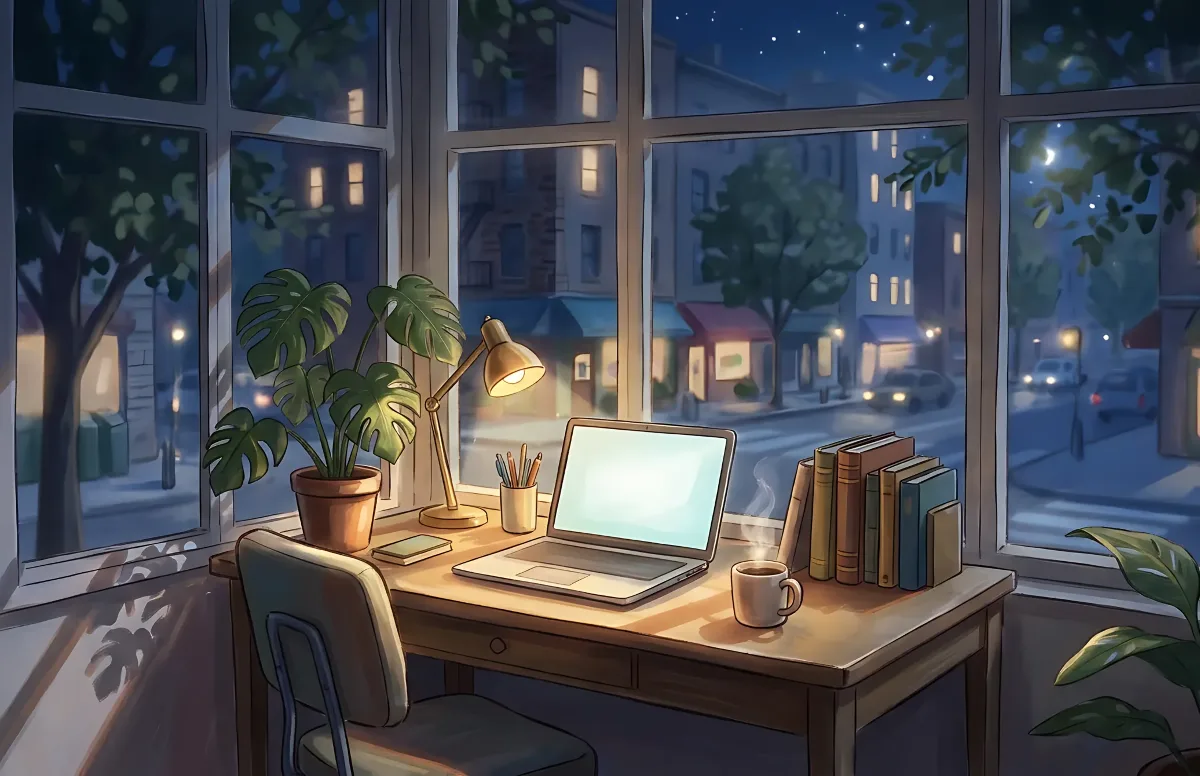
Cozy
Illustrated rooms: sunlight by day, lamp light at night.