About this template
The lines are calculated for every pixel, so they stay crisp at any size, from iPhone SE to the 5K Studio Display. Brown on cream looks like a classic hiking map, blue on ice like a glacier survey.
In dark mode the lines glow on a near-black ground, like a map on a night display. Green, blue and ember tones keep the contours readable without being bright.
Ideas for using it
Hikers and outdoor people
Contour lines, a scale bar and a north arrow feel like the map in your backpack, with your next trail or summit as the label.
A pattern behind icons
Without the label, the contours become a quiet texture that keeps desktop icons readable.
Map lovers
Every fifth line is an index contour, as on printed survey maps, and the relief shading adds depth to the slopes.
Tips for light and dark
- Shuffle generates a new mountain range. Try a few until the label sits in a valley you like.
- Switch off Relief shading under Details for a flatter, more graphic look, or switch off the map label to leave the text out completely.
- Survey by day and Night map at night look like a printed map and its night-mode version. Glacier and Deep are the cool alternative.
Not sure which size you need? The Mac wallpaper size table lists the exact pixels for every MacBook, iMac and display, and the iPhone wallpaper size table does the same for every iPhone.
Questions and answers
Is this a real place?
No. The terrain is generated and does not show a real mountain. The coordinates in the corner are decoration.
Why are some lines thicker?
Every fifth contour is an index line, as on printed topographic maps. It makes the slopes easier to read.
Can I get a different landscape?
Yes. Shuffle creates new terrain, and light and dark always show the same landscape.
Does it look good on the iPhone?
Yes. The contours fill the whole screen, and the label sits below the lock-screen clock.
Related articles
Choosing colors for a light and dark wallpaper that belong together
How to pick a light and a dark color pair that feel like one wallpaper, with five simple rules and ready-made combinations to start from.
iPhone wallpaper size: the resolution for every current model
The exact wallpaper resolution for every iPhone from SE to 18 Pro Max, how to find your model, and where to keep text clear of the lock-screen clock.
Styles with this template
More templates
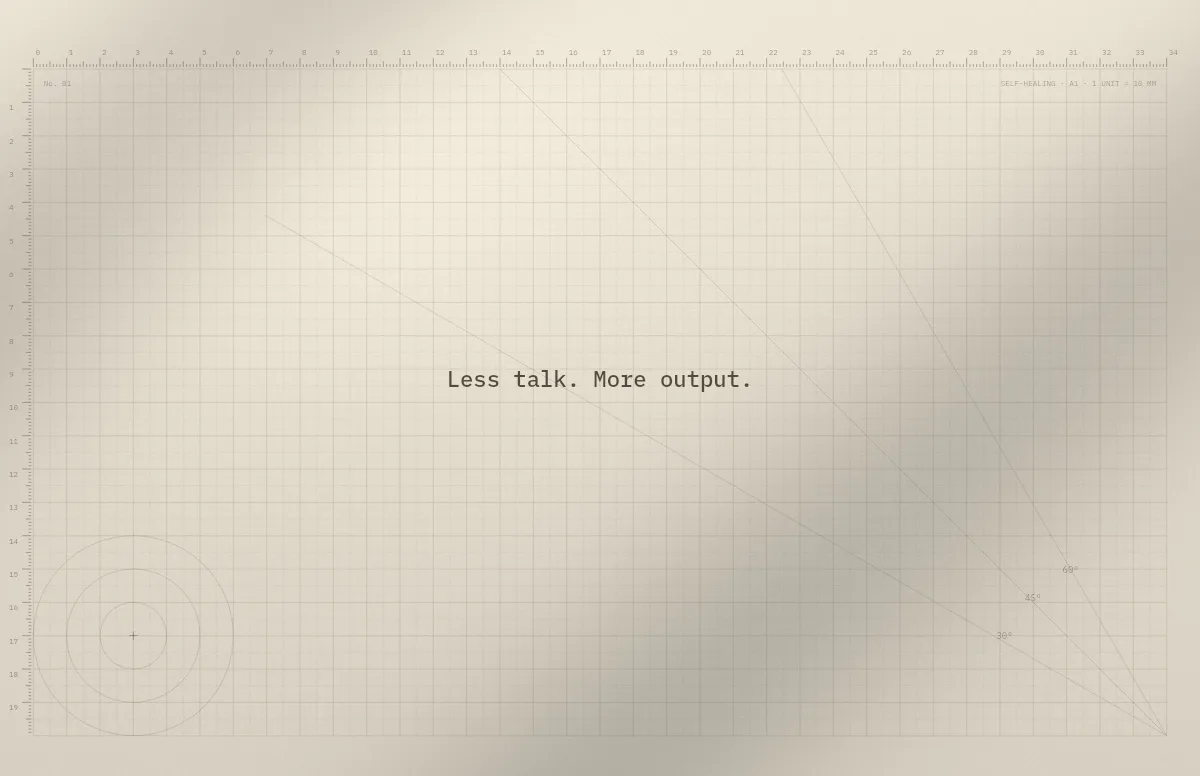
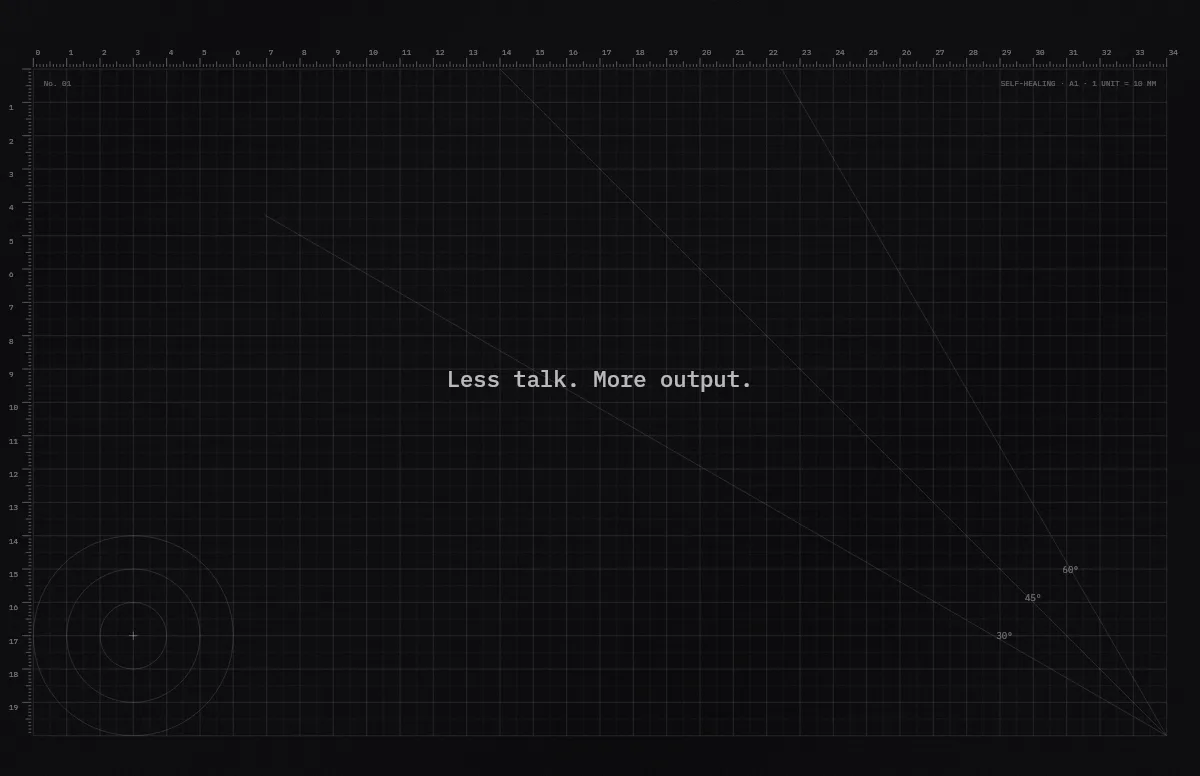
Cutting Mat
Grid, rulers and angle guides, like the mat on a designer's desk.
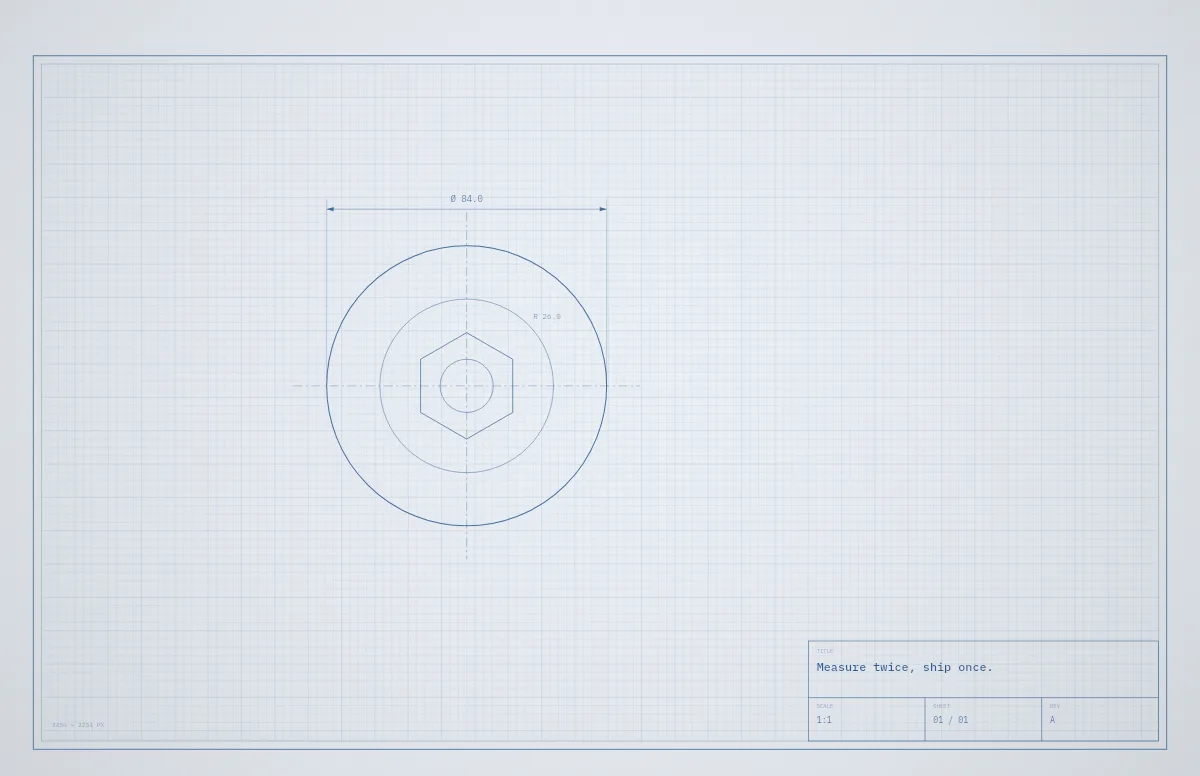
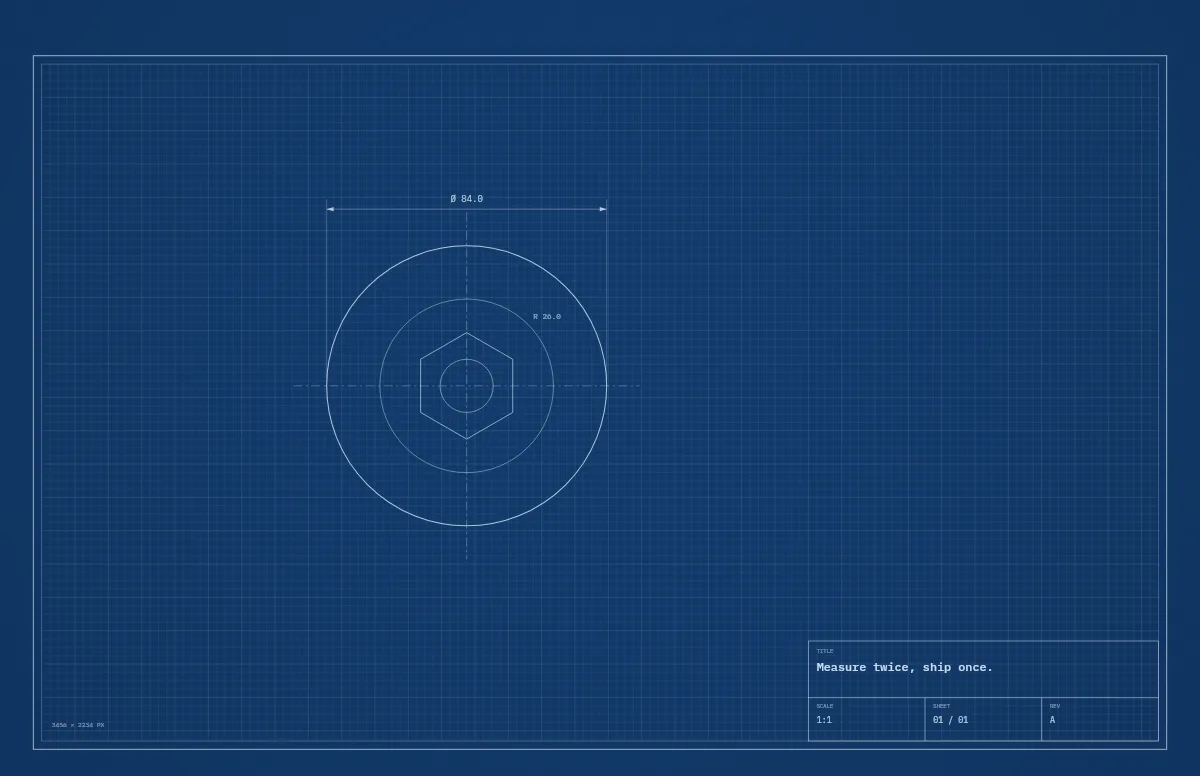
Blueprint
A technical drawing with a title block that carries your text.
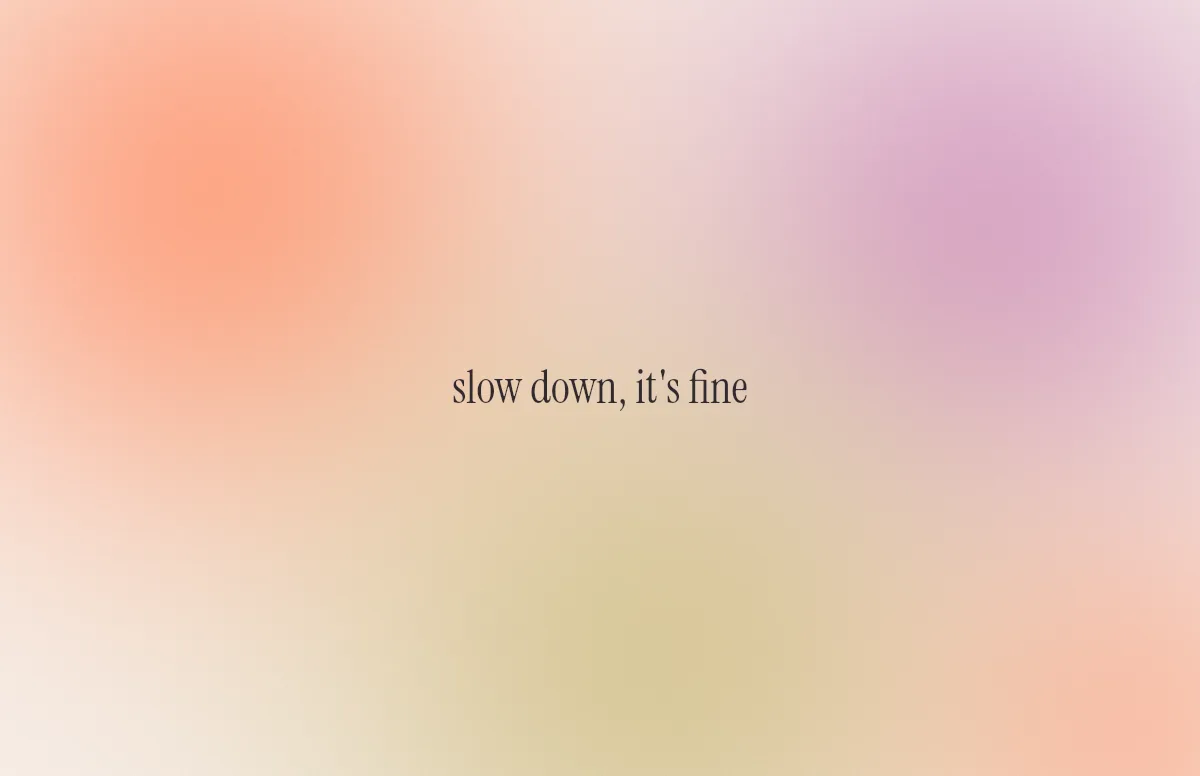
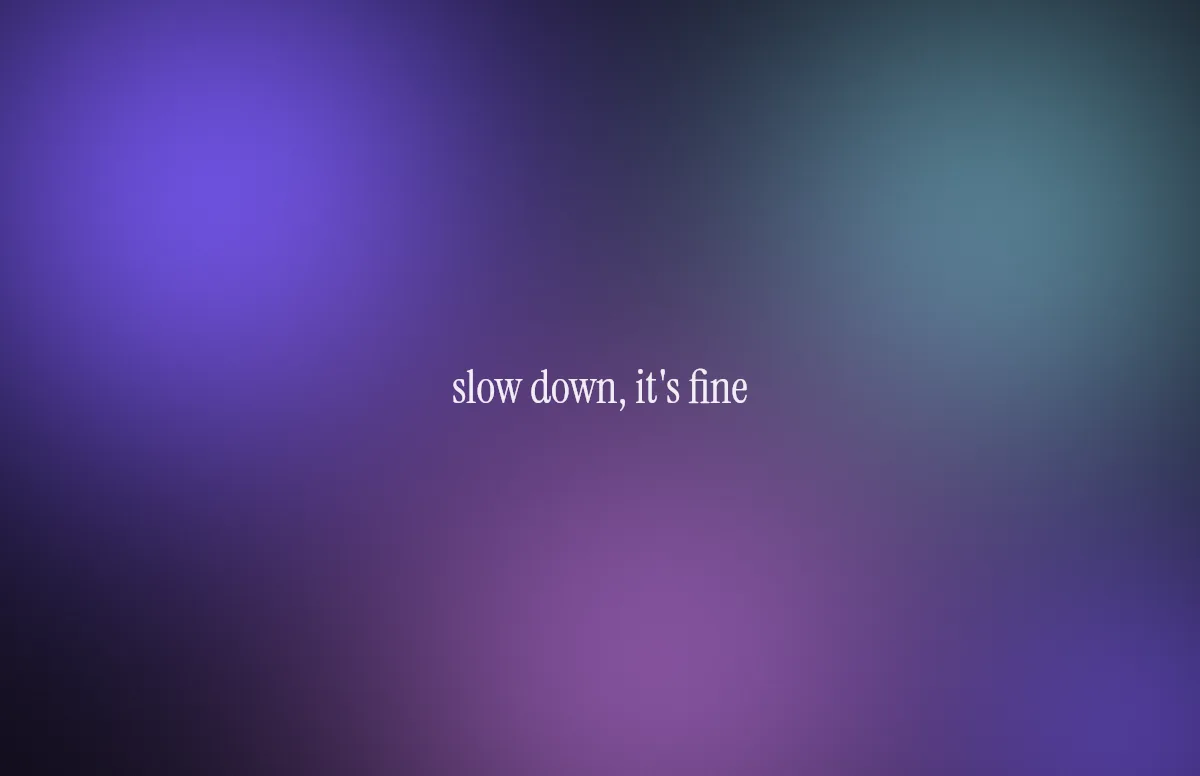
Aura
Soft color glows with a quote in a calm serif.
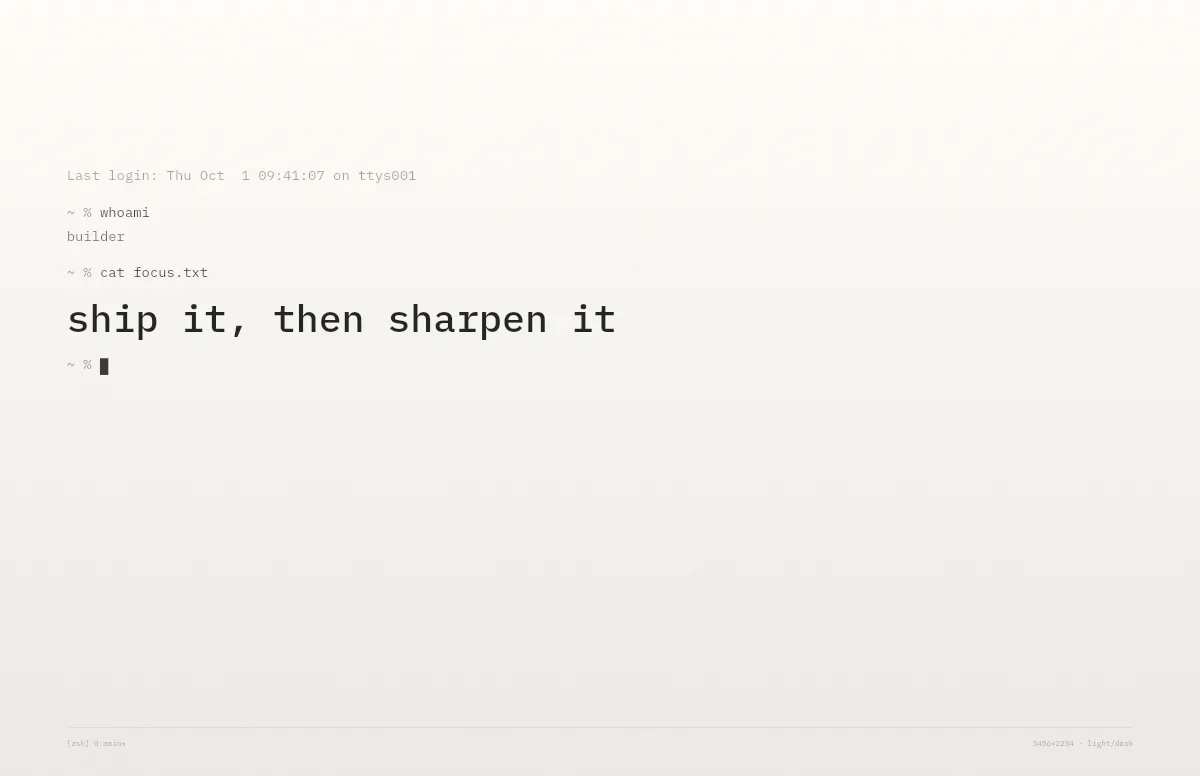
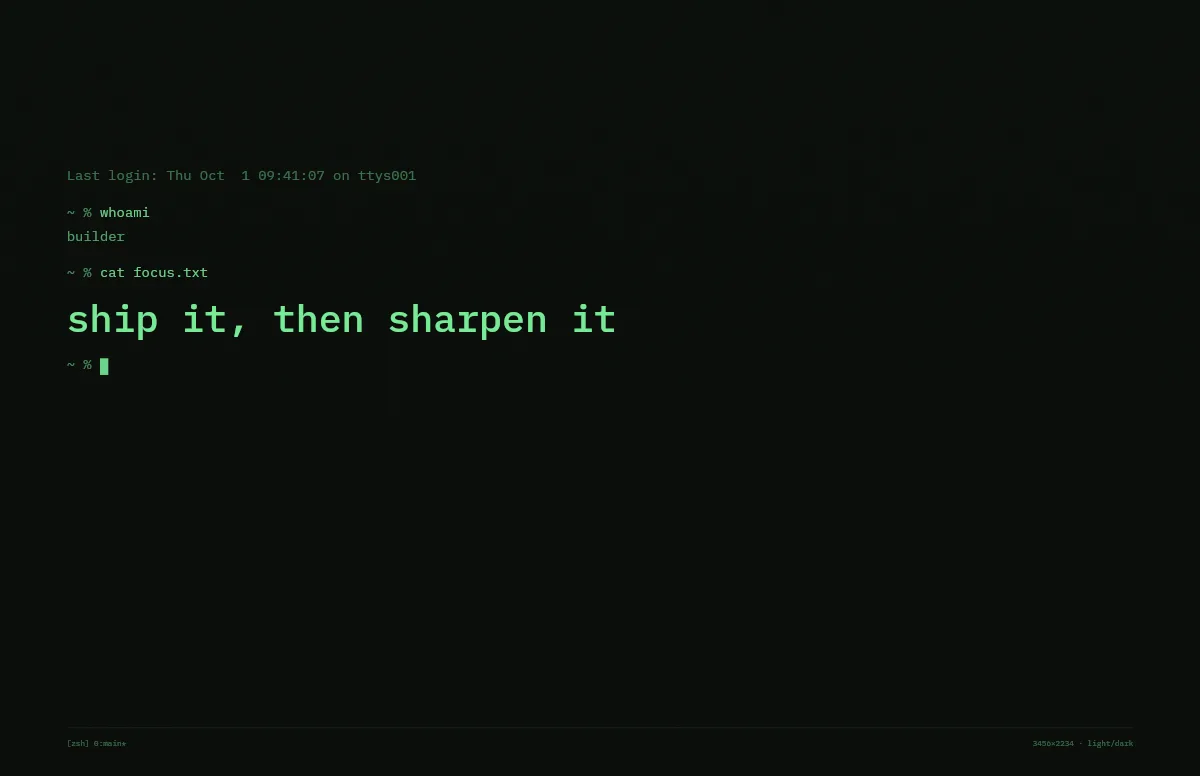
Terminal
A shell session that prints your line. Made for developers.
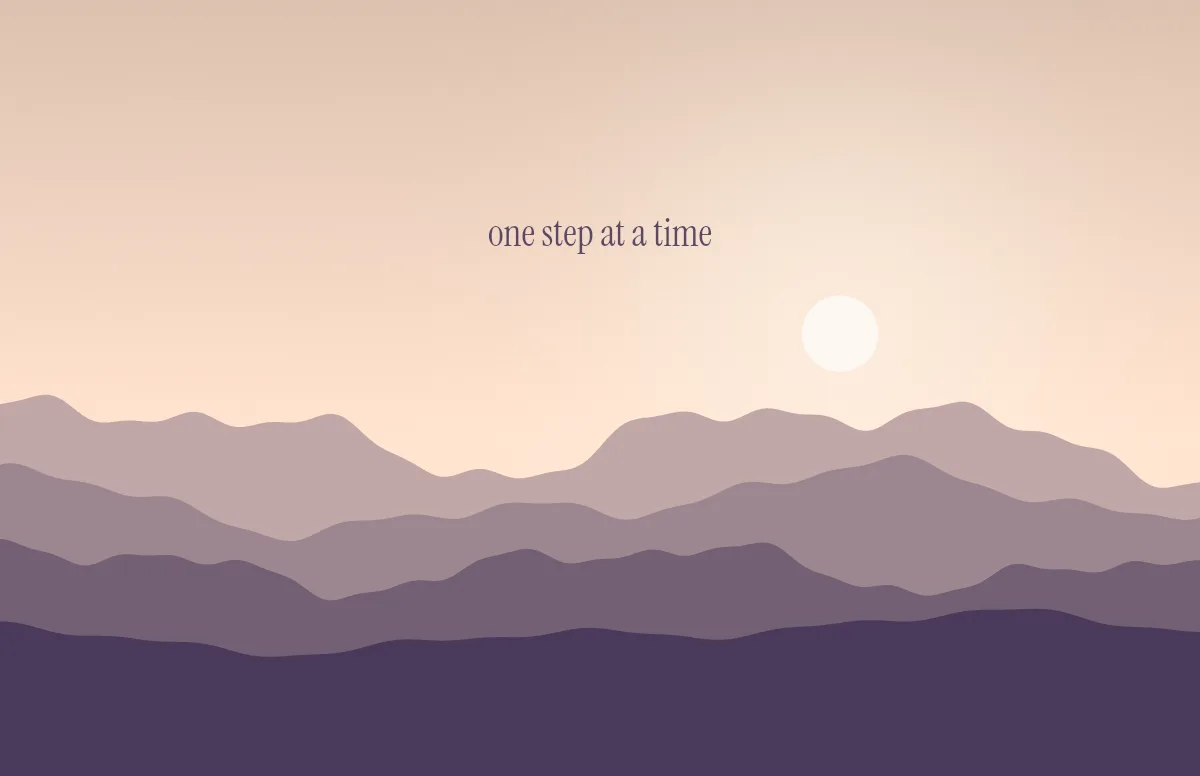
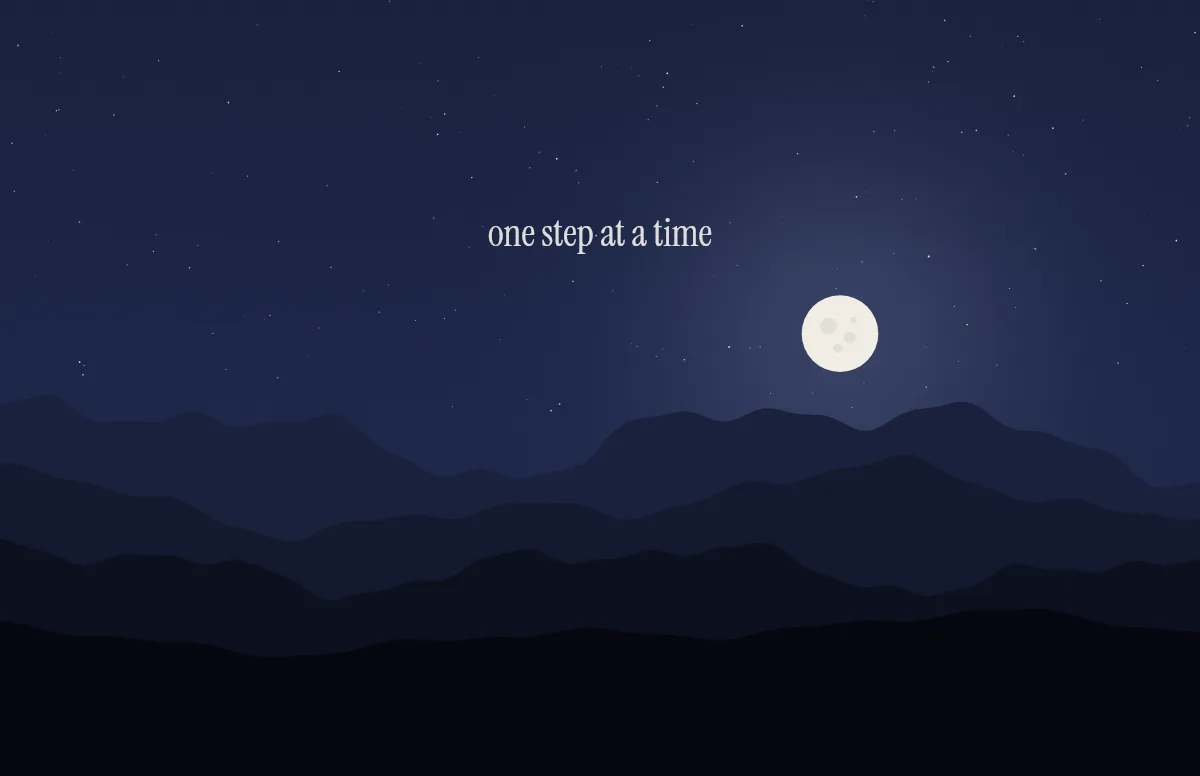
Horizon
Layered mountains under the sun by day and the moon by night.
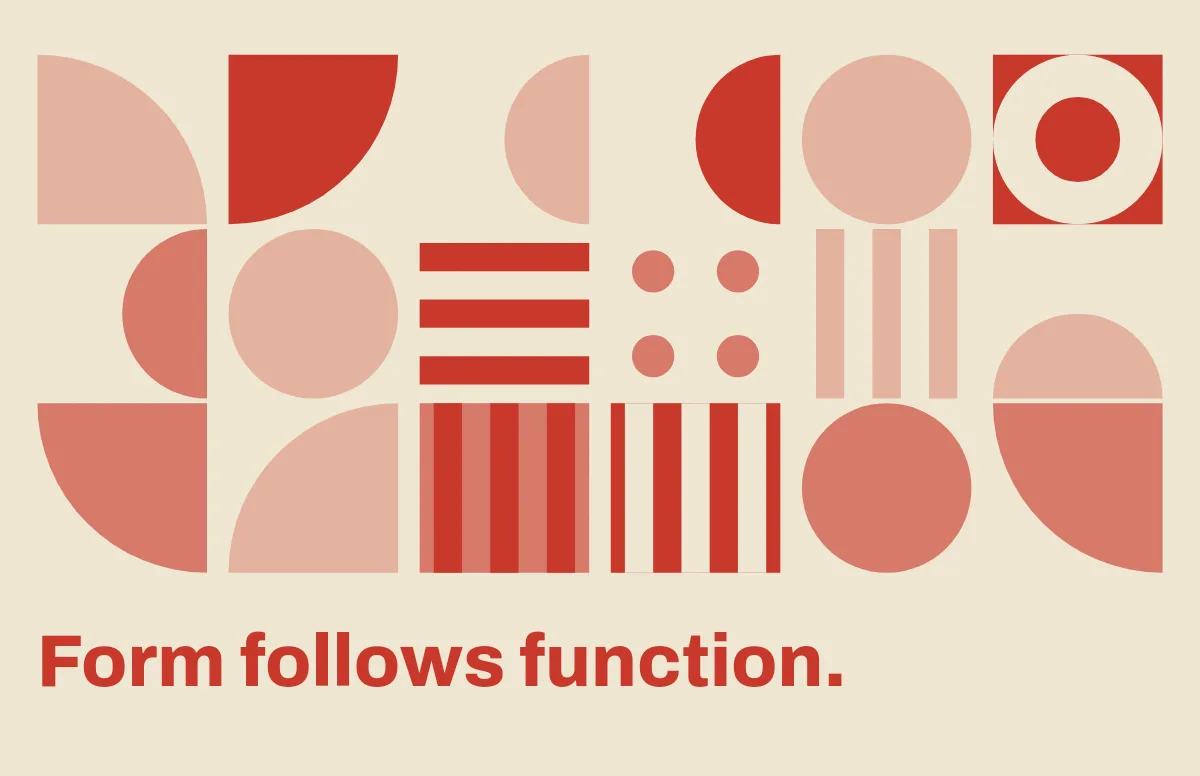
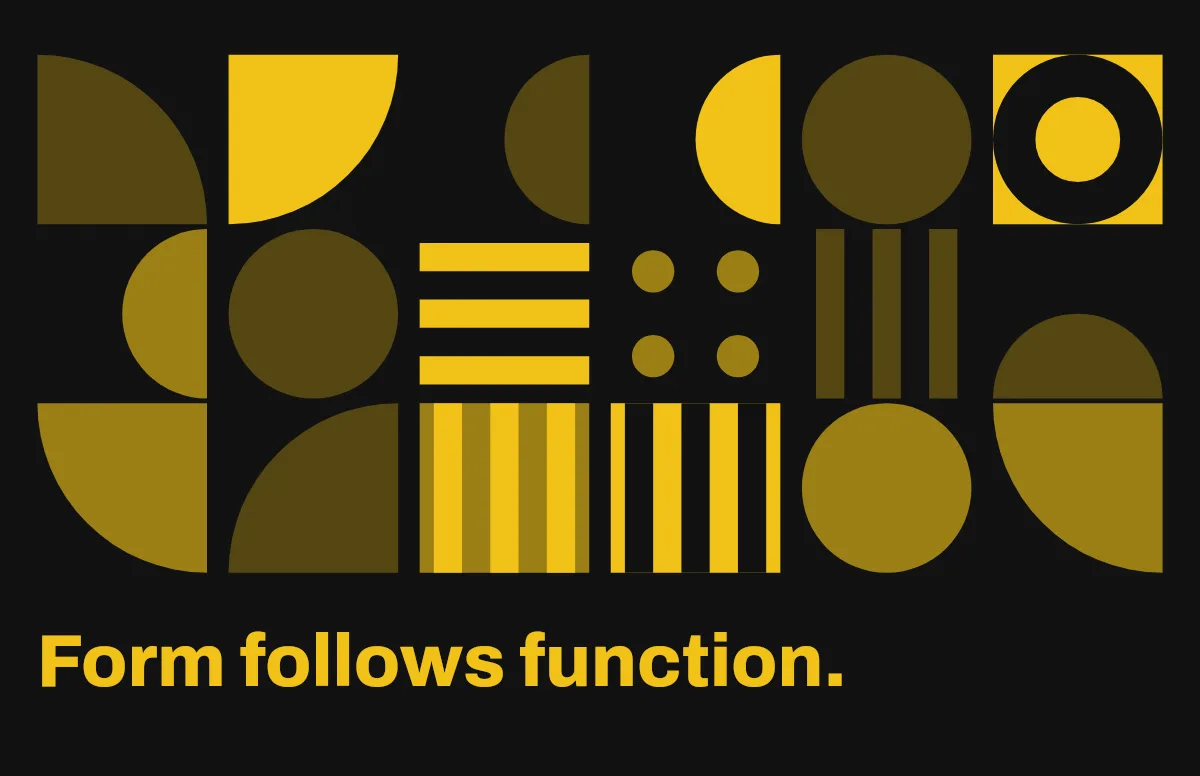
Bauhaus
Circles, quarter circles and stripes on a strict grid, with bold type.
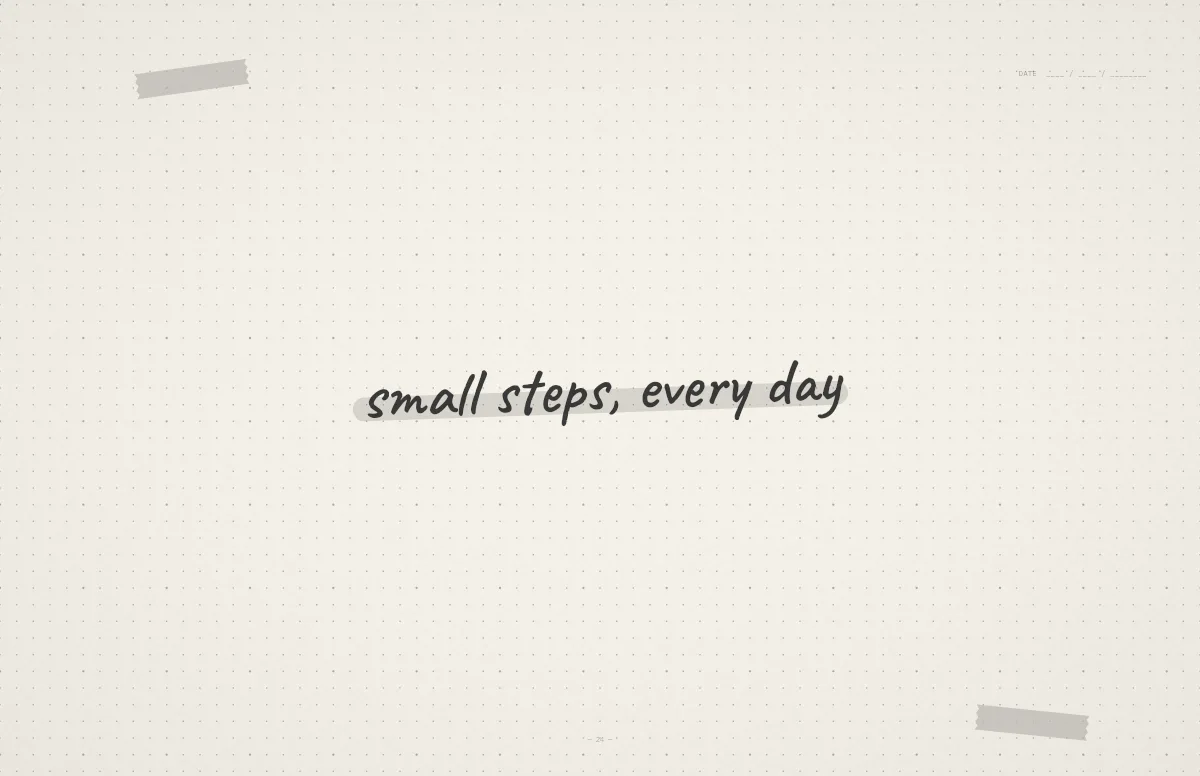
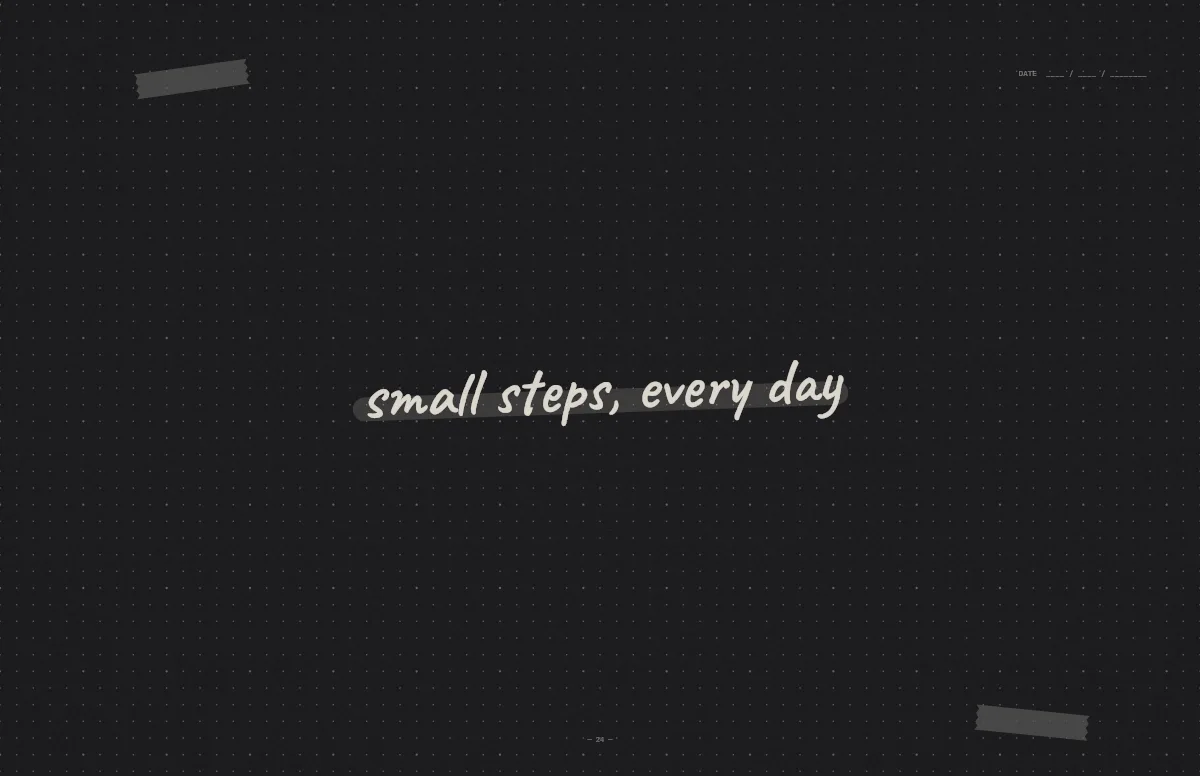
Notebook
A dotted journal page with your line in handwriting and a highlighter stroke.
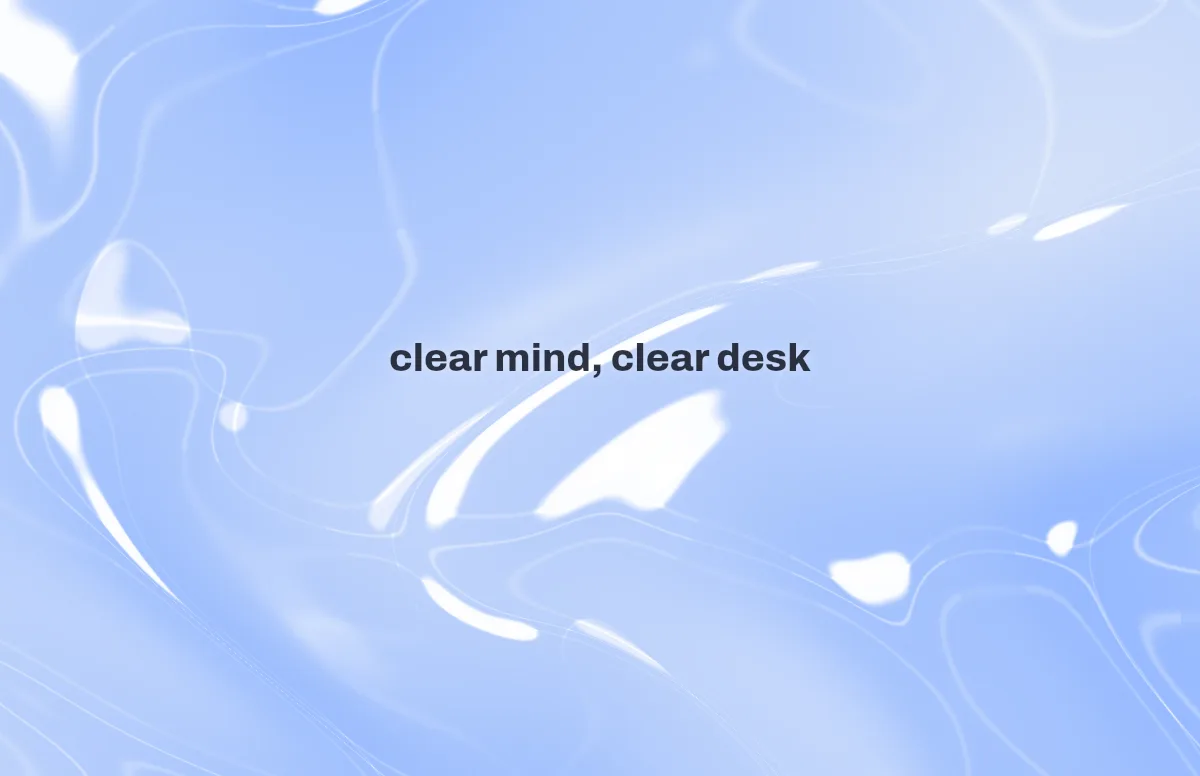
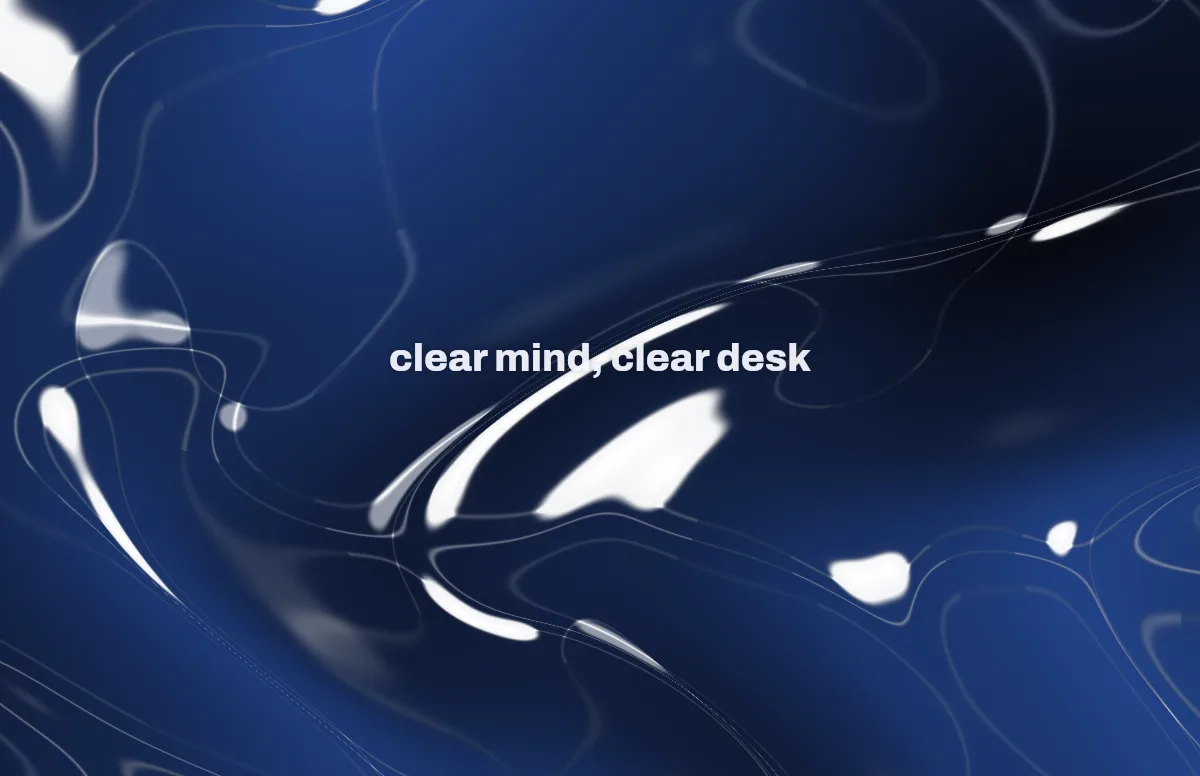
Liquid Glass
Glass shapes that bend the colors behind them, light and dark.
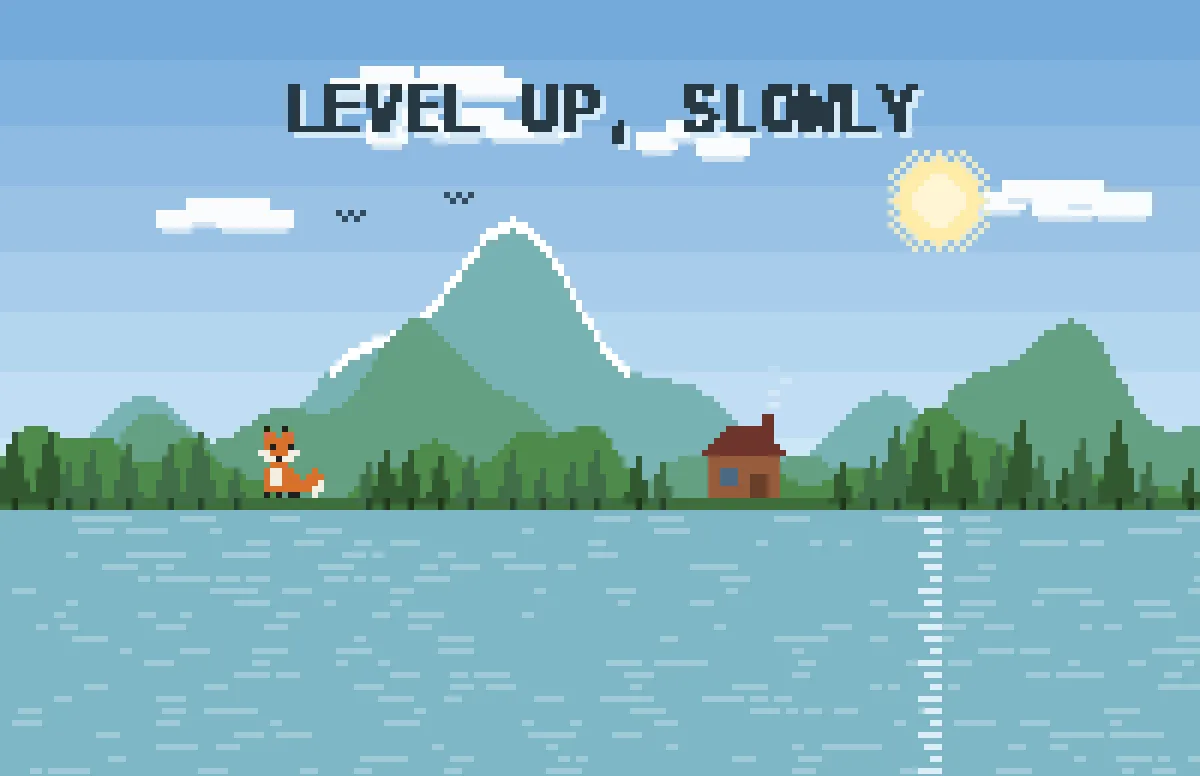
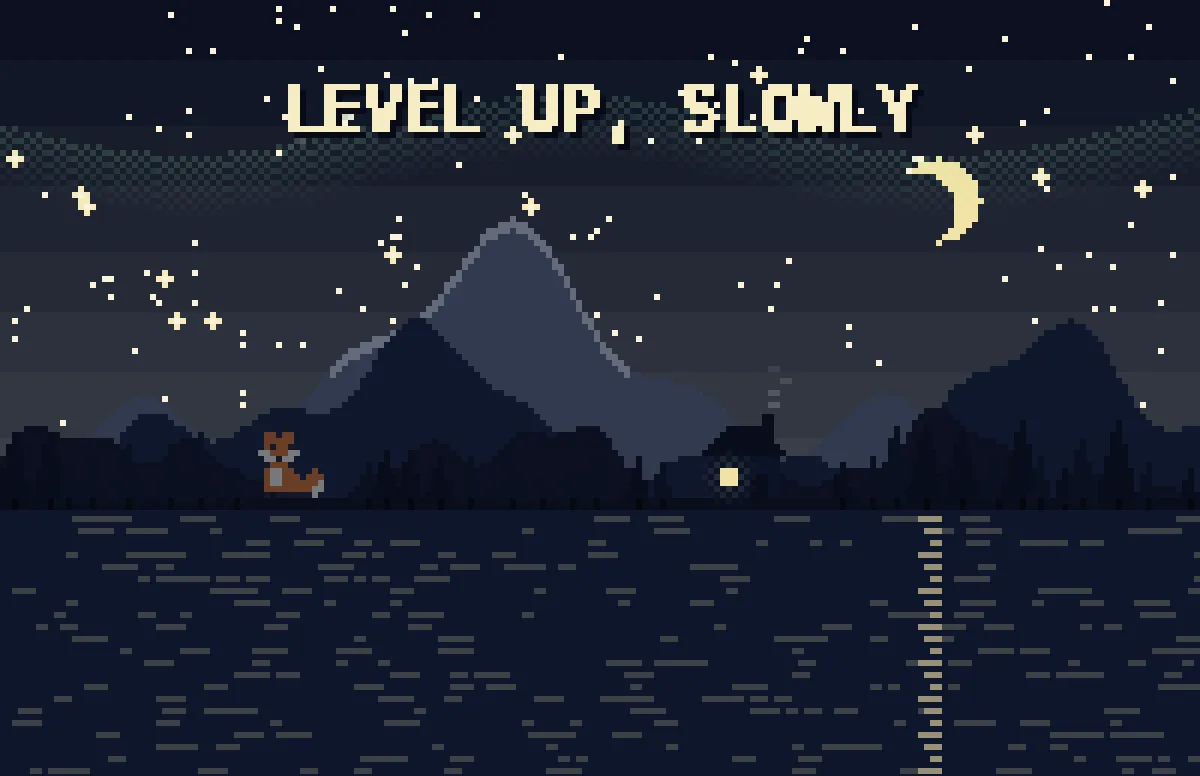
Pixel
Pixel scenes: sun by day, stars and lit windows at night.
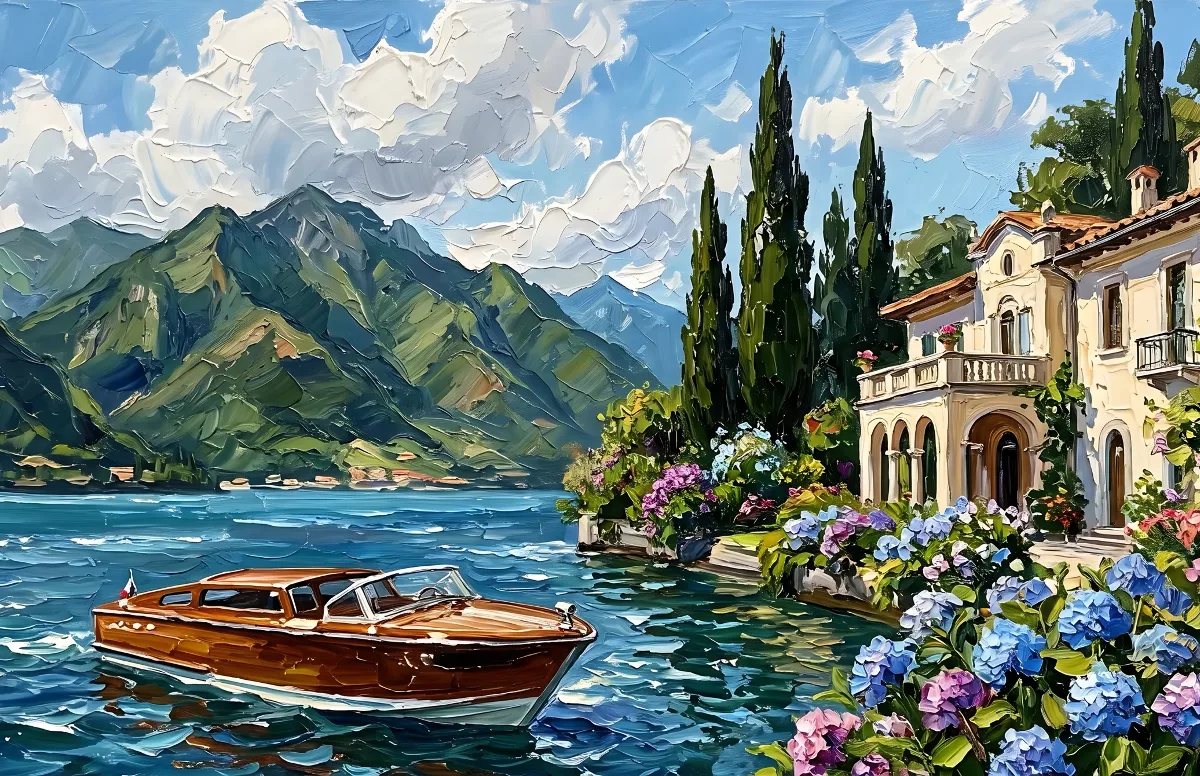
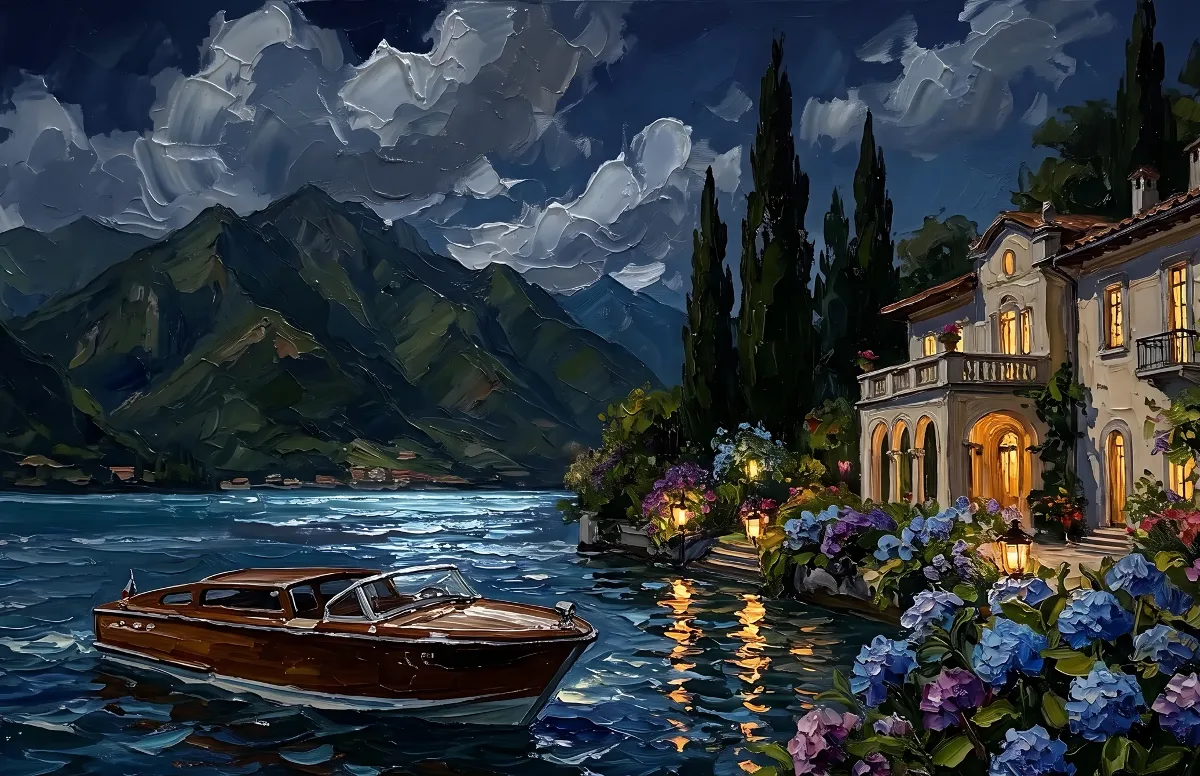
Painted
Impasto oil paintings with a day and a night version of the same scene.
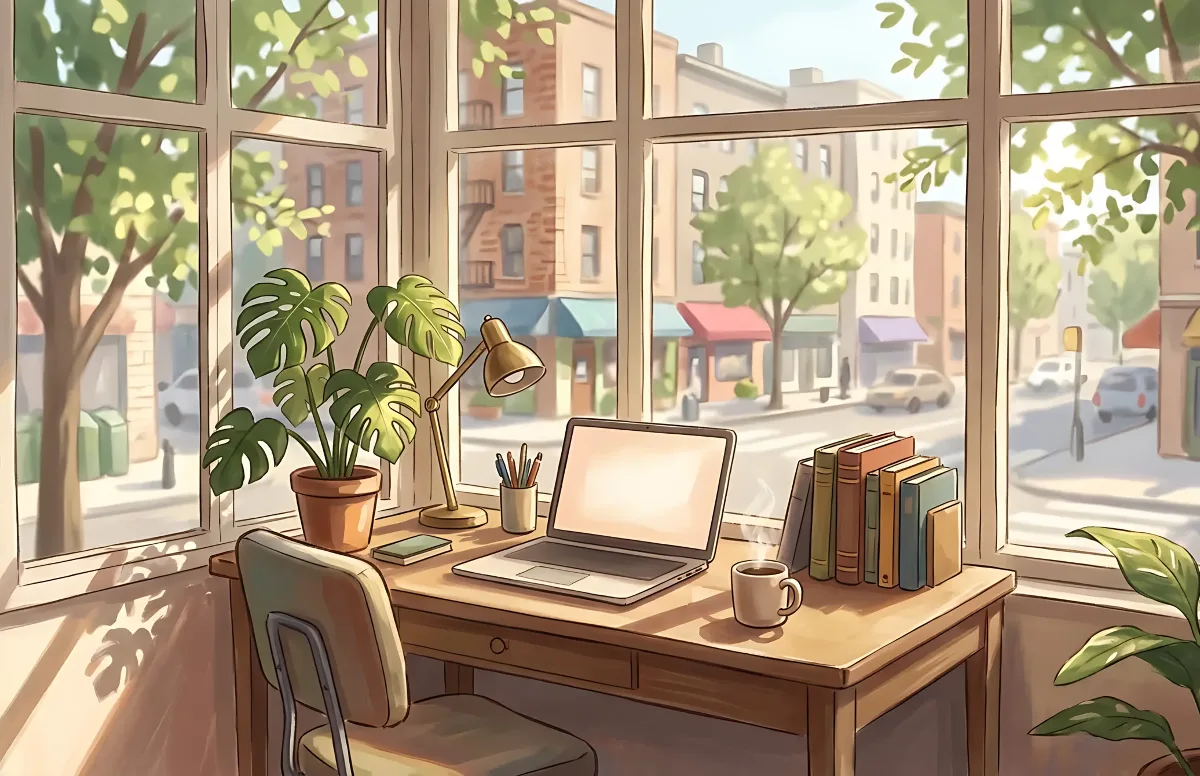
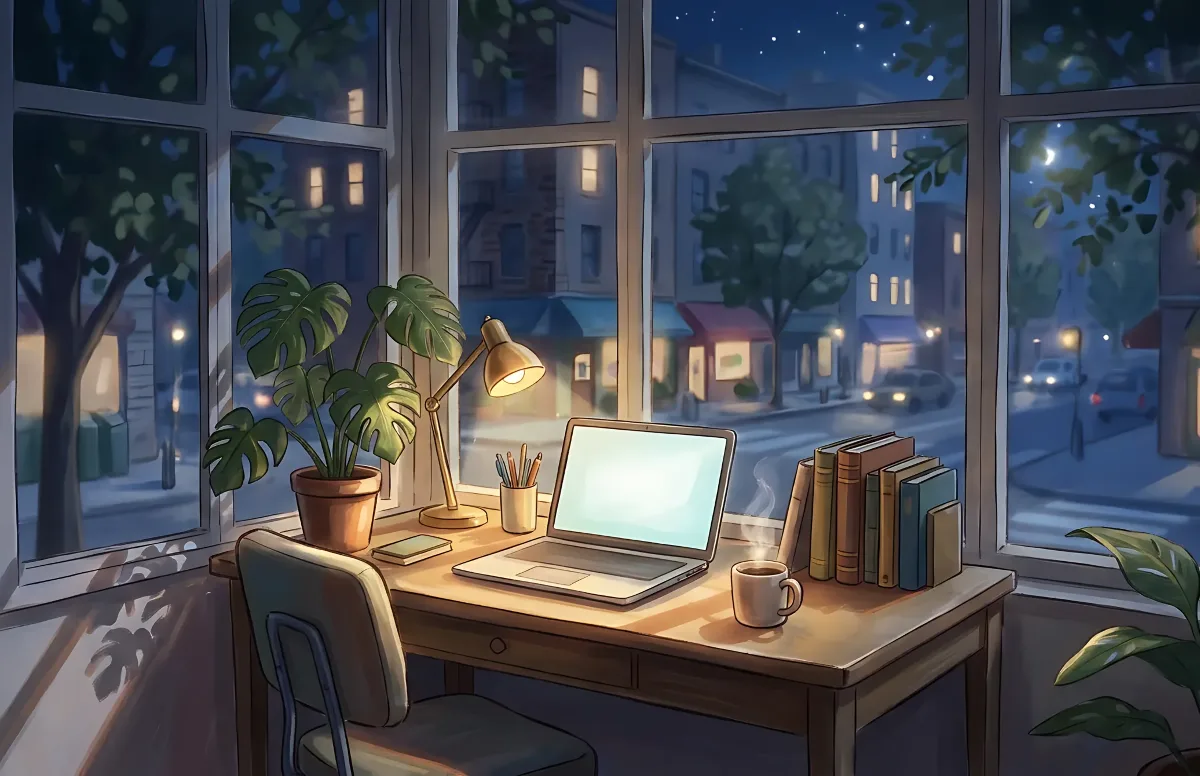
Cozy
Illustrated rooms: sunlight by day, lamp light at night.