About this template
Dark mode brings the classic looks: green phosphor, amber and plain mono. In light mode the same session sits on paper, solarized cream or frost, like a terminal with a light theme.
A status bar at the bottom shows the session name and the resolution of your Mac, the kind of detail people who live in the terminal will notice.
Ideas for using it
A developer desktop
A shell session behind your editor and terminal windows, with your own line as the output of cat focus.txt.
Matching your editor theme
Dracula, Nord and a solarized light theme are built in, so the wallpaper can match the colors you code in all day.
Team and side projects
Put a project motto or a release goal on screen, like the sample “ship it, then sharpen it”.
Tips for light and dark
- Switch off Shell history under Details for a minimal look with only your line and the cursor.
- For a desktop that follows your editor, use Paper or Solar in light mode and Dracula or Nord in dark mode, then set macOS to switch appearance automatically.
- The status bar shows your Mac's resolution. If it does not match the number in System Settings → Displays under native resolution, pick the right model under Your device.
Not sure which size you need? The Mac wallpaper size table lists the exact pixels for every MacBook, iMac and display, and the iPhone wallpaper size table does the same for every iPhone.
Questions and answers
Can I change the commands?
The session lines are fixed to keep the layout tidy. Your own line is the output of cat focus.txt.
Which font is used?
IBM Plex Mono, an open source monospaced typeface that is easy to read at large sizes.
Does it match my editor theme?
Dracula, Nord and solarized-style palettes are included. For any other theme, set Background and Lines to its colors by hand.
Is there an iPhone version?
Yes. On the iPhone the session sits below the lock-screen clock, and you save a light and a dark PNG.
Related articles
How many external displays does my Mac support? Every model, 2026
From one on the MacBook Neo to eight on the Mac Studio: the display limit for every Mac, the lid-closed exception and why a dock never adds a screen.
OLED wallpaper for iPhone and MacBook Pro: true black, battery and burn-in
Does a black wallpaper save battery on an OLED iPhone or the PROLED MacBook Pro, and can it burn in? What research and Apple actually say.
Mac wallpaper not changing with dark mode? 3 quick fixes
Your Mac switches to dark mode but the wallpaper stays bright? Fix it in 3 quick steps: a light/dark .heic, the automatic option and Appearance on Auto.
Styles with this template
More templates
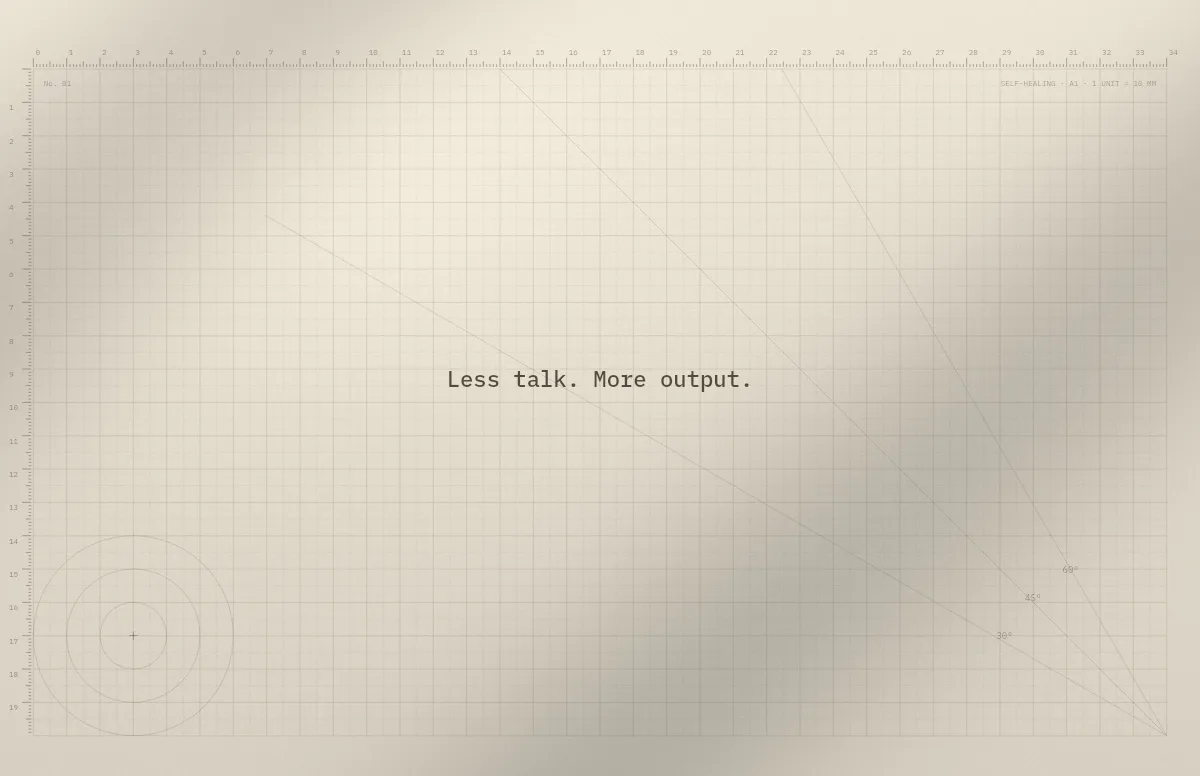
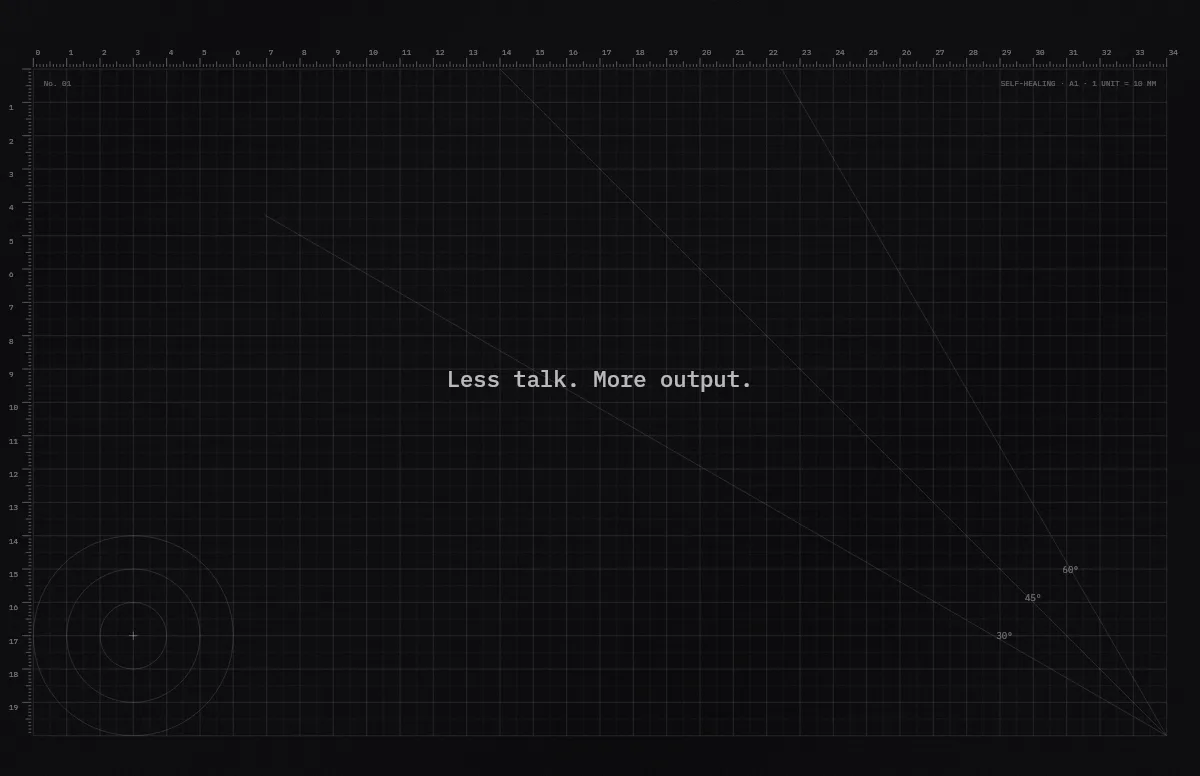
Cutting Mat
Grid, rulers and angle guides, like the mat on a designer's desk.
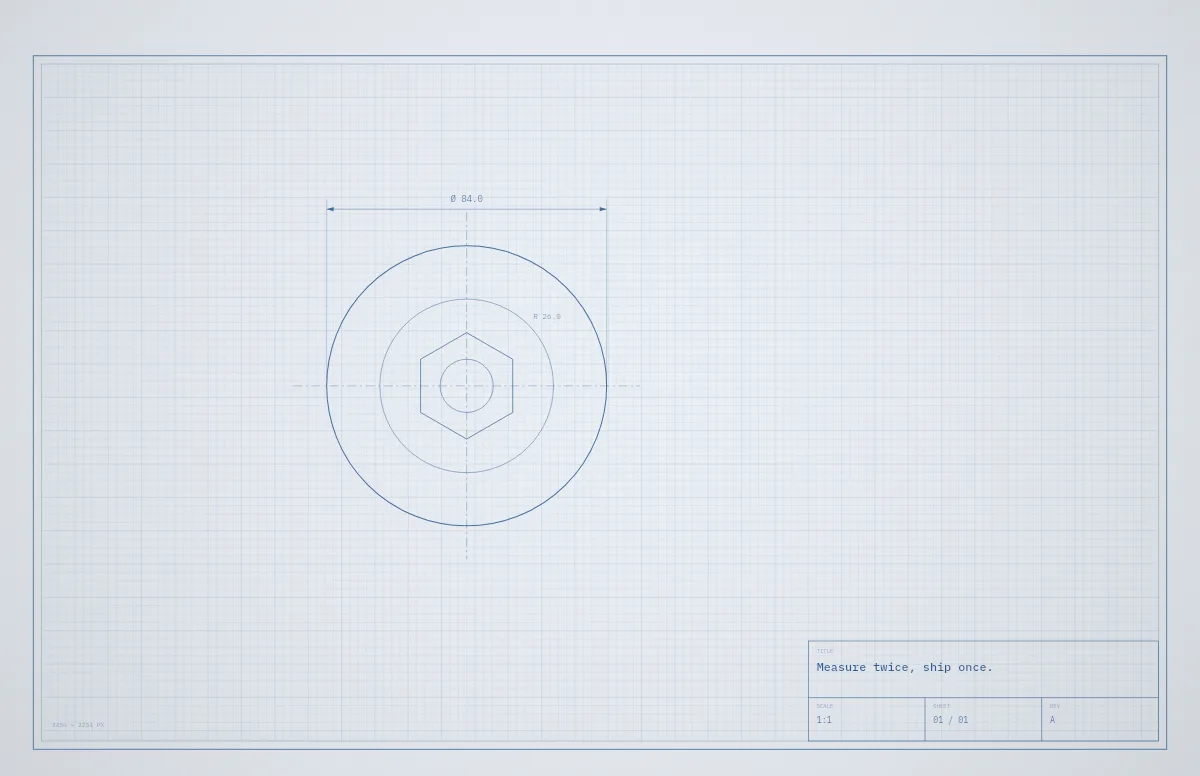
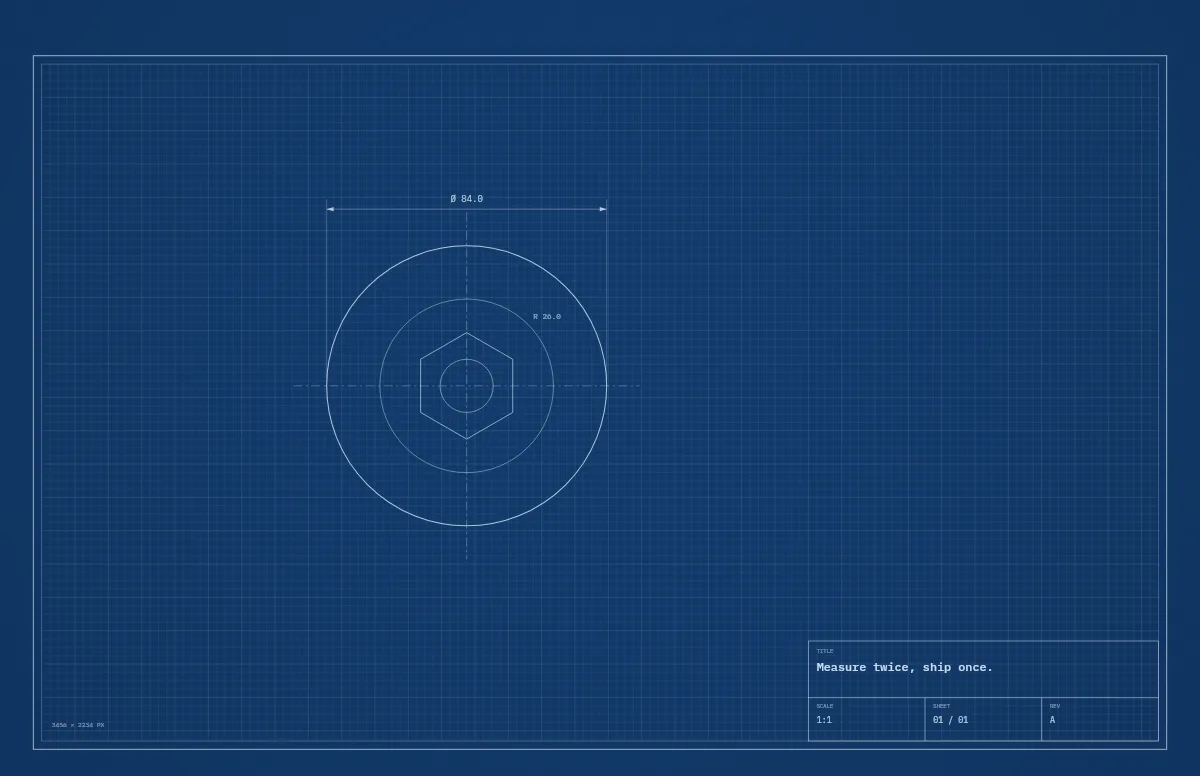
Blueprint
A technical drawing with a title block that carries your text.
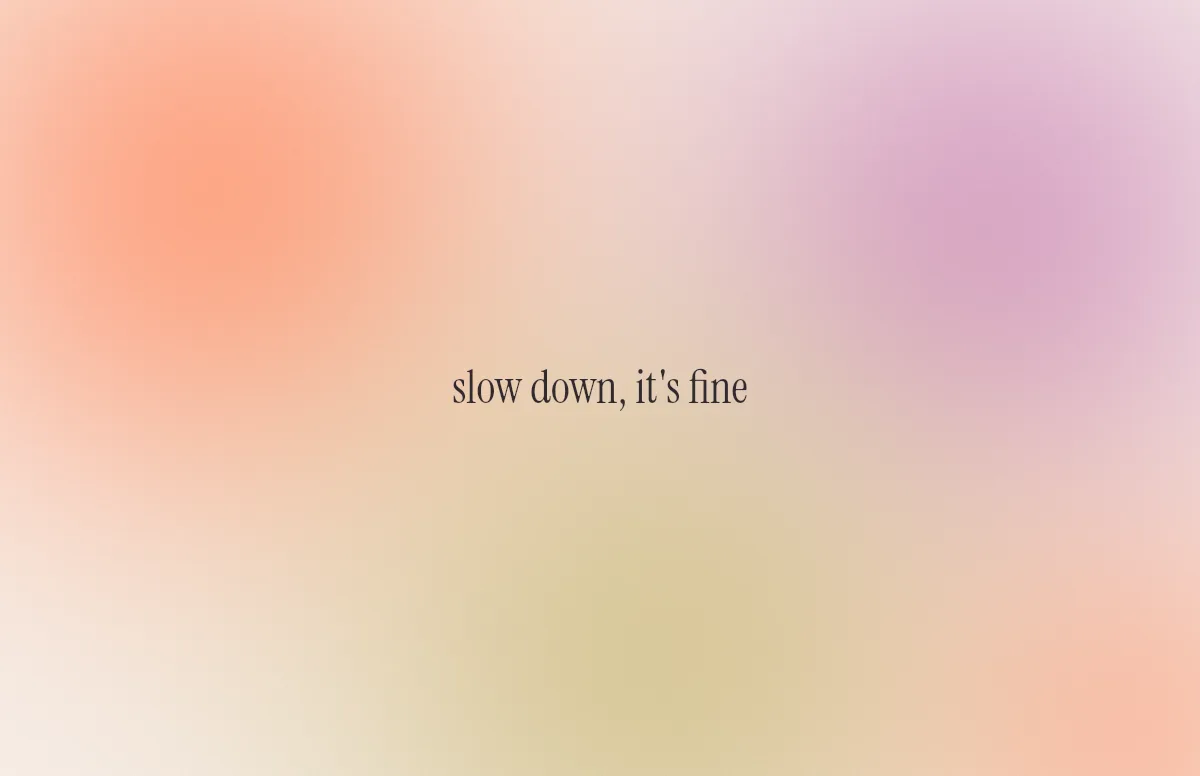
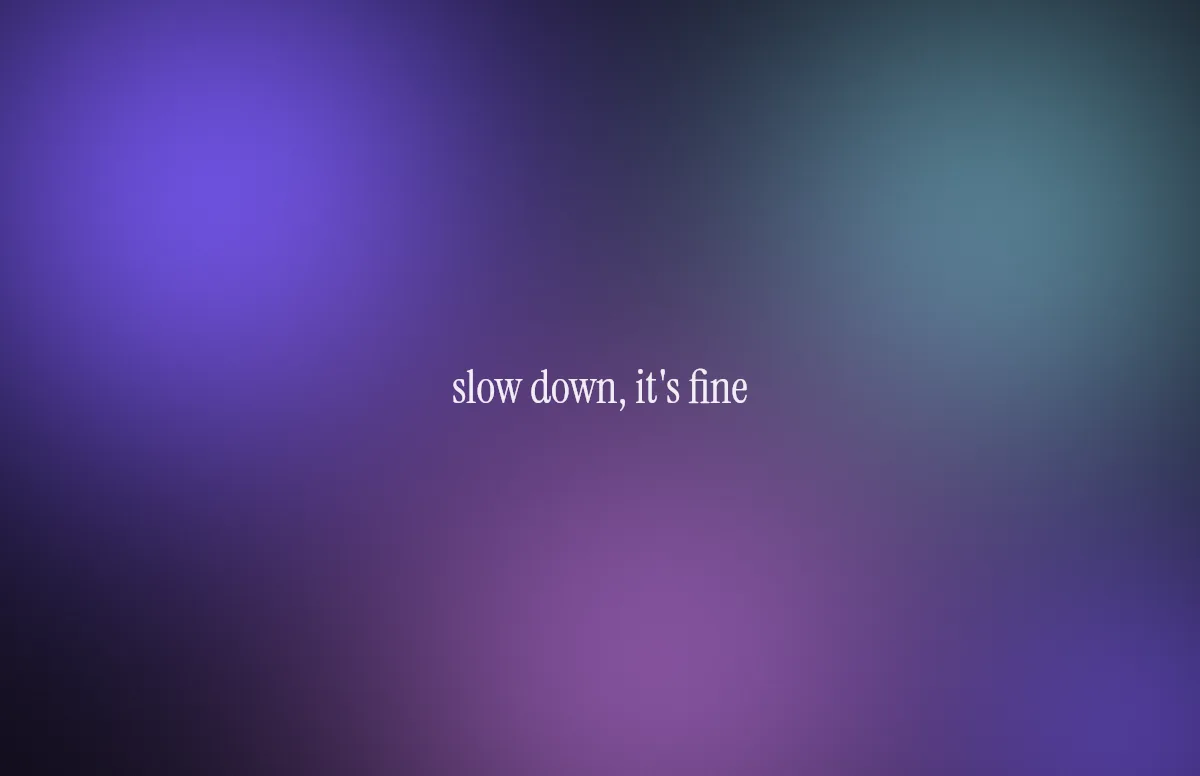
Aura
Soft color glows with a quote in a calm serif.
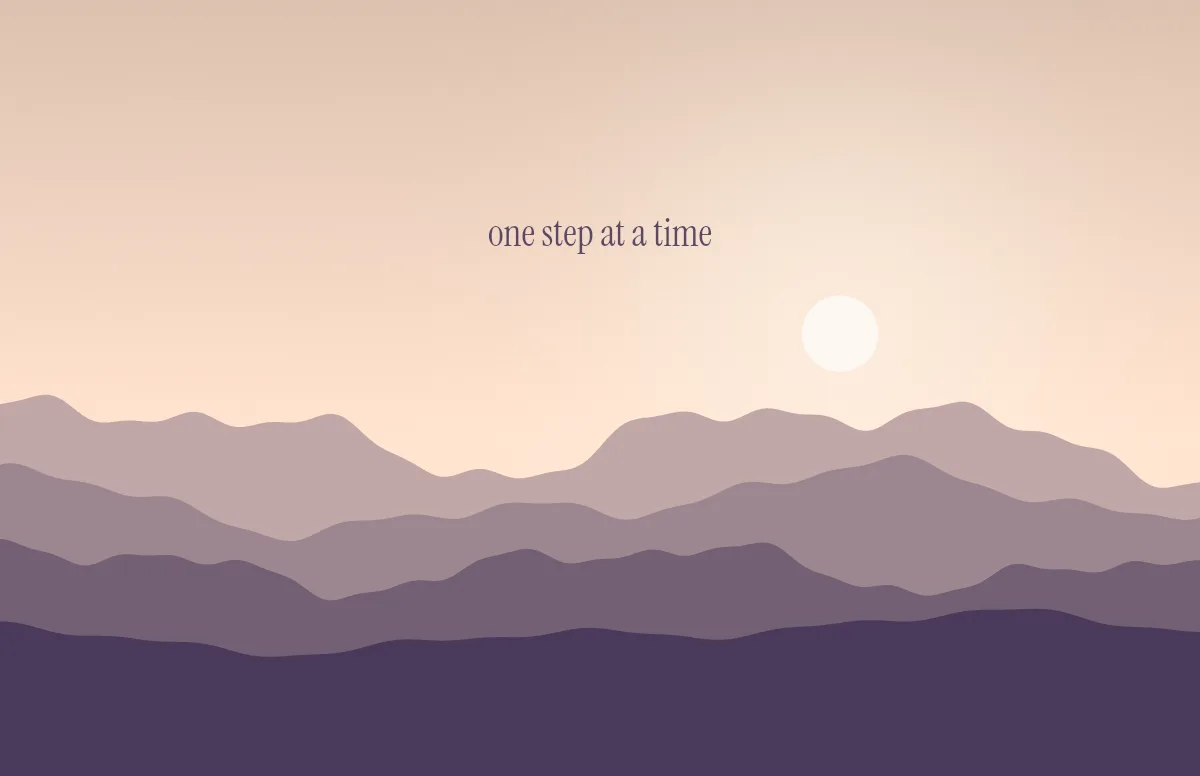
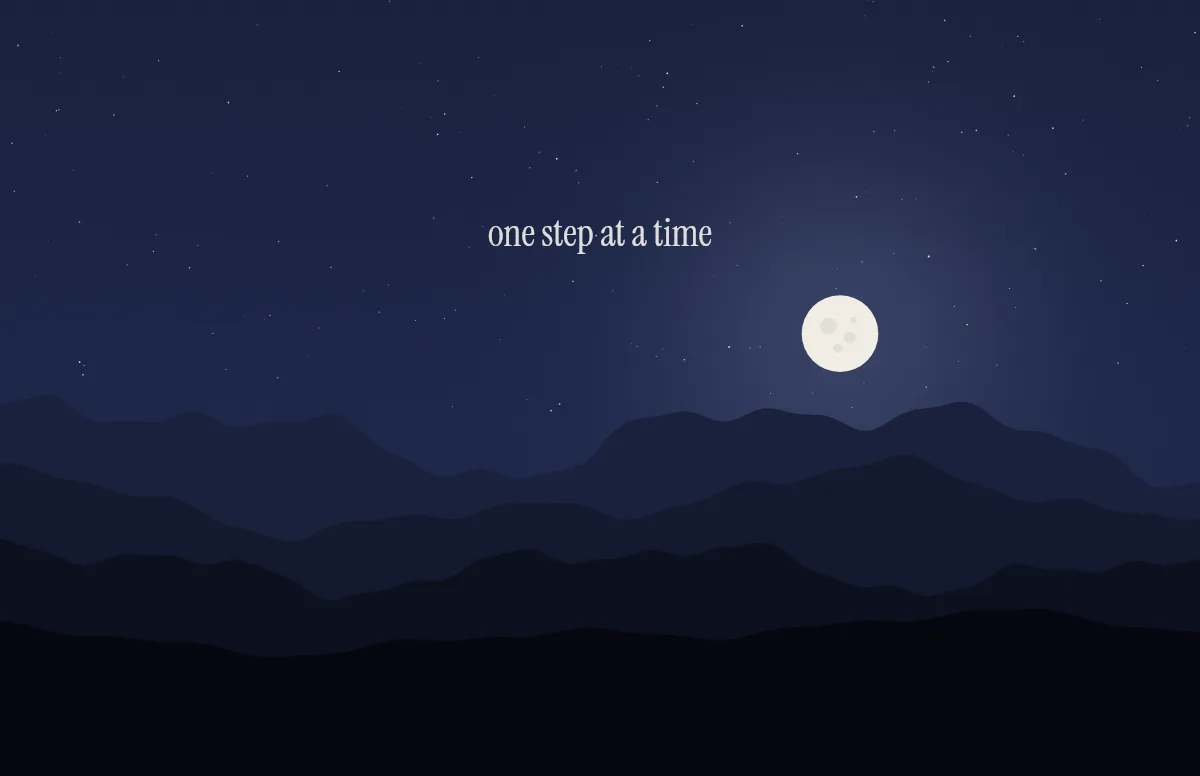
Horizon
Layered mountains under the sun by day and the moon by night.
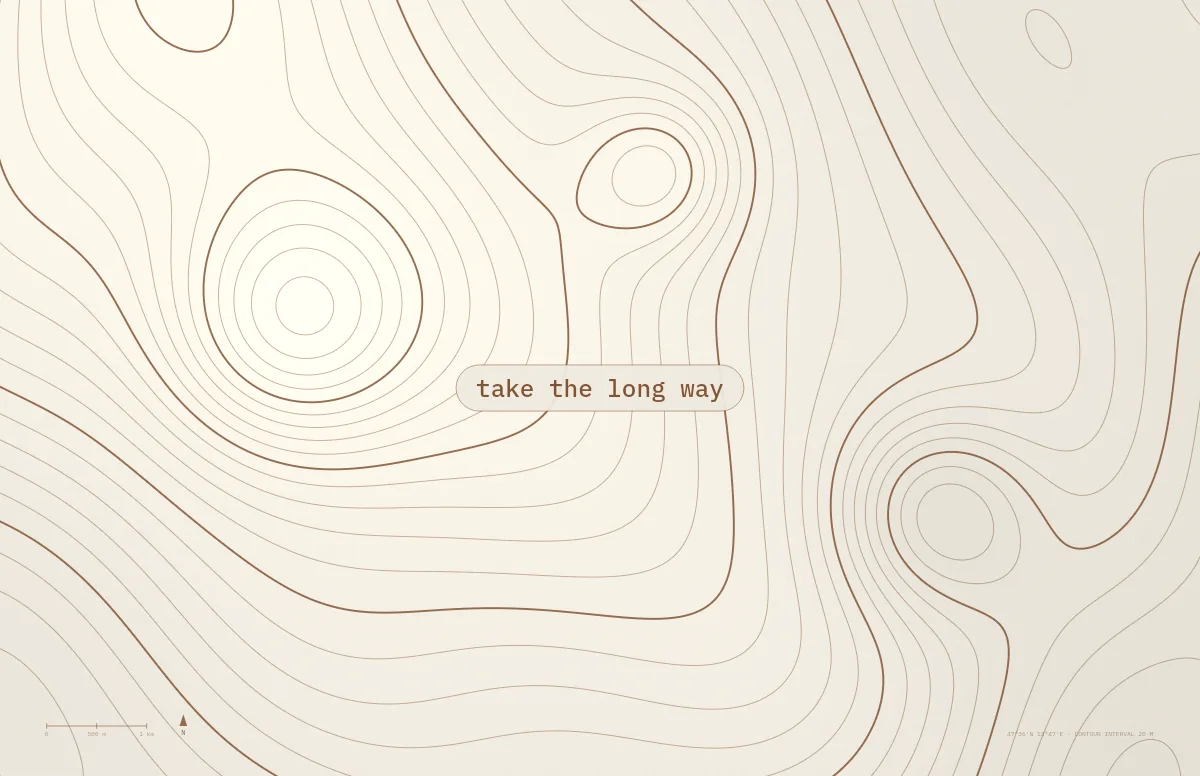
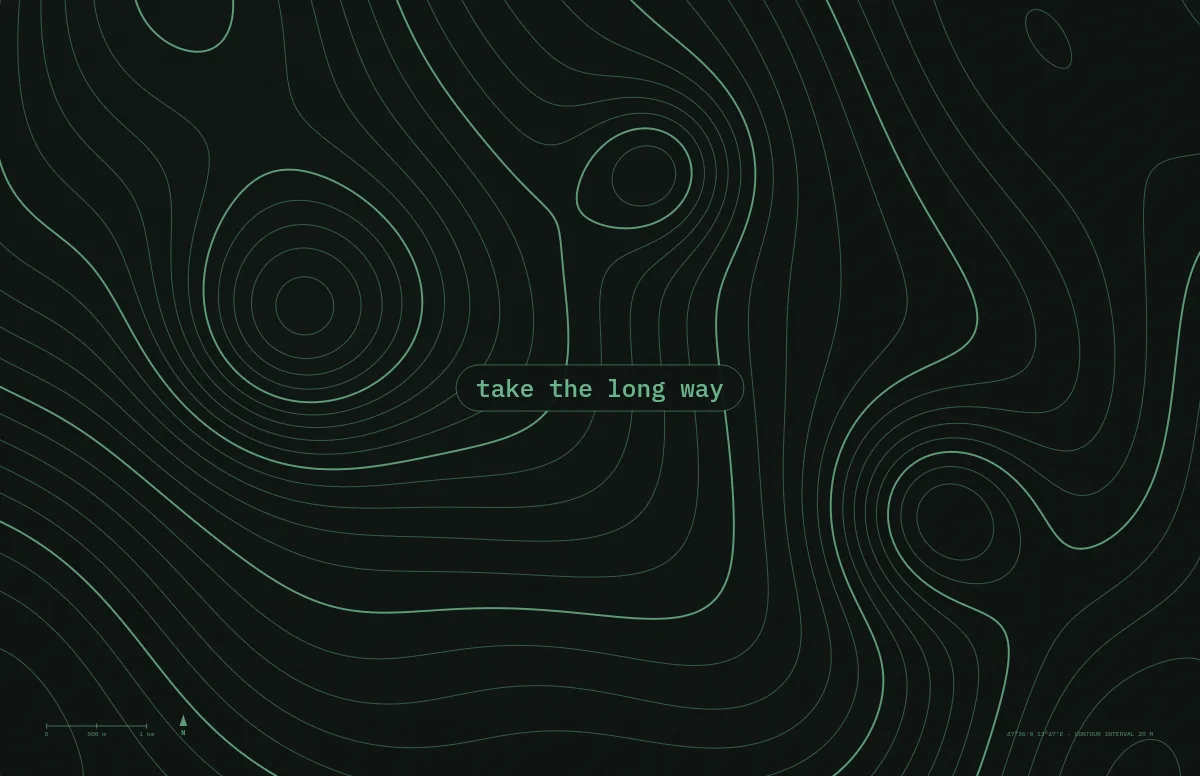
Topo
Contour lines of an imaginary mountain range, with your text as a map label.
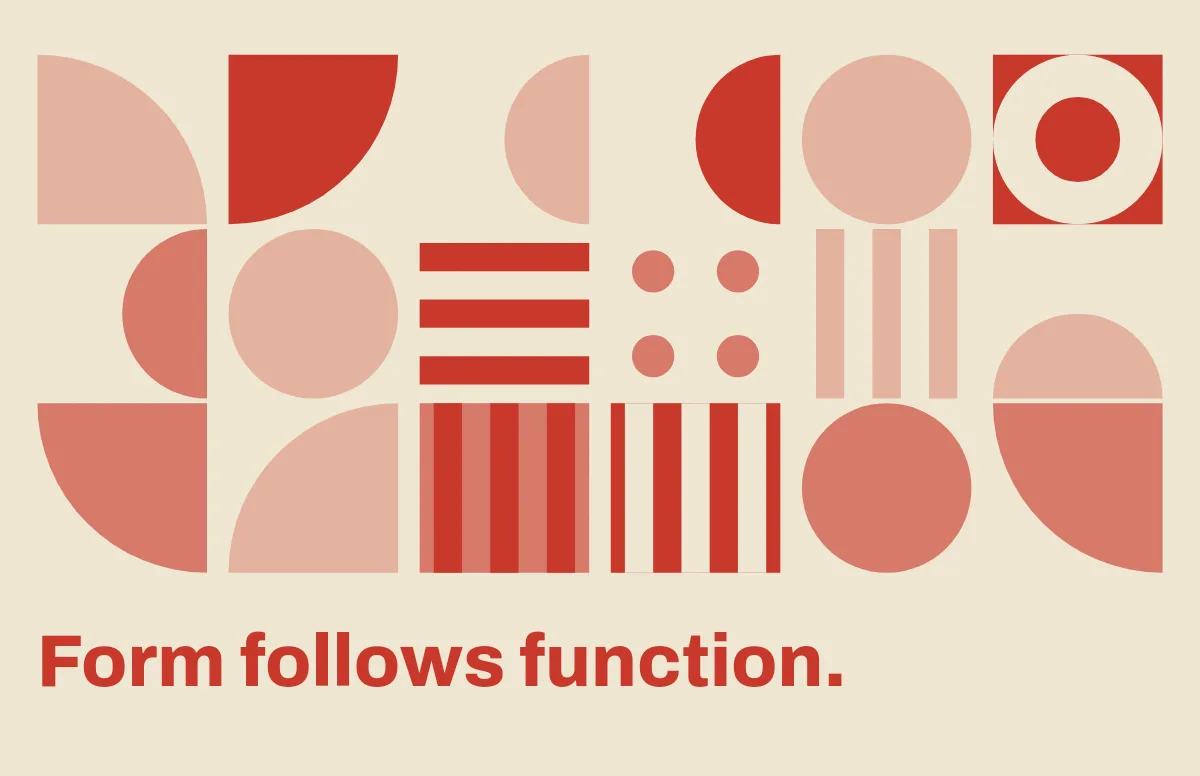
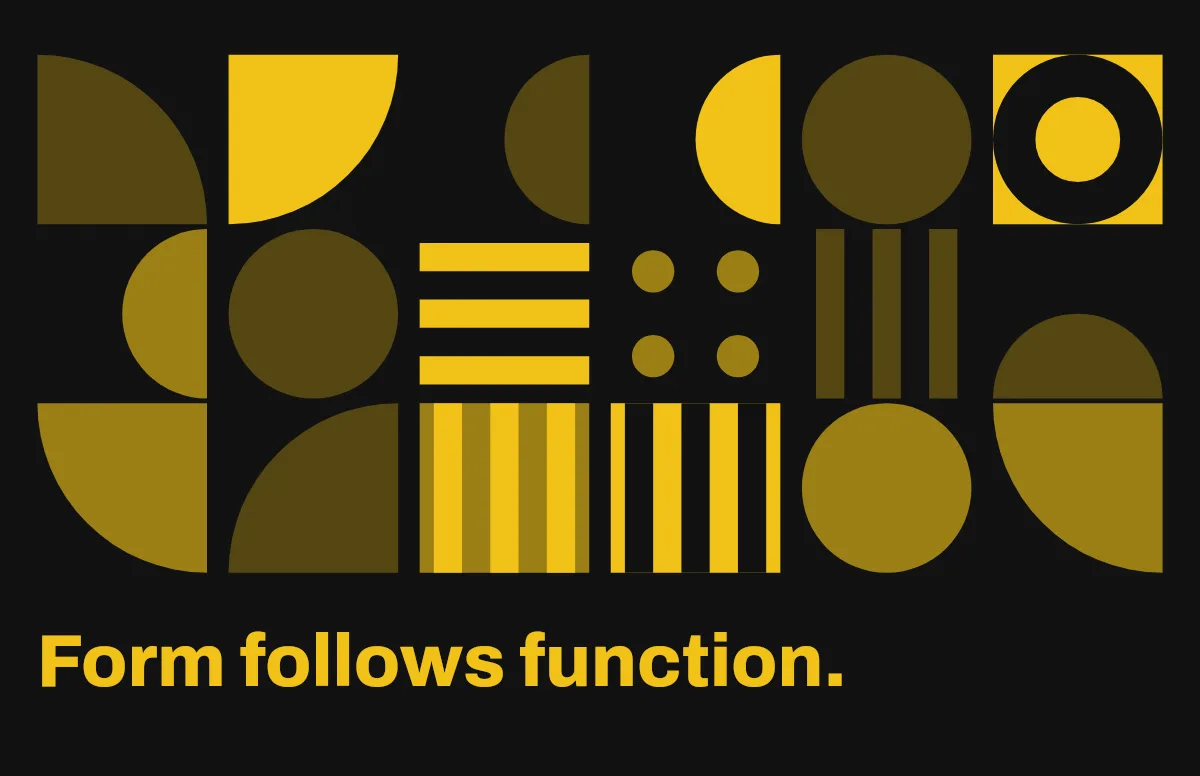
Bauhaus
Circles, quarter circles and stripes on a strict grid, with bold type.
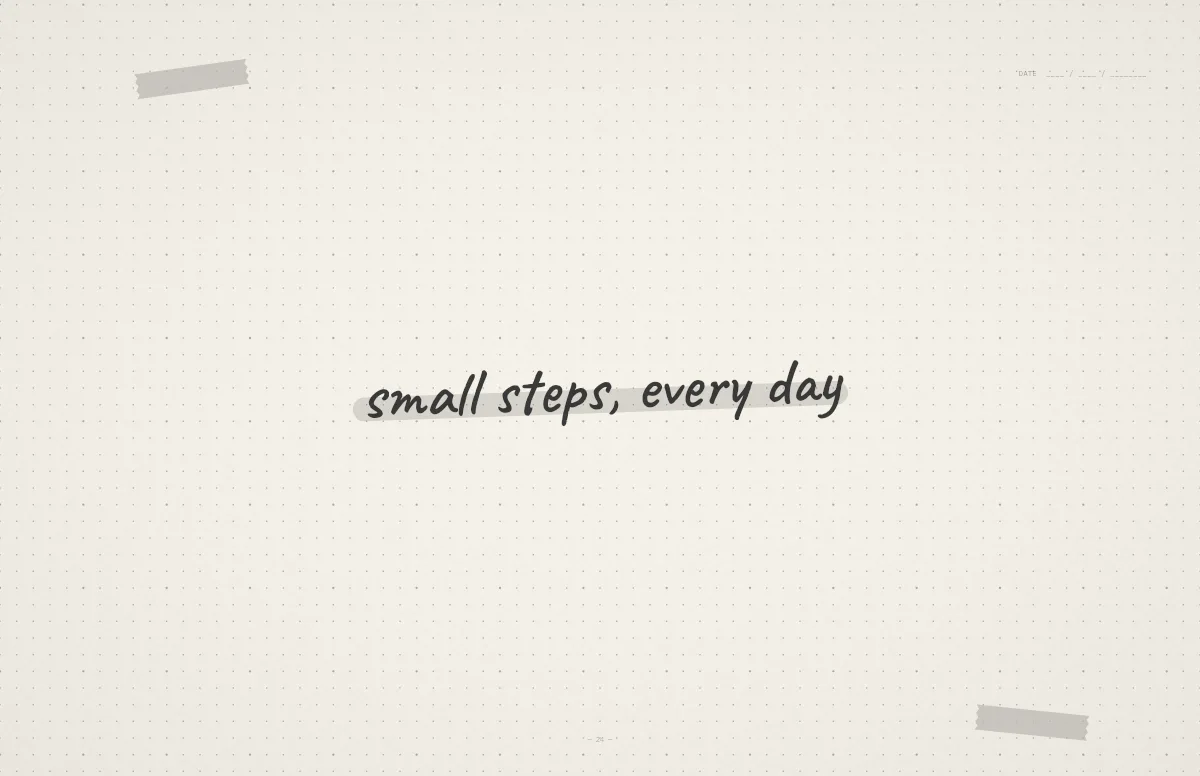
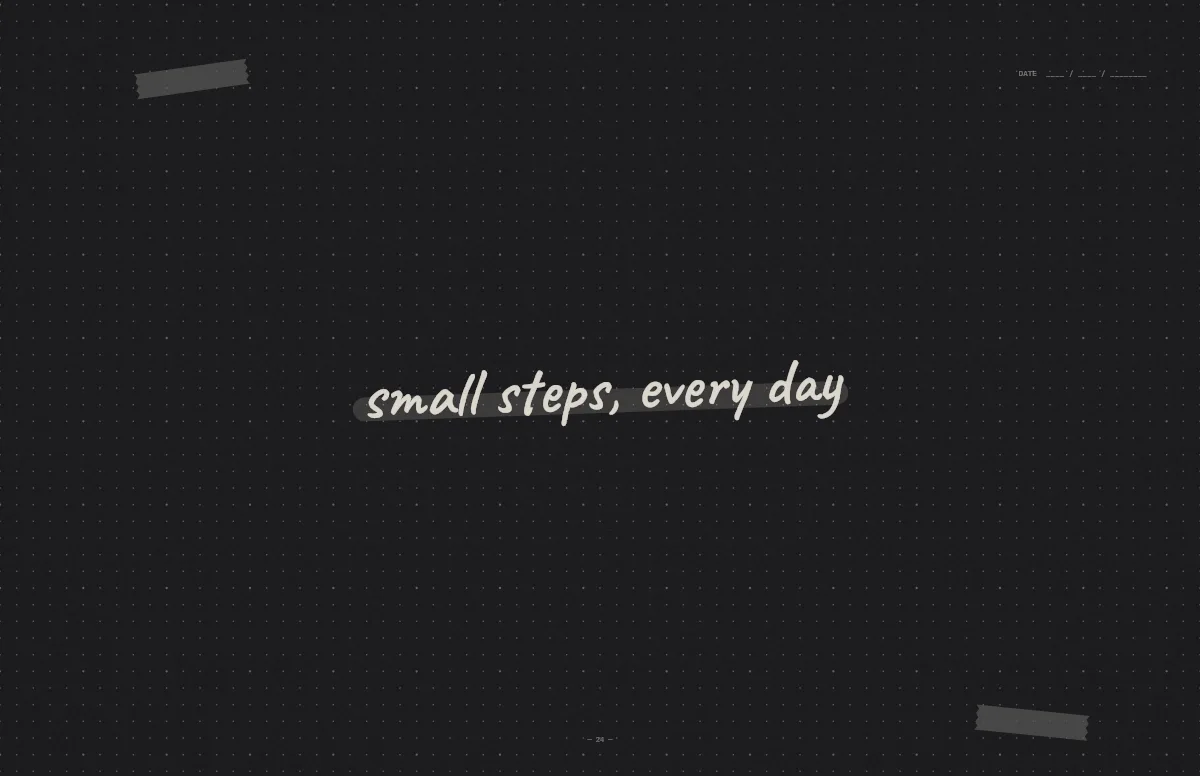
Notebook
A dotted journal page with your line in handwriting and a highlighter stroke.
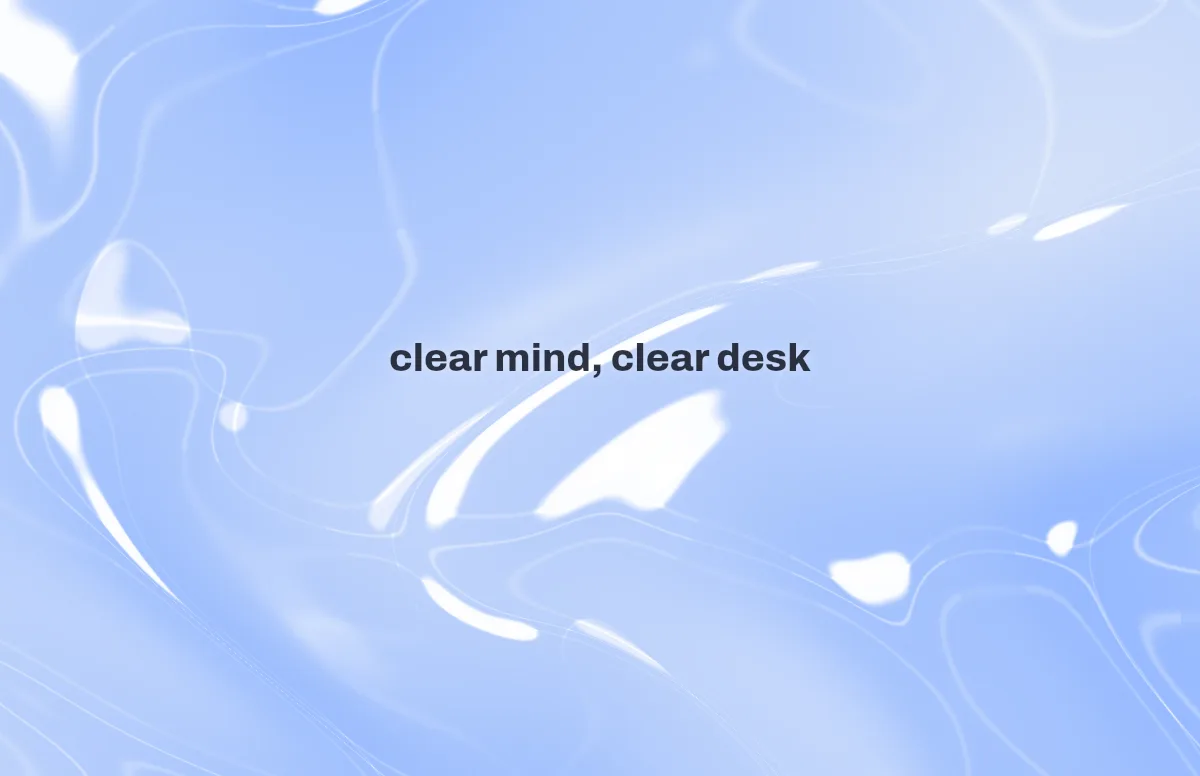
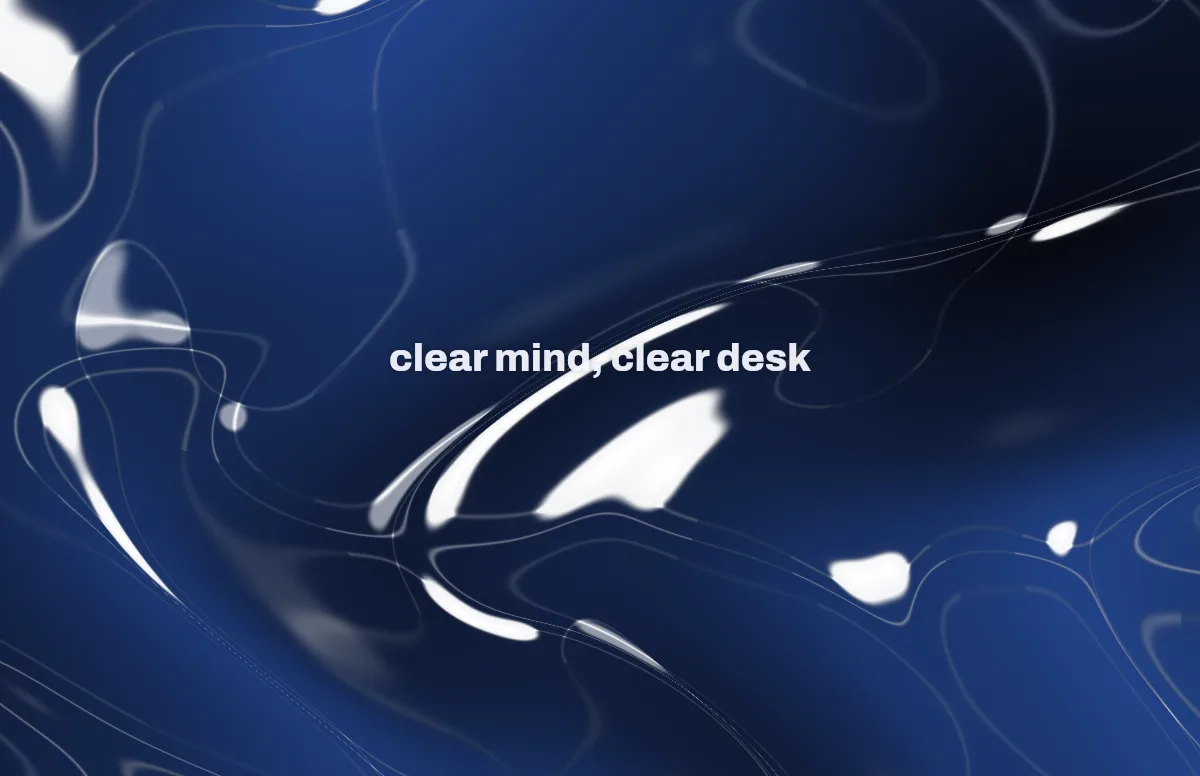
Liquid Glass
Glass shapes that bend the colors behind them, light and dark.
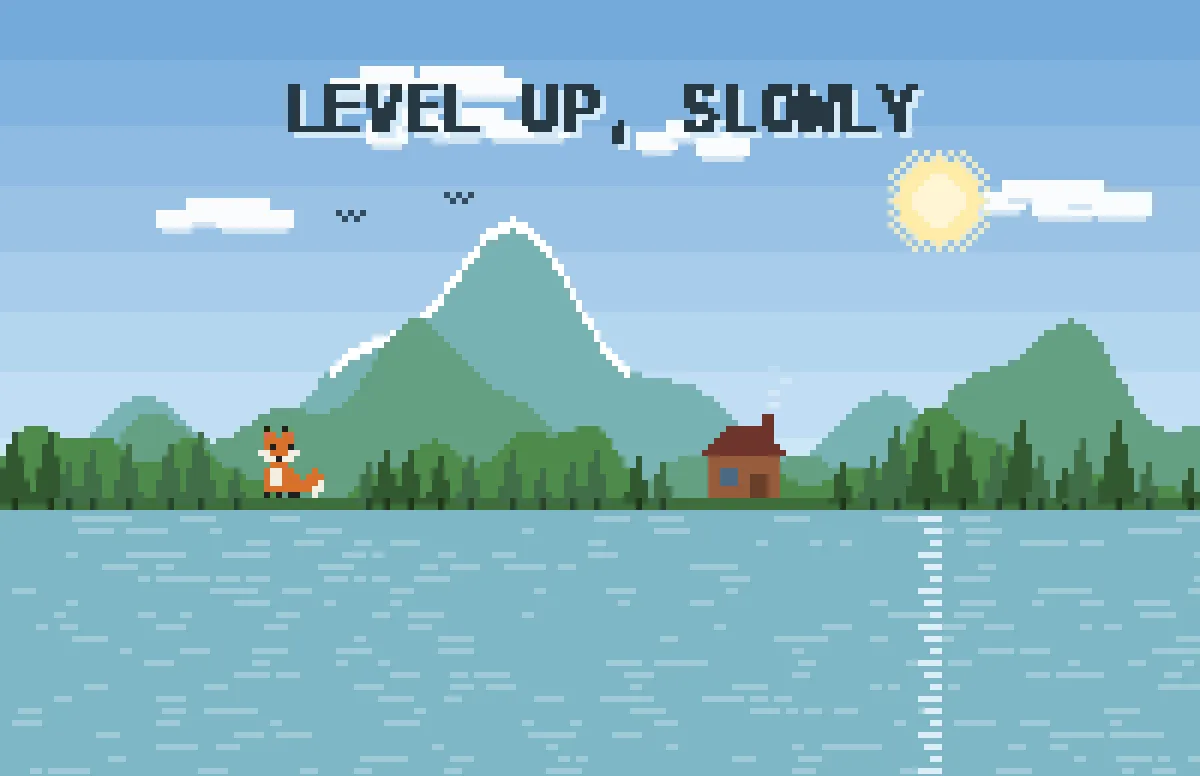
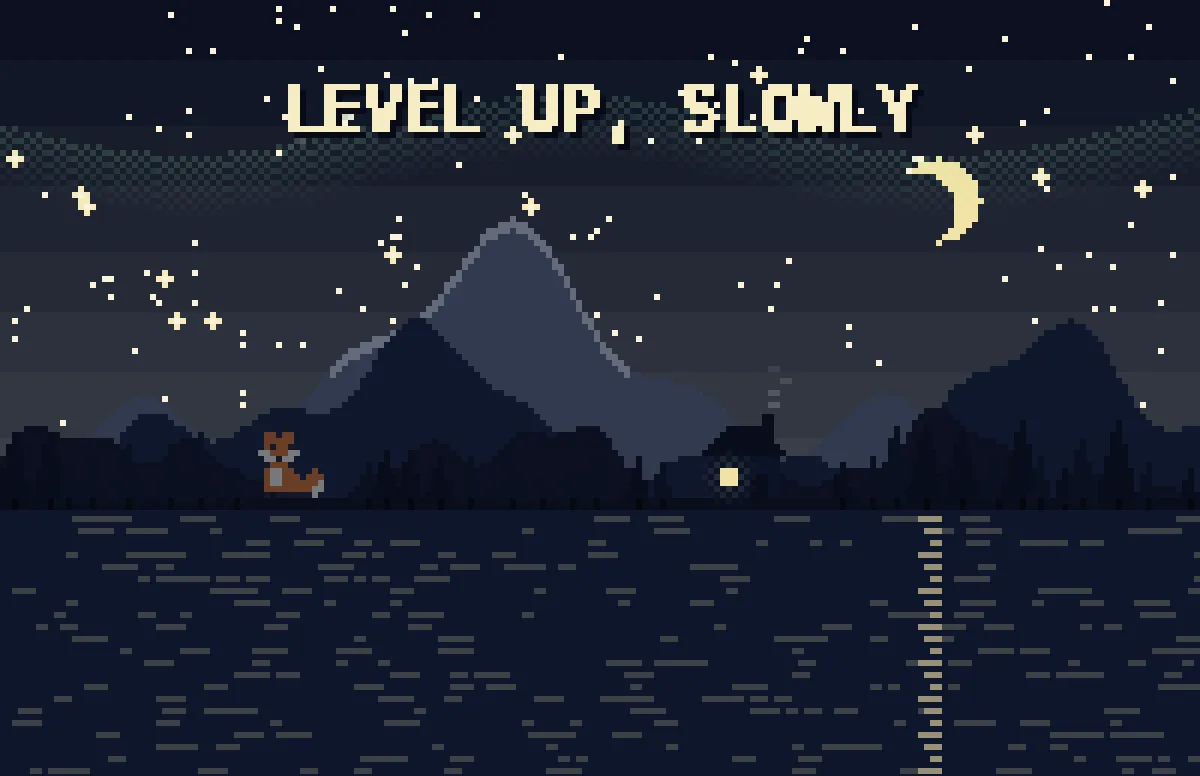
Pixel
Pixel scenes: sun by day, stars and lit windows at night.
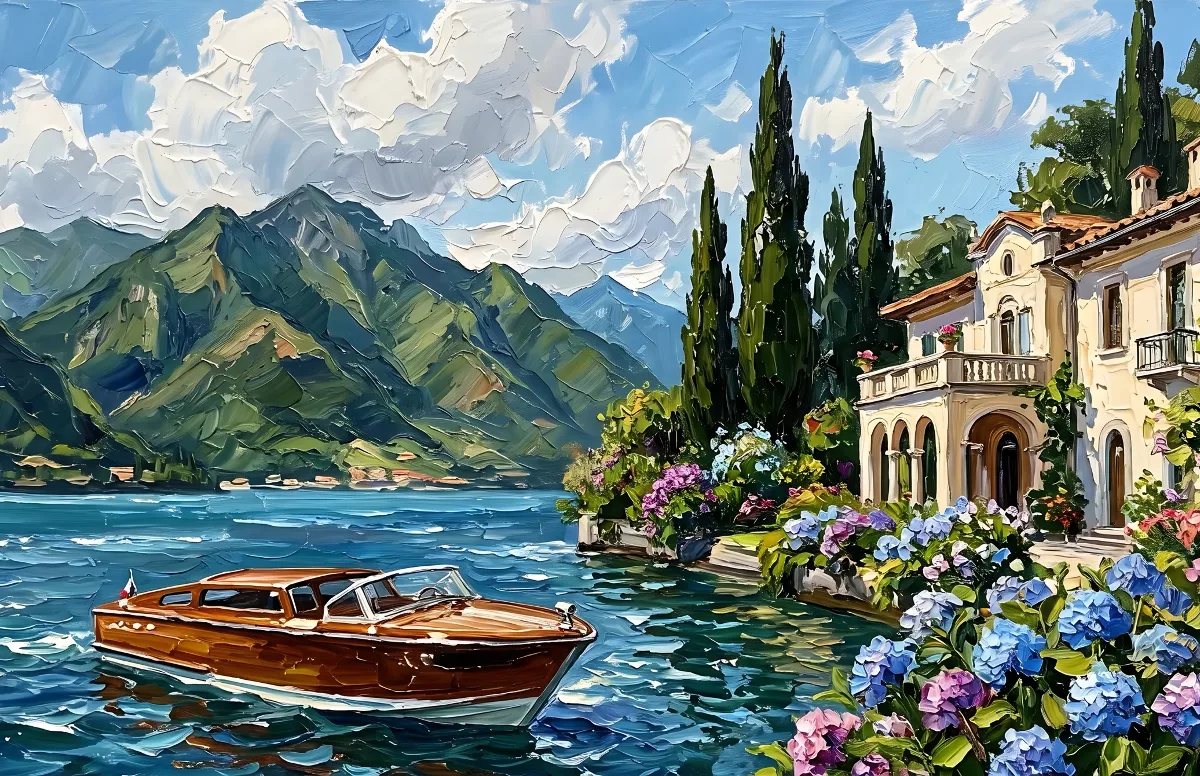
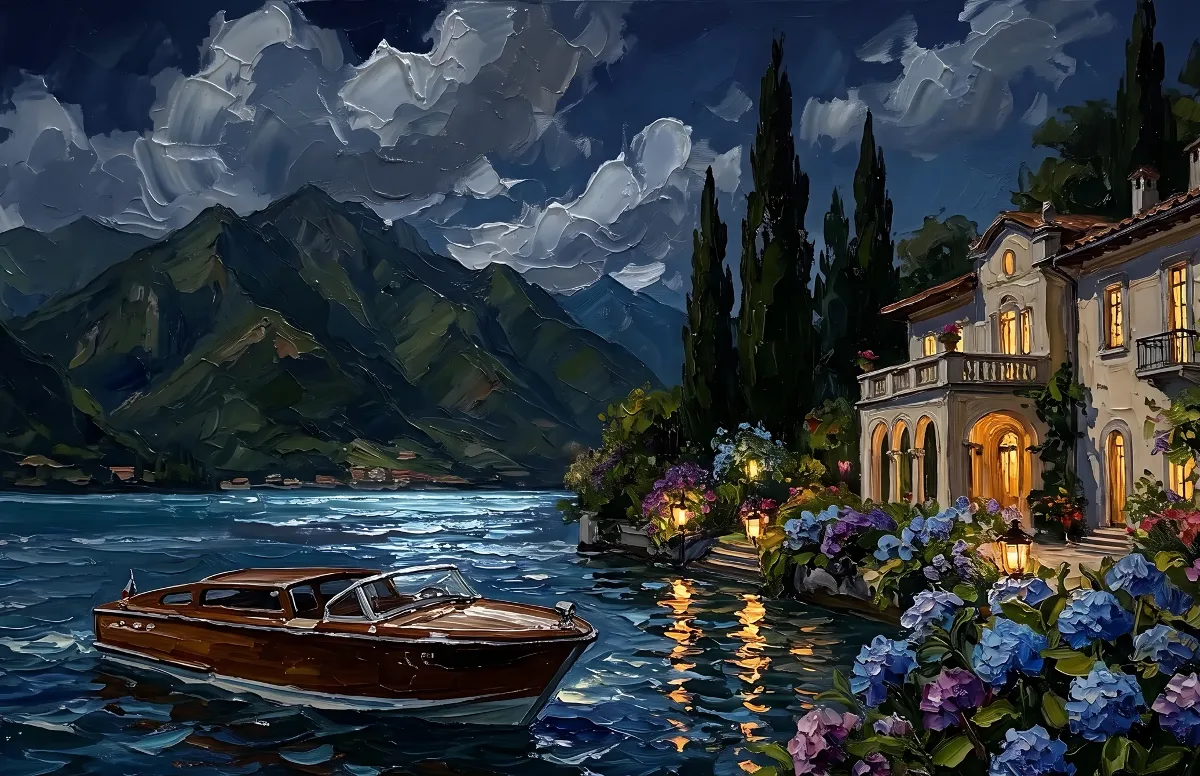
Painted
Impasto oil paintings with a day and a night version of the same scene.
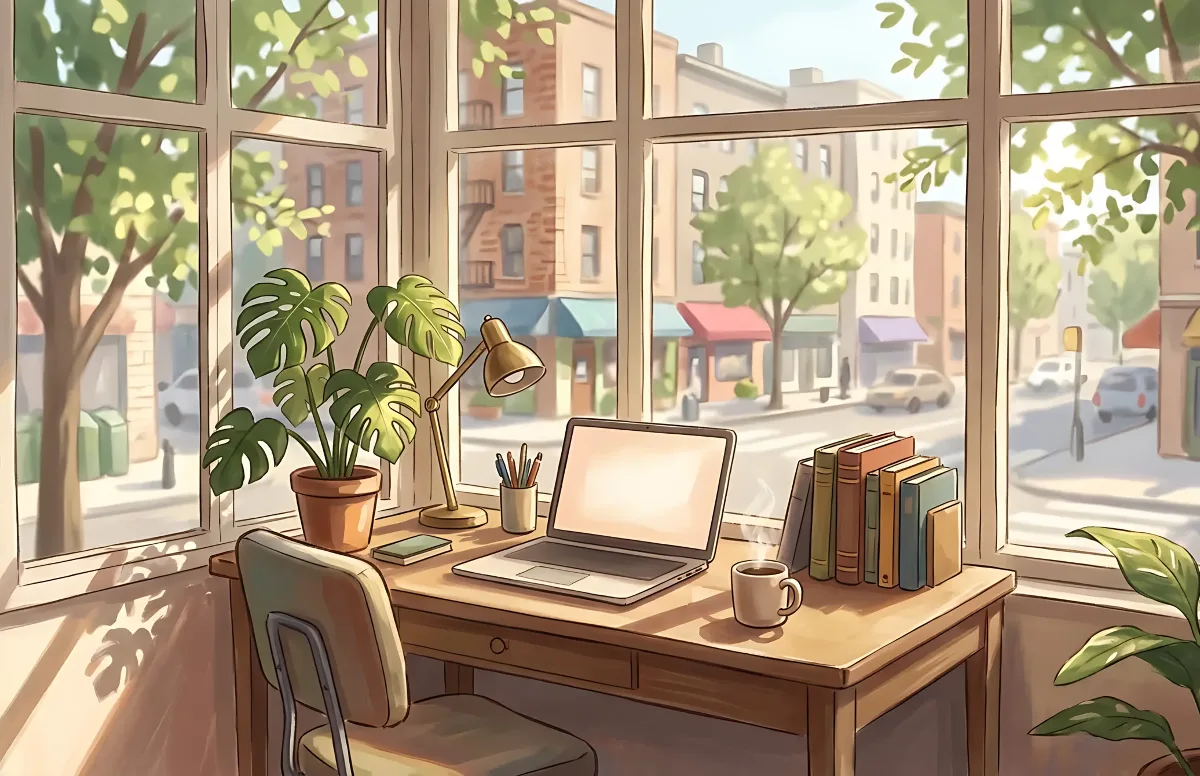
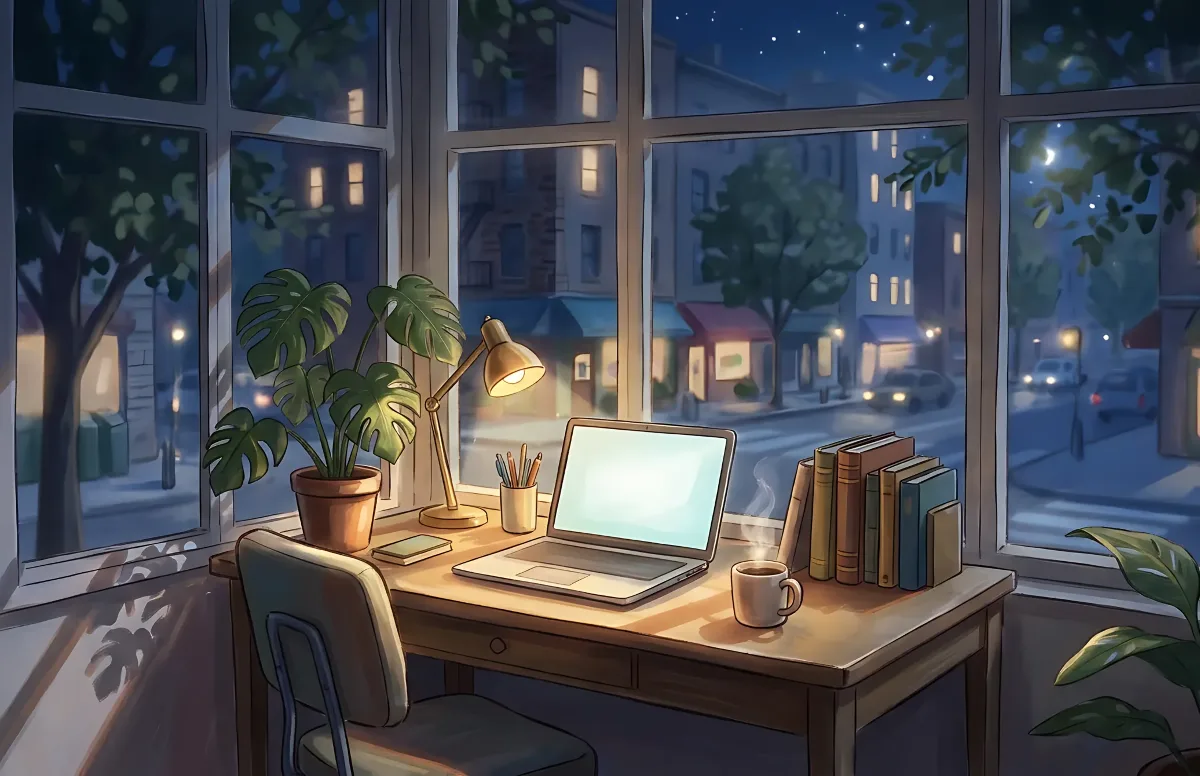
Cozy
Illustrated rooms: sunlight by day, lamp light at night.