About this template
The handwriting is set in Caveat, a casual script that stays readable even with longer lines. It tilts slightly, as if written quickly between two meetings.
Paper, kraft and mint pages work for the day, charcoal, midnight and plum for the night. The dots are kept faint, so app icons and windows stay in front.
Ideas for using it
A daily intention
Write today's goal or a habit you are building, like the sample “small steps, every day”, as if noted in your journal.
Students and journalers
A dotted page with washi tape and a highlighter stroke feels at home next to notes, flashcards and a study plan.
A lock-screen reminder
On the iPhone your line sits below the clock, so you see it every time you pick up the phone.
Tips for light and dark
- Under Details → Paper you can switch between dots, lines and squares, like choosing a notebook.
- Switch off the washi tape and the date line for a cleaner page that keeps app icons in front.
- Kraft by day and Espresso at night feel like a paper notebook. Paper and Charcoal are the neutral choice.
Not sure which size you need? The Mac wallpaper size table lists the exact pixels for every MacBook, iMac and display, and the iPhone wallpaper size table does the same for every iPhone.
Questions and answers
Can I write several lines?
One line of up to 40 characters fits. Short reminders and goals work best.
Is the grid like a real notebook?
The spacing follows a dotted journal and adapts to your screen, with a stronger dot every fifth step.
Can I use lined or squared paper?
Yes. Under Details → Paper, choose dots, lines or squares.
Why does the handwriting tilt?
It is set in Caveat with a slight angle, so it looks written by hand rather than typed.
Related articles
iPhone lock screen wallpaper: how to keep the clock clear
Where the clock, widgets, notifications and buttons sit on the iPhone lock screen, and how to place text and details so nothing important ends up hidden.
iPhone wallpaper size: the resolution for every current model
The exact wallpaper resolution for every iPhone from SE to 18 Pro Max, how to find your model, and where to keep text clear of the lock-screen clock.
Styles with this template
More templates
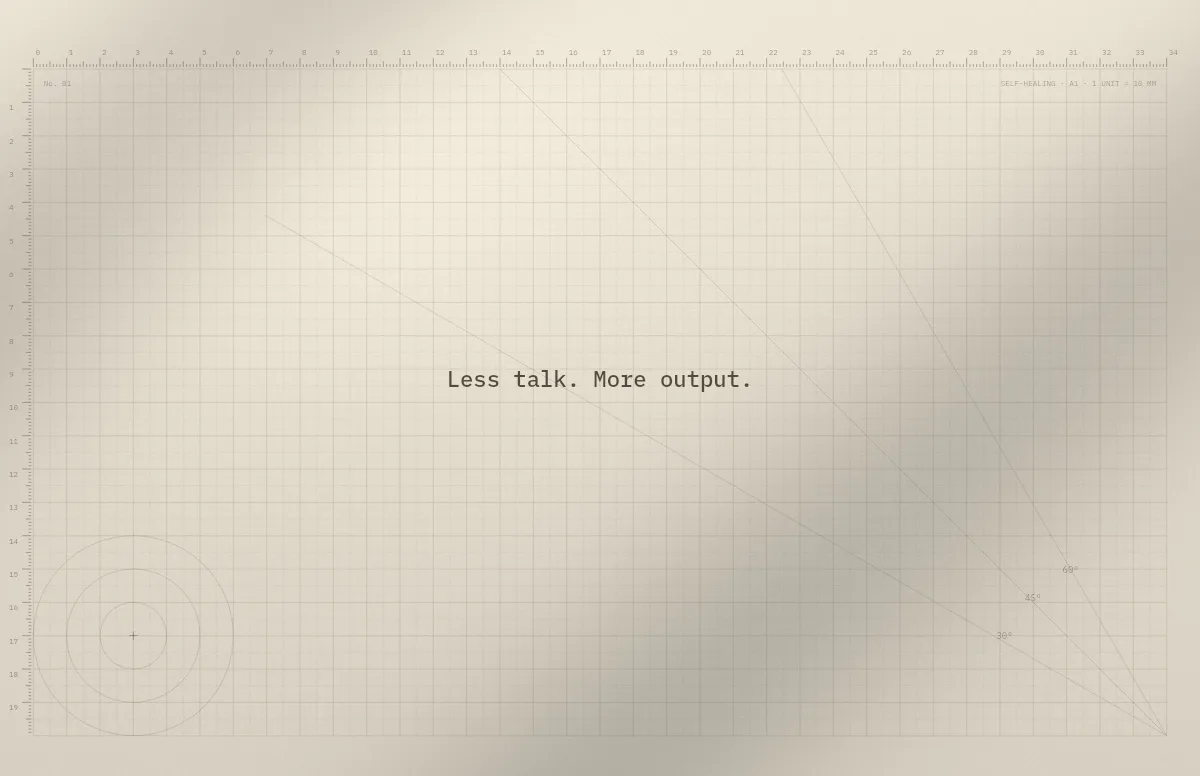
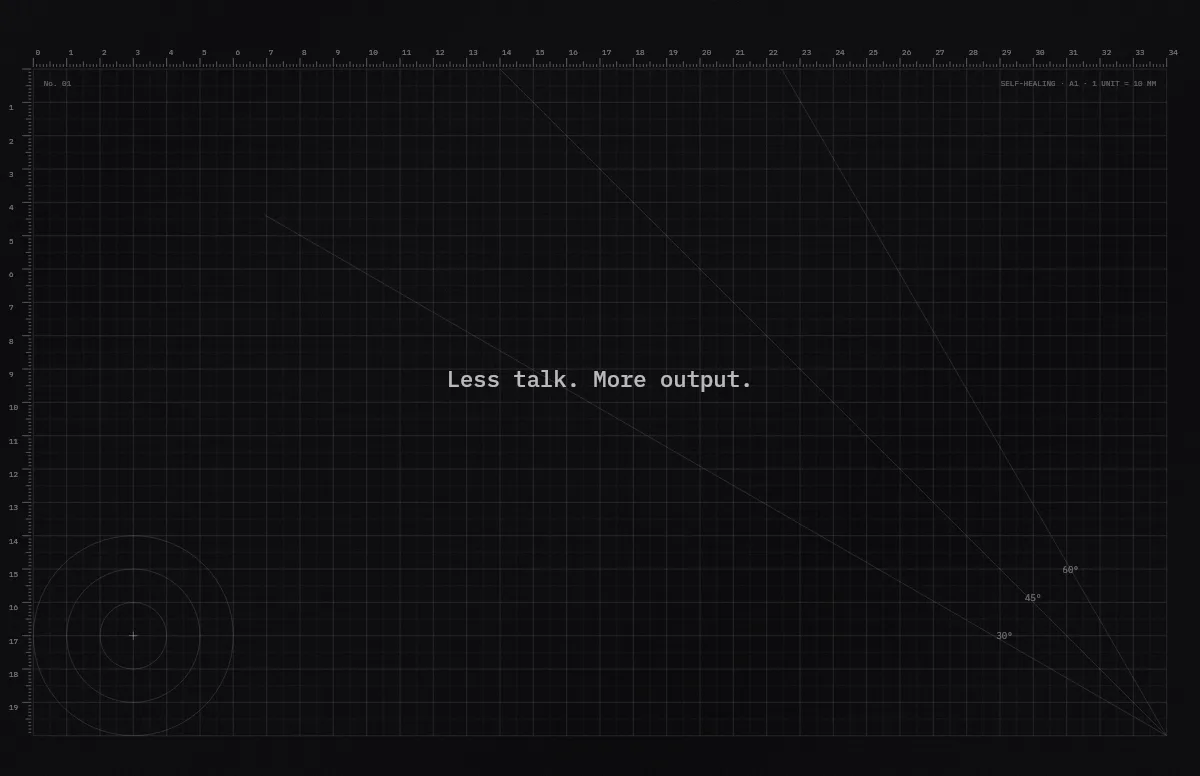
Cutting Mat
Grid, rulers and angle guides, like the mat on a designer's desk.
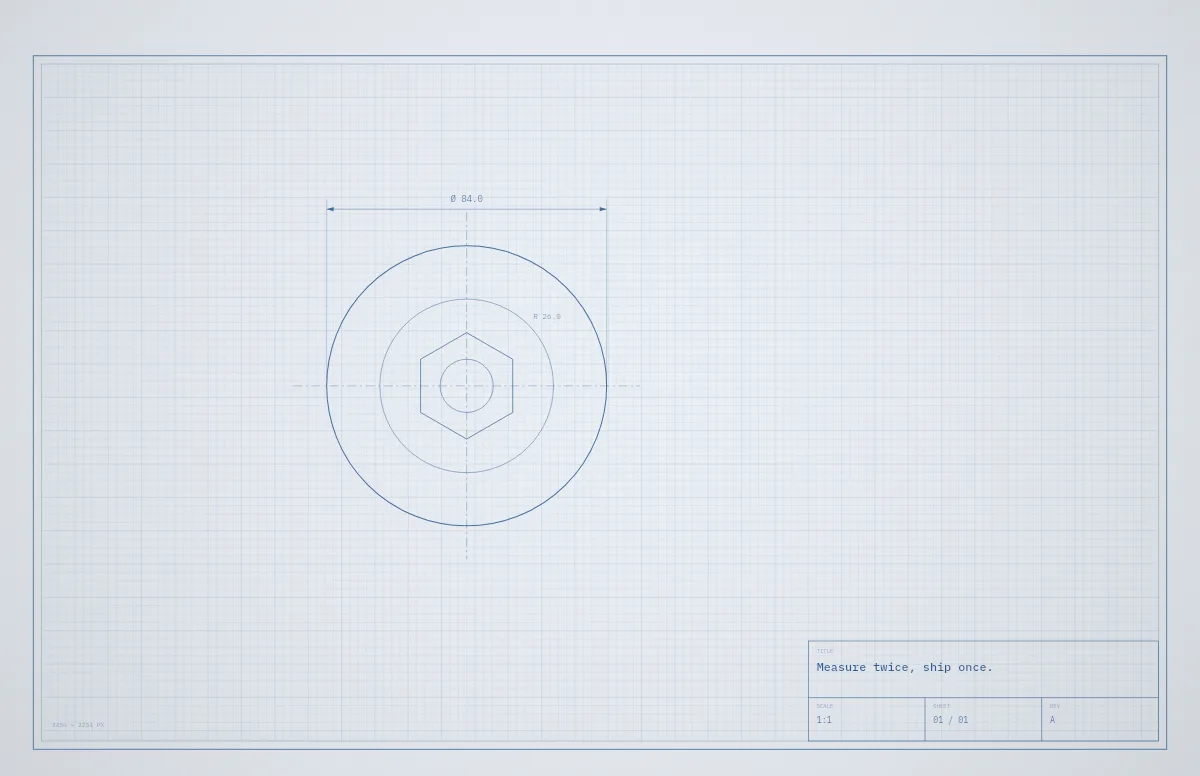
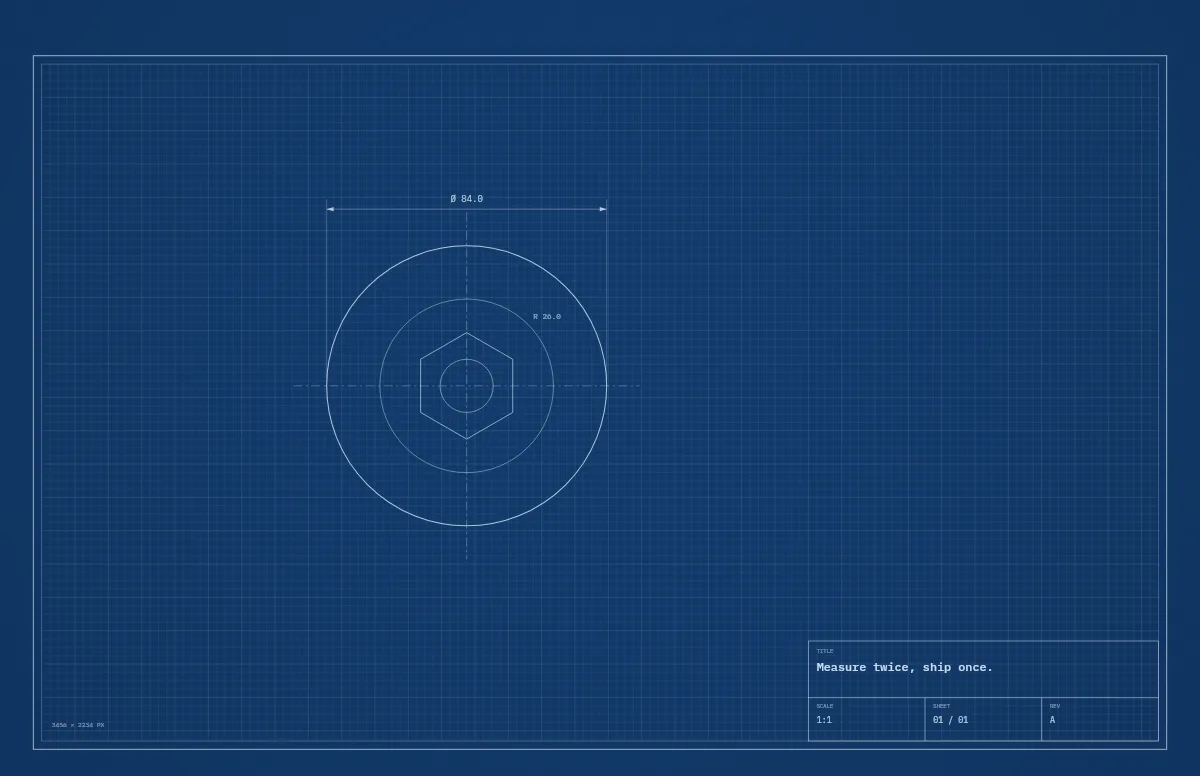
Blueprint
A technical drawing with a title block that carries your text.
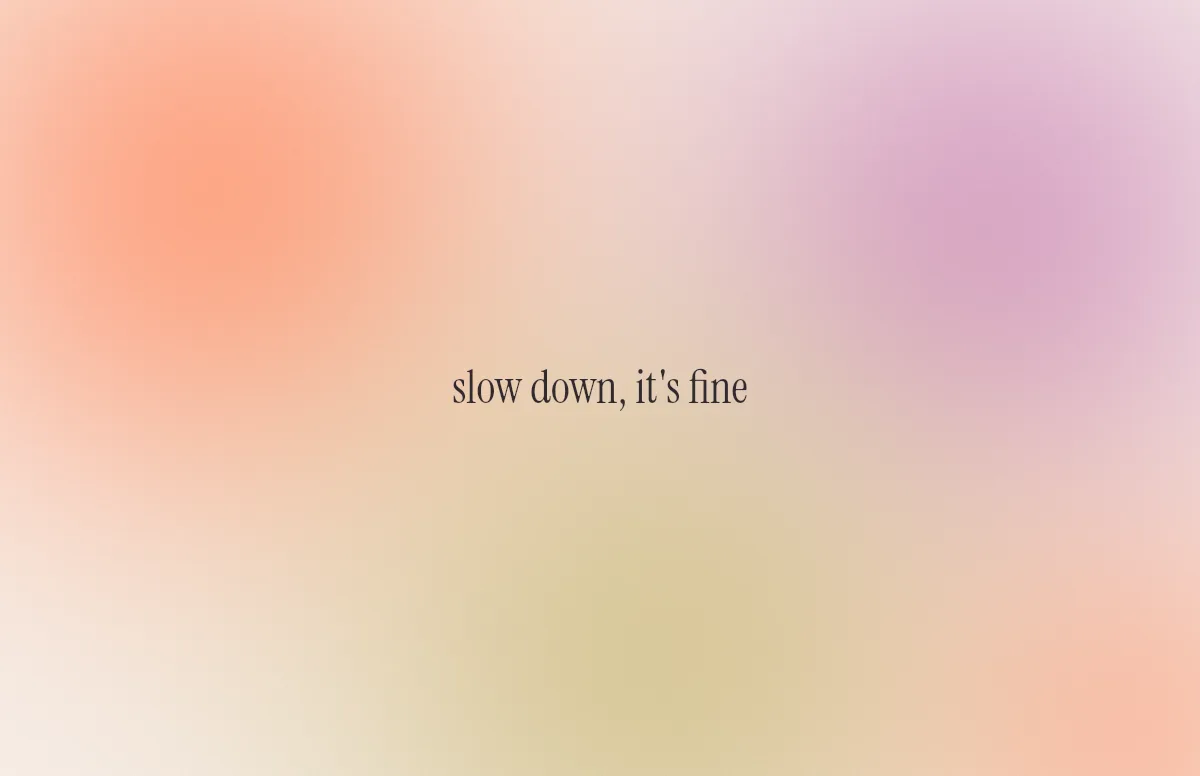
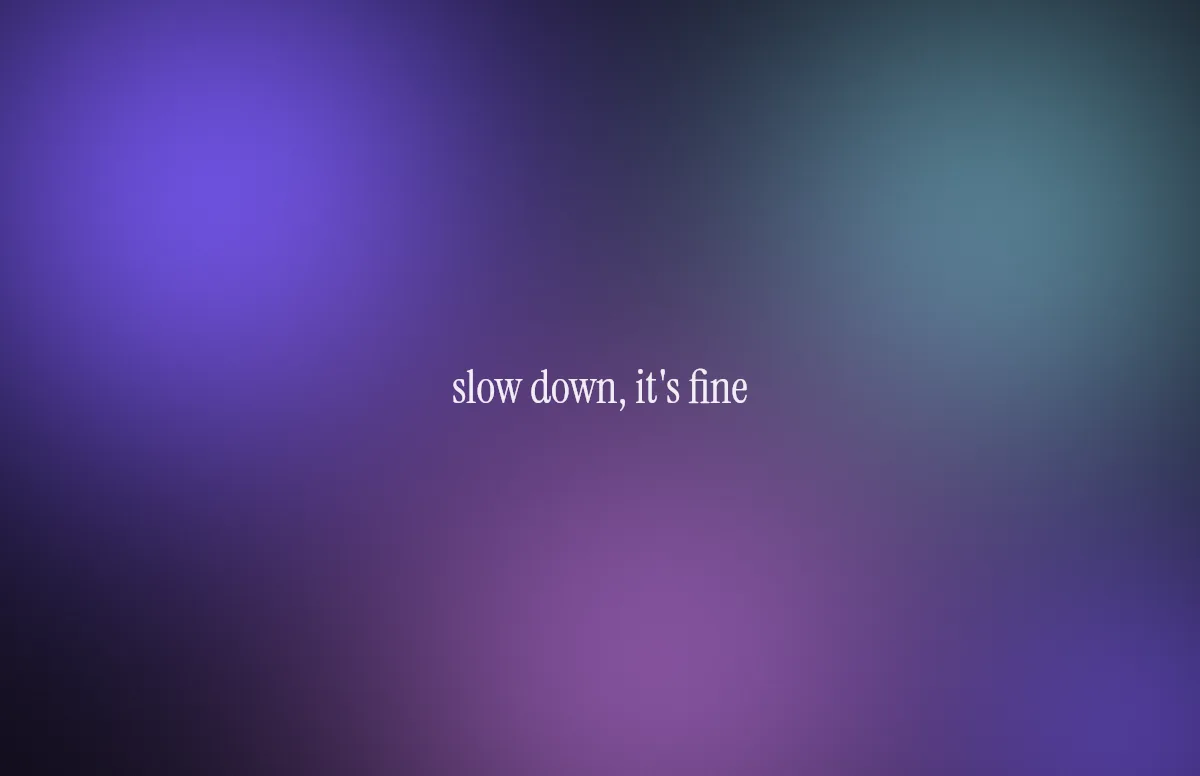
Aura
Soft color glows with a quote in a calm serif.
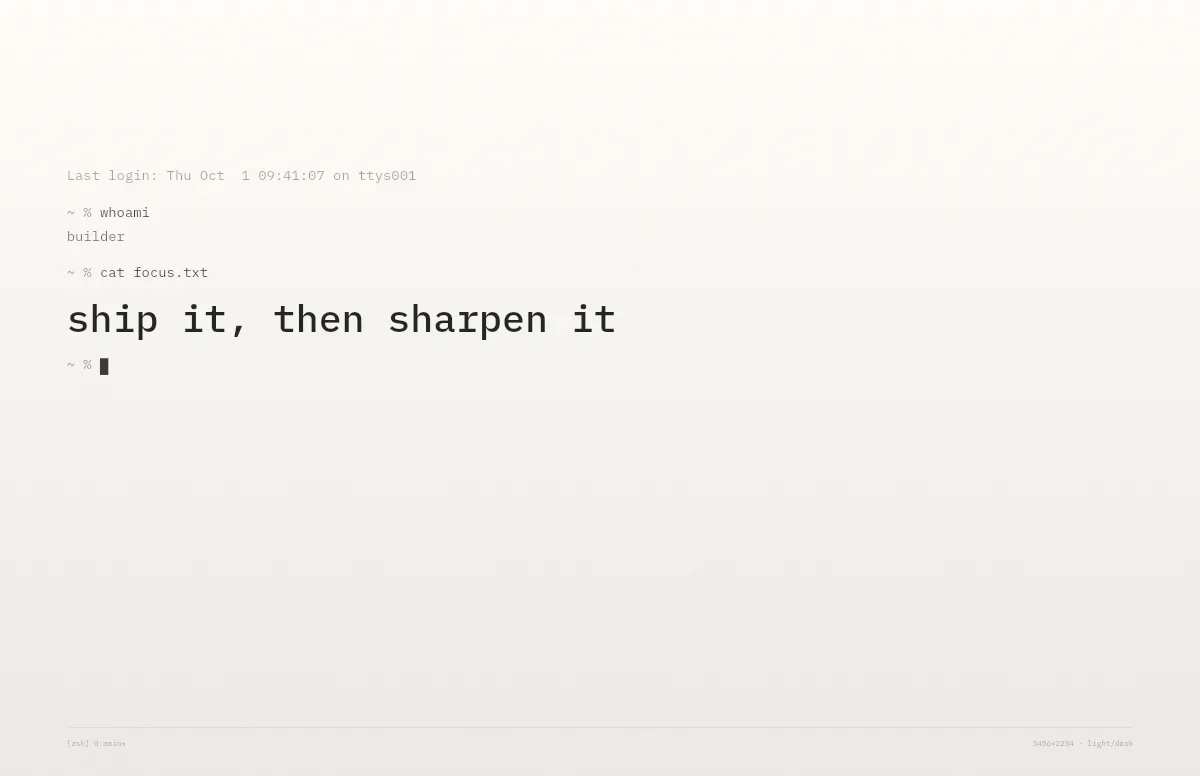
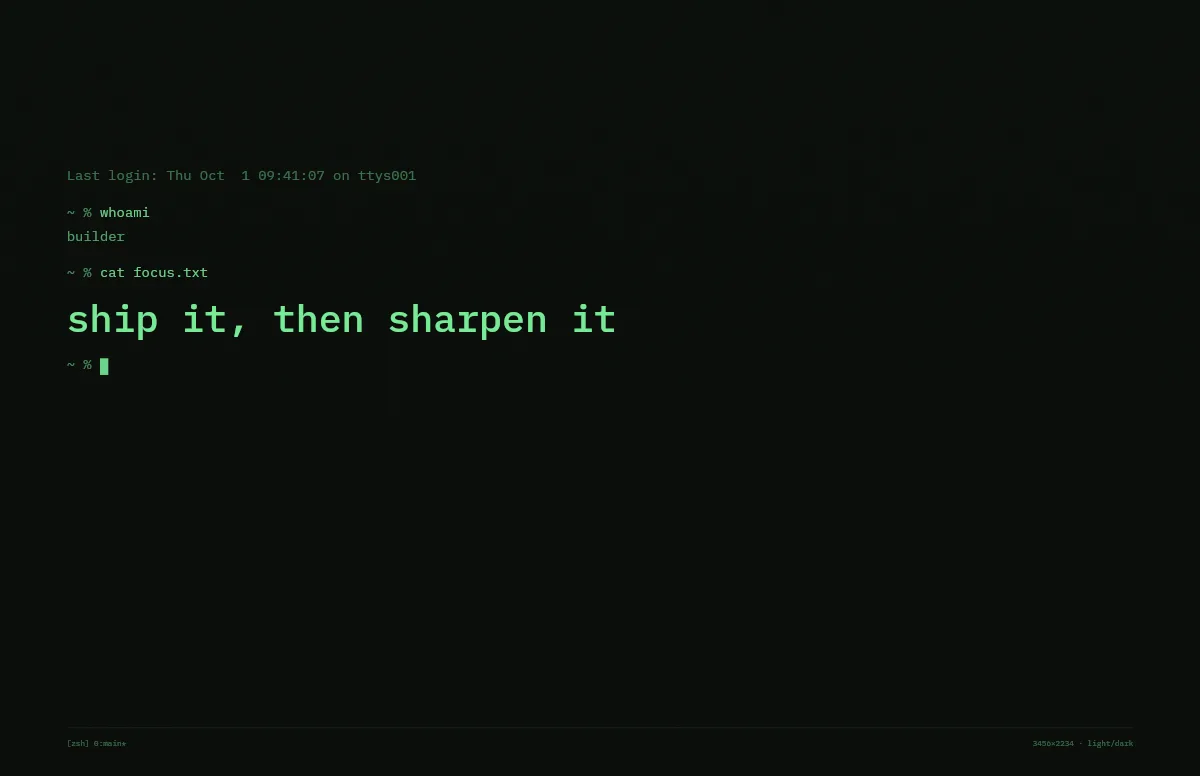
Terminal
A shell session that prints your line. Made for developers.
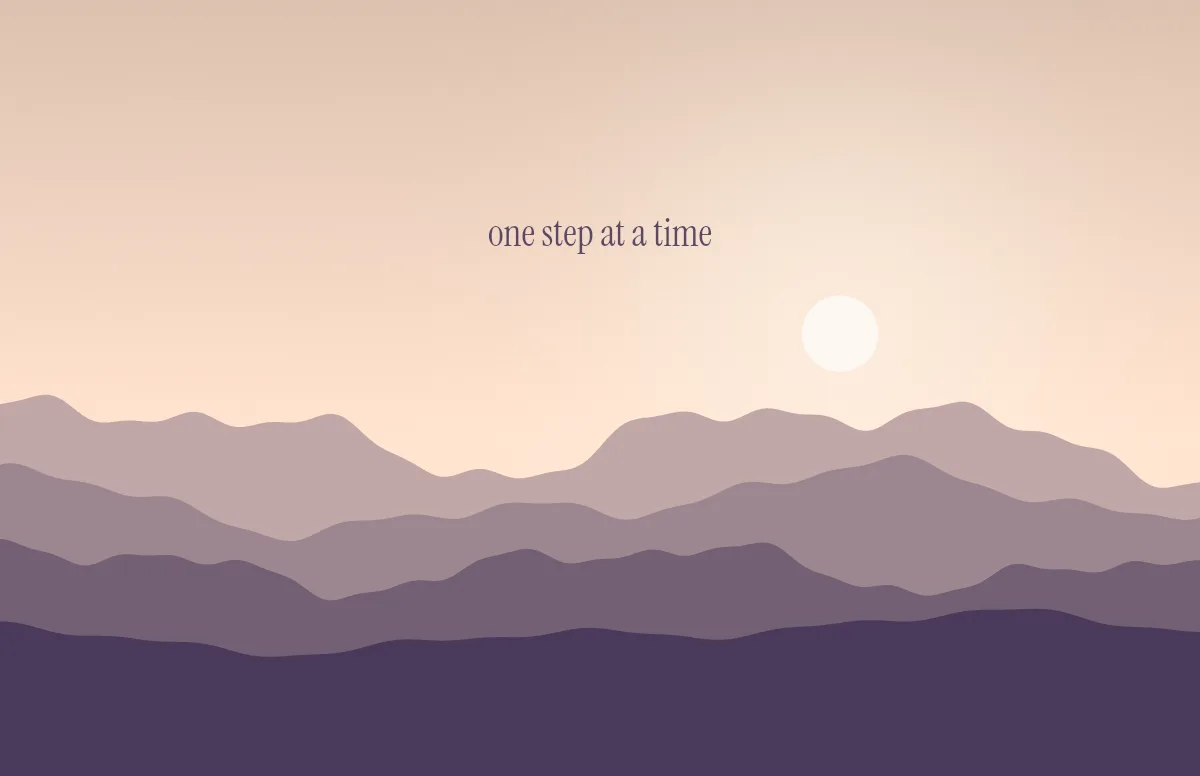
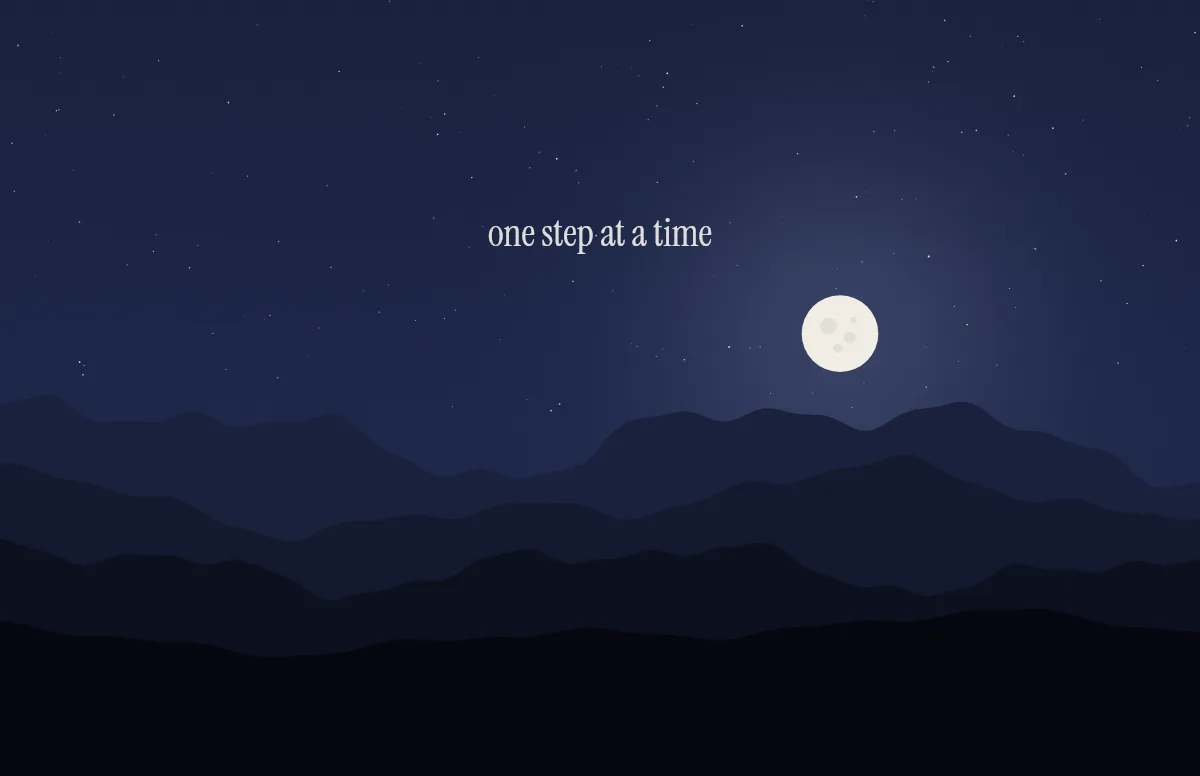
Horizon
Layered mountains under the sun by day and the moon by night.
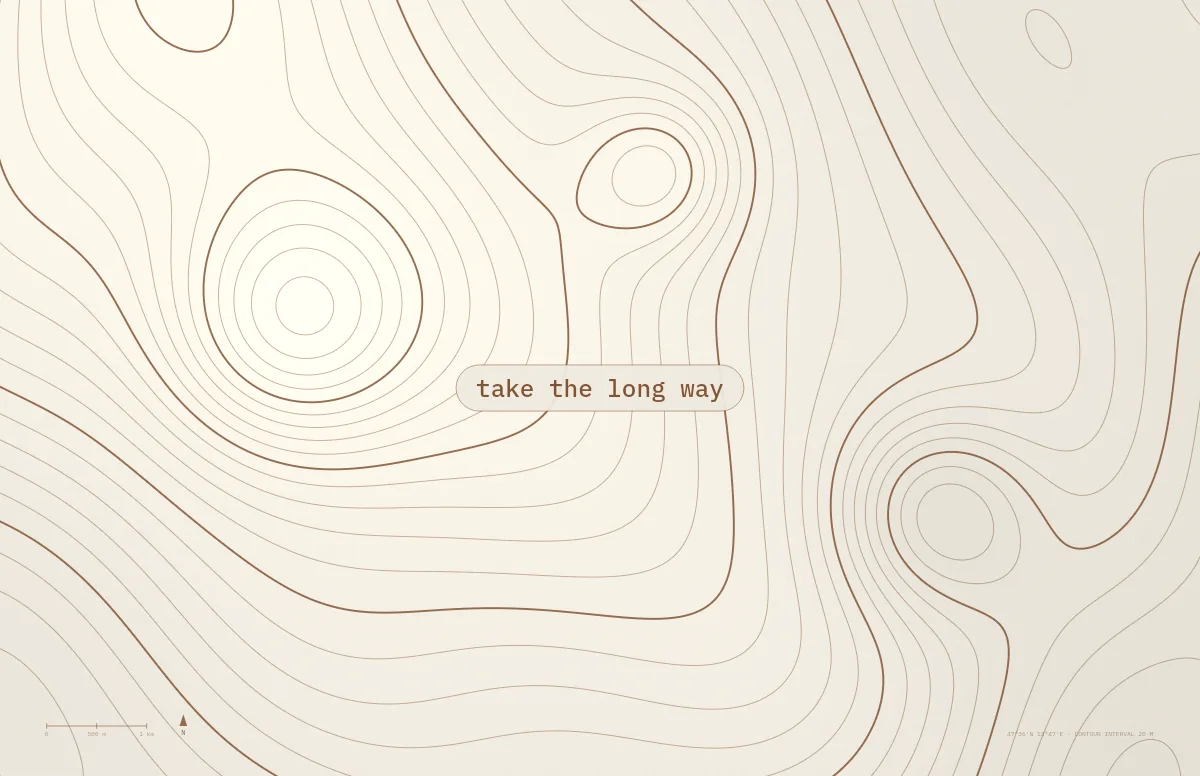
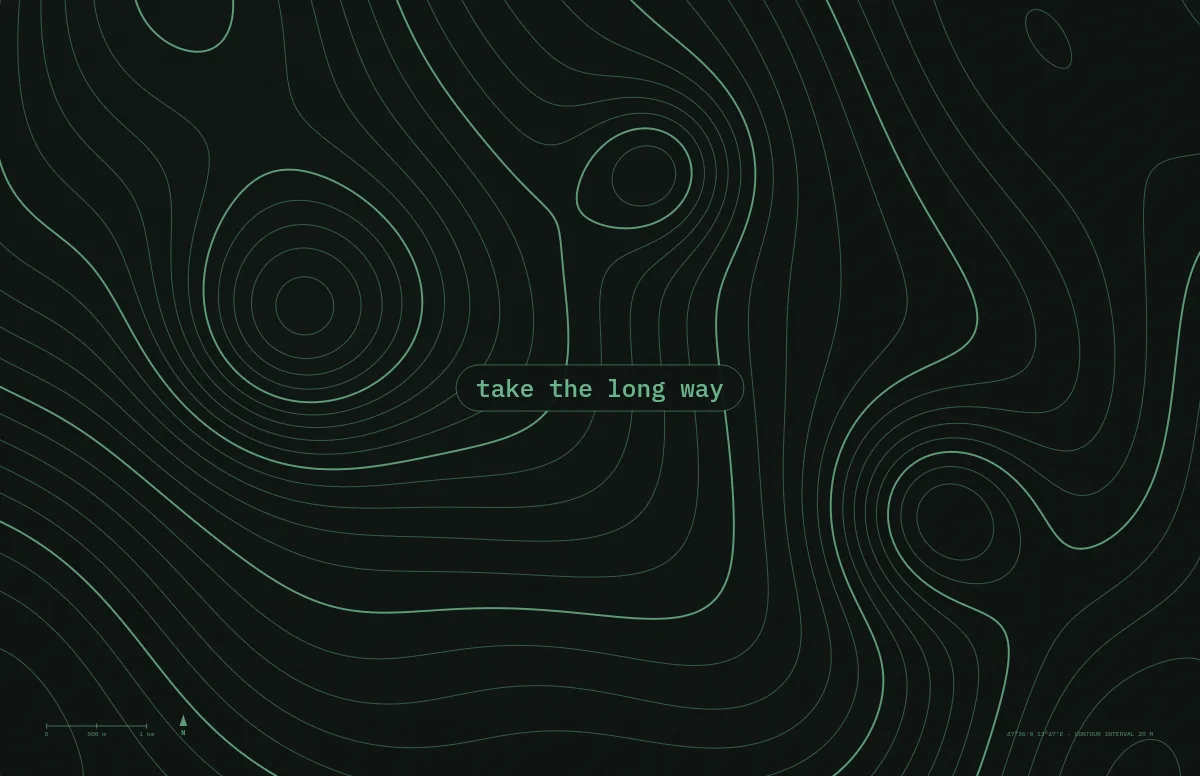
Topo
Contour lines of an imaginary mountain range, with your text as a map label.
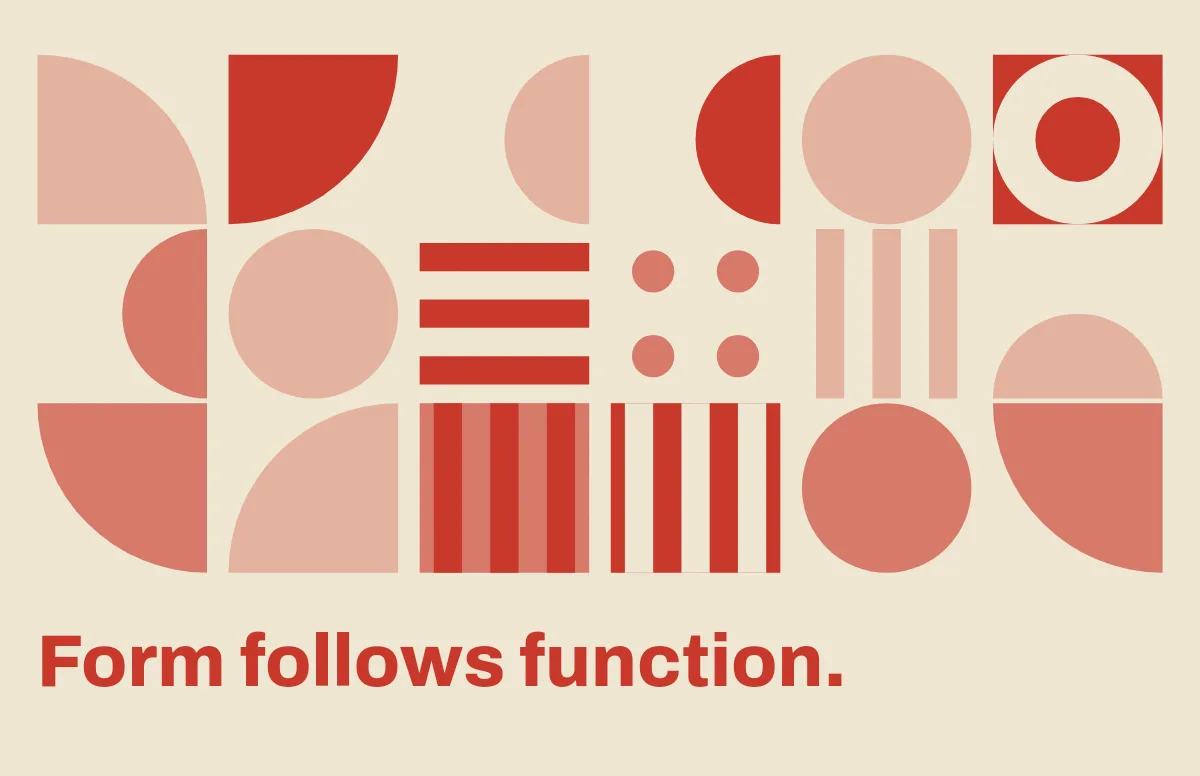
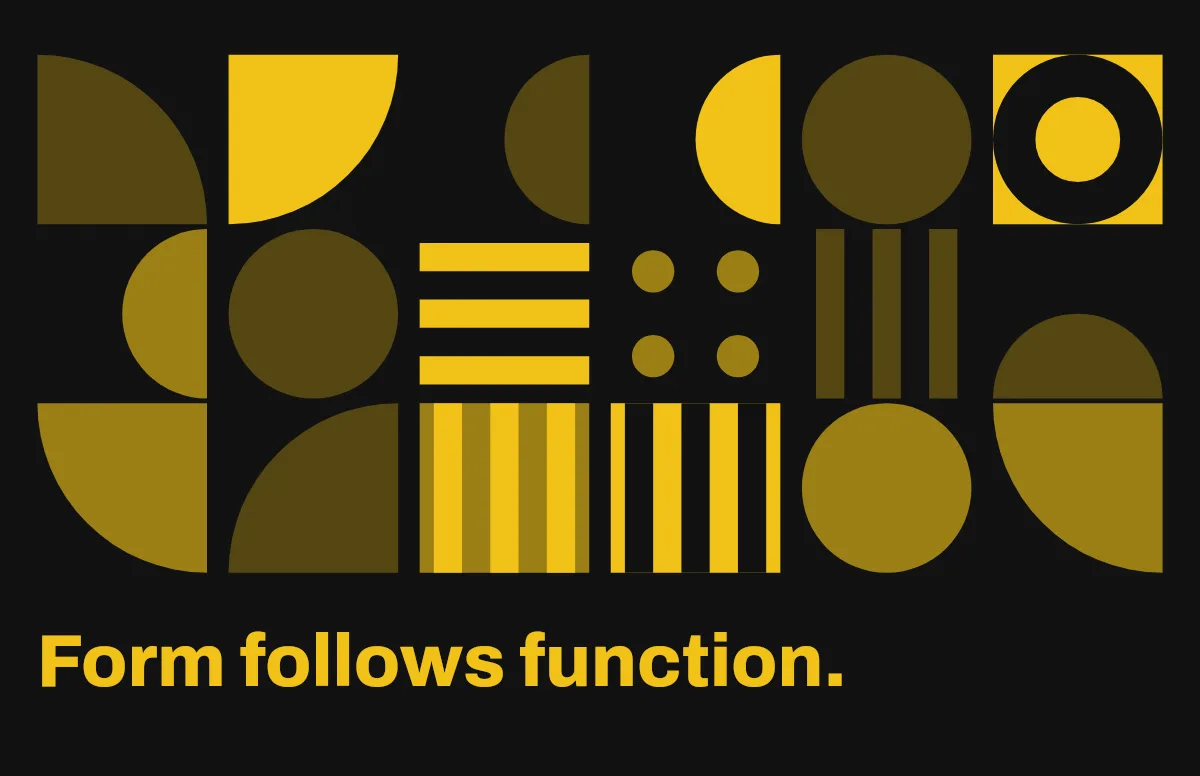
Bauhaus
Circles, quarter circles and stripes on a strict grid, with bold type.
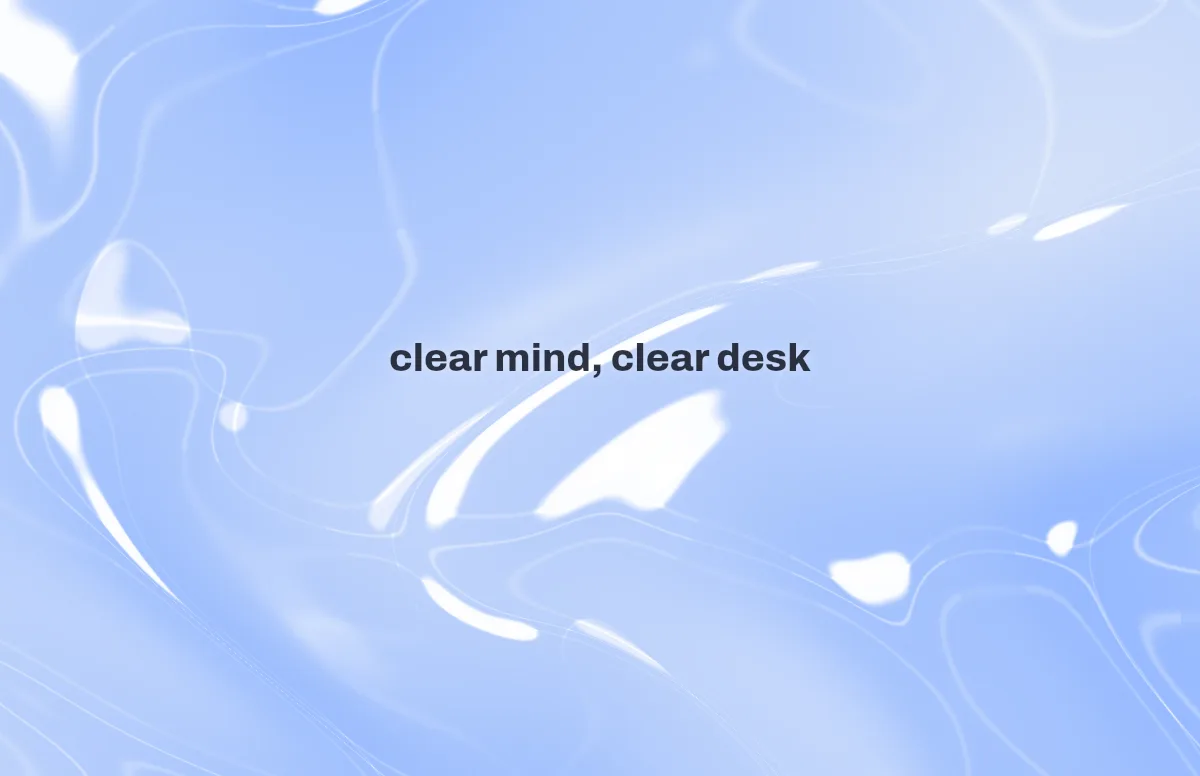

Liquid Glass
Glass shapes that bend the colors behind them, light and dark.
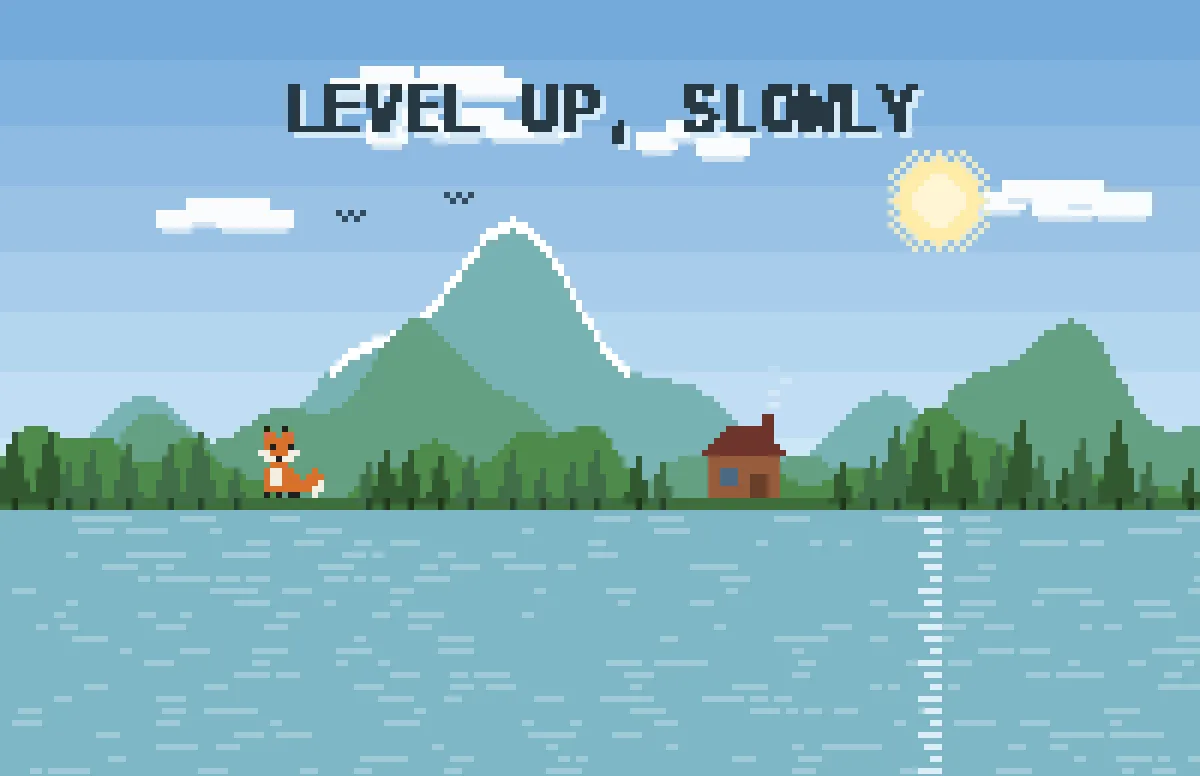
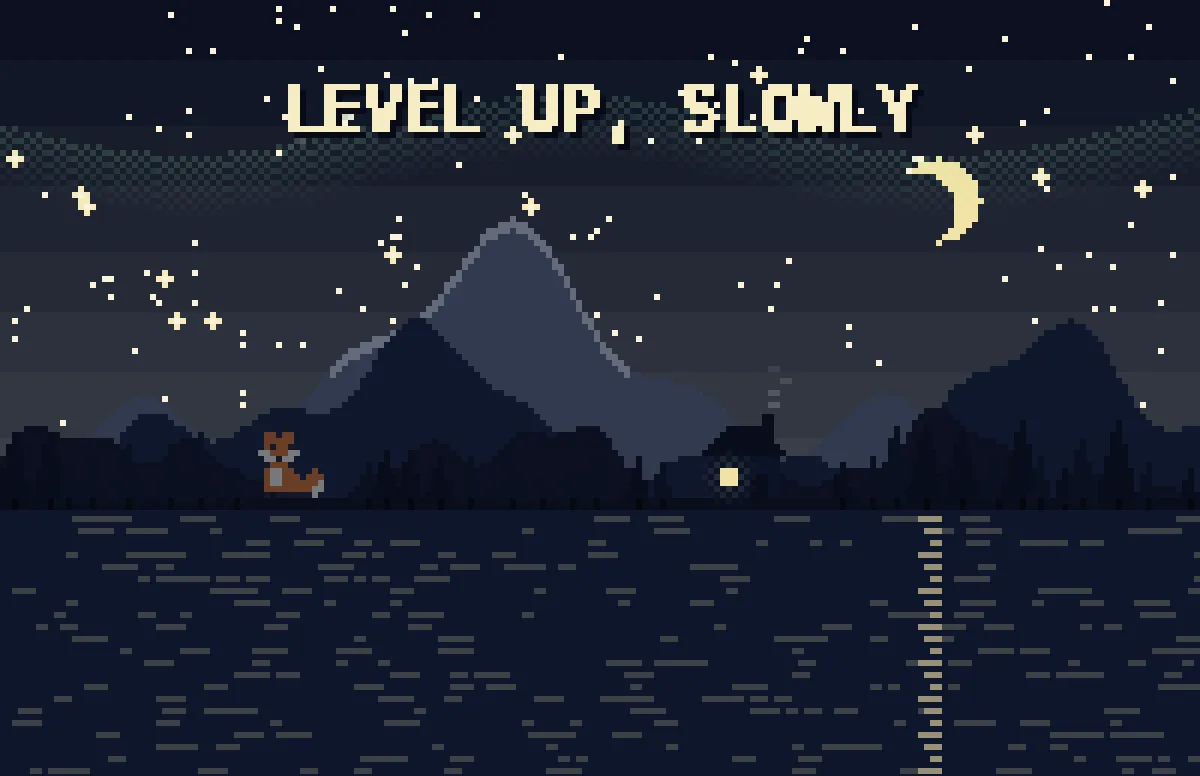
Pixel
Pixel scenes: sun by day, stars and lit windows at night.
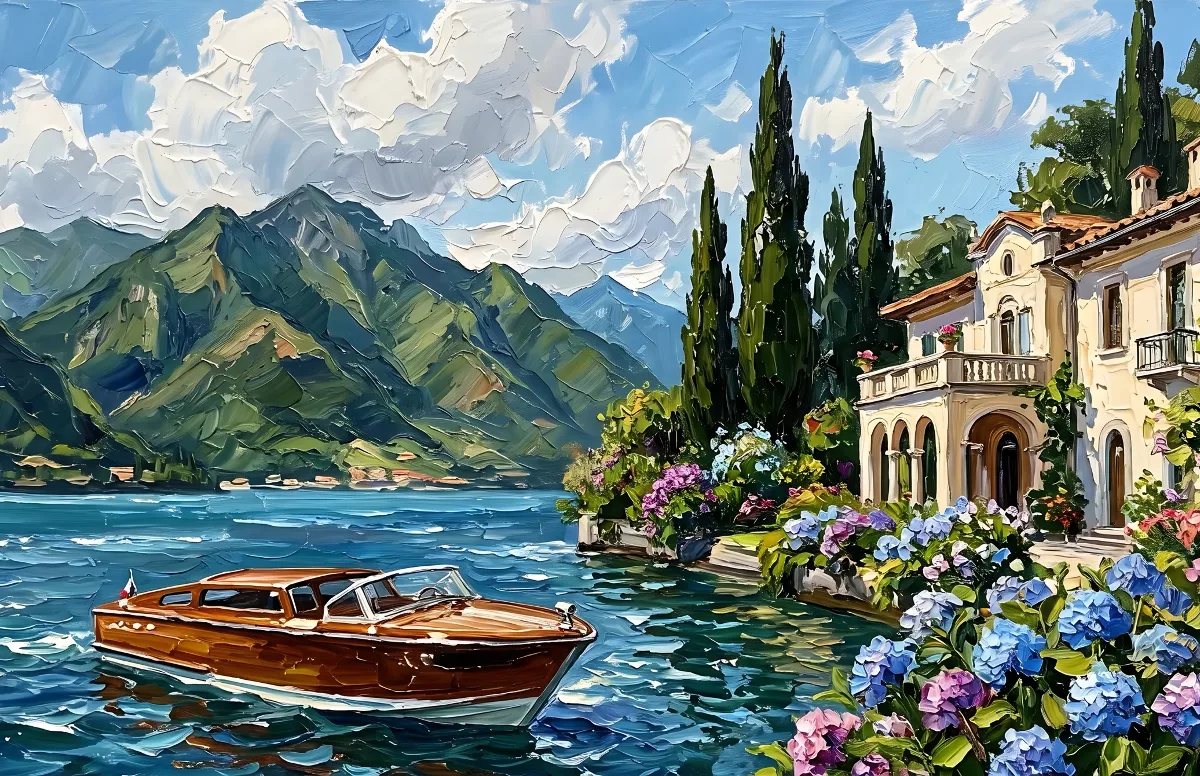

Painted
Impasto oil paintings with a day and a night version of the same scene.
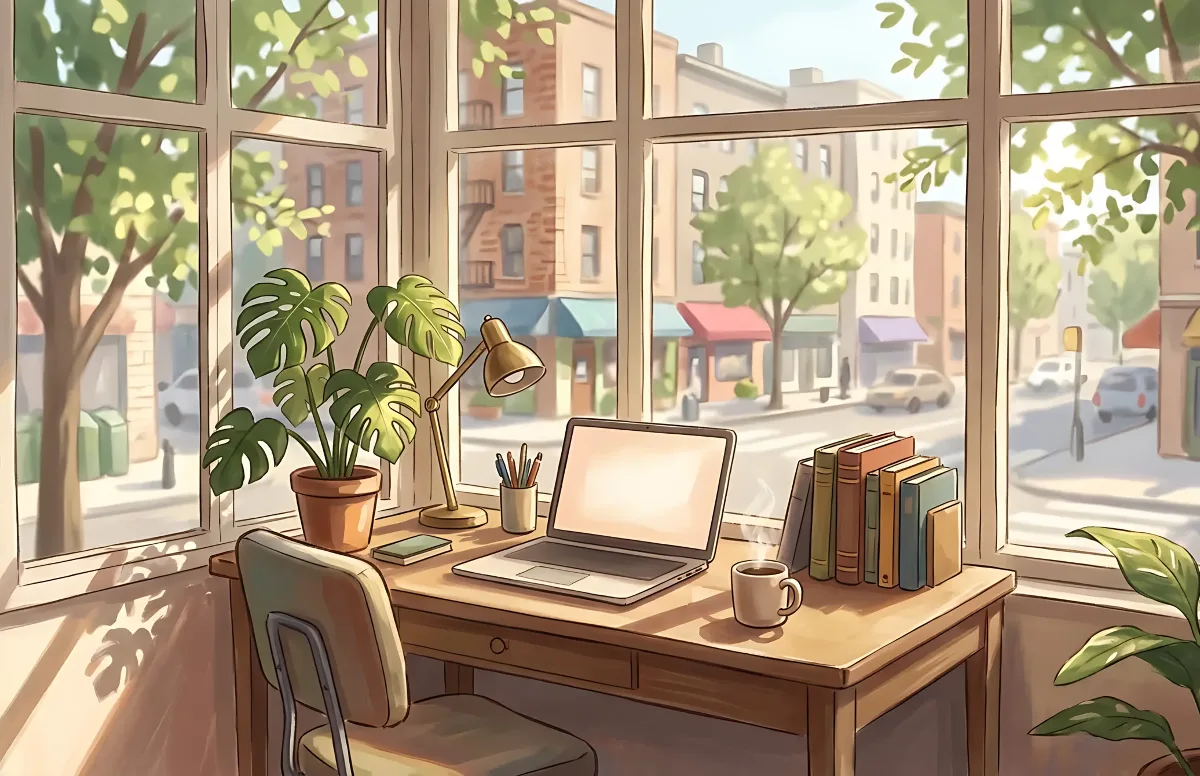
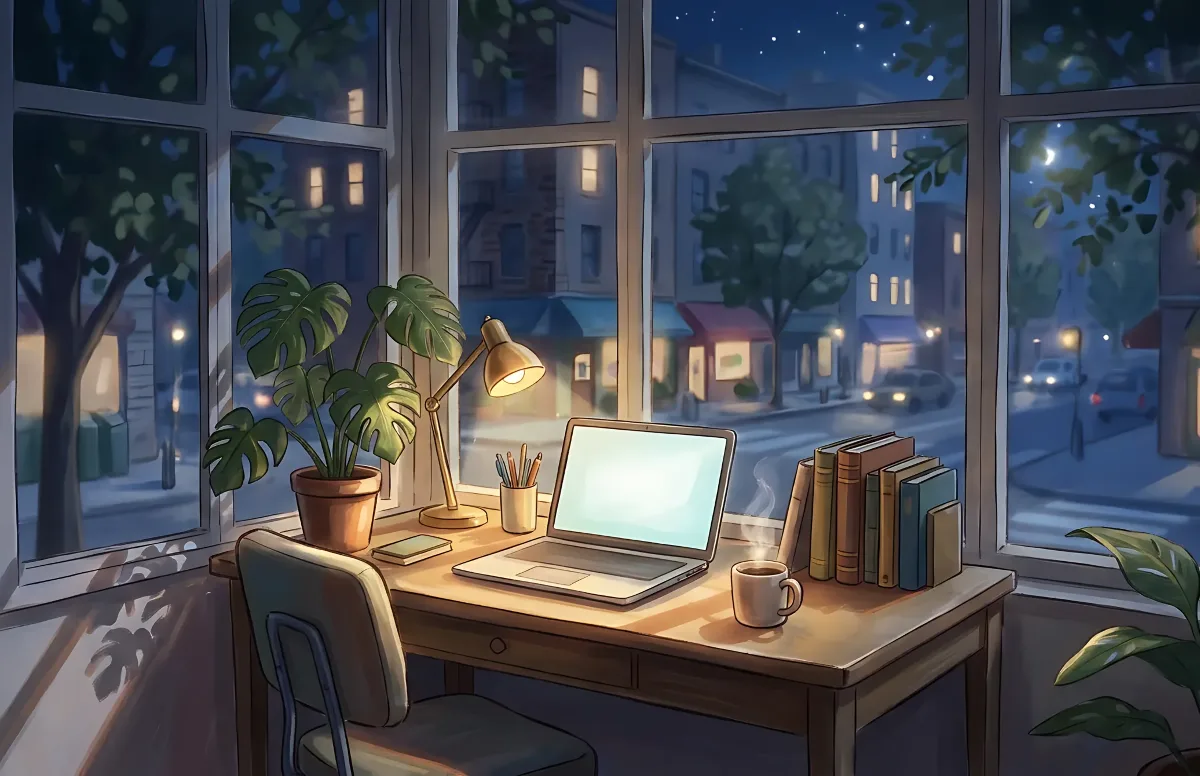
Cozy
Illustrated rooms: sunlight by day, lamp light at night.