At a glance
| Resolution | 2560 × 1440 px |
|---|---|
| Aspect ratio | 16:9 (1.78 : 1) |
| Orientation | landscape |
| Top of the screen | No notch, menu bar 24 px tall |
| Best file format | .heic with a light and a dark image (switches automatically), or PNG |
How to make a wallpaper for the 1440p Display
- Pick a templateChoose a look in the generator above. The device is already set to the 1440p Display, so the file comes out at 2560 × 1440.
- Add your text and colorsWrite a short line, pick one color pair for light mode and one for dark mode.
- Download the .heicIt holds both versions. Open System Settings → Wallpaper, add the file and macOS switches it with your appearance setting.
Where to keep text and details
The 1440p Display has no notch. Only the menu bar covers the top 24 pixels at full resolution, so you can use nearly the whole picture.
The Dock still covers part of the bottom edge unless you hide it. Keep a short line of text in the middle and leave the corners for quiet details.
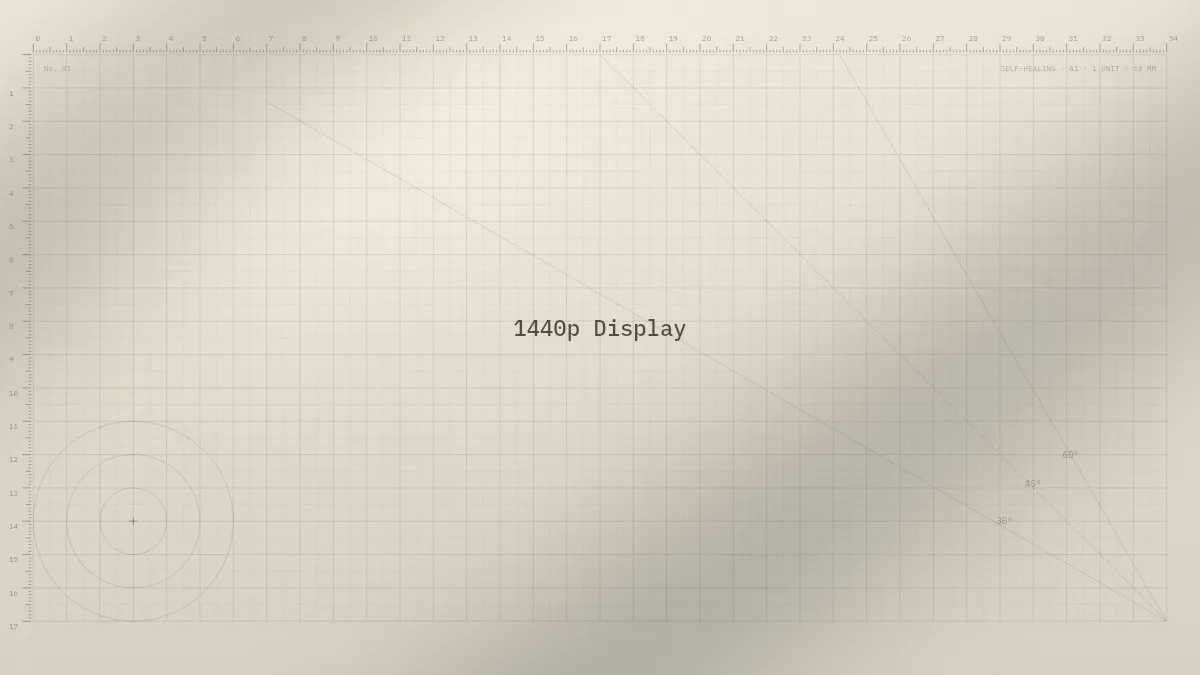
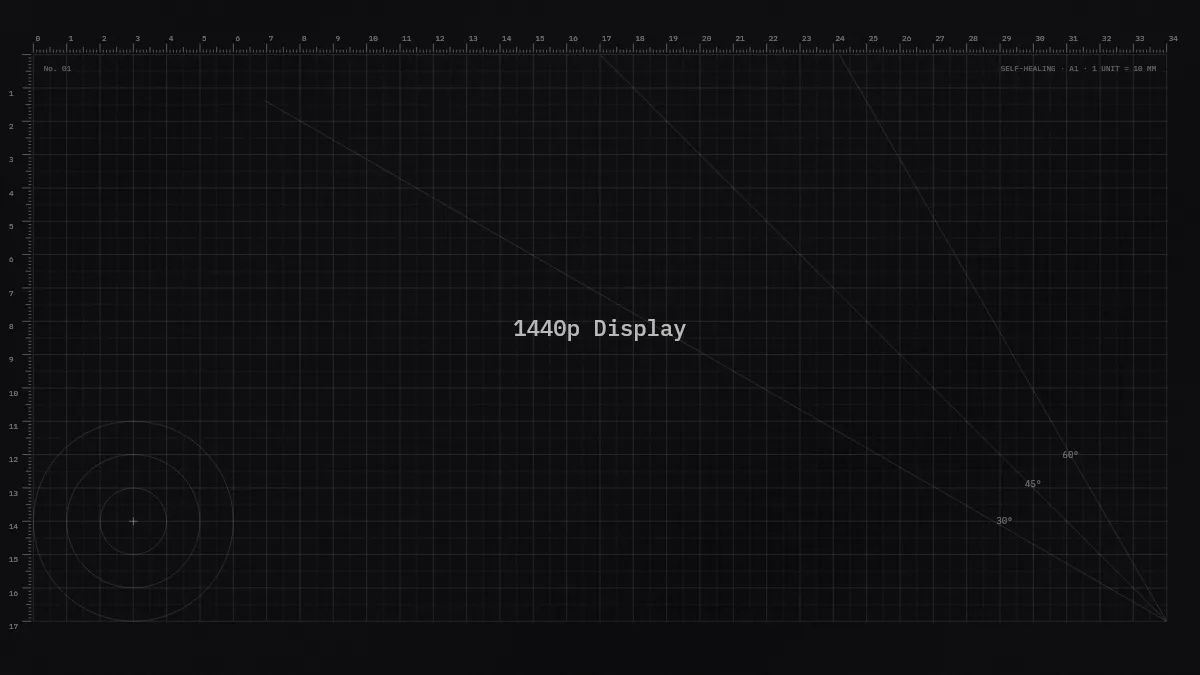
Example in 2560 × 1440
Questions and answers
What size is a 1440p Display wallpaper?
2560 × 1440 pixels. That is the native resolution of the display, and a wallpaper of exactly this size is shown without any scaling.
Can I use a wallpaper made for another Mac?
It works, but macOS scales or crops it to fit. Fine lines get soft and text near the edges can be cut off. For the sharpest result, make it at 2560 × 1440.
Can the wallpaper on the 1440p Display switch between light and dark automatically?
Yes. A .heic file can hold a light and a dark image, and macOS shows the one that matches your appearance. The generator makes this file for you. How to set it up.
Why not use the “looks like” resolution from System Settings?
That number is the scaled working area for windows and text. The panel itself has 2560 × 1440 pixels, and that is the size a wallpaper needs to stay sharp.
Templates for the 1440p Display
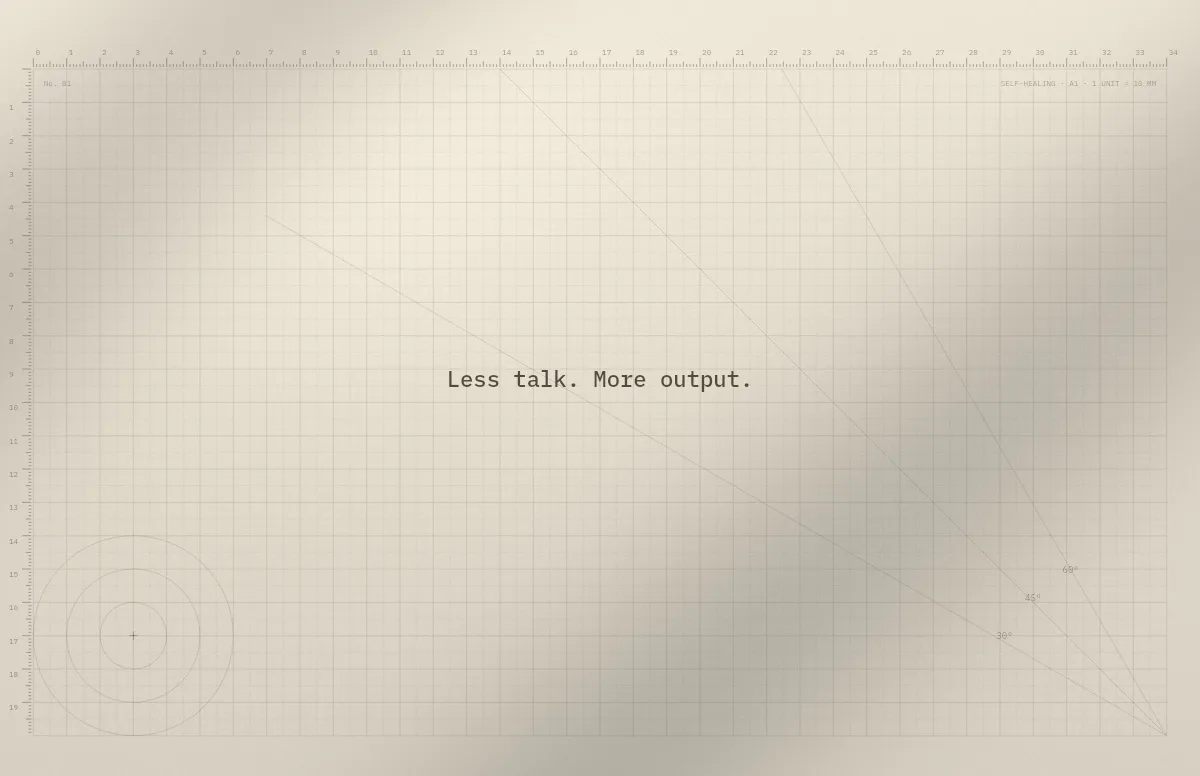
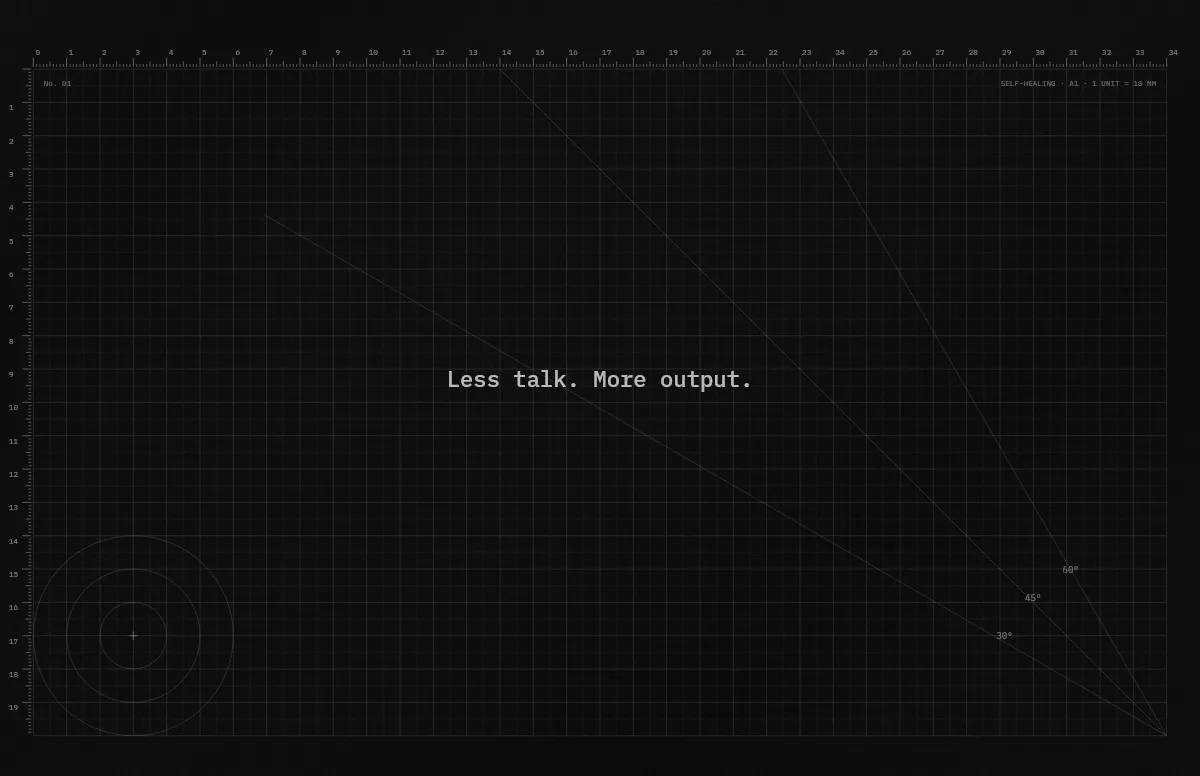
Cutting Mat
Grid, rulers and angle guides, like the mat on a designer's desk.
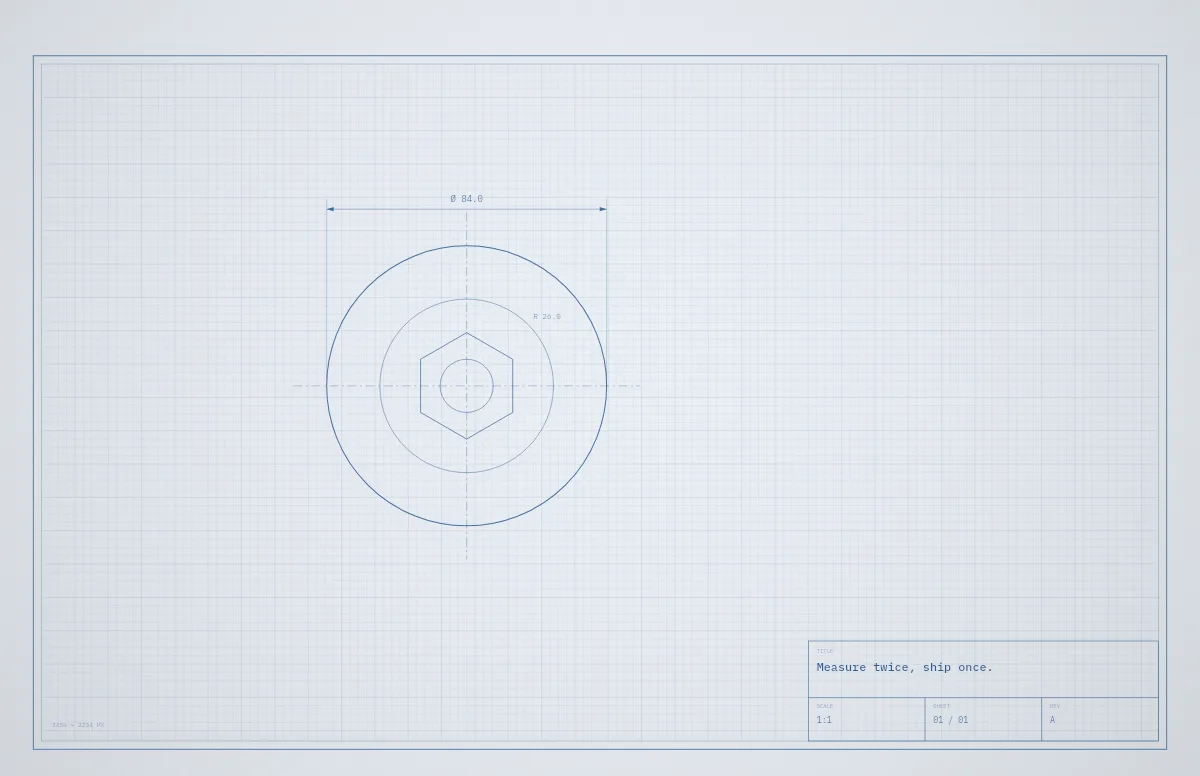
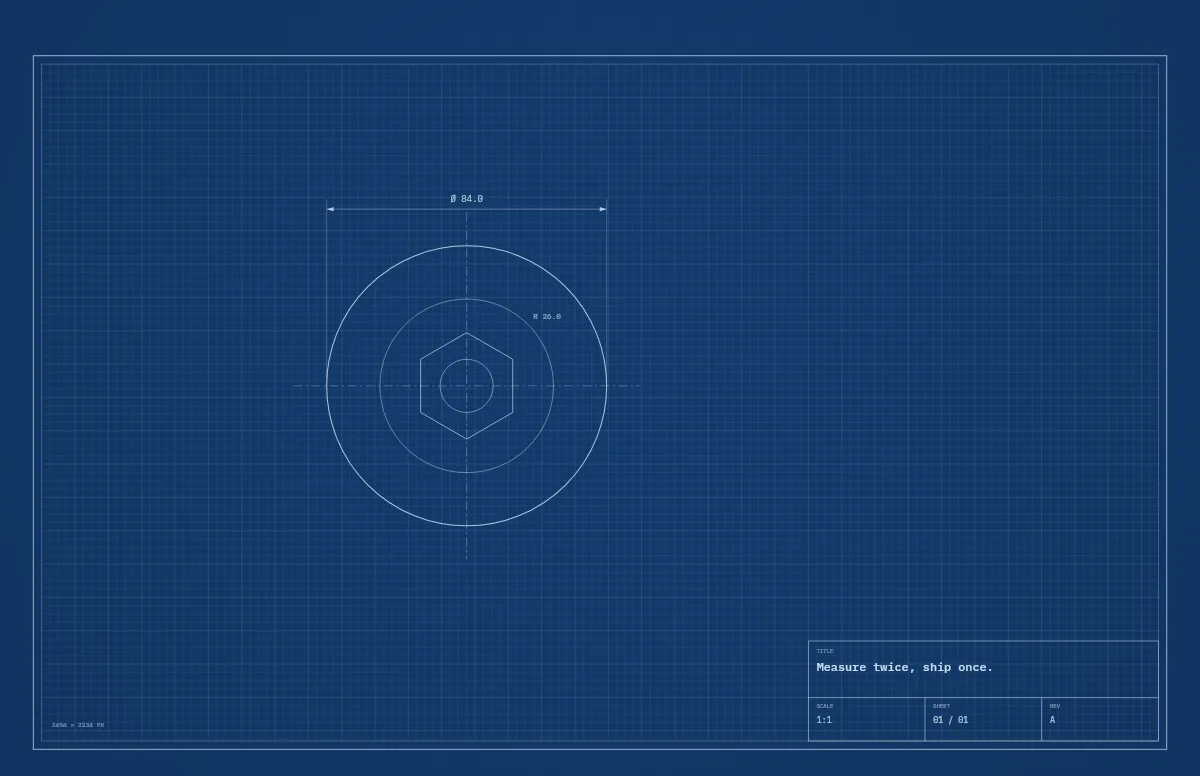
Blueprint
A technical drawing with a title block that carries your text.
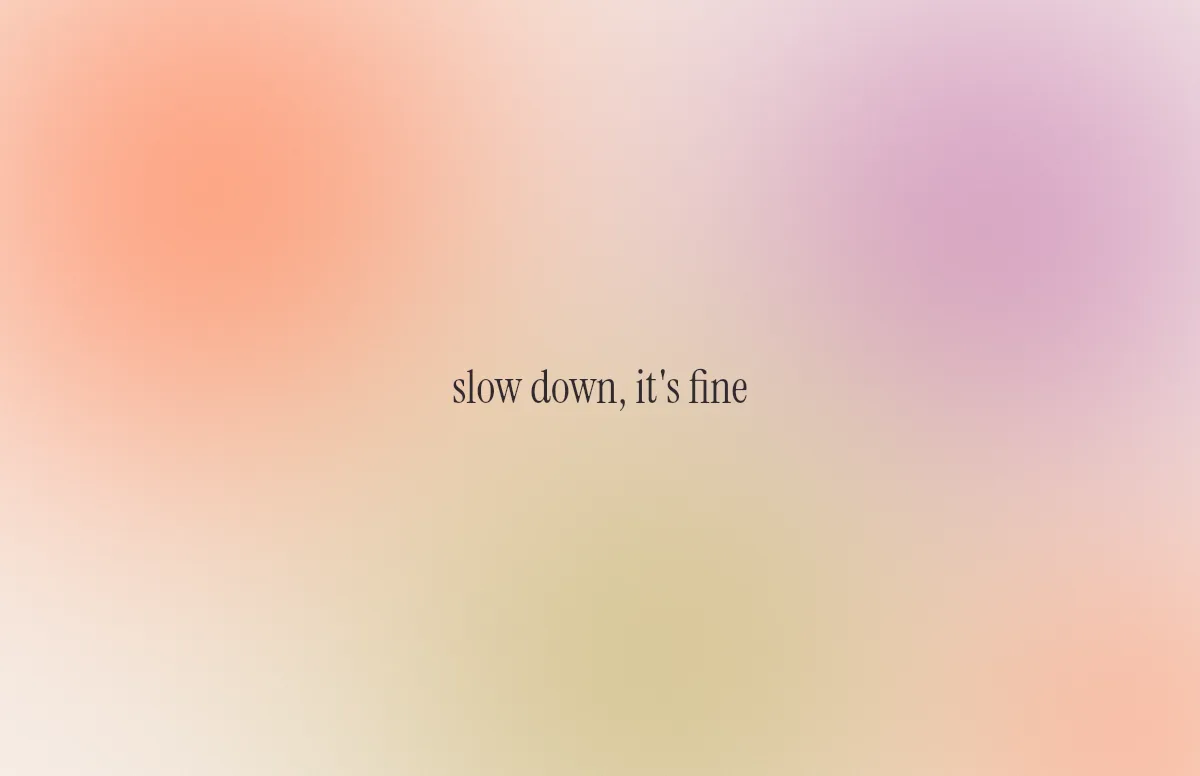
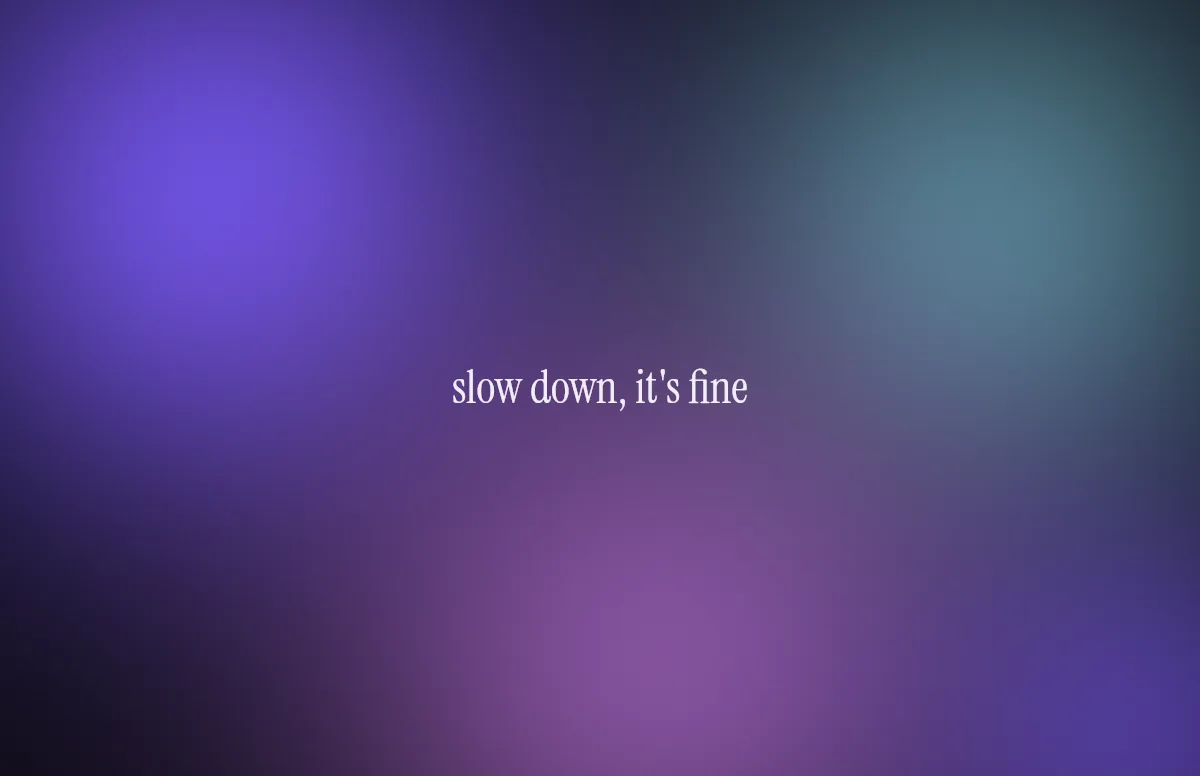
Aura
Soft color glows with a quote in a calm serif.
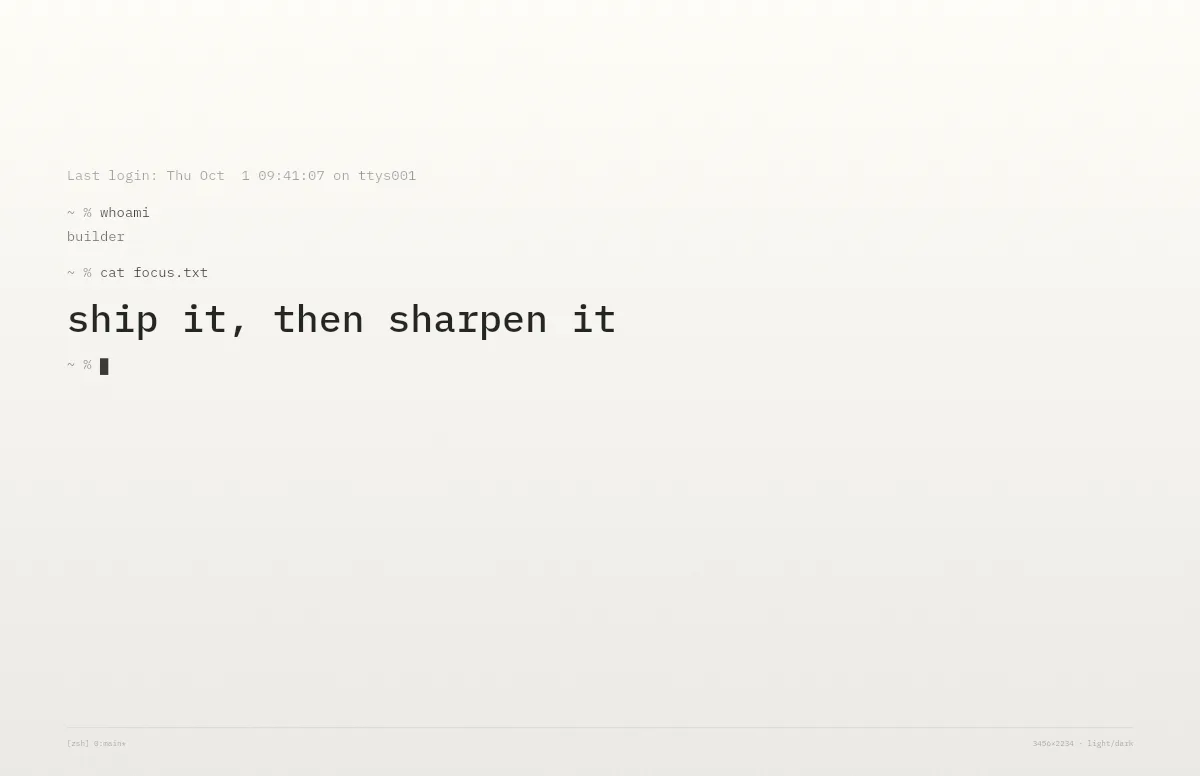
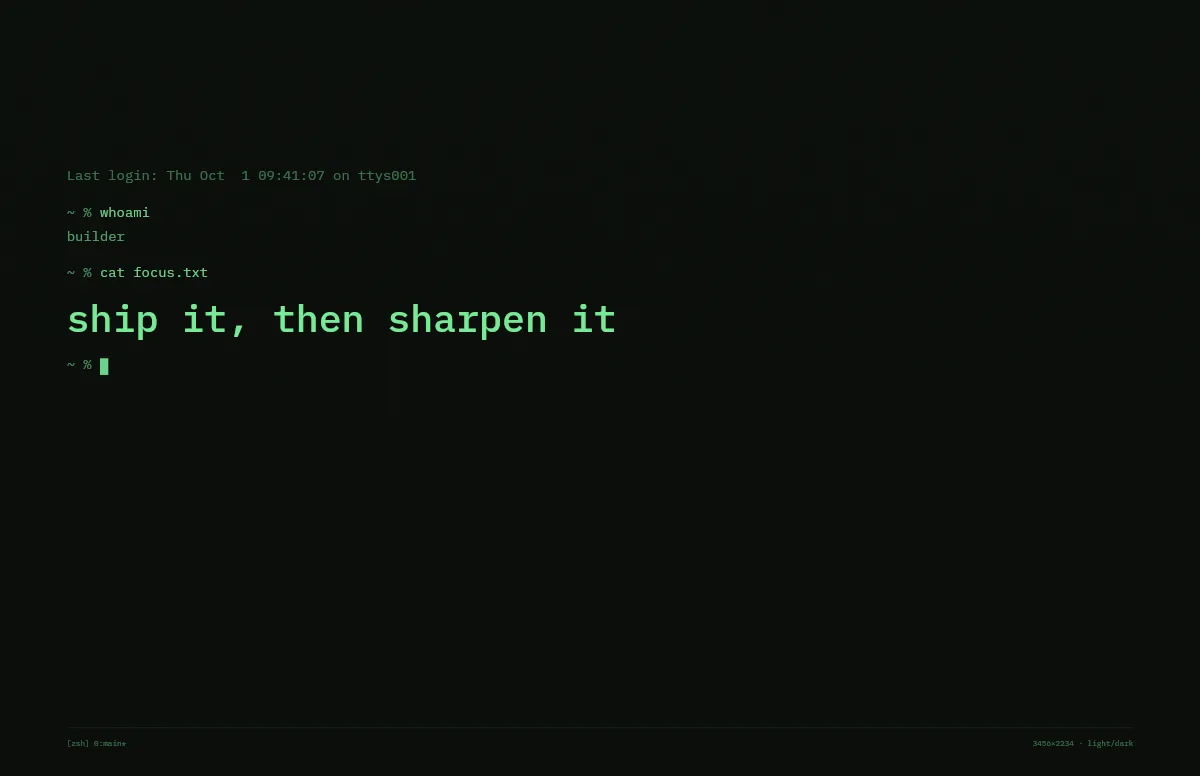
Terminal
A shell session that prints your line. Made for developers.
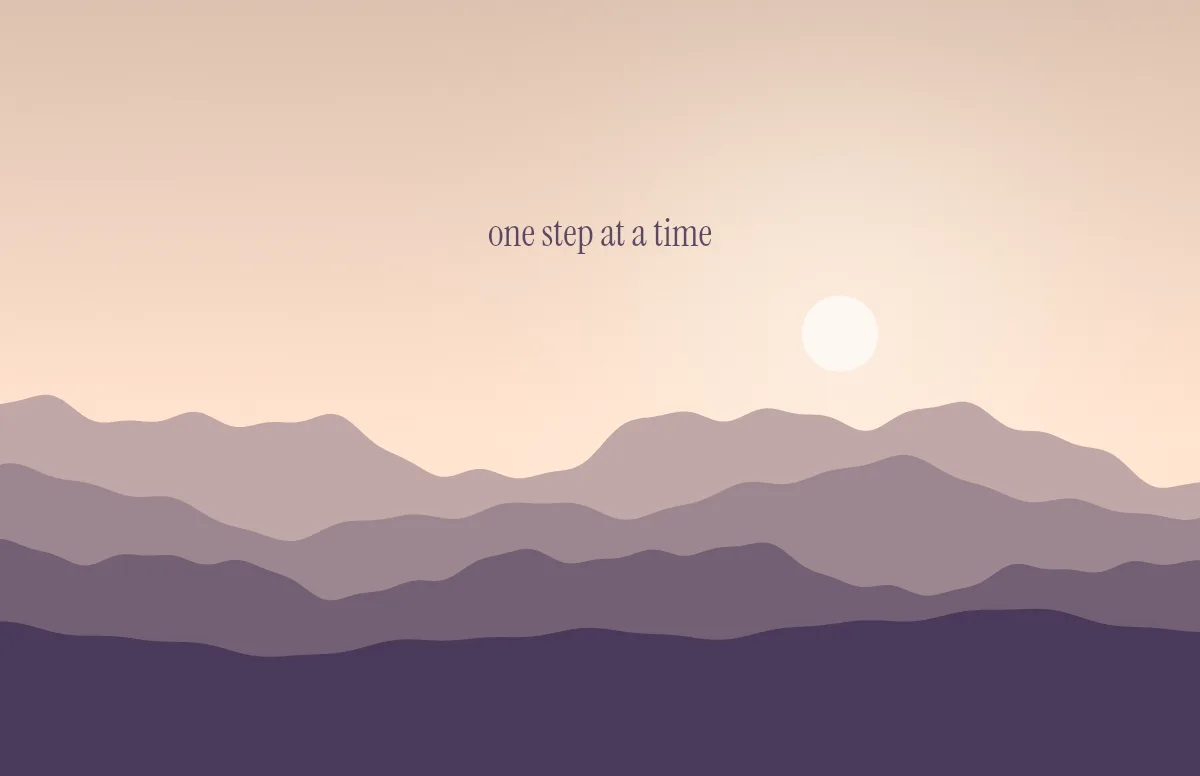
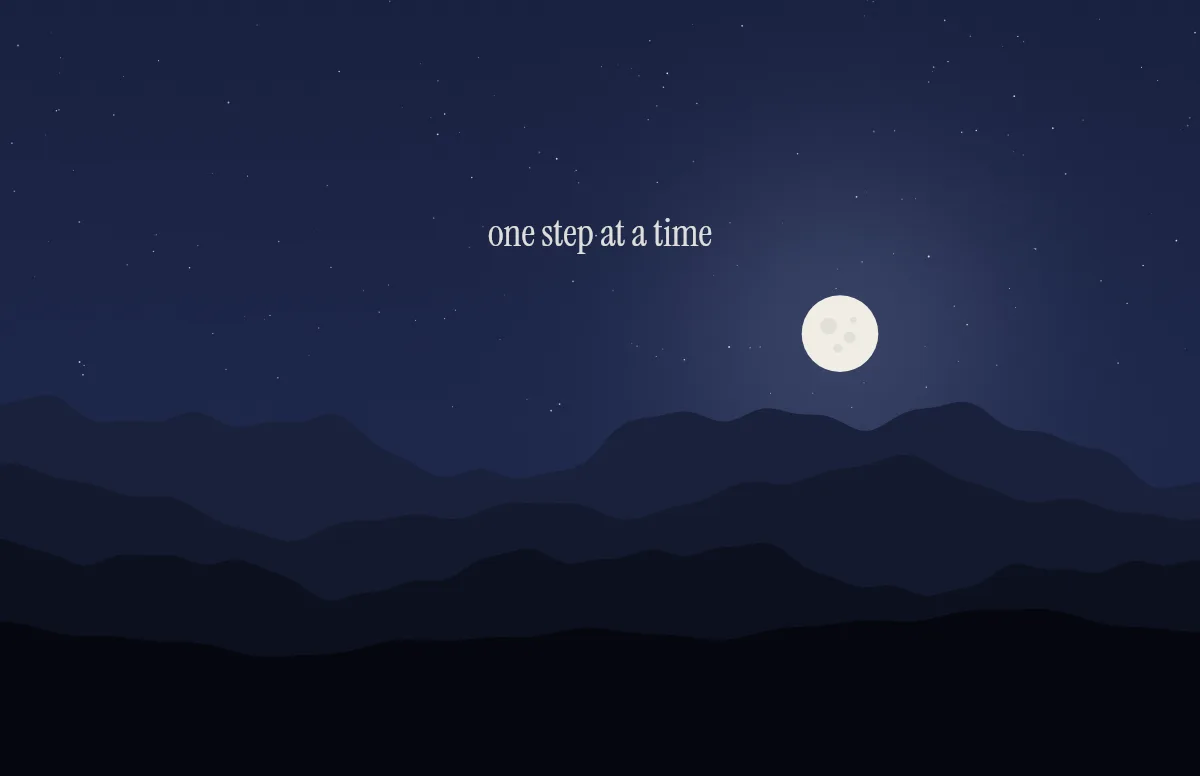
Horizon
Layered mountains under the sun by day and the moon by night.
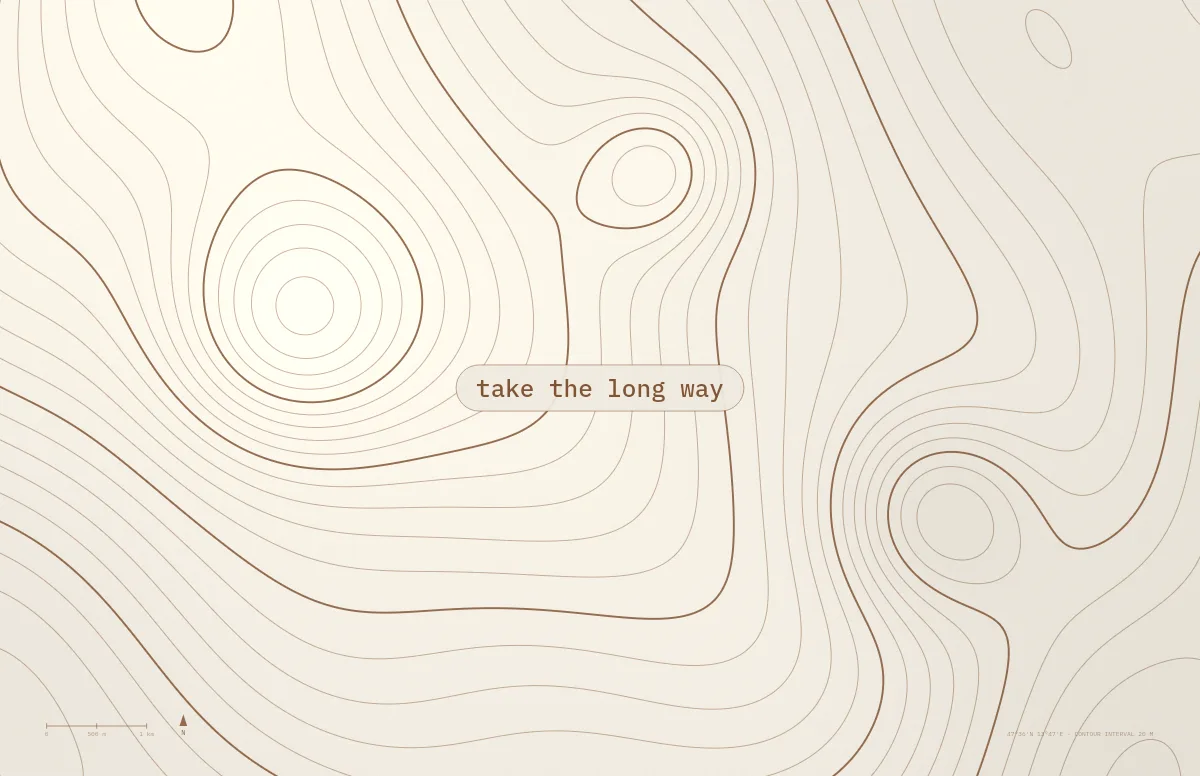
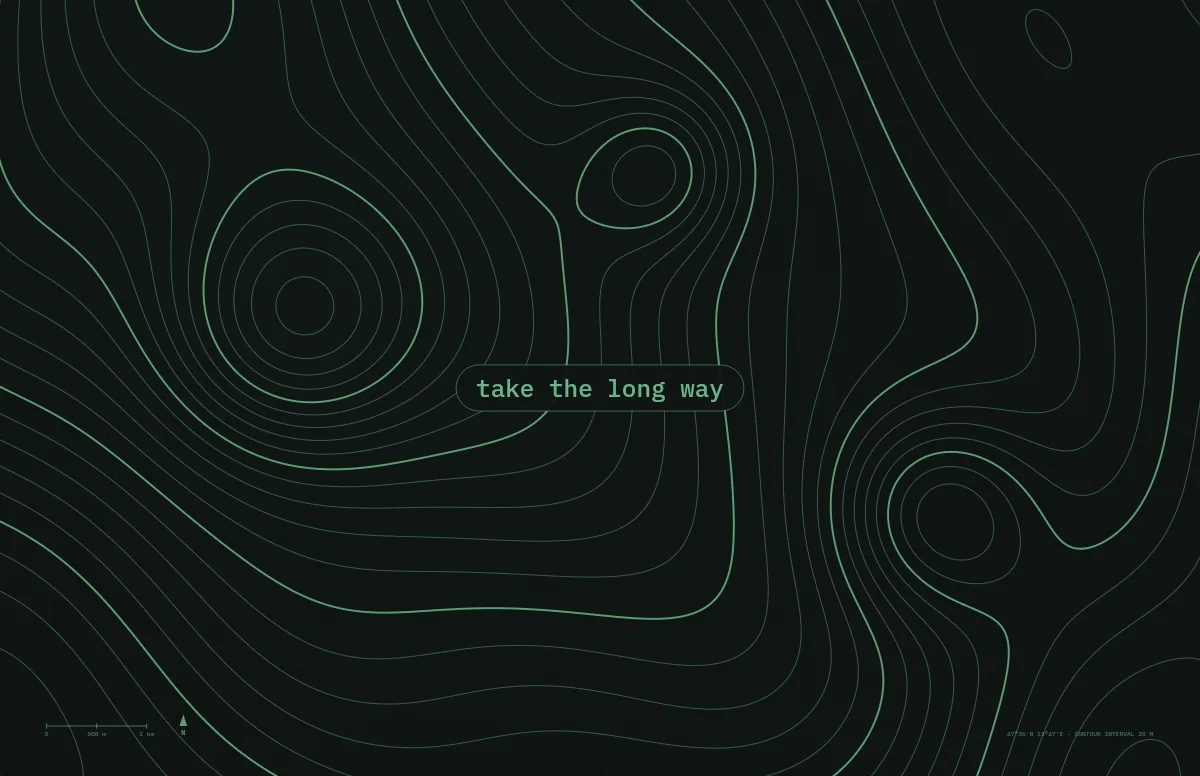
Topo
Contour lines of an imaginary mountain range, with your text as a map label.
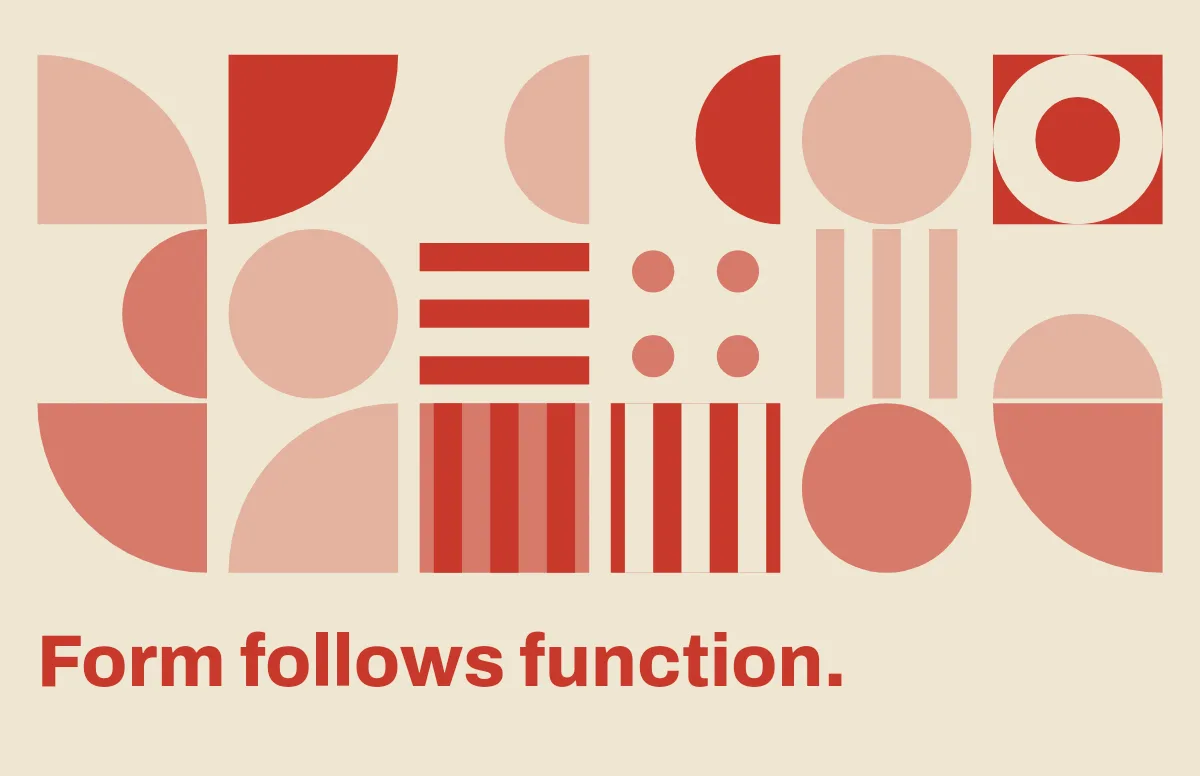
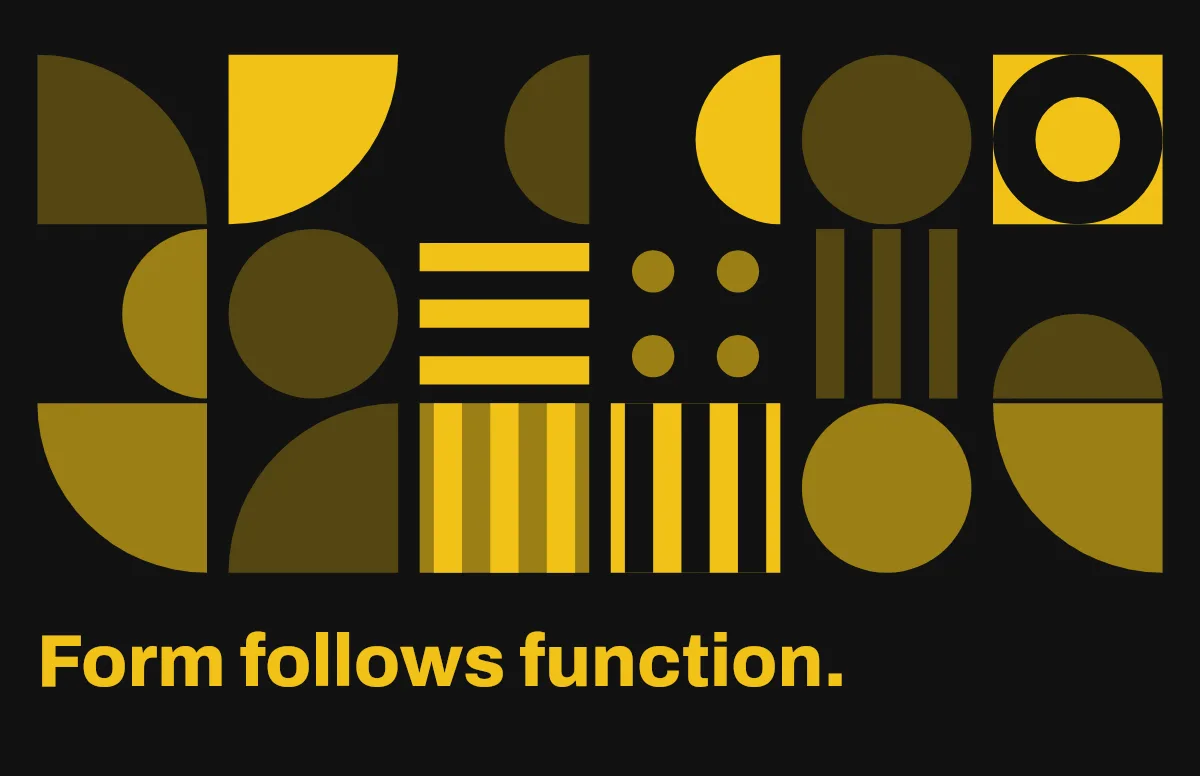
Bauhaus
Circles, quarter circles and stripes on a strict grid, with bold type.
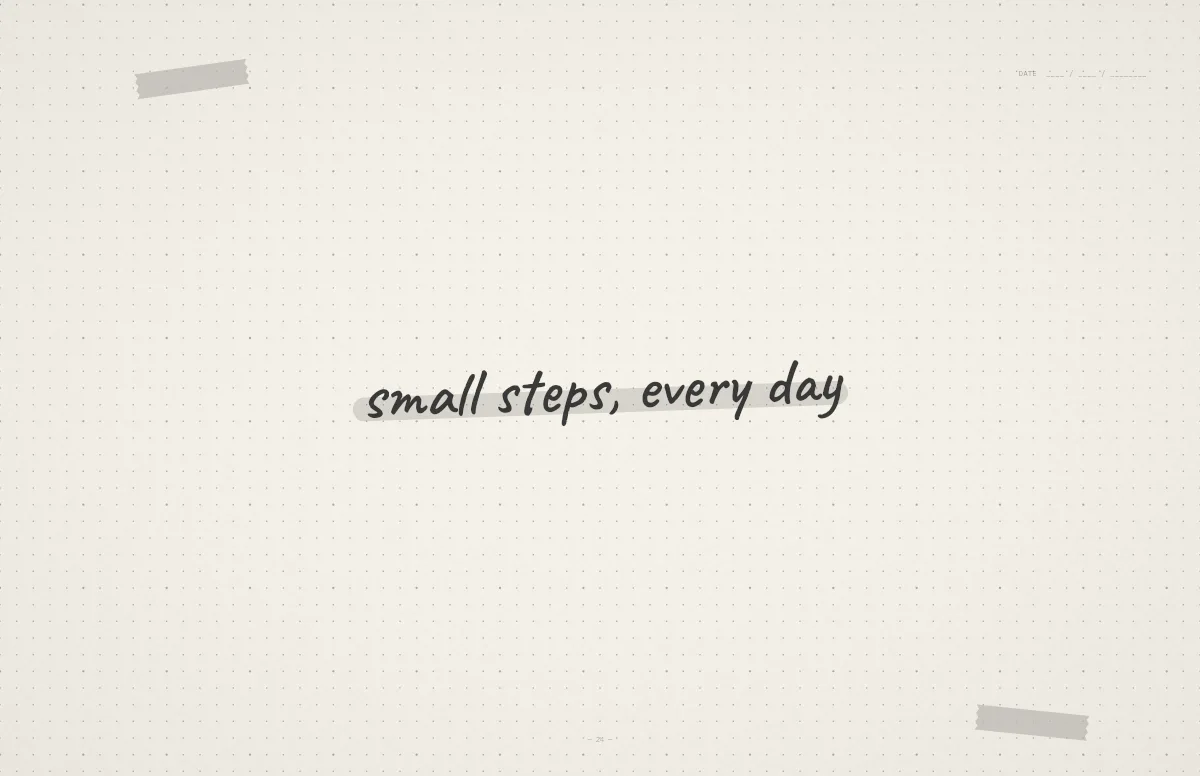
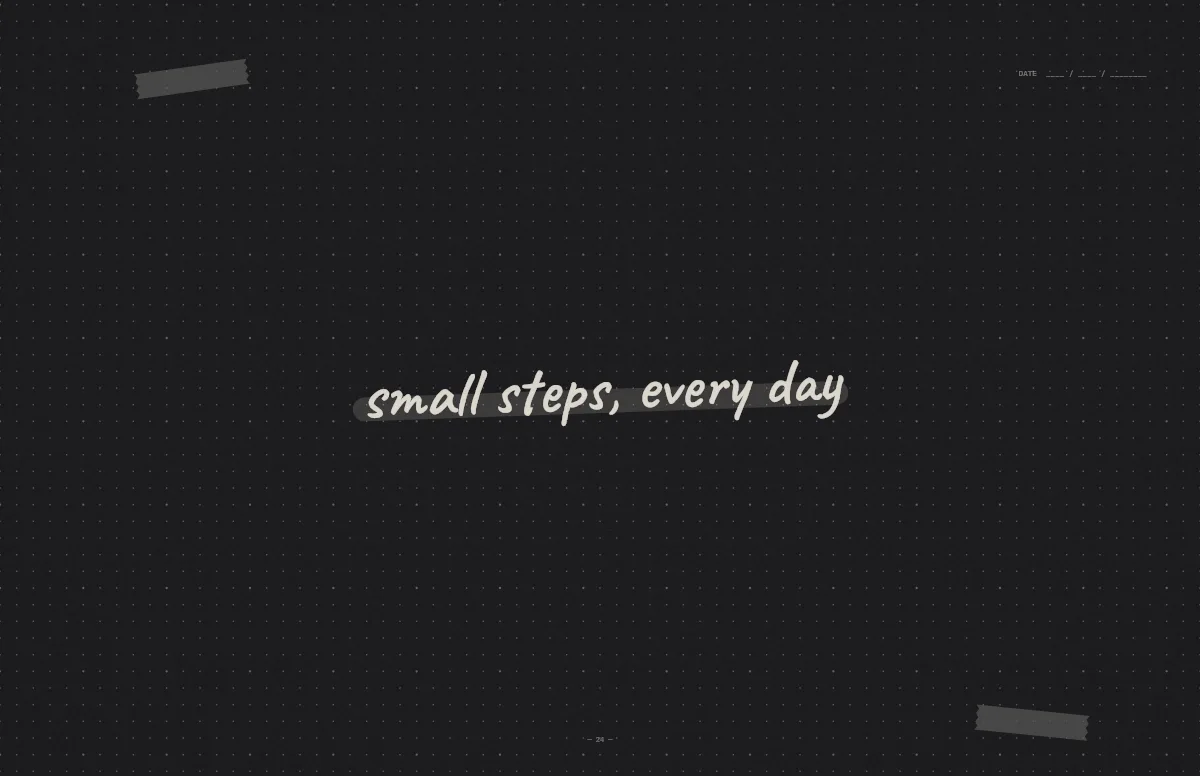
Notebook
A dotted journal page with your line in handwriting and a highlighter stroke.
Other Mac models
| Model | Resolution |
|---|---|
| MacBook Pro 14″ PROLED (2026) | 3024 × 1986 |
| MacBook Pro 16″ PROLED (2026) | 3472 × 2266 |
| MacBook Pro 14″ M6 (2026) | 3024 × 1964 |
| MacBook Pro 14″ | 3024 × 1964 |
| MacBook Pro 16″ | 3456 × 2234 |
| MacBook Air 13″ (M2–M5) | 2560 × 1664 |
| MacBook Air 15″ | 2880 × 1864 |
| MacBook Neo 13″ | 2408 × 1506 |
| MacBook Air 13″ (M1) | 2560 × 1600 |
| MacBook Pro 13″ | 2560 × 1600 |
| iMac 24″ | 4480 × 2520 |
| Studio Display 27″ | 5120 × 2880 |
| iMac 27″ (5K) | 5120 × 2880 |
| Pro Display XDR 32″ | 6016 × 3384 |
| MacBook Pro 16″ (Intel, 2019) | 3072 × 1920 |
| MacBook Pro 15″ (Intel, 2016–2019) | 2880 × 1800 |
| 4K Display | 3840 × 2160 |
| Ultrawide Display | 3440 × 1440 |
| 1080p Display | 1920 × 1080 |