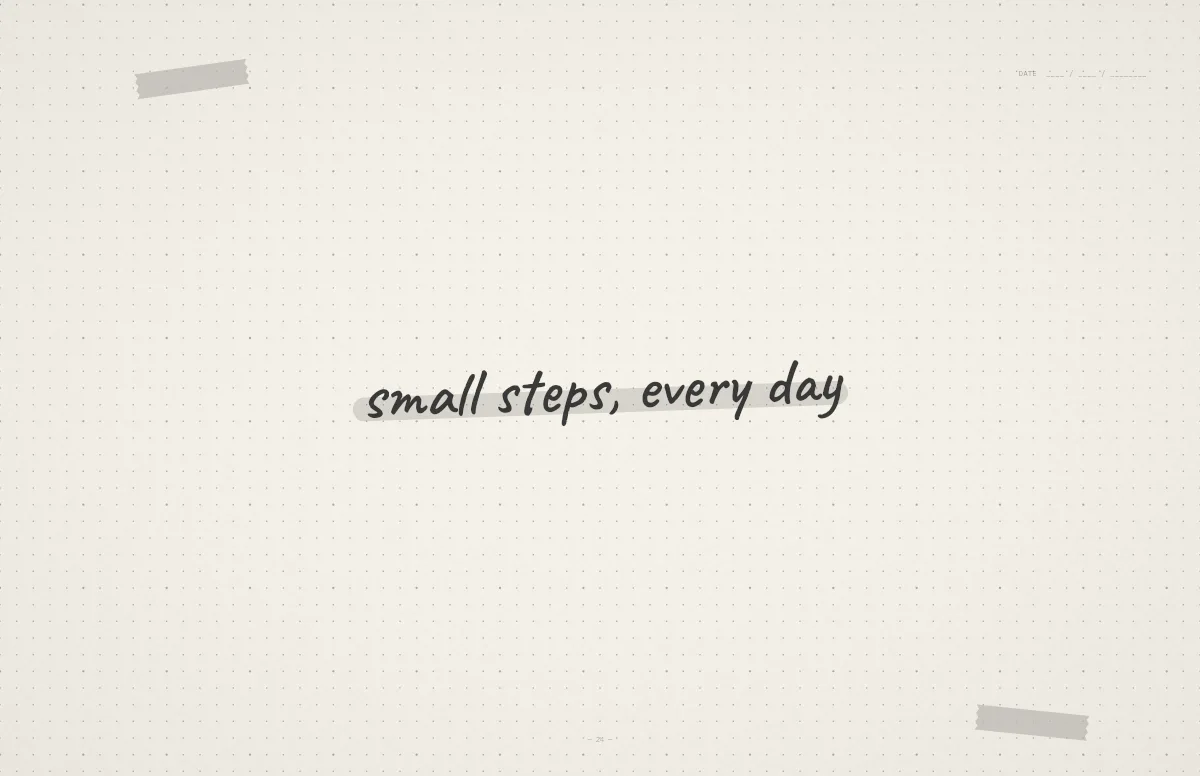
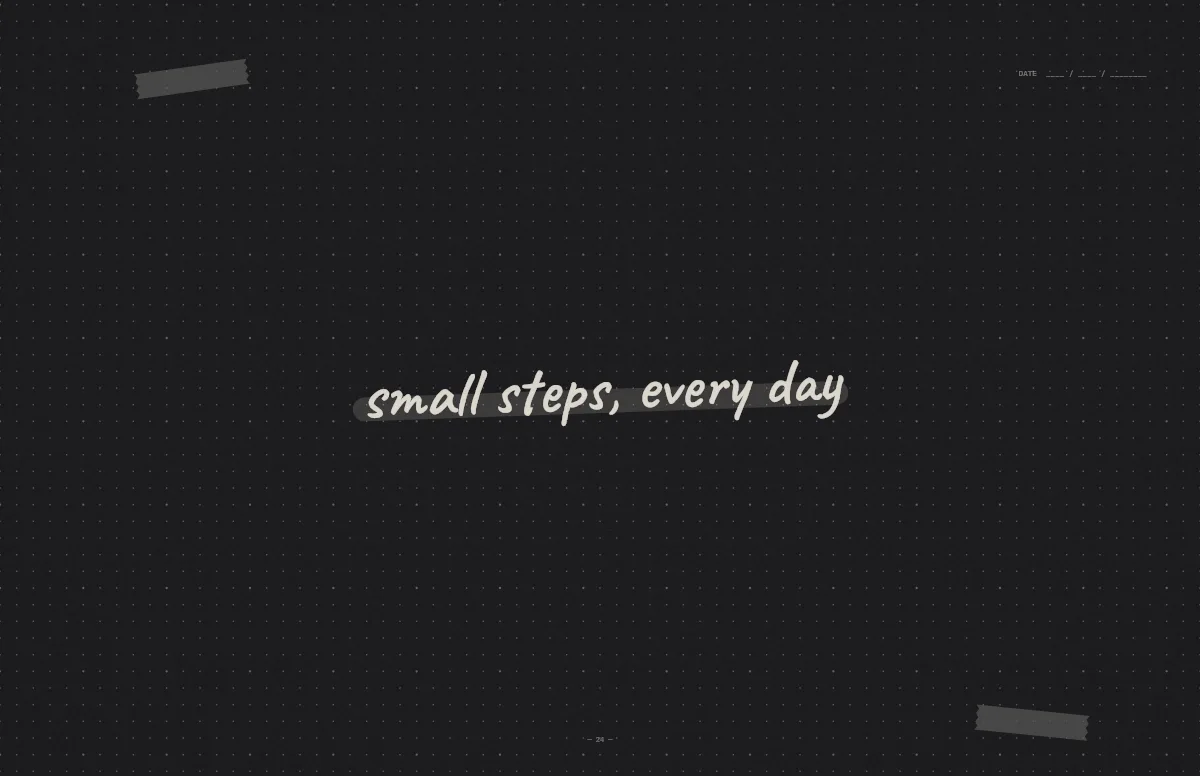
About this style
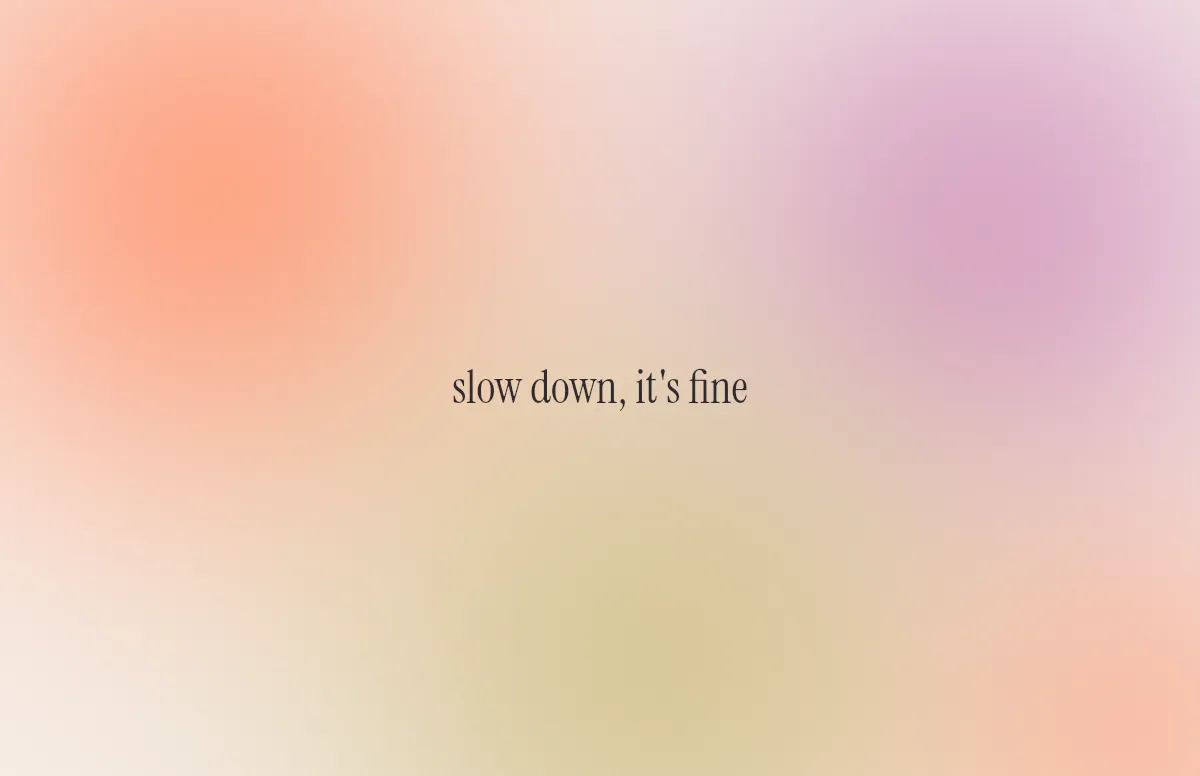
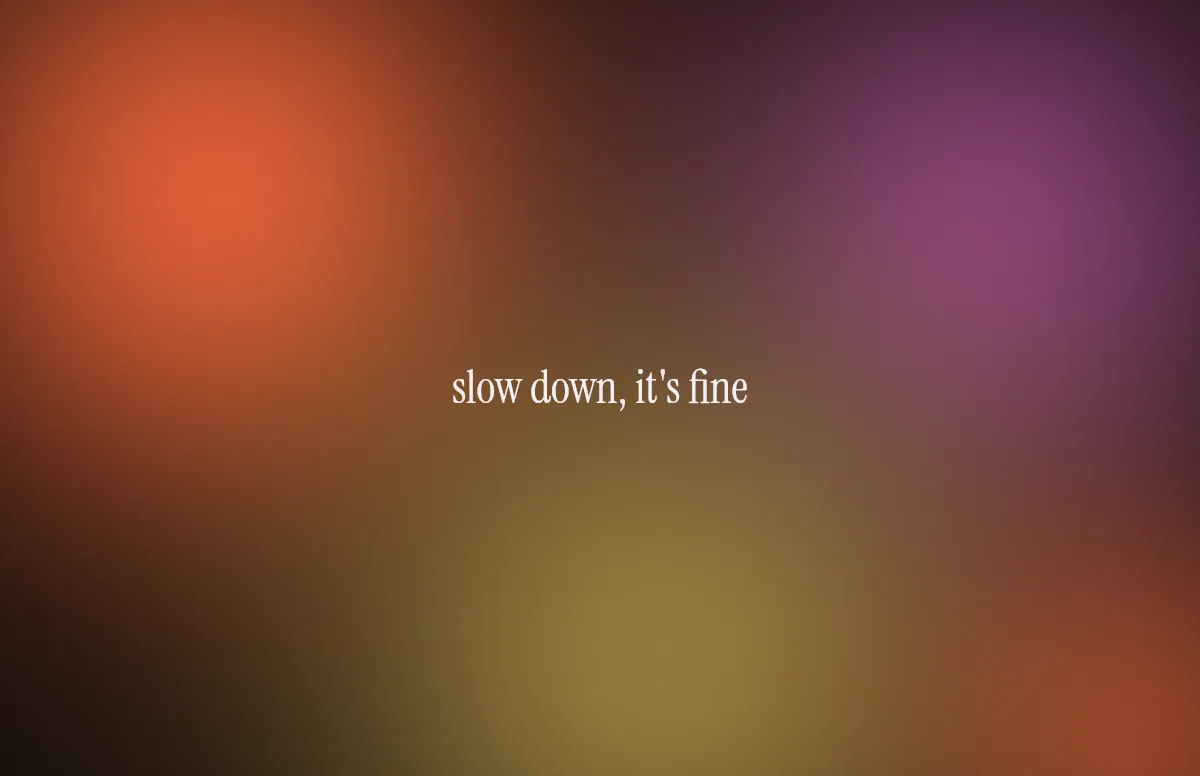
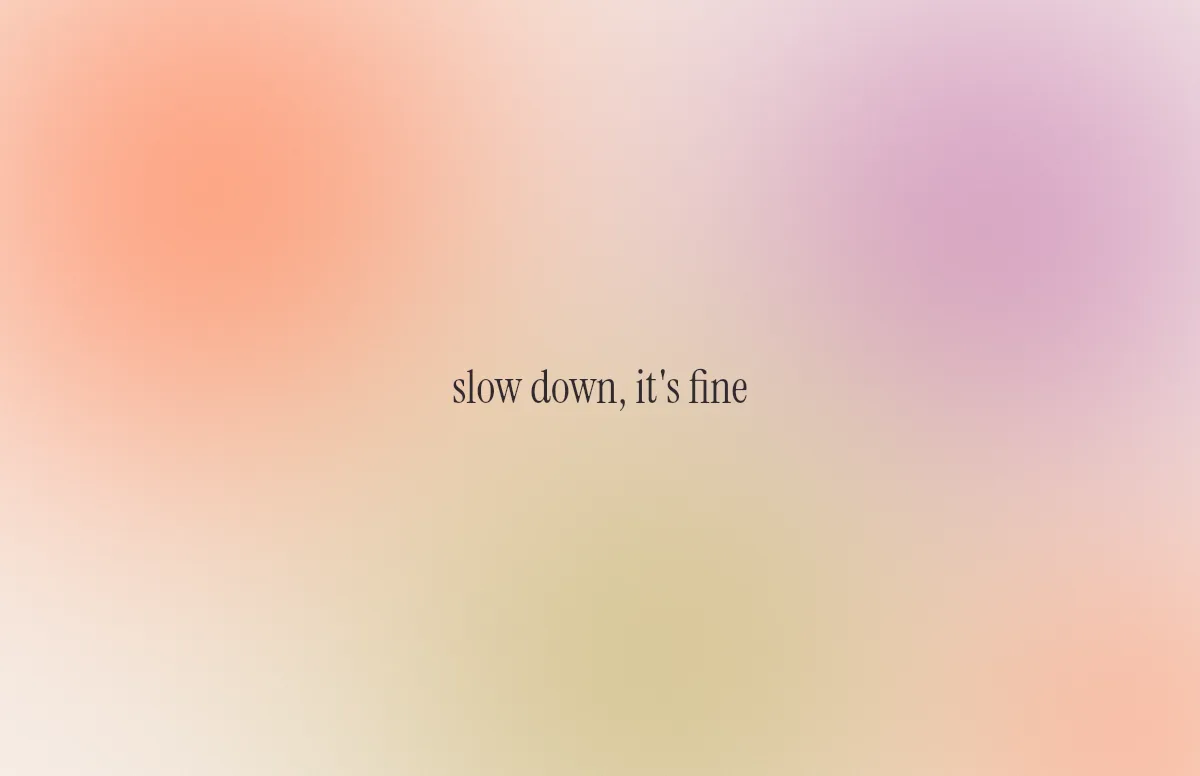
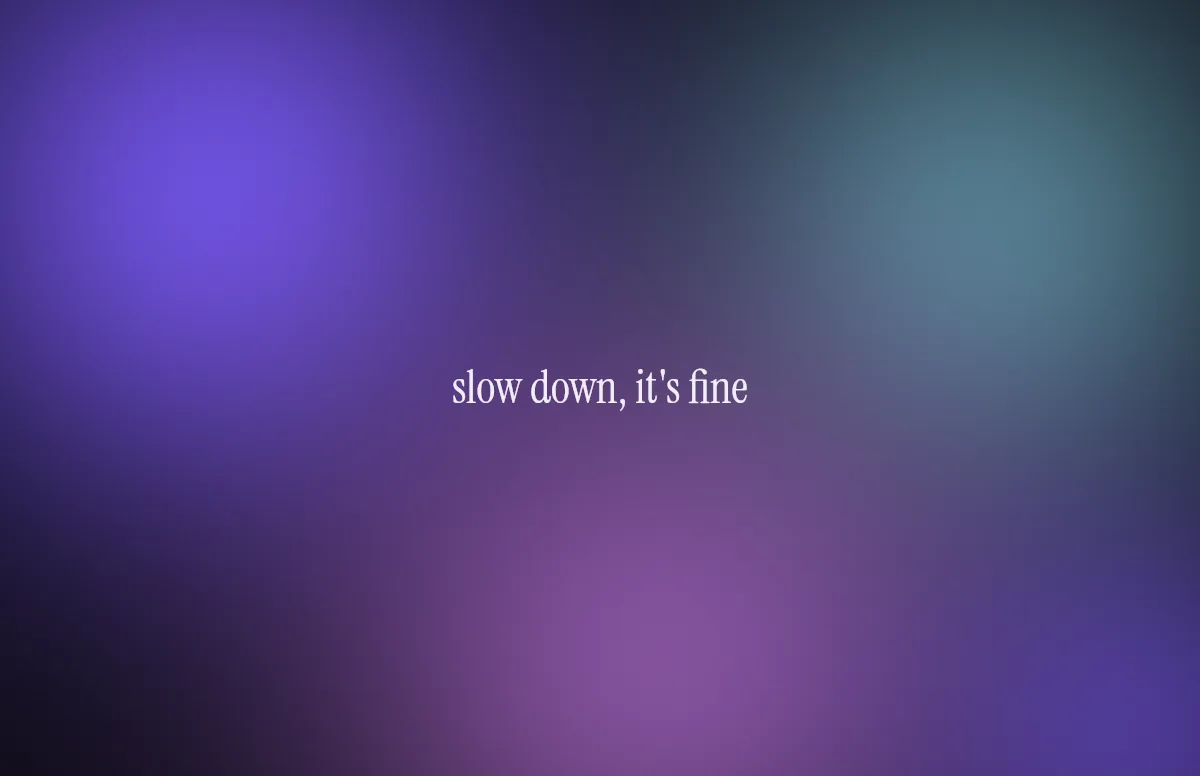
The Aura template above is made of several large, soft color fields. With Peach in light mode and Ember in dark mode you get a warm sunrise and sunset look. Lilac and Ultraviolet are the cool alternative, Mint and Lagoon the fresh one.
Gradients are where banding shows up first: thin visible steps instead of a smooth fade. Notchwerk adds a light film grain at full resolution, which hides those steps on Retina displays. You can switch the grain off under Details if you want a perfectly clean surface.
Your text sits in the middle in a calm serif. Leave the field empty if you just want color.
The same style on iPhone
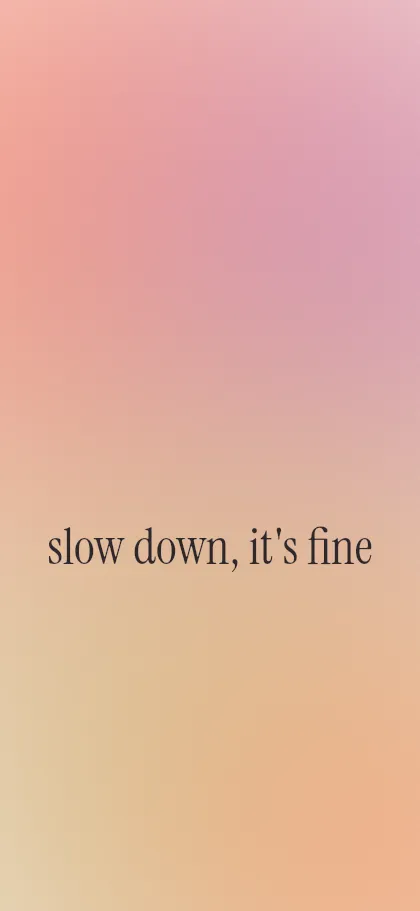
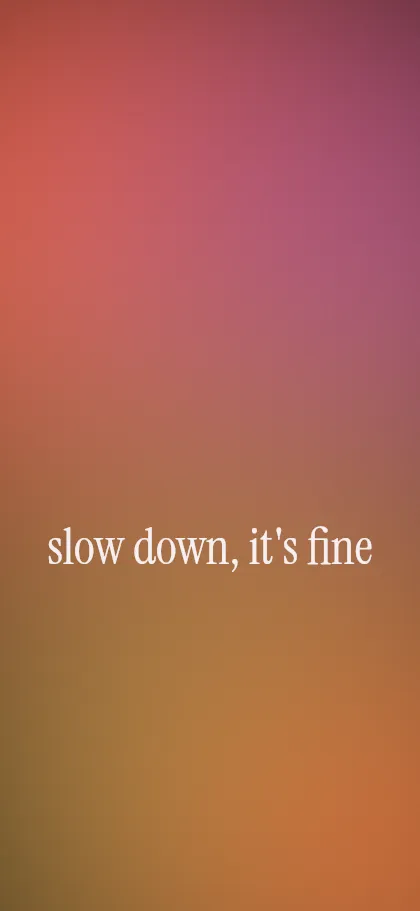
Pick your iPhone under Your device, or open the iPhone generator. The layout is rebuilt for the tall screen and the text sits below the lock-screen clock.
Questions and answers
Why do some gradient wallpapers show stripes?
That is called banding. With only 256 steps per color channel, a long fade can show visible steps. A fine grain hides them, which is why the generator adds one.
Can I choose my own gradient colors?
Yes. Under Light and Dark you can pick any background and accent color, and the glow is built from those.
Will the gradient switch with dark mode?
On the Mac, yes: download the .heic and set it in System Settings. Here is how.