About this style
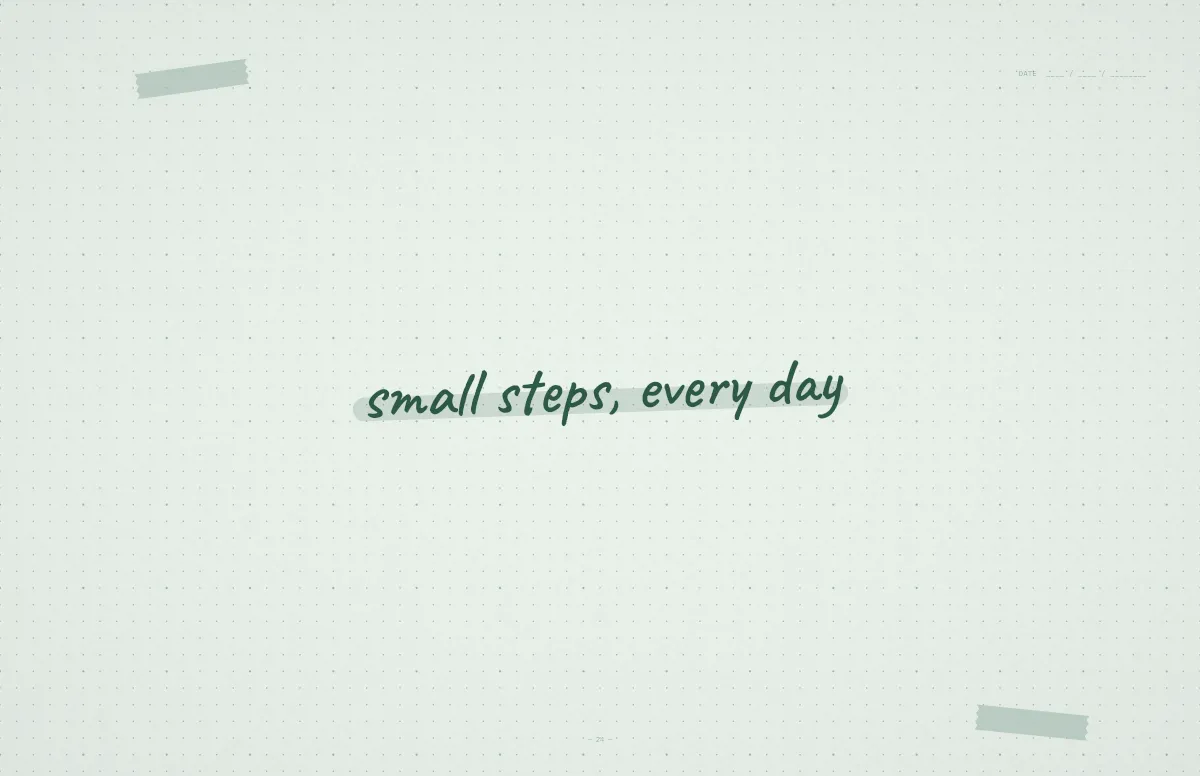
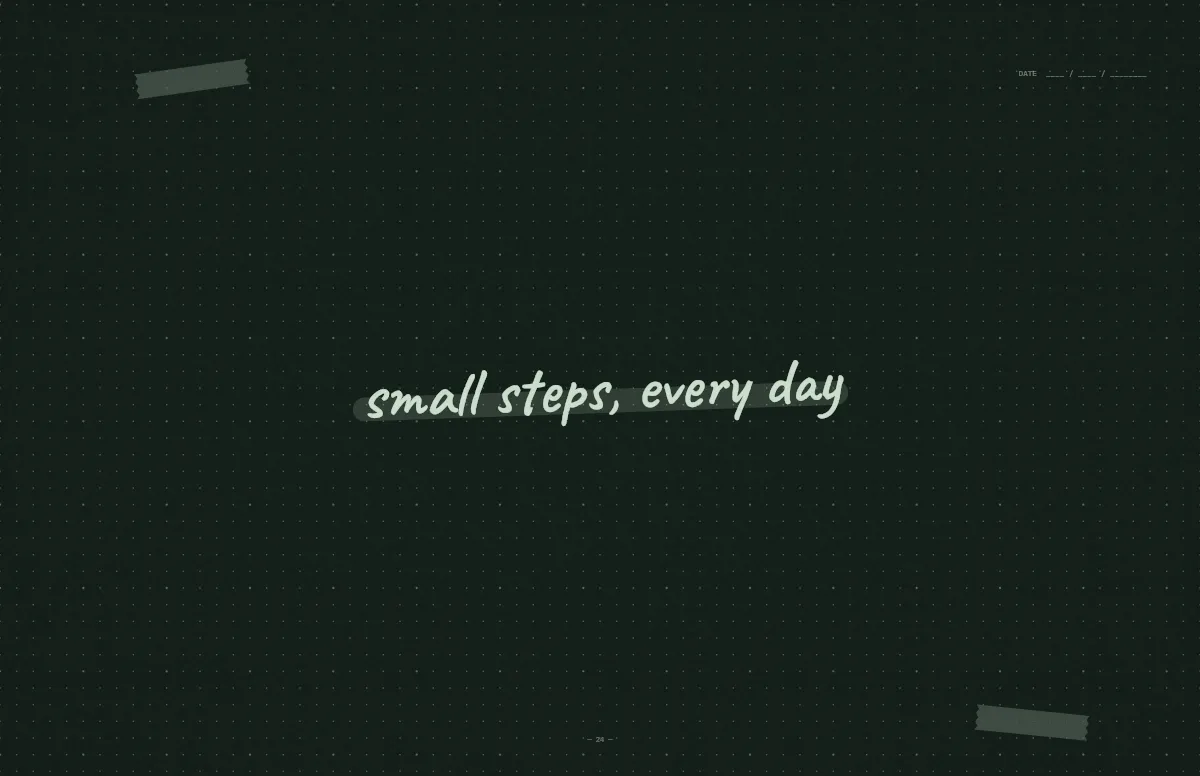
The Notebook template above looks like a page from your own journal. Write the goal for this semester, the exam date or a short reminder, and it appears in handwriting, underlined with a highlighter. Under Details you can switch between dots, lines and squared paper.
For long sessions, low contrast is your friend. Mint by day and Forest at night are soft enough to look at for hours. Once your Mac turns to dark mode in the evening, the wallpaper follows.
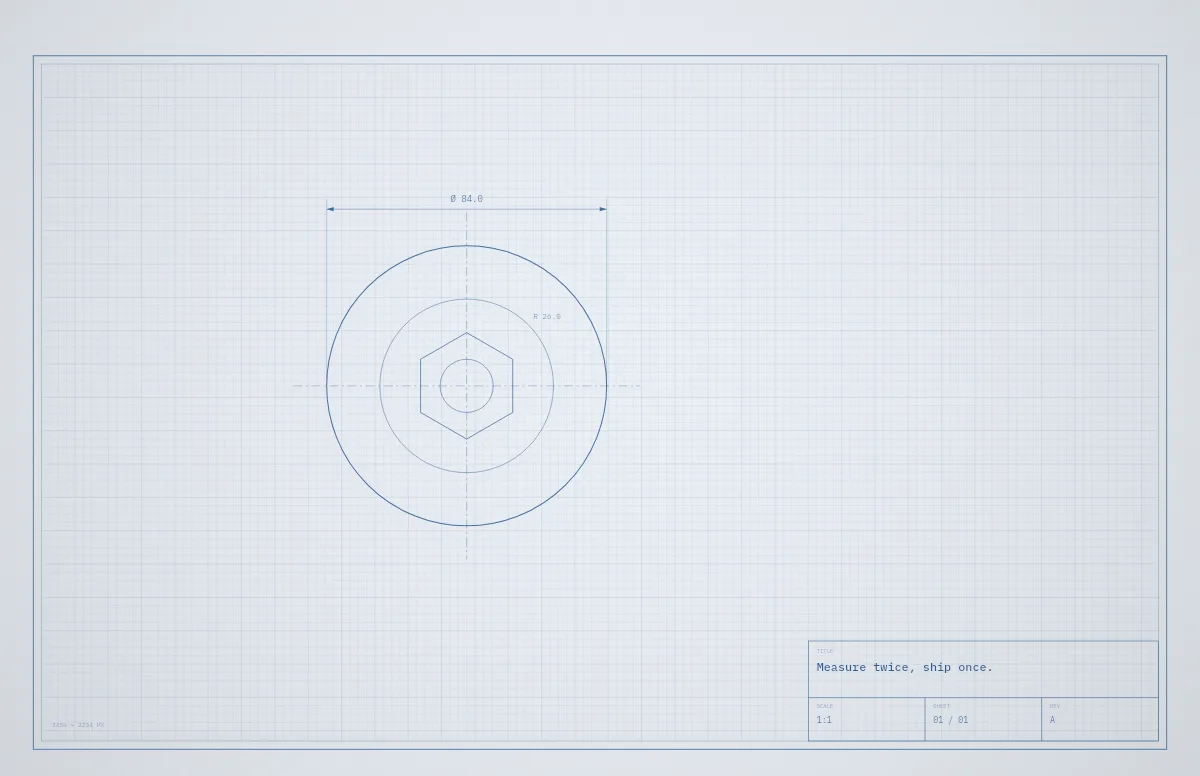
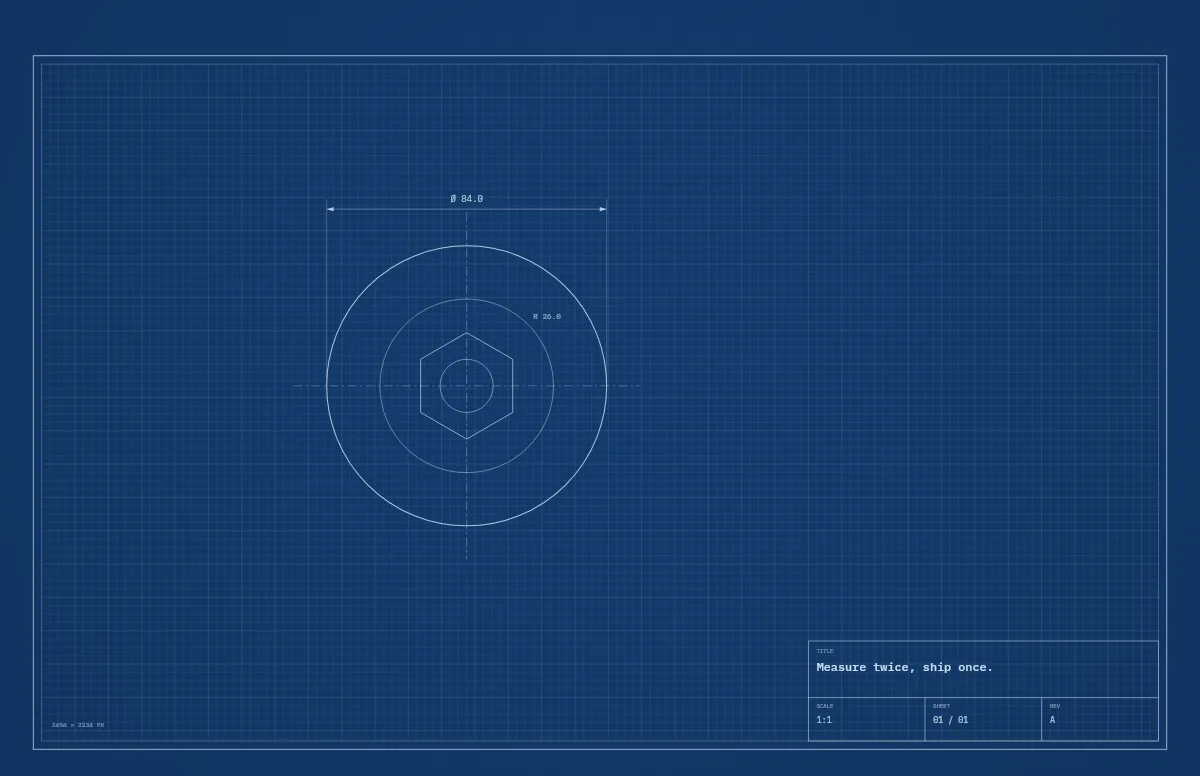
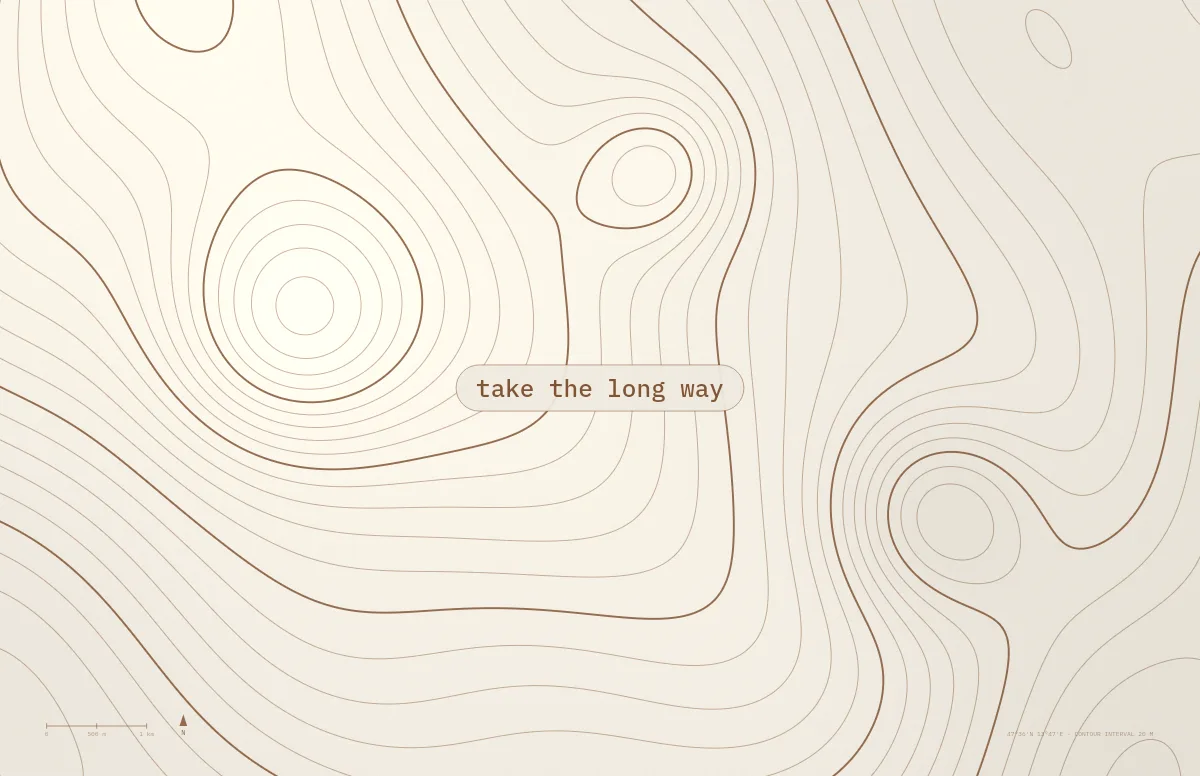
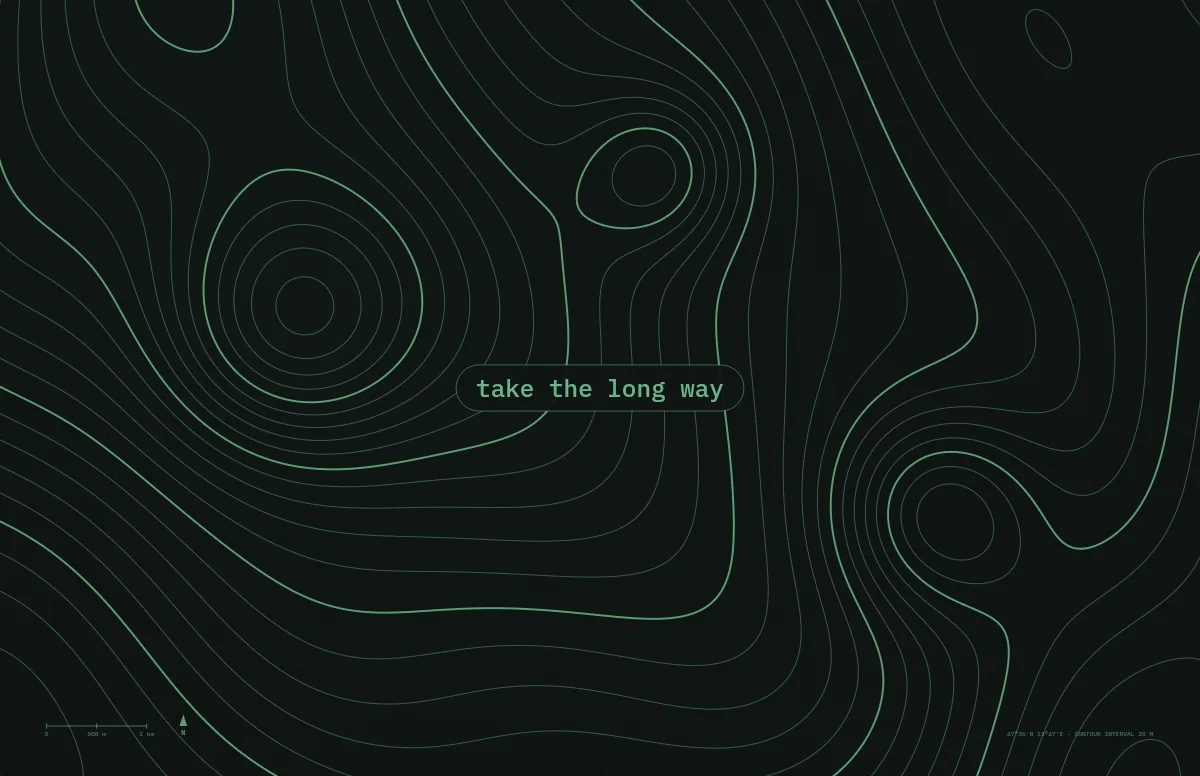
Prefer structure over handwriting? Cutting Mat gives you a ruler grid, Blueprint a technical drawing for engineering students, and Topo a map for geography fans.
The same style on iPhone
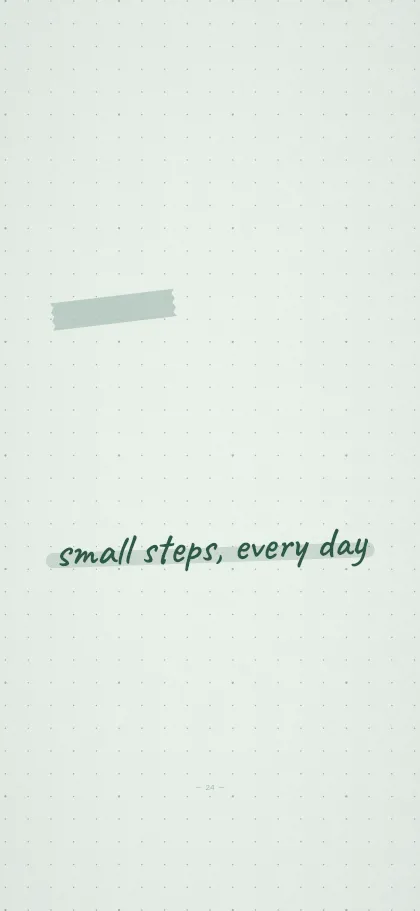
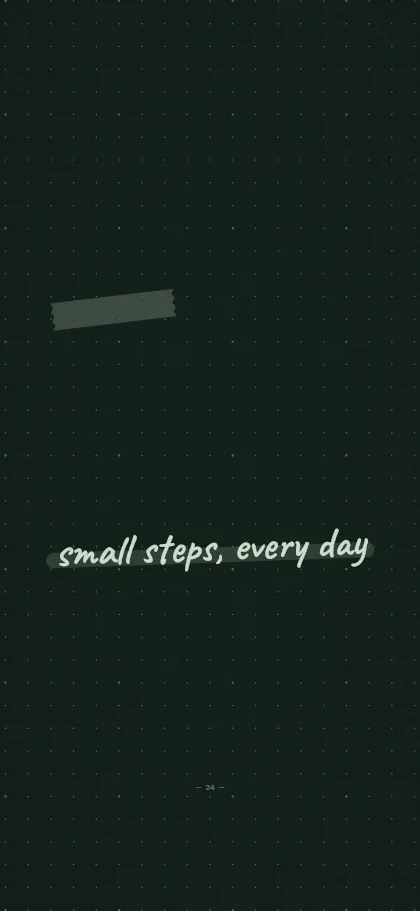
Pick your iPhone under Your device, or open the iPhone generator. The layout is rebuilt for the tall screen and the text sits below the lock-screen clock.
Questions and answers
Can I put my exam date or goal on the wallpaper?
Yes. Type it into the text field. Up to 40 characters fit, and short lines look best.
Can I choose lined or squared paper?
Yes. Under Details, the Paper option switches between dots, lines and squares.
Is it free for students?
Yes. Notchwerk is free for personal use, without sign-up.
Templates for this style
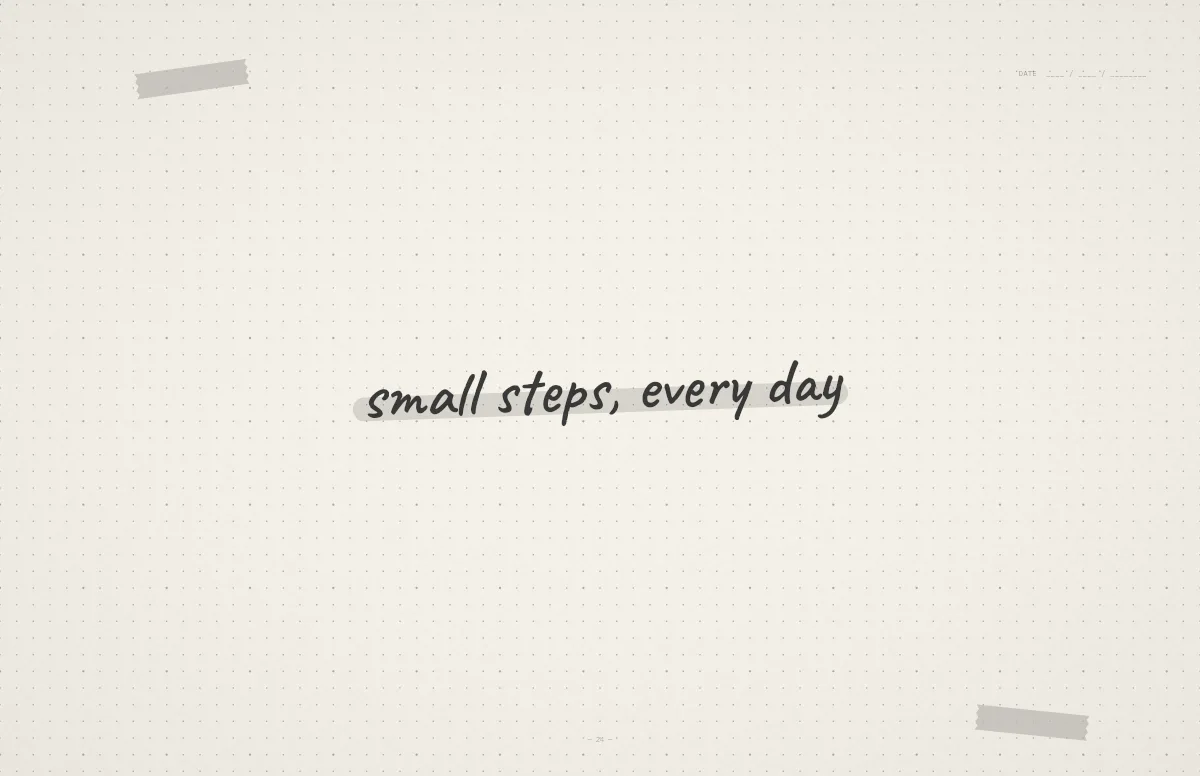
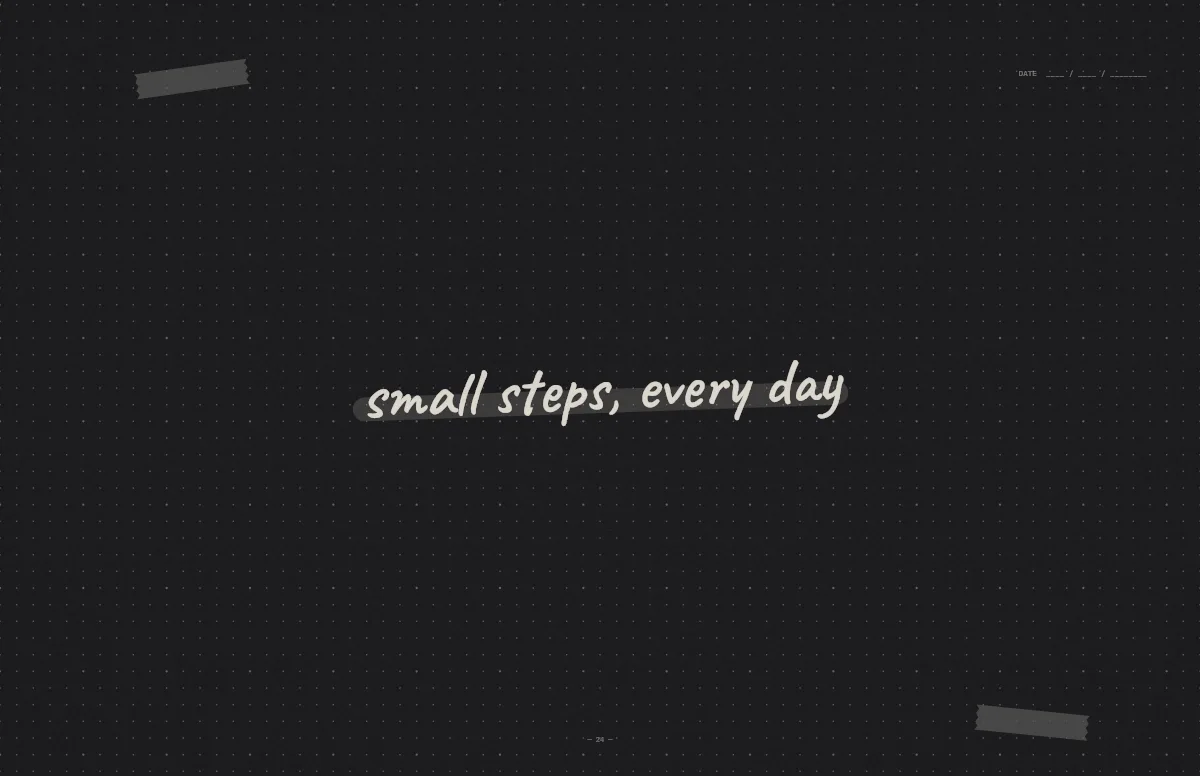
Notebook
A dotted journal page with your line in handwriting and a highlighter stroke.
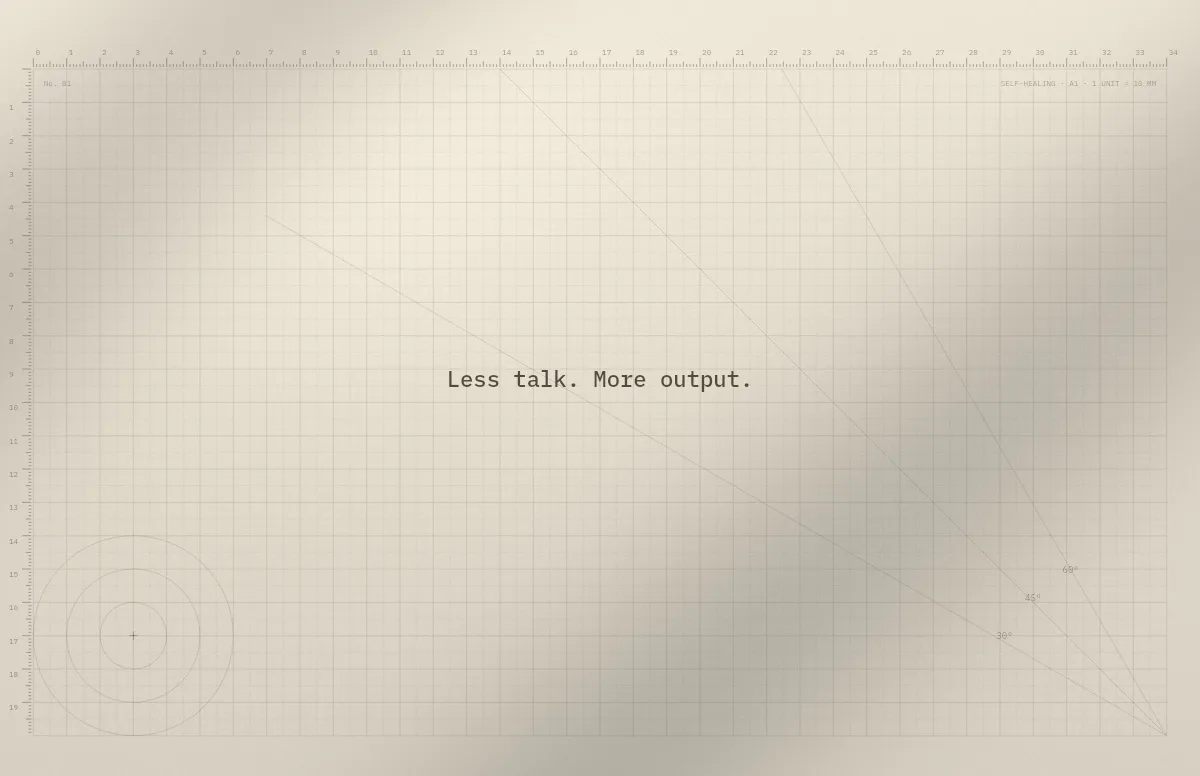
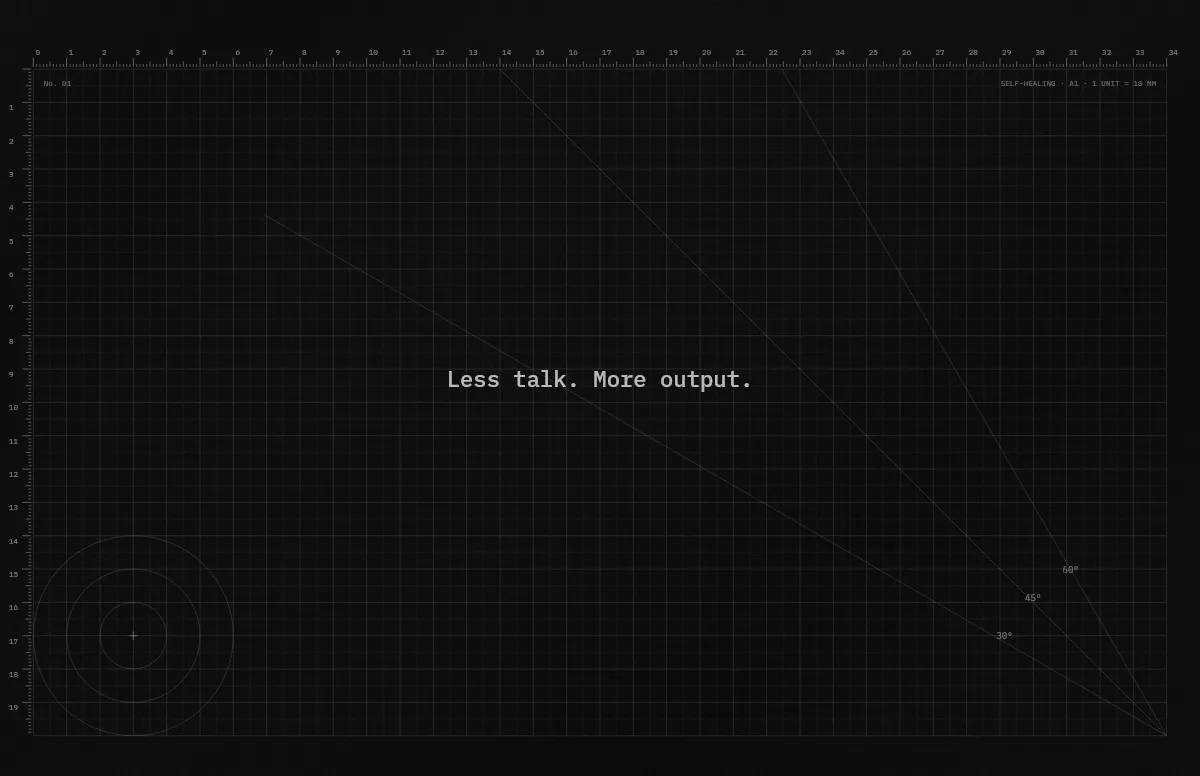
Cutting Mat
Grid, rulers and angle guides, like the mat on a designer's desk.
Blueprint
A technical drawing with a title block that carries your text.
Topo
Contour lines of an imaginary mountain range, with your text as a map label.