About this style
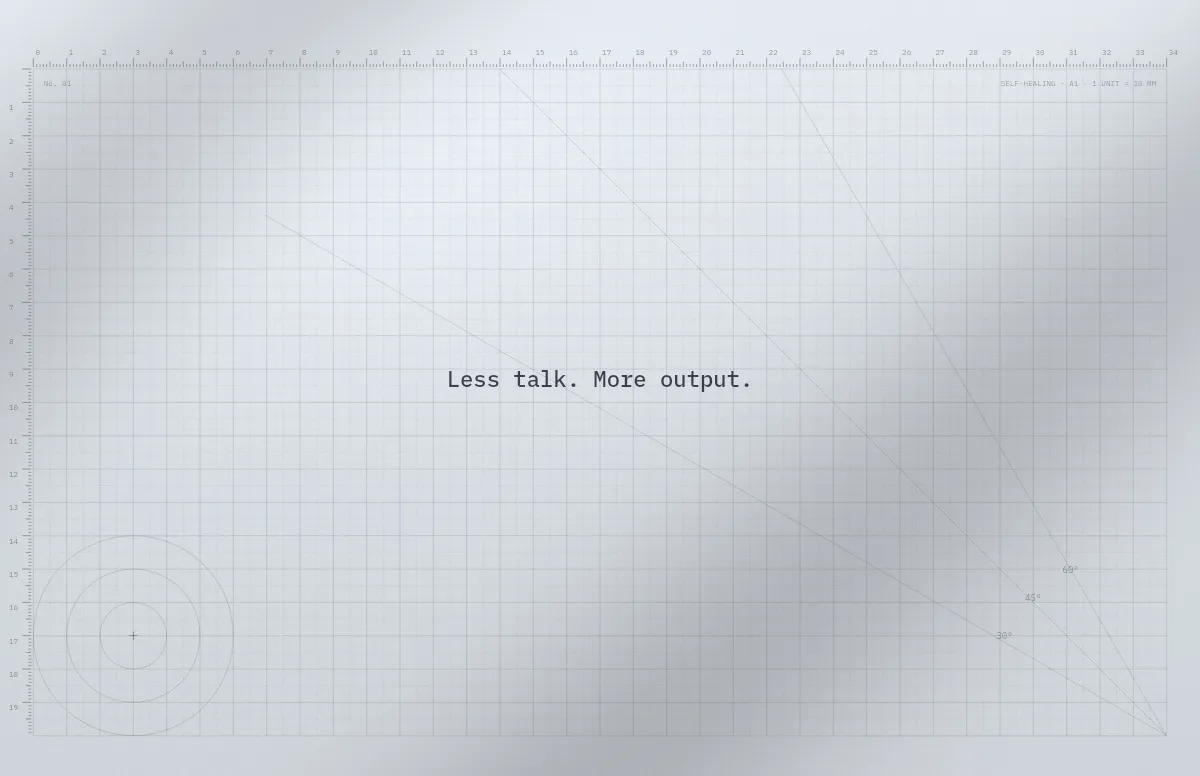
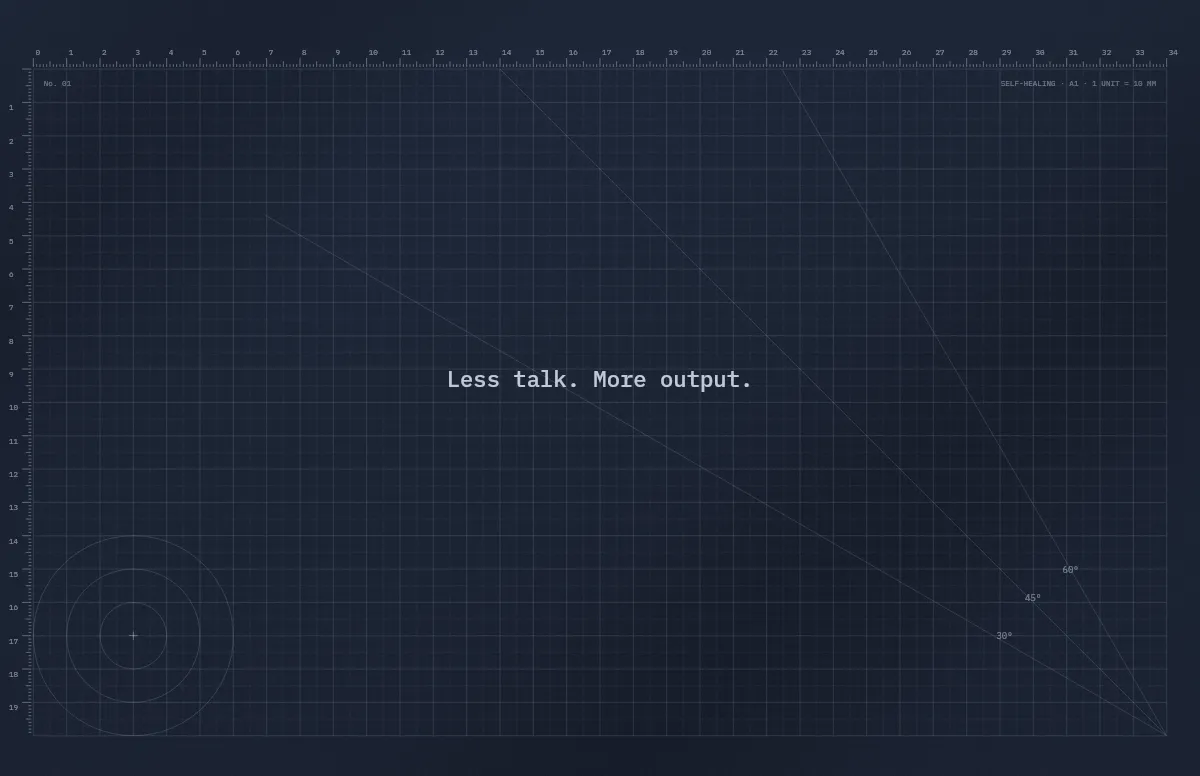
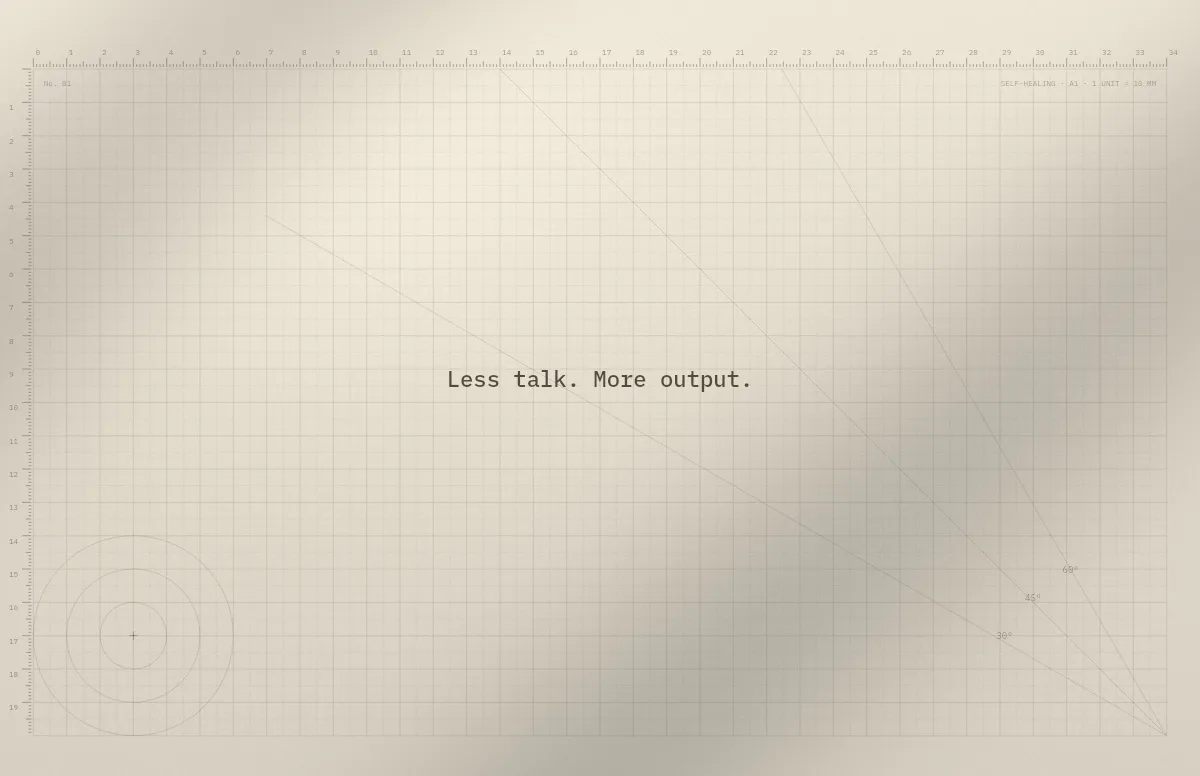
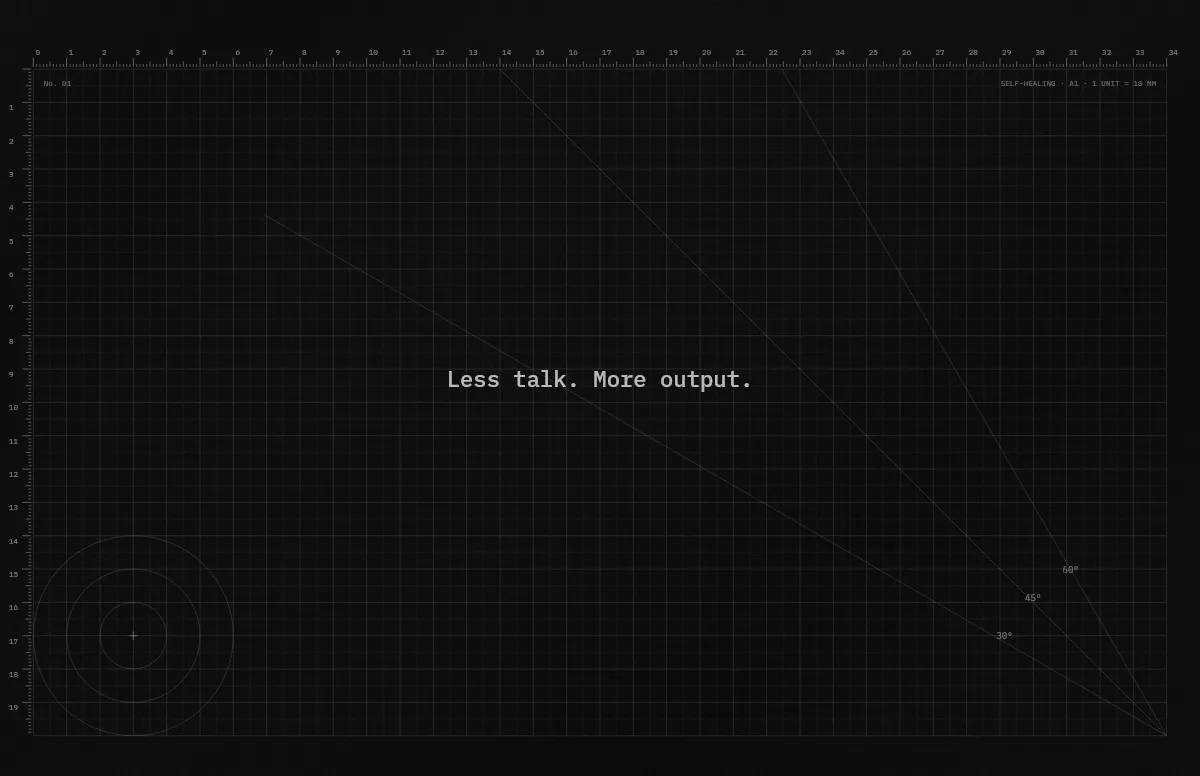
A grid only looks good if it is sharp. Most grid wallpapers you download are scaled to fit your display, and thin lines turn blurry or uneven. The Cutting Mat template above calculates the grid for the exact resolution of the Mac you pick, so every line falls on a whole pixel.
Fog by day and Slate at night give you a cool, neutral grid. Sand and Ink feel warmer, like a real cutting mat on a desk. Under Details you can switch off the angle guides, the circle template or the labels until only the plain grid is left.
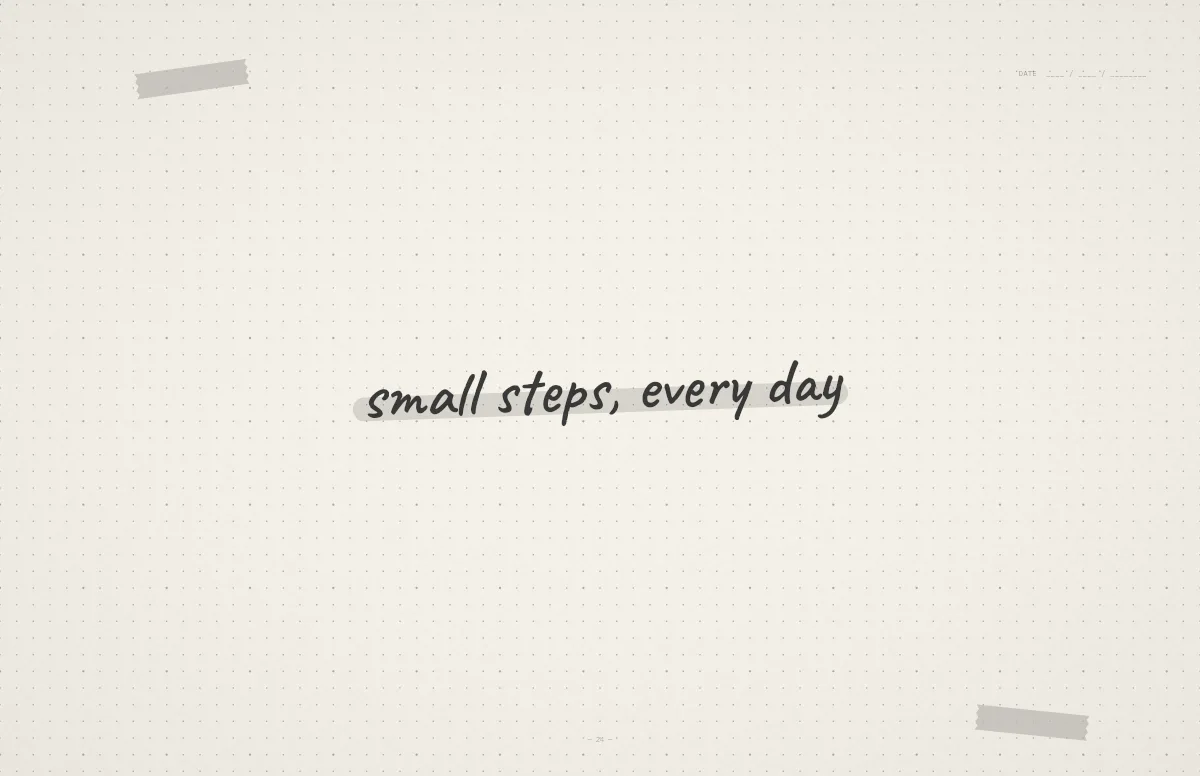
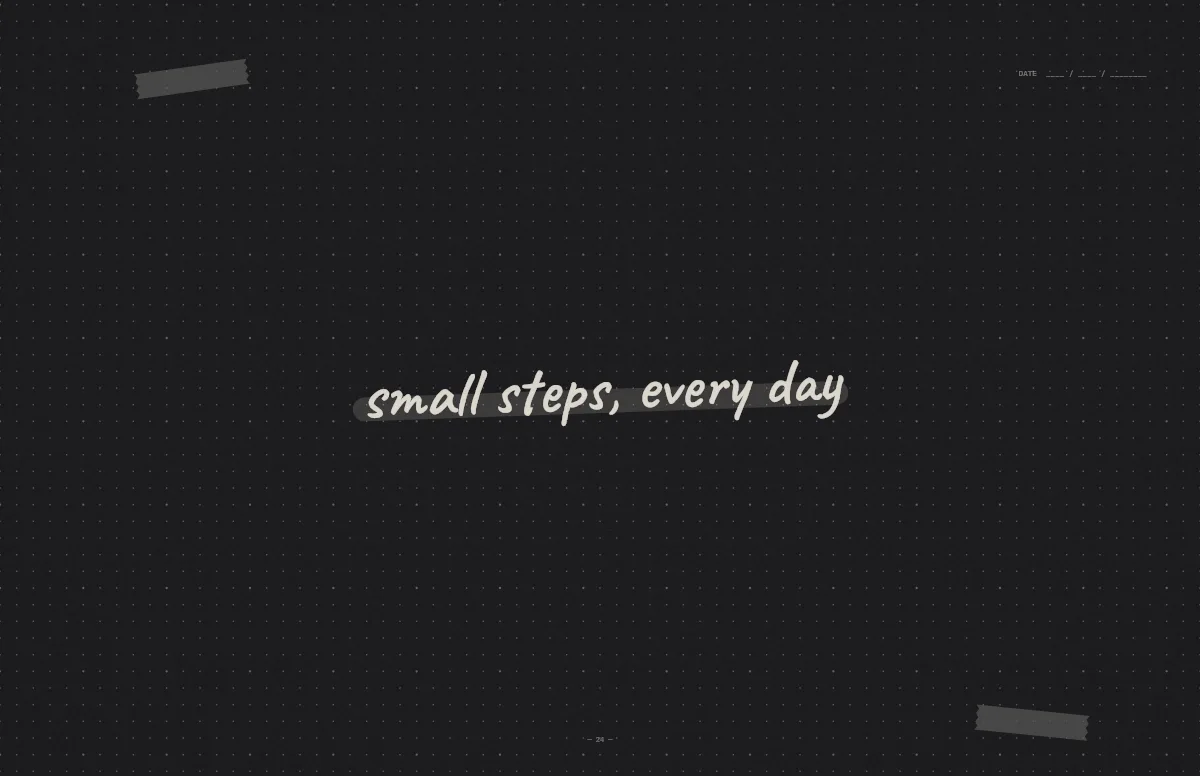
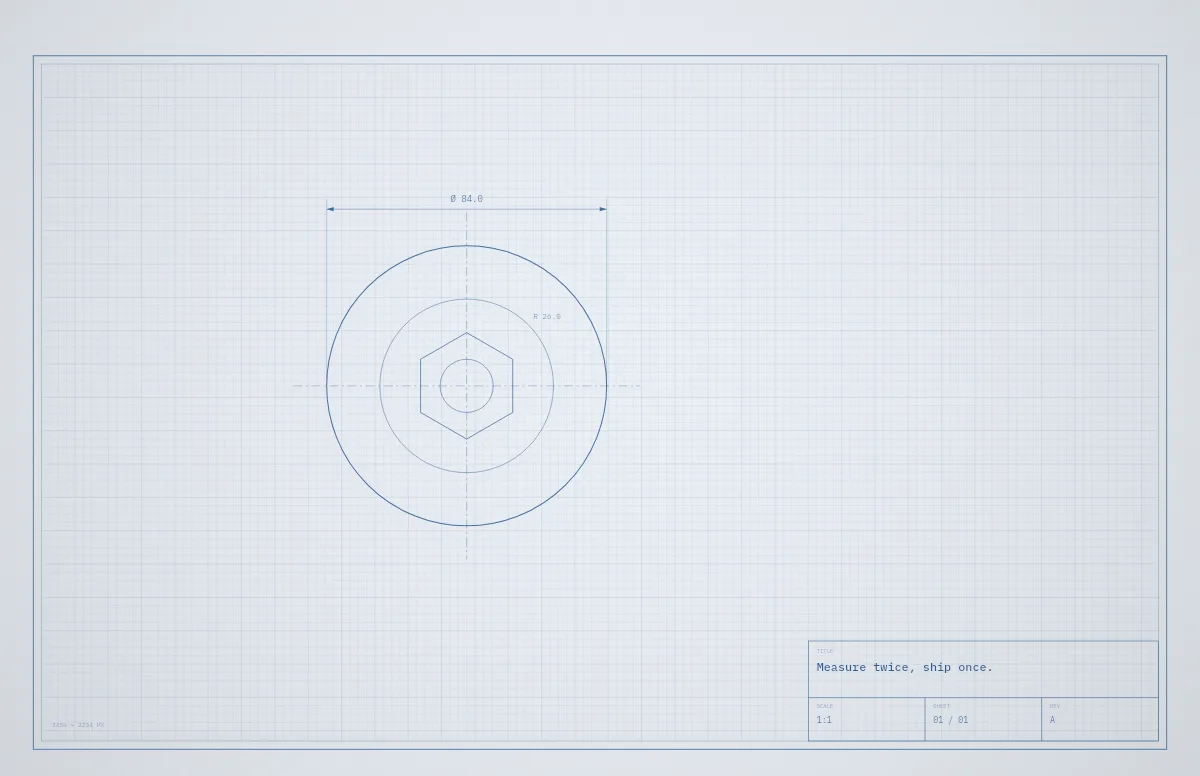
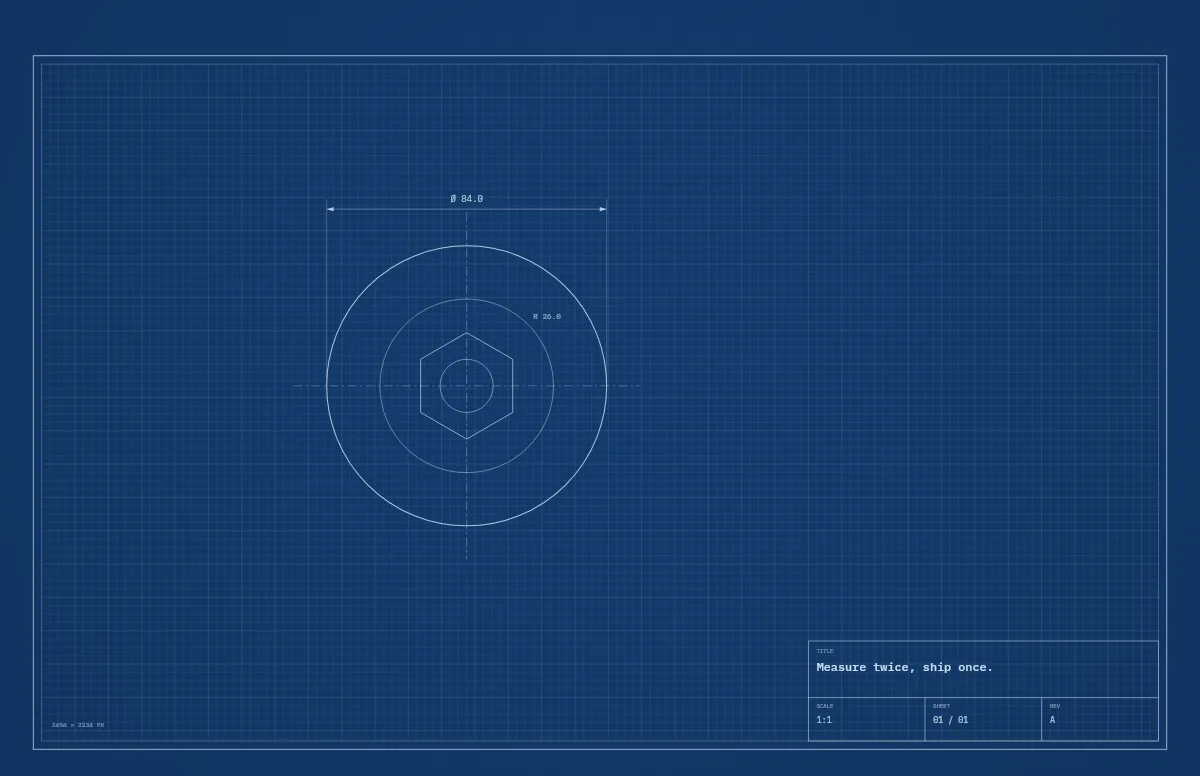
For a softer look, Notebook offers a dot grid or squared paper, and Blueprint a grid on drafting paper with a title block.
The same style on iPhone
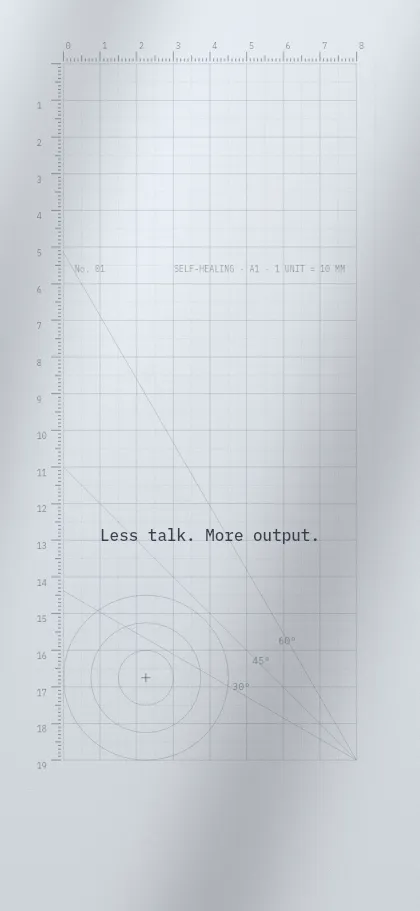
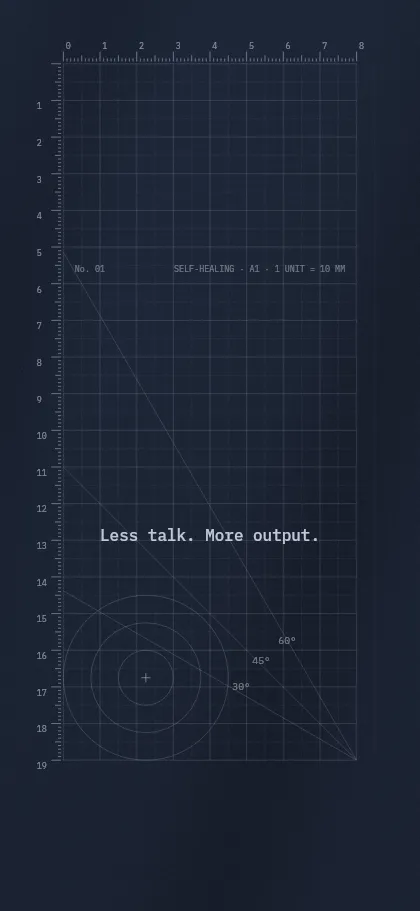
Pick your iPhone under Your device, or open the iPhone generator. The layout is rebuilt for the tall screen and the text sits below the lock-screen clock.
Questions and answers
Why does my grid wallpaper look blurry?
It is probably being scaled. If the image does not match your display's native resolution, macOS stretches it and thin lines get soft. Make it at the exact size of your Mac.
Can I remove the rulers and angles?
Yes. Switch them off under Details for a plain grid.
Does the grid work on iPhone?
Yes. Pick your iPhone under Your device and the grid is recalculated for the tall screen.