About this style
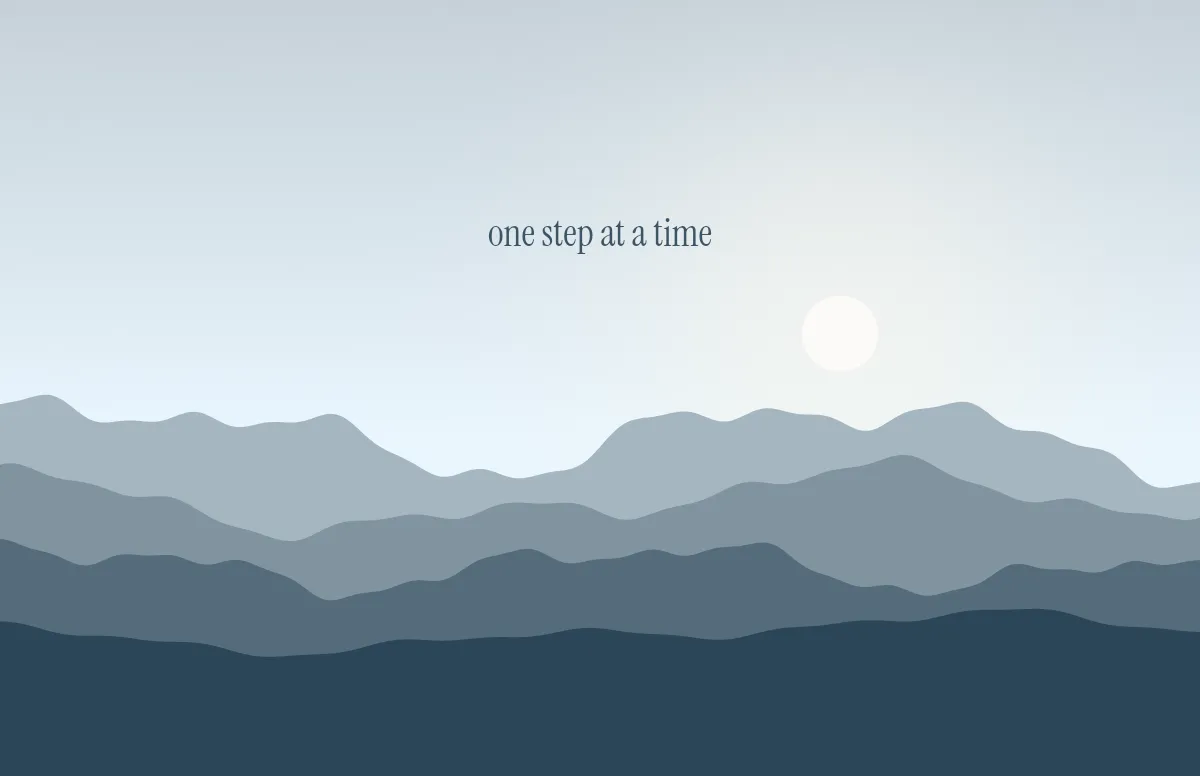
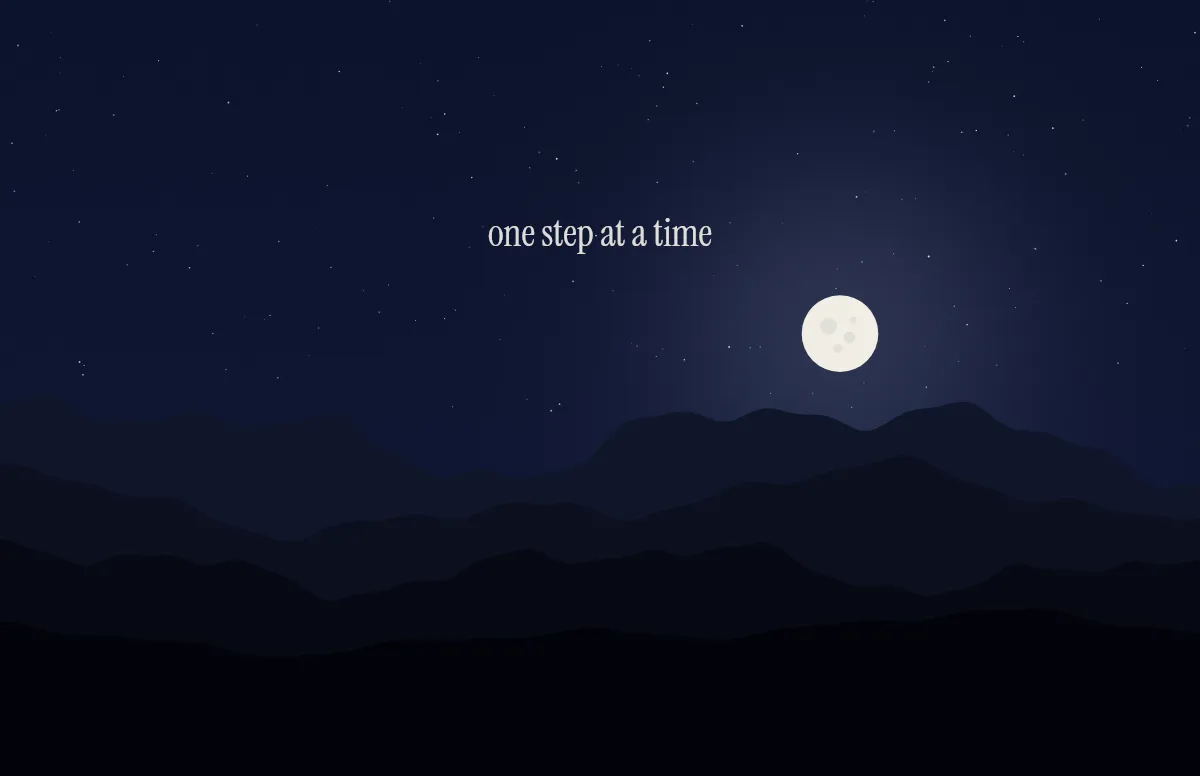
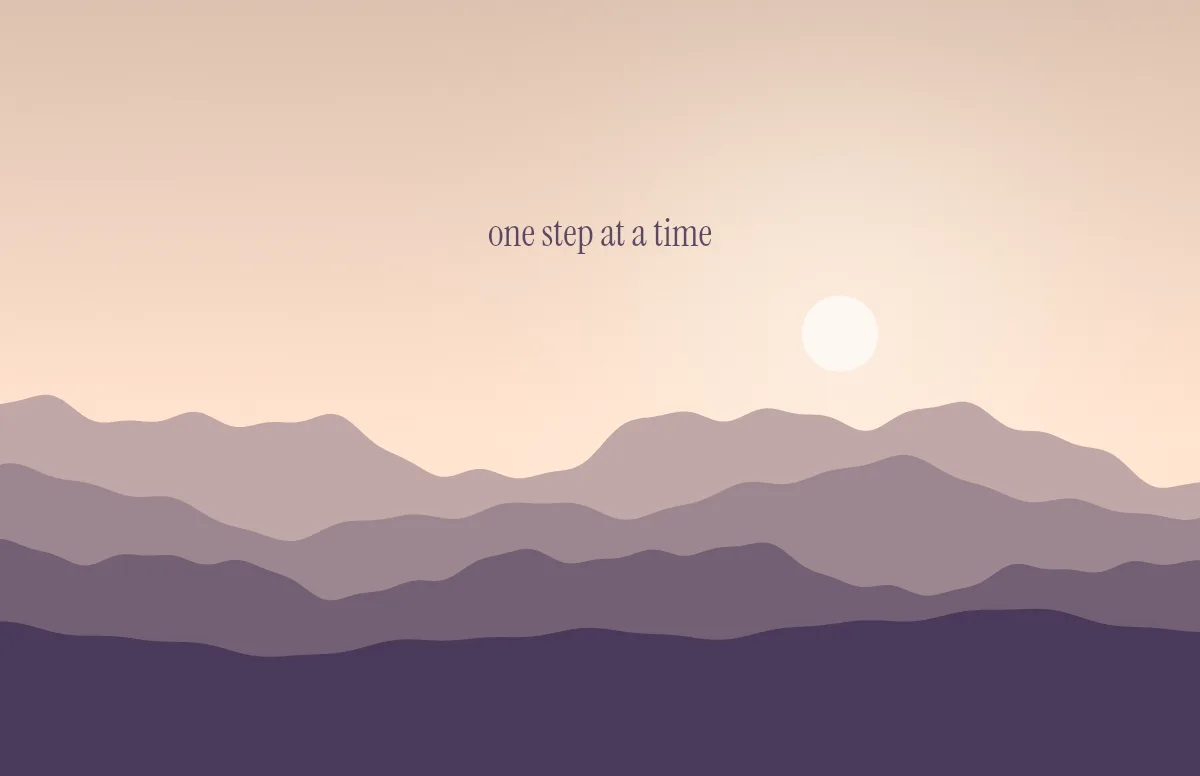
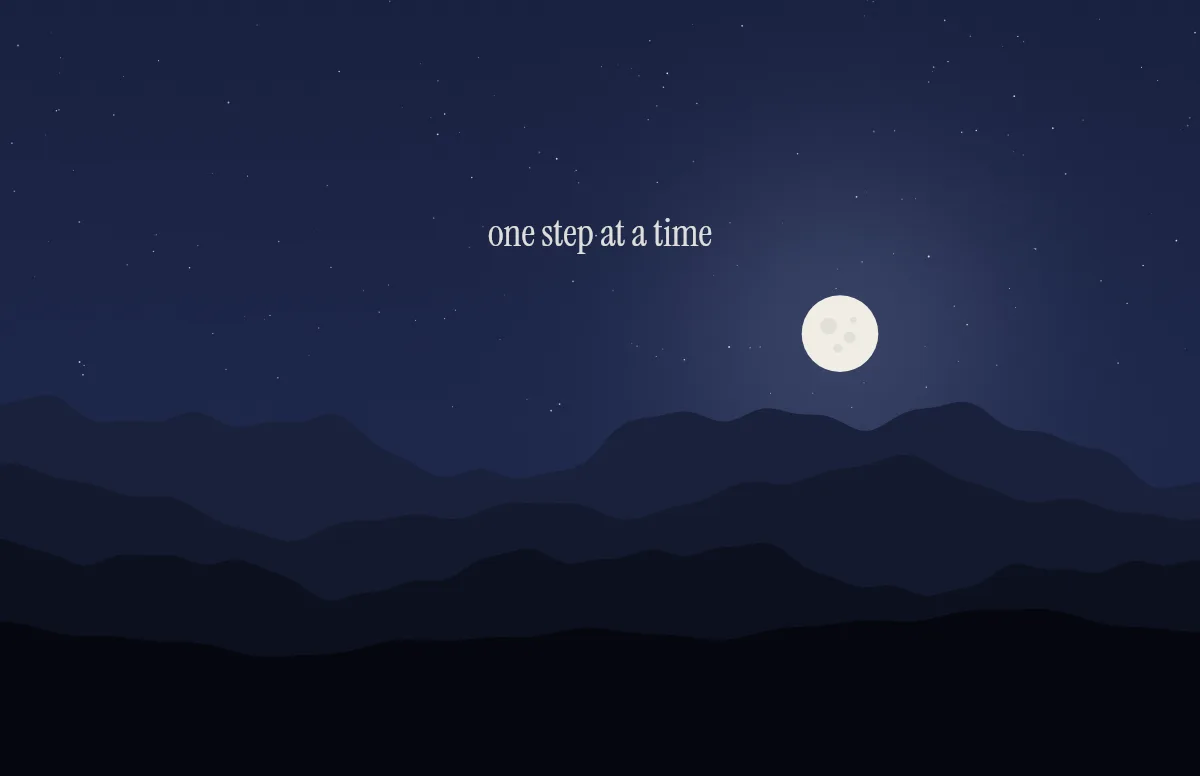
Minimalism on a desktop is less about having nothing and more about having nothing that competes with your work. The Horizon template above is a good start: a few mountain ridges, a soft sky and a single line of text. Switch off the sun or the stars under Details and it gets even quieter.
Color does most of the work. Pick a pair with little contrast for daytime, such as Alpine or Meadow, and a deep, dark pair for the evening, such as Midnight or Night. The generator saves both in one .heic, so the change happens by itself.
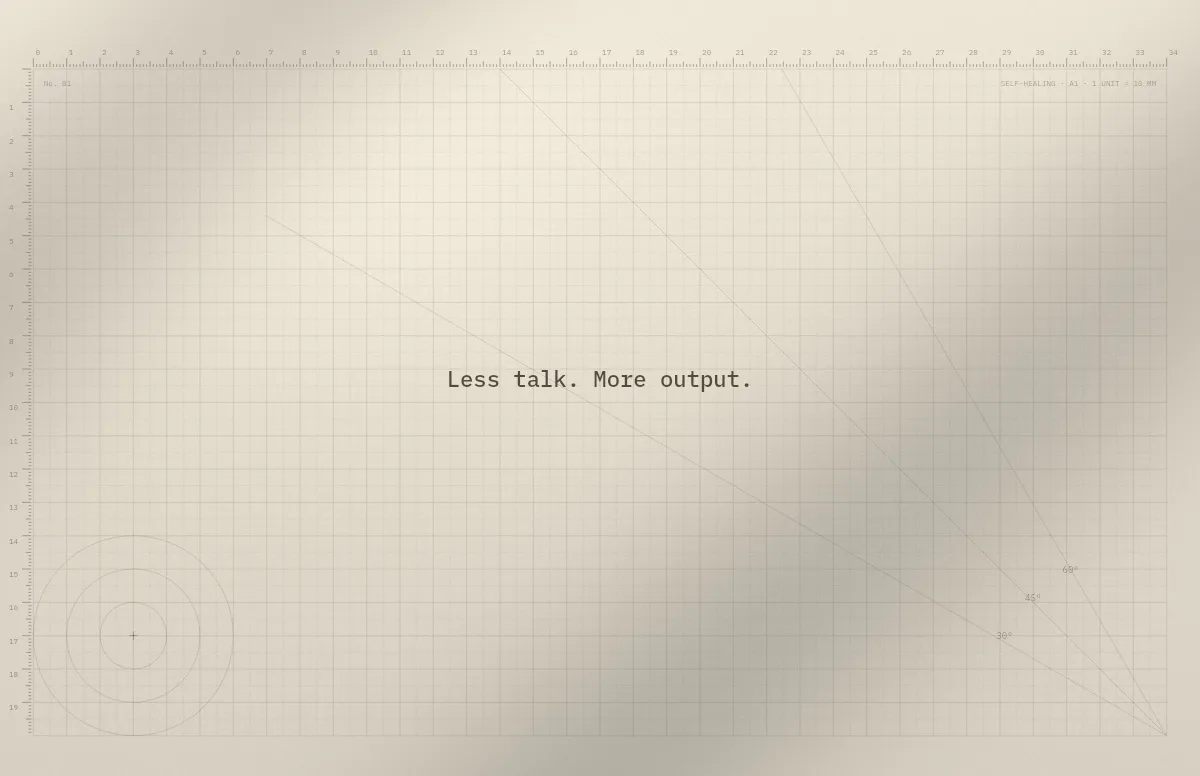
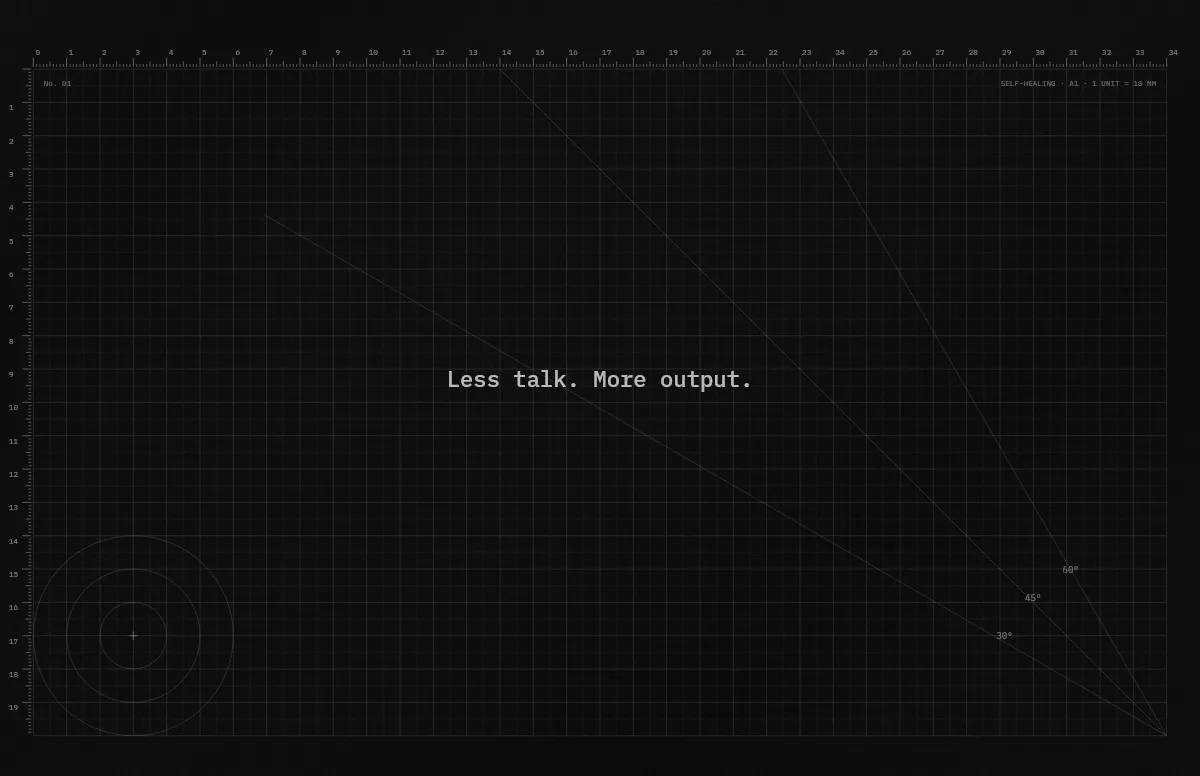
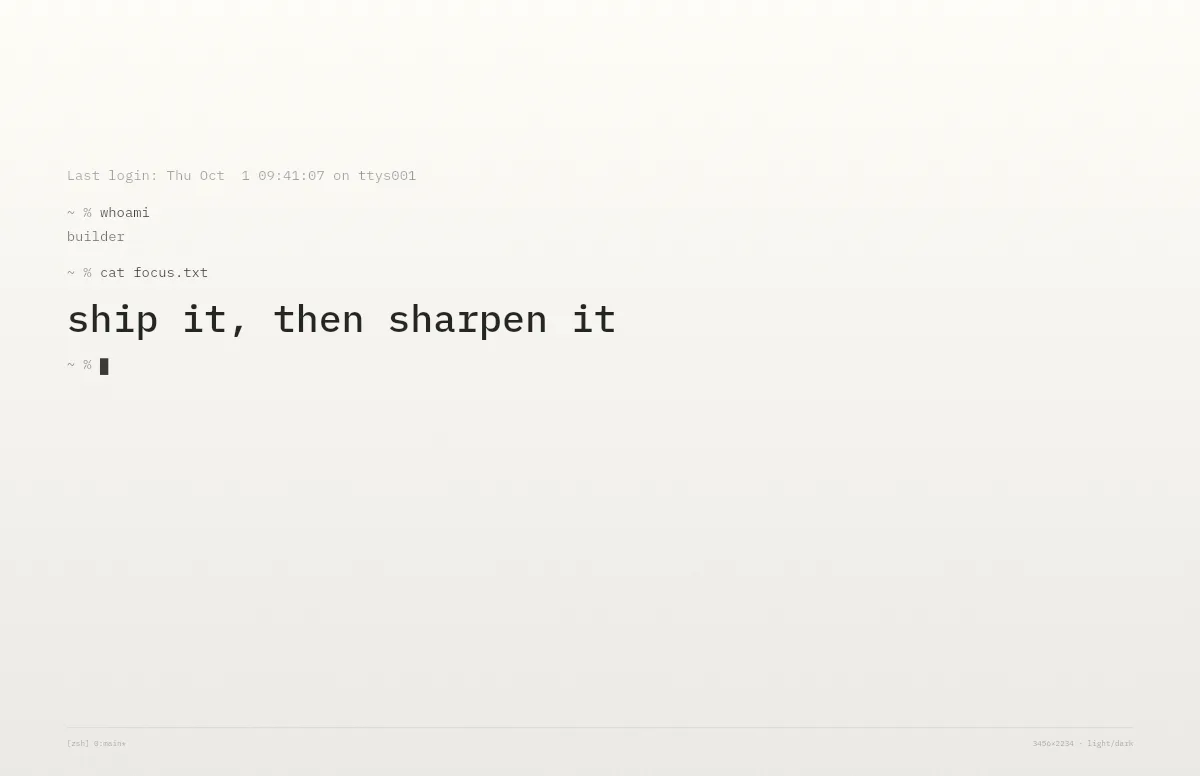
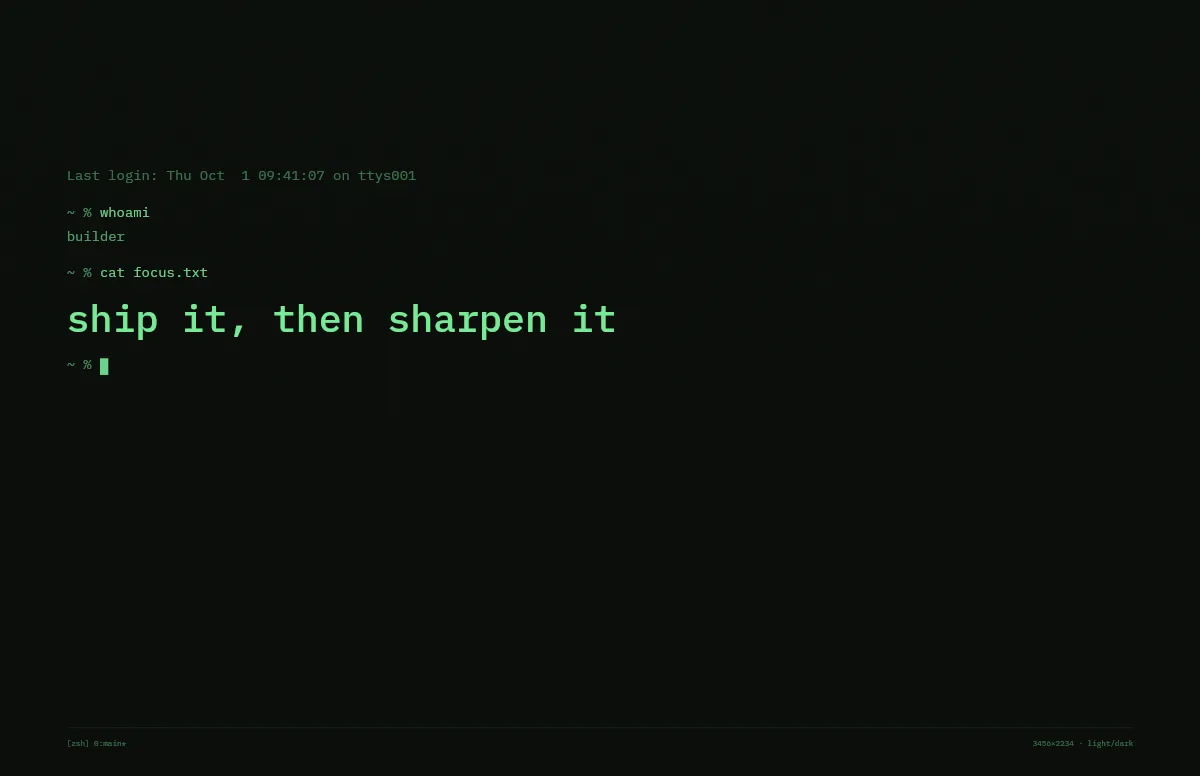
If you like lines more than landscapes, the Cutting Mat and Terminal templates work just as well with all extras switched off: a plain grid or one prompt line on a calm background.
The same style on iPhone
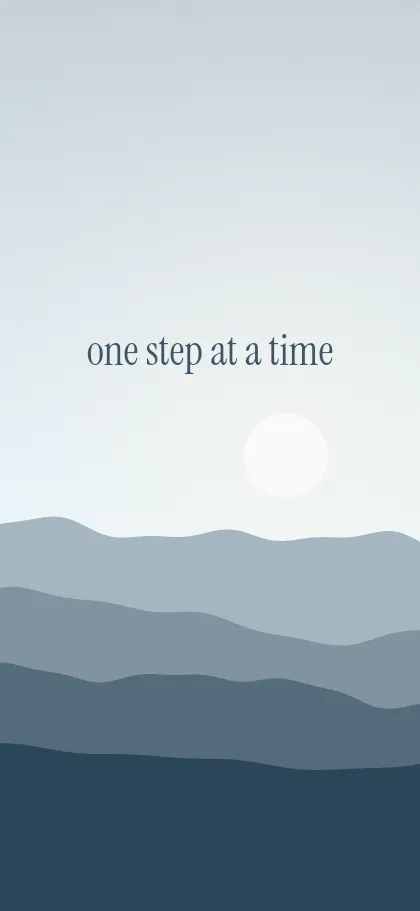
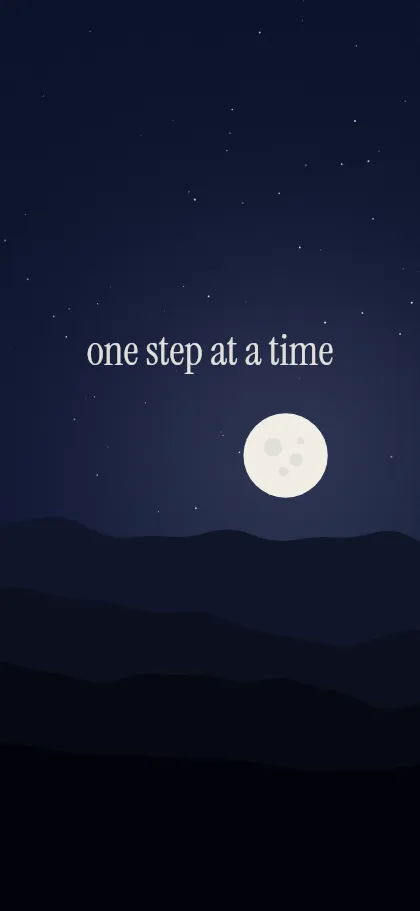
Pick your iPhone under Your device, or open the iPhone generator. The layout is rebuilt for the tall screen and the text sits below the lock-screen clock.
Questions and answers
What makes a wallpaper minimalist?
A small number of shapes, a limited palette of one or two colors, and lots of empty space. Text, if any, is short and set in one size.
Is a minimalist wallpaper better for focus?
For many people, yes. A calm background draws less attention than a photo, so windows and text stand out more.
Can I get the same minimalist wallpaper on my iPhone?
Yes. Choose your iPhone under Your device and save the light and dark PNG, or open the iPhone generator.