About this style
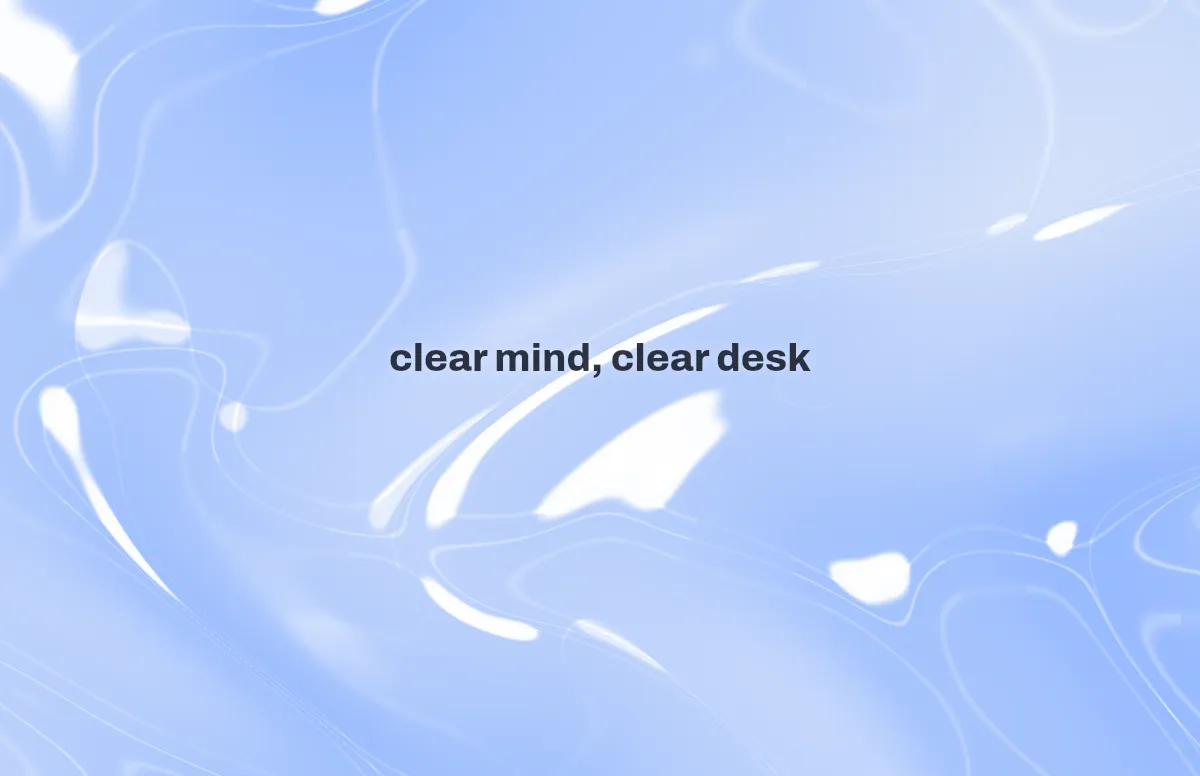
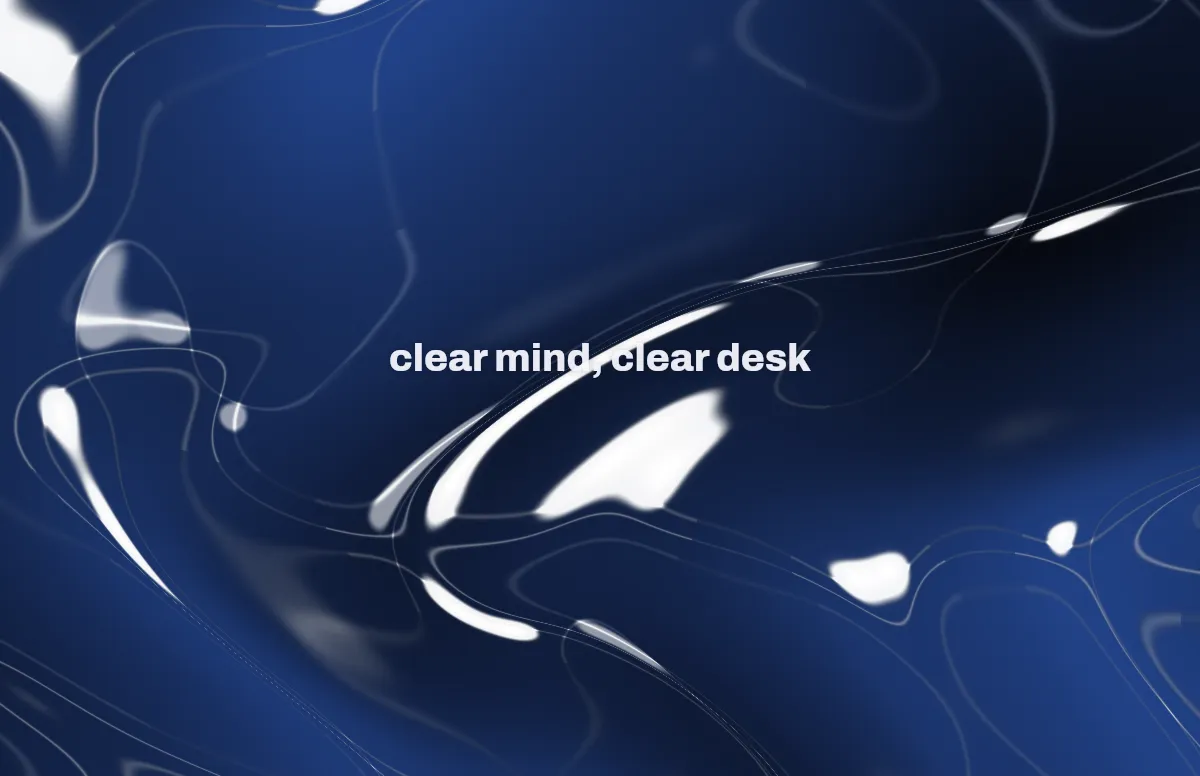
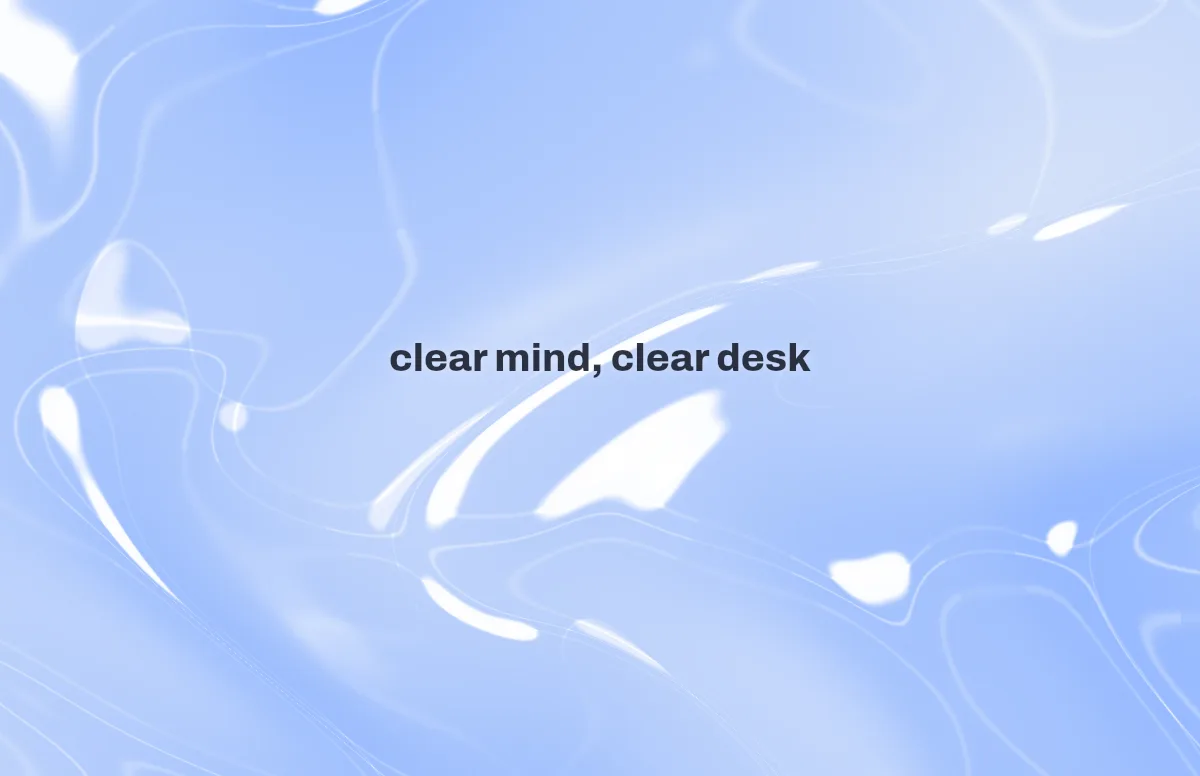
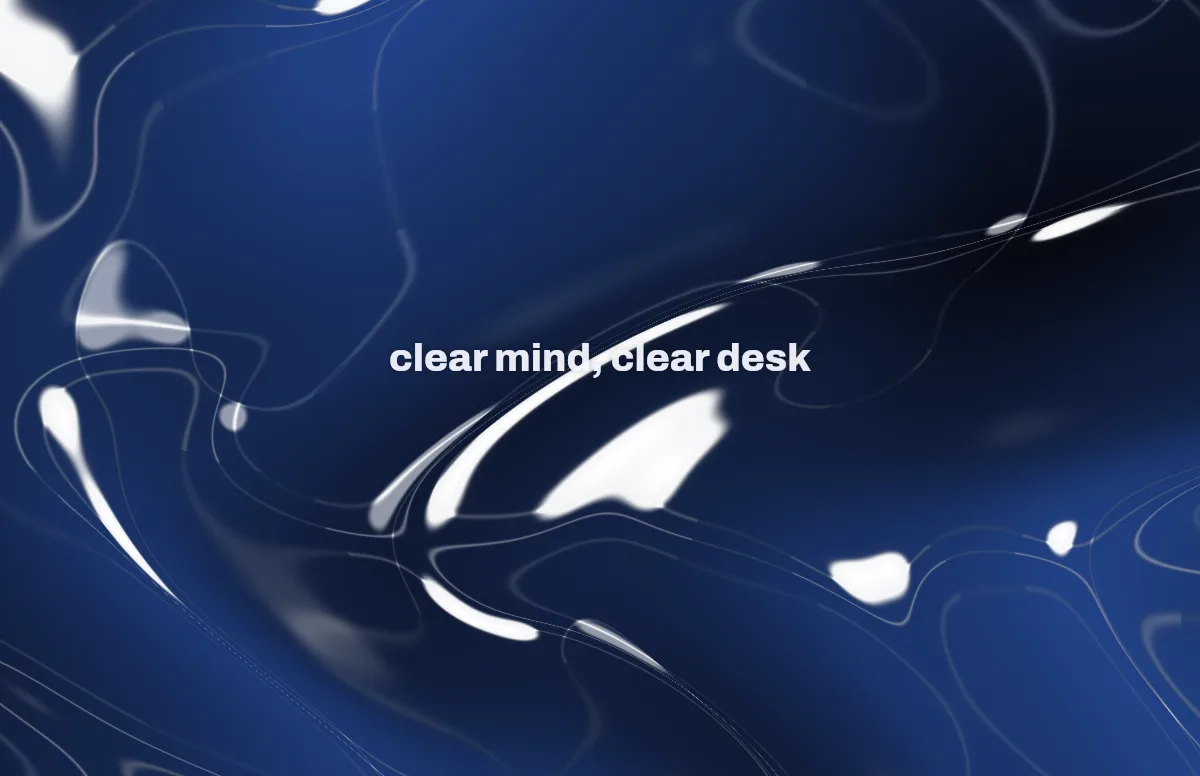
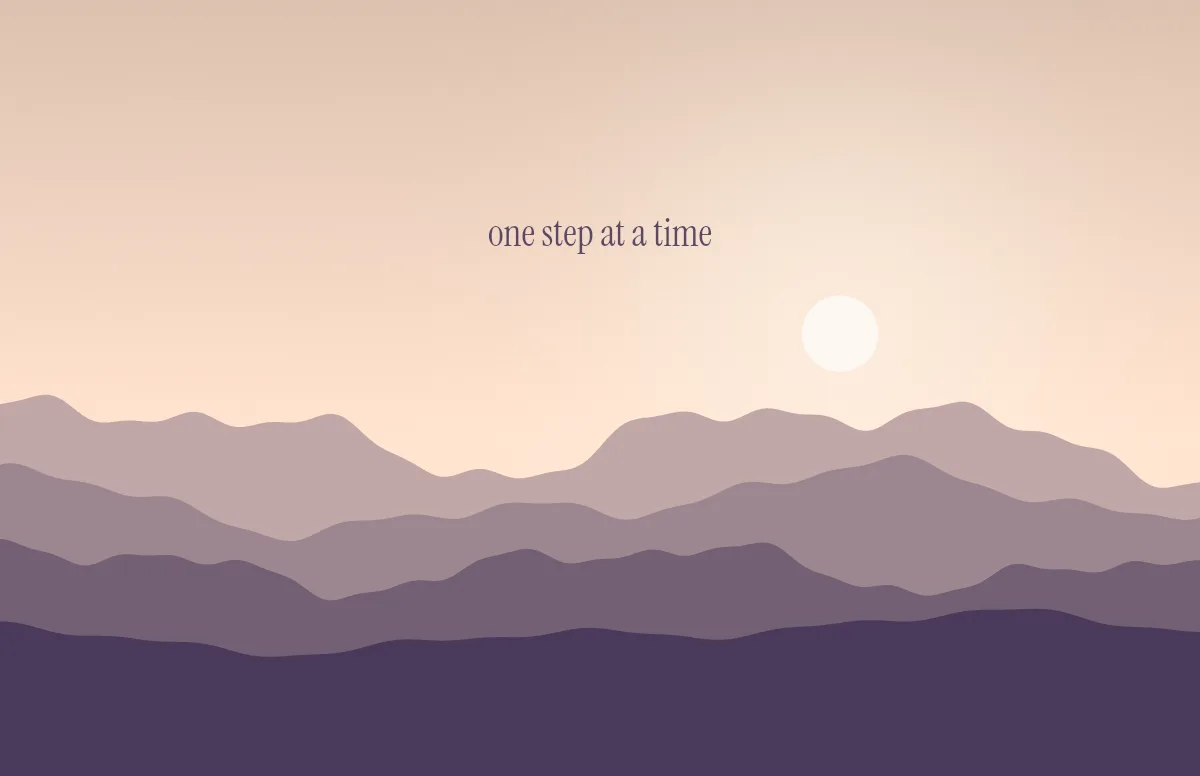
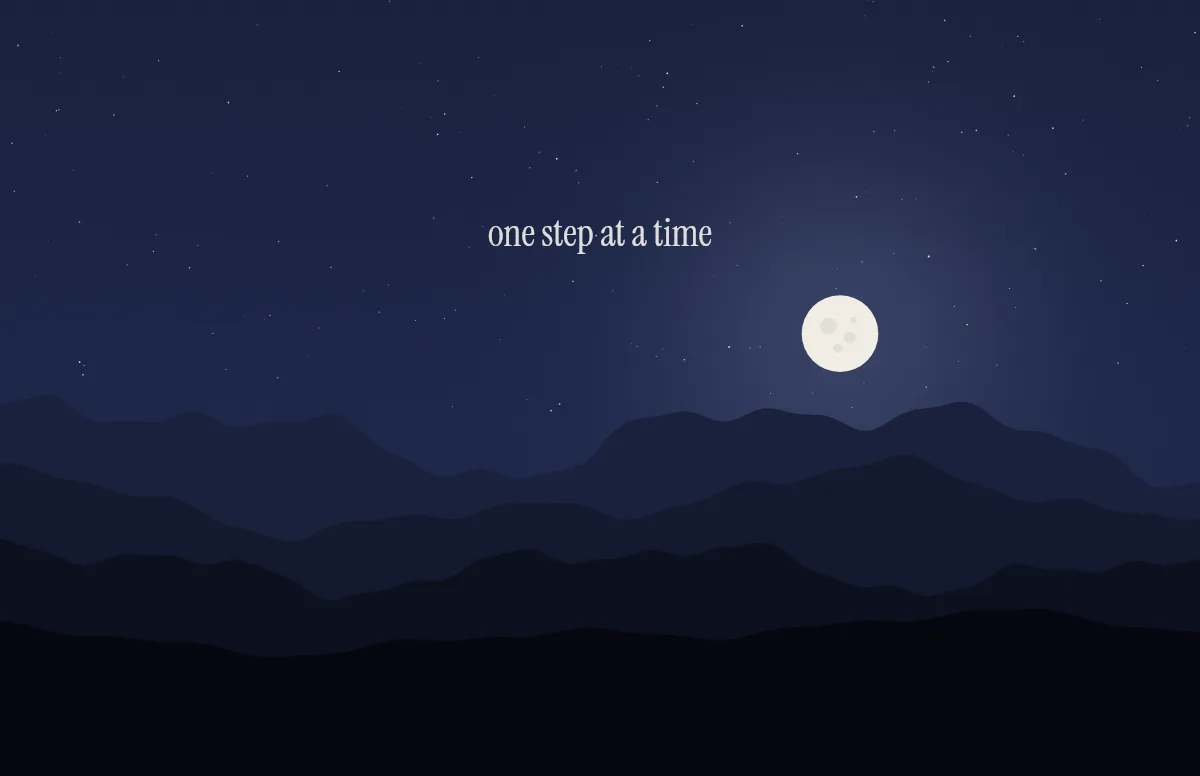
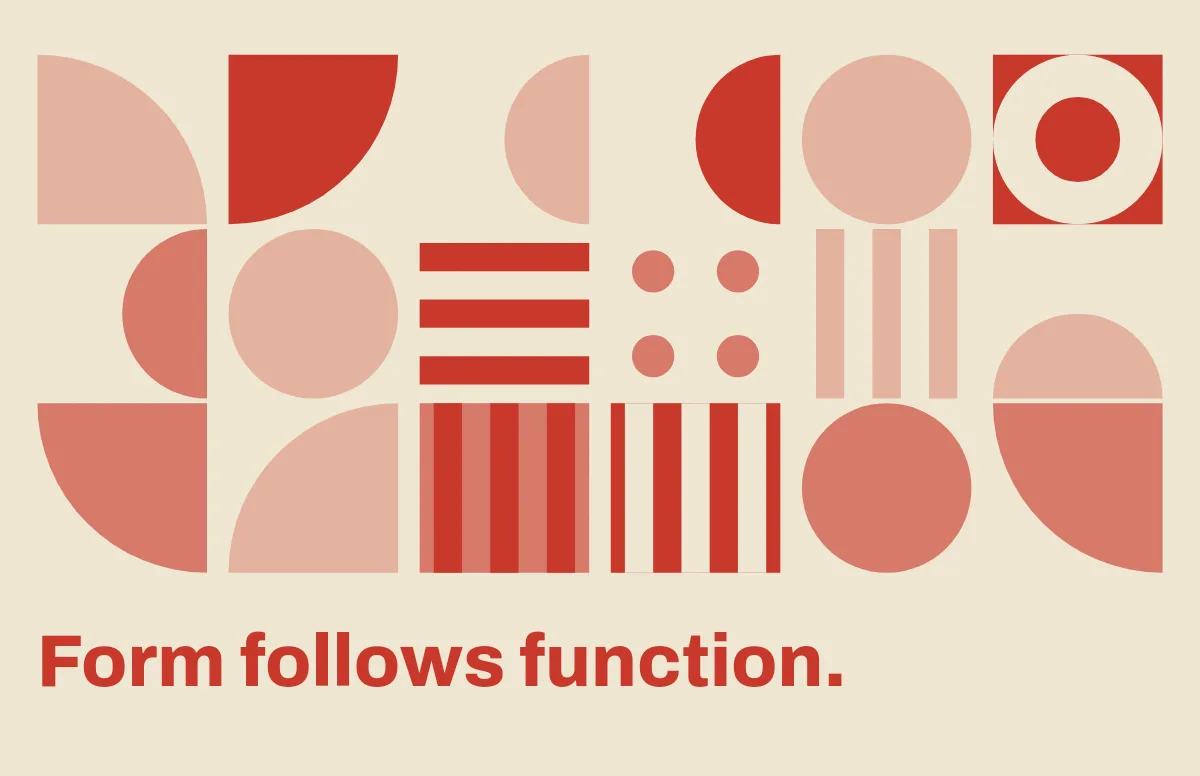
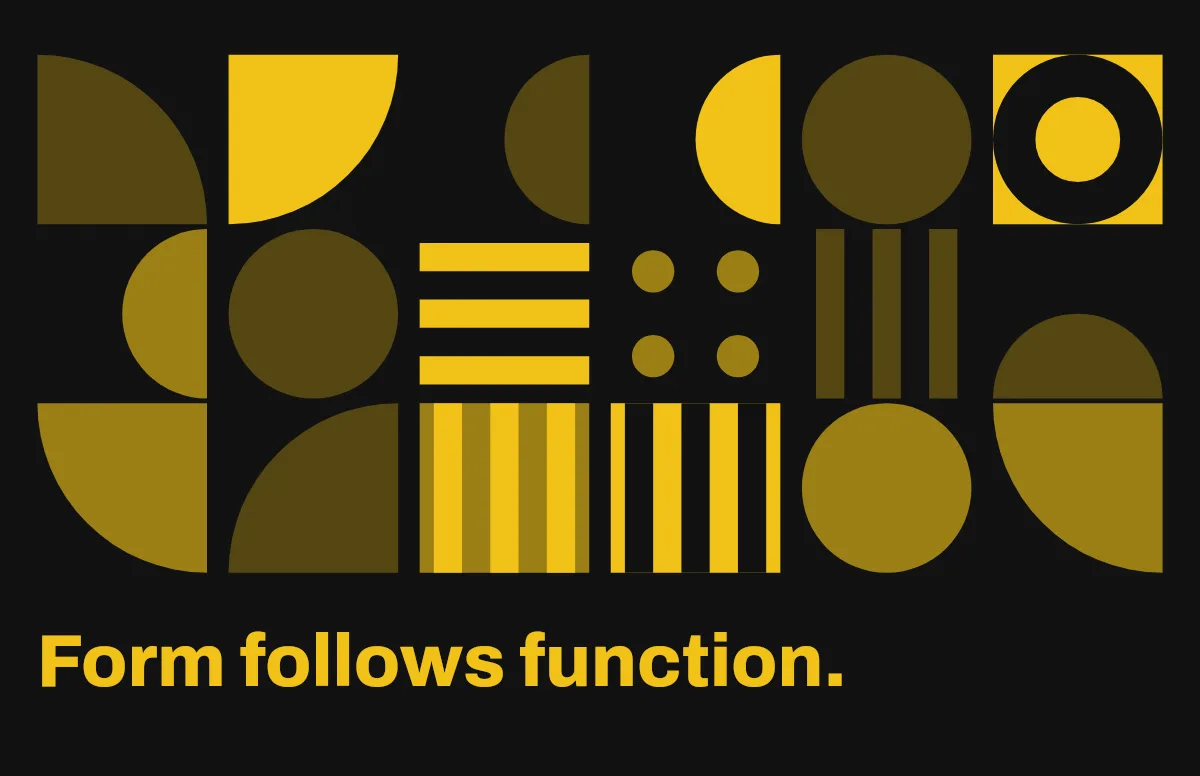
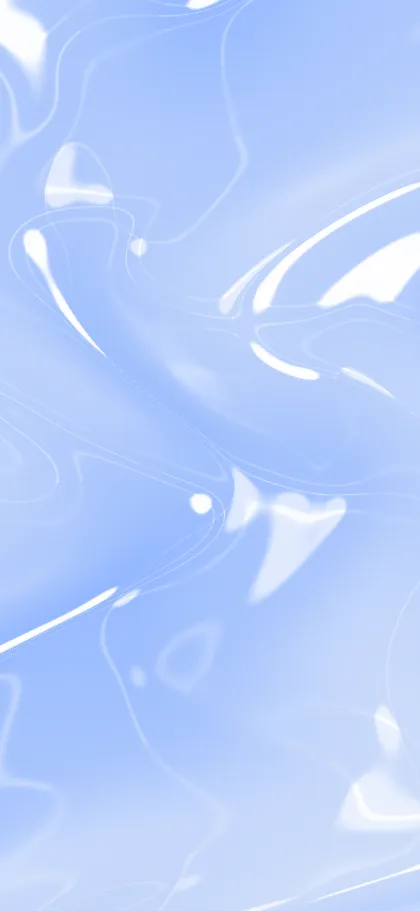
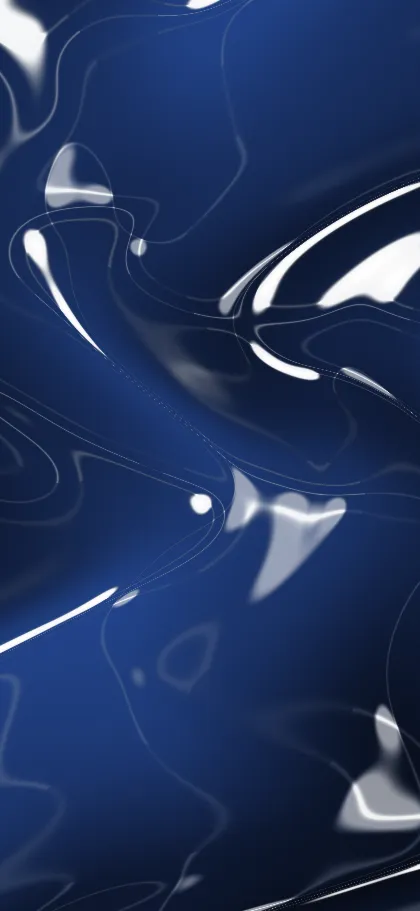
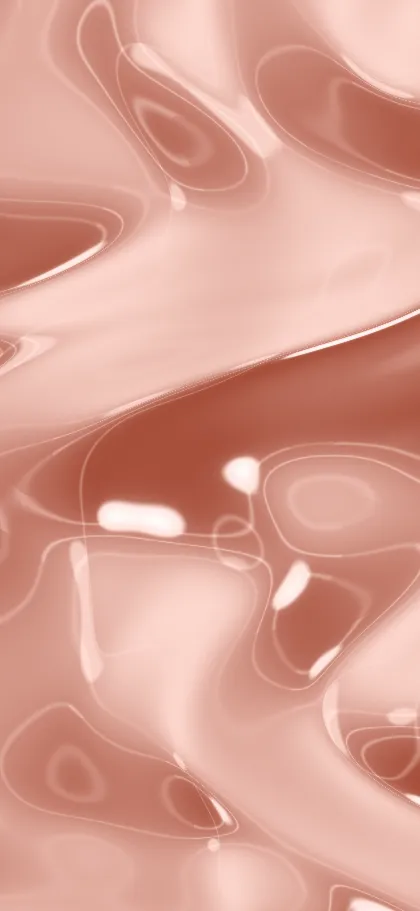
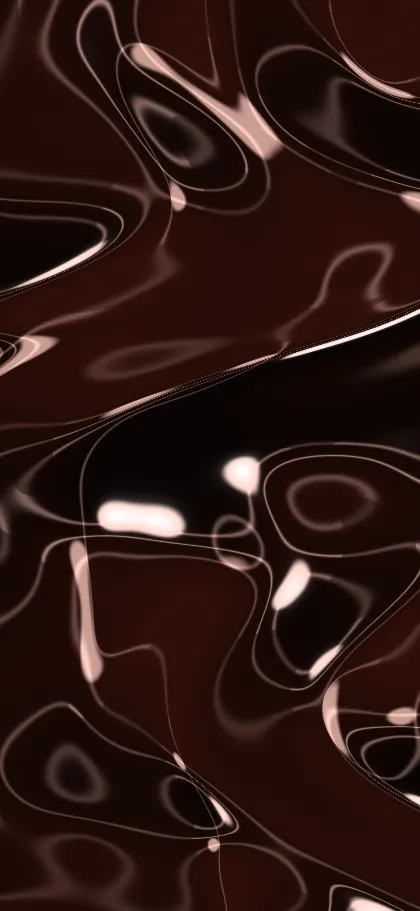
A glass wallpaper lives from light. In light mode the surfaces are airy and bright, in dark mode they glow against a deep background. The Liquid Glass template above draws both from the same shapes, so the two versions belong together.
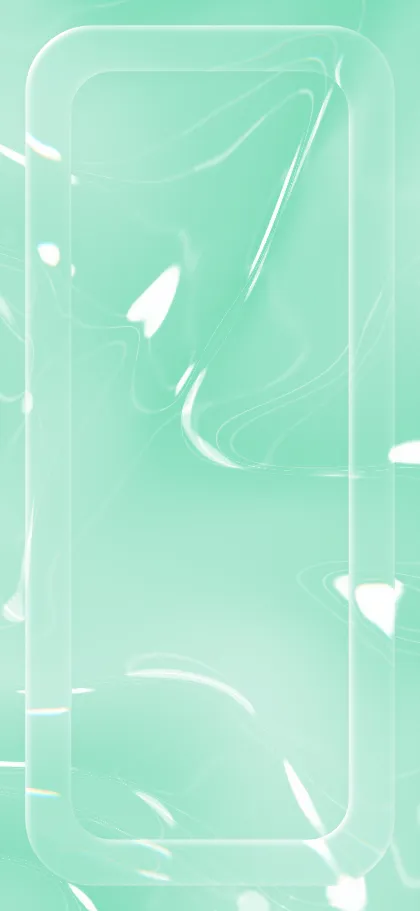
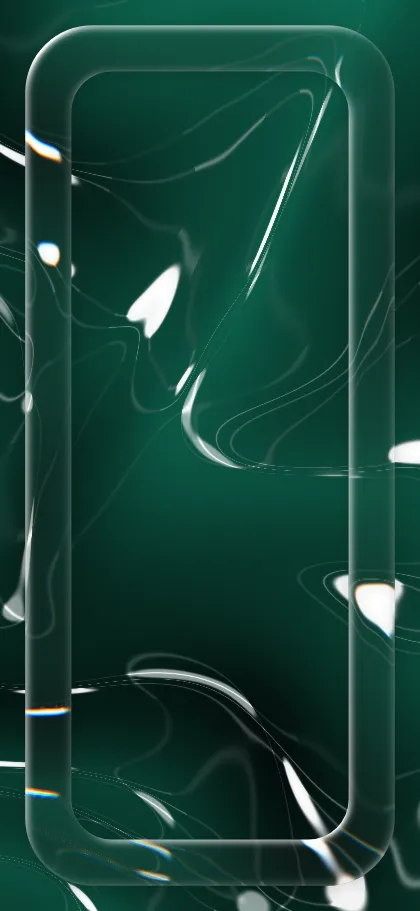
Start with the style: Flow gives soft folds, Chrome looks like liquid metal, Frame puts a thick pane around the screen, and Shapes places orbs, drops or ribbons that refract the background. Shuffle changes the arrangement and keeps your colors.
Patterns make the refraction visible. Choose stripes, rays or dots as the background and the glass bends them like a real lens. For a calmer desktop, stay with the soft gradient.
The same style on iPhone
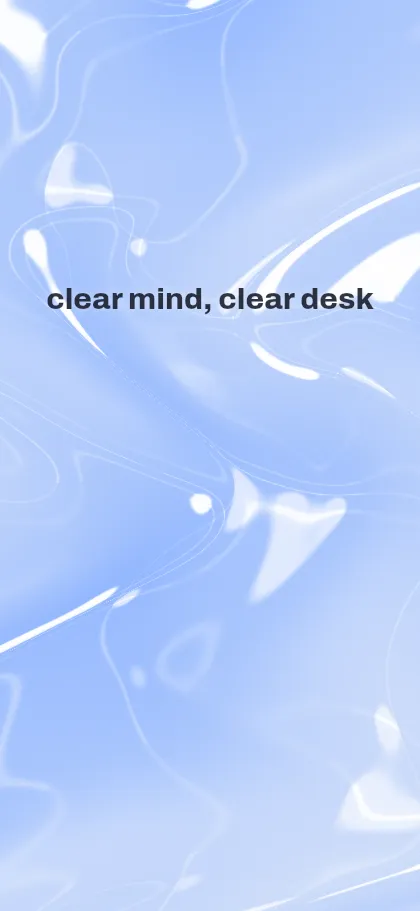
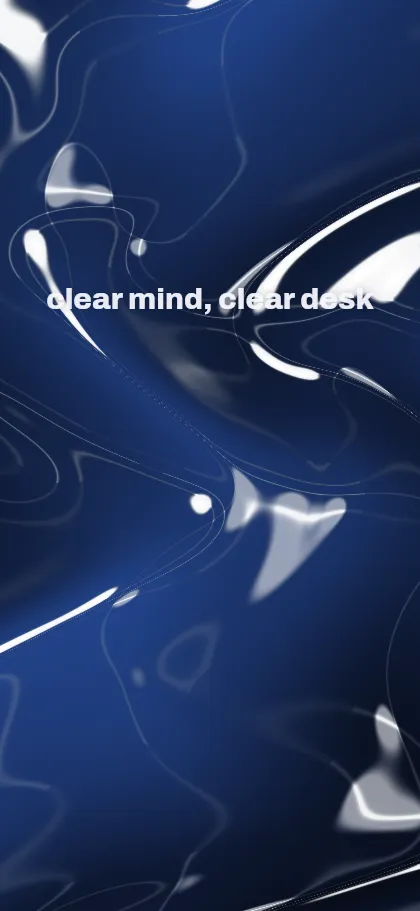
Pick your iPhone under Your device, or open the iPhone generator. The layout is rebuilt for the tall screen and the text sits below the lock-screen clock.
Ready-made Glass wallpapers
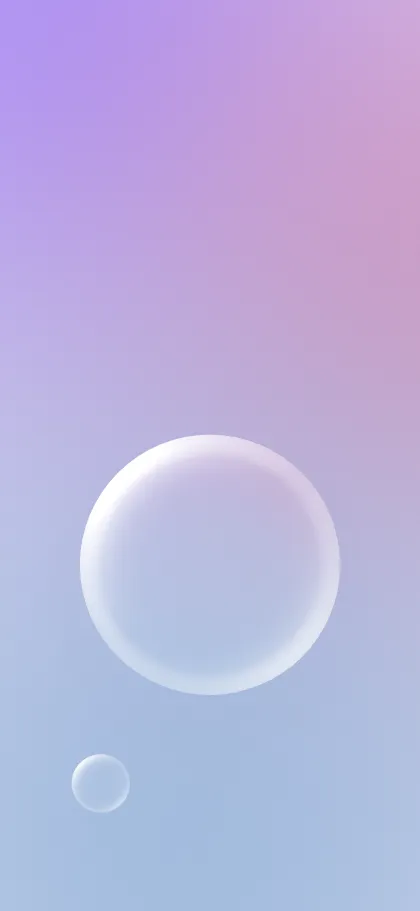
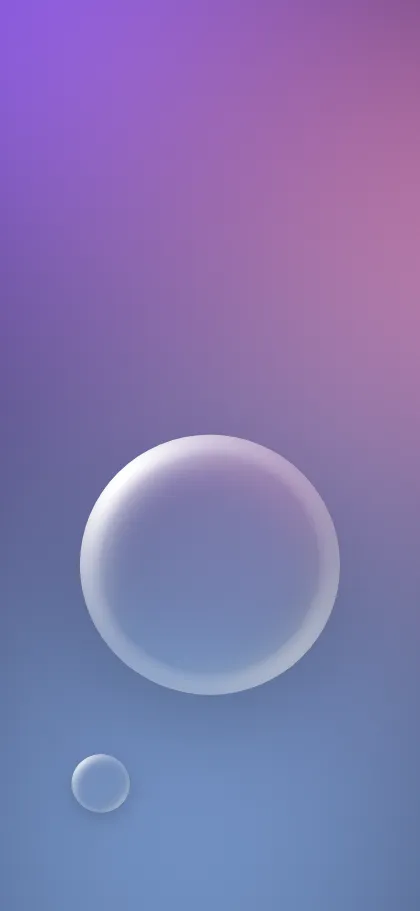
Each one opens in the generator with exactly this design. Pick your device and download the light/dark file, or adjust it first.
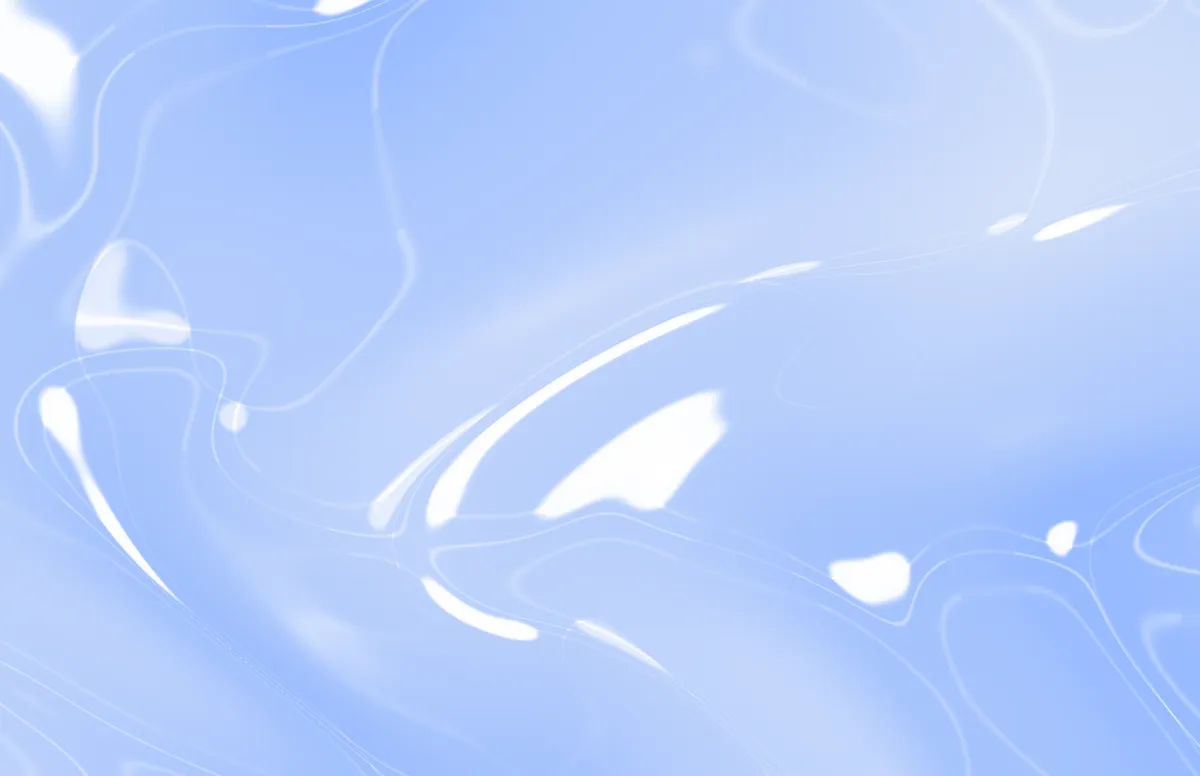
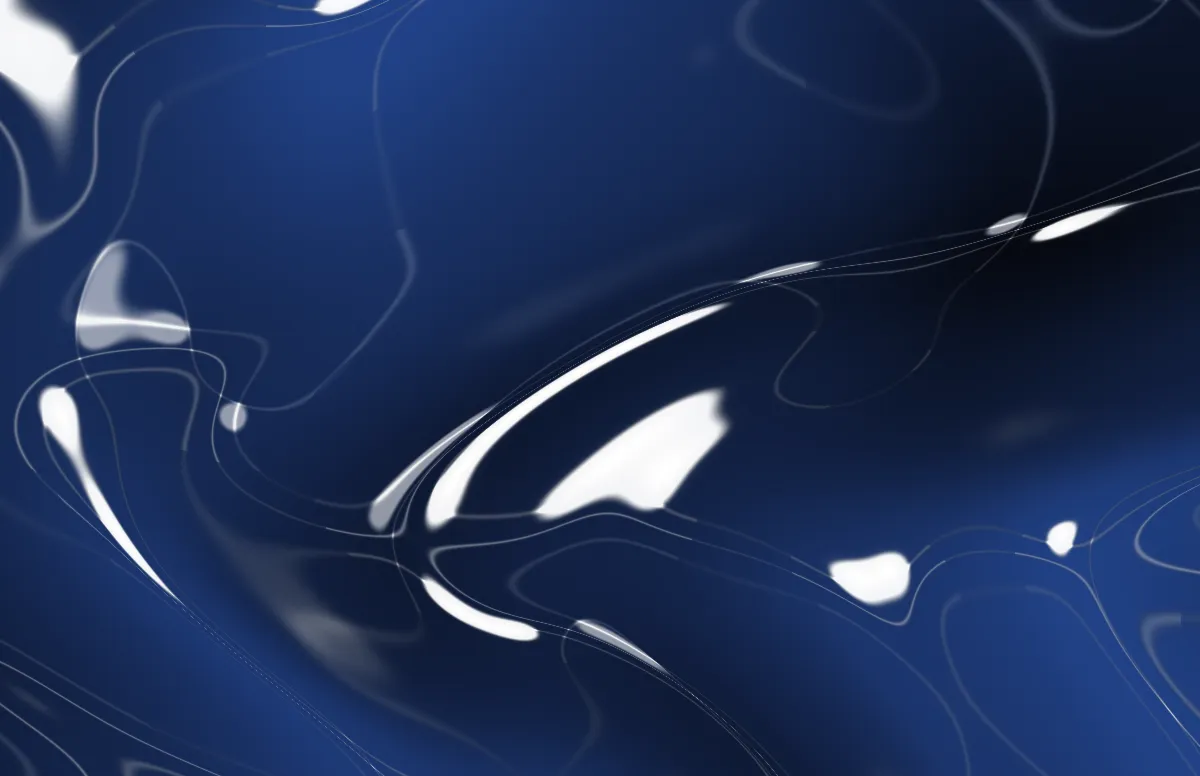
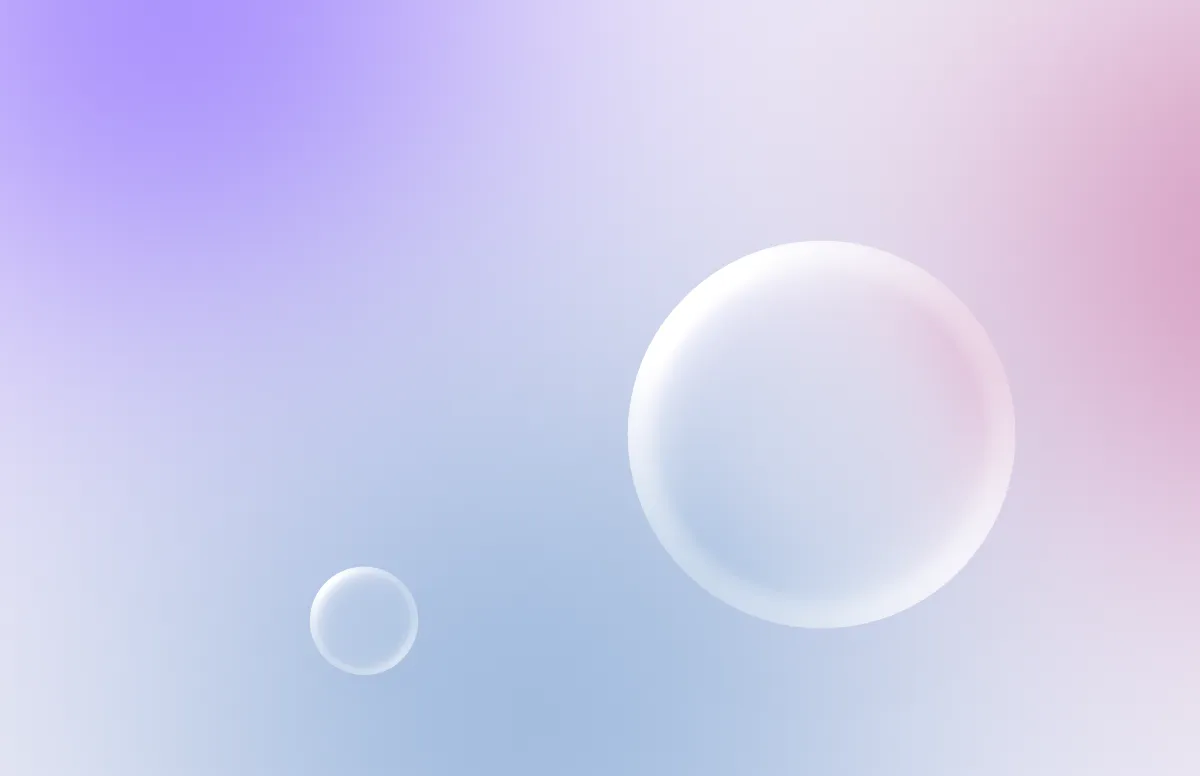
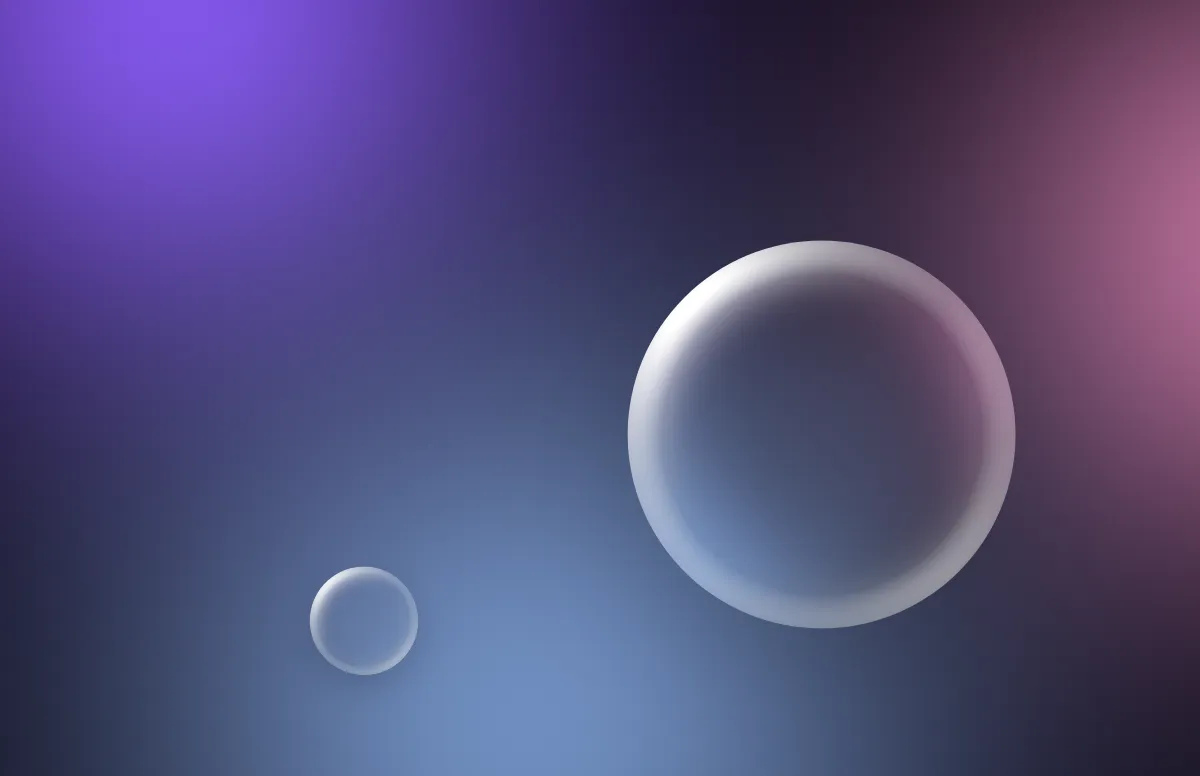
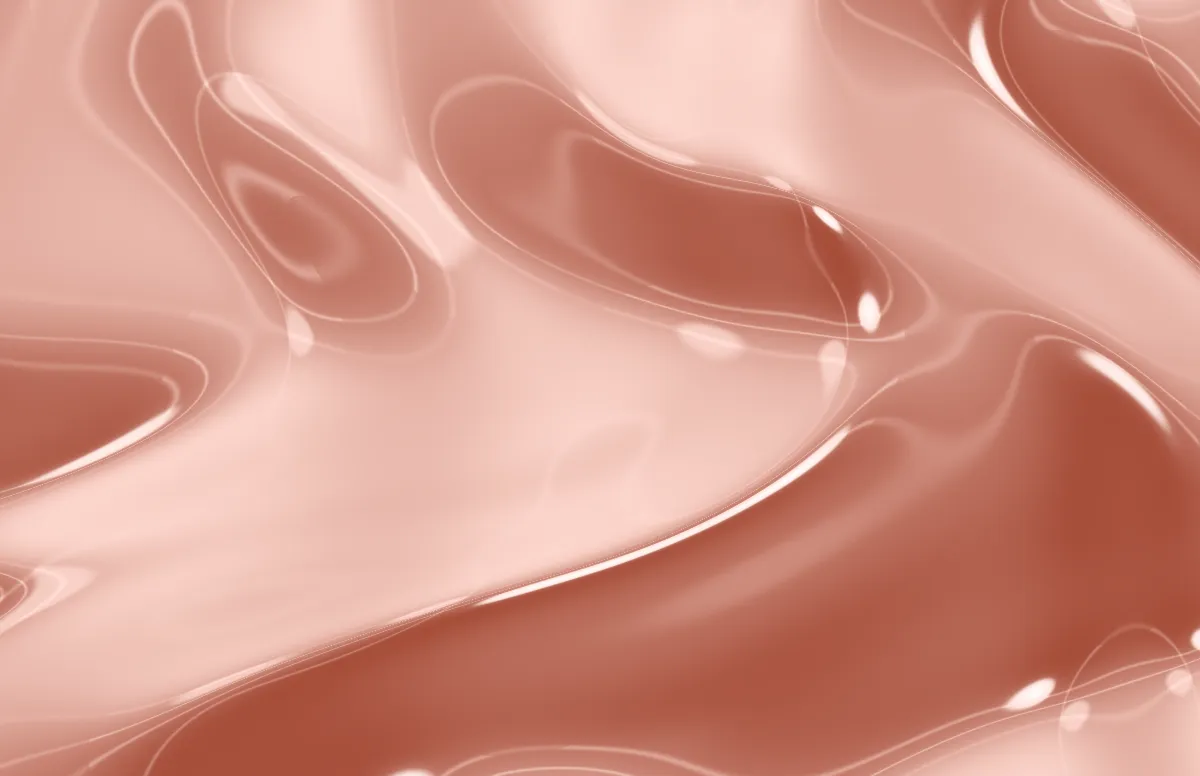
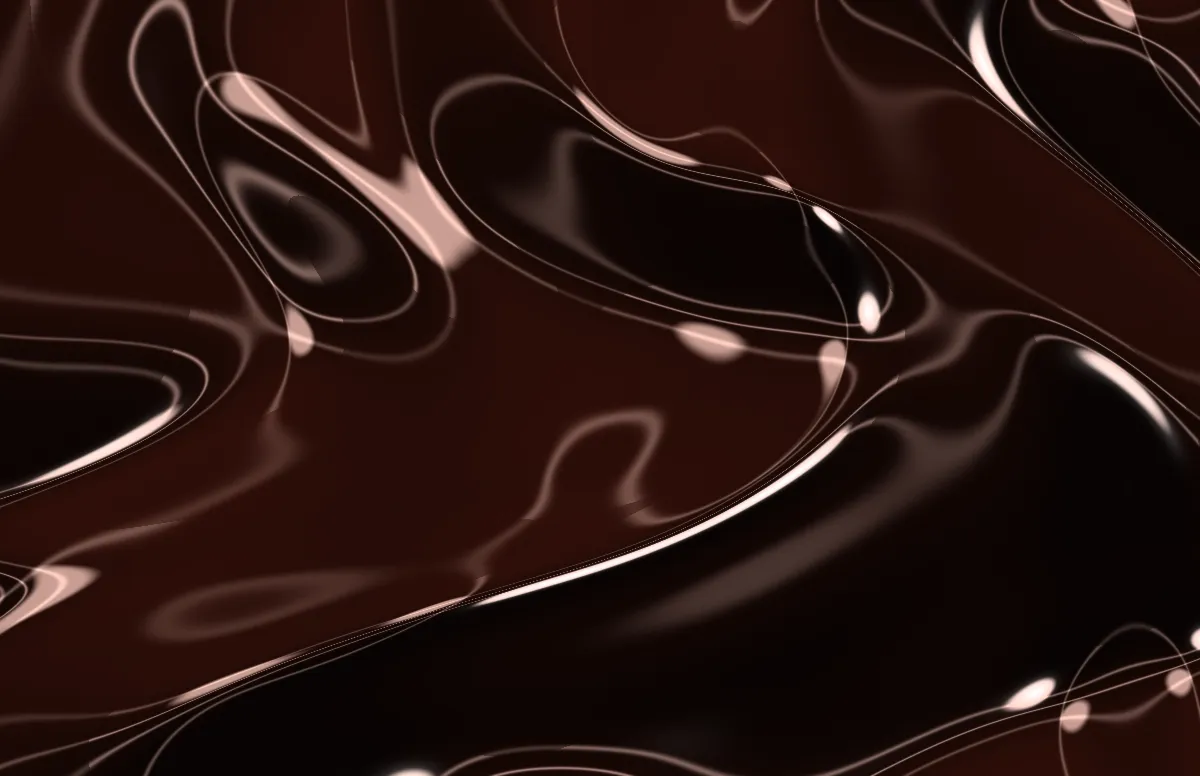
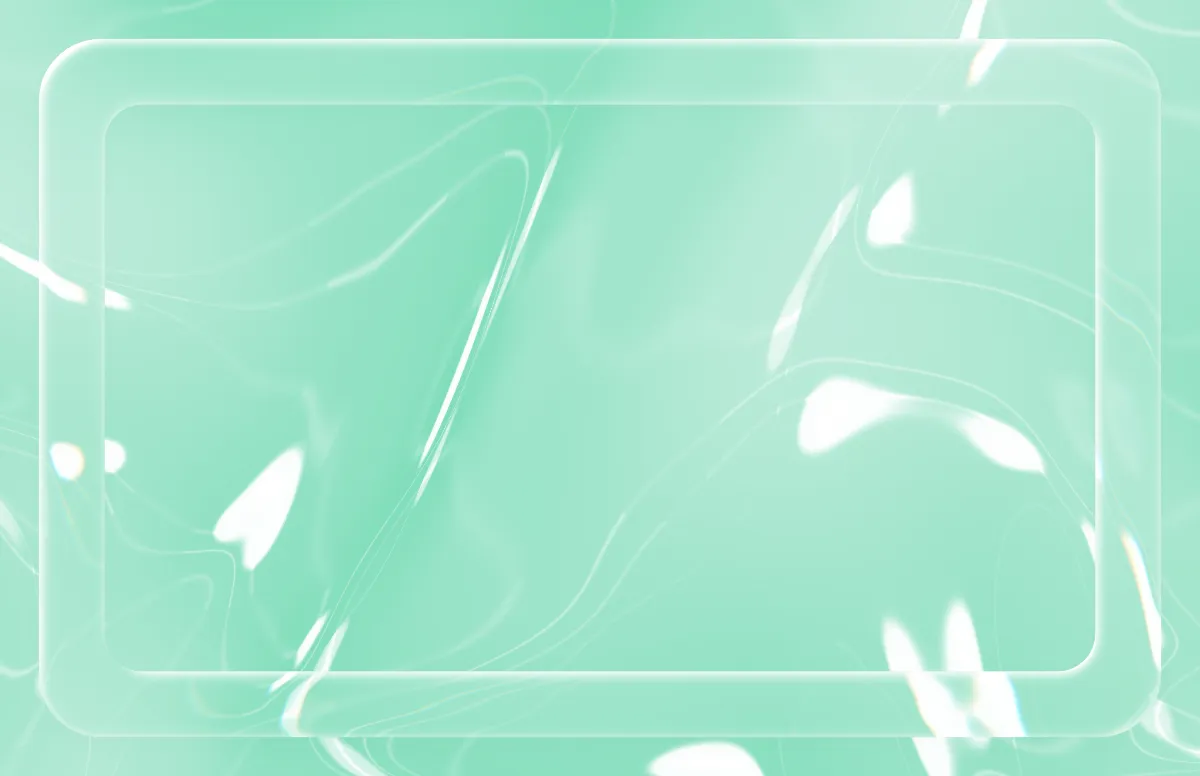
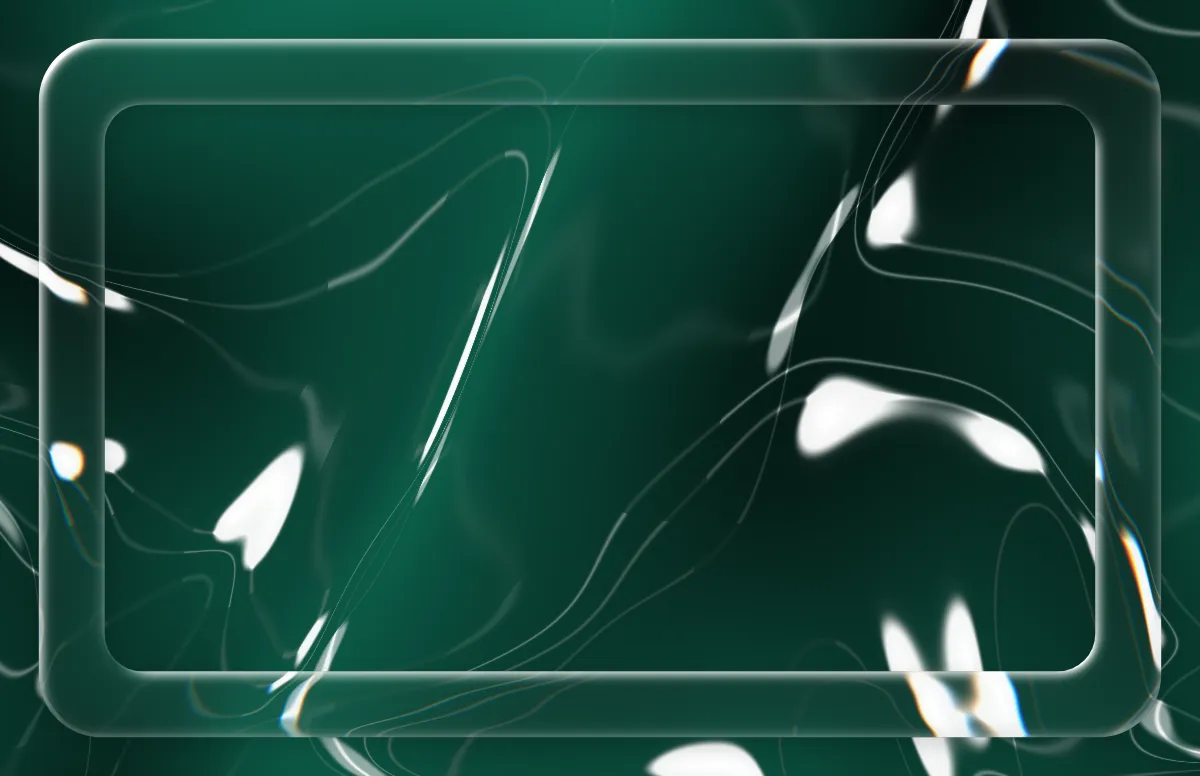
The same designs for iPhone
Questions and answers
Is this Apple's Liquid Glass wallpaper?
No. It is an original design drawn in your browser, inspired by the glass look of macOS 26. Apple's own wallpapers are not included.
Does a glass wallpaper slow down my Mac?
No. It is a regular still image (.heic or PNG). Nothing is animated.
Can I get the same glass wallpaper on my iPhone?
Yes. Choose your iPhone under Your device and save the light and dark PNG, or open the iPhone generator.