About this template
Choose a style: Flow, Chrome, Frame or Shapes. Shuffle gives every surface new folds. For Shapes there are three layouts. Scatter places several shapes around the edges and keeps the middle calm. Stack layers panes on top of each other, so each one refracts the ones below. Focus puts one large body in the spotlight. For the background you can choose a soft gradient, stripes, rays or dots. Patterns make the refraction easy to see.
Turn on Text as glass and your words become glass letters. Rainbow sheen adds the iridescent shimmer you know from soap bubbles and oil films.
Ideas for using it
A desktop that matches macOS 26
The glass shapes echo the look of the system: light and airy in light mode, deep and glowing in dark mode.
Your colors in glass
Each palette sets the color field behind the glass, so the same layout feels different in Opal, Coral or Midnight.
Words that catch the light
With Text as glass, a short line like your name or a motto becomes the centerpiece.
Tips for light and dark
- Chrome with the Graphite or Midnight palette looks like liquid metal. Turn on Rainbow sheen for a holographic look.
- Stack with Tiles looks like floating app icons, and Focus with an orb works well behind a centered window.
- Turn on Frosted glass for a softer, milky look, like the panels in macOS menus.
Not sure which size you need? The Mac wallpaper size table lists the exact pixels for every MacBook, iMac and display, and the iPhone wallpaper size table does the same for every iPhone.
Questions and answers
Is this Apple's wallpaper?
No. It's an original design that your browser generates, inspired by the glass look of macOS 26. Apple's own wallpapers are not included.
What does Shuffle change?
It moves, turns and resizes the shapes and the light behind them. Your colors and settings stay the same.
Does it slow down my Mac?
No. It's a regular still image (.heic or PNG) that macOS switches between light and dark.
Can I get the same arrangement again?
Yes, as long as you keep the shuffle: the arrangement only changes when you shuffle.
Related articles
How to make a light and dark wallpaper for Mac
What makes a Mac wallpaper switch with dark mode, what is inside the HEIC file, and three ways to make your own: a web tool, a Mac app or the command line.
MacBook and Mac wallpaper size for every model, including the 2026 MacBook Pro
MacBook Air 13″ 2560 × 1664, Pro 14″ 3024 × 1964, Pro 16″ 3456 × 2234: exact pixels for every Mac, plus a free light/dark wallpaper in your size.
iPhone wallpaper size: the resolution for every current model
The exact wallpaper resolution for every iPhone from SE to 18 Pro Max, how to find your model, and where to keep text clear of the lock-screen clock.
Styles with this template
More templates
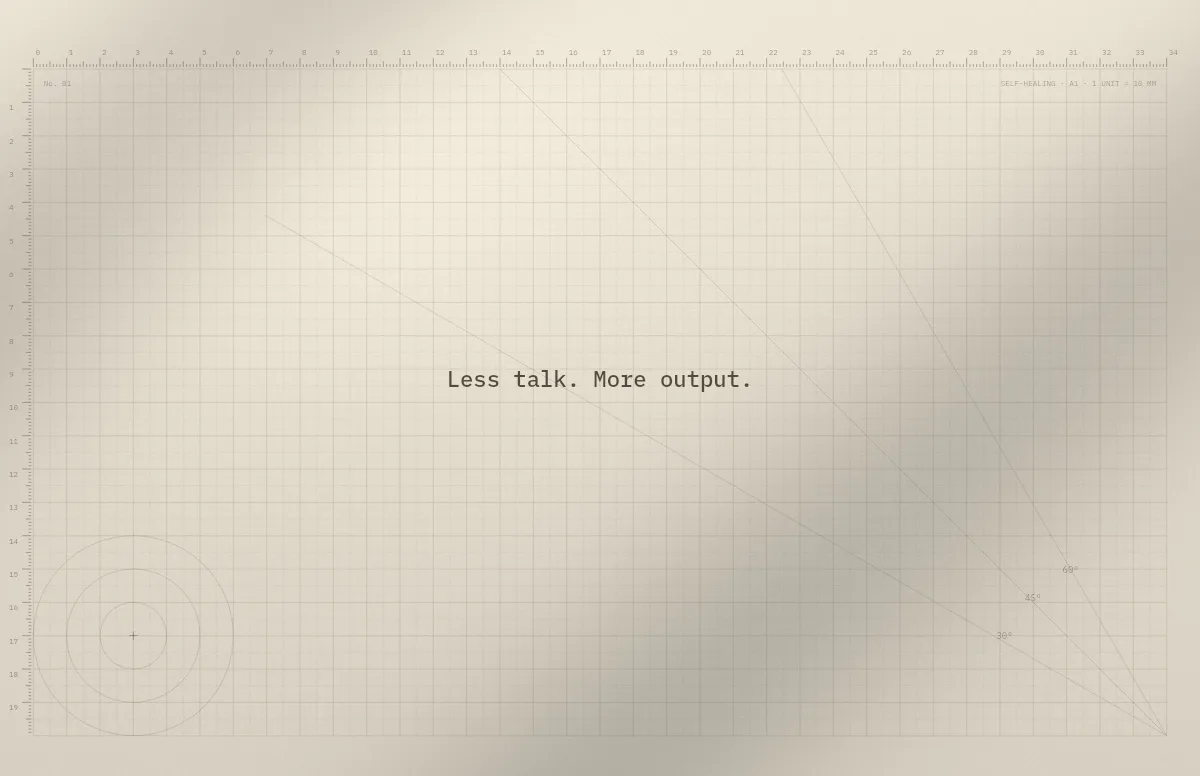
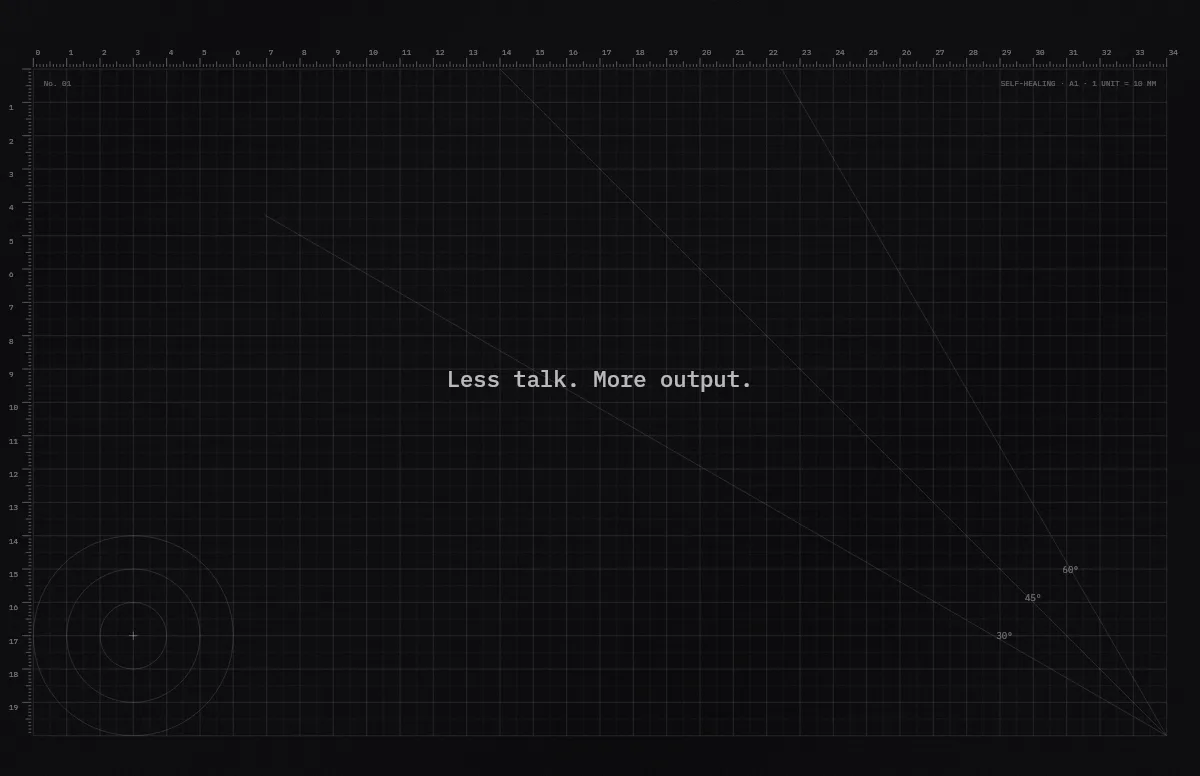
Cutting Mat
Grid, rulers and angle guides, like the mat on a designer's desk.
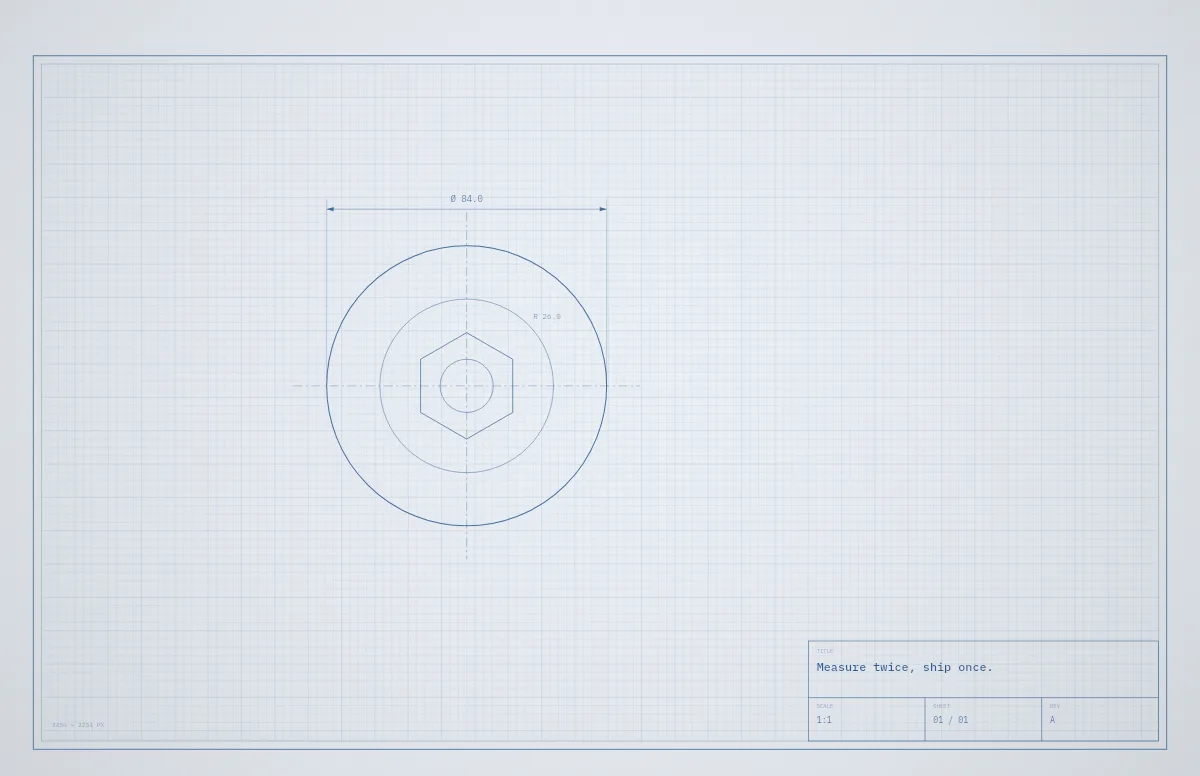
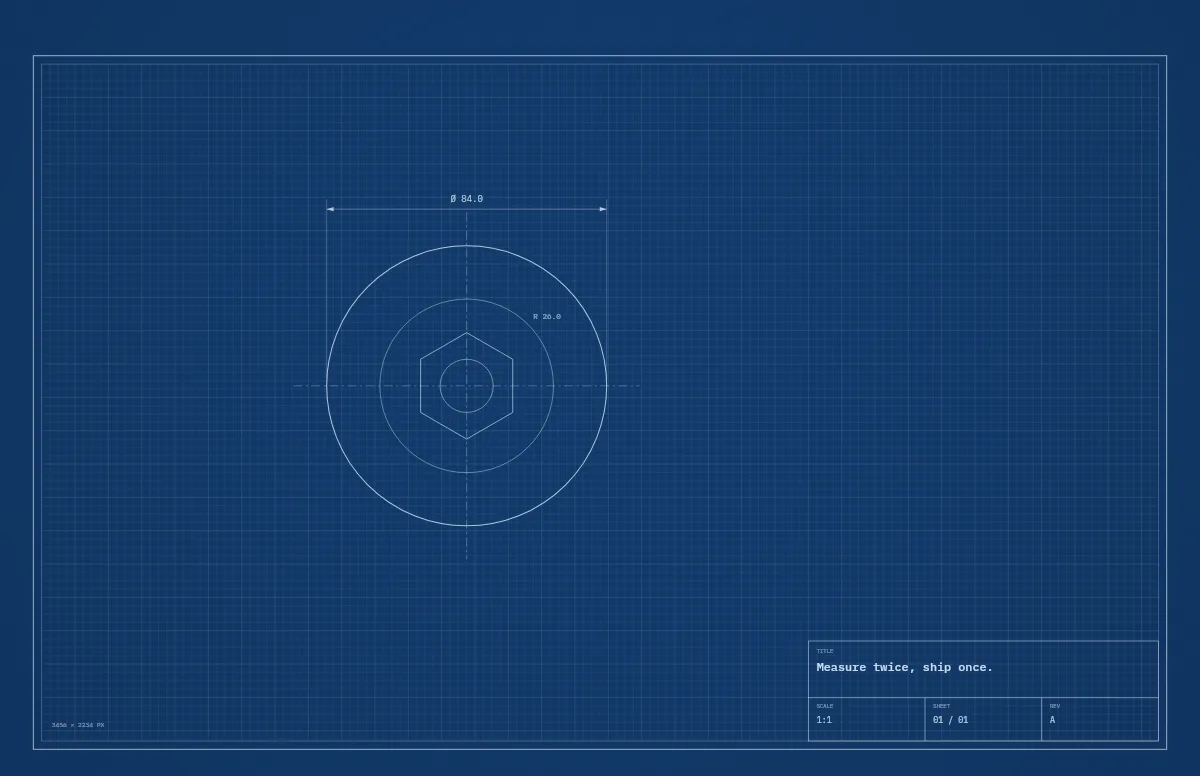
Blueprint
A technical drawing with a title block that carries your text.
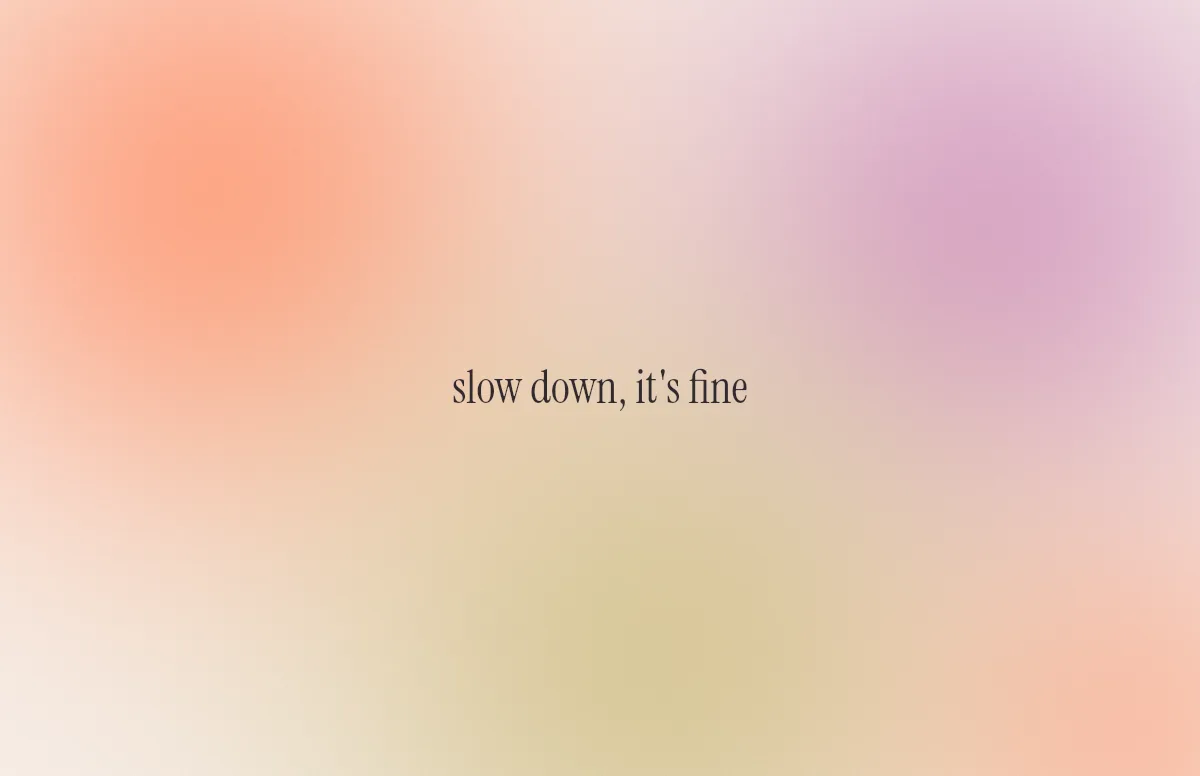
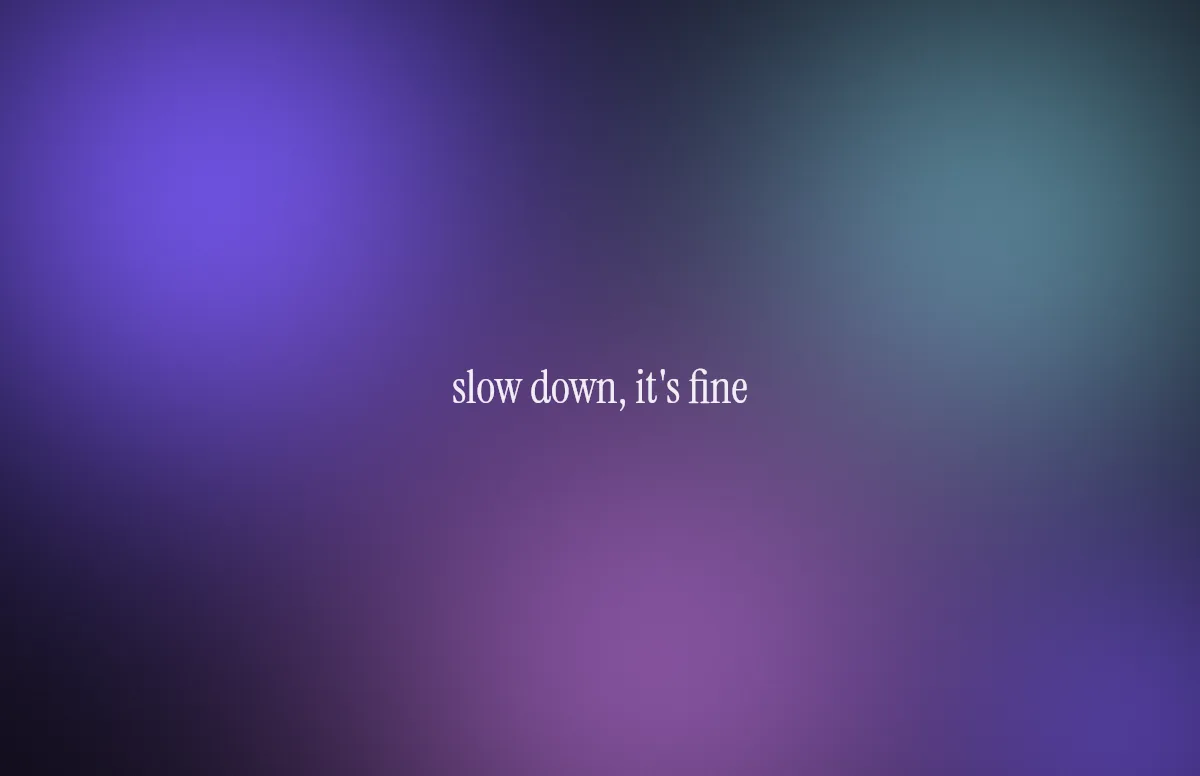
Aura
Soft color glows with a quote in a calm serif.
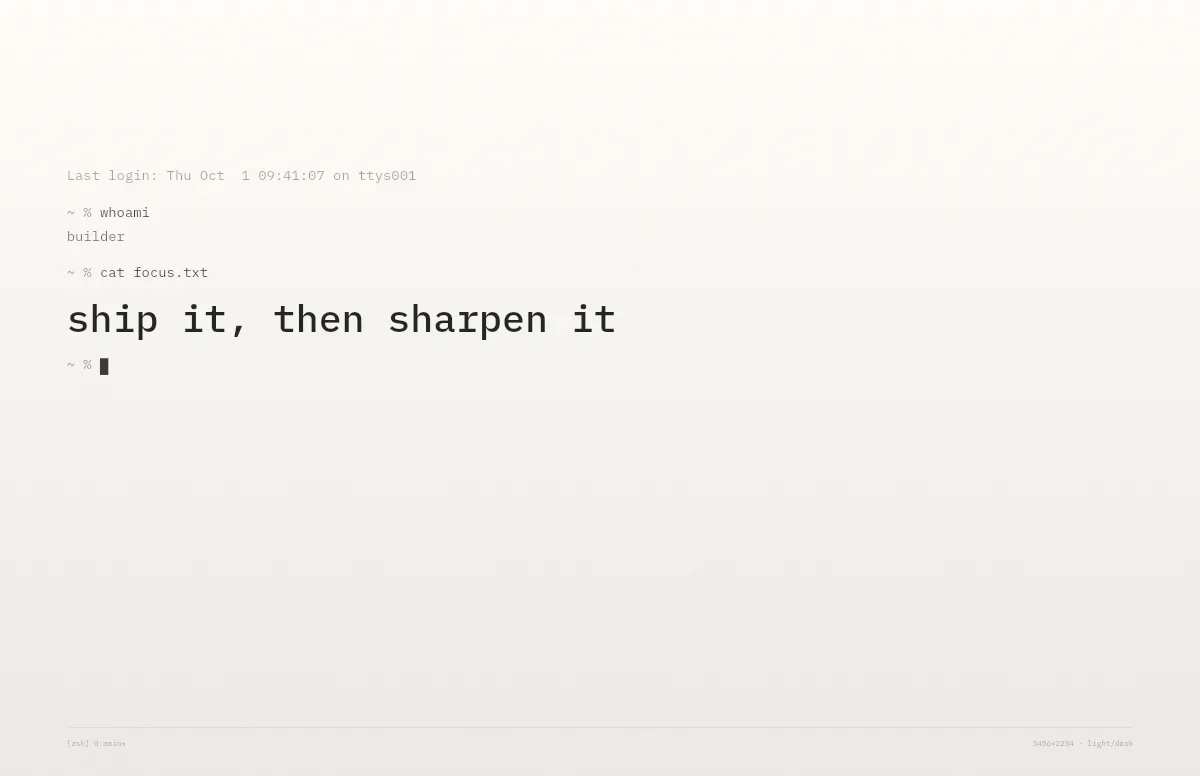
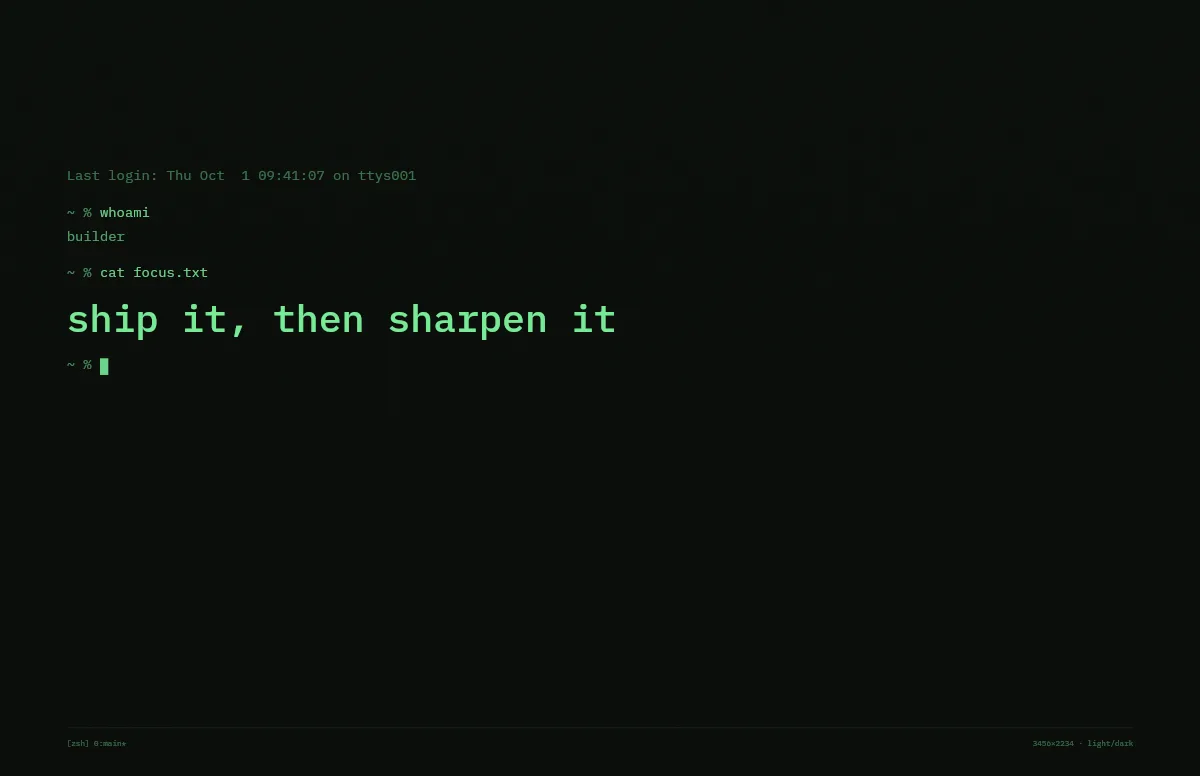
Terminal
A shell session that prints your line. Made for developers.
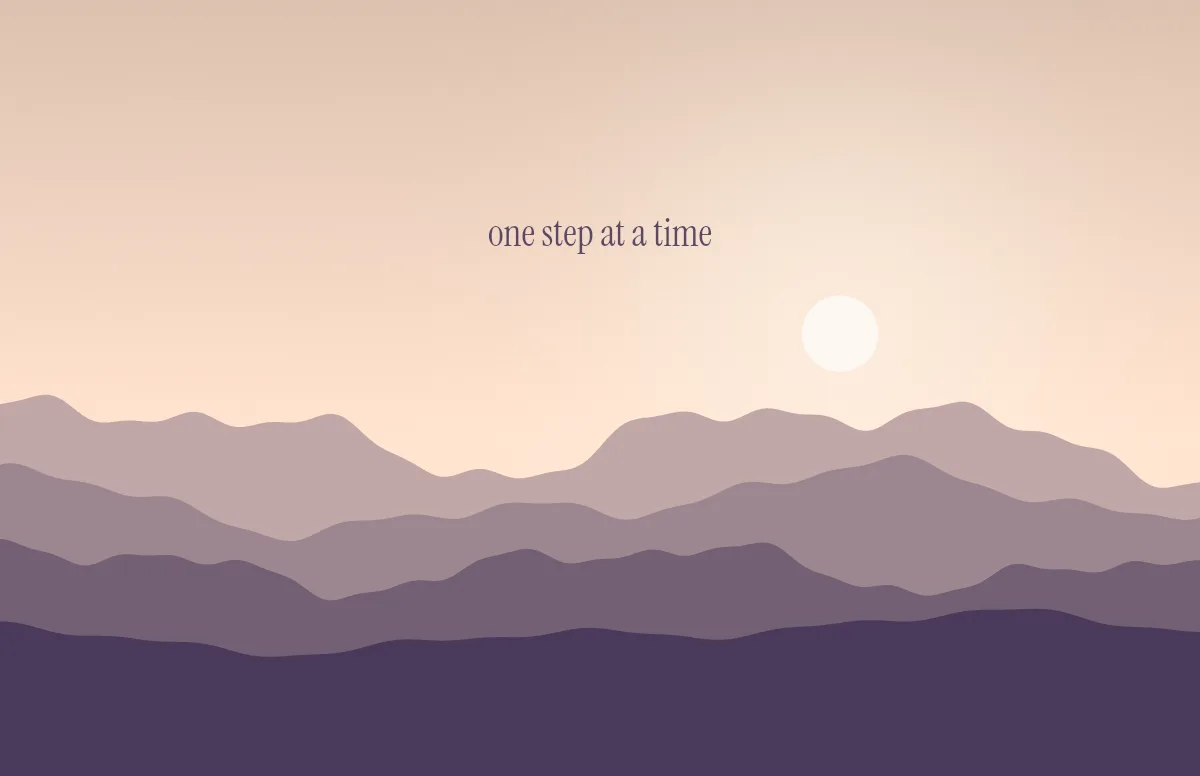
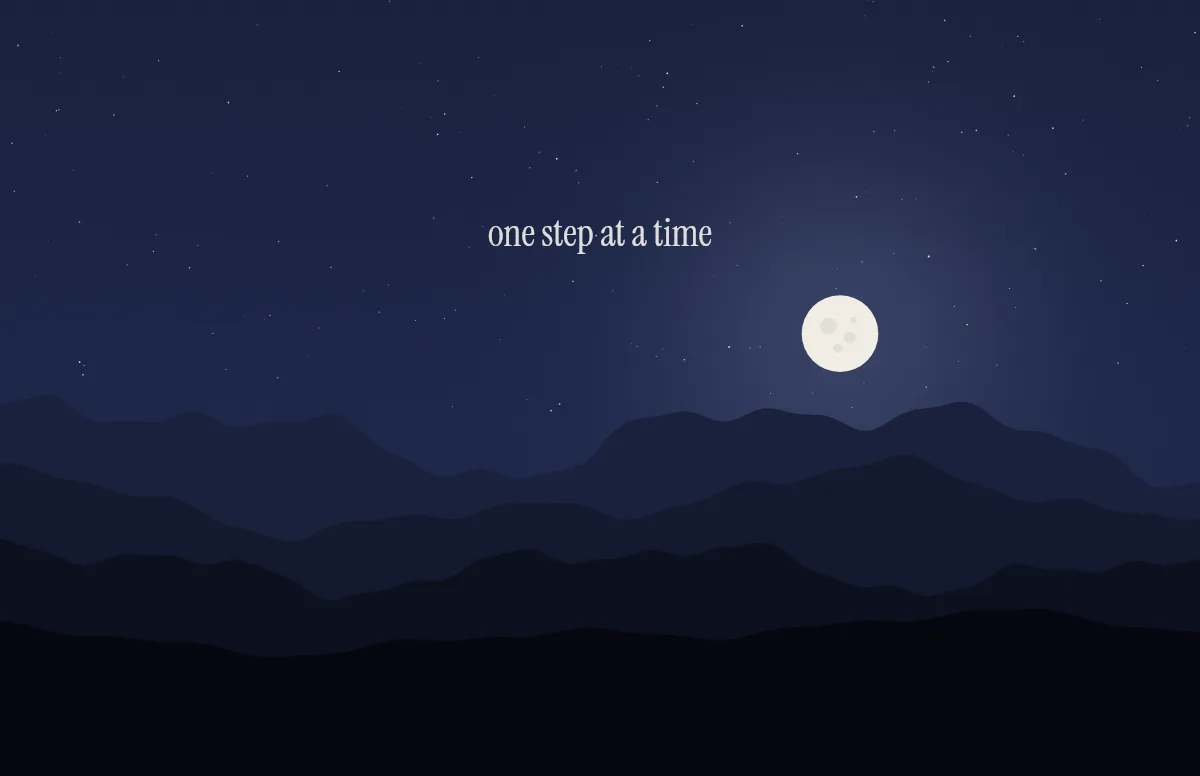
Horizon
Layered mountains under the sun by day and the moon by night.
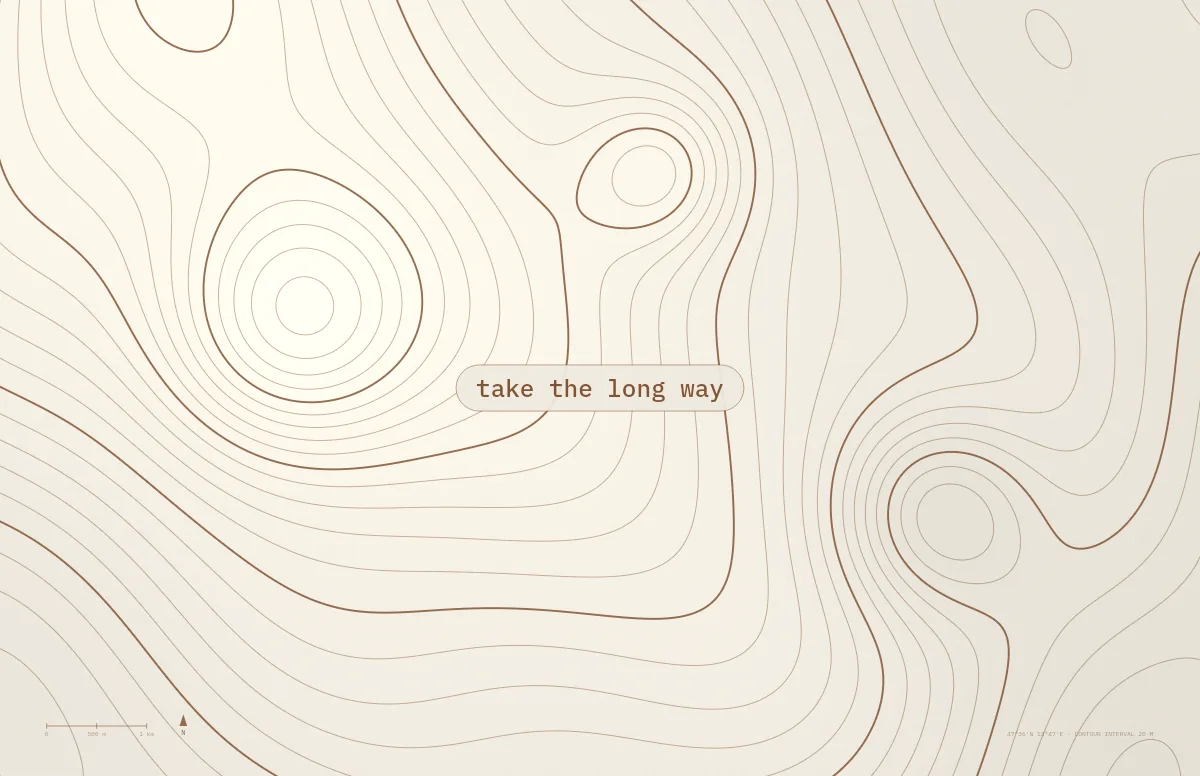
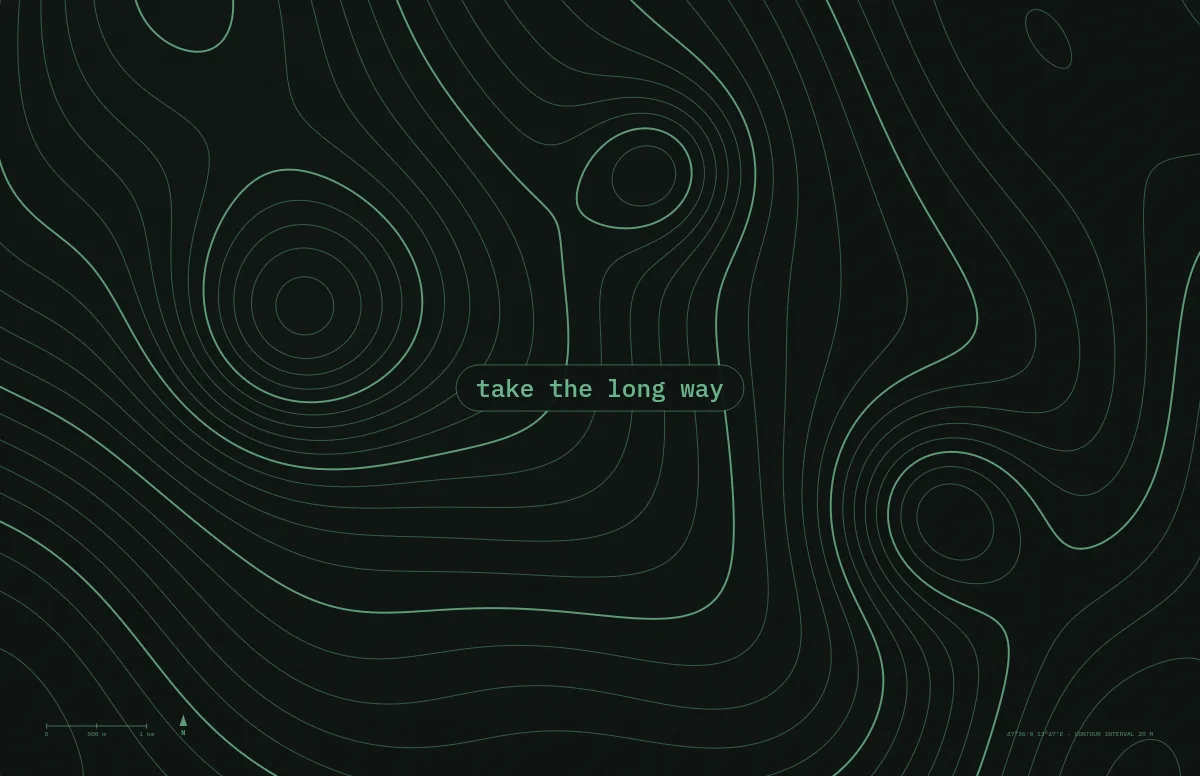
Topo
Contour lines of an imaginary mountain range, with your text as a map label.
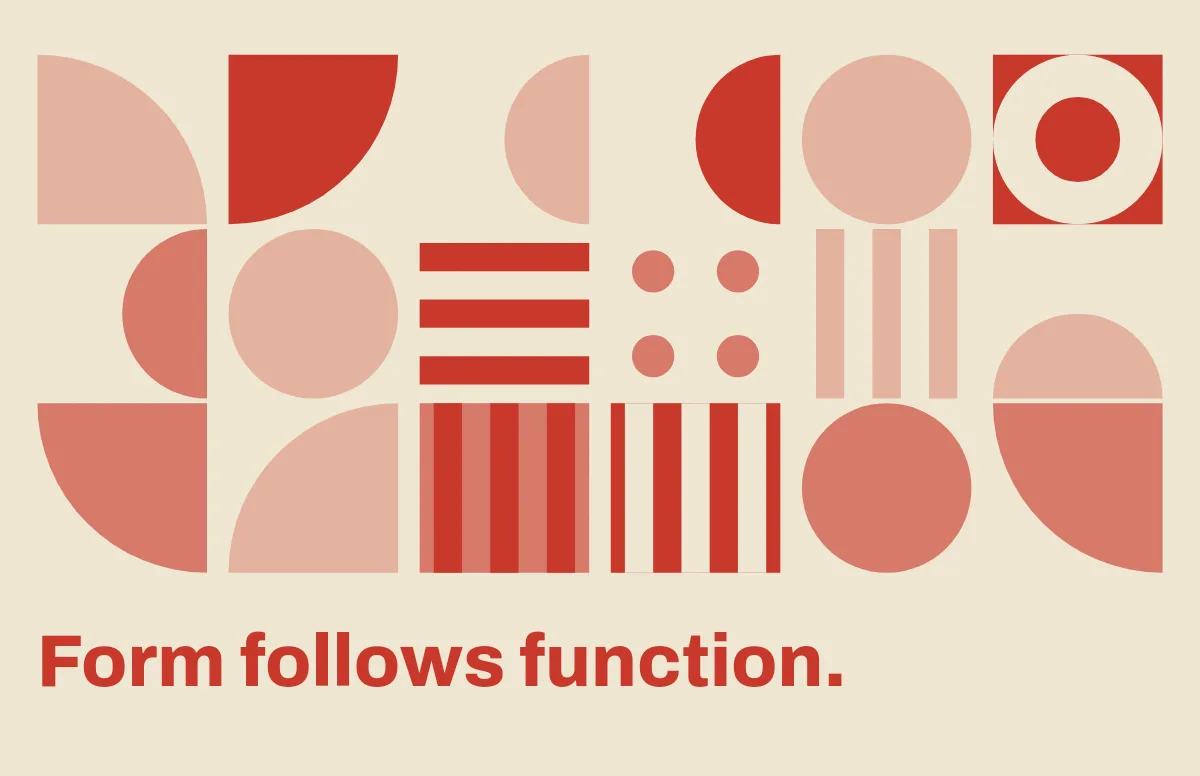
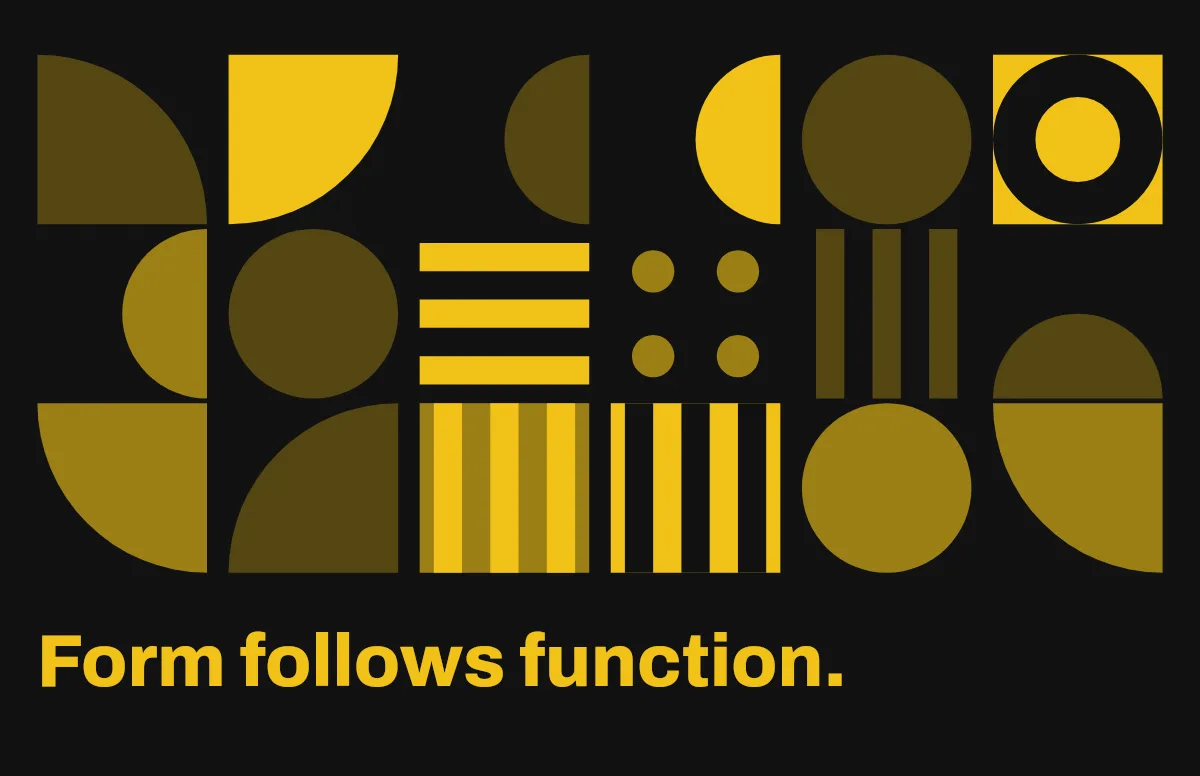
Bauhaus
Circles, quarter circles and stripes on a strict grid, with bold type.
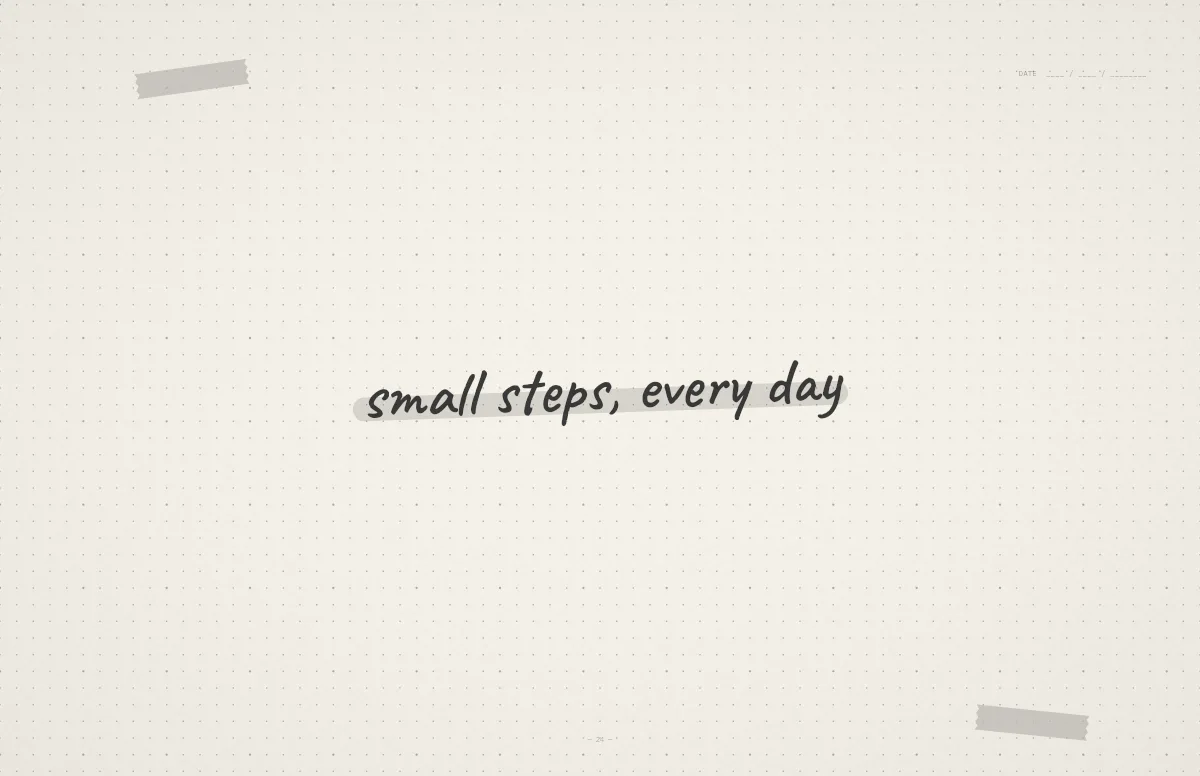
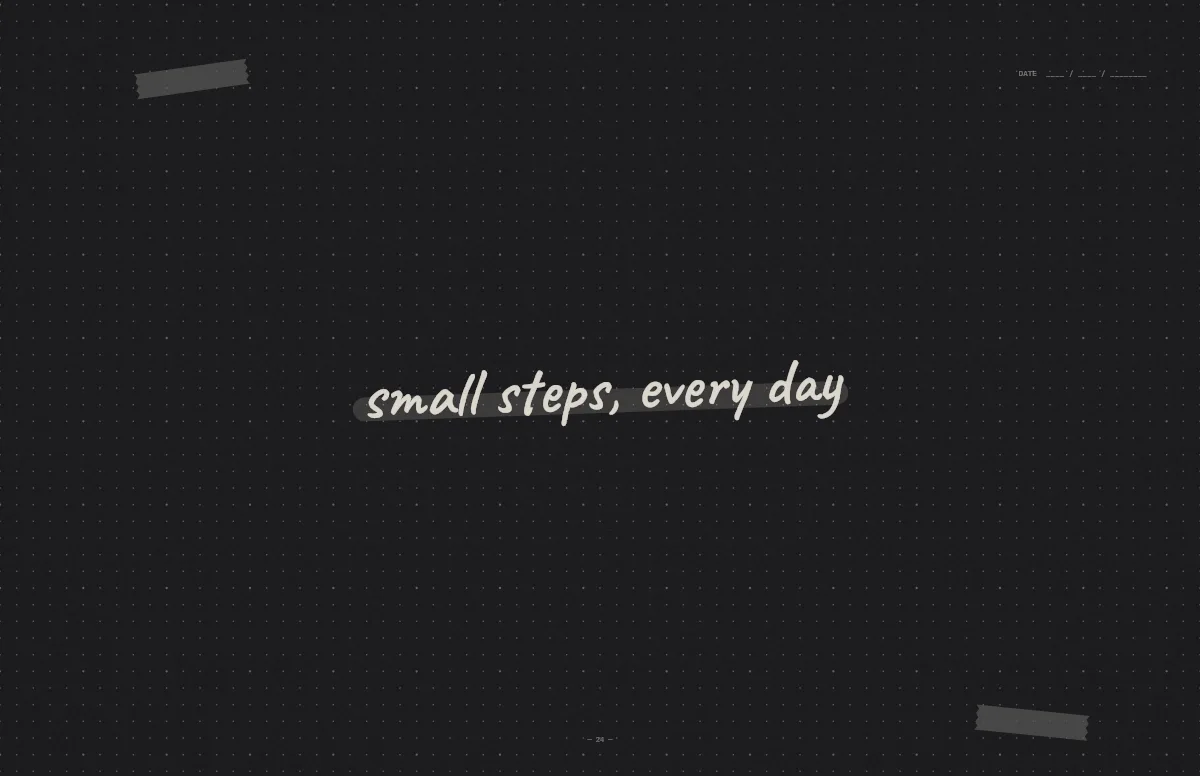
Notebook
A dotted journal page with your line in handwriting and a highlighter stroke.
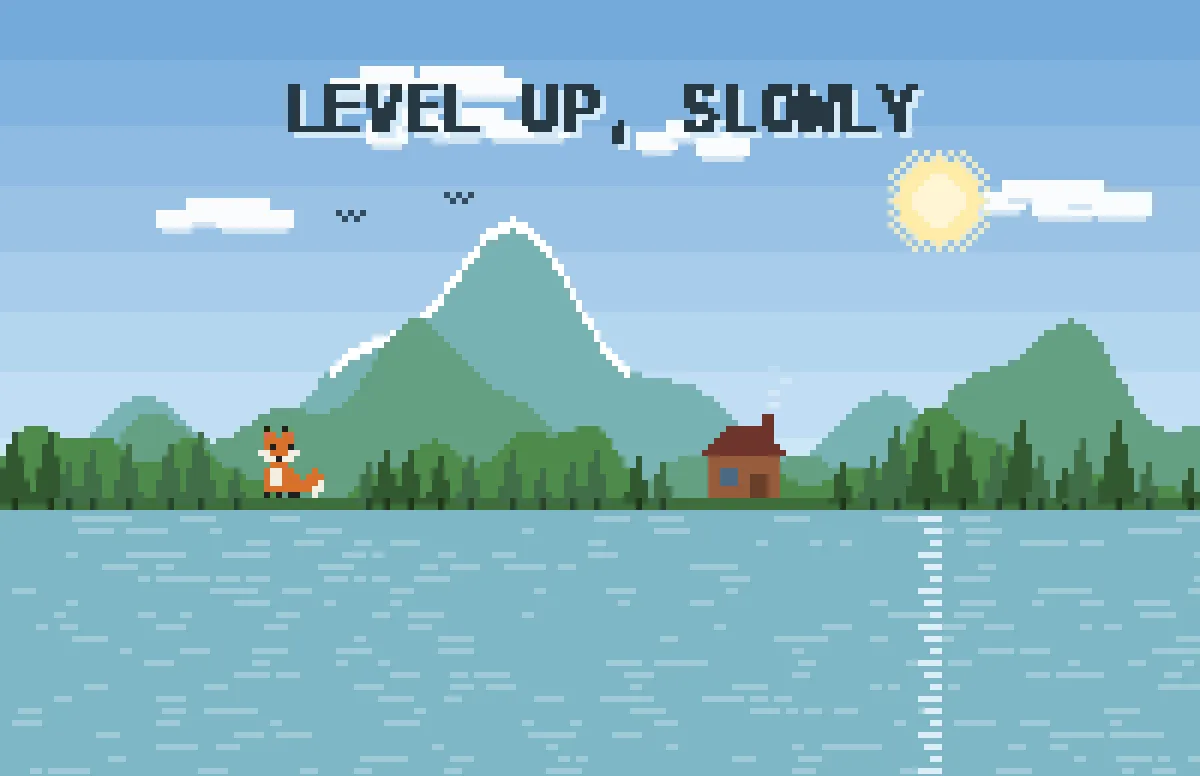
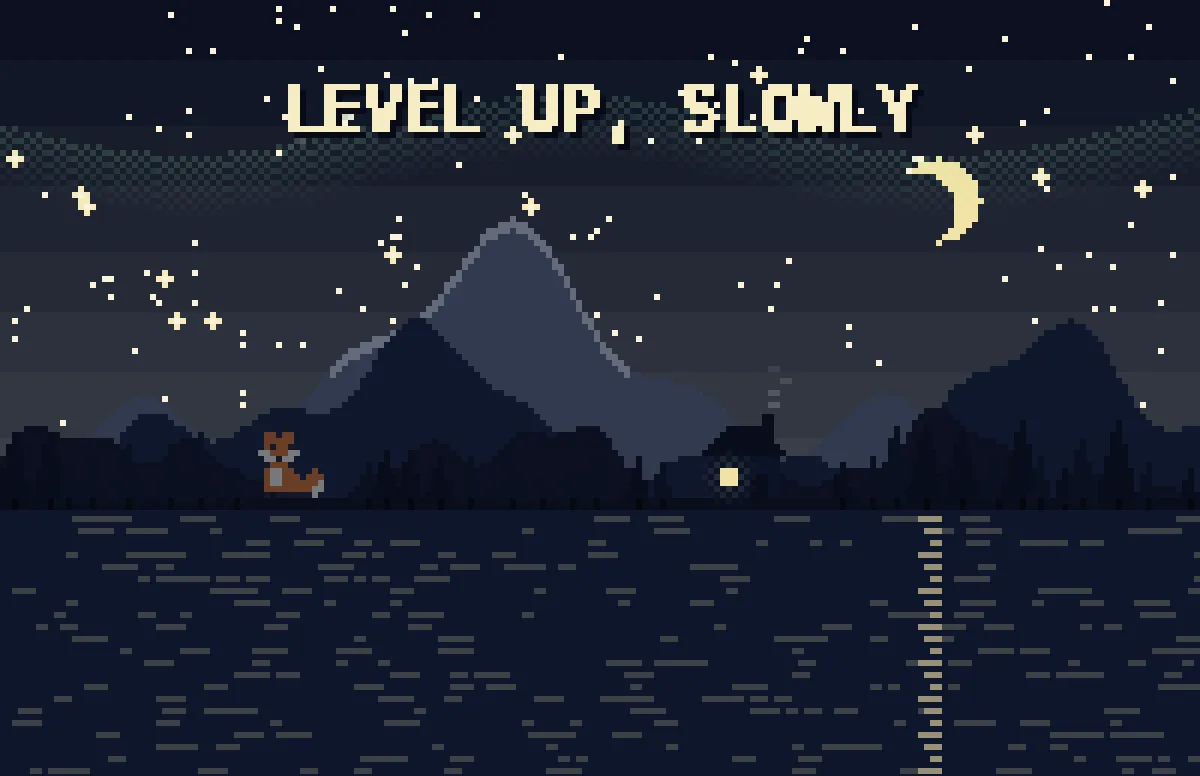
Pixel
Pixel scenes: sun by day, stars and lit windows at night.
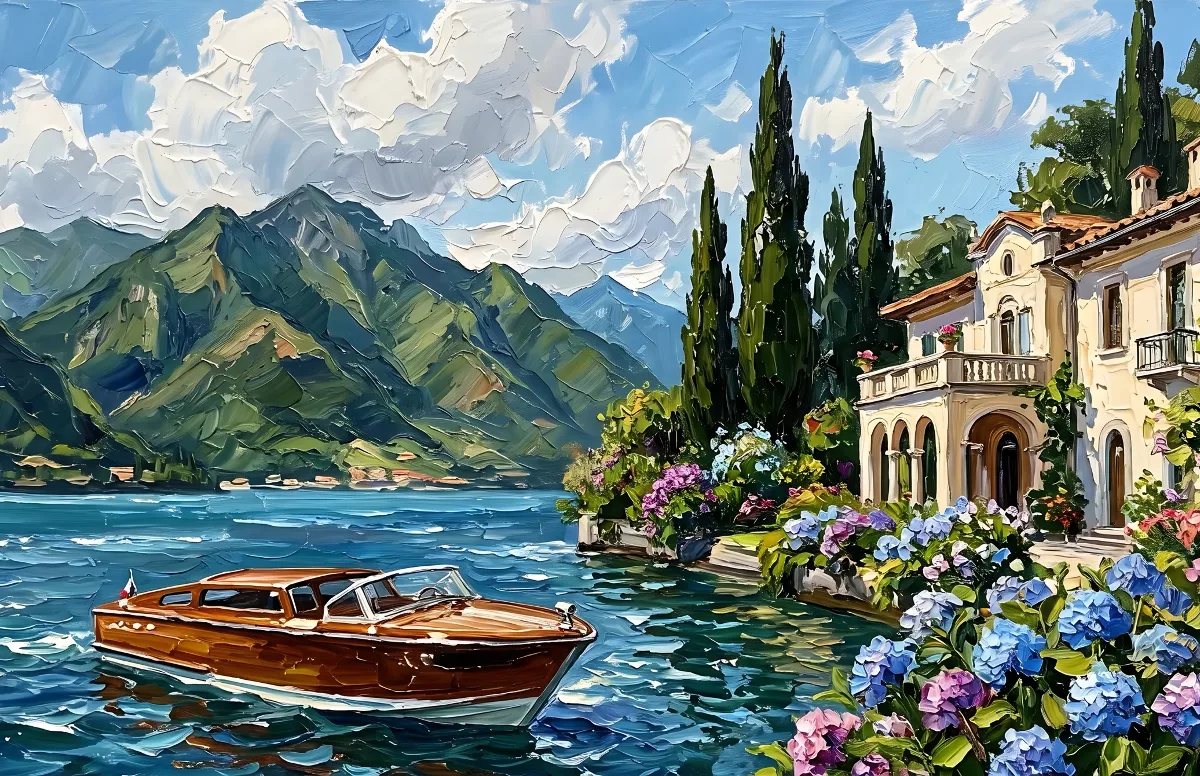
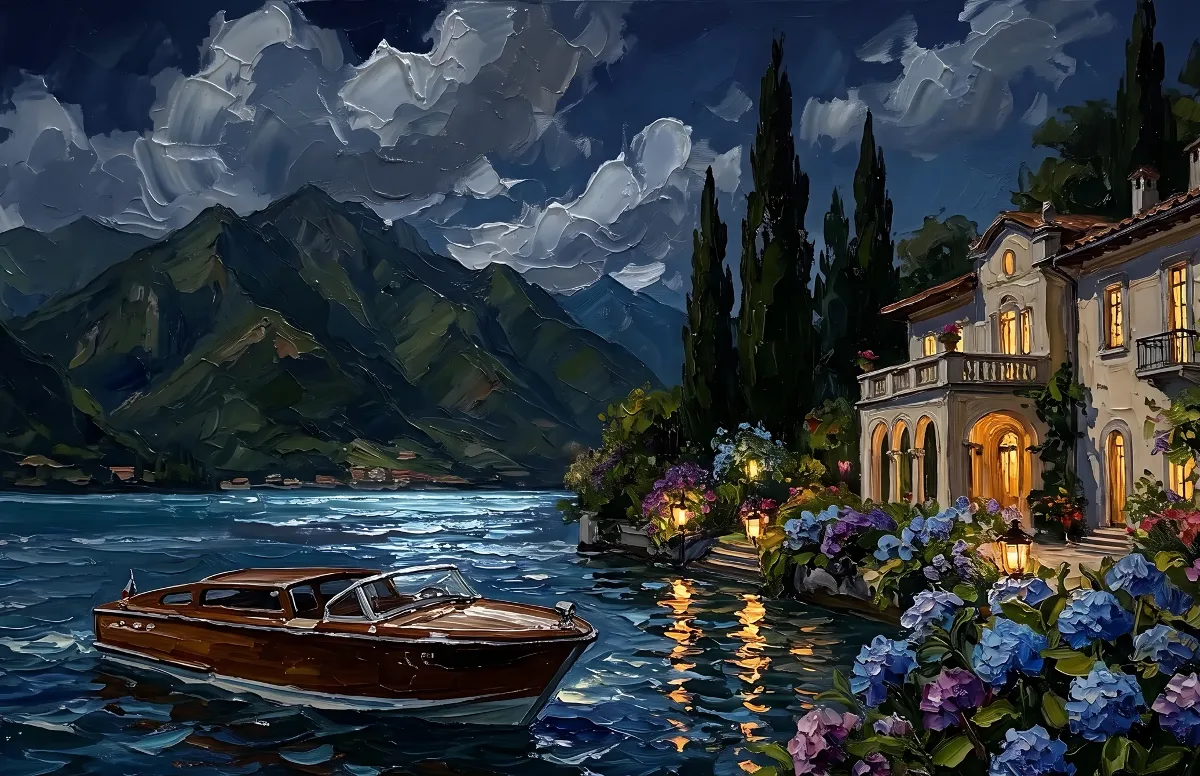
Painted
Impasto oil paintings with a day and a night version of the same scene.
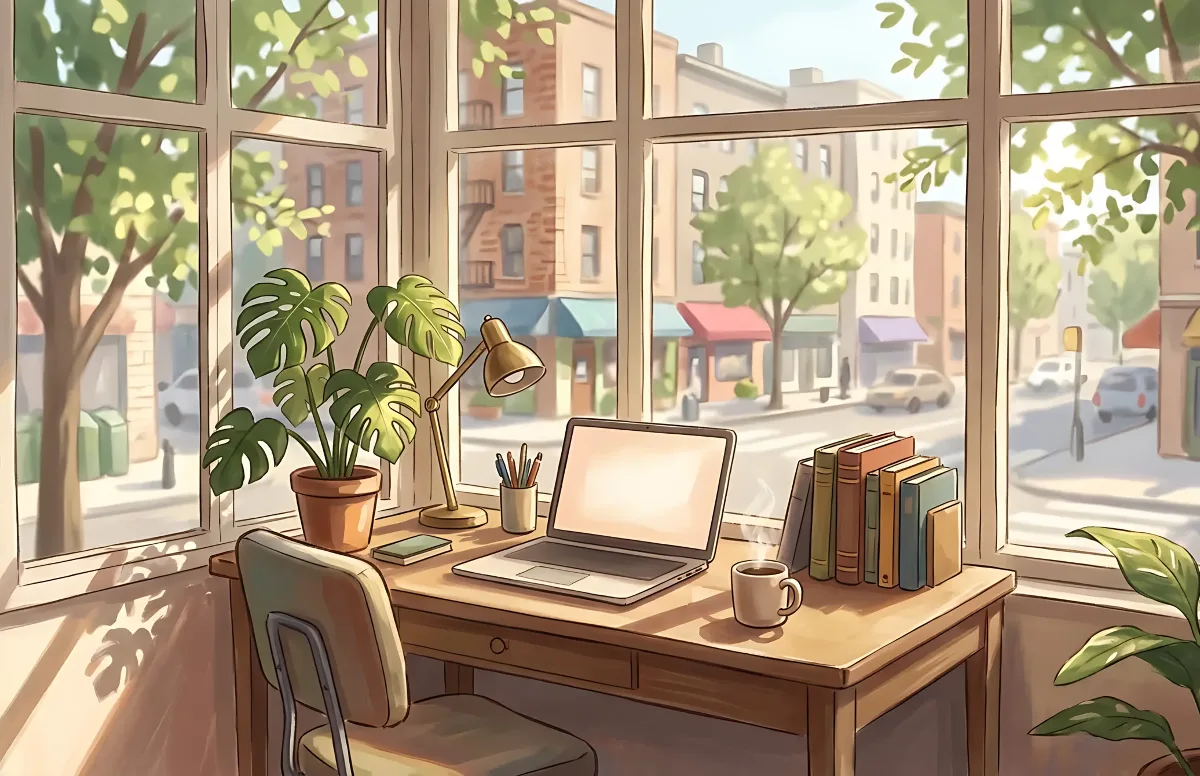
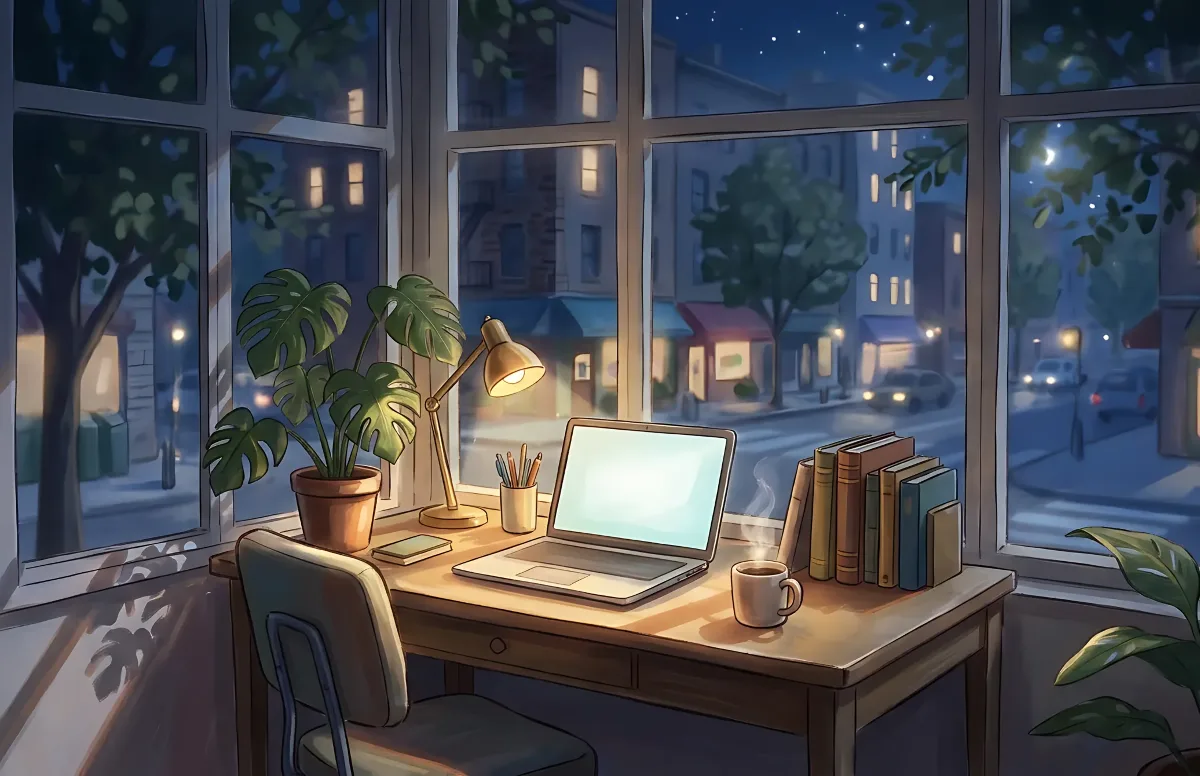
Cozy
Illustrated rooms: sunlight by day, lamp light at night.