About this template
Add a character: a fox, a cat, an explorer with a lantern, a little robot or an angler. Pick a season for snow, rain, blossoms or autumn leaves. Little details like birds, shooting stars, chimney smoke and fireflies change with every shuffle.
Every scene is drawn on a coarse grid and scaled up without blur, so it stays sharp on a 5K display and on an iPhone. Your text appears in real pixel letters.
Ideas for using it
A little world on your desktop
Six scenes, five characters and four seasons give you thousands of combinations, and each one switches from day to night.
Retro look without the blur
Pixel art usually gets soft when it is enlarged. Here it is drawn at your exact resolution, so every pixel stays crisp.
Seasonal wallpapers
Snow in winter, blossoms in spring, leaves in autumn: change one setting and your desktop follows the season.
Tips for light and dark
- The night versions are the highlight: try the lighthouse coast or the city in dark mode.
- On the iPhone, Space puts your character on top of a planet right below the clock.
- Turn off Little details for a calmer scene without birds, shooting stars or fireflies.
Not sure which size you need? The Mac wallpaper size table lists the exact pixels for every MacBook, iMac and display, and the iPhone wallpaper size table does the same for every iPhone.
Questions and answers
Are the characters from a game?
No. All scenes and characters were drawn for Notchwerk.
What does Shuffle change?
It builds a new landscape: other mountains, dunes or buildings, other stars and other details. Scene, character, season and colors stay the same.
Can I choose where the character stands?
Each scene has a fixed spot for the character. Shuffle changes the landscape around it.
Is it animated?
No. It's a still image that switches between day and night with the light and dark mode.
Related articles
How to make a light and dark wallpaper for Mac
What makes a Mac wallpaper switch with dark mode, what is inside the HEIC file, and three ways to make your own: a web tool, a Mac app or the command line.
MacBook and Mac wallpaper size for every model, including the 2026 MacBook Pro
MacBook Air 13″ 2560 × 1664, Pro 14″ 3024 × 1964, Pro 16″ 3456 × 2234: exact pixels for every Mac, plus a free light/dark wallpaper in your size.
iPhone wallpaper size: the resolution for every current model
The exact wallpaper resolution for every iPhone from SE to 18 Pro Max, how to find your model, and where to keep text clear of the lock-screen clock.
Styles with this template
More templates
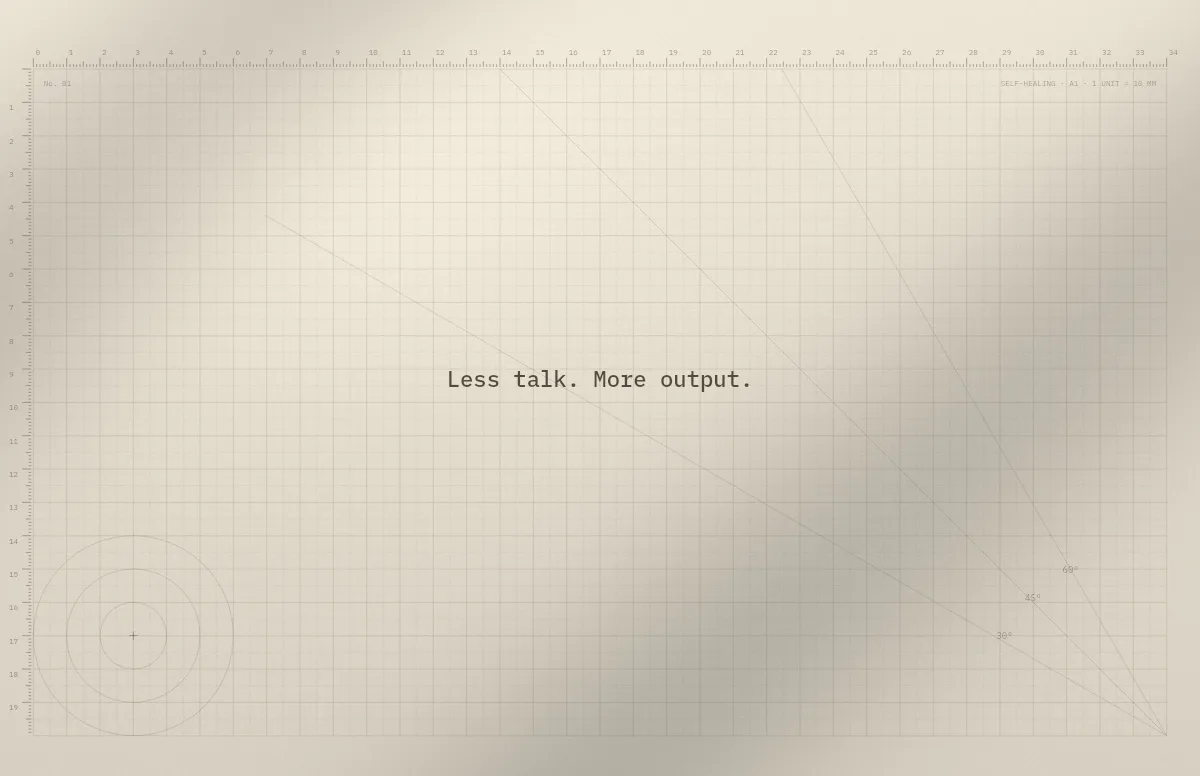
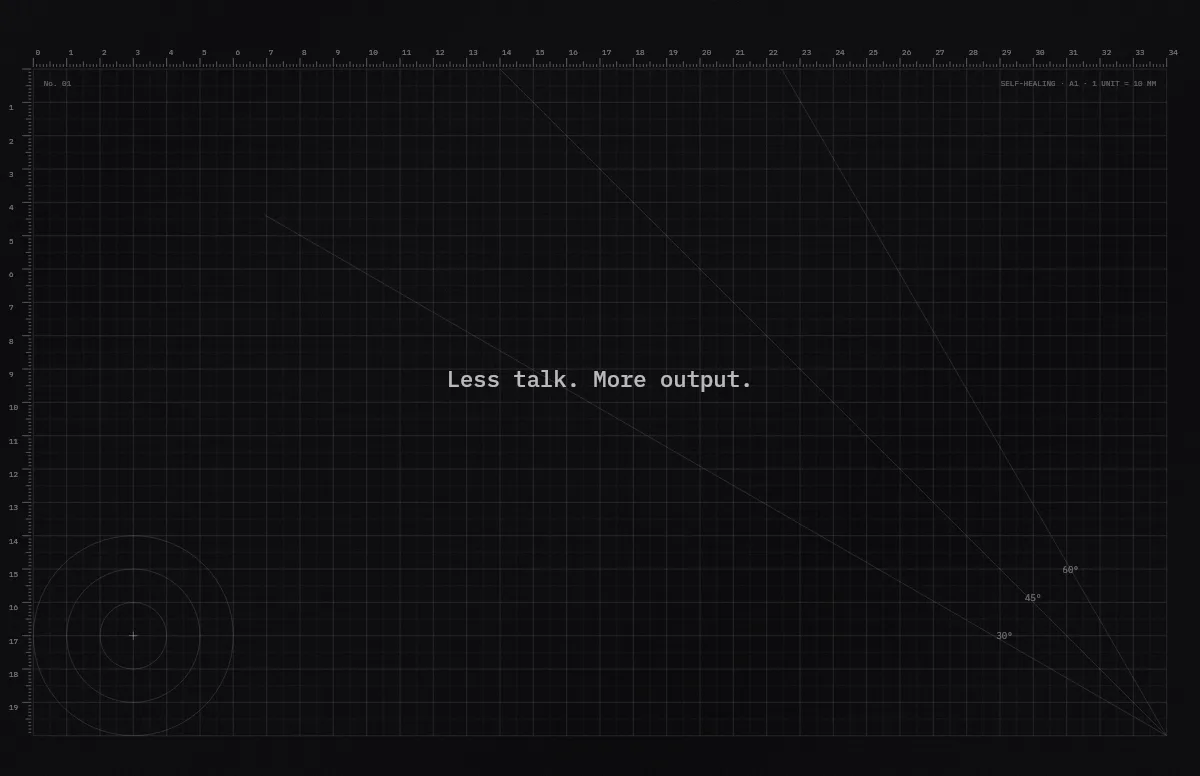
Cutting Mat
Grid, rulers and angle guides, like the mat on a designer's desk.
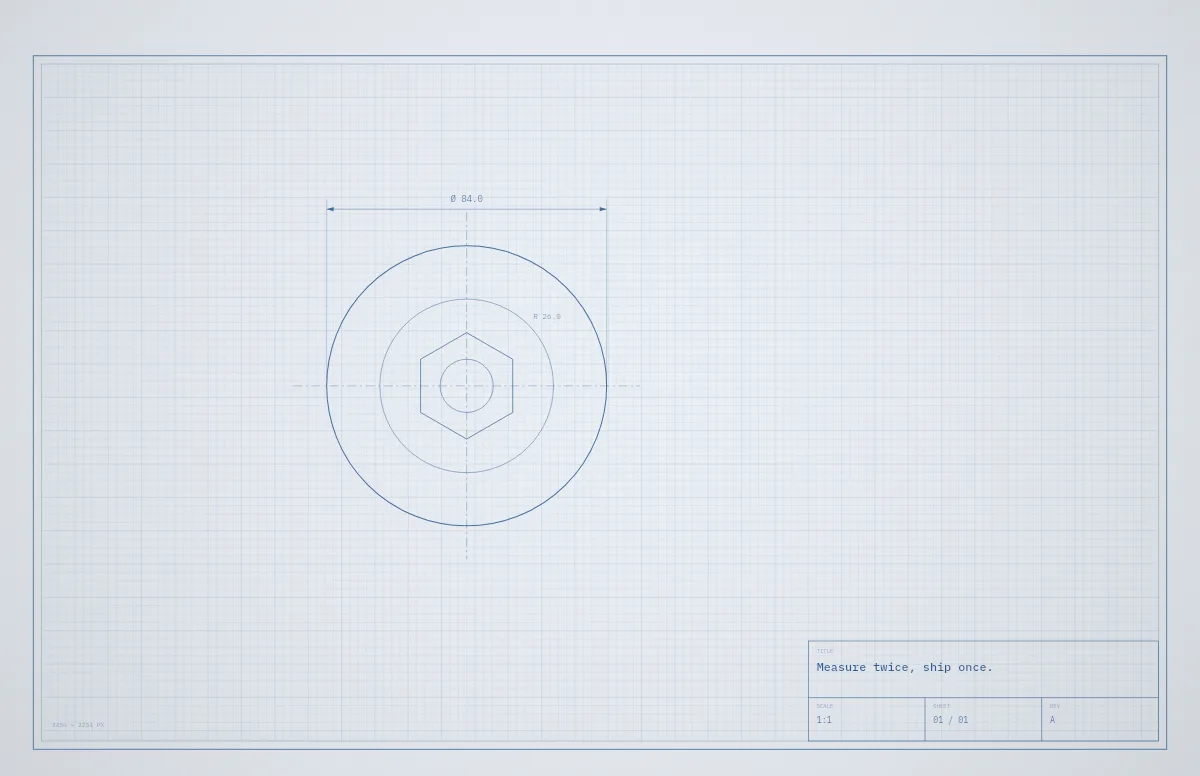
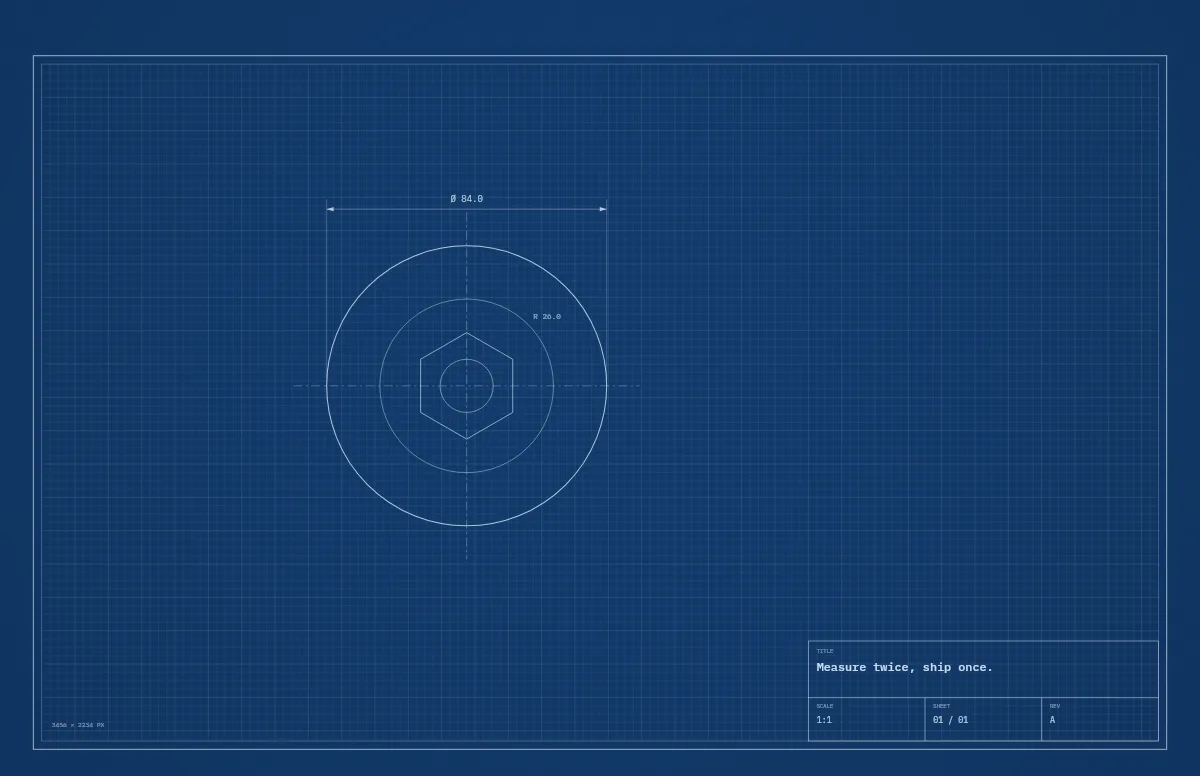
Blueprint
A technical drawing with a title block that carries your text.
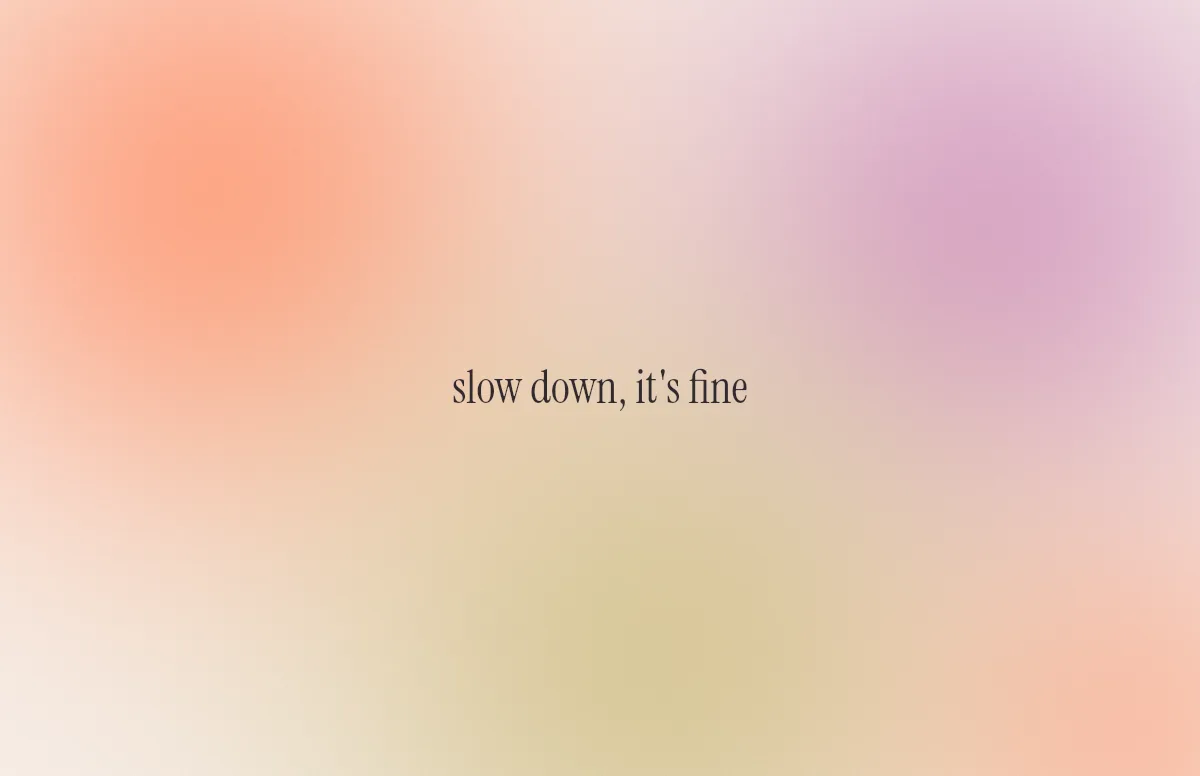
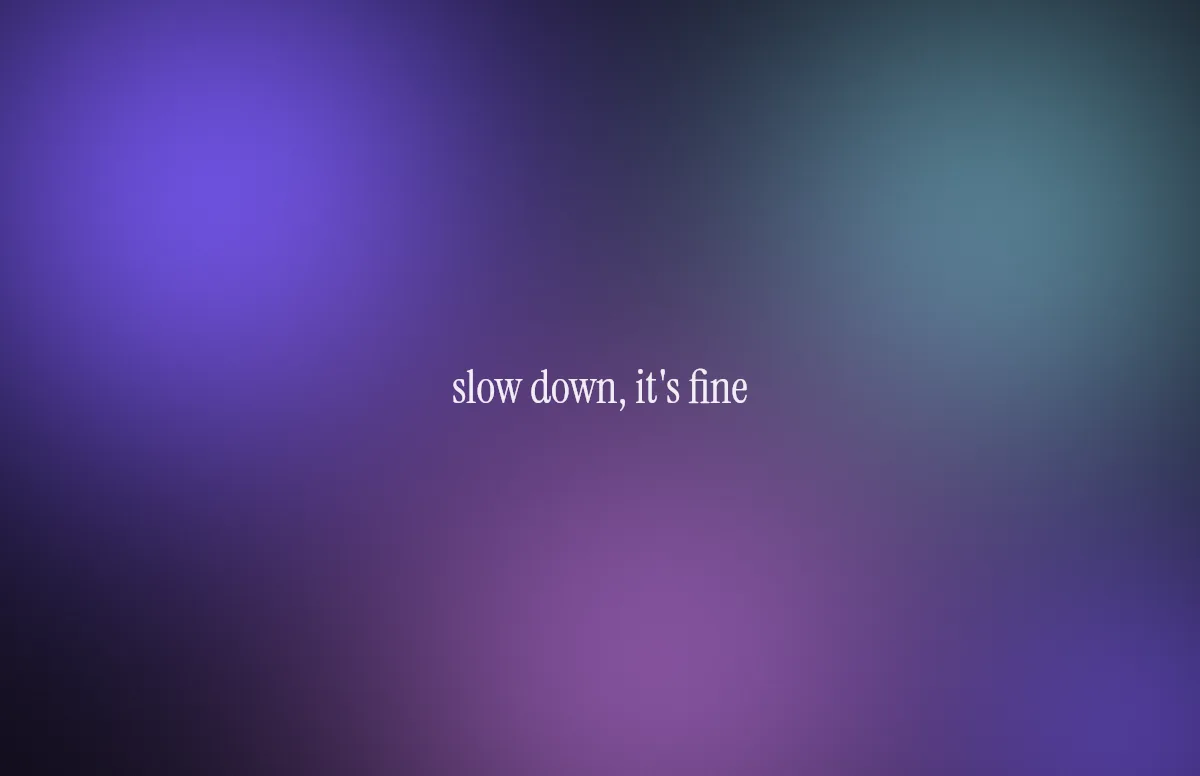
Aura
Soft color glows with a quote in a calm serif.
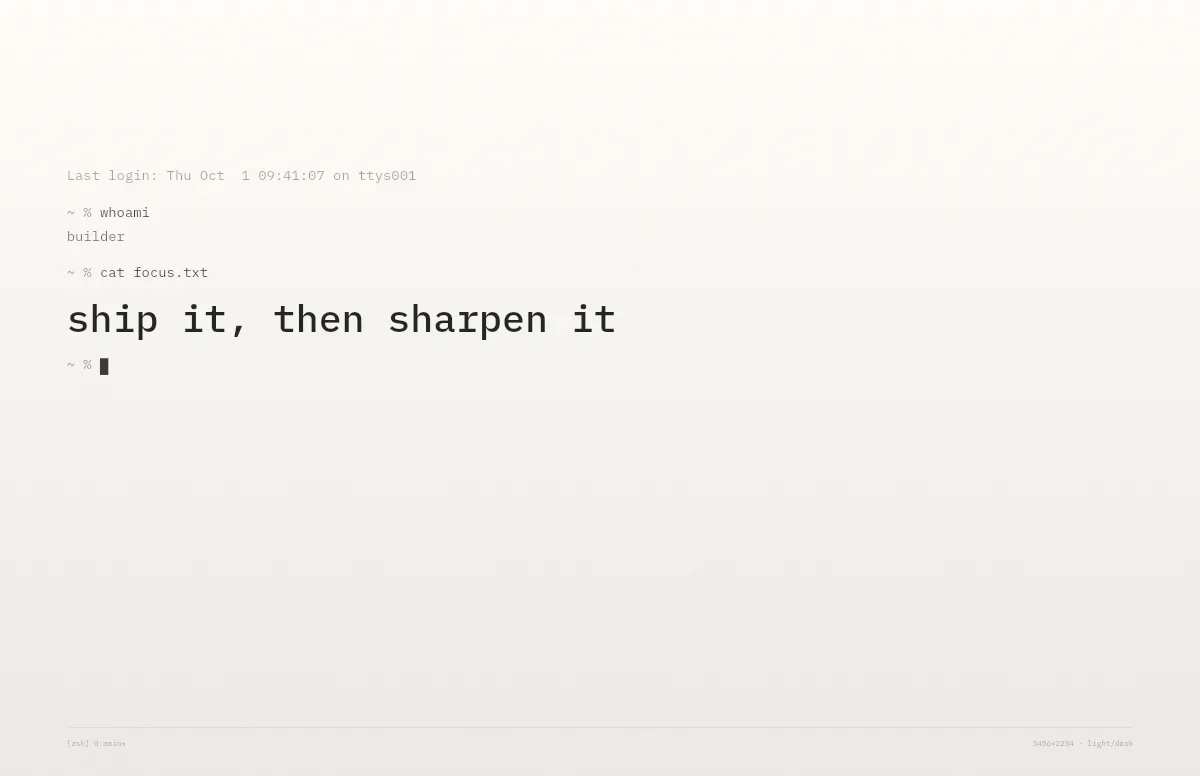
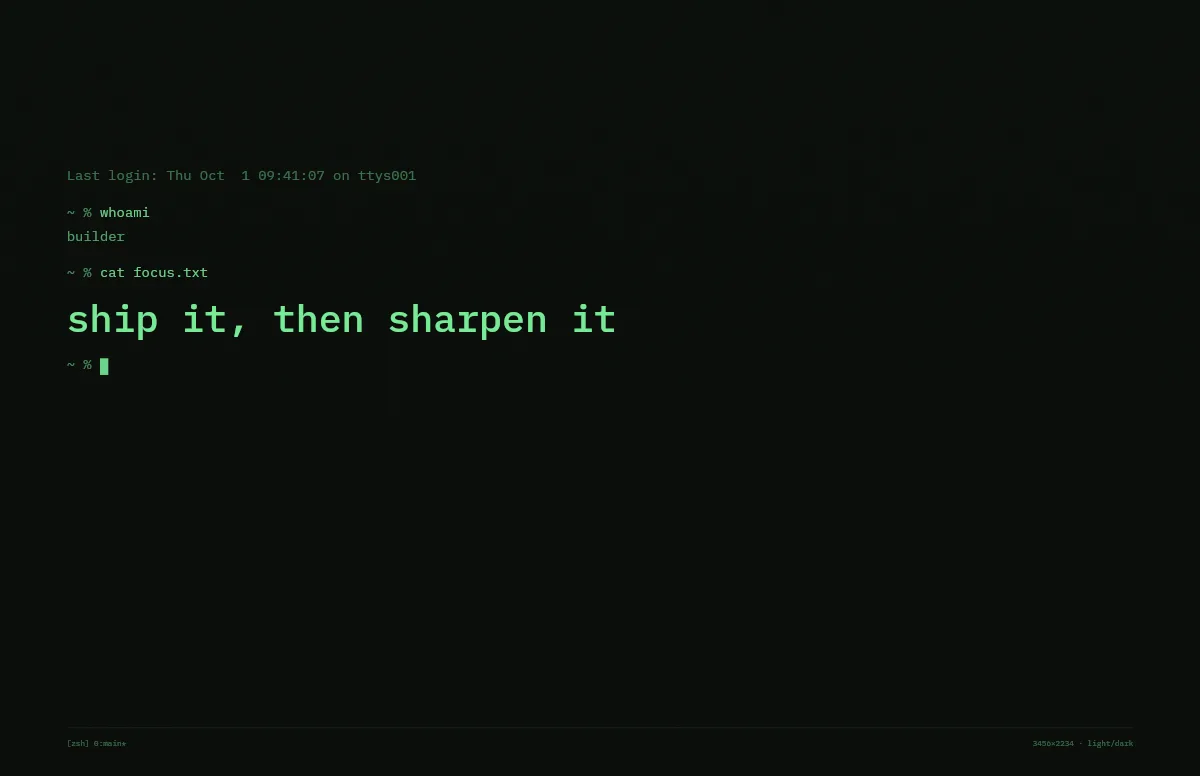
Terminal
A shell session that prints your line. Made for developers.
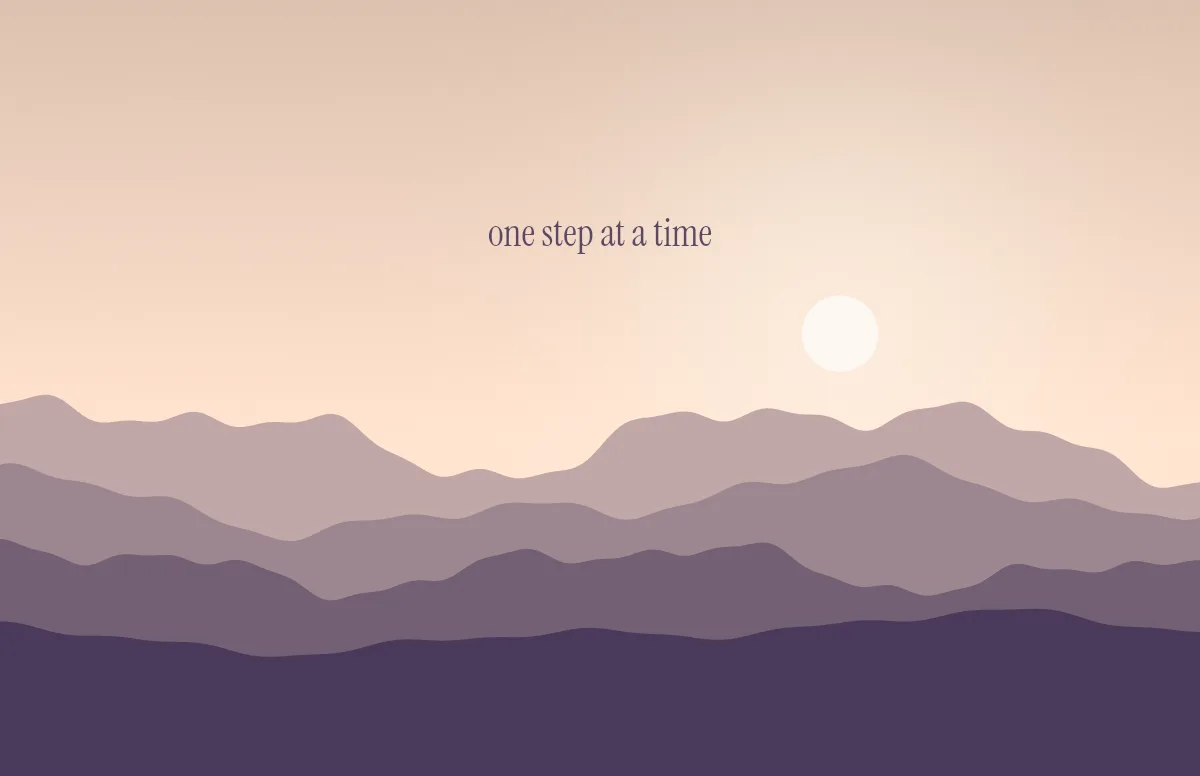
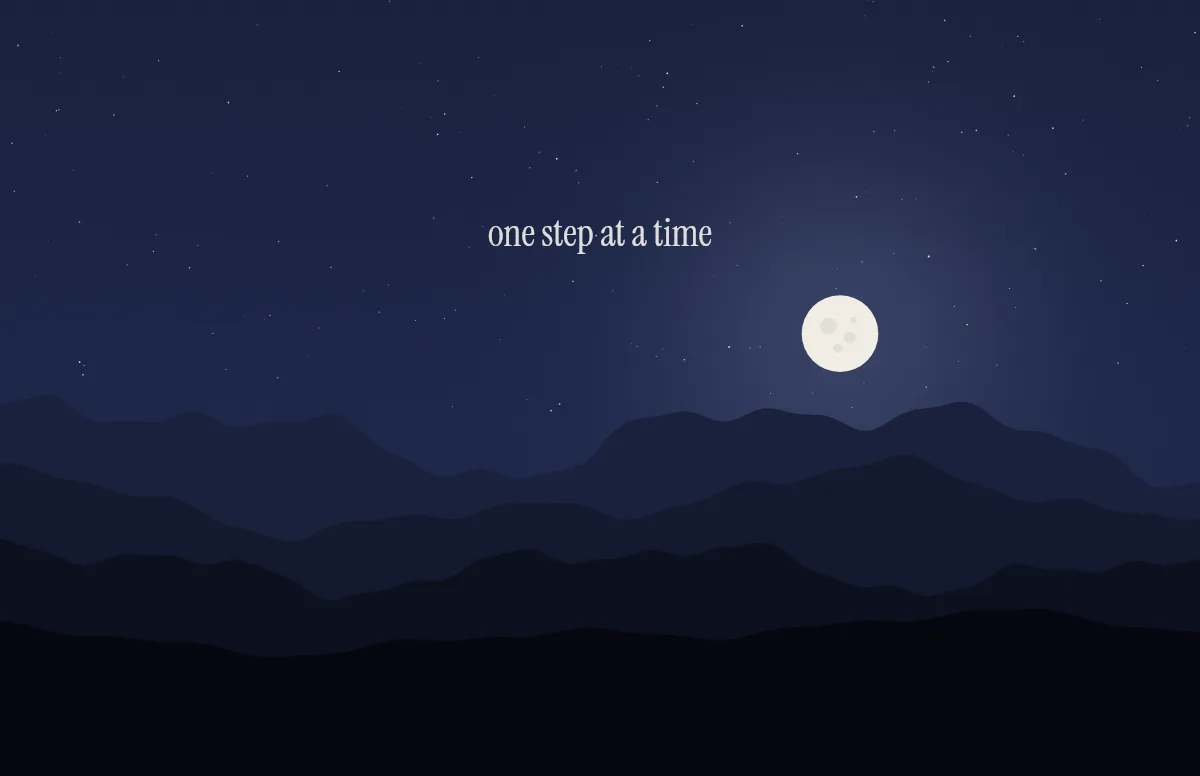
Horizon
Layered mountains under the sun by day and the moon by night.
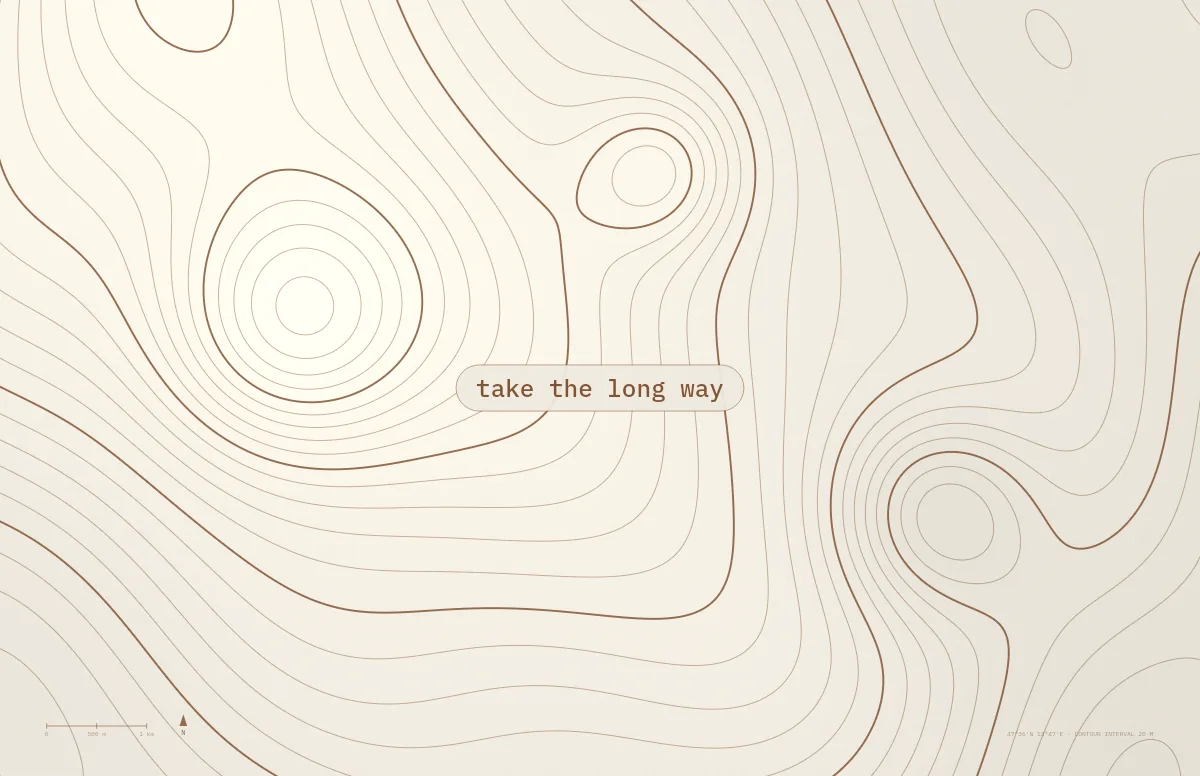
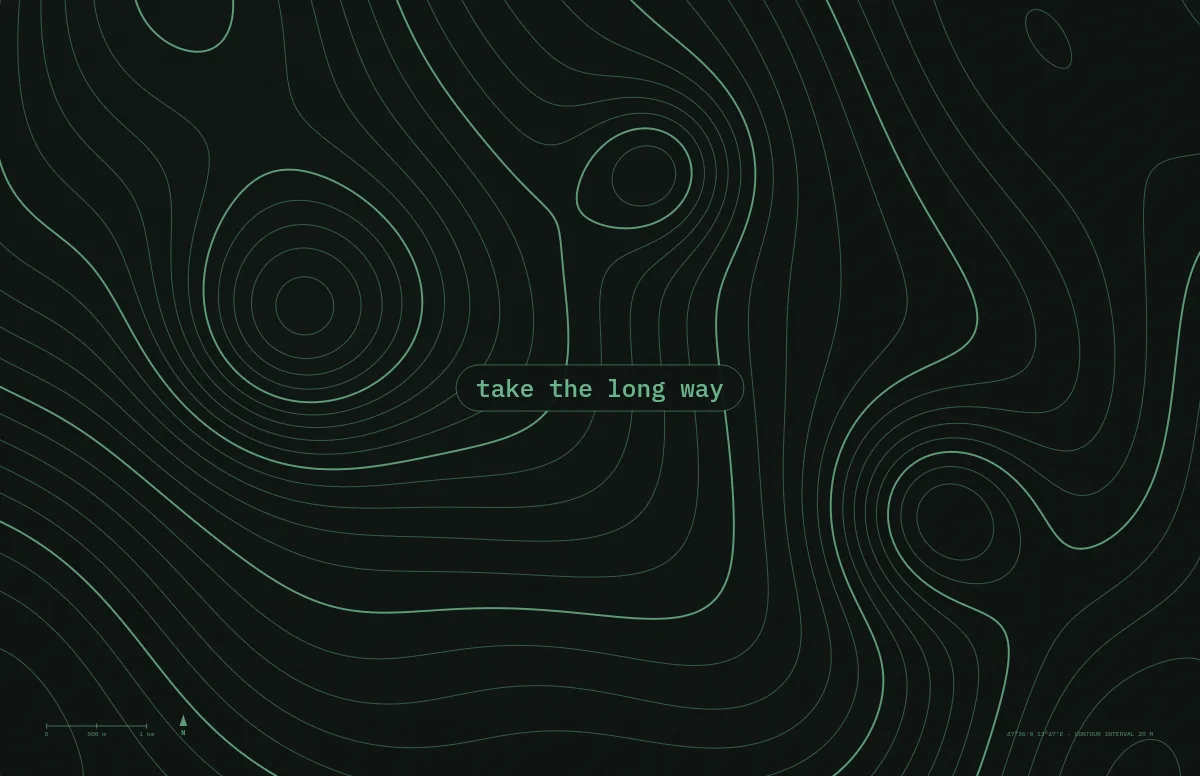
Topo
Contour lines of an imaginary mountain range, with your text as a map label.
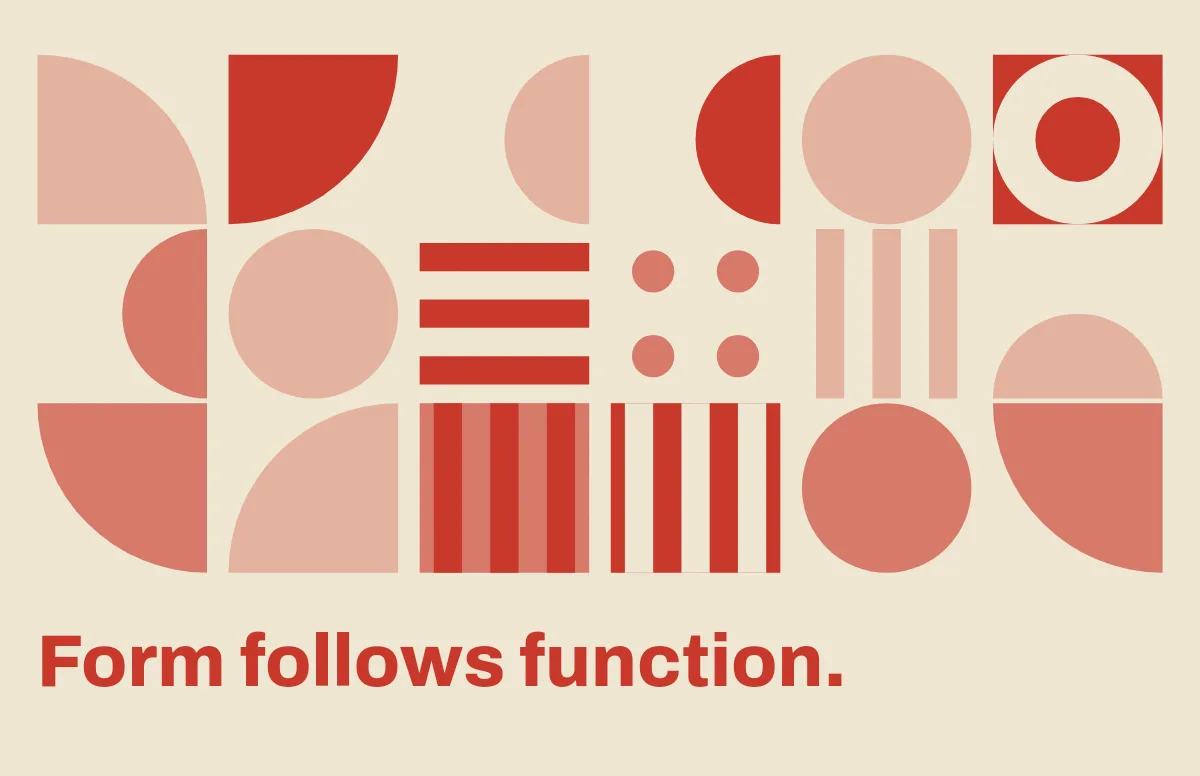
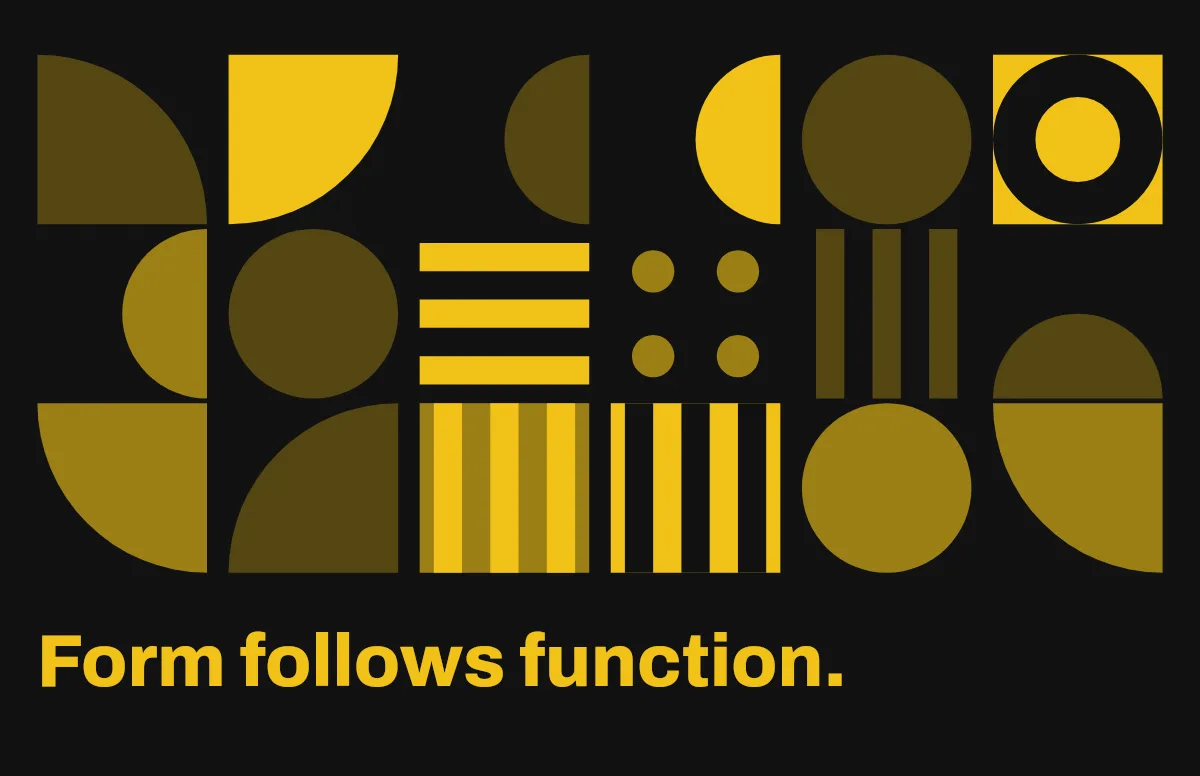
Bauhaus
Circles, quarter circles and stripes on a strict grid, with bold type.
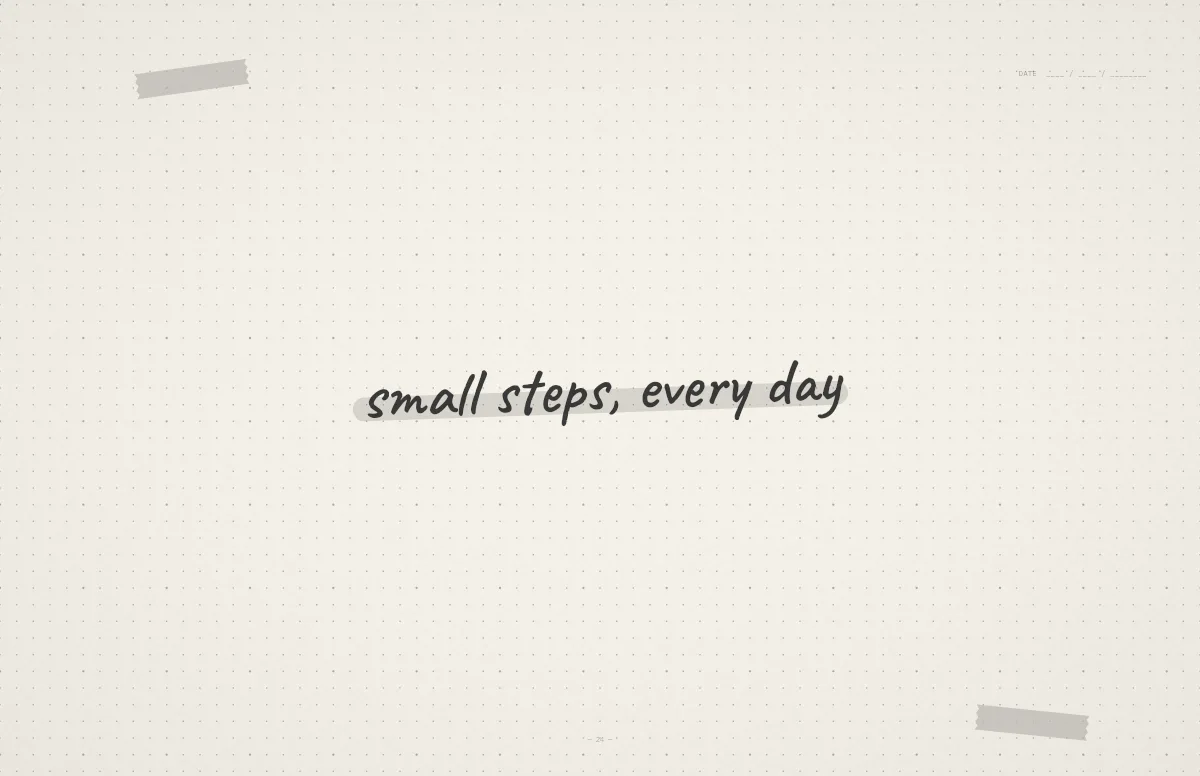
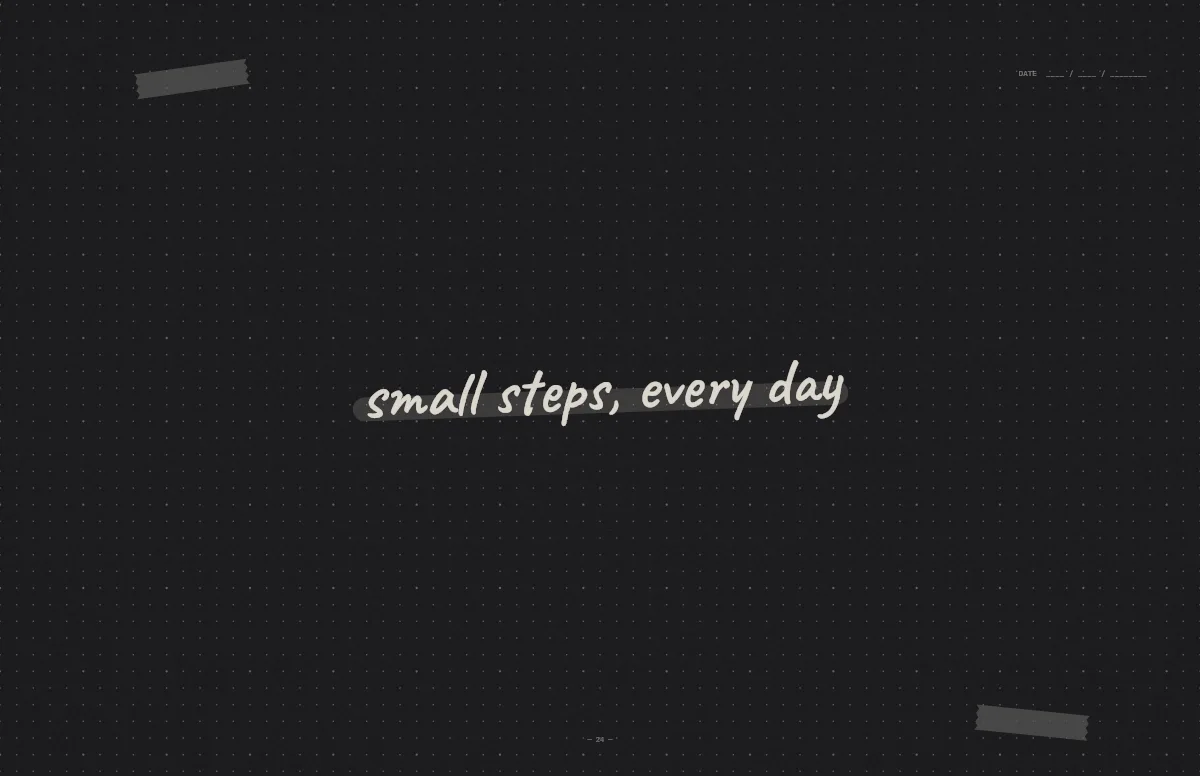
Notebook
A dotted journal page with your line in handwriting and a highlighter stroke.
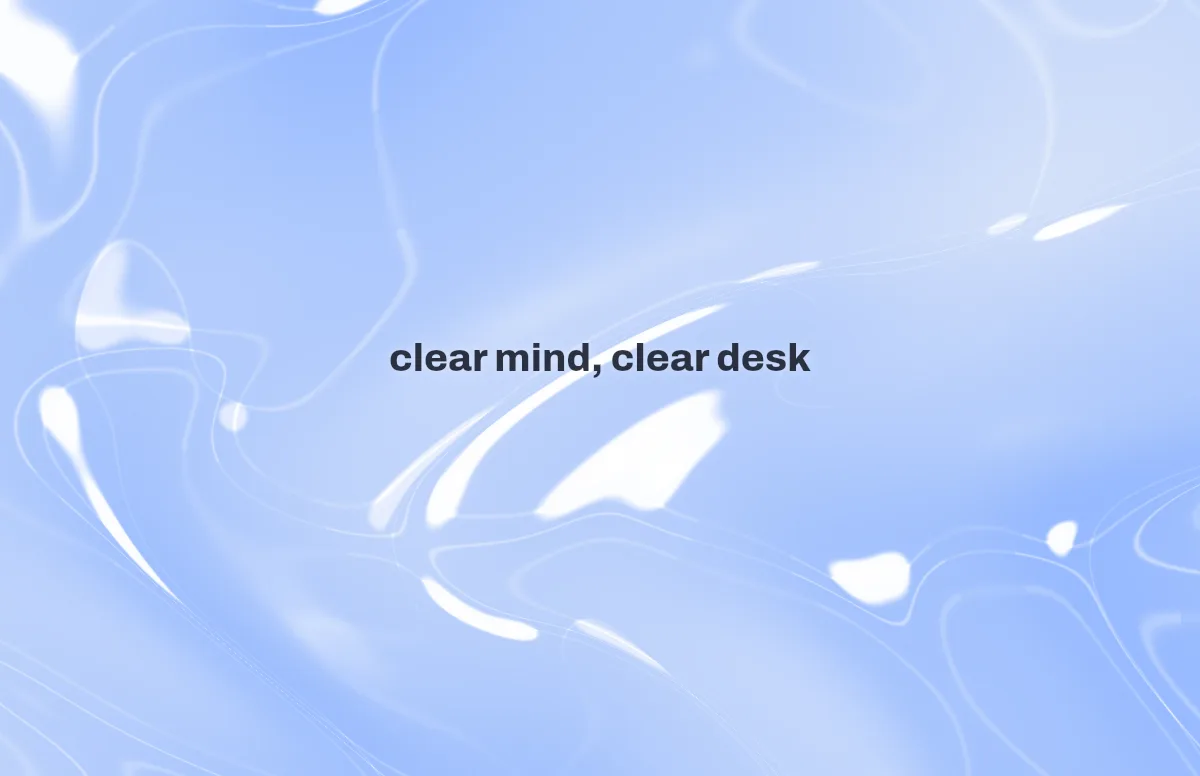
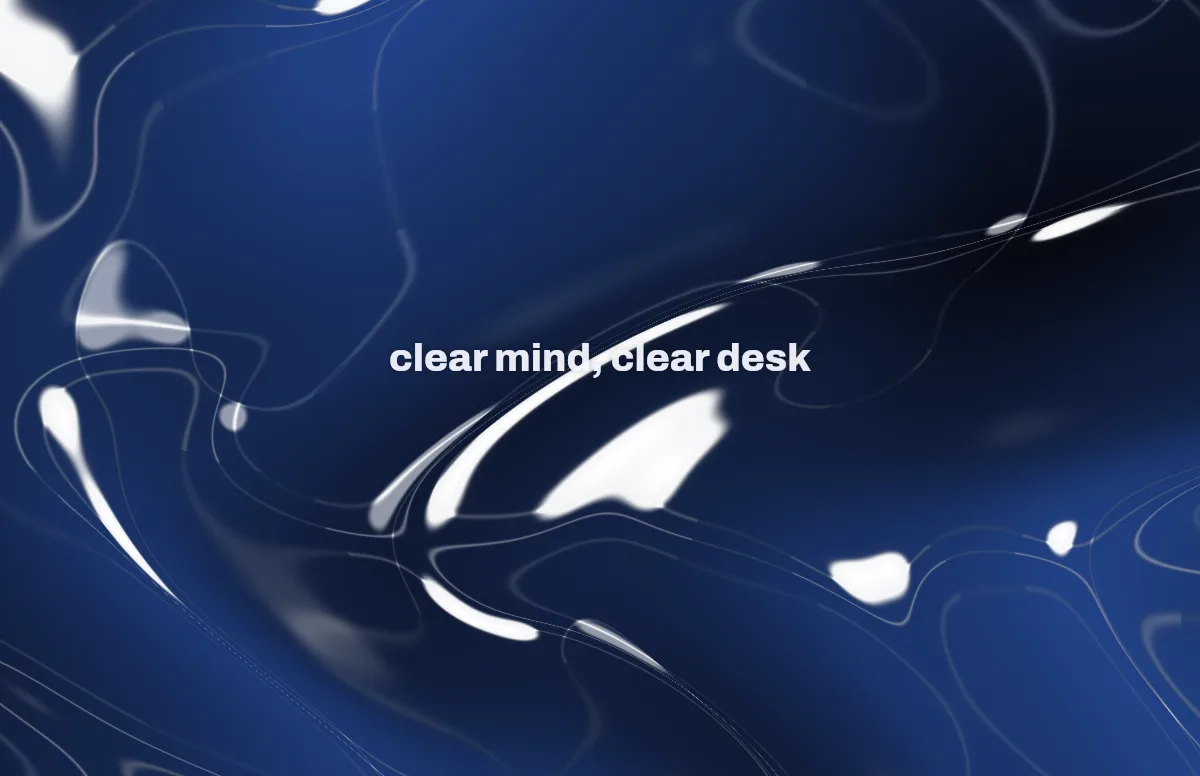
Liquid Glass
Glass shapes that bend the colors behind them, light and dark.
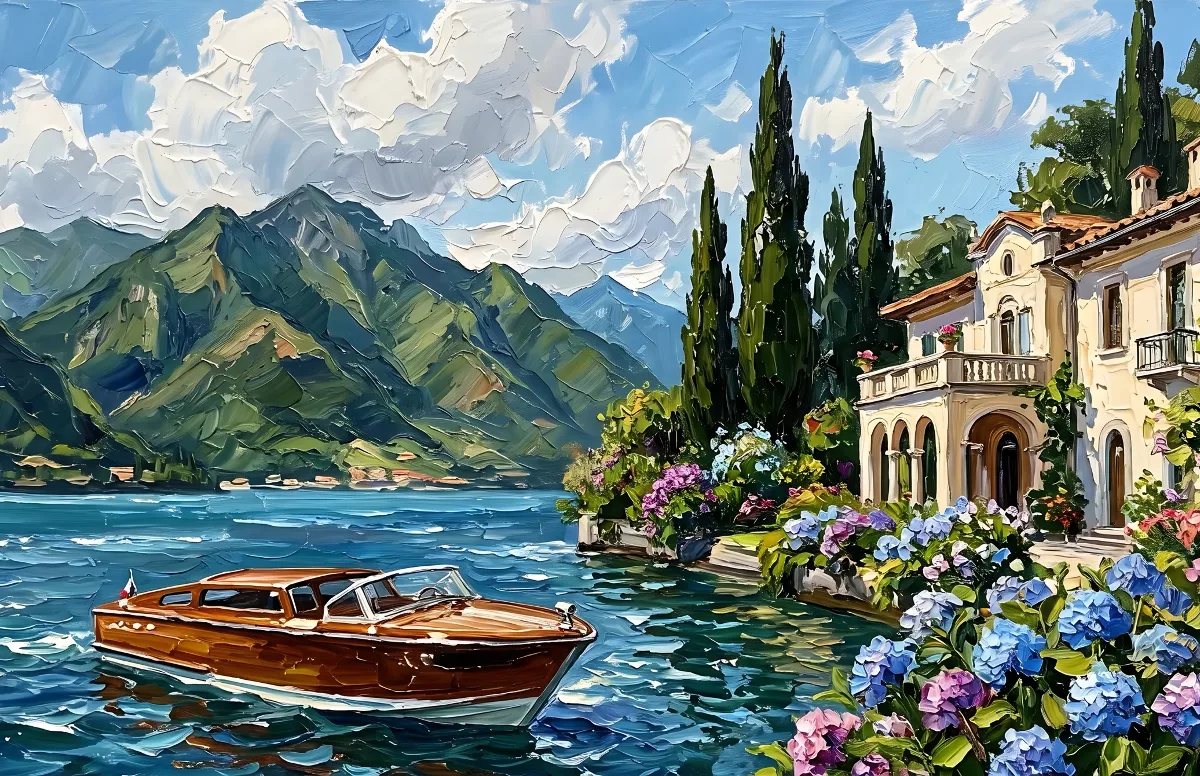
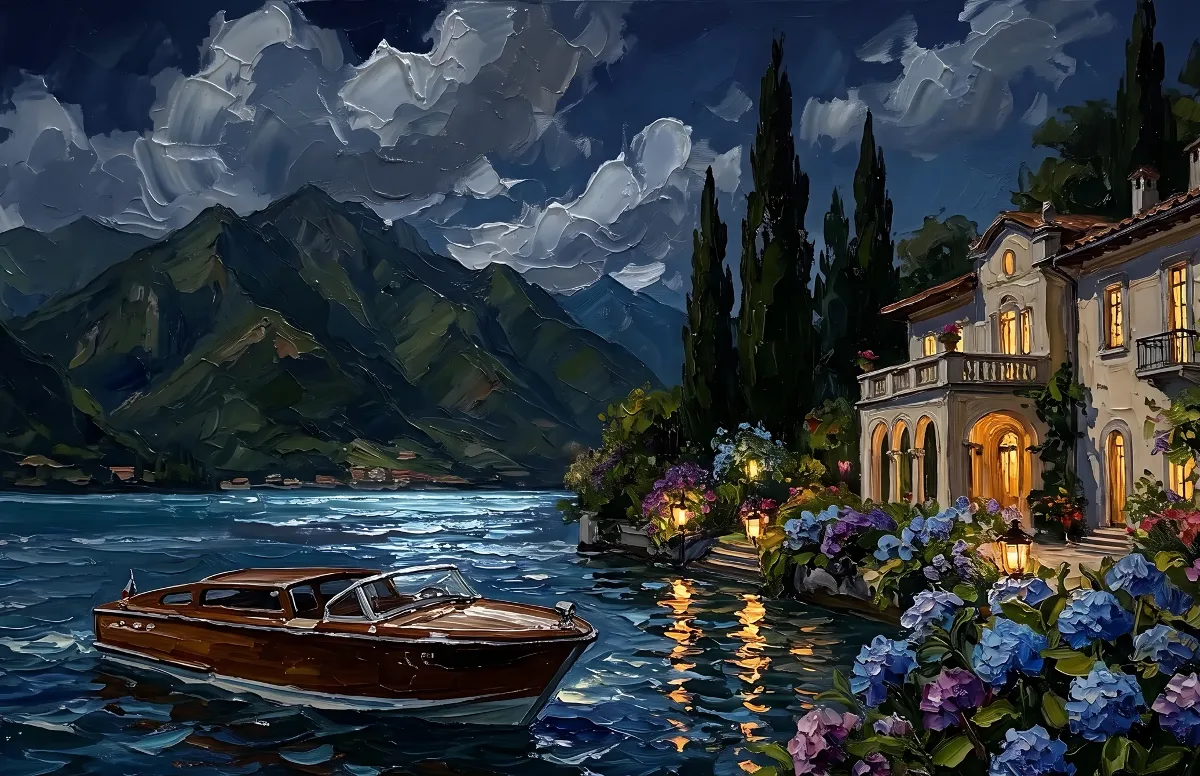
Painted
Impasto oil paintings with a day and a night version of the same scene.
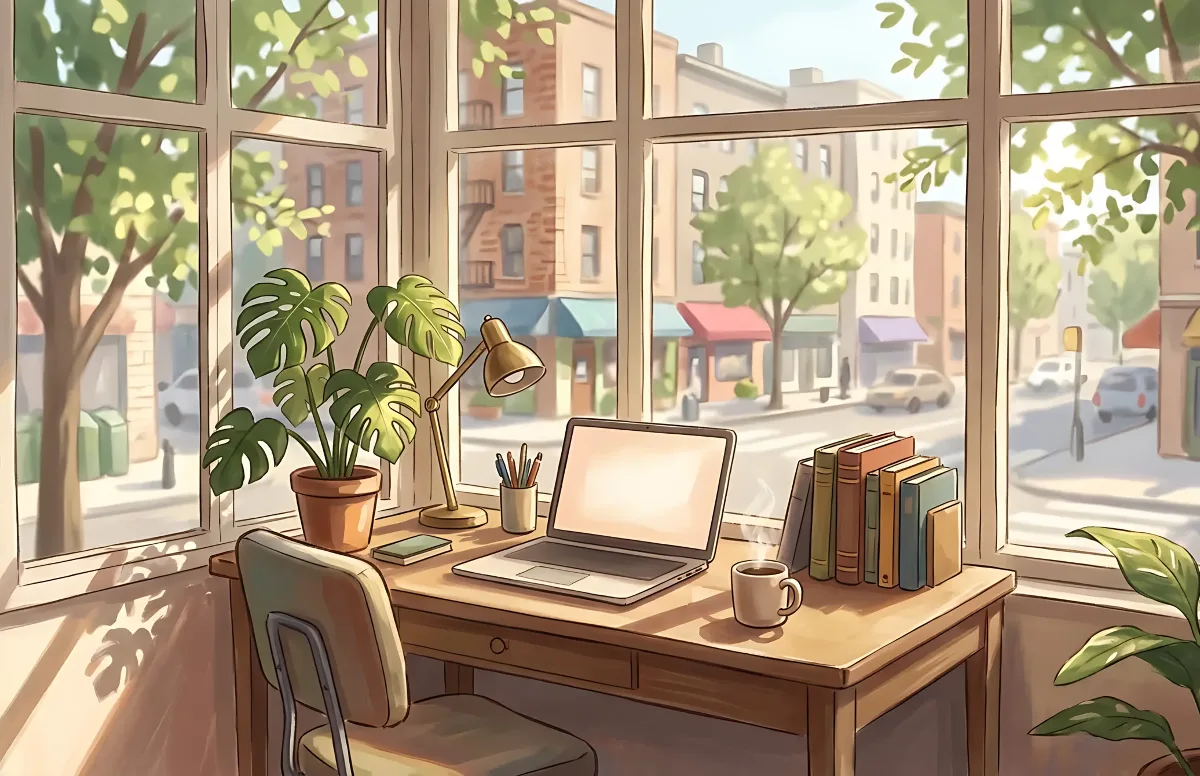
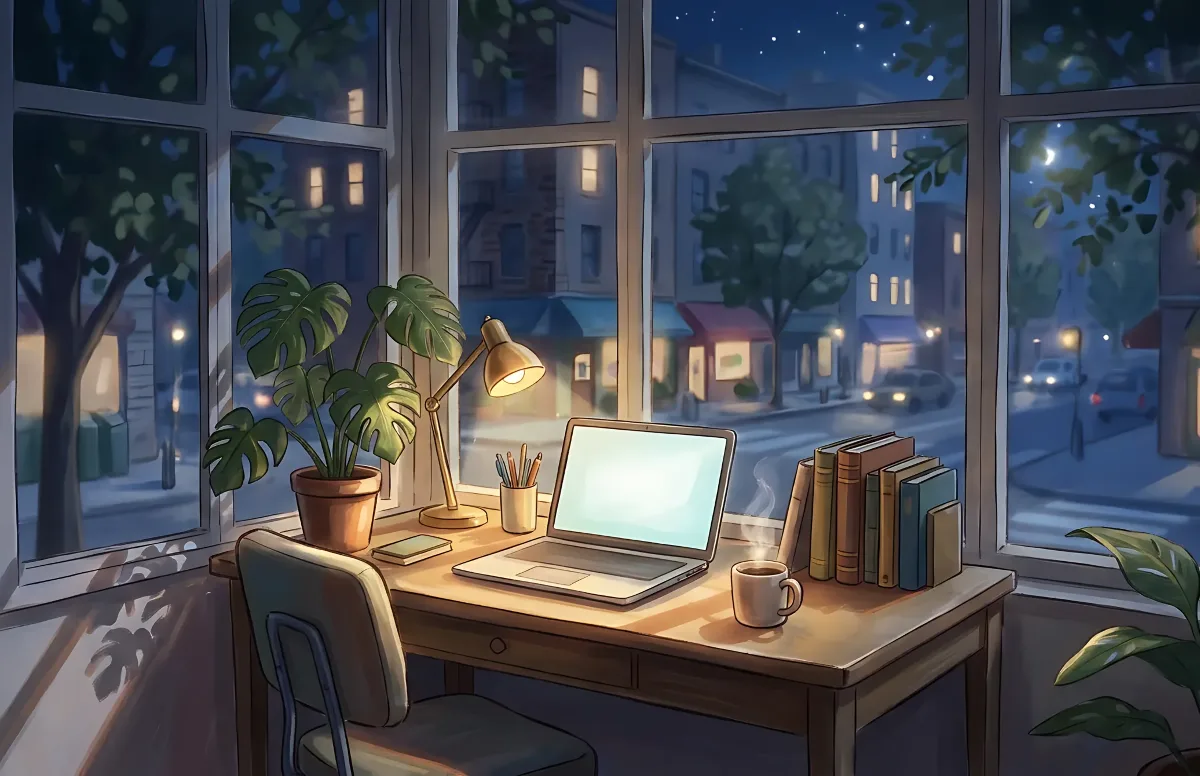
Cozy
Illustrated rooms: sunlight by day, lamp light at night.